pts is a free, open source design & prototyping project written in TypeScript and released under Apache-2.0. It has 5,347 GitHub stars, 182 forks and 52 open issues, and was last pushed 38 hours ago. On this registry it ranks #16 of 23 tracked projects in Design & Prototyping, with 5 head-to-head comparisons available.

What is pts?

Pts is an Apache-2.0 TypeScript and JavaScript library for visualization and creative coding, built for generative artists, designers, and developers who draw and animate geometry on canvas, in SVG, and with sound in the browser.

What it is

Pts is a library, published to npm as pts, that supplies the building blocks for computational drawing and animation. It ships an ESM-first package with a CommonJS compatibility entry, and it also ships browser bundles, pts.js and pts.min.js, which expose the whole library as globalThis.Pts. The project lives in the JavaScript and TypeScript ecosystem, in the same lineage as other canvas-oriented creative-coding toolkits, and it is documented through guides and runnable demos at ptsjs.org.

The concrete thing it replaces is hand-rolled canvas bookkeeping: managing a rendering space, tracking pointer and animation state, and writing vector and geometry maths from scratch for every sketch. Pts provides CanvasSpace as the rendering surface, and Pt, Group, and Line as first-class geometric values, so intersection, distance, and transform work happens through the library rather than through ad hoc arithmetic scattered across a project. Its topic set covers canvas, SVG, sound, art, generative art, graphic design, graphics, and linear algebra, which is the scope the library actually addresses.

Key capabilities

  • CanvasSpace provides the HTML canvas rendering surface that anchors a sketch, alongside Pt, Group, and Line as the geometric primitives.
  • Linear algebra is part of the topic scope, so vector and geometric operations are library concerns rather than per-project code.
  • Output targets include canvas and SVG, with sound also listed among the library's topics.
  • Distribution covers both module systems: ESM import { CanvasSpace, Group, Line, Pt } from "pts" and const { CanvasSpace, Group, Line, Pt } = require("pts").
  • Browser use needs no bundler: pts.js or pts.min.js loads from the dist directory or from cdnjs, jsDelivr, or unpkg, exposing globalThis.Pts.
  • Starter material is maintained under separate repositories, including pts-starter-kit and pts-react-example, plus the react-pts-canvas package.
  • The documentation generator rebuilds static documentation JSON through TypeDoc's Node API and emits docs.md, guide.md, and llms.txt for clients that cannot navigate the documentation single-page app.

Who uses it and how

  • Generative artists and designers build sketches that depend on geometry operations such as circle and line intersection, drawn from the published demo catalogue.
  • React teams integrate through react-pts-canvas or follow pts-react-example, rather than wiring canvas lifecycle by hand.
  • Contributors and integrators run the packed-package integration suite, which builds and runs maintained React, Vue, skia-canvas, and single-file vanilla fixtures in test/integrations.
  • Documentation consumers, including automated agents, read the checked-in docs.md, guide.md, and llms.txt instead of scraping the rendered site.

Getting started

Install with npm install pts for module use, or load pts.min.js from the dist directory or a CDN such as jsDelivr, unpkg, or cdnjs for the classic script that exposes globalThis.Pts. Guides and demos live at ptsjs.org.

How it compares

This registry lists no paid products that Pts replaces, and the facts name no direct sibling libraries, so Pts stands alone here on that axis. Its licence is Apache-2.0, its source is public, and its output runs in the user's own browser and build, so the cost model is the licence cost of the underlying work rather than a subscription. Nothing in the supplied facts supports a comparison against commercial creative-coding or design tools.

When to use it — and when not to

Anyone maintaining the codebase itself must operate the full toolchain: Node 24.18 or newer in the Node 24 line, pnpm with a frozen lockfile, and a Playwright Chromium browser for the browser test and documentation checks, and pnpm check rejects unformatted changes in CI. Generated documentation is checked in, so pnpm run docs must be rerun and stale or extra files reported by pnpm check:docs. It is a poor fit for anyone who wants a framework-native component library with no rendering or geometry layer to reason about, or who expects a documentation set that does not need regeneration.

project readme (upstream, from github) — read inline

Pts

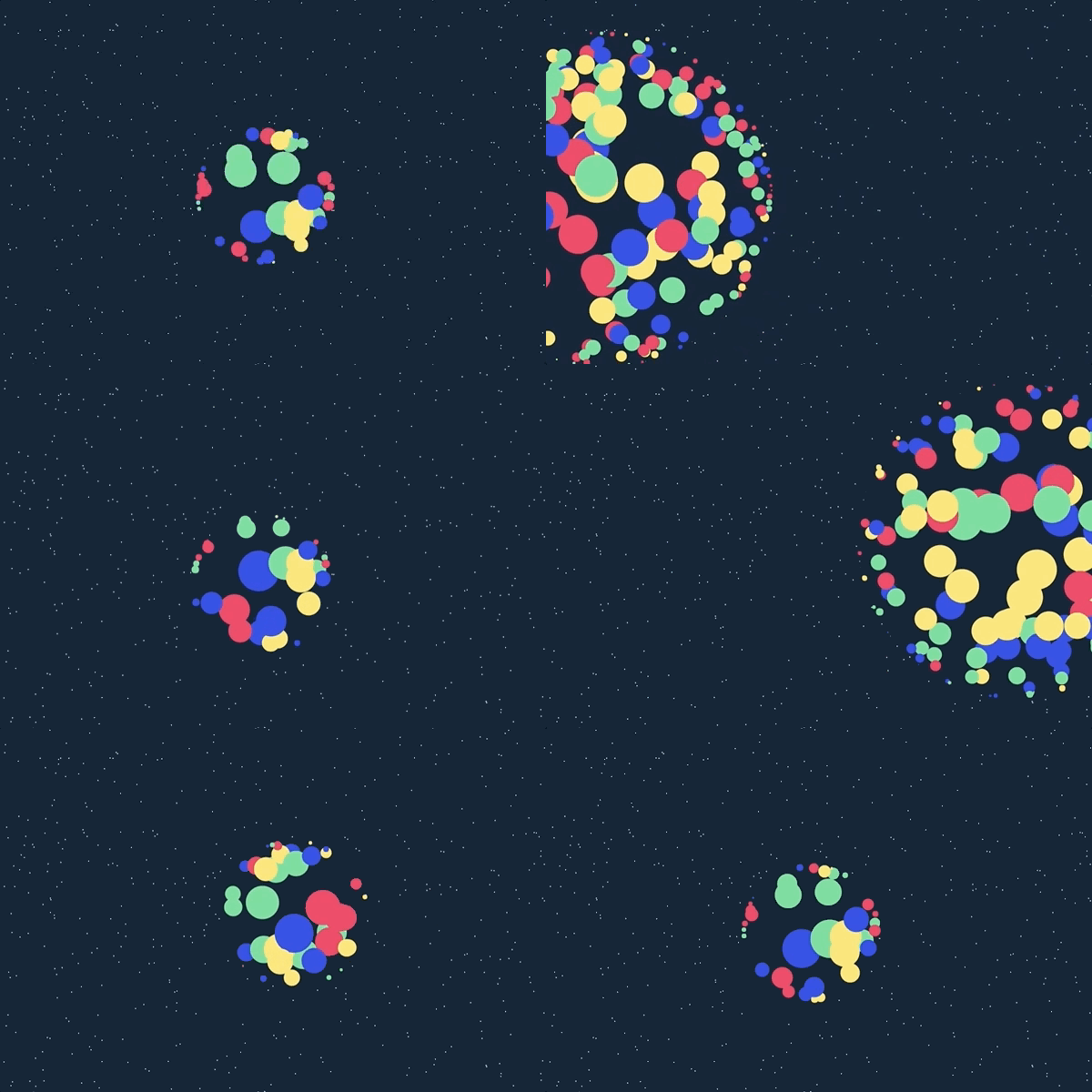
Pts examples

Pts is a TypeScript and JavaScript library for visualization and creative coding.

Get started at ptsjs.org. Please try it, file issues, and send feedback to @williamngan.

Usage

Browser script

Download pts.js or pts.min.js from the dist directory, or use a CDN such as cdnjs, jsDelivr, or unpkg.

<script src="path/to/pts.min.js"></script>

The classic script exposes the library as globalThis.Pts.

Package

Install the package:

npm install pts

Pts is ESM-first and also provides a CommonJS compatibility entry.

import { CanvasSpace, Group, Line, Pt } from "pts";
const { CanvasSpace, Group, Line, Pt } = require("pts");

Starter projects and integrations:

Read the guides and explore the demos.

Development

The maintained build environment is Node 24.18 or newer in the Node 24 line. The published library is also exercised on current Node 20 and 22 releases.

pnpm install --frozen-lockfile
pnpm exec playwright install chromium
pnpm check

Useful individual commands include:

pnpm build
pnpm typecheck
pnpm test
pnpm test:browser
pnpm test:integrations
pnpm check:package
pnpm format
pnpm format:watch

pnpm check validates formatting, linting, types, unit tests, deterministic documentation, documentation and bundle behavior in a real browser, reproducible artifacts, the packed package, ESM and CommonJS resolution, declarations, and tree-shaking. Its packed-package integration suite also builds and runs the maintained React, Vue, skia-canvas, and single-file vanilla fixtures in test/integrations.

Prettier defines the repository's formatting rules. Run pnpm format once or keep pnpm format:watch running to reformat maintained source files as they change. The recommended VS Code extension and workspace settings also enable Prettier on save, while pnpm check rejects unformatted changes in CI.

Generate documentation

The documentation generator uses TypeDoc's Node API to rebuild the custom static documentation JSON from explicit source entry points. It also generates docs.md, guide.md, and llms.txt for agents and other clients that cannot navigate the documentation SPA:

pnpm run docs

Generated documentation is checked in. pnpm check:docs regenerates it in memory, reports stale or extra files, and exercises navigation, search, anchors, and responsive layouts in Chromium.

Contributing

Issues and small pull requests are welcome. For larger changes, please start a discussion with @williamngan.

License

Apache License 2.0. See LICENSE.

Copyright © 2017-present William Ngan and contributors.

Frequently asked questions

Is pts free to use?

pts is open source under the Apache-2.0 licence. There is no licence fee and no seat count — you can self-host it or, where the project offers one, pay a vendor for a managed version instead.

What does pts do?

A library for visualization and creative-coding

What is pts written in?

pts is primarily written in TypeScript. Its source is publicly available at https://github.com/williamngan/pts, and it has 5,347 GitHub stars.