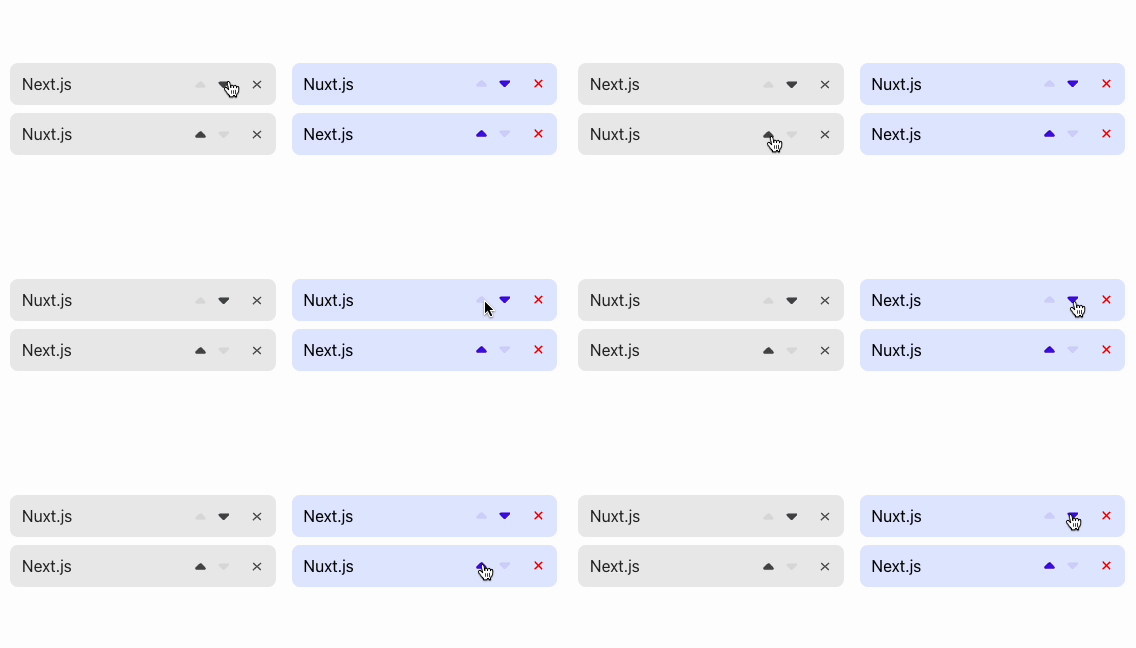
AutoAnimate is a zero-config, drop-in animation utility that adds smooth transitions to a web application with a single line of code, aimed at JavaScript, React, Vue, and Solid developers who want motion in their interfaces without hand-writing animation logic.
What it is
AutoAnimate is an open-source TypeScript library distributed as the npm package @formkit/auto-animate and maintained by FormKit. It lives in the JavaScript front-end ecosystem alongside the frameworks it supports, which its topics list as animation, javascript, react, ui, and vue, and it also works with Solid and any other JavaScript application. The library is MIT licensed, has roughly 13,900 stars and 260 forks on GitHub, and its usage instructions, examples, and plugin documentation are hosted on a dedicated documentation site at auto-animate.formkit.com rather than in the repository itself.
The concrete problem it solves is the cost of adding motion to an interface. Traditionally a developer picks an animation library, defines keyframes or transitions, hooks enter and leave states into a framework's list rendering, and then maintains that choreography as the UI changes. AutoAnimate replaces that work with one line of code: a parent element is registered, and insertions, removals, and reordering among its children get smooth transitions without per-animation configuration. It targets the common cases such as list items, toggled panels, and reordered content rather than bespoke, timeline-driven animation.
Key capabilities
- One-line setup: a parent element is passed to AutoAnimate and its children animate on insertion, removal, and movement.
- Framework-agnostic by design, working with React, Vue, Solid, and any other JavaScript application.
- Zero configuration, so no keyframes, durations, or easing curves are required to obtain transitions.
- Distributed as the package @formkit/auto-animate and installable with yarn, npm, or pnpm.
- Plugin support, documented on the documentation site, for extending behaviour beyond the default transitions.
- Written in TypeScript, which gives typed APIs to TypeScript consumers.
- Hosted documentation site covering usage instructions, examples, and plugin guidance.
Who uses it and how
- Front-end teams adding list and panel animations to an existing React, Vue, or Solid interface without adopting a heavier animation framework.
- Developers prototyping or iterating on a UI who want motion in place quickly and then keep it.
- Applications that render dynamic collections where items are added, removed, or reordered and the default transition is sufficient.
- Teams working across more than one framework, since the same package and API apply to React, Vue, Solid, and plain JavaScript.
- Contributors to the project itself: the README asks that a desired change be discussed with the core team first via GitHub issues, Discord, or another channel before work begins.
Getting started
Install with a package manager of choice, using yarn add @formkit/auto-animate, npm install @formkit/auto-animate, or pnpm add @formkit/auto-animate, then follow the usage instructions on the documentation site. There is no server component, database, or hosted service to deploy; the library is added to an existing client-side application.
How it compares
No comparable animation utilities and no list of paid products that this project replaces are named in the facts provided, so AutoAnimate stands alone in this registry. Its relationship to the frameworks in its own documentation is complementary rather than competitive, because it is used inside React, Vue, and Solid applications instead of standing in for them.
When to use it — and when not to
Because AutoAnimate is a client-side library, a self-hoster operates no database, storage layer, or mail server, and nothing runs beyond the existing front-end build. Teams that need fine-grained control over timing, sequencing, or complex choreography should look elsewhere, since the project's defining constraint is zero configuration and a single line of code. The repository README is also thin: installation is covered inline, but usage, examples, and plugins are deferred entirely to the external documentation site, so the README alone is not enough to evaluate the API before adopting it.