




Routr is a lightweight sip proxy, location server, and registrar that provides a reliable and scalable SIP infrastructure for telephony carriers, communication service providers, and integrators.
Content
- Community
- Should you try Routr?
- Contact us
- Features
- The official handbook
- Deployment
- Getting started with the CTL
- First steps with the NodeSDK
- Custom Processors and Middleware
- Documentation
- Bugs and feedback
- Sponsors
- Contributing
- License
Community
We are building Routr in the open. The best to communicate with us is via GitHub Discussions.
Special Announcement:

We now have a Discord Channel
There we plan to discuss roadmaps, feature requests, and more
Join us today
Should you try Routr?
Routr's architecture and design is fantastic. A breath of fresh air. Being Docker and Kubernetes ready is a huge win over a more traditional SIP server setup.
Phil Jones, VP of Web Architecture at VQ Communications
I came across Routr, which seems to be the one and only cloud-first Kubernetes-ready SIP server on the planet!
Jessie Wadman, Cloud Architect @ Camanio AB
Awesome and one of the best open-source software in 2023.
no-championship-s368, Check conversation @ Reddit
I think this project has a great promise to become a transformative technology.
jbwill36, Check conversation @ GitHub
Contact us
Meet our sales team for any commercial inquiries.

Features
Routr's main features are:
- Common SIP Server functions; Proxy, Registrar, Location Service
- Programmable routing
- Load balancing strategies against Media Servers like Asterisk and FreeSWITCH
- Session Affinity
- Multi-Tenant/Multi-Domain with Domain level Access Control List
- Region-based routing
- Configurable routing strategies; Intra-Domain, Domain Ingress, Domain Egress, and Peer Egress
- No single point of failure
- Transport: TCP, UDP, TLS, WS, WSS
- In-memory and Redis Location Service
- JSON and YAML files as a data source
- Postgres as a data source
- Server management with the gRPC API
- NodeSDK
- Command-Line Tool
- RTPEngine Middleware
- Helm Chart for Kubernetes Deployments
- Endpoint Authentication with JWT (For web phones)
- Support for STIR/SHAKEN
- Web Application
To learn more, read the documentation :books:
The official handbook
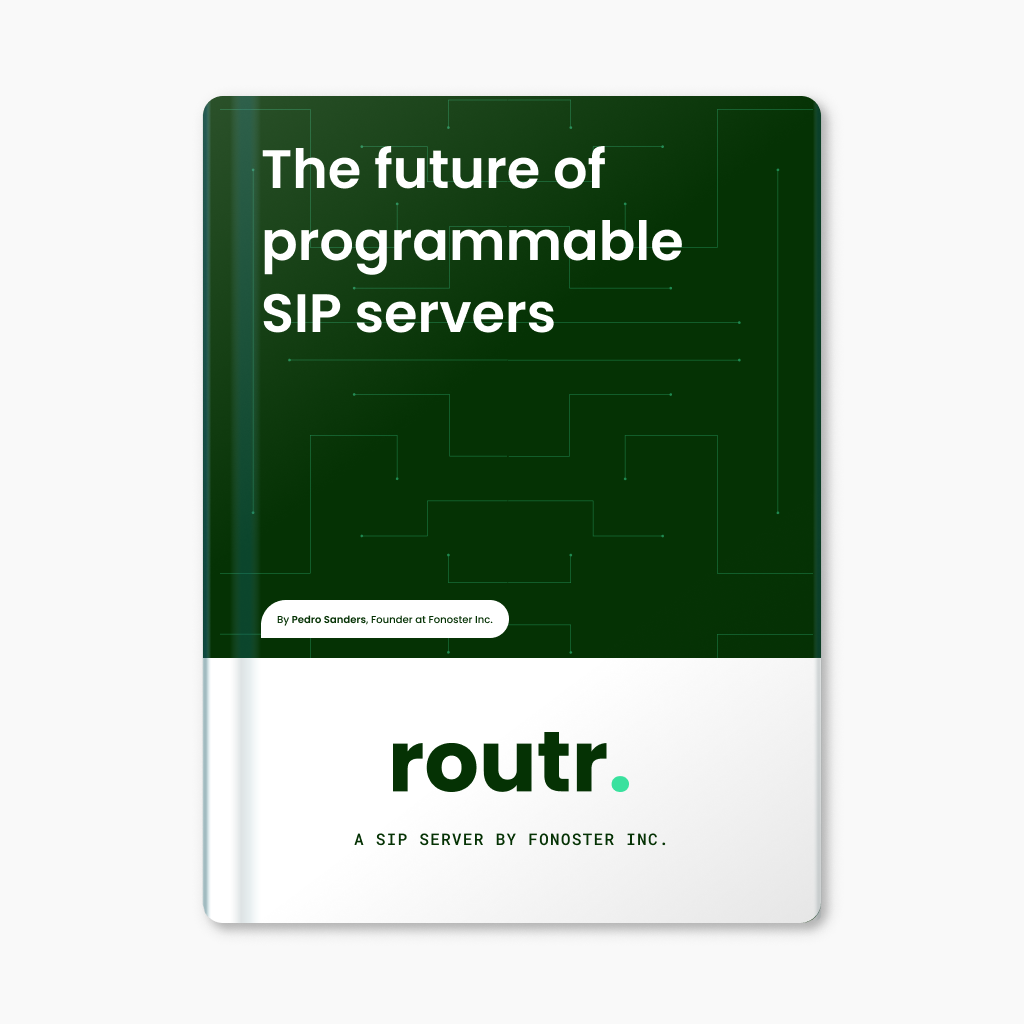
This handbook offers a detailed information about of the innovative features, challenges, and opportunities associated with using Routr.
Get the eBook.
Give a star! ⭐
If you want to support this project, please give it a star. Thanks 🙏
Deployment
Instant server deployment with Docker and Compose
First, create a directory named "routr". Navigate into the new folder, and then copy the content below:
Filename: compose.yaml
version: "3"

services:
  routr:
    image: fonoster/routr-one:latest
    environment:
      EXTERNAL_ADDRS: ${DOCKER_HOST_ADDRESS}
    ports:
      - 51908:51908
      - 5060:5060/udp
    volumes:
      - shared:/var/lib/postgresql/data

volumes:
  shared:
Then, start the server with:
# Be sure to replace with your IP address
DOCKER_HOST_ADDRESS=192.168.1.3 docker-compose up
Alternatively, you can use the following command:
# Be sure to replace with your IP address
docker run \
  -p 51908:51908 \
  -p 5060:5060/udp \
  -e EXTERNAL_ADDRS=192.168.1.3 \
  fonoster/routr-one:latest
Wait a few seconds for the containers to initialize. Afterward, you can verify the status of the containers using:
docker ps -a --format 'table {{.ID}}\t{{.Image}}\t{{.Status}}'
You should see a container with the status "Up." It should look like the one below:
CONTAINER ID  IMAGE                                     STATUS
6c63fd573768  fonoster/routr-one:latest                 Up About a minute
If the status of your services is "Up," you are ready to go.
Kubernetes
Routr can be installed in Kubernetes using Helm. The following instructions assume that you have a Kubernetes cluster up and running.
You can use Minikube or Docker Desktop to create a local Kubernetes cluster.
First, add the Helm repository:
helm repo add routr https://routr.io/charts
helm repo update
Then, create a namespace for Routr:
kubectl create namespace routr
Next, install Routr with the following command:
helm install my-release routr/routr-connect --namespace routr
Finally, wait a few minutes for the pods to start. You can check the status of the pods with the following command:
kubectl get pods -n routr
You should see a list of pods and their status. If the status is Running, then you are ready to go.
For more details, please refer to the chart's README.
Development mode with Gitpod
Routr's one-click interactive deployment will familiarize you with the server in development mode.

To connect to your instance, follow these steps:
First, add your public SSH keys to your Gitpod account by going to Gitpod account keys and adding your public key.
Next, find your Gitpod workspace and click on the "More" button. Then, select "Connect via SSH."
Finally, copy the SSH Command and run it in your terminal by pasting it and pressing Enter. The command should look like this:
ssh -L 5060:localhost:5060 <workspace-ssh-connection>
Replace with your own workspace SSH connection.
For example, your command might look like this:
ssh -L 5060:localhost:5060 fonoster-routr-mn8nsx0d9px@fonoster-routr-mn8nsx0d9px.ssh.ws-us90.gitpod.io
This command forwards traffic from your local port 5060 to your Gitpod workspace's port 5060, allowing you to access your instance.
Getting started with the CTL
Regadles of the deployment method, you can use the command-line tool to manage your server.
To install the command-line tool, run the following command:
npm install --location=global @routr/ctl
We are using the flag --location=global to tell npm to install the command-line tool globally. If you don't have npm installed, you can follow the instructions here: https://nodejs.org/en/download/.
Here is an example of how to create a domain:
rctl domains create --insecure
The --insecure flag, in the last example, is required because no certificate was provided to secure the API.
Follow the prompts to create the domain.
The output should look like this:
This utility will help you create a new Domain.
Press ^C at any time to quit.
? Friendly Name Local Domain
? SIP URI sip.local
? IP Access Control List None
? Ready? Yes
Creating Domain Local Domain... a27e9fb2-a71a-4cf3-9b1d-dccf373f9777
For additional examples, refer to the command line documentation.
First steps with the NodeSDK
To begin using the Node.js SDK, first make sure you have Node and NPM installed. Then, start by creating a new project and installing the Routr Connect SDK.
mkdir my-project
cd my-project
npm init -y
Next, install the SDK:
npm install --save @routr/sdk
Now, create a new file called index.js and add the following code:
const SDK = require("@routr/sdk");

const domains = new SDK.Domains();

const request = {
  name: "Local domain",
  domainUri: "sip.local",
  accessControlListRef: "4671371b-ff5d-48b1-aabe-d3c5ca5317a3",
  egressPolicies: [{
    rule: ".*",
    numberRef: "4671371b-ff5d-48b1-aabe-d3c5ca5317a3"
  }],
  extended: {
    "key": "value"
  }
};

domains.createDomain(request)
  .then(console.log)
  .catch(console.error); // an error occurred
In the example above, we assume that the ACL and Number already exist.
Now, go ahead and run the code:
node index.js
For complete documentation, please visit the npm page for @routr/sdk at https://www.npmjs.com/package/@routr/sdk
Building custom Processors and Middleware
One of Routr's most significant advantages is that it is highly extensible. It enables you to create new Processors and Middleware to extend the functionality of your server.
Processors and Middleware services are responsible for modifying the SIP messages as they pass through the server. However, while both share the same interface, they serve different purposes.
Processors hold feature logic; Middlewares addresses cross-cutting concerns like authentication, authorization, rate limiting, etc.
The simplest possible Processor looks like this:
const Processor = require("@routr/processor").default
const { MessageRequest, Response } = require("@routr/processor")

new Processor({ bindAddr: "0.0.0.0:51904", name: "echo" }).listen(
  (req: MessageRequest, res: Response) => {
    console.log("got new request: ")
    console.log(JSON.stringify(req, null, " "))
    res.sendOk()
  }
)
The previous example is for a Processor that waits for a SIP message and then sends a 200 OK response. You can find the complete code here.
In addition to the previous example, you can check the following modules:
For more information about building Processors and Middleware, please refer to the documentation.
Bugs and feedback
For bugs, questions, and discussions, please use the Github Issues
Contributing
For contributing, please see the following links:

Pedro Sanders |

Efrain Peralta |

vitalyster |

Hannarong |

rafasc |

Vikas Prasad |

Kani |

SemiConscious |

Timmy |

luzpaz |
Sponsors
We're glad to be supported by respected companies and individuals from several industries.
Find all our supporters here
Authors
License
Copyright (C) 2024 by Fonoster Inc. MIT License (see LICENSE for details).