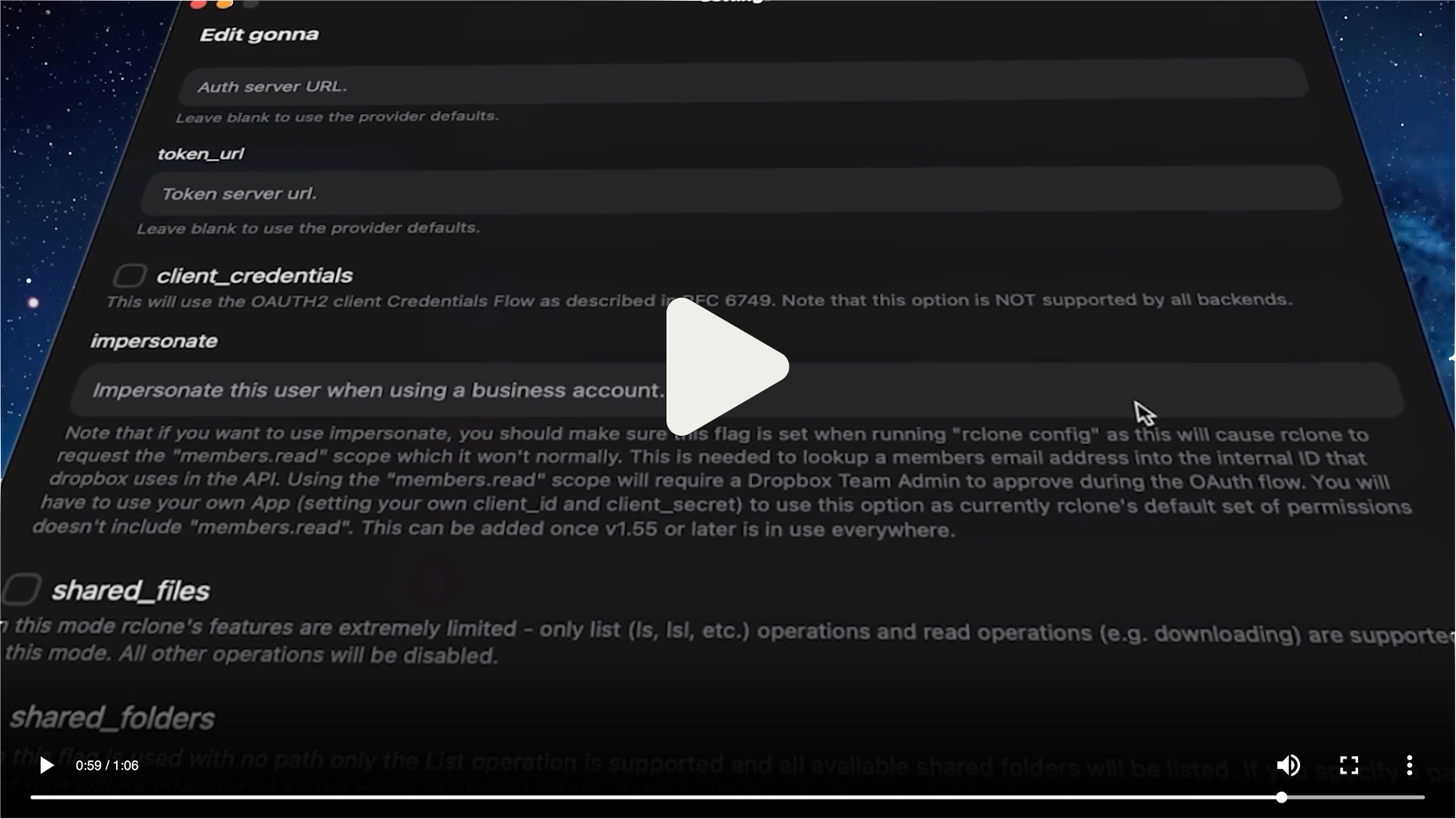
rclone-ui is a cross-platform graphical interface for rclone and S3 storage, made for people who want to manage remotes, sync tasks, and remote rclone instances without working from the command line.
What it is
rclone-ui is a TypeScript application, licensed under Apache-2.0, that places a light and transparent graphical layer on top of rclone so that remotes and tasks can be managed in a friendlier way. It lives in the file management and sync category, carries 2,269 stars and 91 forks on GitHub with 11 open issues, and publishes from rcloneui.com. Its topic list ties it to storage backends including Backblaze B2, Dropbox, Google Cloud Storage, Google Drive, FTP, and FUSE filesystems, while the interface itself is built on HeroUI and NextUI.
The concrete problem is the gap between rclone's command-line power and everyday use. Instead of remembering flags and subcommands to configure a remote or start a transfer, a user opens a desktop or mobile app and works through the same rclone engine. The project also targets servers and homelabs through a Docker path that lets one interface manage remote rclone instances, including a server, a homelab machine, or a family PC.
Key capabilities
- Manages rclone remotes and tasks through a graphical front end rather than the rclone CLI.
- Covers backends listed in the project topics: Backblaze B2, Dropbox, Google Cloud Storage, Google Drive, FTP, and FUSE filesystem, plus S3 from the tagline.
- Ships native builds for Windows Arm and x64, macOS Apple Silicon and Intel, and Linux in AppImage, deb, and rpm formats, with matching Linux Arm variants.
- Distributes through package managers: flatpak install com.rcloneui.RcloneUI, brew install --cask rclone-ui, scoop install rclone-ui, choco install rclone-ui, winget install --id=RcloneUI.RcloneUI -e, and npx rclone-ui.
- Offers a Docker, homelab, and server mode for controlling remote rclone instances, documented at rcloneui.com/docs/ui/docker.
- Publishes mobile builds through the Apple App Store and the Google Play Store.
- Maintains a TypeScript codebase with a HeroUI/NextUI interface layer.
Who uses it and how
- Desktop users on Windows, macOS, and Linux who want rclone remotes and tasks handled through a window instead of a terminal.
- Homelab and server operators who run the Docker setup to manage remote rclone instances from one place, including machines on a home network.
- Users who prefer installing from an existing package source such as Flatpak, Homebrew, Scoop, Chocolatey, winget, or npx.
- Mobile users who install from the Apple App Store or Google Play Store.
- Contributors who take on open issues or roadmap work such as upgrading the repository to Vite 7 and React 19 and introducing React Compiler, with merged pull requests receiving a lifetime license.
Getting started
Install through a package manager such as flatpak install com.rcloneui.RcloneUI, brew install --cask rclone-ui, scoop install rclone-ui, choco install rclone-ui, winget install --id=RcloneUI.RcloneUI -e, or npx rclone-ui, or download a build for Windows, macOS, or Linux directly from the project. For server and homelab use, the Docker guide at rcloneui.com/docs/ui/docker covers managing remote rclone instances.
How it compares
The topic list places rclone-ui alongside Cyberduck and the wider GUI front-end space, but its distinct position is that it wraps rclone rather than replacing it, leaving the rclone binary as the engine underneath the interface. No paid products are named in the facts provided, so the comparison rests on that relationship to rclone and to adjacent GUI tools rather than on licence or pricing claims.
When to use it — and when not to
Choose it when rclone is already part of the workflow and a graphical layer would remove friction, or when a homelab or server needs remote rclone instances managed from one interface. A self-hoster taking the Docker route still has to run and operate those remote rclone instances, since this is a layer on top of rclone and not a standalone sync engine. The README is brief and the roadmap still lists foundational work such as the Vite 7 and React 19 upgrade and React Compiler adoption, so anyone wanting a settled, slow-moving stack should weigh that before adopting.