Nezha is a self-hosted, lightweight server and website monitoring and O&M tool written in Go, for operators and small teams who want to watch their own machines and sites without sending that data to someone else's dashboard.
What it is
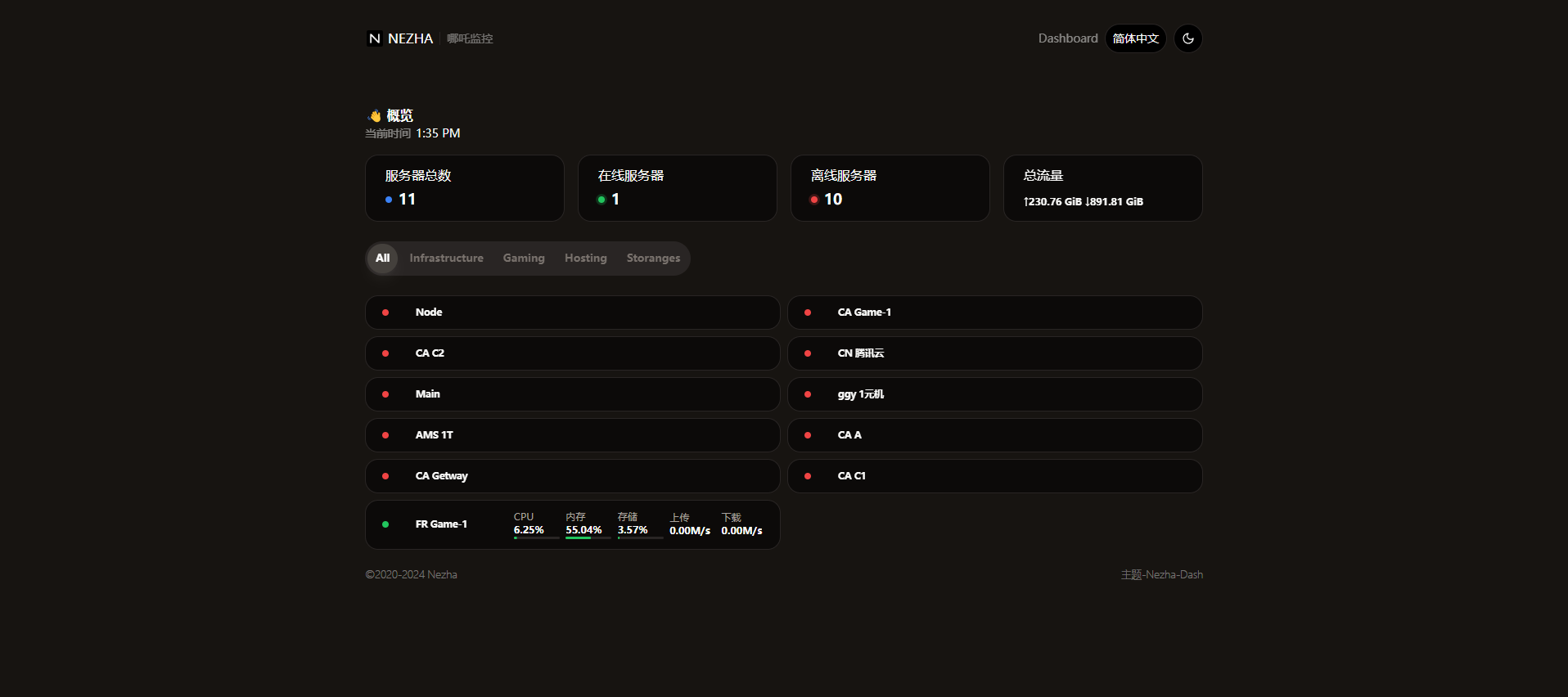
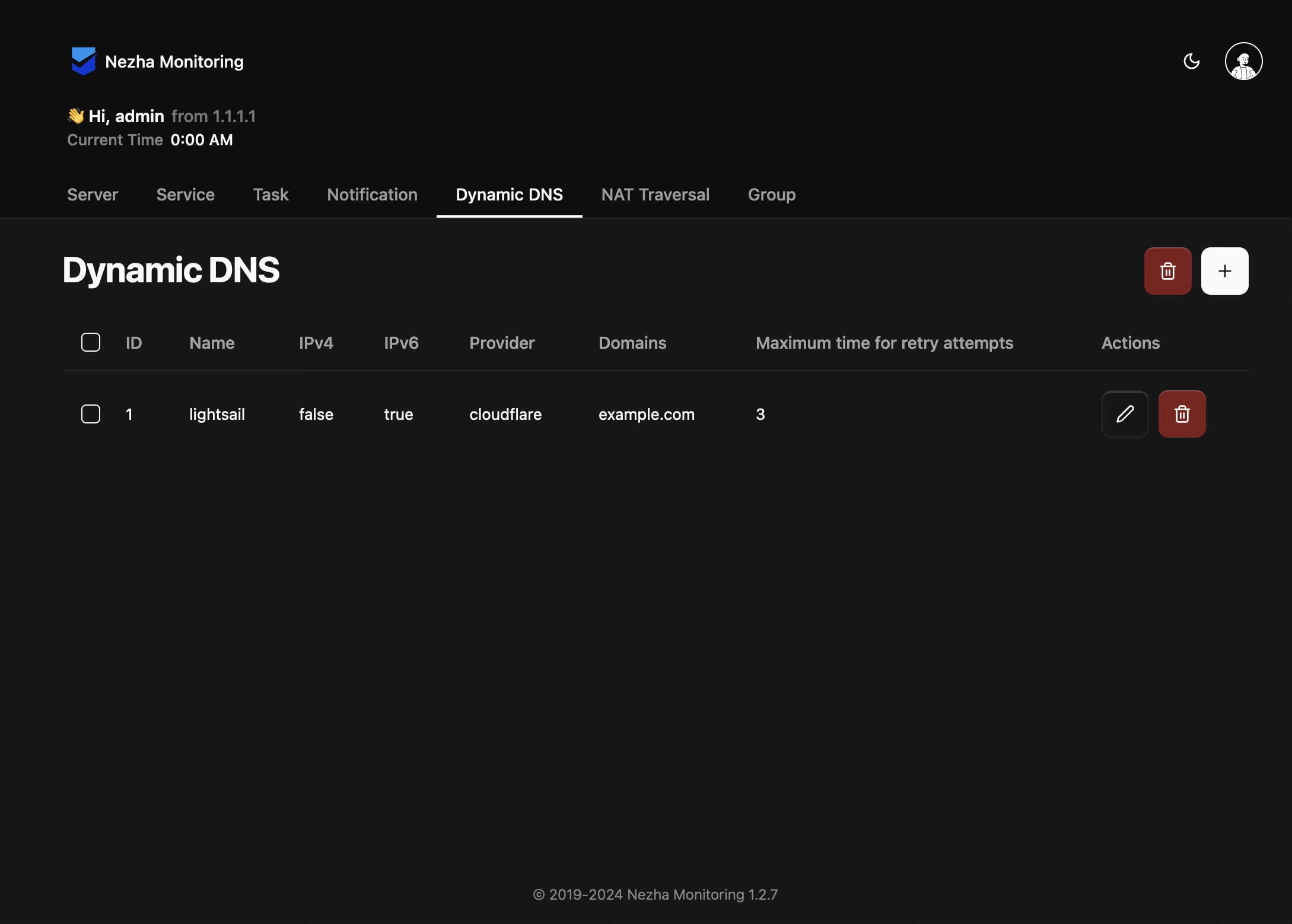
Nezha (repository nezhahq/nezha) is an open-source monitoring and operations-and-maintenance platform licensed under Apache-2.0 and written in Go. It sits in the Infrastructure & Operations / Monitoring & Observability category, carries the topics monitoring, monitoring-tool and system, and has 10,317 stars and 1,613 forks on GitHub, with 54 open issues and a last push on 2026-09-14. The README describes it as self-hostable and lightweight, covering both servers and websites, and the project ships a user frontend and a separate admin frontend, with additional themes registered through service/singleton/frontend-templates.yaml — hamster1963/nezha-dash and nezhahq/admin-frontend are the two shown in the screenshots.
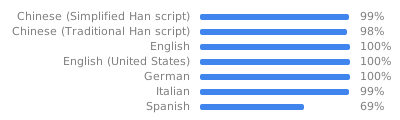
The concrete problem it solves is running your own monitoring and light operations console instead of depending on a hosted monitoring dashboard. It consolidates several check types that would otherwise be separate tools: system status of the monitored machines, HTTP checks that track SSL certificate change, upcoming expiration and expired certificates, plus TCP and Ping probes. On top of detection it adds response: push alerts for notification, scheduled tasks for routine jobs, and a web terminal for reaching a machine from the panel. Documentation is maintained in English and Chinese, and the interface is translated by the community through Hosted Weblate.
Key capabilities
- System status monitoring for self-hosted servers, as the README's first listed capability.
- HTTP monitoring that tracks SSL certificate change, upcoming expiration and expired certificates.
- TCP and Ping checks alongside the HTTP probes.
- Push alerts for notification when a check changes state.
- Scheduled tasks, so recurring jobs run from the panel rather than from a separate scheduler.
- Web terminal, giving browser-based access to monitored machines.
- Pluggable frontends: themes are listed in
service/singleton/frontend-templates.yaml, with examples such as hamster1963/nezha-dash and nezhahq/admin-frontend.
- Community translation workflow on Hosted Weblate for languages Nezha does not yet cover, or covers incompletely.
Who uses it and how
- Individual self-hosters and small operations teams running their own servers, who need system status, Ping and TCP checks under one panel they control.
- Website operators who care specifically about HTTP availability and certificate lifecycle — change, upcoming expiry, expiry — rather than only uptime.
- Operations work that mixes watching with acting: scheduled tasks for routine maintenance and a web terminal for hands-on intervention from the same interface.
- Theme and frontend contributors, who add dashboards by registering them in
service/singleton/frontend-templates.yaml and publishing repositories such as hamster1963/nezha-dash.
- A community gathered around a Telegram notification channel for Chinese-language notices and two discussion groups, "Nezha Monitoring Global (English Only)" and a Chinese-language group.
Getting started
The README excerpt provides no install command, package name, Docker image or compose file; it points to the published user guide instead, in English at https://nezhahq.github.io/en_US/index.html and in Chinese at https://nezhahq.github.io/index.html, with the project homepage at https://nezhahq.github.io. Deployment details must therefore be taken from that guide.
How it compares
The facts name no comparable monitoring tools and provide no list of paid products that Nezha replaces, so no head-to-head comparison can be drawn here. On the evidence available, it stands alone in this registry.
When to use it — and when not to
Pick Nezha if you are willing to run your own monitoring stack and want system status, HTTP and certificate checks, TCP and Ping probes, alerts, scheduled tasks and a web terminal in one place. A self-hoster must operate the server and its agents themselves, and the README excerpt does not state which database, storage or SMTP setup alerts and data retention require, so confirm prerequisites from the user guide before committing. Skip it if you want a fully managed hosted service with no operations burden or a vendor support contract — nothing in these facts indicates either — and note that the README excerpt is largely sponsors, links and screenshots, with no release history or install instructions in it.