MaterialFiles is a free, open source file management & sync project written in Kotlin and released under GPL-3.0. It has 9,022 GitHub stars, 738 forks and 611 open issues, and was last pushed 34 hours ago. On this registry it ranks #16 of 30 tracked projects in File Management & Sync, with 5 head-to-head comparisons available.

What is MaterialFiles?

Material Files is a free, open source Material Design file manager for Android 5.0 and later, aimed at Android users who want to browse, manage and modify files — including files that require root access — without handing full device access to a closed-source app.

What it is

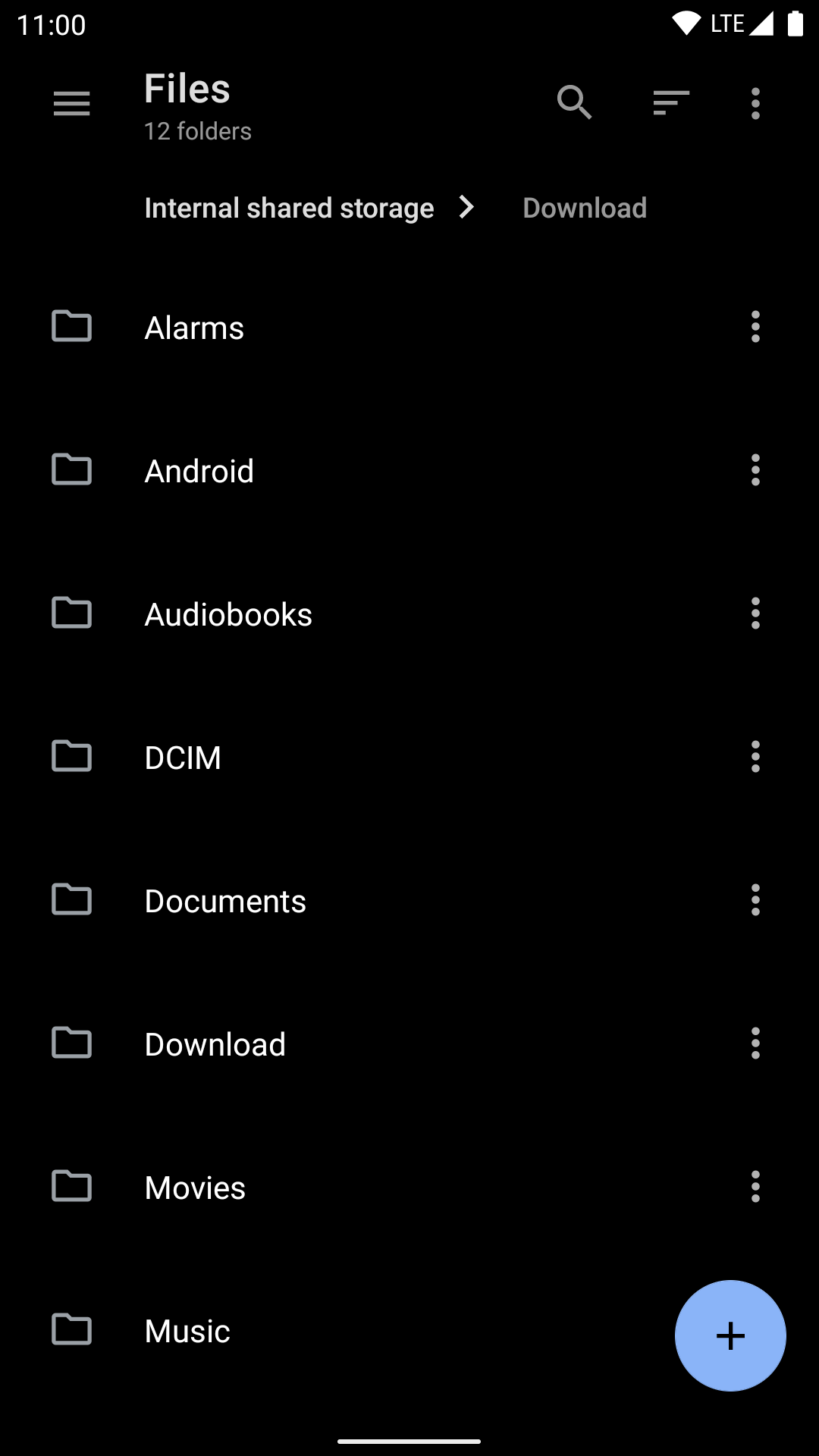
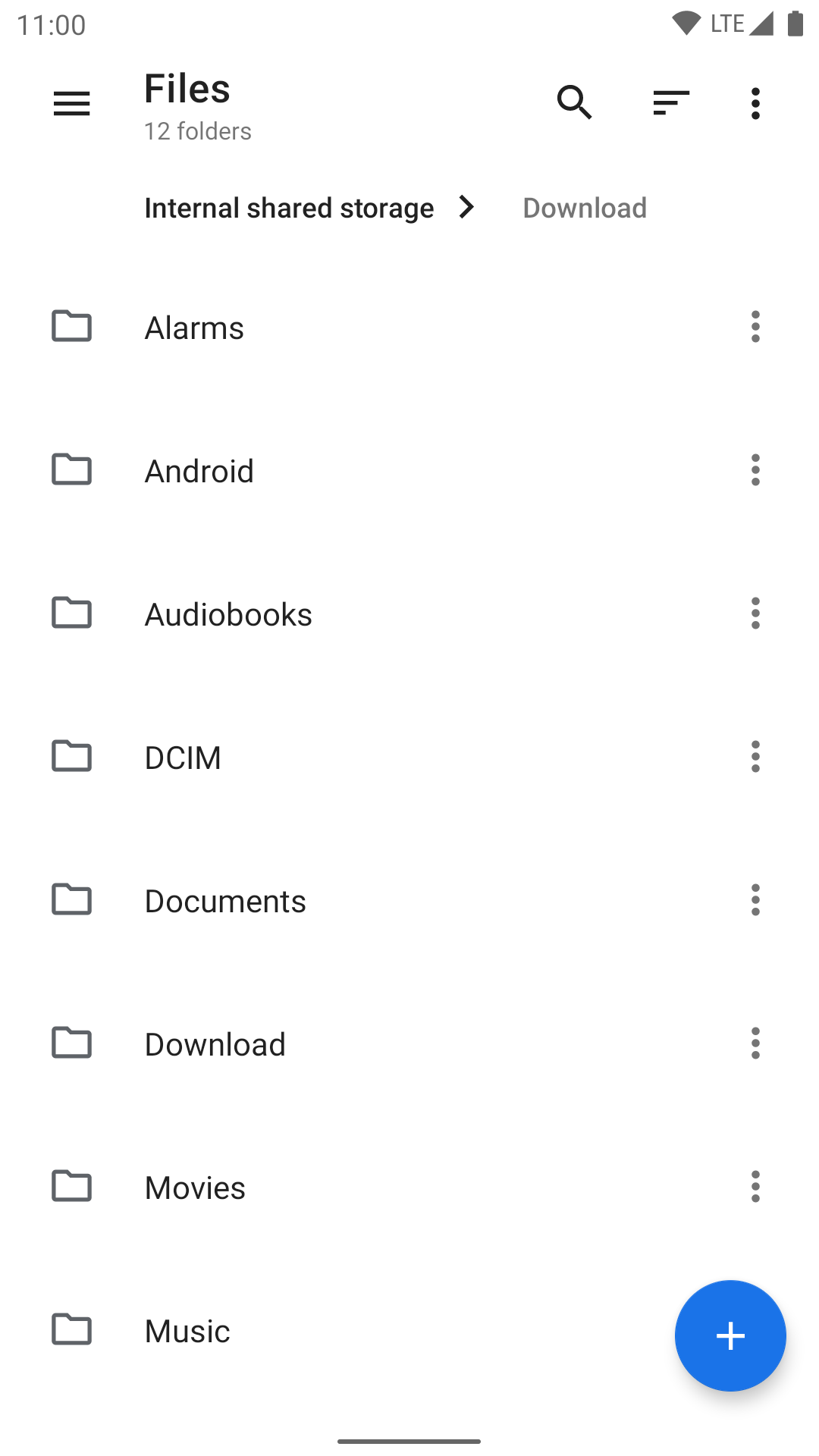
Material Files is an Android application written in Kotlin and distributed under the GPL-3.0 licence, filed under the android, android-application, file-manager, kotlin, kotlin-android and material-design topics. Its interface follows Material Design guidelines, with attention to layout, alignment, padding, icons and fonts across the app, and it navigates the filesystem through breadcrumbs. It treats the device the way a Linux file manager would: symbolic links, file permissions and SELinux context are understood, in the manner of Nautilus.

The problem it solves is twofold. The author's stated motivation is that most popular and reliable Android file managers are closed source, and using them to view or modify files that require root access means granting an unauditable application literally full access to a device that stores personal information; Material Files replaces those closed-source file managers with an open alternative whose behaviour can be inspected. The second problem is implementation. The README criticises file managers that invent a custom file model coupled to UI logic — AmazeFileManager's HybridFile is cited as an example — or that rely on the old java.io.File API or parse the output of ls, which it describes as slow and unreliable. Material Files instead implements the Java NIO2 File API as a decoupled backend and builds bindings to Linux syscalls for filesystem access.

Key capabilities

  • Breadcrumb navigation makes movement through the filesystem explicit rather than hidden behind a back stack.
  • Root support allows files to be viewed and managed with root access, which is the core of its argument against closed-source alternatives.
  • Archive support covers viewing, extracting and creating common compressed files.
  • Remote and NAS support covers FTP, SFTP, SMB and WebDAV servers.
  • Themes offer customizable UI colours plus a night mode with optional true black.
  • Linux awareness extends to symbolic links, file permissions and SELinux context, and the app is built on the Java NIO2 File API and LiveData rather than an ls parser.

Who uses it and how

  • Android users on 5.0 or later who need a general-purpose file manager for local storage on a phone or tablet.
  • Users who routinely modify files requiring root access and are uneasy about granting that access to a closed-source application.
  • People managing files on remote or NAS storage over FTP, SFTP, SMB or WebDAV from a mobile device.
  • Licence-conscious users who install from F-Droid or inspect the source, and translation contributors who work through Transifex or the Chinese README (README_zh-CN.md); the project's Android CI workflow runs on GitHub Actions, and it carries 9,022 stars and 738 forks.

Getting started

Install from Google Play (me.zhanghai.android.files) or F-Droid, or download the app-release-universal.apk from the latest GitHub release. There is no server component to deploy.

How it compares

No list of paid products this project replaces was provided, so the comparison is to the tools the README itself names. Nautilus is referenced approvingly as a file manager that understands symbolic links, permissions and SELinux context, but it is a GNOME desktop application while Material Files is an Android app, and AmazeFileManager and Cabinet appear as examples of the custom file models and ls parsing that Material Files deliberately avoids. Against the popular closed-source Android file managers the README describes, the distinction is licence, auditability of root access and code structure rather than a broader feature list.

When to use it — and when not to

There is nothing to operate: Material Files is a client application, with no database, object storage or SMTP service to run, so adopting it means installing an APK and optionally granting root. It is the wrong choice for devices older than Android 5.0, for anyone who needs a desktop file manager, and for anyone unwilling to enable root, since root support is central to its purpose. Prospective users should also weigh the 611 open issues as a large unresolved backlog, and note that the README text available here is truncated mid-sentence, so the full feature documentation is not captured by these facts.

project readme (upstream, from github) — read inline

Material Files

本文中文版

Android CI status GitHub release License

An open source Material Design file manager, for Android 5.0+.

Get it on Google Play Get it on F-Droid Get it on GitHub

Help translation on Transifex (Search Android & GNOME translations, Microsoft language resources, MIME type translations)

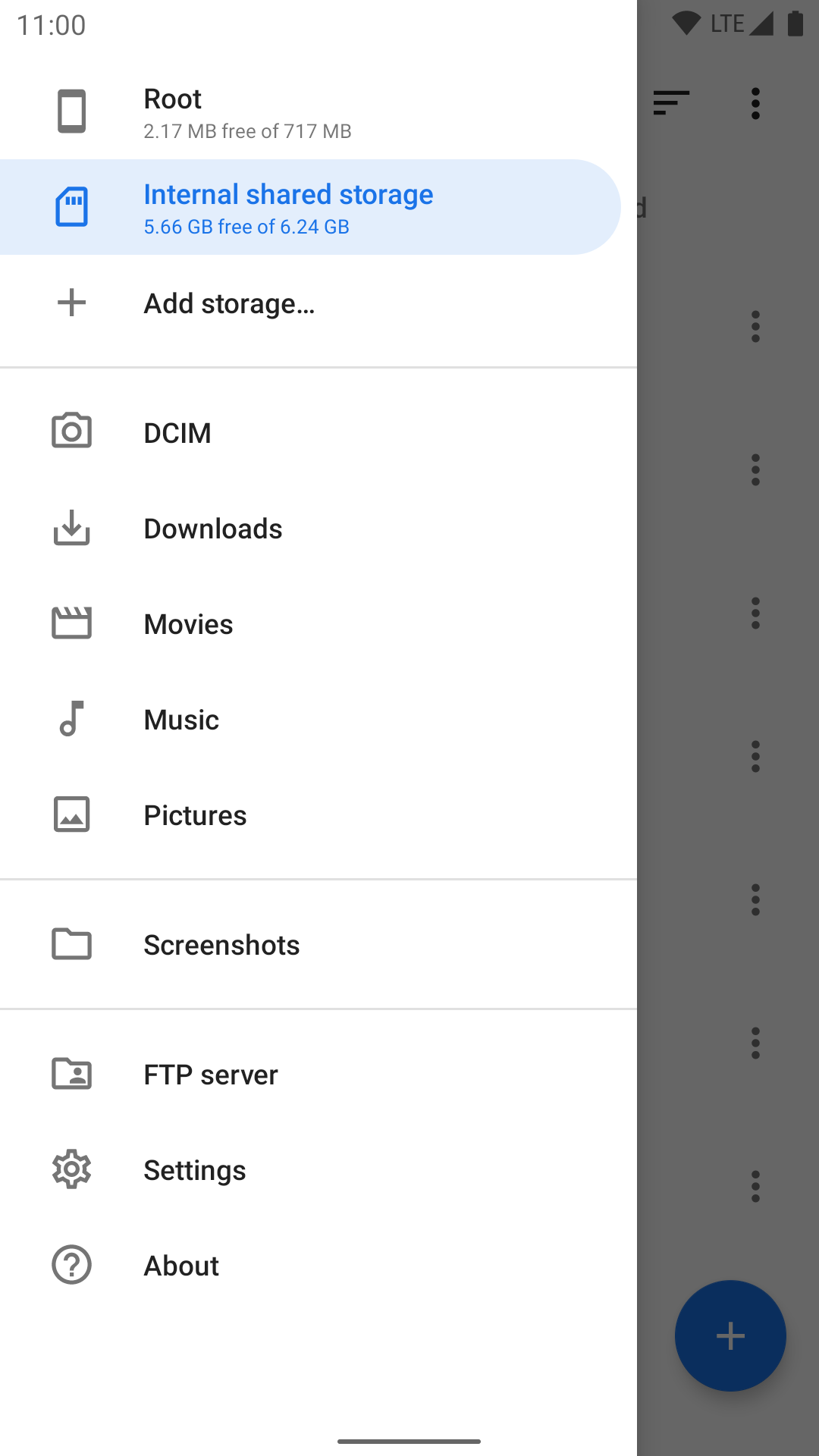
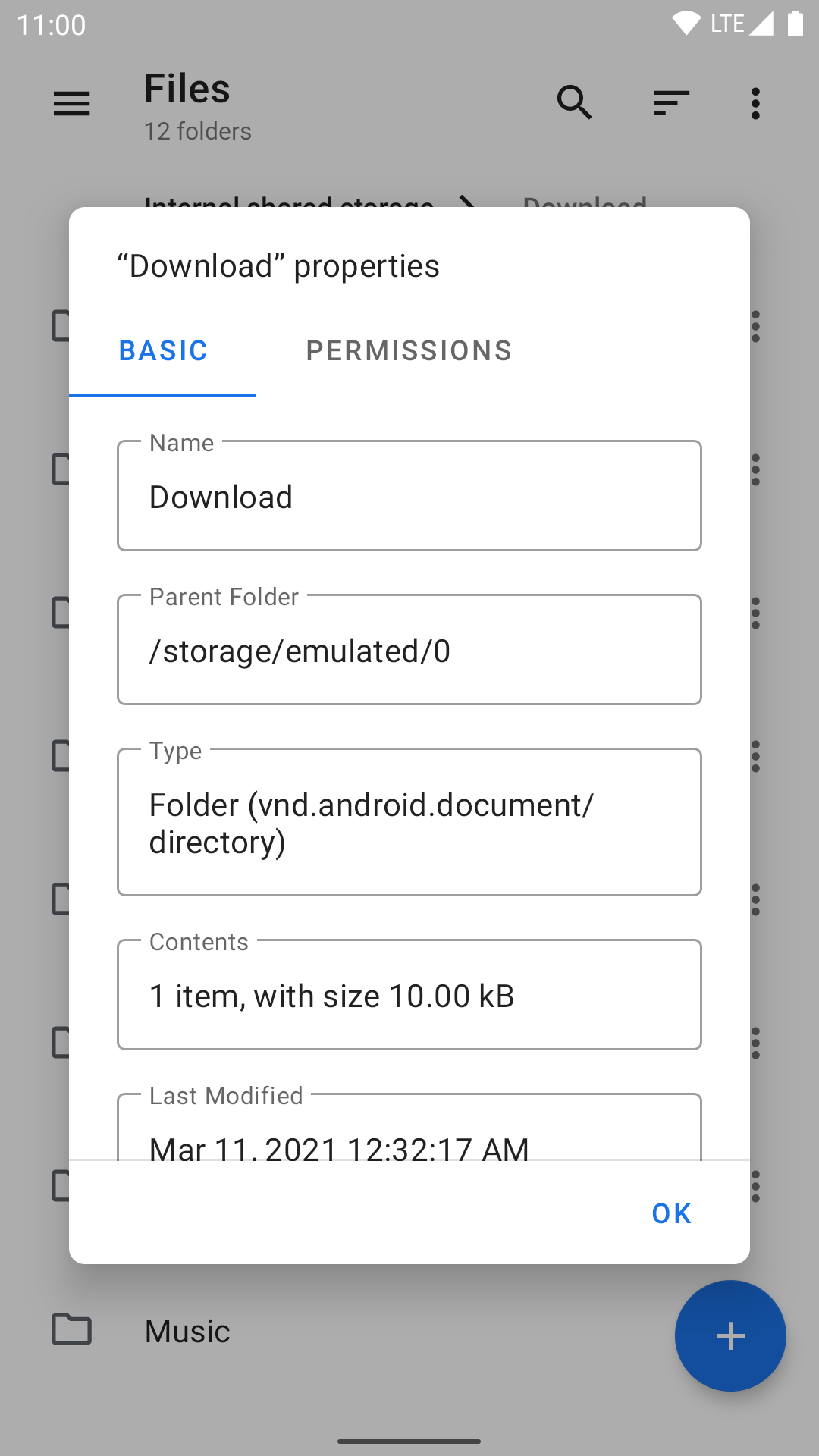
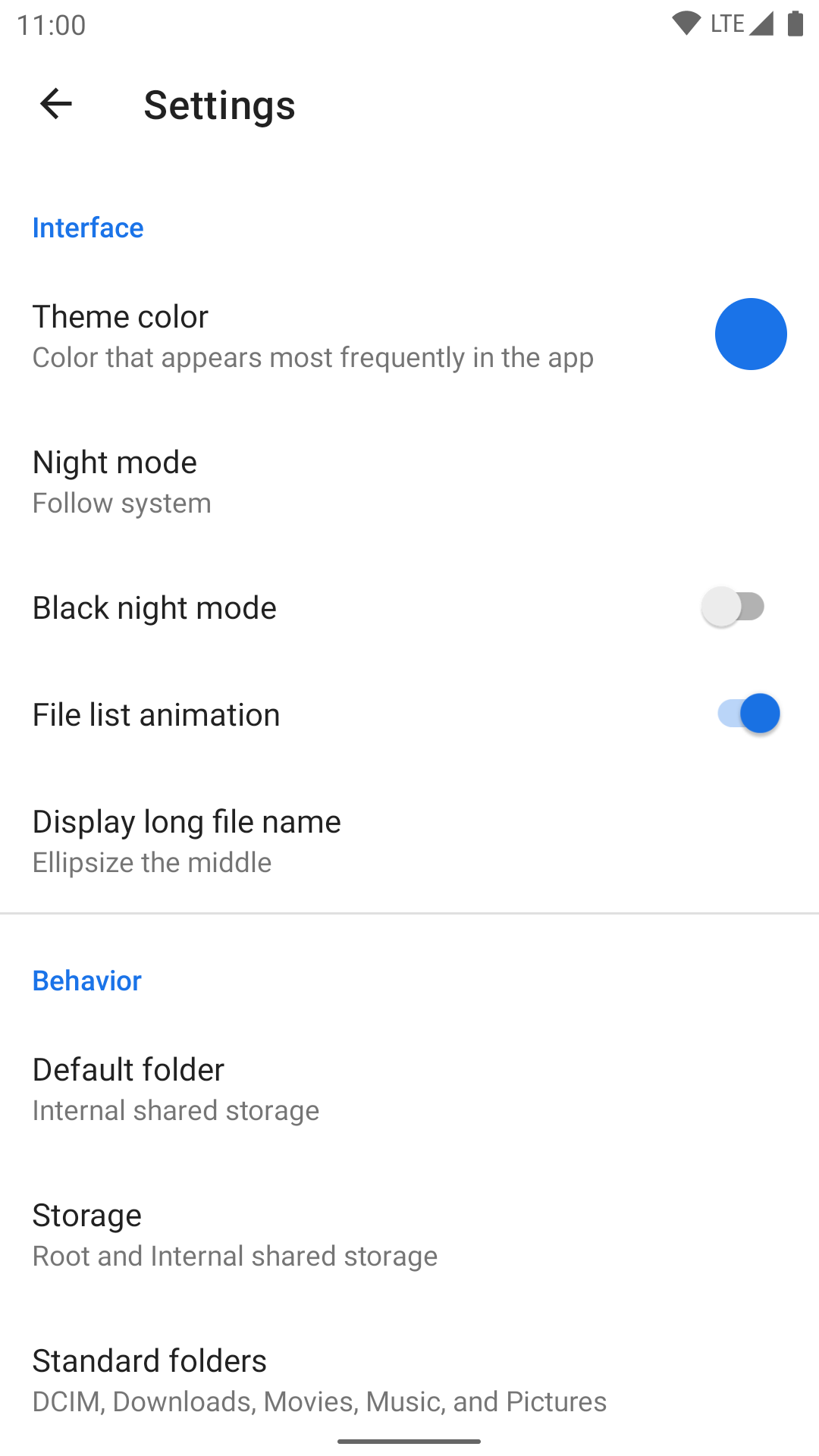
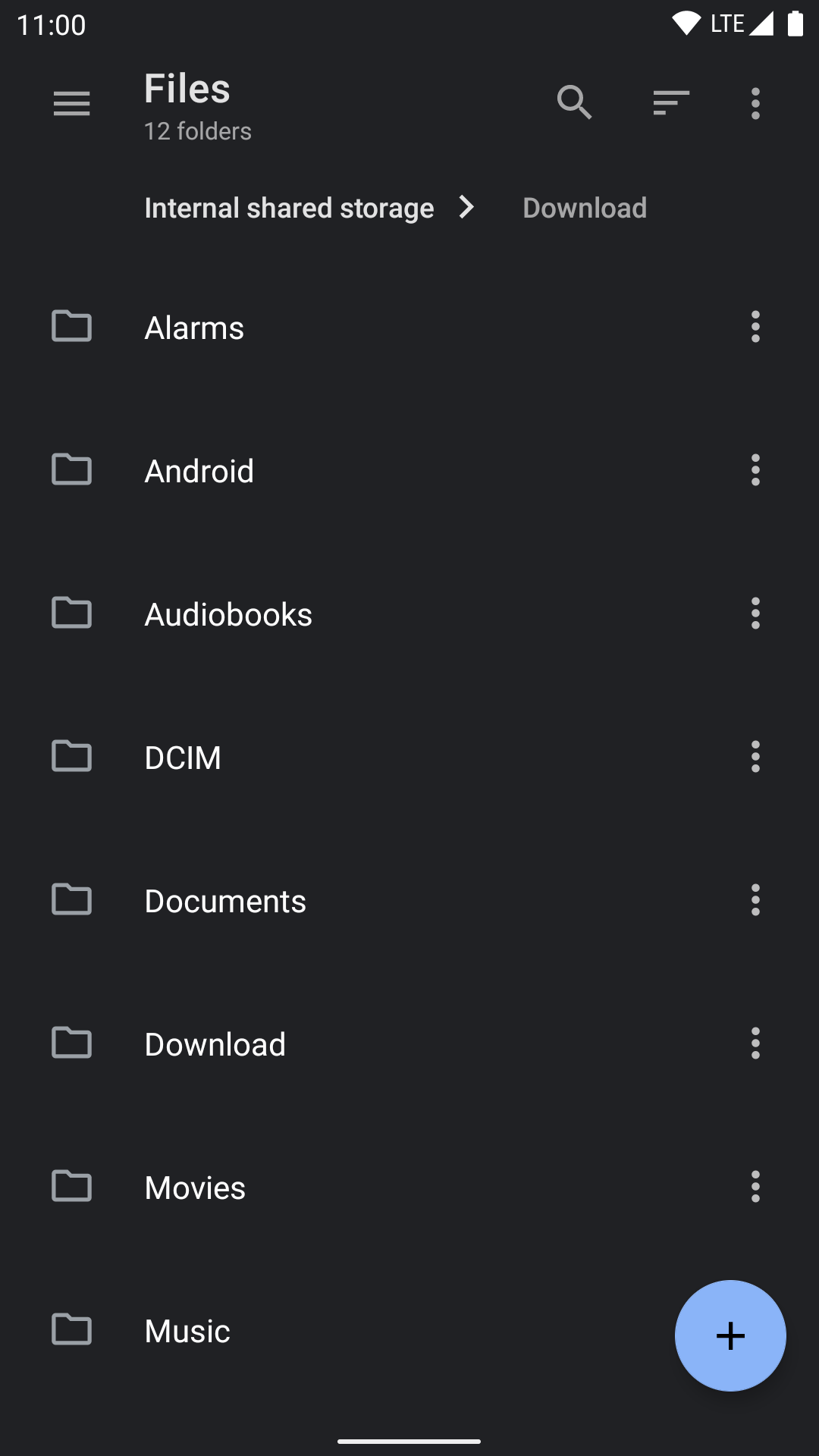
Preview
Features

  • Open source: Lightweight, clean and secure.
  • Material Design: Follows Material Design guidelines, with attention into details.
  • Breadcrumbs: Navigate in the filesystem with ease.
  • Root support: View and manage files with root access.
  • Archive support: View, extract and create common compressed files.
  • NAS support: View and manage files on FTP, SFTP, SMB and WebDAV servers.
  • Themes: Customizable UI colors, plus night mode with optional true black.
  • Linux-aware: Like Nautilus, knows symbolic links, file permissions and SELinux context.
  • Robust: Uses Linux system calls under the hood, not yet another ls parser.
  • Well-implemented: Built upon the right things, including Java NIO2 File API and LiveData.

Why Material Files?

Because I like Material Design, and clean Material Design.

There are already a handful of powerful file managers, but most of them just aren't Material Design. And even among the ones with Material Design, they usually have various minor design flaws (layout, alignment, padding, icon, font, etc) across the app which makes me uncomfortable, while still being minor enough so that not everybody would care to fix it. So I had to create my own.

Because I want an open source file manager.

Most of the popular and reliable file managers are just closed source, and I sometimes use them to view and modify files that require root access. But deep down inside, I just feel uneasy with giving any closed source app the root access to my device. After all, that means giving literally full access to my device, which stays with me every day and stores my own information, and what apps do with such access merely depends on their good intent.

Because I want a file manager that is implemented the right way.

  • This app implemented Java NIO2 File API as its backend, instead of inventing a custom model for file information/operations, which often gets coupled with UI logic and grows into a mixture of everything (example). On the contrary, a decoupled backend allows cleaner code (which means less bugs), and easier addition of support for other file systems.

  • This app doesn't use java.io.File or parse the output of ls, but built bindings to Linux syscalls to properly access the file system. java.io.File is an old API missing many features, and just can't handle things like symbolic links correctly, which is the reason why many people rather parse ls instead. However parsing the output ls is not only slow, but also unreliable, which made Cabinet broken on newer Android versions. By virtue of using Linux syscalls, this app is able to be fast and smooth, and handle advanced things like Linux permissions, symbolic links and even SELinux context. It can also handle file names with invalid UTF-8 encoding because paths are not naively stored as Java Strings, which most file managers does and fails during file operation.

  • This app built its frontend upon modern ViewModel and LiveData which enables a clear code structure and support for rotation. It also properly handles things like errors during file operation, file conflicts and foreground/background state.

In a word, this app tries to follow the best practices on Android and do the right thing, while keeping its source code clean and maintainable.

Because I know people can do it right.

Nautilus is a beautifully-designed and user-friendly file manager on Linux desktop, and it's fully Linux-aware. Phonograph is an open source Material Design music player app (which I've been using for years), and it has just the right Material Design and implementation.

So, it's time for yet another Android file manager.

Inclusion in custom ROMs

Thank you if you choose to include Material Files in your custom ROM! However since I've received several user complaints due to improper inclusion, I'd like to offer some suggestions on including this app properly for the good of end users:

  • Please don't replace the AOSP DocumentsUI app with this app. This app is not designed to replace DocumentsUI and can't handle a number of functionalities in DocumentsUI - in fact, it relies on DocumentsUI to do things like granting external SD card access.

  • Please make sure this app can be uninstalled or at least disabled. Some users may not want this app for a variety of reasons, and get very upset when they can't remove it.

  • Please avoid conflict with the Play/F-Droid version of this app. App stores cannot update apps signed with a different certificate, so you can either ship an APK that's signed by me (or F-Droid) so that users will be able to update it on Play/F-Droid, or fork this project and rename the package name when you need to sign the APK with a different certificate and potentially making other changes.

License

Copyright (C) 2018 Hai Zhang

This program is free software: you can redistribute it and/or modify
it under the terms of the GNU General Public License as published by
the Free Software Foundation, either version 3 of the License, or
(at your option) any later version.

This program is distributed in the hope that it will be useful,
but WITHOUT ANY WARRANTY; without even the implied warranty of
MERCHANTABILITY or FITNESS FOR A PARTICULAR PURPOSE.  See the
GNU General Public License for more details.

You should have received a copy of the GNU General Public License
along with this program.  If not, see .

Frequently asked questions

Is MaterialFiles free to use?

MaterialFiles is open source under the GPL-3.0 licence. There is no licence fee and no seat count — you can self-host it or, where the project offers one, pay a vendor for a managed version instead.

What does MaterialFiles do?

Material Design file manager for Android

What is MaterialFiles written in?

MaterialFiles is primarily written in Kotlin. Its source is publicly available at https://github.com/zhanghai/MaterialFiles, and it has 9,022 GitHub stars.