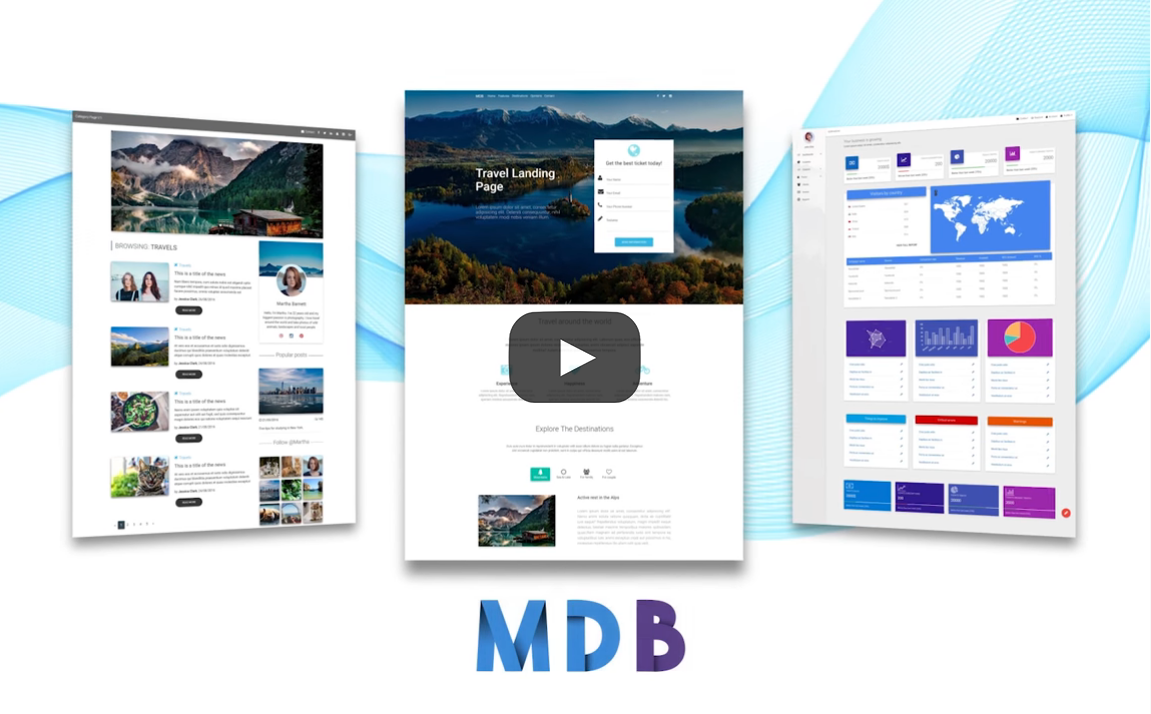
material-design-for-bootstrap is a free, open source design & prototyping project written in JavaScript and released under MIT. It has 9,247 GitHub stars, 1,108 forks and 29 open issues, and was last pushed 6 months ago. On this registry it ranks #24 of 47 tracked projects in Design & Prototyping, with 5 head-to-head comparisons available.

What is material-design-for-bootstrap?

Material Design for Bootstrap is a free, MIT-licensed UI kit that applies Google Material Design styling to the Bootstrap 4 front-end framework, aimed at developers and designers building responsive, mobile-first websites and applications.

What it is

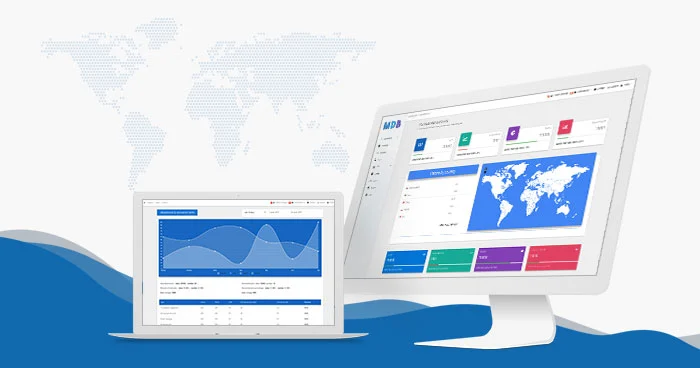
Material Design for Bootstrap is a JavaScript-based collection of free Bootstrap templates, themes, design tools and resources, published under the MIT licence and hosted on GitHub, where it has accumulated roughly 9,247 stars and 1,108 forks. The README describes it as a Bootstrap 4 UI kit offering 700+ components, alongside 500+ material UI elements, 600+ material icons, 77+ CSS animations, 9+ useful plugins, SASS files, templates and tutorials. Framework-specific editions are published for jQuery, Angular, React and Vue, and the repository sits in the Miscellaneous / Design & Prototyping category on this registry, carrying topics such as bootstrap-4, material-design, google-material, css and frontend.

The concrete problem it solves is the assembly work that would otherwise fall to a team adopting Material Design on top of Bootstrap 4: rather than hand-building Material-style components, icons and animations to sit over Bootstrap's grid and utility classes, a developer installs this kit and gets that layer pre-built, together with SASS sources and examples. It is the styling and component layer that replaces a bespoke Material implementation, and it is explicitly positioned by its own README as the previous Bootstrap 4 generation of the product, with a newer UI kit available for Bootstrap 5 and a recommendation to migrate.

Key capabilities

  • A Bootstrap 4 UI kit shipping 700+ components under the MIT licence, free for both personal and commercial use.
  • A library of 500+ material UI elements and 600+ material icons for building interfaces without designing each control from scratch.
  • 77+ CSS animations and 9+ useful plugins bundled with the component set.
  • SASS files, templates and tutorials distributed alongside the compiled styles, so the theme can be rebuilt from source.
  • Parallel builds for jQuery, Angular, React and Vue, so the same Material styling can be applied across different front-end stacks.
  • Three installation routes: a .zip download, an npm package, or a cdnjs CDN reference.
  • An MDB CLI workflow, where mdb init scaffolds a new project, and MDBGO provides free hosting with WordPress support, custom domains, SSL, a free database, frontend and backend templates, a webpack starter, a git repository, plus FTP and Jenkins support.
  • Support is routed through a dedicated support forum, where reports are treated as prior to GitHub issues, with contribution rules documented in CONTRIBUTING.md.

Who uses it and how

  • Front-end developers and designers building responsive, mobile-first websites and applications on a Bootstrap 4 base, who need Material styling without writing the component layer themselves.
  • Teams working in Angular, React or Vue, who can adopt the matching MDB Angular, MDB React or MDB Vue edition rather than the jQuery build.
  • WordPress users, who can set up a site through MDBGO in a single click, including an e-commerce shop integration that allows a blog and a shop to be combined on one page.
  • Deployment and CI setups that make use of MDBGO's git repository, FTP and Jenkins support, or that pull the kit from npm or cdnjs during a build.
  • The README states the kit is trusted by 2,000,000+ developers and designers and used by companies and institutions, though the source material does not name them.

Getting started

Installation is deliberately short: the README points to a one-minute installation via .zip, npm or cdnjs, with a video and a written quick-start available, and MDB CLI users can create a project with mdb init. The canonical entry point for the current material is the MDBootstrap documentation site linked as the project homepage.

How it compares

The facts do not list paid products that this project replaces, and they name no competing open-source UI kits either. What they do name are the project's own sibling editions — MDB 5 for Bootstrap 5, plus MDB Angular, MDB React and MDB Vue — so within this registry the Bootstrap 4 kit stands alongside rather than against named alternatives, and it is the successor relationship to MDB 5, not a rivalry, that defines its position.

When to use it — and when not to

There is no server-side stack to operate here, since the kit is a distributable front-end asset set that can be served as static files or pulled from npm or cdnjs; the operational costs appear only if a team adopts MDBGO hosting. The clearest reason not to pick it is the one its own README gives: it is the Bootstrap 4 version, and projects already on or moving to Bootstrap 5 are directed to the newer kit instead. A second caution is that the README reads largely as a migration notice and a set of links to the vendor's documentation, forum and tutorials, and it routes support to that forum ahead of GitHub issues, so teams wanting changes to land through the public repository should expect the contribution rules in CONTRIBUTING.md to govern the process.

project readme (upstream, from github) — read inline

Bootstrap 4 UI KIT - 700+ components, MIT license, simple installation.

MDB is a collection of free Bootstrap templates, themes, design tools & resources.


This content is for the previous 4th version of Bootstrap
Newer version is available for Bootstrap 5. We recommend migrating to the latest version of our product

>> Get 700+ material UI components, free hosting, super simple 1 minute installation & much more


Get started

>> Get Started in 1 minute

Simple installation via .zip, npm or cdnjs.

>> Install with MDBGO

Free Hosting, WordPress support, custom domains, SSL support, free database, frontend & backend templates, webpack starter included, git repostiory, FTP & jenkins support.

>> Install with MDBGO + e-commerce shop integration

One click setup! MDB GO allows you to create a WordPress page with a single click. Regardless whether you want to create a Travel Blog or an e-commerce shop to sell your product you can easily do that. You can even combine both into single page.

About Material Design for Bootstrap 4

Created by Downloads License YouTube Video Views

Trusted by 2 000 000+ developers & designers. Used by companies & institutions like

  • 500+ UI components
  • Super simple, 1 minute installation
  • Detailed docs & practical examples
  • Lots of tutorials
  • Huge and active community
  • MIT license - free for personal & commercial use

Bootstrap 5 tutorial

>> Learn more about Bootstrap 5

>> Bootstrap 5 Tutorial

>> Subscribe to our YouTube channel with dozens of Bootstrap tutorials
Start MDB jQuery learning from Basics

Learn Bootstrap 5 | Crash Course for Beginners in 1.5H

Material Design for Bootstrap

Downloads License cdnjs npm

The most popular UI KIT for building responsive, mobile-first websites and apps - free for personal & commercial use. Available jQuery, Angular, React and Vue versions.

Trusted by 2 000 000+ developers & designers. Used by companies like

Our impressive collection of beautiful, 500+ material UI elements, 600+ material icons, 77+ CSS animations, 9+ useful plugins, SASS files, templates, tutorials and many more allows you to develop any kind of project.

We're maintaining a dedicated Support Forum for this purpose. This is also a go-to place for every suggestion, opinion, bug, and issue report if you'd like to receive help as soon as possible. Reports posted on Support Forum are prior to GitHub issues

Please read contribution rules before starting your improvements in order to help us make the cooperation and reviewing experience as pleasant and effective as possible

More Web Development Technologies

MDBootstrap Angular ⠀MDBootstrap React MDBootstrap Vue⠀ MDBootstrap 5
­­ ­­­ ­­­ ­­­ ­­­ ­­­ MDB Angular ­­ ­­­ ­­­­ ­­­ ­­­ MDB React ­­ ­ ­­­ ­­­ MDB Vue ­­ ­­­­ MDB 5

Quick Start Video

According to your preference, you can follow a video or written version

Also, you can install MDB Free using NPM installation guide

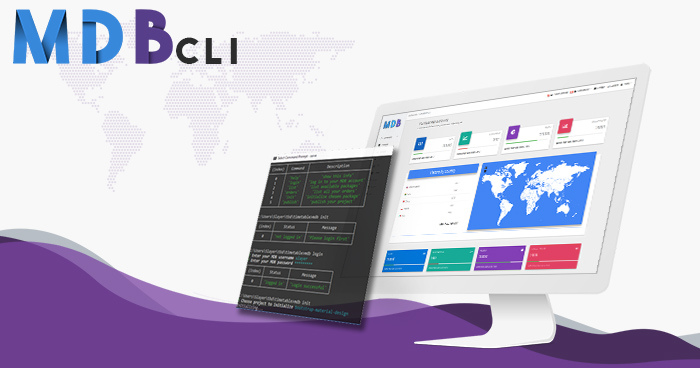
MDB CLI - the fastest way to create and host MDB projects
Initiate
With MDB CLI you can start a new project within seconds! Use mdb init command and start with a pre-set configuration!
Publish and host
Make your project visible with mdb publish, no need to store your code, simply get the link and share it with the world!
Get started

Demo

Carousel

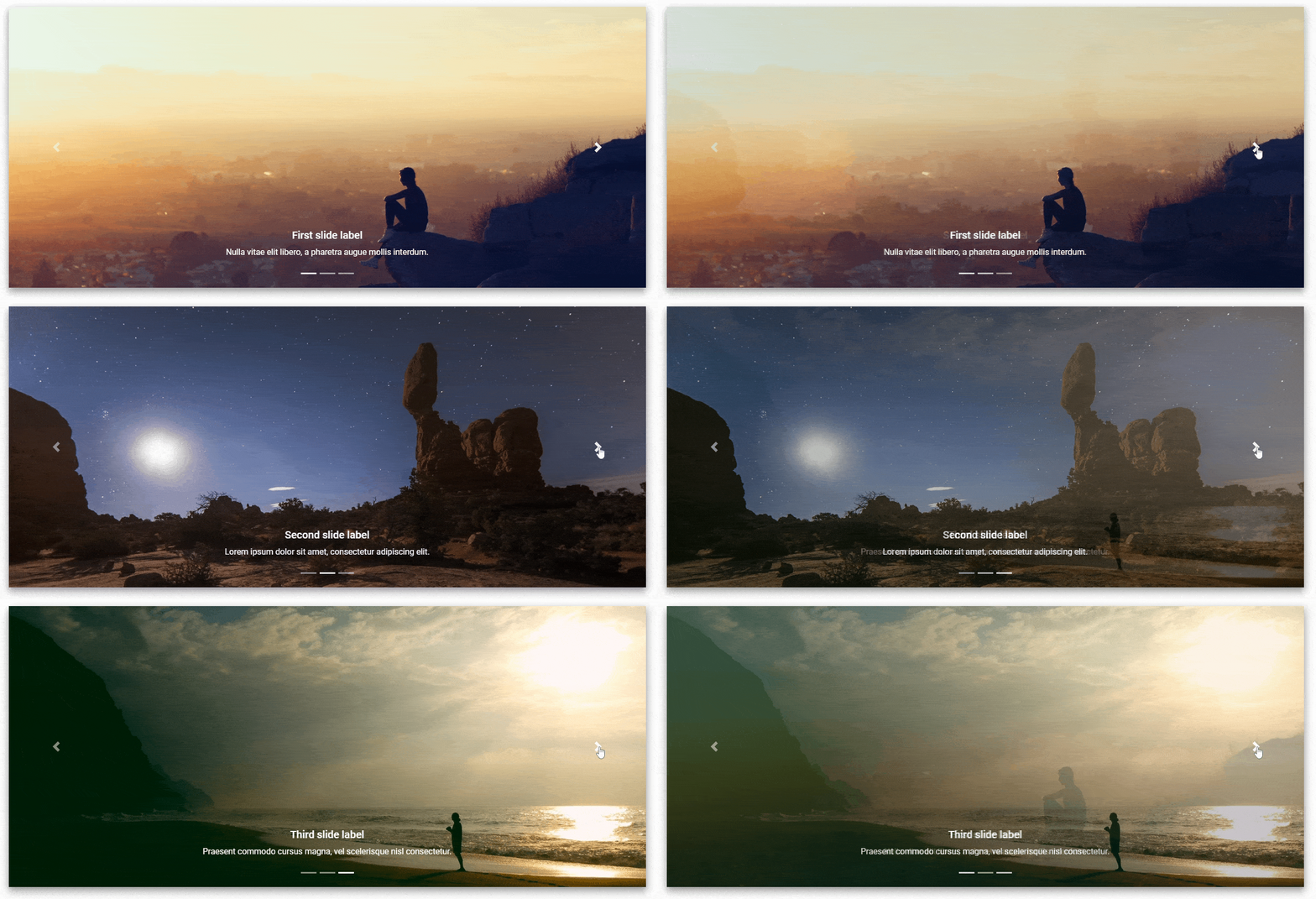
A slideshow component for cycling through elements—images or slides of text—like a carousel.
Loader / Spinner

Buttons

You can use Bootstrap’s custom button styles for actions in forms, dialogs, and more with support for multiple sizes, states, and more...

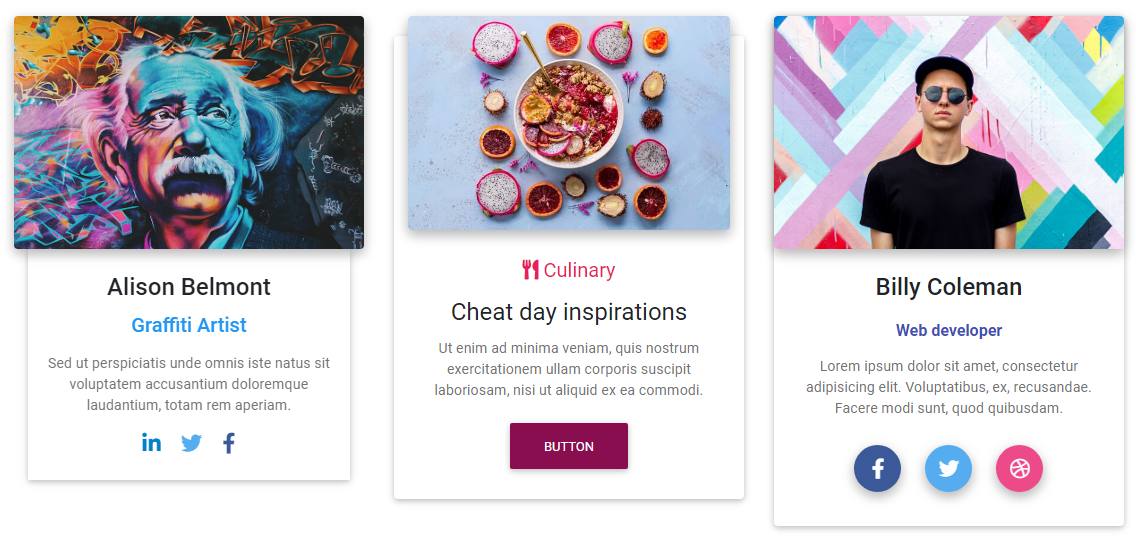
Cards

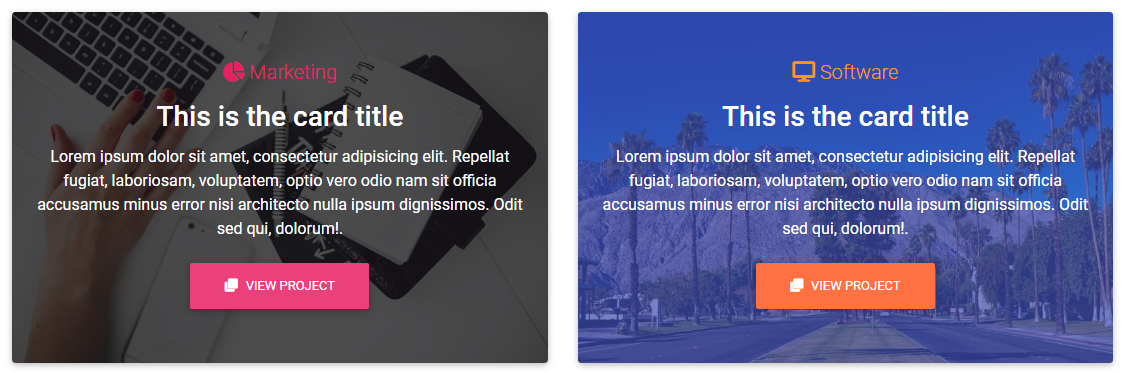
Bootstrap cards are components which display content built of different elements with characteristic shadows, depth and hover effects.
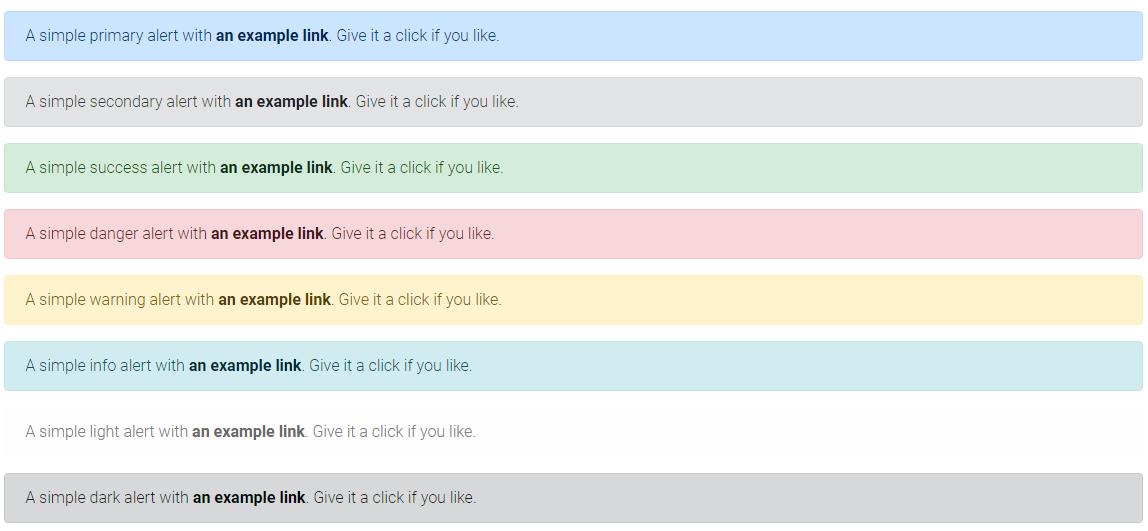
Alerts

Bootstrap alerts are feedback messages that are displayed after specific actions performed by the user. The length of the text is unlimited.
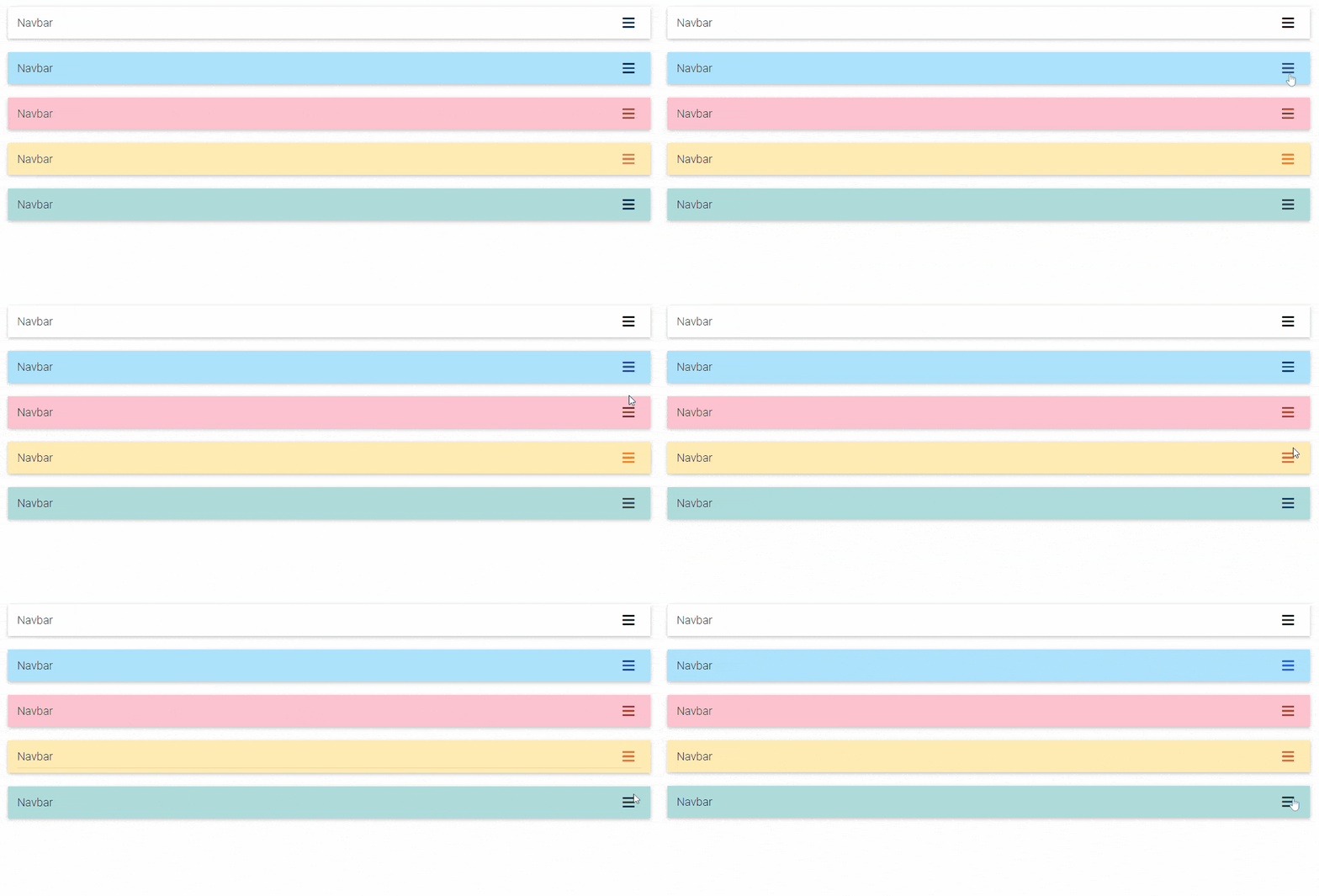
Hamburger Menu

Bootstrap alerts are feedback messages that are displayed after specific actions performed by the user. The length of the text is unlimited.
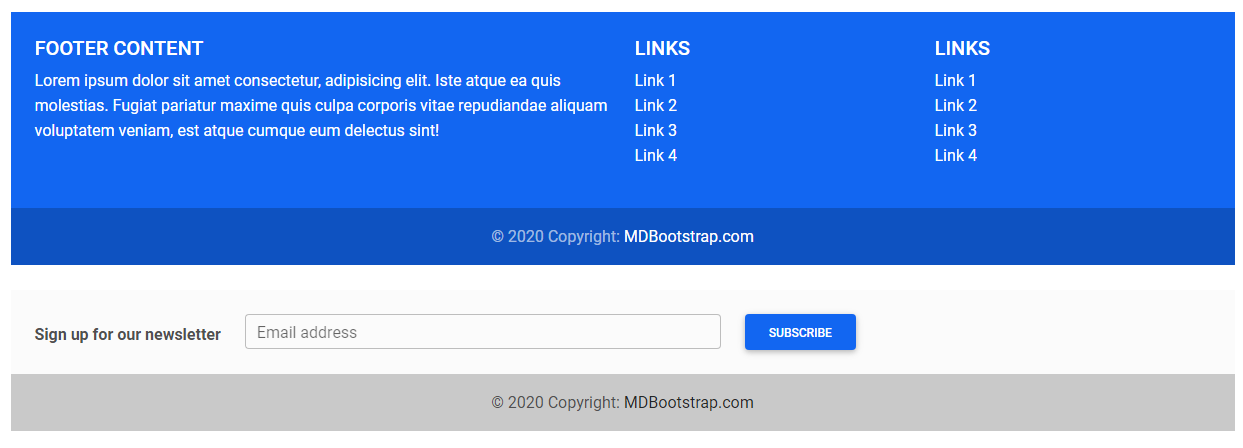
Footer

A footer is an additional navigation component. It can hold links, buttons, company info, copyrights, forms, and many other elements.
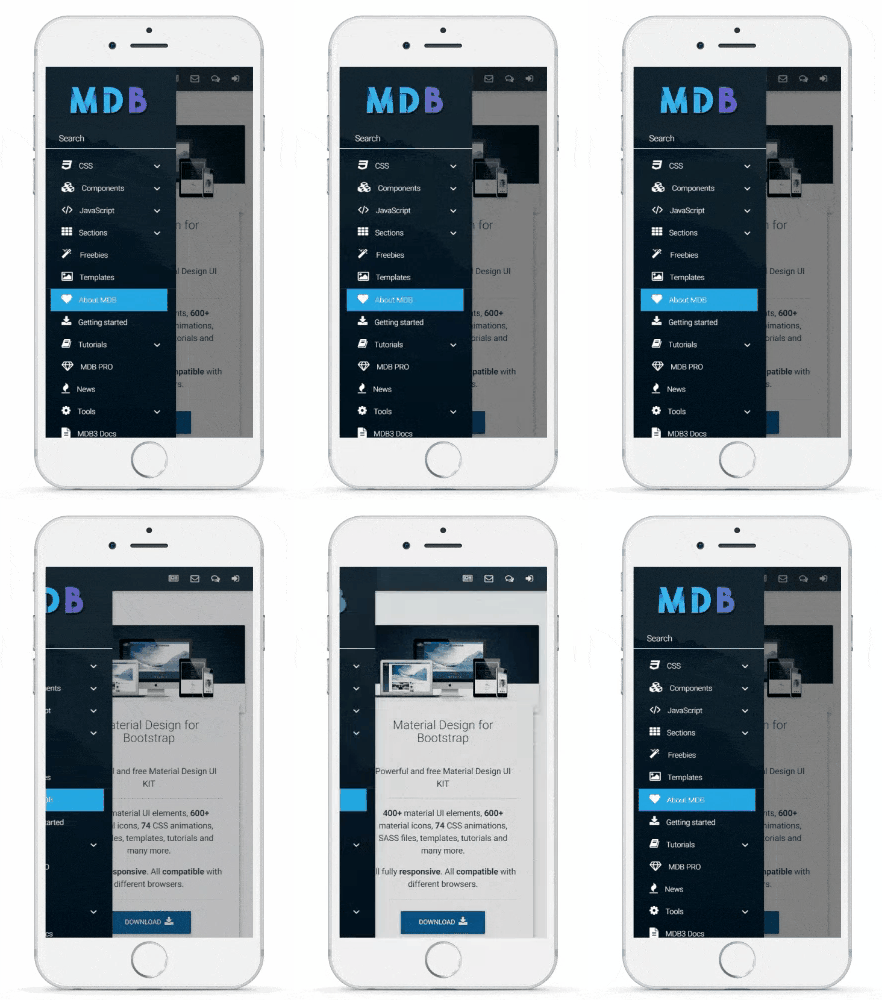
Sidenav

Bootstrap's sidenav is a vertical navigation component which apart from traditional, text links, might embed icons, dropdowns, avatars or search forms.
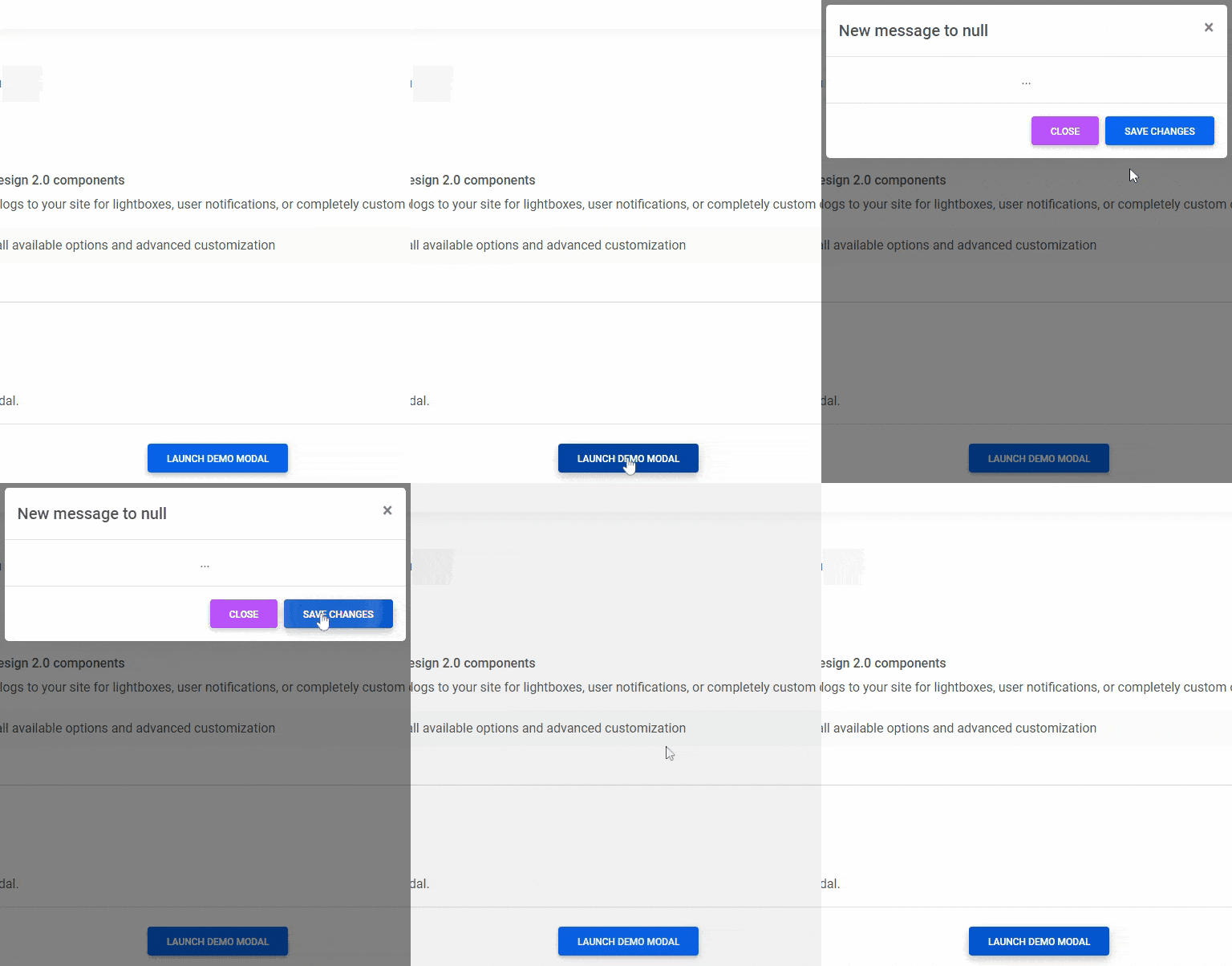
Use MDB modal plugin to add dialogs to your site for lightboxes, user notifications, or completely custom content.
Supported browsers

MDBootstrap supports the latest, stable releases of all major browsers and platforms.

Alternative browsers which use the latest version of WebKit, Blink, or Gecko, whether directly or via the platform’s web view API, are not explicitly supported. However, MDBootstrap should (in most cases) display and function correctly in these browsers as well.

Mobile devices

Generally speaking, MDBootstrap supports the latest versions of each major platform’s default browsers. Note that proxy browsers (such as Opera Mini, Opera Mobile’s Turbo mode, UC Browser Mini, Amazon Silk) are not supported.

Chrome
Chrome
Firefox
Firefox
Safari
Safari
Android Browser & WebView IE / Edge
Miscrosoft Edge
⠀Android⠀ ⠀Supported⠀ ⠀Supported⠀ ⠀N/A⠀ Android v5.0+ supported Supported
⠀iOS⠀ ⠀Supported⠀ ⠀Supported⠀ ⠀Supported N/A Supported
⠀Windows 10 Mobile⠀ ⠀N/A⠀ ⠀N/A⠀ ⠀N/A⠀ N/A⠀ Supported

Desktop browsers

Similarly, the latest versions of most desktop browsers are supported.

Chrome
Chrome
Firefox
Firefox
IE / Edge
Internet Explorer
Internet Explorer / Edge
Edge
Opera
Opera
Safari
Safari
⠀⠀⠀Mac⠀⠀ Supported Supported N/A N/A ⠀Supported⠀ ⠀Supported⠀⠀
⠀⠀⠀Windows⠀ Supported Supported N/A ⠀Supported⠀ ⠀Supported⠀ ⠀Not supported⠀

Documentation

You can explore huge, detailed documentation on our website.

Education

Additional tutorials for those with insatiable appetite for knowledge made by us & our users can be found in our education section.

Useful resources

Here you'll find more useful resources, like Getting Started, Freebies, Premium Templates & snippet editor

Connect with us on

Twitter | Facebook | Pinterest | Dribbble | LinkedIn | YouTube

You enjoy using MDB? Check the advantages of the PRO version

Material Design for Bootstrap PRO

Support MDB developers

  • Star our GitHub repo
  • Create pull requests, submit bugs, suggest new features or documentation updates
  • Follow us on Twitter
  • Like our page on Facebook

A big ❤️ thank you to all our users ❤️ who are working with us to improve the software. We wouldn't be where we are without you.

Frequently asked questions

Is material-design-for-bootstrap free to use?

material-design-for-bootstrap is open source under the MIT licence. There is no licence fee and no seat count — you can self-host it or, where the project offers one, pay a vendor for a managed version instead.

What does material-design-for-bootstrap do?

Important! A new UI Kit version for Bootstrap 5 is available. Access the latest free version via the link below.

What is material-design-for-bootstrap written in?

material-design-for-bootstrap is primarily written in JavaScript. Its source is publicly available at https://github.com/mdbootstrap/material-design-for-bootstrap, and it has 9,247 GitHub stars.