ILLA Builder is an open-source low-code platform for developers and internal-tool teams who want to build dashboards, CRUD apps, admin panels, CRMs and CMSs without hand-coding the front end.
What it is
ILLA Builder is a TypeScript-based, low-code application builder in the developer-tools category, released under the Apache-2.0 licence with roughly 12,000 stars on GitHub. It provides a library of drag-and-drop components powered by ILLA Design plus a set of data Actions, and it connects to external databases and APIs rather than storing your data itself. The project offers both a hosted option at ILLA Cloud and a self-hosted deployment path.
The concrete problem it addresses is the repetitive work involved in building internal tools. Instead of writing a front end, wiring up queries and hand-rolling a CRUD interface for every admin panel or dashboard, a developer connects a data source through the GUI connectors, drags components such as charts, tables and forms onto the canvas, and deploys. It replaces hand-built React admin interfaces for this class of internal tool, and it positions itself as an open-source Retool.
Key capabilities
- Connects to PostgreSQL, MySQL, Supabase, GraphQL, MongoDB, MSSQL, REST API, Redis and Hugging Face through GUI data connectors.
- Automates workflows on a schedule or by webhook trigger.
- Provides real-time collaboration so several people can build together simultaneously.
- Offers page support for content-rich, UI-friendly tools alongside single-screen apps.
- Includes dozens of built-in components — charts, tables and forms among them — from ILLA Design, with automatic position adjustment when components overlap.
- Ships with a four-step build flow: connect to a database, build the UI on the canvas, connect to data, then deploy and self-host.
- Supports self-hosted operation on Docker, docker-compose and Kubernetes via the ILLA CLI.
Who uses it and how
- Developers building internal tools such as dashboards, admin panels, CRMs and CMSs for their own teams.
- Teams that want several people editing an app at once, using real-time collaboration rather than passing files around.
- Organisations with data-residency or infrastructure constraints that require running the tool on their own Docker or Kubernetes cluster instead of a vendor cloud.
- Contributors and multilingual teams, given that translations live in
apps/builder/src/i18n/locale/* and are kept up to date through Crowdin, and that the project actively welcomes pull requests.
Getting started
The quickest route is to sign up at ILLA Cloud (cloud.illacloud.com); for self-hosting, follow the self-hosted deployment guide at docs.illacloud.com using Docker, docker-compose or Kubernetes with the ILLA CLI, after which you log in with username root and password password.
How it compares
The project describes itself as an open-source Retool, and it is the only entry in this registry that presents itself in those terms. Among the similar tools named in its own documentation and topics, it distinguishes itself by pairing the hosted ILLA Cloud option with a fully self-hosted Docker/Kubernetes deployment under the Apache-2.0 licence.
When to use it — and when not
Because it is self-hostable, an operator is responsible for running the deployment itself and for securing the default root/password credentials on first login, and data lives in whichever databases and APIs you point it at. It is a poor fit for teams wanting to build end-user-facing products rather than internal tools, and for anyone unwilling to operate Docker or Kubernetes if the hosted cloud is not acceptable. The licence is clear (Apache-2.0) and the repository has had a recent push, but the README is a feature overview rather than a deep reference, so expect to rely on the external documentation site for deployment detail.
project readme (upstream, from github) — read inline

ILLA is a robust open source low-code platform for developers to build internal tools. By using ILLA's library of Components and Actions, developers can save massive amounts of time on building tools.
English | 简体中文 | Deutsch | 日本語
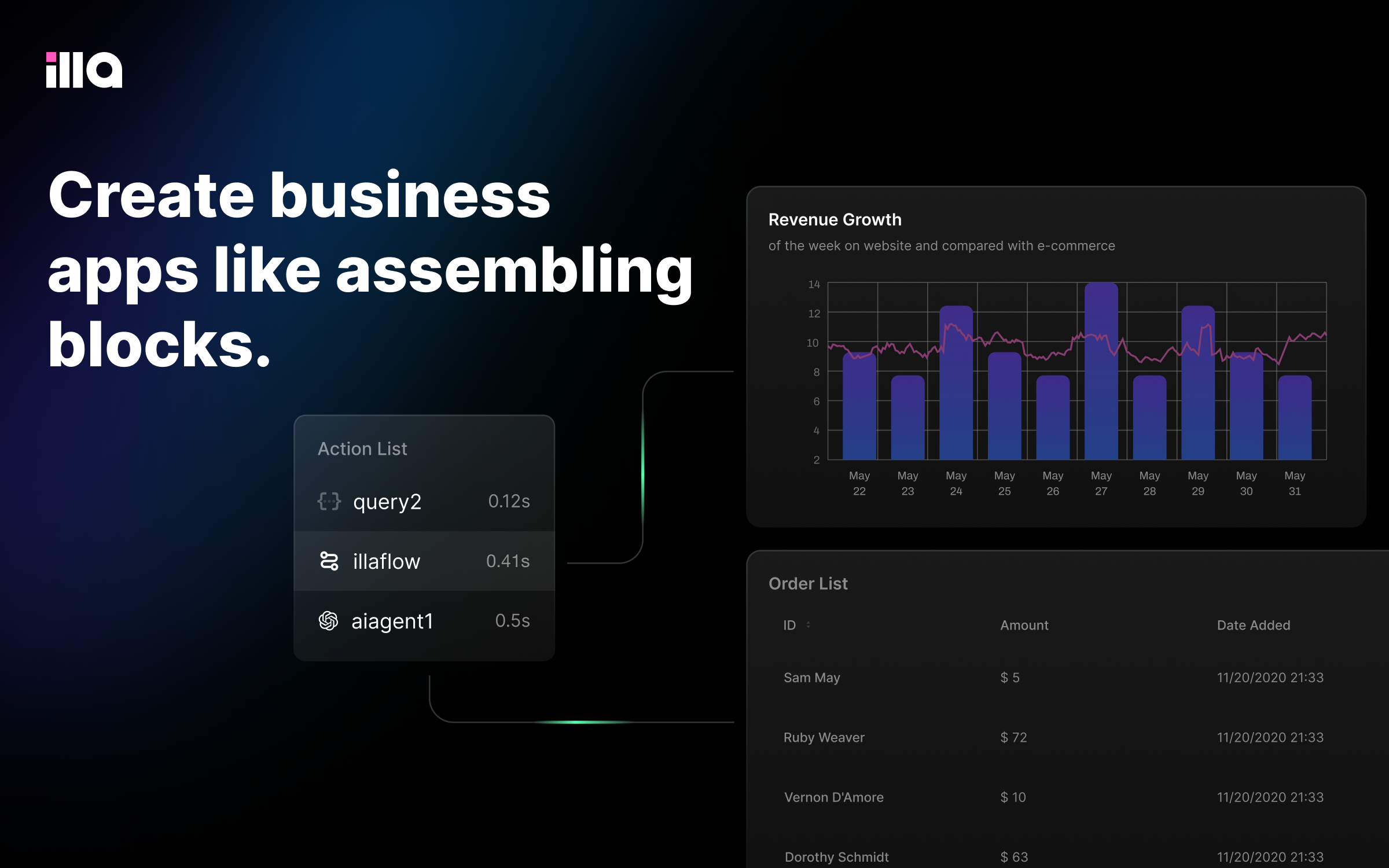


🚀Get Started
To try ILLA, the most convenient way is to sign up and log in to ILLA Cloud.
You can also deploy and self-host ILLA utils manually(Docker, docker-compose, and k8s).
✨ Features
- ⚽ Real-time Collaboration: We can create everything in real-time together.
- 🤖 Automate Support: Connect everything and automate them in 5 seconds.
- 🖥 Self-hosted: supports Docker & k8s
- 📝 Page Support: The base of creating a content-rich and UI-friendly tool.
- 🎨 Powered by ILLA Design: Components should not constrain your imagination.
Self-hosted
The ILLA CLI enables you to deploy ILLA Builder faster than your imagination. Click here for more details.
After successfully deployed, you can register with email address or log in with the following information:
Username (email): root
Password: password
How to build your tool
🎯 Step 1: Connect to your database

🎨 Step 2: Build UI with built-in components
Build your UI by dragging components to the canvas. We provide dozens of components including charts, tables, forms, and many more in Illa Builder and Illa Design. When components overlap, their position will be automatically adjusted, which makes the layout development easy and flexible.

🔌 Step 3: Connect to your data
Connect to MySQL or REST API through our GUI data connectors. We will add more than 10 databases and APIs soon.

🚀 Step 4: Deploy your app
Deploy your app and self-host it.

🌱 Contributing
Thinking about contributing? All kinds of contributions to ILLA are greatly appreciated and welcomed! Check out our Contribution Guide for details about how you can get involved.
Appreciate all the contributions from our ❤︎ Contributors!
📢 Translating
The apps/builder/src/i18n/locale/* dirs are kept up-to-date automatically via Crowdin. See our official translation page in case you would like to contribute.
LICENSE
This project is currently licensed under Apache License 2.0.