FSNotes is a fast, native Markdown and plain-text note-taking app for macOS and iOS, written in Swift 5 and released under the MIT licence, built for people who want their notes kept as portable files rather than inside a proprietary database.
What it is
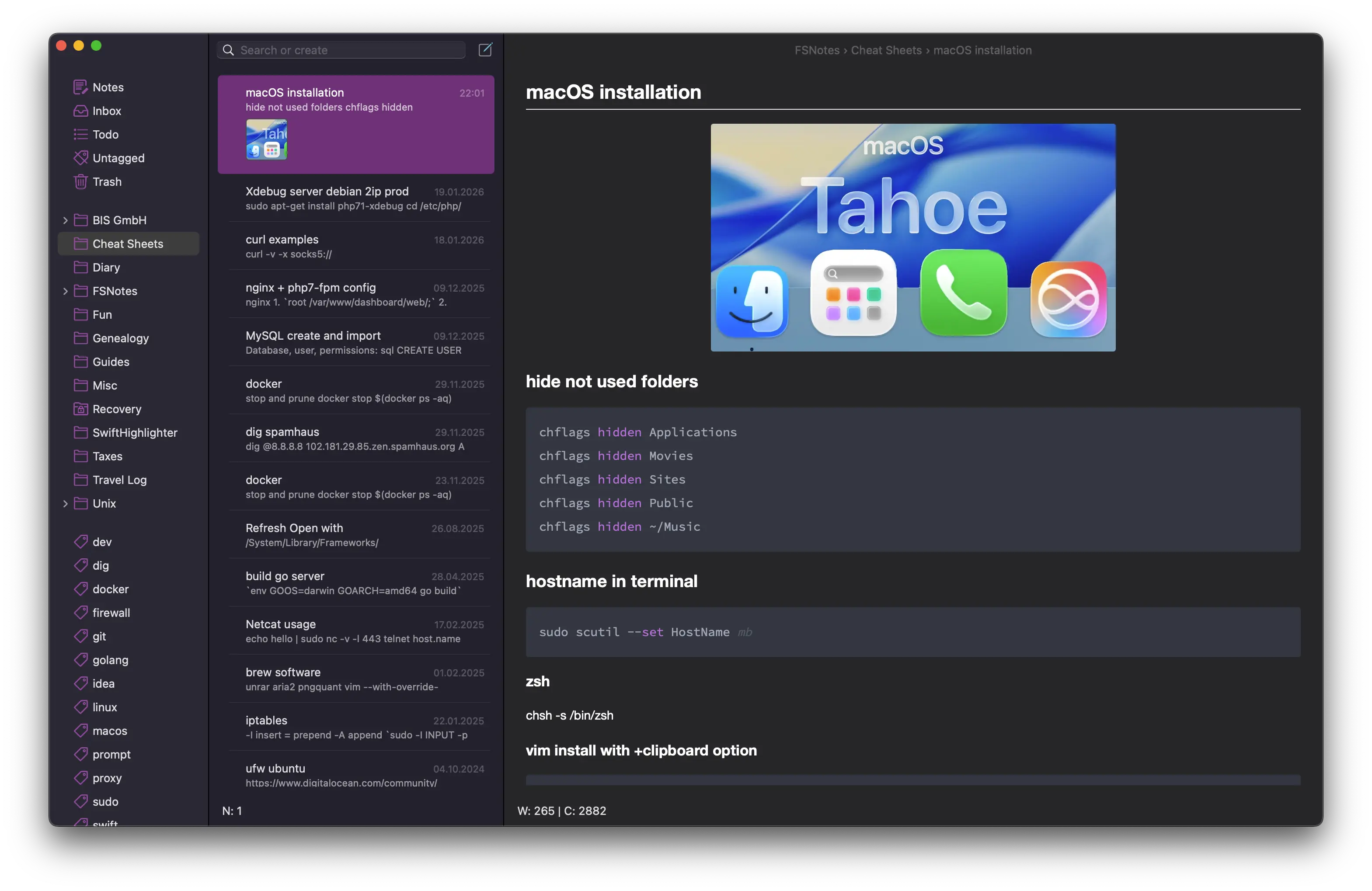
FSNotes is a native notes application for macOS and iPhone, written in Swift 5 and distributed under the MIT licence. It gives users a focused writing experience while every note stays in Markdown or plain-text form, so the underlying files remain readable and editable outside the app. The project sits in the Apple ecosystem, on macOS and iOS, and its publishing story runs through the App Store, where purchases fund continued development, alongside an open-source codebase.
The concrete problem it solves is lock-in. Many note apps store content in a proprietary database, which means the notes are only useful for as long as the application exists and keeps supporting them. FSNotes replaces that database with portable Markdown and plain-text files, so a user can open and edit the same notes with any compatible app, now or years from now. It also targets scale: search and navigation stay smooth across collections of more than 10,000 notes, which is the point at which simpler file-based note tools often become hard to use.
Key capabilities
- Notes stored as portable Markdown or plain-text files, editable in any compatible app rather than a proprietary database.
- Search and navigation that remains smooth across collections of 10,000+ notes.
- Tags and
[[links]] for connecting ideas across notes.
- AES-256 encryption for private notes.
- Rendering of code, Mermaid diagrams, and MathJax inside notes.
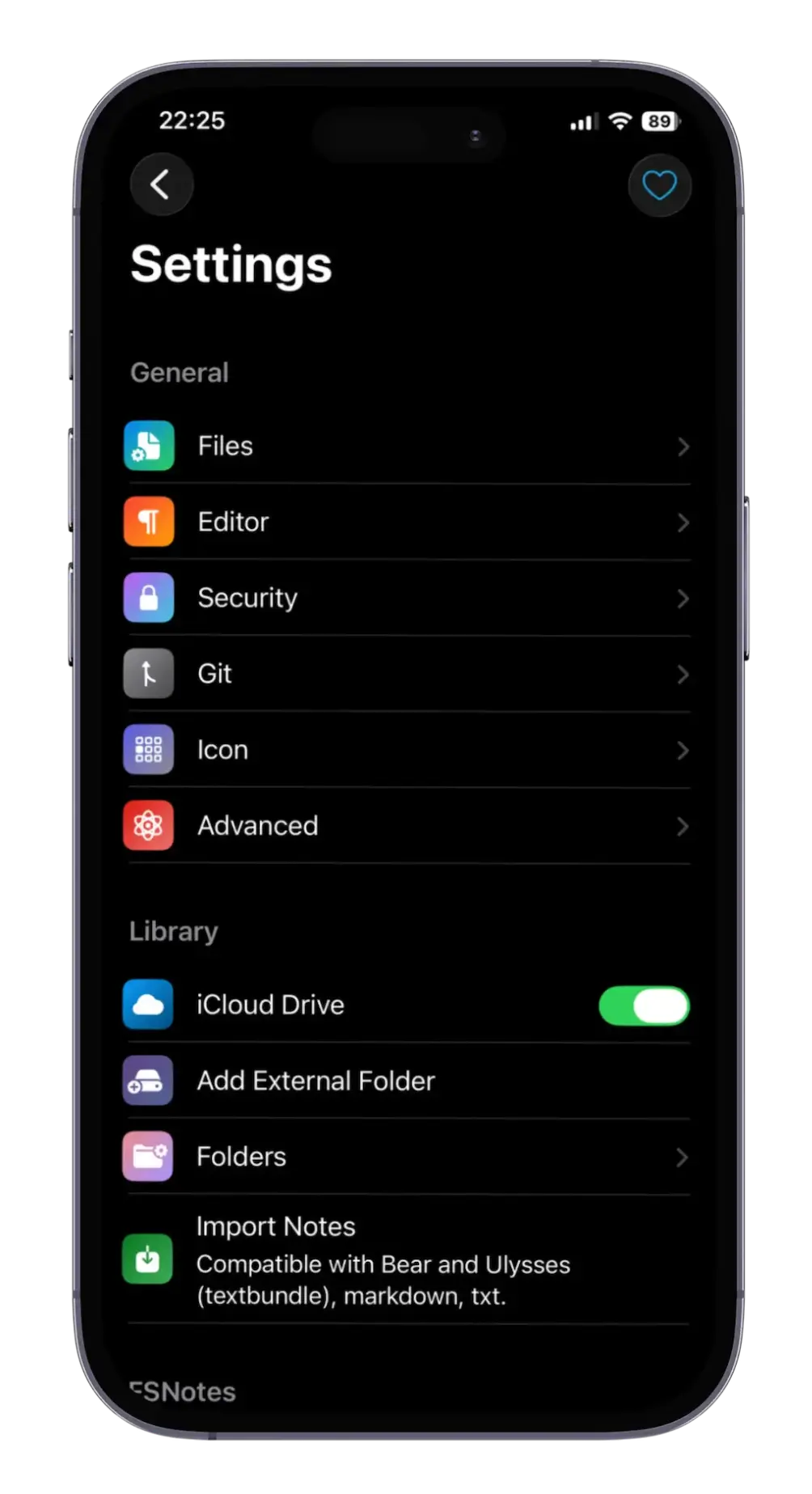
- Multiple folders, external editors, iCloud Drive, Dropbox, and optional Git backups as part of the workflow.
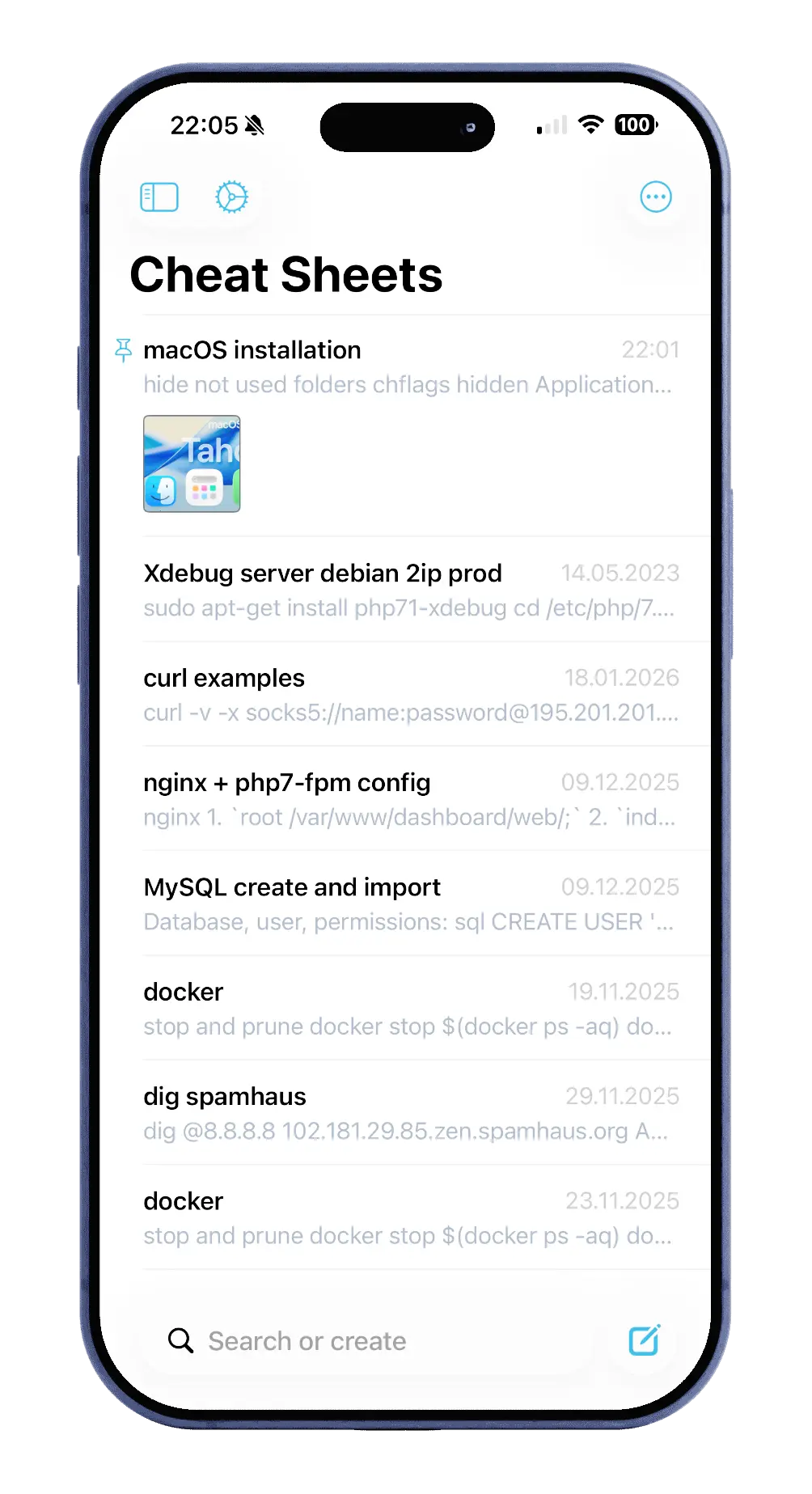
- A dedicated iOS app alongside the macOS app, sharing the same file-based approach.
Who uses it and how
- Individuals with large note collections, since the app is designed to stay fast at 10,000+ notes.
- Mac and iPhone users who sync a single note folder through iCloud Drive or Dropbox and edit from either device.
- Users who want Git backups of their notes, keeping version history in a repository they control.
- Writers who prefer an external editor for some work while keeping FSNotes as the main library.
- Privacy-conscious users who mark sensitive notes for AES-256 encryption rather than relying on a hosted service.
Getting started
FSNotes is obtained by buying it on the App Store, which the README states provides regular updates; the project homepage is https://fsnot.es. The source is open under the MIT licence and written in Swift 5 for those who want to build or review it.
How it compares
No list of paid products that FSNotes replaces is provided in the available facts.
When to use it — and when not to
A user must supply their own storage and sync: iCloud Drive, Dropbox, or a Git repository, since the app is file-based and the facts describe no hosted backend. The facts list only iOS and macOS as platforms, so anyone needing Windows, Linux, Android, or a browser-based client should look elsewhere. The README excerpt is also thin on build and packaging detail — no install command, package name, or Docker image is given — so contributors should expect to work from the Swift source rather than a documented build path.