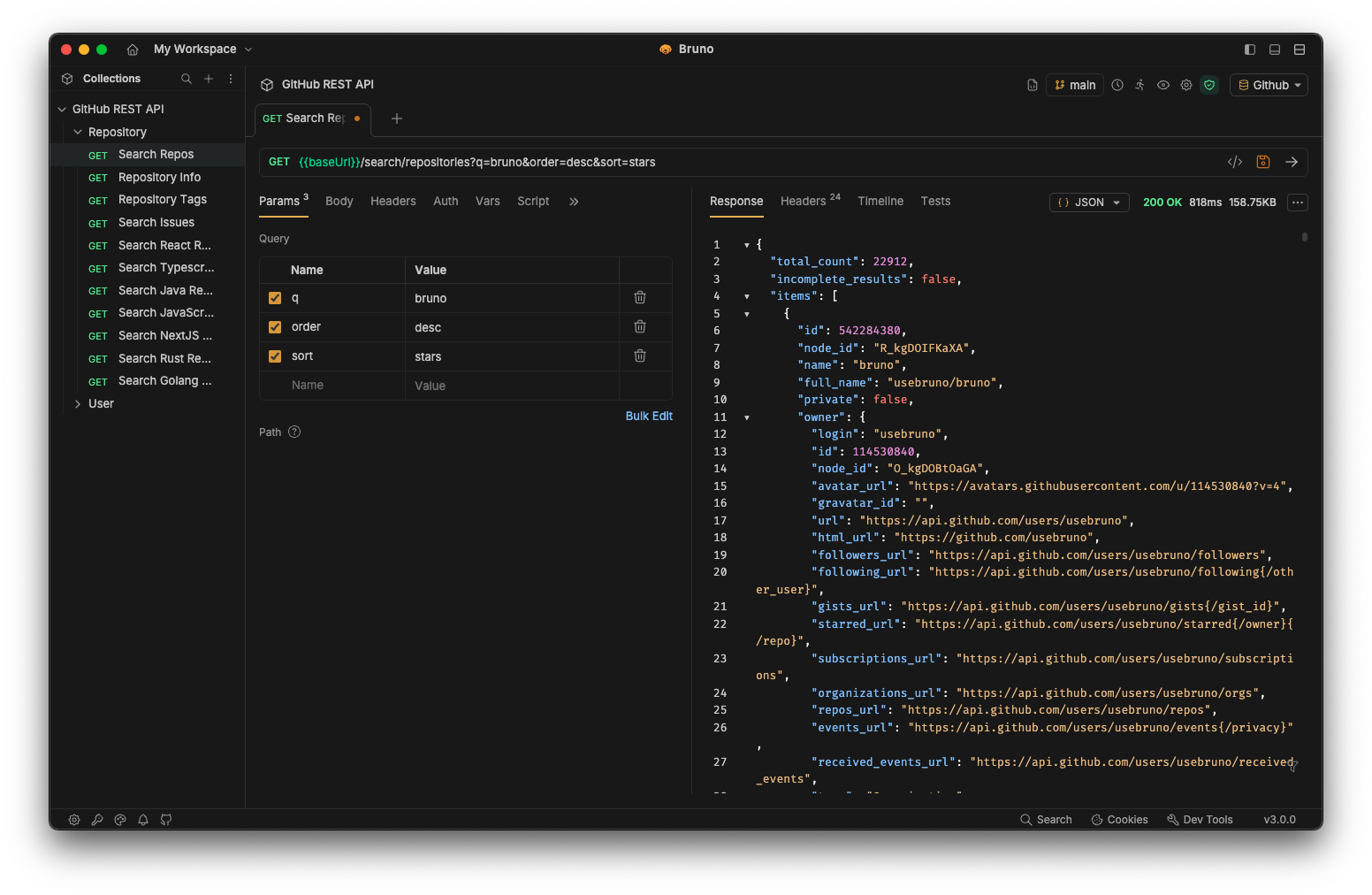

Bruno is a free, open source api development & testing project written in JavaScript and released under MIT. It has 47,022 GitHub stars, 2,888 forks and 1,831 open issues, and was last pushed 12 hours ago. On this registry it ranks #3 of 103 tracked projects in API Development & Testing, and is listed as an open source replacement for 1 paid product, with 5 head-to-head comparisons available. It gained 107 stars over the last 6 tracked days.

Bruno — Lightweight, fast, and open-source API client for developers

What is Bruno?

Bruno is a lightweight, open-source API client and IDE for exploring and testing APIs, built for developers and teams who want their request collections stored as plain text in a folder on their own filesystem rather than in a vendor's cloud.

What it is

Bruno is an API client written in JavaScript and released under the MIT licence, positioned by its maintainers as the open alternative to Postman. It lives in the API development and testing ecosystem, and it replaces the cloud-synced, account-bound API client with a local desktop application whose state is a directory of files. Collections are saved directly to the filesystem, and request information is stored in Bru, a plain text markup language. Because the collection is just files, any version control system can be used to track and share it; the README highlights Git specifically.

The concrete problem Bruno solves is data ownership and collaboration friction in API work. In the workflow it targets, request definitions live inside a proprietary cloud service, which makes them hard to diff, hard to review in a pull request, and dependent on a vendor account. Bruno moves those definitions onto disk in a text format that diffs cleanly, so a team can branch, review, and merge changes to its API collections the same way it treats application code. Bruno is offline-only, and the README states there are no plans to add cloud sync at any point.

Key capabilities

  • Collections stored in a folder on the filesystem, with request data saved in the Bru plain text markup language.
  • Collaboration through Git or any version control system of choice, since collections are ordinary files.
  • Offline-only operation with no cloud sync, by explicit design decision stated in the README.
  • A Bruno CLI for running collections outside the desktop application.
  • Docker support, documented under "Run with Docker" in the README's table of contents.
  • Protocol and specification coverage indicated by its topics: REST APIs, GraphQL via graphql-client, HTTP via http-client, and OpenAPI and OpenAPI 3.
  • Automation support, listed among the project's topics alongside api-testing.

Who uses it and how

  • Individual developers who want an API client that keeps request history and secrets on their own device instead of in a hosted account.
  • Teams that already review application code in Git and want API collection changes to flow through the same pull request and review process.
  • Engineers on Mac, Windows, and Linux, since the project ships across multiple platforms and is distributed through the package managers for each.
  • CI and scripting workflows that invoke the Bruno CLI against a repository of Bru collections rather than a GUI.
  • Organisations with data privacy or network-isolation requirements, given the offline-only design and the absence of any cloud-sync path.

Getting started

Bruno is distributed as a binary download from usebruno.com/downloads for Mac, Windows, and Linux, and is installable through package managers including Homebrew (brew install bruno), Chocolatey (choco install bruno), Scoop, winget (winget install Bruno.Bruno), Snap (snap install bruno), Flatpak (flatpak install com.usebruno.Bruno), AUR, and Apt. Running it in Docker is covered in the README, and the Bruno CLI provides the non-GUI entry point.

How it compares

The registry lists Postman as the paid product Bruno positions itself against as an open alternative. Bruno is MIT-licensed, where the README characterises the majority of its features as free and open source, with optional paid versions offered for additional features rather than as the only way to use the tool. On data ownership the contrast is explicit: Bruno stores collections in a local folder under the user's own version control and is offline-only with no cloud sync planned, which is the opposite of the account-hosted model that motivated the project in the first place.

When to use it — and when not to

A self-hoster must operate their own version control for any team collaboration, because there is no hosted sync option and the README rules one out permanently; whoever wants shared collections will need a Git remote or equivalent. Some functionality sits behind the paid versions, so teams that need those specific features should check the pricing page before standardising on the free build. The repository also carries a large open-issue count of 1,831 alongside a recent push, which suggests an active but heavily loaded tracker — worth weighing if the project is on a critical path.

project readme (upstream, from github) — read inline

Bruno - Opensource IDE for exploring and testing APIs.


GitHub version CI Commit Activity X Website Download

English | Українська | Русский | Türkçe | Deutsch | Français | Português (BR) | 한국어 | বাংলা | Español | Italiano | Română | Polski | 简体中文 | 正體中文 | العربية | 日本語 | ქართული | Nederlands | فارسی

Bruno is a new and innovative API client, aimed at revolutionizing the status quo represented by Postman and similar tools out there.

Bruno stores your collections directly in a folder on your filesystem. We use a plain text markup language, Bru, to save information about API requests.

You can use Git or any version control of your choice to collaborate over your API collections.

Bruno is offline-only. There are no plans to add cloud-sync to Bruno, ever. We value your data privacy and believe it should stay on your device. Read our long-term vision here

Download Bruno

📢 Watch our recent talk at India FOSS 3.0 Conference here
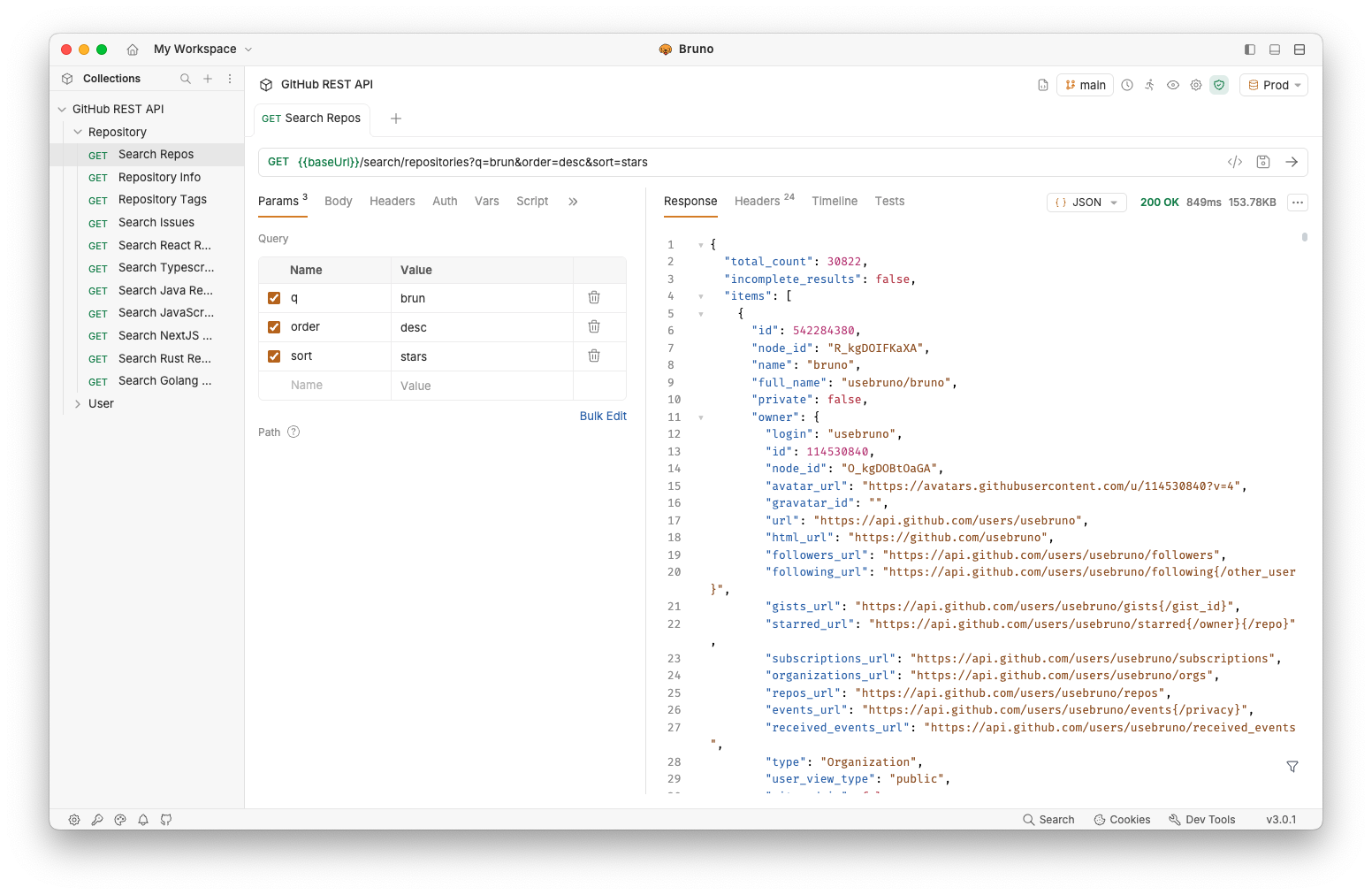
bruno bruno

Commercial Versions ✨

Majority of our features are free and open source. We strive to strike a harmonious balance between open-source principles and sustainability

You can explore our paid versions to see if there are additional features that you or your team may find useful!

Table of Contents

Installation

Bruno is available as binary download on our website for Mac, Windows and Linux.

You can also install Bruno via package managers like Homebrew, Chocolatey, Scoop, Snap, Flatpak and Apt.

# On Mac via Homebrew
brew install bruno

# On Windows via Chocolatey
choco install bruno

# On Windows via Scoop
scoop bucket add extras
scoop install bruno

# On Windows via winget
winget install Bruno.Bruno

# On Linux via Snap
snap install bruno

# On Linux via Flatpak
flatpak install com.usebruno.Bruno

# On Arch Linux via AUR
yay -S bruno

# On Linux via Apt
sudo mkdir -p /etc/apt/keyrings
sudo apt update && sudo apt install gpg curl
curl -fsSL "https://keyserver.ubuntu.com/pks/lookup?op=get&search=0x9FA6017ECABE0266" \
  | gpg --dearmor \
  | sudo tee /etc/apt/keyrings/bruno.gpg > /dev/null
sudo chmod 644 /etc/apt/keyrings/bruno.gpg
echo "deb [arch=amd64 signed-by=/etc/apt/keyrings/bruno.gpg] http://debian.usebruno.com/ bruno stable" \
  | sudo tee /etc/apt/sources.list.d/bruno.list
sudo apt update && sudo apt install bruno

Bruno CLI

The Bruno CLI lets you run your API collections from the command line, which is ideal for automated testing and CI/CD pipelines. Install it from npm using the package manager of your choice:

npm install -g @usebruno/cli

Navigate to the directory containing your collection and run it:

# Run every request in the collection
bru run

# Run a single request
bru run request.bru

# Run a folder against a specific environment
bru run folder --env Local

For the full command reference, see the Bruno CLI documentation.

Run with Docker

Official Docker images for the Bruno CLI let you run API collections in CI/CD pipelines and locally without installing Node.js or npm on the host. Images are published to both Docker Hub and the GitHub Container Registry on every CLI release, with alpine and debian variants for linux/amd64 and linux/arm64.

# Pull from Docker Hub
docker pull usebruno/cli:latest

# Or pull from the GitHub Container Registry
docker pull ghcr.io/usebruno/cli:latest

# Run a collection by mounting the current directory
docker run -v $(pwd):/bruno usebruno/cli run

For variants, tag matrix, environment files, and CI examples (GitHub Actions, GitLab CI, Jenkins), see the full Bruno CLI Docker documentation.

Features

Run across multiple platforms 🖥️
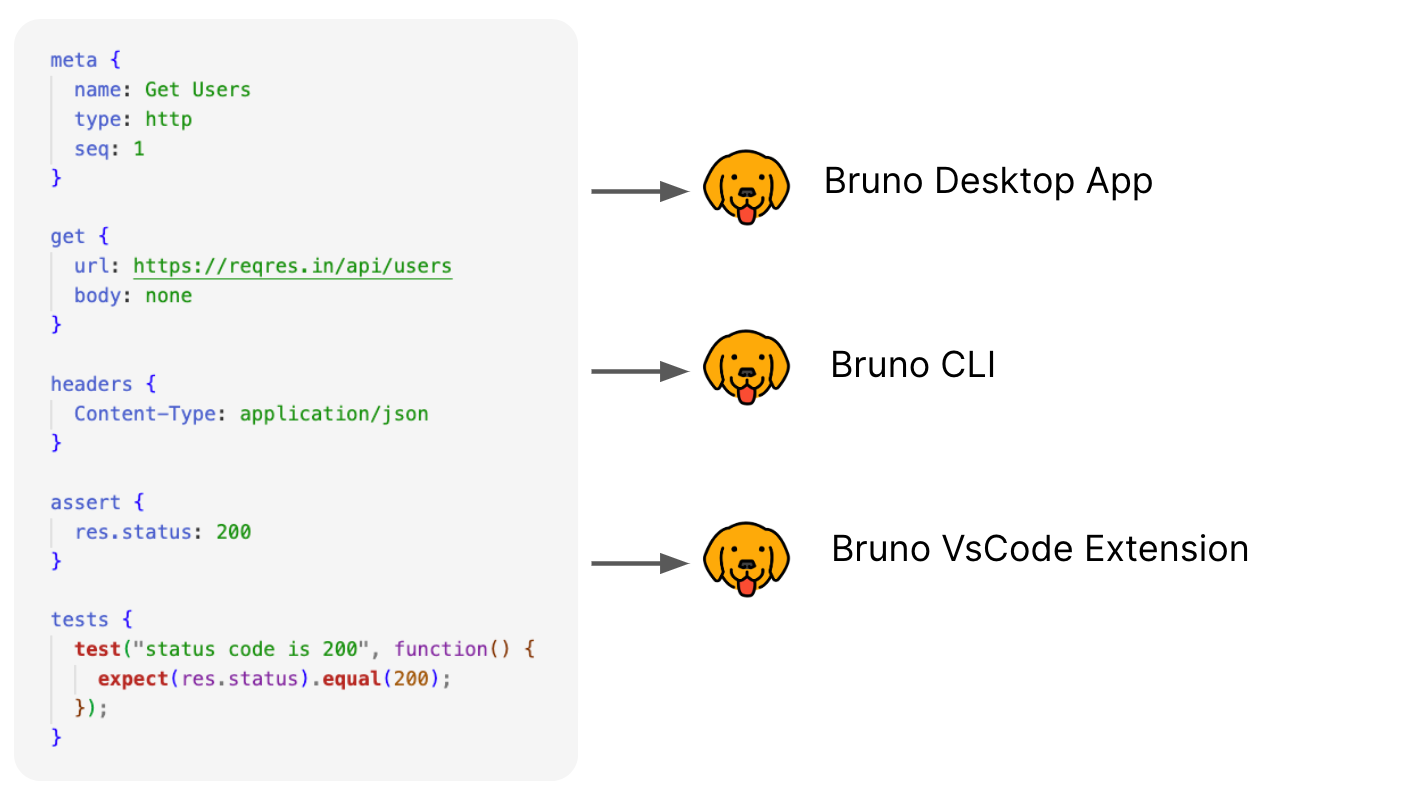
bruno

Collaborate via Git 👩‍💻🧑‍💻

Or any version control system of your choice
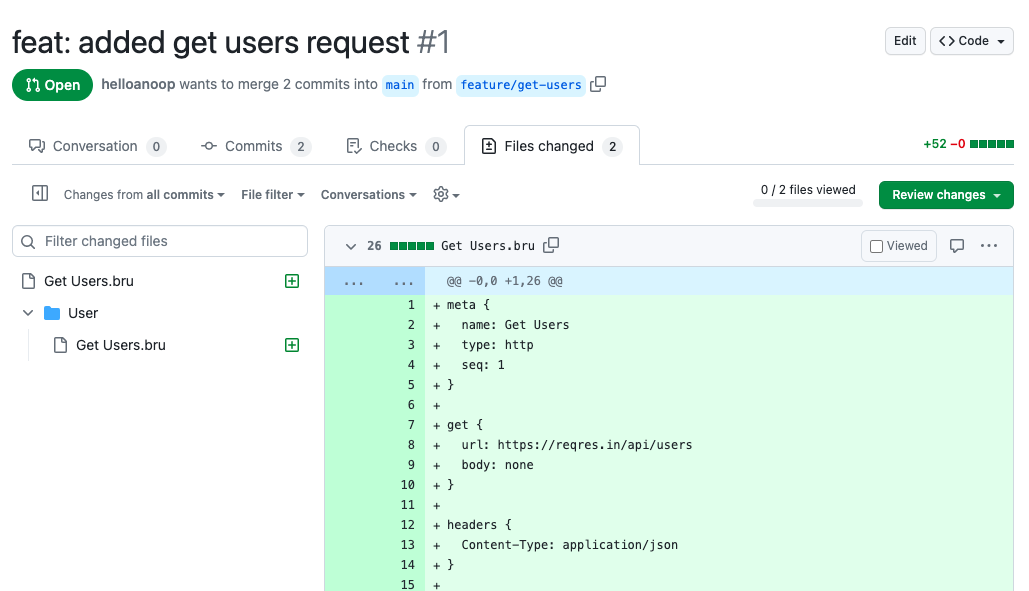
bruno

Important Links 📌

Showcase 🎥

Share Testimonials 📣

If Bruno has helped you at work and your teams, please don't forget to share your testimonials on our GitHub discussion

Publishing to New Package Managers

Please see here for more information.

Stay in touch 🌐

𝕏 (Twitter)
Website
Discord
LinkedIn

Trademark

Name

Bruno is a trademark held by Anoop M D

Logo

The logo is sourced from OpenMoji. License: CC BY-SA 4.0

Contribute 👩‍💻🧑‍💻

I am happy that you are looking to improve bruno. Please check out the contributing guide

Even if you are not able to make contributions via code, please don't hesitate to file bugs and feature requests that needs to be implemented to solve your use case.

Authors

License 📄

MIT

Frequently asked questions

Is Bruno free to use?

Bruno is open source under the MIT licence. There is no licence fee and no seat count — you can self-host it or, where the project offers one, pay a vendor for a managed version instead.

What does Bruno do?

Lightweight, fast, and open-source API client for developers

What is Bruno written in?

Bruno is primarily written in JavaScript. Its source is publicly available at https://github.com/usebruno/bruno, and it has 47,022 GitHub stars.

What is a good open source alternative to Postman?

Bruno is one of the open source options listed as an alternative to Postman. Compare licences, stars and activity side by side on the Bruno profile.