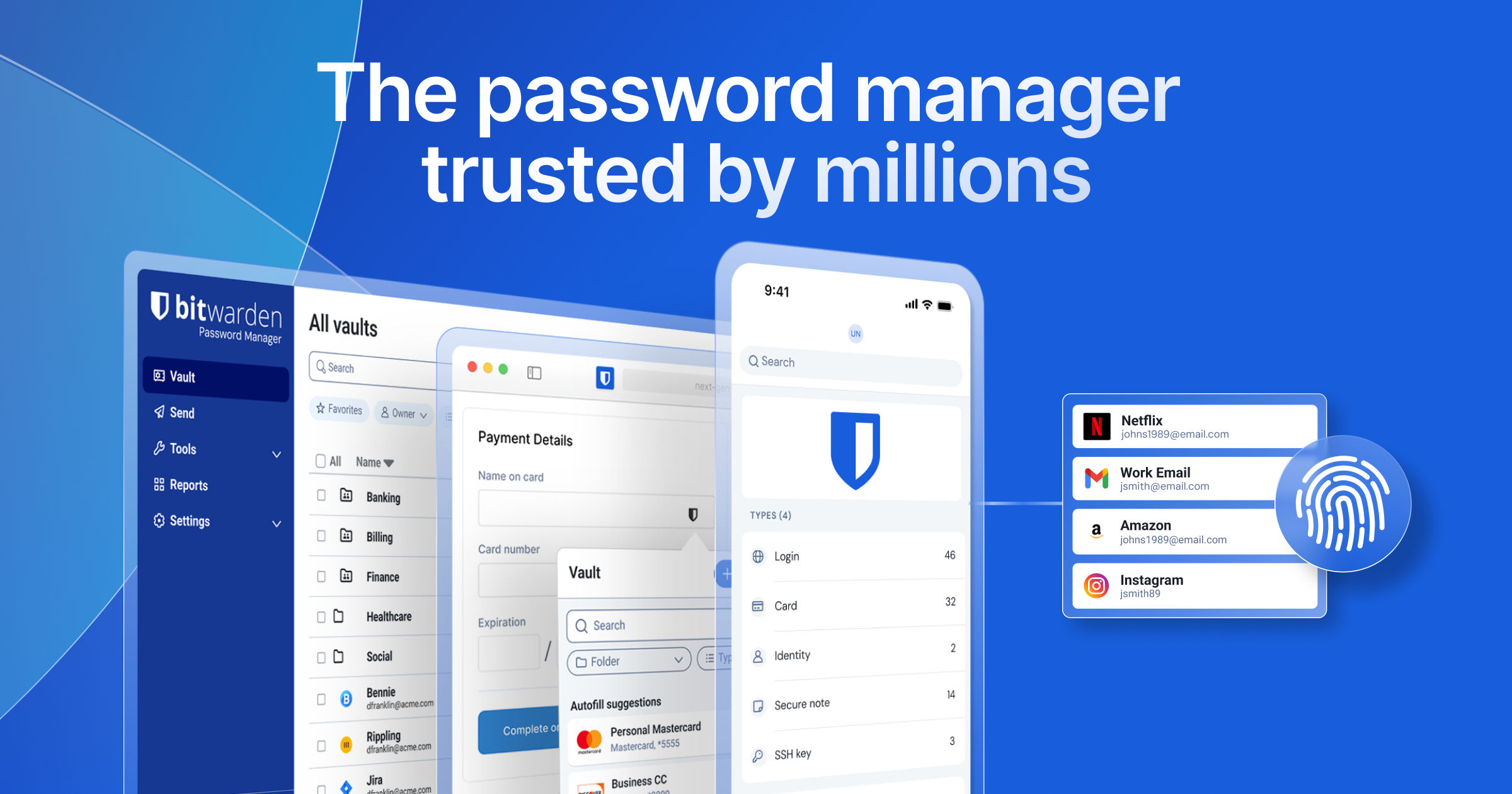
Bitwarden is a free, open source password & secret management project written in C# and released under a custom open-source licence. It has 20,156 GitHub stars, 1,772 forks and 230 open issues, and was last pushed 4 hours ago. On this registry it ranks #2 of 7 tracked projects in Password & Secret Management, and is listed as an open source replacement for 2 paid products, with 5 head-to-head comparisons available. It gained 30 stars over the last 6 tracked days.

Bitwarden — Secure password management for individuals and businesses

What is Bitwarden?

What it is

Bitwarden Server is the backend infrastructure for Bitwarden client applications, and it lives in the .NET ecosystem. The repository contains the APIs, database, and core services that support secure password management for individuals and businesses.

The project solves the concrete problem of running the server side of a password manager. It provides the service layer that clients need for identity, administration, billing, events, notifications, SSO, and SCIM, while storing its server-side data in SQL Server.

Key capabilities

  • Supplies the API, database, and core backend services that Bitwarden client applications require.
  • Runs on Windows, macOS, and Linux through C#, .NET Core, and ASP.NET Core.
  • Uses T-SQL and SQL Server as the database layer for server-side records.
  • Provides production container services for Admin, API, Billing, Events, EventsProcessor, Identity, Notifications, SCIM, and SSO.
  • Supports self-hosted installation with Docker and Docker Compose through provided Bash and PowerShell scripts.

Who uses it and how

  • Individuals and businesses that need secure password management can run this backend for the Bitwarden client ecosystem.
  • Teams deploying on-premise or self-hosted infrastructure use Docker containers and scripts to install and start the service.
  • Organizations that need SSO and SCIM can use the corresponding production container services listed in the README.
  • Developers working on the backend can build, run, and deploy the codebase across Windows, macOS, and Linux.
  • Operators can run events and notification services through the Events, EventsProcessor, and Notifications services shown in the production image table.

Getting started

Typical self-hosted deployment uses Docker and Docker Compose on Windows, macOS, or Linux, with provided Bash or PowerShell scripts that download bitwarden.sh or bitwarden.ps1, run install, then run start. The Bitwarden container images are published on the GitHub Container Registry for deployment.

When to use it — and when not to

Use it when an open alternative to 1Password or LastPass fits a team that can operate its own backend, because the project positions itself that way and provides self-hosted Docker deployment. Avoid it when a team does not want to run SQL Server, Docker Compose, and the listed service containers such as Identity, API, Notifications, SSO, and SCIM. The repository metadata lists license as NOASSERTION and contributors as 0, which leaves licensing and attribution unclear from the provided facts.

project readme (upstream, from github) — read inline

Bitwarden

Github Workflow build on main


The Bitwarden Server project contains the APIs, database, and other core infrastructure items needed for the "backend" of all bitwarden client applications.

The server project is written in C# using .NET Core with ASP.NET Core. The database is written in T-SQL/SQL Server. The codebase can be developed, built, run, and deployed cross-platform on Windows, macOS, and Linux distributions.

Developer Documentation

Please refer to the Server Setup Guide in the Contributing Documentation for build instructions, recommended tooling, code style tips, and lots of other great information to get you started.

Deploy

docker

You can deploy Bitwarden using Docker containers on Windows, macOS, and Linux distributions. Use the provided PowerShell and Bash scripts to get started quickly. Find all of the Bitwarden images on GitHub Container Registry.

Full documentation for deploying Bitwarden with Docker can be found in our help center at: https://help.bitwarden.com/article/install-on-premise/

Requirements

These dependencies are free to use.

Linux & macOS

curl -s -L -o bitwarden.sh \
    "https://func.bitwarden.com/api/dl/?app=self-host&platform=linux" \
    && chmod +x bitwarden.sh
./bitwarden.sh install
./bitwarden.sh start

Windows

Invoke-RestMethod -OutFile bitwarden.ps1 `
    -Uri "https://func.bitwarden.com/api/dl/?app=self-host&platform=windows"
.\bitwarden.ps1 -install
.\bitwarden.ps1 -start

Production Container Images

View Current Production Image Hashes (click to expand)

US Production Cluster

Service Image Hash
Admin admin
API api
Billing billing
Events events
EventsProcessor eventsprocessor
Identity identity
Notifications notifications
SCIM scim
SSO sso

EU Production Cluster

Service Image Hash
Admin admin
API api
Billing billing
Events events
EventsProcessor eventsprocessor
Identity identity
Notifications notifications
SCIM scim
SSO sso

We're Hiring!

Interested in contributing in a big way? Consider joining our team! We're hiring for many positions. Please take a look at our Careers page to see what opportunities are currently open as well as what it's like to work at Bitwarden.

Contribute

Code contributions are welcome! Please commit any pull requests against the main branch. Learn more about how to contribute by reading the Contributing Guidelines. Check out the Contributing Documentation for how to get started with your first contribution.

Security audits and feedback are welcome. Please open an issue or email us privately if the report is sensitive in nature. You can read our security policy in the SECURITY.md file. We also run a program on HackerOne.

No grant of any rights in the trademarks, service marks, or logos of Bitwarden is made (except as may be necessary to comply with the notice requirements as applicable), and use of any Bitwarden trademarks must comply with Bitwarden Trademark Guidelines.

Do

readme truncated — read the full docs on github

Frequently asked questions

Is Bitwarden free to use?

Bitwarden is open source. There is no licence fee and no seat count — you can self-host it or, where the project offers one, pay a vendor for a managed version instead.

What does Bitwarden do?

Secure password management for individuals and businesses

What is Bitwarden written in?

Bitwarden is primarily written in C#. Its source is publicly available at https://github.com/bitwarden/server, and it has 20,156 GitHub stars.

What is a good open source alternative to 1Password?

Bitwarden is one of the open source options listed as an alternative to 1Password, LastPass. Compare licences, stars and activity side by side on the Bitwarden profile.

















