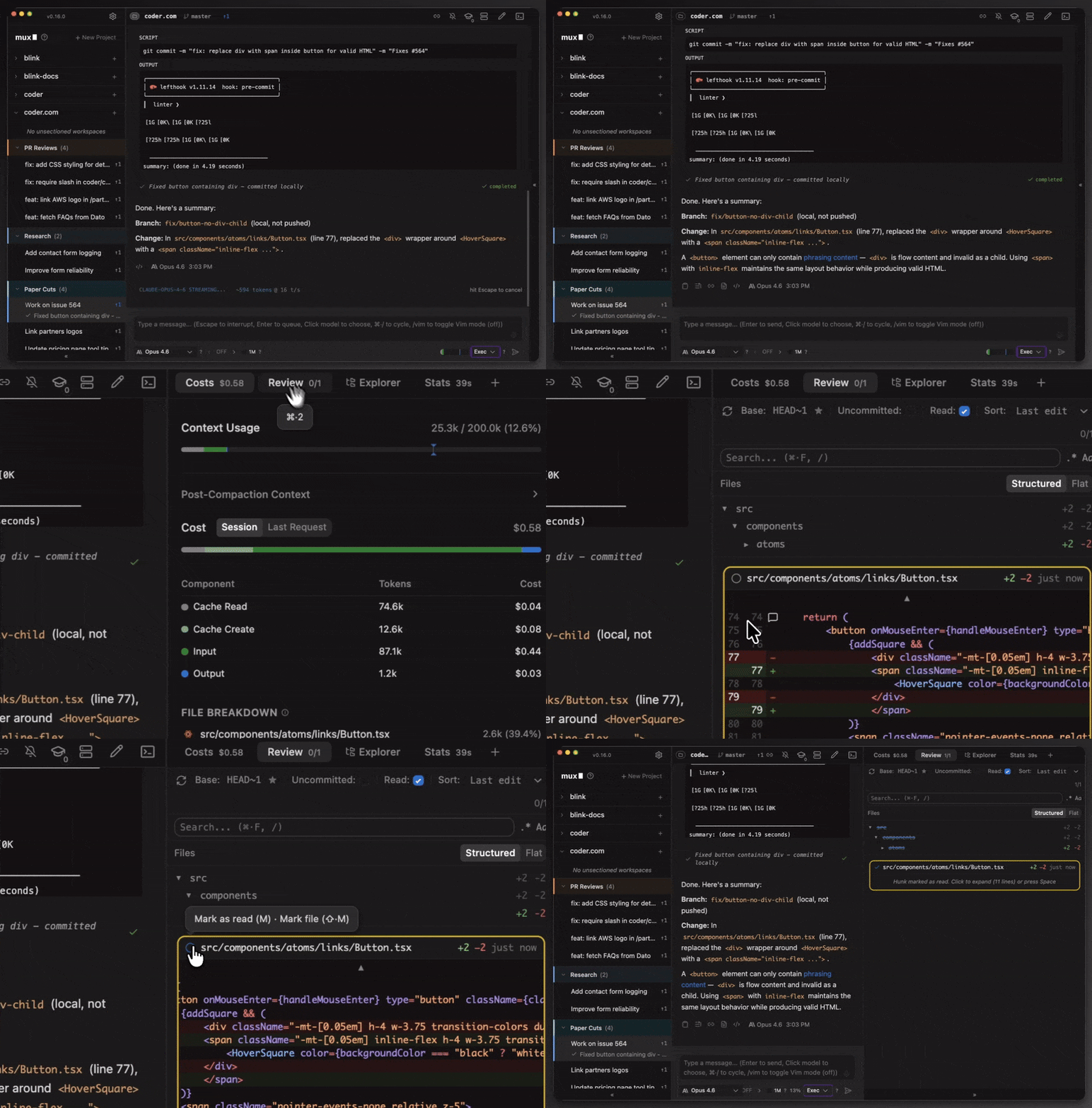
Xum is a desktop application and coding agent multiplexer for developers who want to run many AI coding agents in parallel across isolated workspaces, with runtimes that span a local project directory, git worktrees on the same machine, and remote execution over SSH.
What it is
Xum is an open-source, TypeScript desktop application in the Developer Tools / IDEs & Code Editors category, published under the AGPL-3.0 by Coder Technologies, Inc. It was renamed from Mux to Xum after Mux.com raised a trademark concern; the project chose to rename rather than continue the dispute, and notes that "Mux" is a common technical abbreviation of "multiplexer". The README describes it as a coding agent multiplexer: it provides isolated workspaces with a central view of git divergence, so several agents can work at once without stepping on each other. It runs its own custom agent loop, with much of the core user experience inspired by Claude Code.
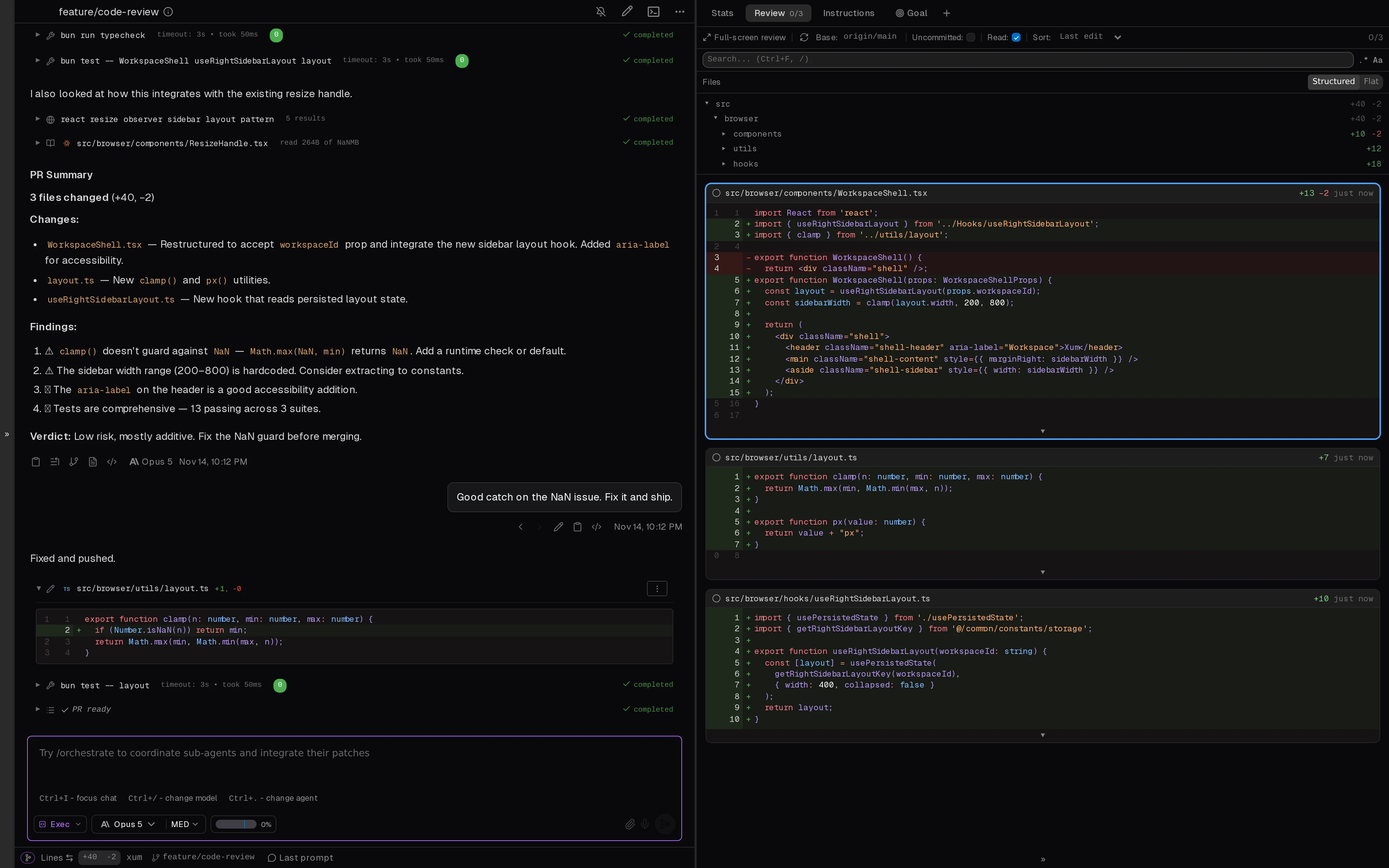
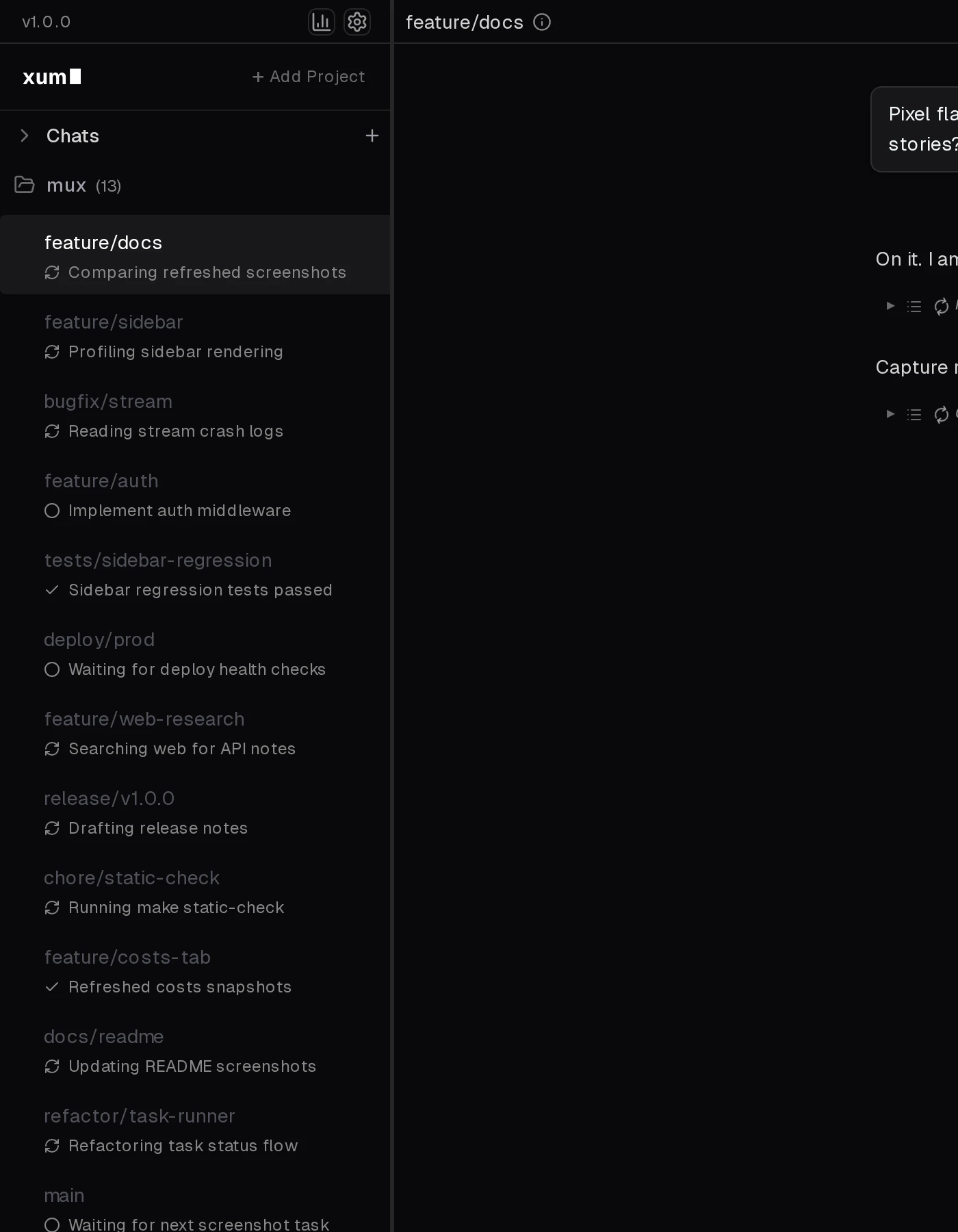
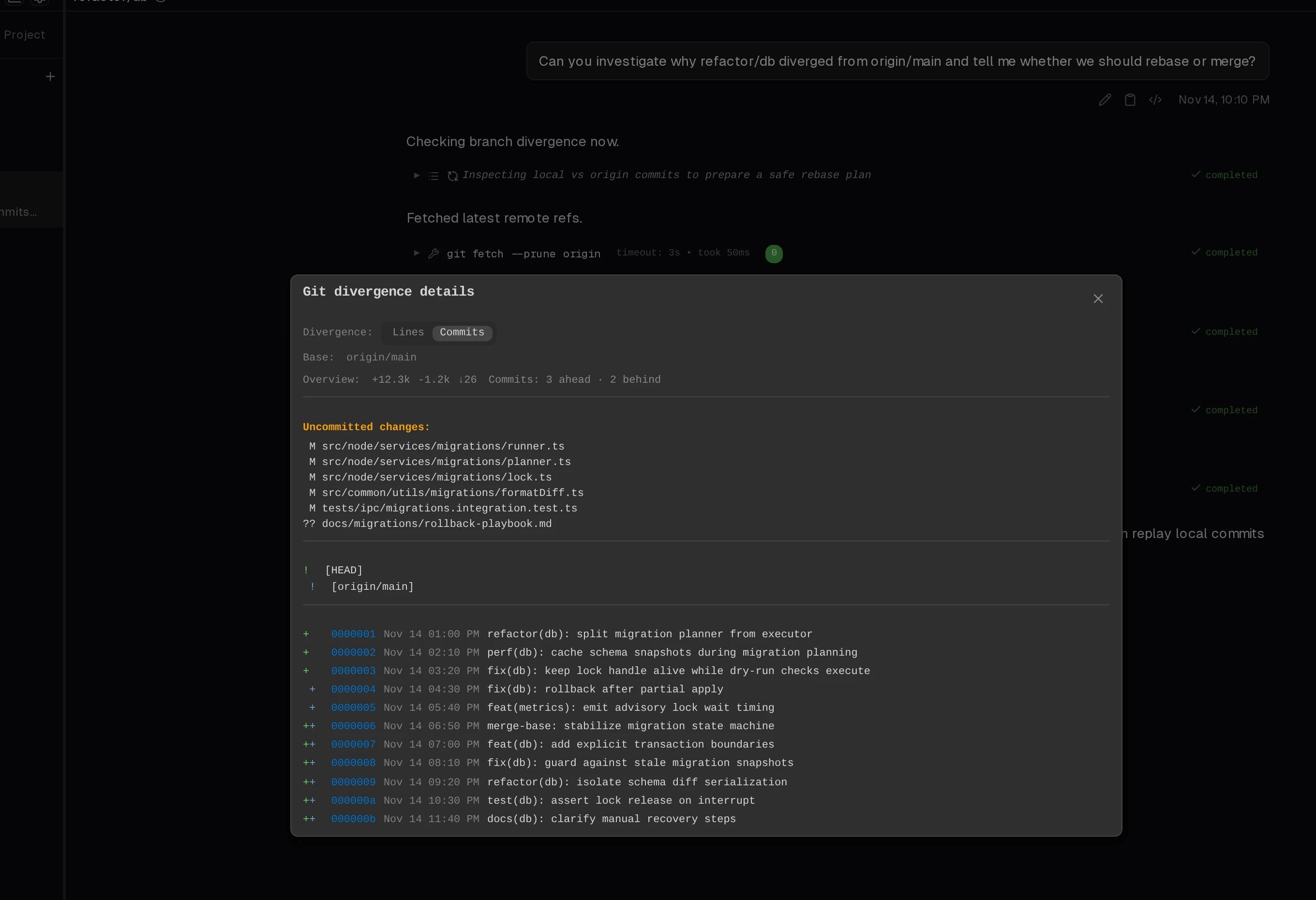
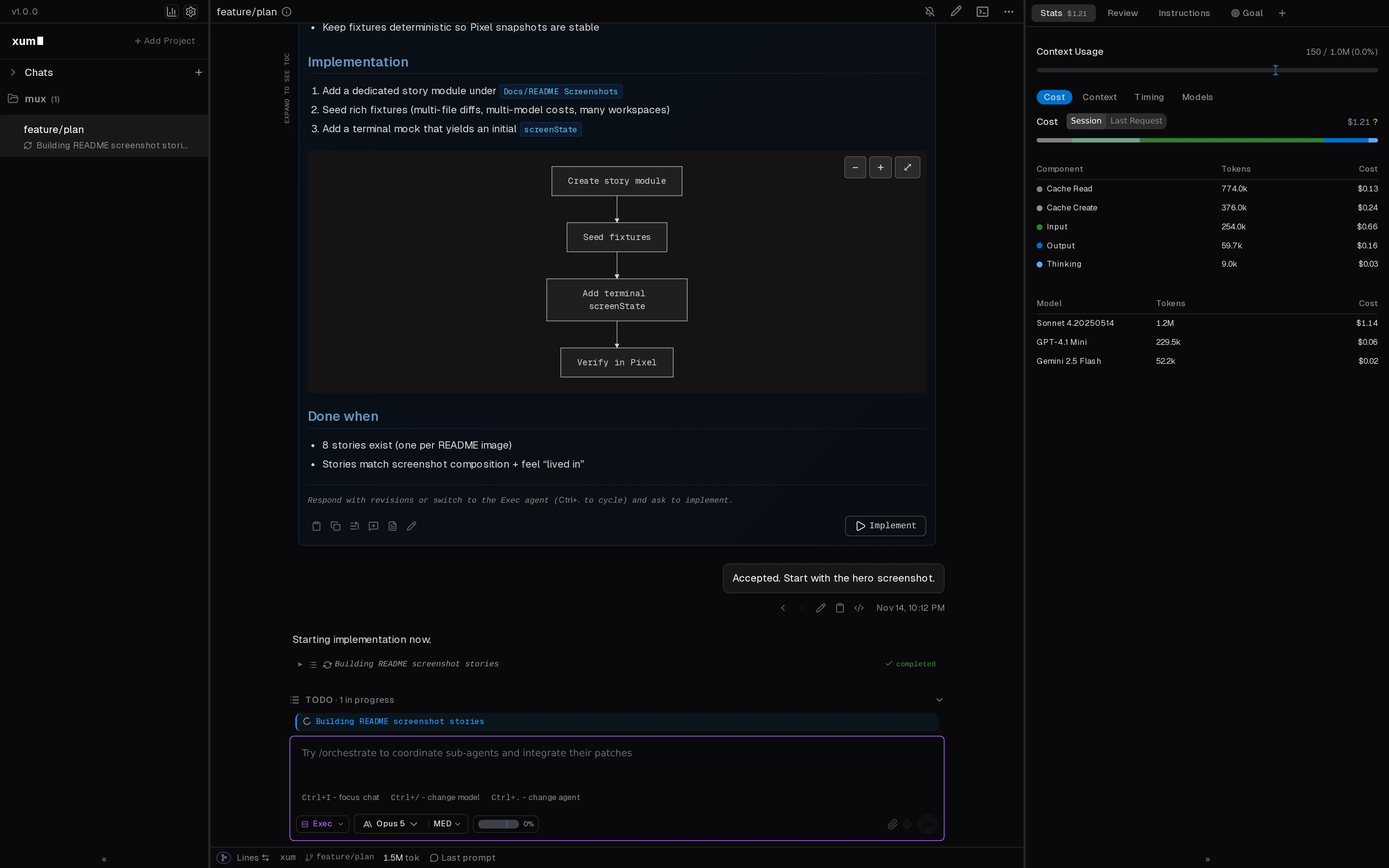
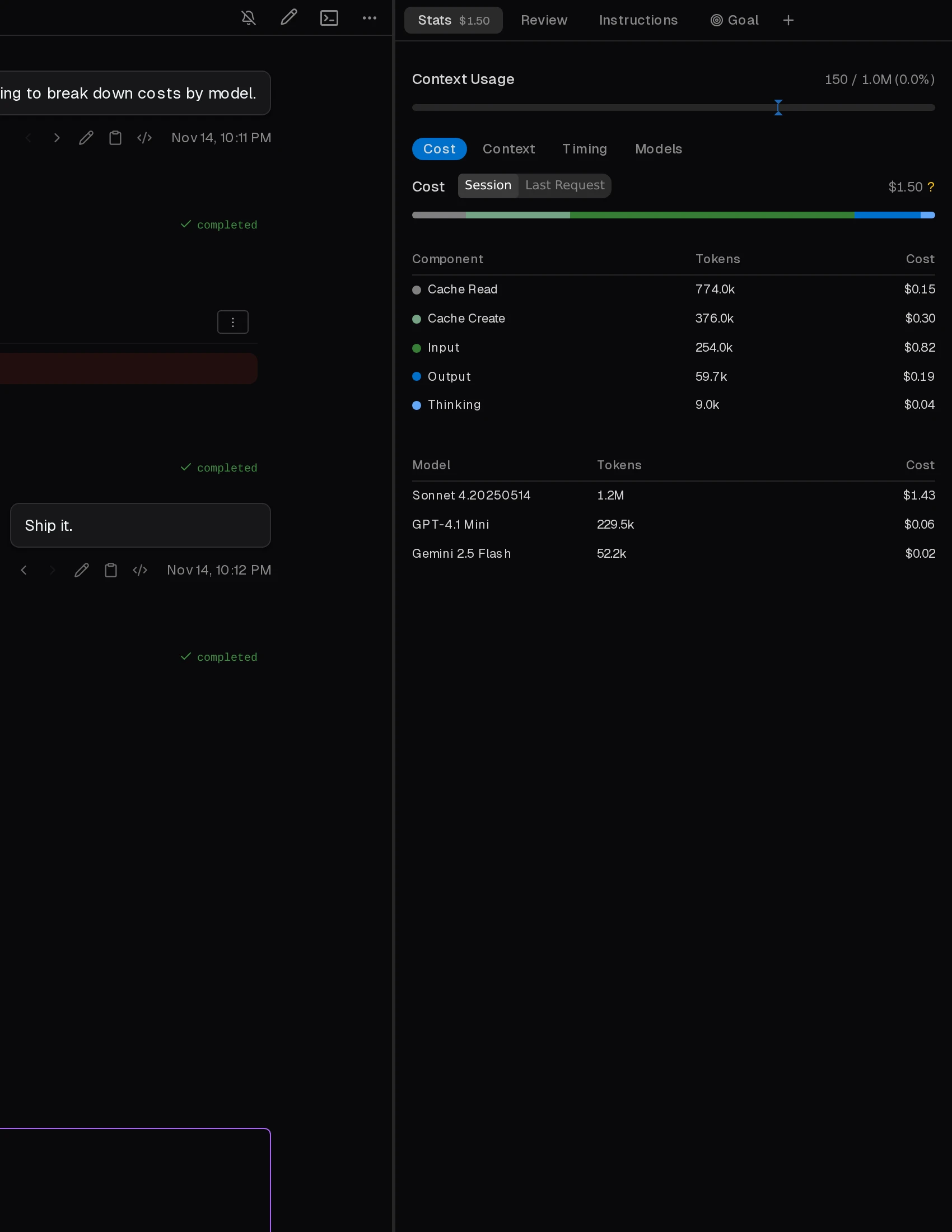
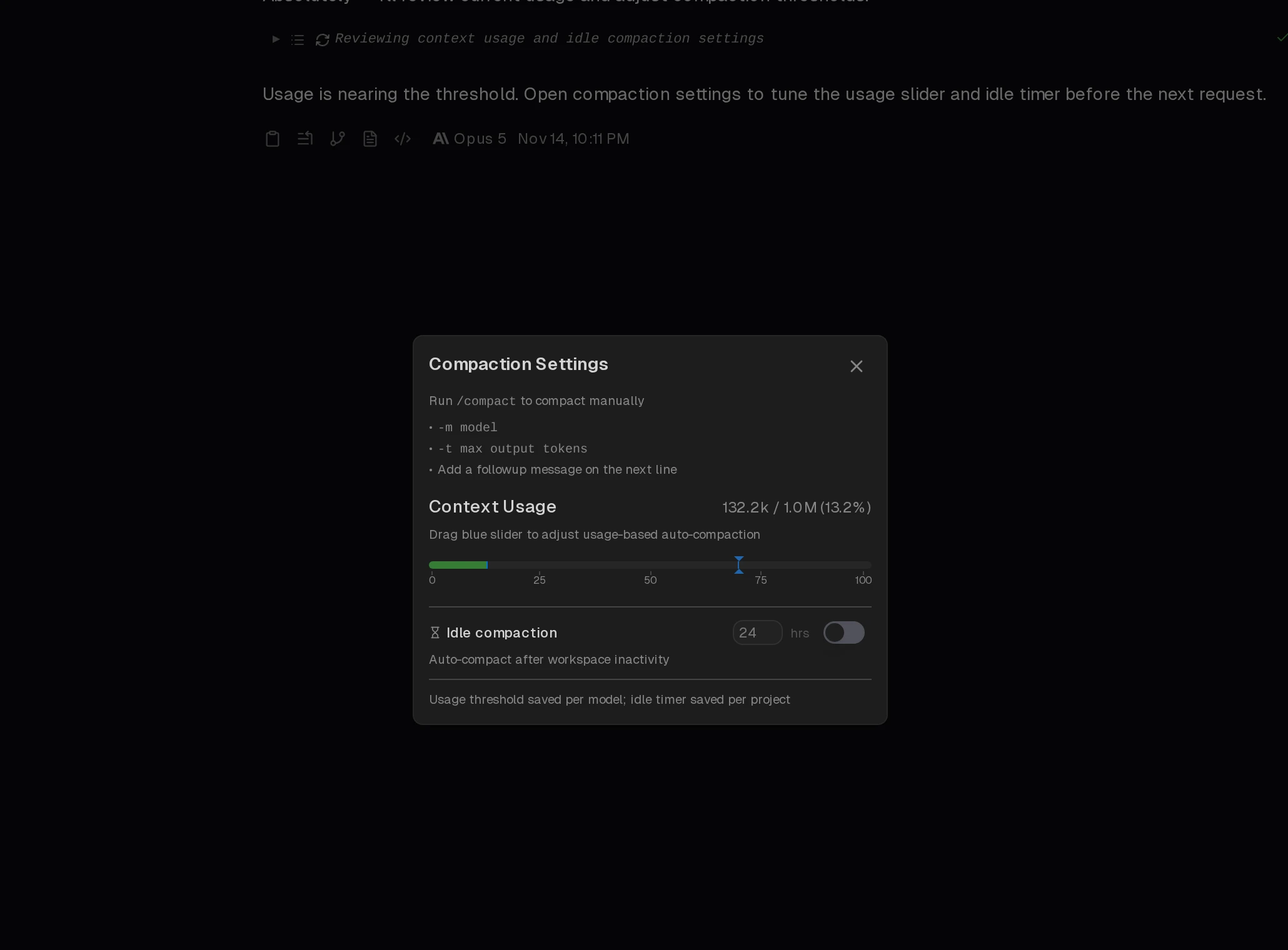
The concrete problem it addresses is collision. Running several agents directly in one project directory means concurrent edits, unclear ownership of changes, and no reliable way to see where each agent has diverged from the others before you merge anything. Xum replaces that single-directory free-for-all with a workspace model: each agent runs in an isolated workspace, and the git divergence UI keeps the resulting changes and potential conflicts visible in one place. It also adds integrated code review so iteration happens inside the app, an agents sidebar reporting status, cost and token consumption tracking, and a context management dialog that gathers compaction controls together.
Key capabilities
- Isolated workspaces with a central view on git divergence, so parallel agents stay separated and their branch divergence stays visible.
- Three runtime modes:
Local runs directly in your project directory, Worktree uses git worktrees on your local machine, and SSH executes remotely on a server over SSH.
- Multi-model support covering
sonnet-4-*, grok-*, gpt-5-*, and opus-4-*, plus Ollama for local LLMs and OpenRouter for the long tail of hosted models.
- VS Code extension that lets developers jump into Xum workspaces directly from the editor.
- Suite management UI and keybinds designed for driving multiple agents at once rather than one session at a time.
- Rich markdown rendering, including mermaid diagrams and LaTeX, for reviewing complex agent proposals.
- Agent loop controls including Plan/Exec mode, vim inputs,
/compact, opportunistic compaction, and mode prompts defined through instruction files.
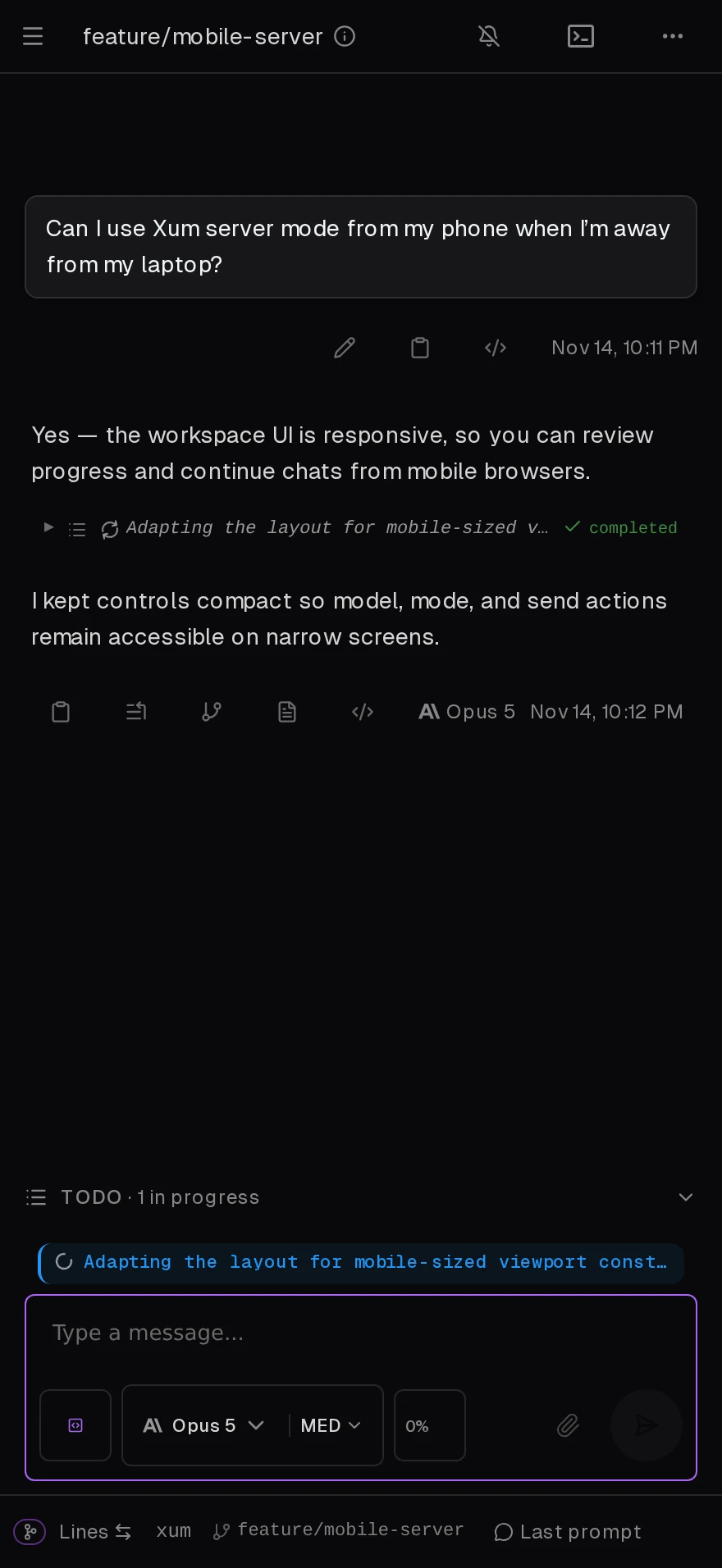
- Server mode with a responsive UI aimed at mobile users.
Who uses it and how
- Individual developers on macOS or Linux who download pre-built binaries and run agents against a single local project.
- Developers working on one repository who use the
Worktree runtime to keep several parallel agent branches apart before review.
- Teams with shared compute who use the
SSH runtime to run agents on a remote server instead of a laptop.
- VS Code users who keep editing in their existing editor and open Xum workspaces for agent work.
- Cost- and privacy-conscious users who point the model configuration at Ollama for local LLMs, or at OpenRouter when a specific model is needed.
- Mobile users of server mode, who get a responsive UI rather than the desktop layout.
Getting started
Download pre-built binaries for macOS and Linux from the releases page, or follow the installation documentation linked from the README. Development setup and contributor guidelines live in AGENTS.md in the repository.
How it compares
Among the tools named in the available facts, Xum sits closest to Claude Code: it ships a custom agent loop and deliberately borrows familiar UX, including Plan/Exec mode, vim inputs, and /compact. Where it diverges is multiplexing — managing a suite of agents across isolated workspaces instead of a single session — and model breadth, supporting several model families alongside Ollama and OpenRouter.
When to use it — and when not to
Choose Xum if you want several agents running concurrently with clear separation and a git divergence view over the results, and you are comfortable on macOS or Linux. Expect to manage more than a single binary: the SSH runtime means a remote server to operate, and the model configuration means API credentials or a local Ollama instance to maintain. Be aware of two evident rough edges — the rename is incomplete in places, with the README, badges, and documentation still pointing at mux.coder.com and github.com/coder/mux/releases while the homepage is xum.coder.com, and the repository carries 490 open issues against roughly 2,054 stars. Windows users, teams that require a permissive licence rather than AGPL-3.0, and anyone who needs a fully settled naming and documentation story should look elsewhere for now.