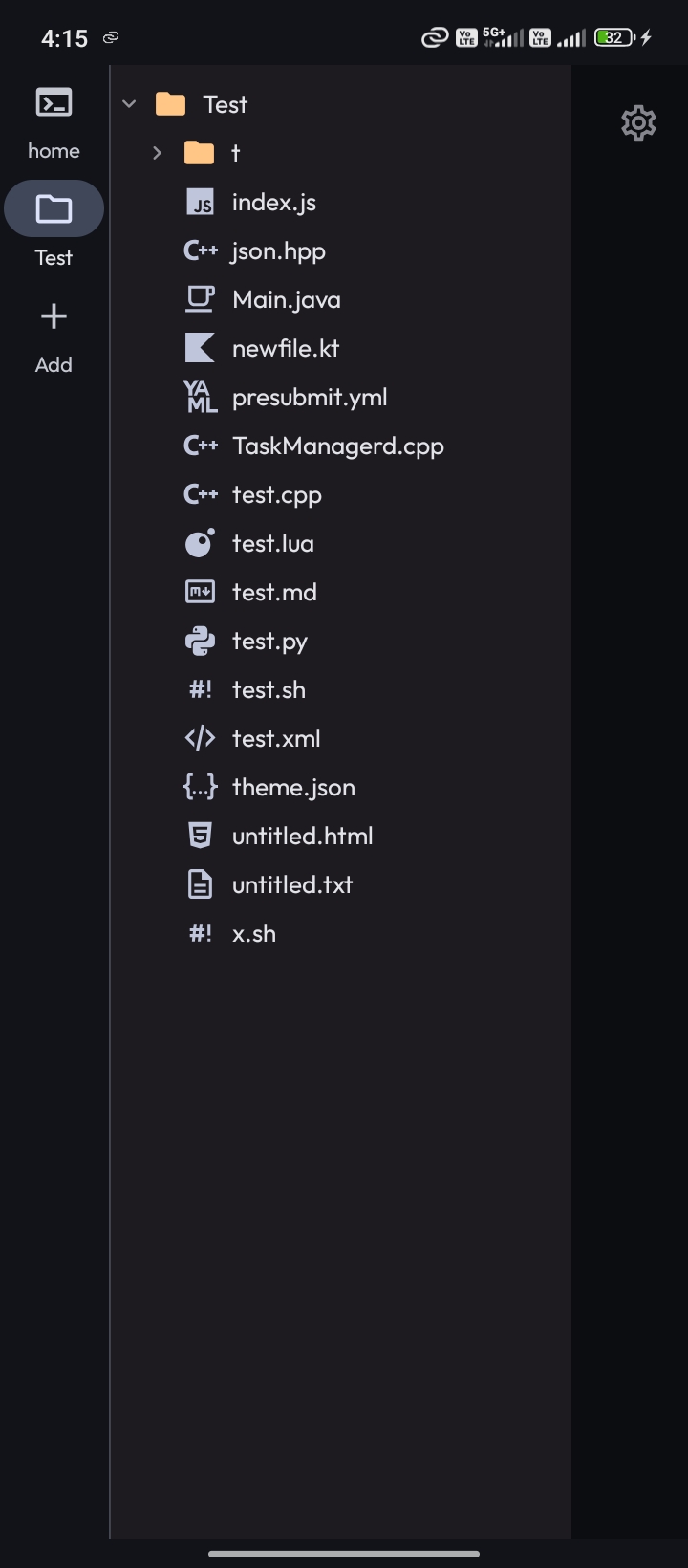
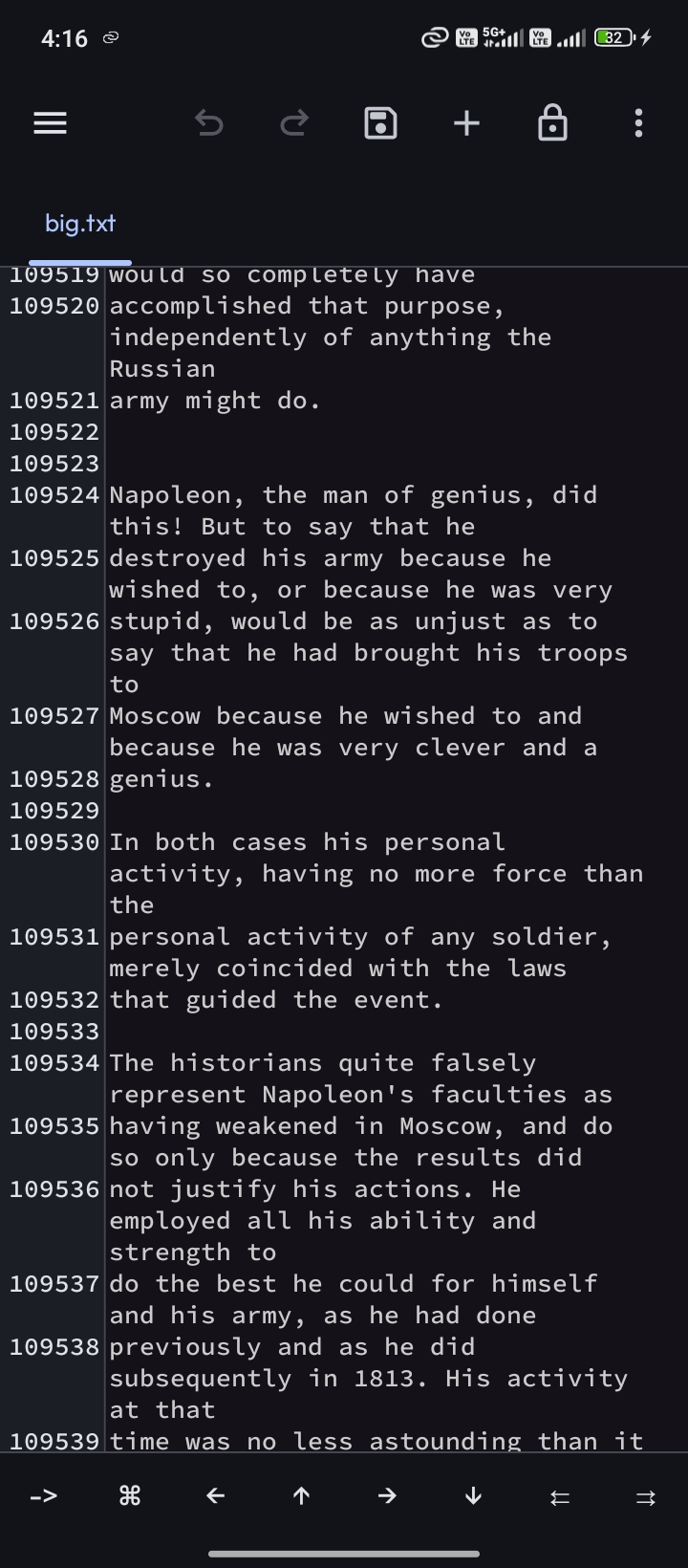
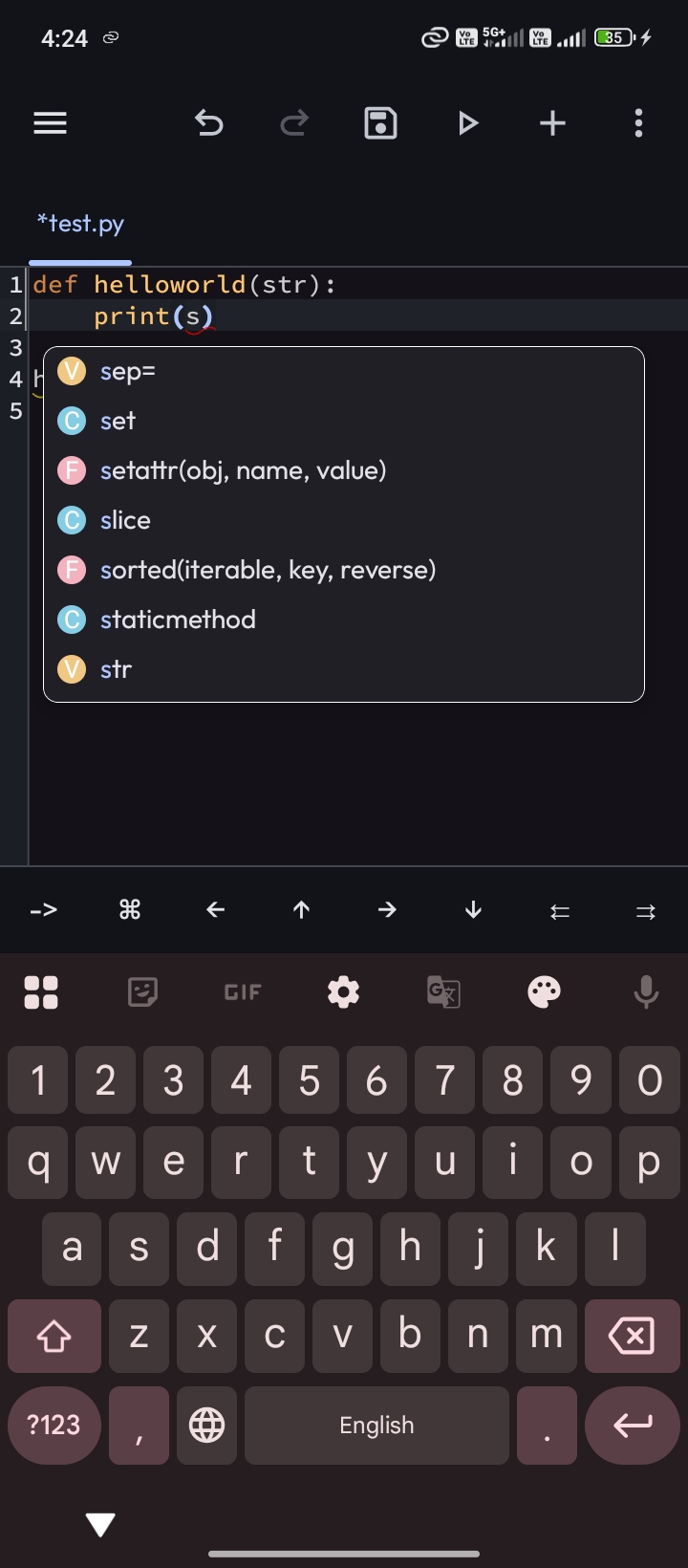
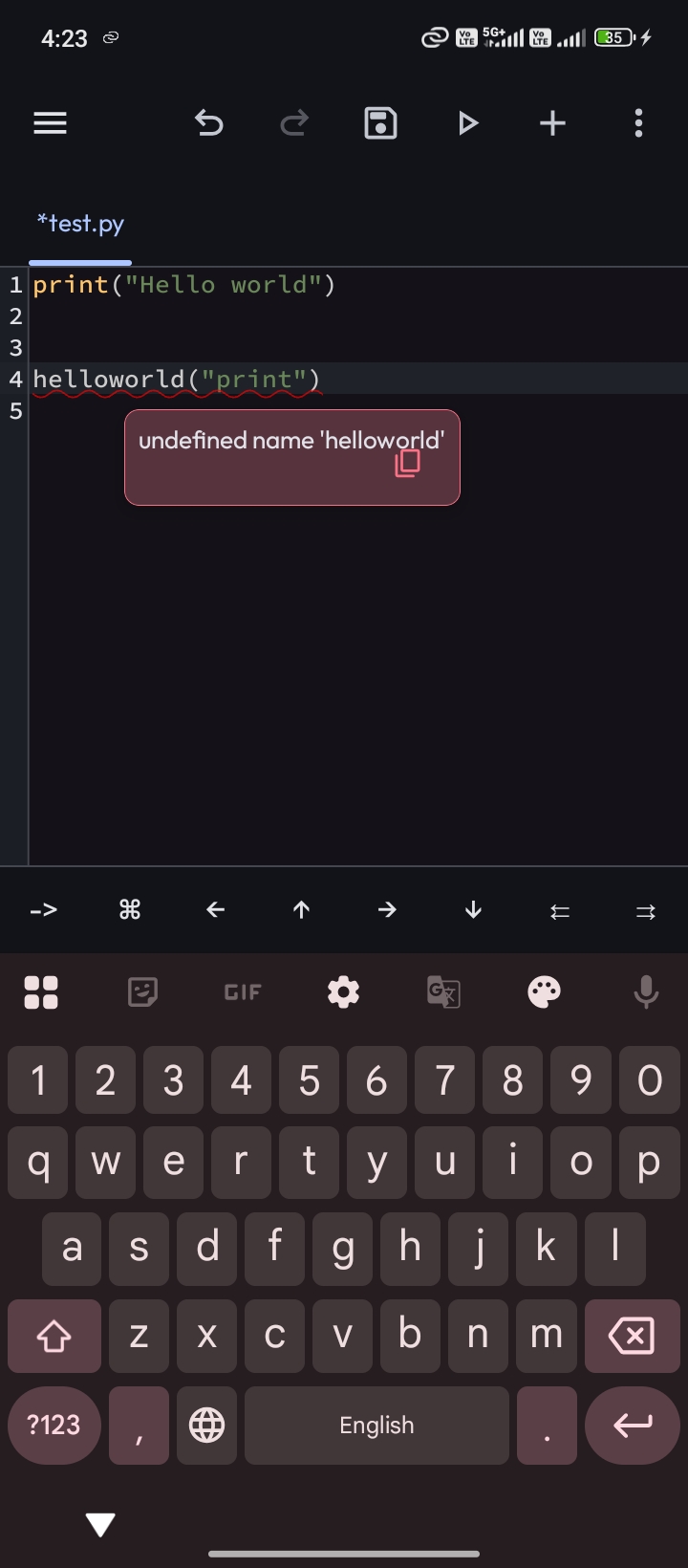
Xed-Editor is a free, GPL-3.0-licensed text and code editor for Android, written in Kotlin, built for developers and power users who want syntax highlighting, LSP-powered code intelligence, a built-in terminal, and extensions on a phone or tablet.
What it is
Xed-Editor is an Android application that positions itself as a versatile and extensible text editor, with a feature set that reaches into mobile IDE territory: syntax highlighting, language-server-protocol-driven code intelligence, a built-in terminal, an extension system, and fast project-wide editing tools. It lives in the Android application ecosystem, distributed through GitHub Releases, F-Droid under the package name com.rk.xededitor, and the IzzyOnDroid repository. The project is developed in Kotlin under the GPL-3.0 licence, carries 2,311 stars and 159 forks on GitHub, and had its most recent push on 2026-09-19.
The concrete problem it solves is editing and navigating real code projects on a device that has no desktop editor. On Android, the default tools for opening a source file are viewers or note applications, and a terminal or language server is normally out of reach without a separate emulator layer. Xed-Editor replaces that patchwork with a single application that combines the editor, the file viewer, the terminal, and code intelligence, and it points its users toward proot-based Android environments rather than requiring them to leave the platform.
Key capabilities
- Syntax highlighting and LSP-powered code intelligence for editing code rather than plain text.
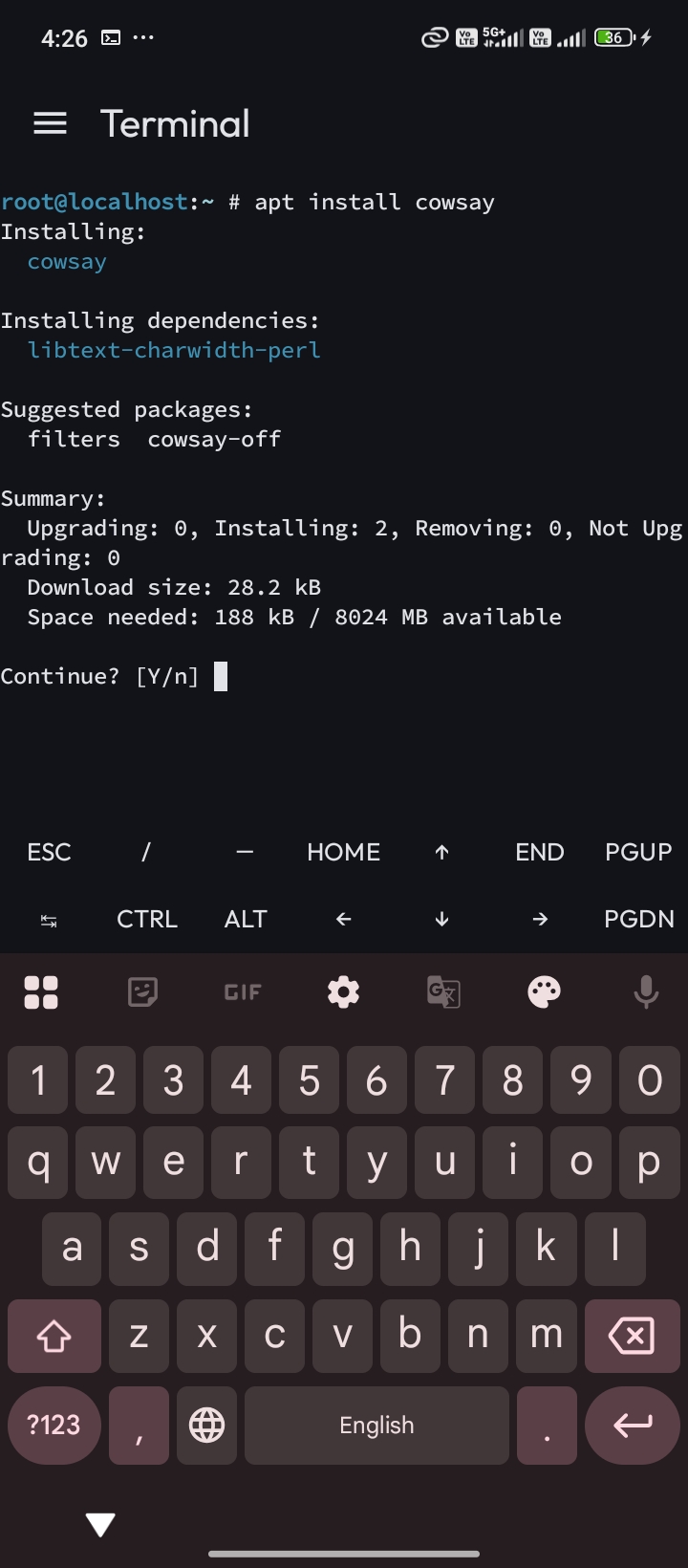
- A built-in terminal inside the editor, so shell work and file editing share one application.
- An extension system, with extensions, themes, and icon packs documented on the official site at
https://xed-editor.app.
- Project-wide tools for fast search and editing across a whole project rather than one file at a time.
- File viewing, reflected in the
fileviewer topic alongside code-editor, codeeditor, and mobile-ide.
- Repository topics
proot, proot-android, and proot-distro, marking it for use alongside PRoot-based Linux environments on Android.
- Community translation through Weblate at
hosted.weblate.org/engage/xed-editor/, plus Discord and Telegram channels for users.
Who uses it and how
- Android developers who need to read, search, and patch a project on a phone or tablet when away from a laptop.
- Users of PRoot and
proot-distro Linux environments who want an editor and terminal on the same Android device.
- Contributors who build the debug APK locally with
./gradlew assembleDebug, producing app/build/outputs/apk/debug/app-debug.apk.
- Contributors without an Android SDK or JDK 21 installed, who build in a container with
DOCKER_BUILDKIT=1 docker build --target export-stage --output ./out ., producing out/debug/app-debug.apk.
- Translators and theme or icon-pack authors working through Weblate and the extension documentation.
Getting started
Install the latest stable build from GitHub Releases or from F-Droid (com.rk.xededitor) or IzzyOnDroid; alpha builds are published as Actions artifacts. To build from source, run ./gradlew assembleDebug with the Android SDK and JDK 21, or use the Docker build described in the README.
How it compares
The facts provide no list of paid products that Xed-Editor replaces, and no comparable editors are named alongside it. On the evidence available, it stands alone in this registry.
When to use it — and when not to
There is no server, database, or mail service to operate here: Xed-Editor is a client application, so the cost of adoption is device-side rather than infrastructure-side. Users who want the newest features must track GitHub Actions artifacts, because alpha builds are not the same channel as Releases, and the repository carries 80 open issues. Anyone who needs a desktop-class IDE, works on iOS, or prefers not to install from F-Droid or sideload an APK should look elsewhere; the README also ties account-related features to the project website, which some users will prefer to avoid.