VvvebJs

Drag and drop page builder javascript library.
Built with Vanilla Js with no dependencies or build tools and Bootstrap 5
Website | Documentation | Forum | Twitter
Live Demo
For a full featured Open Source CMS using VvvebJs page builder check Vvveb CMS
Using Vvveb landing page template for demo page and Bootstrap 5 sections and blocks.
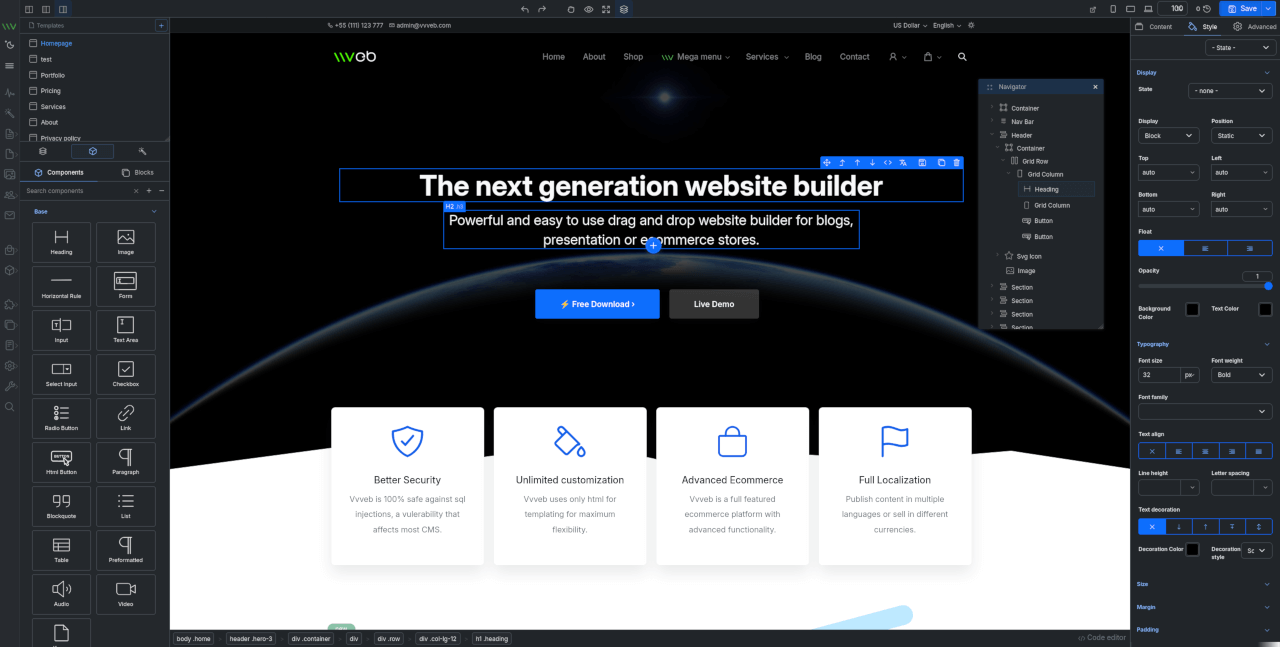
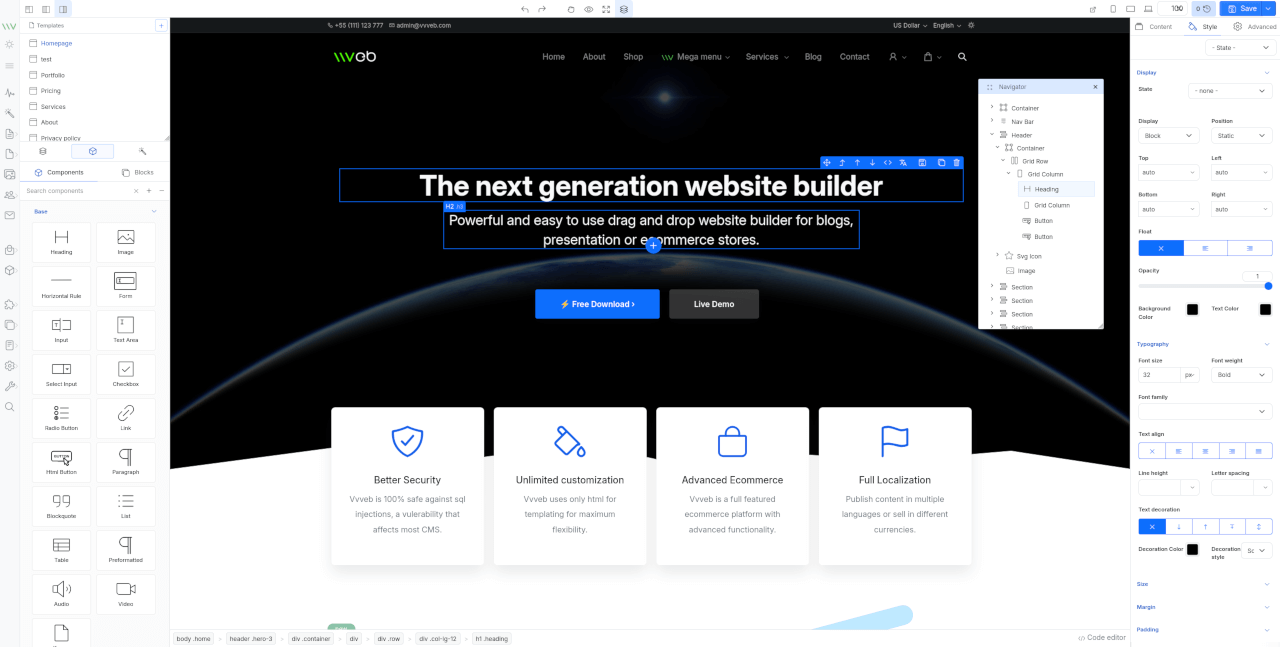
Features
- Components and blocks/snippets drag and drop and in page insert.
- Undo/Redo operations.
- One or two panels interface.
- File manager and component hierarchy navigation.
- Add new page modal with template and folder options.
- Live code editor with codemirror plugin syntax highlighting.
- Image upload with example php script included.
- Page download or export html or save page on server with example php script included.
- Components/Sections/Blocks list search.
- Bootstrap 5 components.
- Media gallery with integrated CC0 image search and server upload support.
- Image, video and iframe elements resize handles.
- Elements breadcrumb for easier parent elements selection.
- Full Google fonts list support for font selection.
- Youtube, Google maps, Charts.js etc widgets.
- Optional CKEditor plugin to replace builtin text editor.
- Zip download plugin to download the page and all assets as zip file.
- SVG Icon component bundled with hundreds of free icons.
- Animate on scroll support for page elements.
- Theme global typography and color pallette editor.
By default the editor comes with Bootstrap 5 and Widgets components and can be extended with any kind of components and inputs.
Install
- Clone the repository
#git 2.13+
git clone --recurse-submodules https://github.com/givanz/VvvebJs

# older git versions
git clone --recursive https://github.com/givanz/VvvebJs
- Pull changes
git pull --recurse-submodules
Usage
Clone the repository or download a release then open editor.html
Because of browser iframe security you need to use a webserver such as apache/xampp and open http://localhost/editor.html
To disable browser security and open editor.html without installing a webserver run chrome with
chrome --disable-web-security --user-data-dir=/tmp/temporary_profile editor.html
To use the image upload or page save feature you need to have php installed.
Docker
Local development
From VvvebJs folder run
docker-compose up
Image
Or run image
docker run -p 8080:80 vvveb/vvvebjs
Open http://localhost:8080/editor.php or http://localhost:8080/editor.html
Save page
Save page function needs either php or node
PHP
If you use docker, xampp or a shared hosting account php should work without any change.
Saving is done using save.php
Node
For node go to VvvebJs folder and run
npm install express
node save.js
Open http://localhost:8080/editor.html
Saving is done using save.js
Landing template
To make changes to template files or sections run the following commands from demo/landing folder
Install gulp
npm i
Generate html files
Template html partials are located in demo/landing/src folder.
npm run gulp
Watch for changes for development
npm run gulp watch
Generate sections list for page builder
Sections html files are located in demo/landing/src/sections folder grouped in folders with the section group name.
npm run gulp sections
Generate blocks list
Blocks html files are located in demo/landing/src/blocks folder grouped in folders with the blocks group name.
npm run gulp blocks
Generate screenshots for sections
npm run gulp screenshots
Usage
Initialize example
<!-- bootstrap-->
<script src="js/popper.min.js"></script>
<script src="js/bootstrap.min.js"></script>

<!-- builder code-->
<script src="libs/builder/builder.js"></script>
<!-- undo manager-->
<script src="libs/builder/undo.js"></script>
<!-- inputs-->
<script src="libs/builder/inputs.js"></script>
<!-- components-->
<script src="libs/builder/components-bootstrap5.js"></script>
<script src="libs/builder/components-widgets.js"></script>

<script>
let pages = [
 {
	name:"narrow-jumbotron",
	title:"Jumbotron",
	url: "demo/narrow-jumbotron/index.html",
	file: "demo/narrow-jumbotron/index.html"
  },
  {name:"landing-page", title:"Landing page", url: "demo/landing/index.html", file: "demo/landing/index.html"},
];


let firstPage = Object.keys(pages)[0];
Vvveb.Builder.init(pages[firstPage]["url"], function() {
	//load code after page is loaded here
});

Vvveb.Gui.init();
Vvveb.FileManager.init();
Vvveb.SectionList.init();
Vvveb.Breadcrumb.init();

Vvveb.FileManager.addPages(pages);
Vvveb.FileManager.loadPage(pages[firstPage]["name"]);
Vvveb.Gui.toggleRightColumn(false);
Vvveb.Breadcrumb.init();

<script>
For editor html and components/input javascript templates edit editor.html
For css changes edit scss/editor.scss and scss/_builder.scss
Scss
To compile scss to css first install gulp
npm i
Then you can run
npm run gulp
or use watch to compile on file change.
npm run gulp watch
Wrappers
- React VvvebJs React wrapper
Documentation
For documentation check the wiki
Support
If you like the project you can support it with a PayPal donation or become a backer/sponsor via Open Collective
License
Apache 2.0