Visual Code Space is a free, GPL-3.0-licensed code editor for Android, written in Kotlin, that gives developers a tabbed editing workspace, multi-language syntax highlighting and an integrated terminal on a phone or tablet.
What it is
Visual Code Space is an Android application: a code editor for mobile devices, implemented in Kotlin with Jetpack Compose and released under the GNU General Public License, version 3. It is distributed through its GitHub releases page and a Telegram group, and has a project homepage at visualcodespace.com.br. The editing surface is built on Rosemoe's sora-editor, syntax highlighting is driven by TextMate grammar files taken from Microsoft's Visual Studio Code, and the built-in terminal emulator comes from Termux. The README also credits Akash Yadav for AndroidIDE. The editor is extensible through custom plugins, and documentation for writing a first plugin is kept in docs/plugins/basic-docs.md.
The problem it addresses is the gap between a full desktop development environment and the limited editing tools available on Android. The README frames the project around coding on the go, telling readers to forget about cumbersome setups and dive straight into coding rather than carrying a laptop or provisioning something heavier: the application brings a file explorer, a tabbed editor, syntax highlighting and a shell together in one Android package. It also removes a familiar irritation of mobile software by offering an ad-free experience. The repository's own topics place it in the Android developer tooling ecosystem, listing android-application, android, code-editor, editor, ide, jetpack-compose, kotlin, java, ai-code-generator, ai and collaborate.
Key capabilities
- Multi-language syntax highlighting driven by TextMate grammar files sourced from Microsoft's Visual Studio Code extensions.
- A tabbed editor for working on several files at once, built on Rosemoe's sora-editor.
- A file explorer for navigating project directories quickly.
- An integrated terminal emulator, derived from the Termux terminal emulator, for running commands inside the app.
- Plugin support that lets users extend the editor with custom plugins, documented in docs/plugins/basic-docs.md.
- An explicitly ad-free experience, with no advertising shown in the application.
- An Android-native codebase in Kotlin using Jetpack Compose, licensed under GPL-3.0.
Who uses it and how
- Android users who want to read and edit code while away from a desktop, using the file explorer, tabs and terminal together.
- Plugin authors extending the editor: the feature list describes plugins written in BeanShell, while the plugin development section describes writing them in Java.
- Contributors to the project itself, guided by CONTRIBUTING.md and the contributions-welcome topic.
- Users who prefer to receive builds through the project's Telegram group rather than the releases page.
- Teams and individuals evaluating Android-based coding tools, where the repository's ide and code-editor topics make it a candidate alongside the projects it credits.
Getting started
Download the latest version from the GitHub releases page or from the project's Telegram group at t.me/visualcodespace; no package manager, Docker image, or hosted option is documented in the README.
How it compares
The facts provided do not name a list of paid products that this project replaces, so the comparison has to be drawn from the similar tools the README names. It sits alongside AndroidIDE and Termux in the Android coding space, and it builds directly on two of the components that space relies on: sora-editor for the editing surface and Termux's terminal emulator for the shell. The README presents it as a code editor rather than a complete build toolchain, while the repository topics also include "ide", so it occupies a position between the two.
When to use it — and when not to
Because Visual Code Space is a client-side Android application rather than a service, there is no database, object storage or SMTP infrastructure for a self-hoster to operate, which keeps adoption simple. It is a poor fit for anyone who needs a full desktop development environment, and the README offers no source-build instructions, release cadence or support policy. A few weaknesses are visible in the facts: the plugin documentation contradicts itself on whether plugins are written in BeanShell or Java, the repository carries 75 open issues, and the GPL-3.0 licence is copyleft, which matters if the code is to be reused in a proprietary product.
project readme (upstream, from github) — read inline

Visual Code Space
A Modern Code Editor for Android


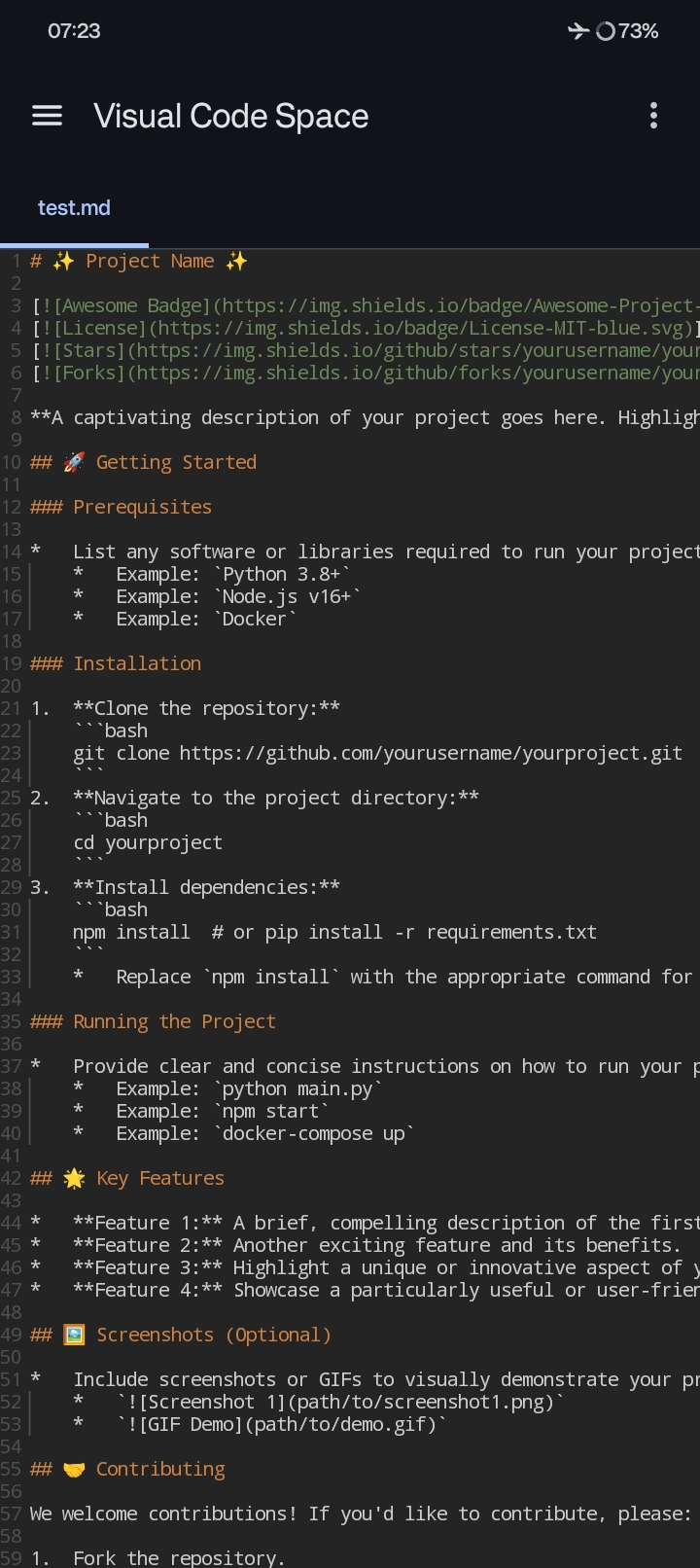
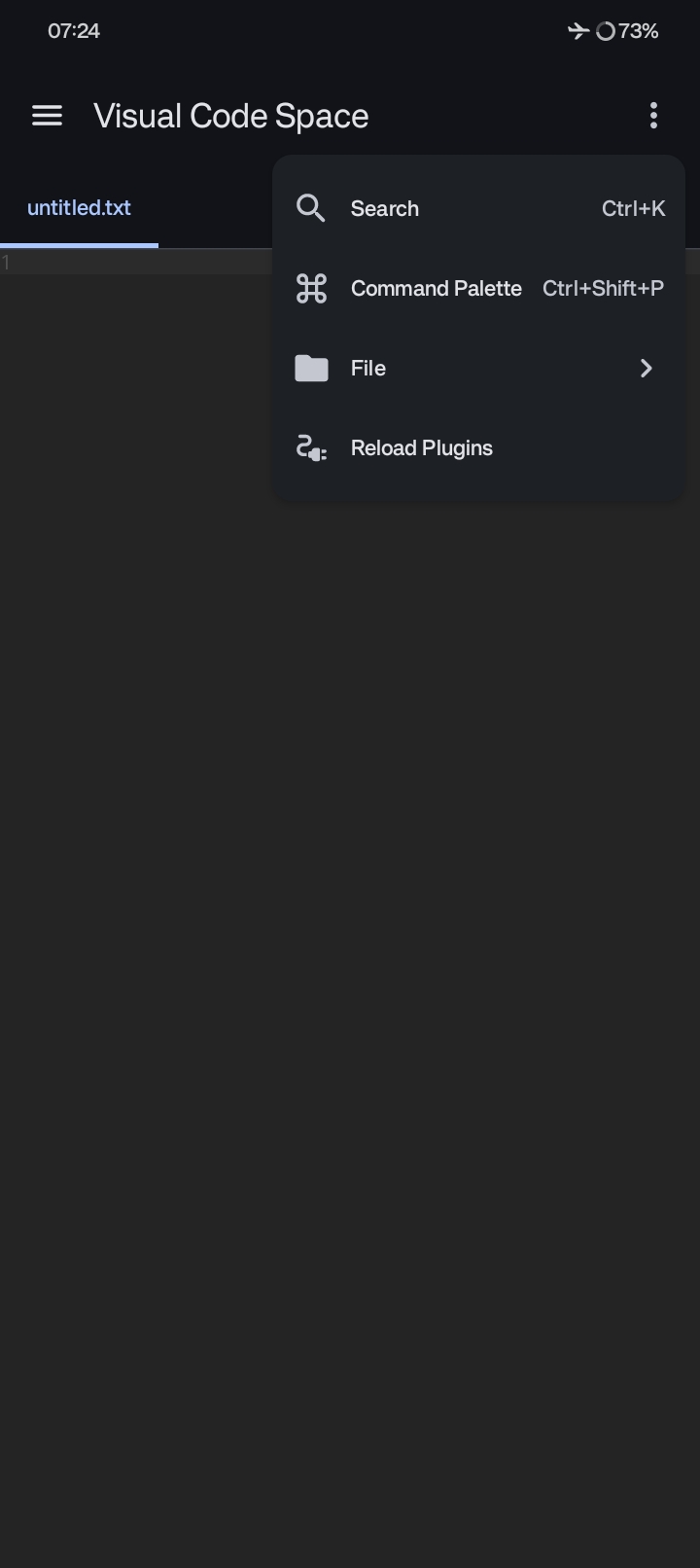
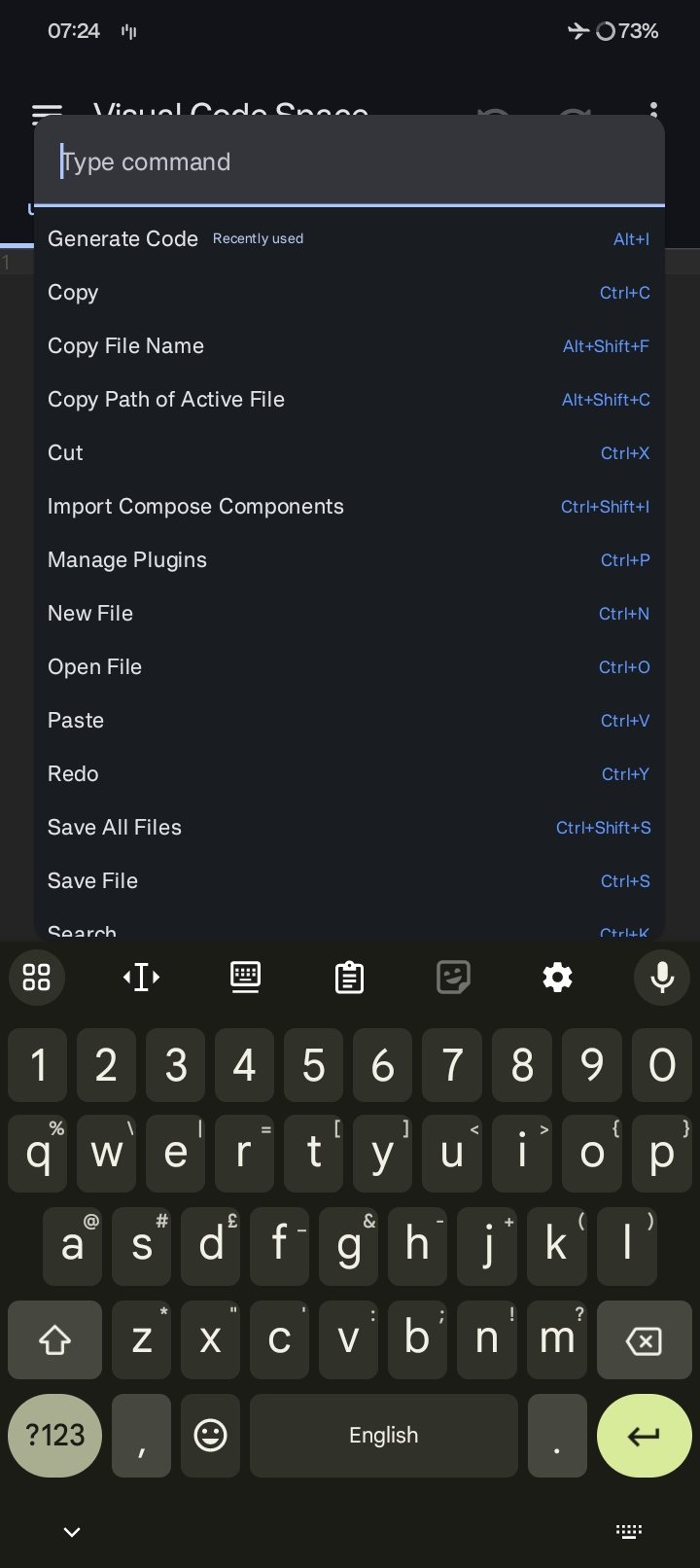
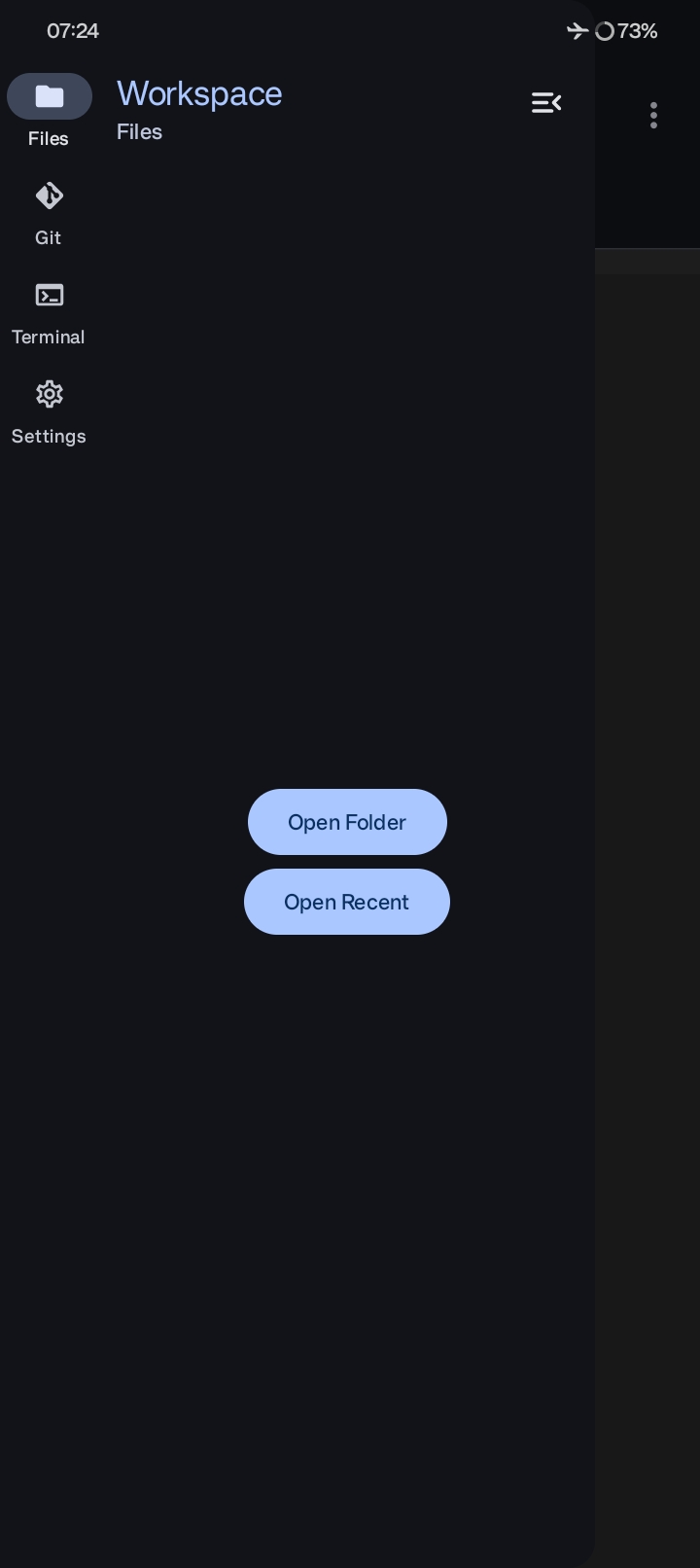
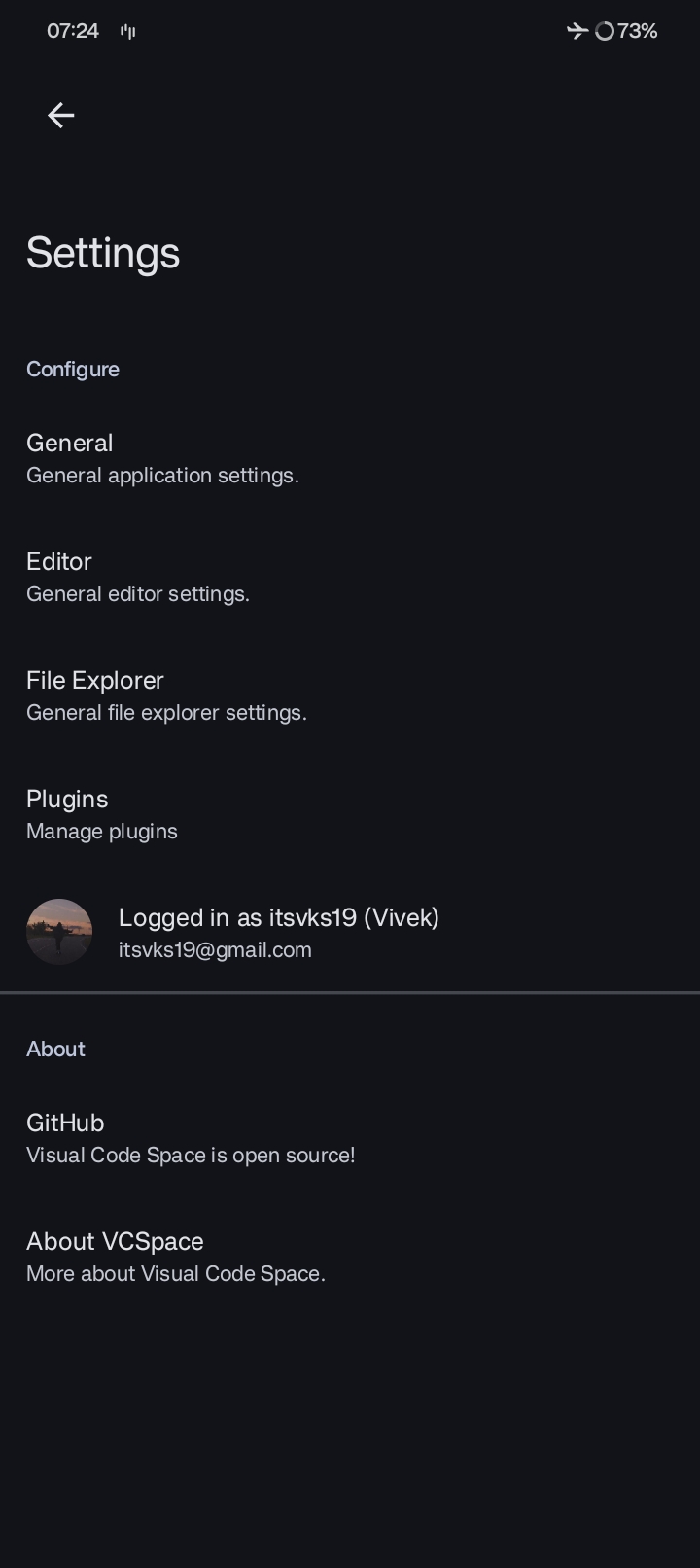
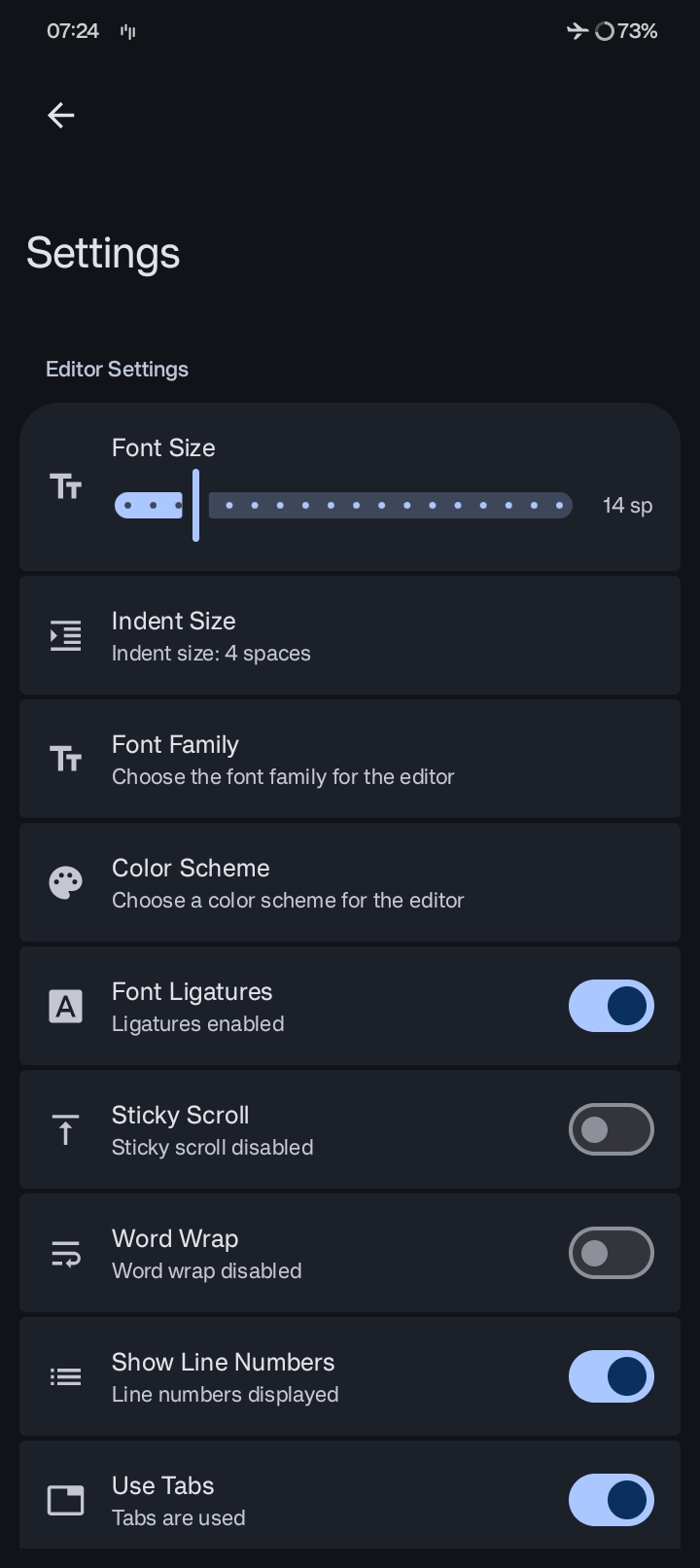
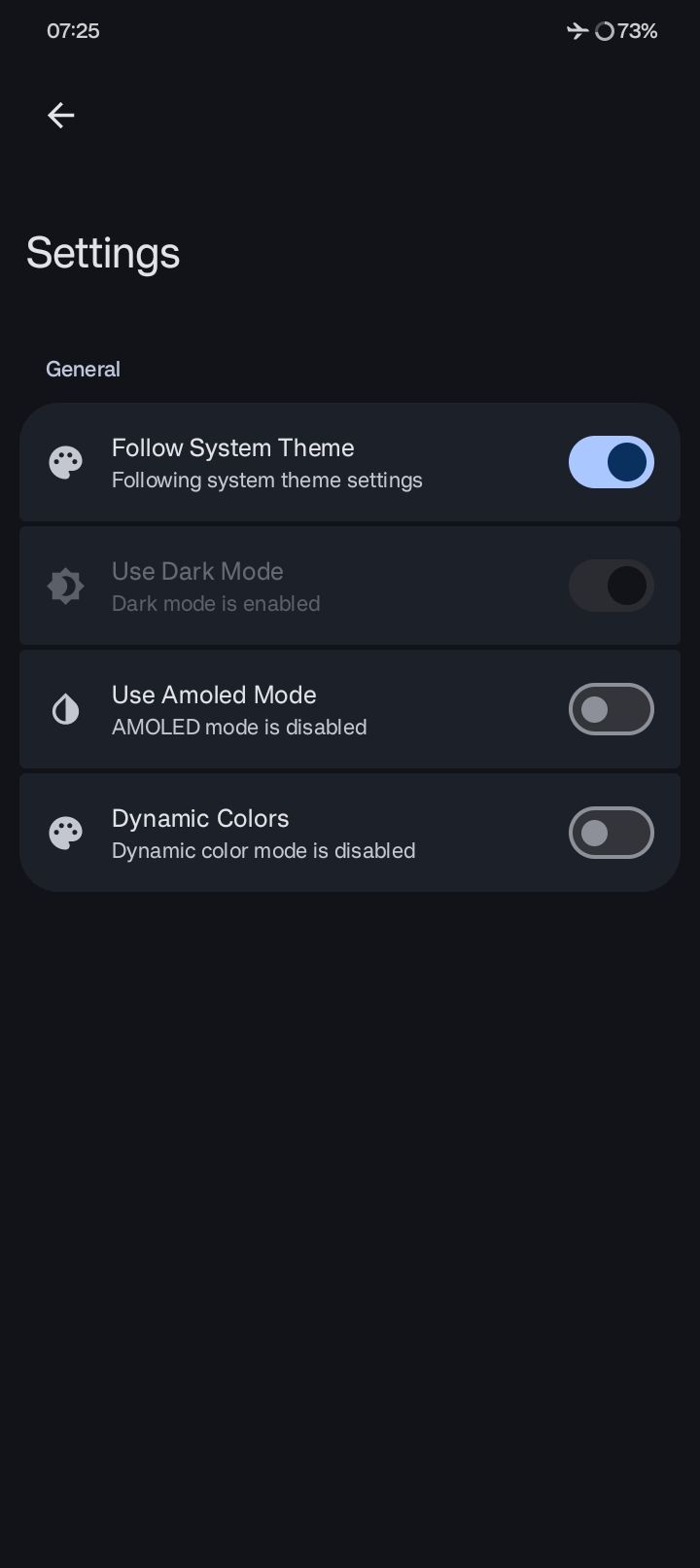
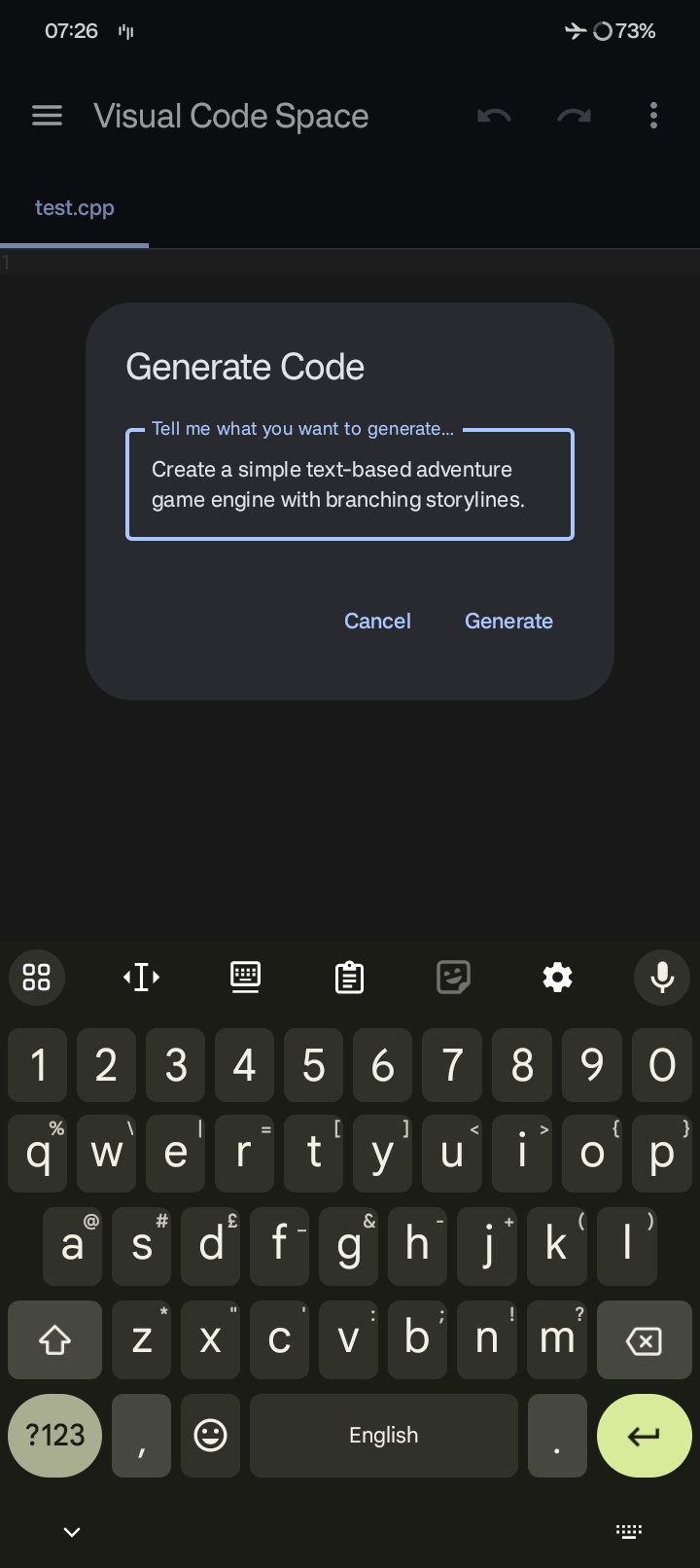
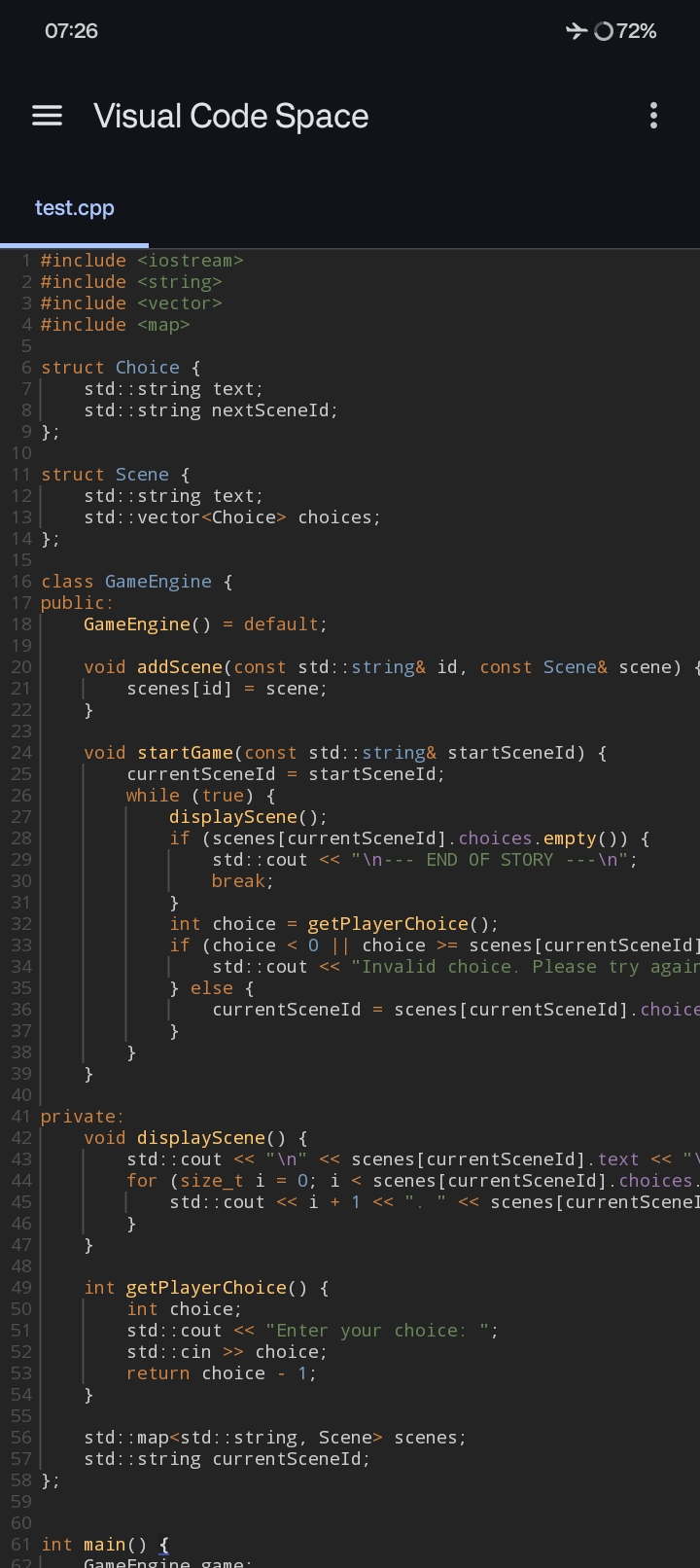
A glimpse of Visual Code Space in action.
🚀 Elevate Your Mobile Coding Experience
Visual Code Space is a cutting-edge code editor meticulously crafted for Android devices. It
empowers you to code on the go with a seamless and efficient environment. Forget about cumbersome
setups; dive straight into coding with our intuitive interface and powerful features.
✨ Key Features
- ⚡ Blazing Fast File Explorer: Navigate your project directories with speed and ease.
- 🎨 Multi-Language Syntax Highlighting: Enjoy syntax highlighting for a wide array of
programming languages, making your code more readable and less error-prone.
- 📑 Tabbed Editor: Manage multiple files simultaneously with our convenient tabbed interface.
- 💻 Integrated Terminal Emulator: Execute commands directly within the app using our built-in
terminal emulator.
- 🚫 Ad-Free Experience: Focus on your code without any distractions.
- 🔌 Plugin Support: Extend the functionality of Visual Code Space with custom plugins written in
BeanShell.
📦 Installation
Ready to start coding? Download the latest version of Visual Code Space from
our releases page
or telegram group.
📖 Plugin Development
Unleash the Power of Customization
Visual Code Space supports custom plugins written in Java, allowing you to tailor the editor to
your specific needs. For detailed instructions and examples, please refer to our Basic Plugin
documentation.
🤝 Contributing
We are always looking for ways to improve Visual Code Space and welcome contributions from the
community. Please see
our CONTRIBUTING.md
for guidelines on how to get involved.
💖 Special Thanks
We extend our gratitude to the following projects and individuals for their invaluable
contributions:
🧑💻 Contributors

📜 License
Visual Code Space is free software: you can redistribute it and/or modify
it under the terms of the GNU General Public License as published by
the Free Software Foundation, either version 3 of the License, or
(at your option) any later version.

Visual Code Space is distributed in the hope that it will be useful,
but WITHOUT ANY WARRANTY; without even the implied warranty of
MERCHANTABILITY or FITNESS FOR A PARTICULAR PURPOSE.  See the
GNU General Public License for more details.

You should have received a copy of the GNU General Public License
along with Visual Code Space.  If not, see <https://www.gnu.org/licenses/>.
Any violations to the license can be reported either by opening an issue or writing a mail to us
directly.