Textus is a free, open-source, MIT-licensed Markdown editor for macOS, Windows and Linux that lays out Markdown as you type and adds an optional AI writing assistant which can run against a cloud provider or a local model, aimed at writers, note-takers and developers who want their documents to stay as plain .md files on their own machine.
What it is
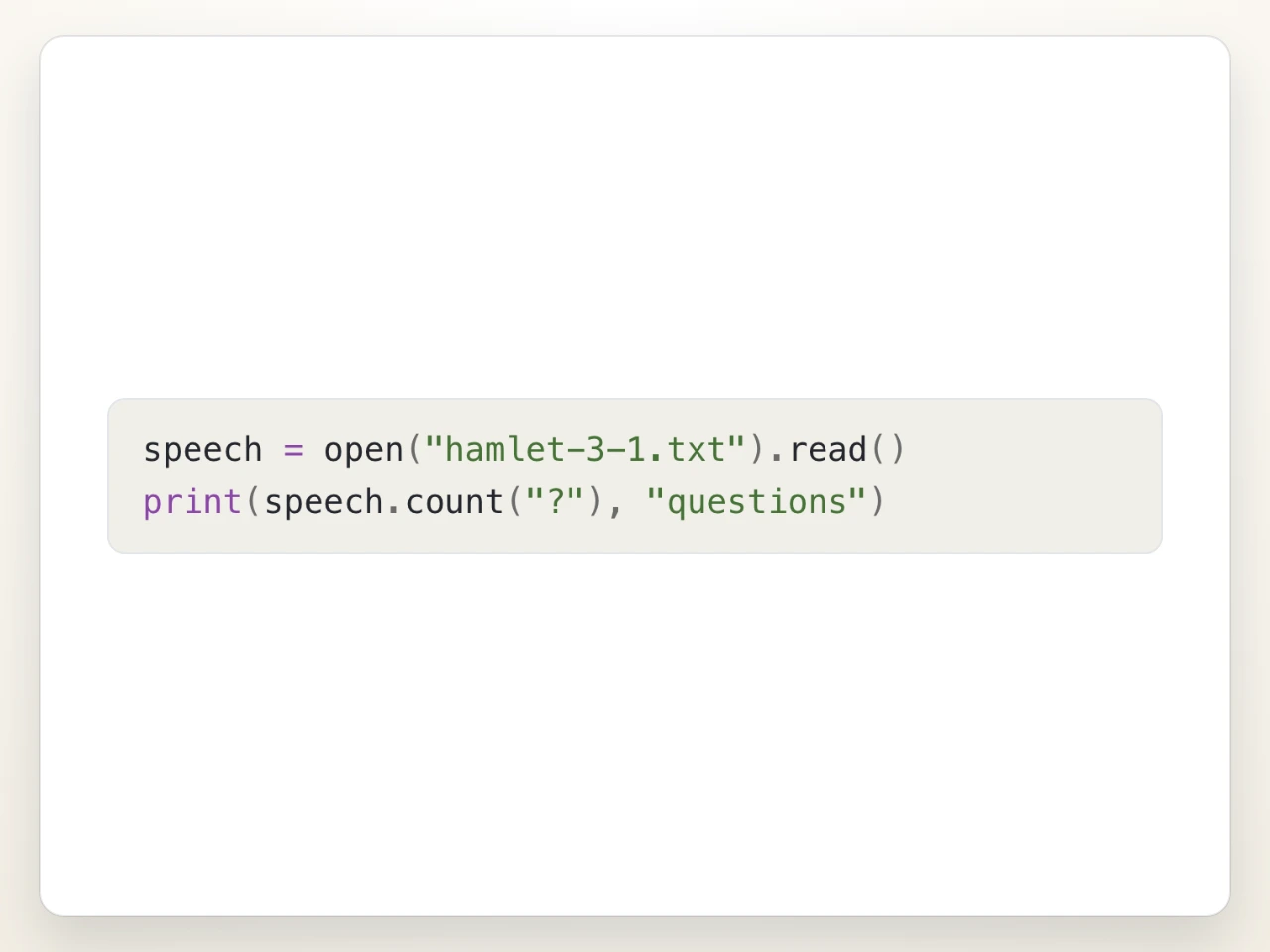
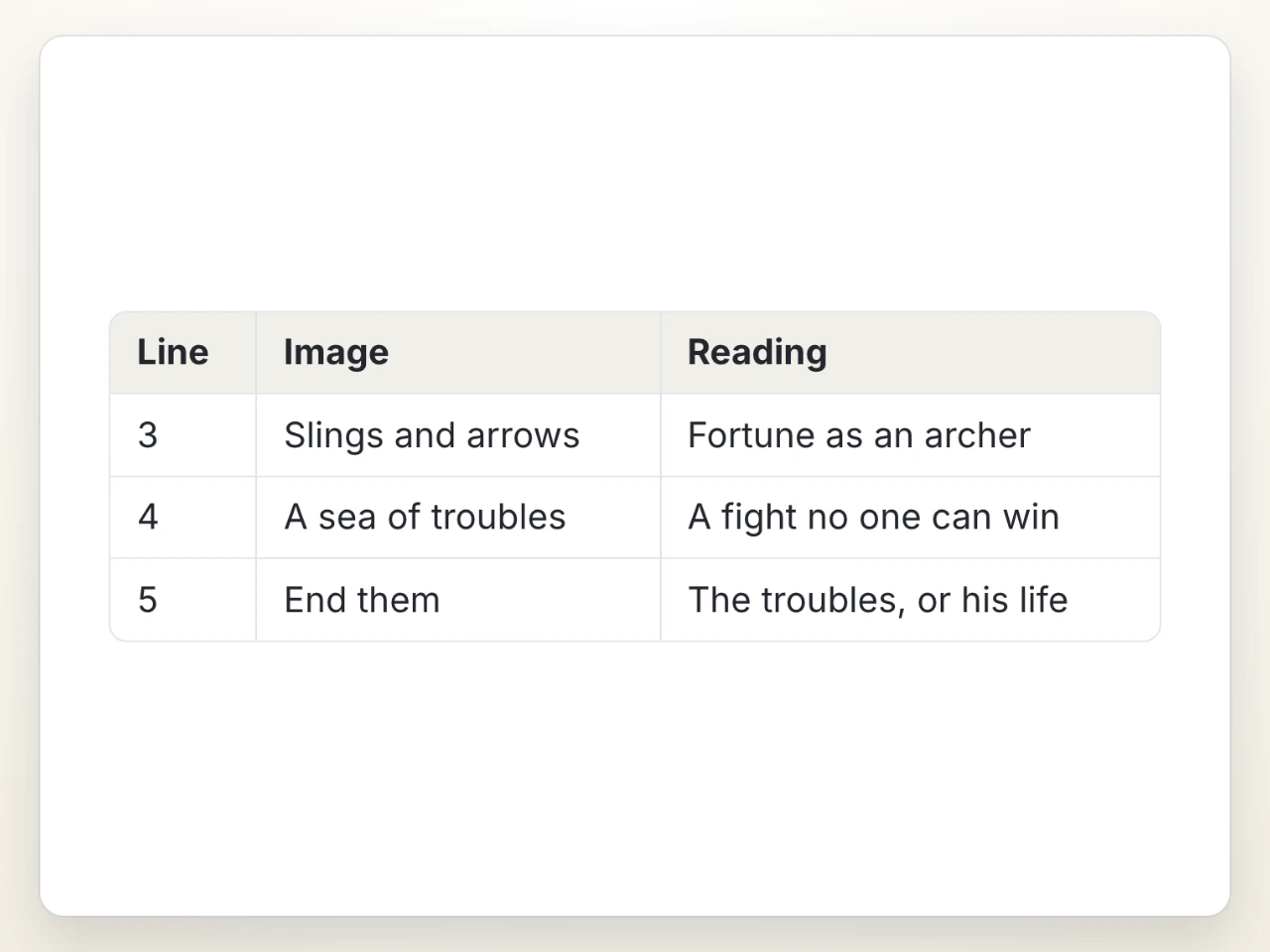
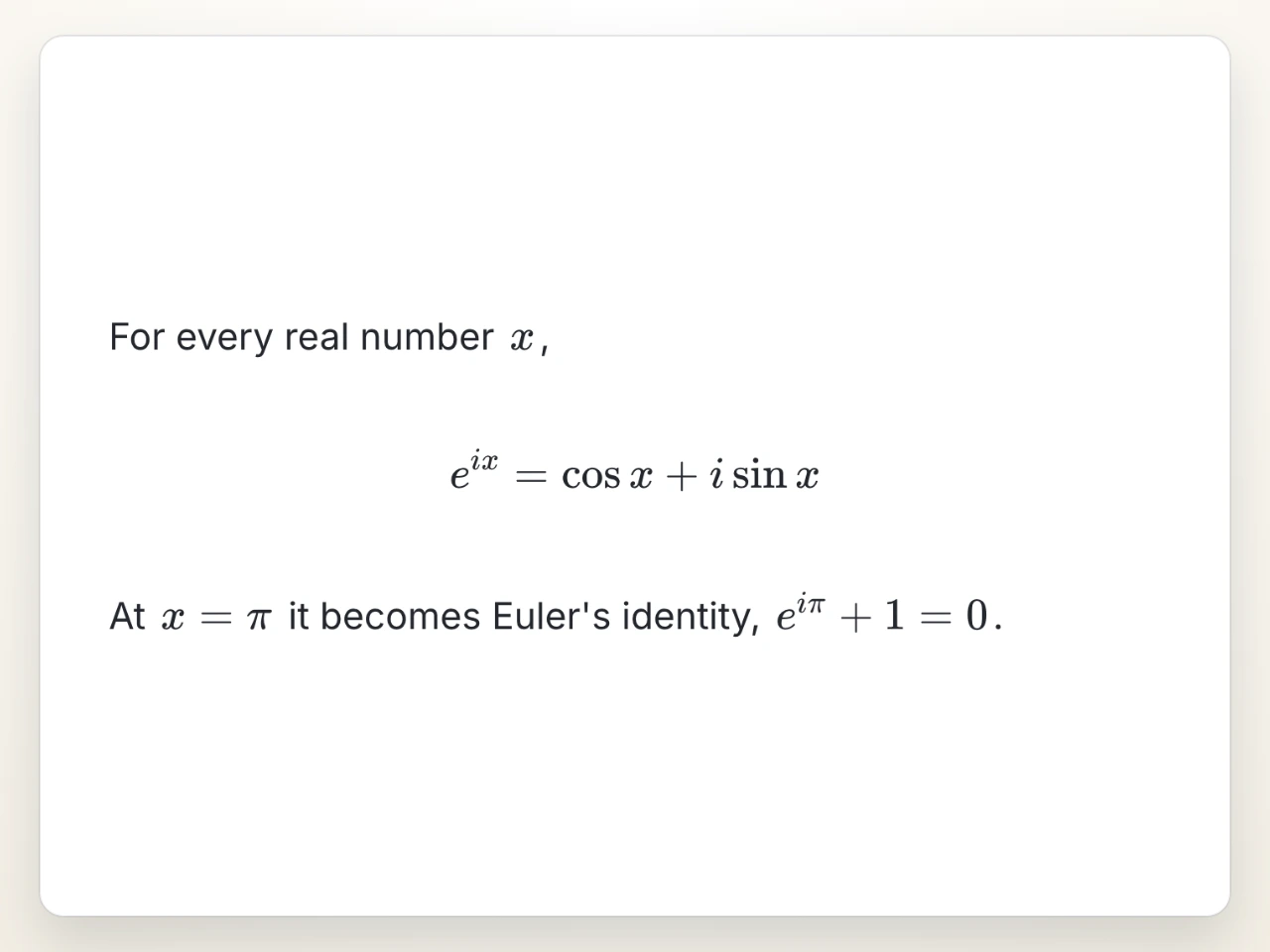
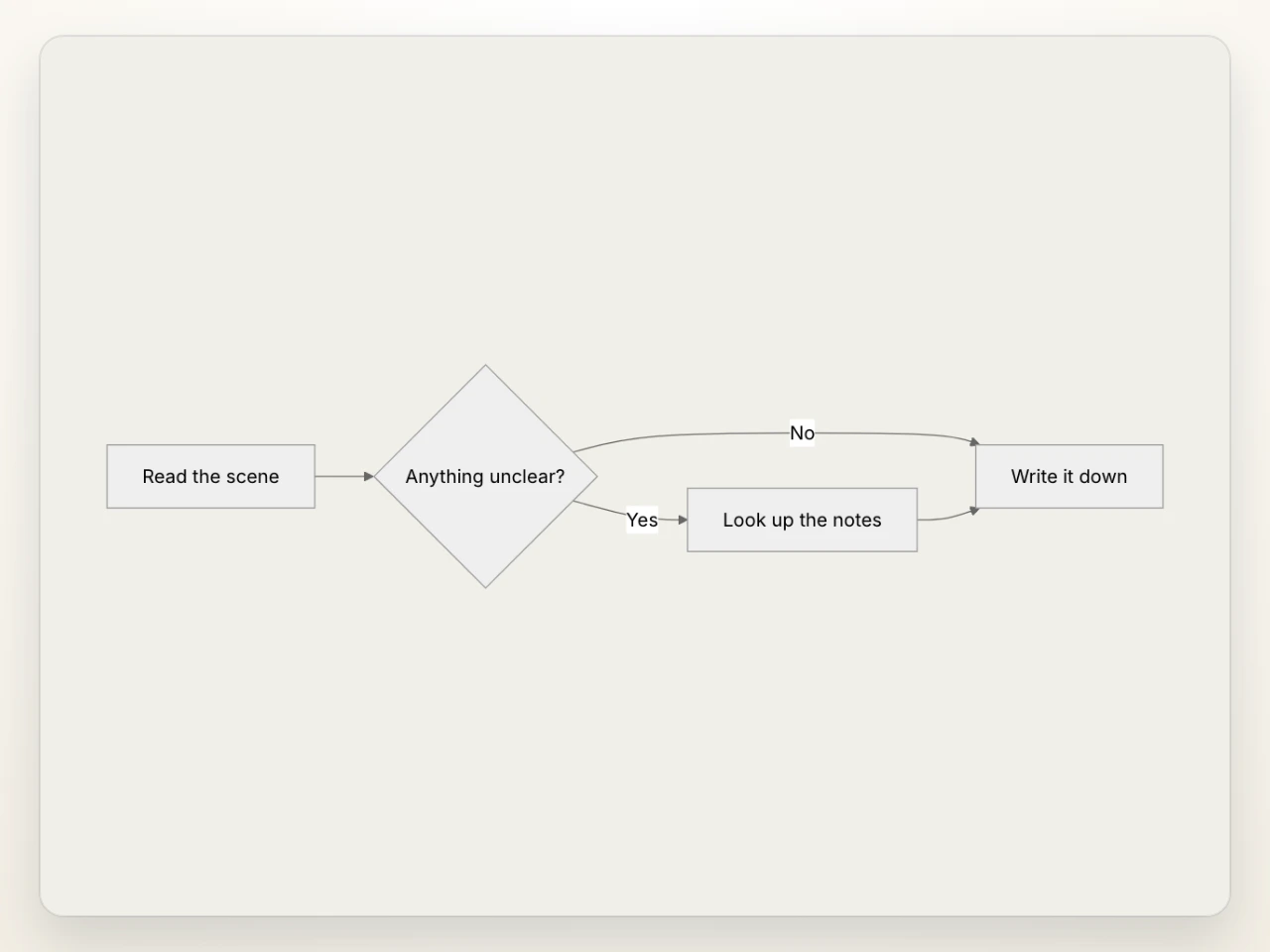
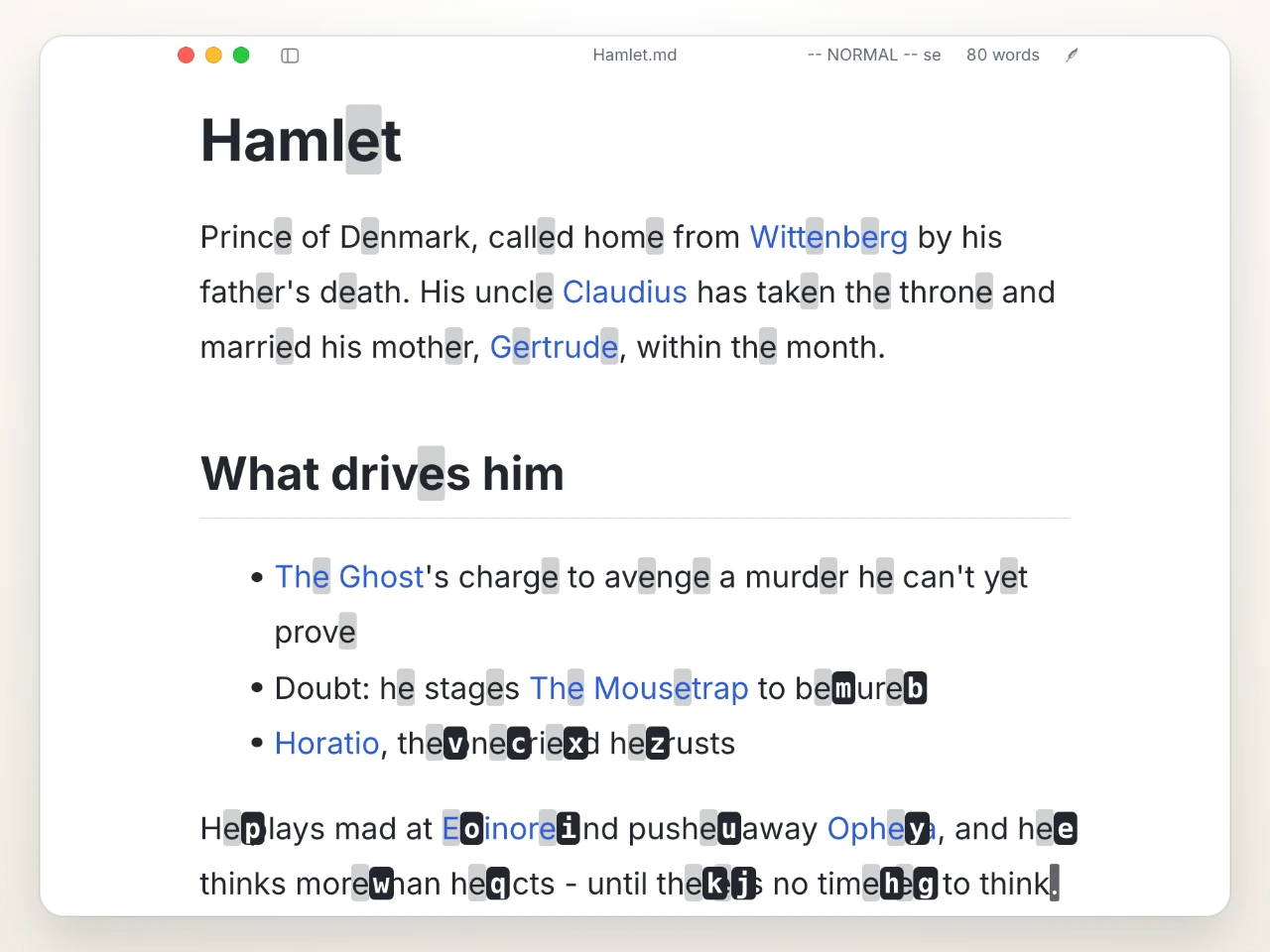
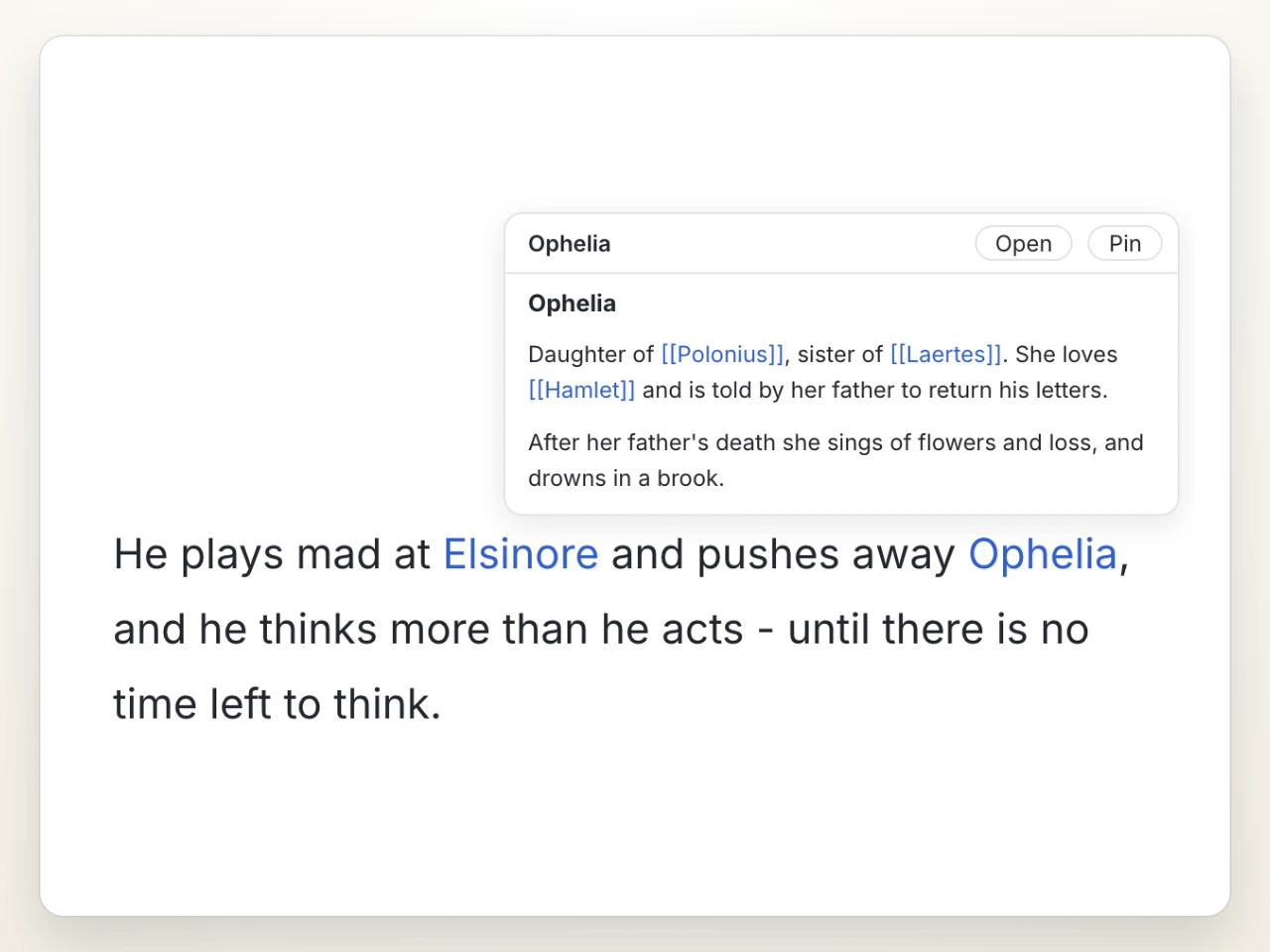
Textus is a desktop Markdown editor published by CatVinci Studio and written in TypeScript under the MIT licence, with builds for macOS on both Apple Silicon and Intel, Windows x64, and Linux x64. It is a what-you-see-is-what-you-get editor: rather than splitting the window between raw text and a rendered preview, it lays the document out with its Markdown structure applied as you type, and it holds that document as a plain .md file supporting tables, task lists, footnotes, math and Mermaid.
The concrete problem it solves is the split that usually opens up between writing in Markdown and getting help with the writing. Assistance normally arrives through a separate subscription service or a chat window, which means copying text out and pasting it back, while formatting and export live in yet another tool. Textus folds both into the editor and, crucially, lets the writer choose where the intelligence comes from: sign in with ChatGPT or Claude, add an API key, or run a local model through Ollama. There is no account and no subscription attached to the application itself; a provider bills directly, or not at all when a local model is used. Export to PDF, Word, HTML and other formats is built in, so a finished draft does not need a second application to leave the editor.
Key capabilities
- A WYSIWYG writing surface that renders Markdown structure as you type, including code blocks, tables, math and diagrams.
- Export to PDF, Word, HTML and further formats from within the editor.
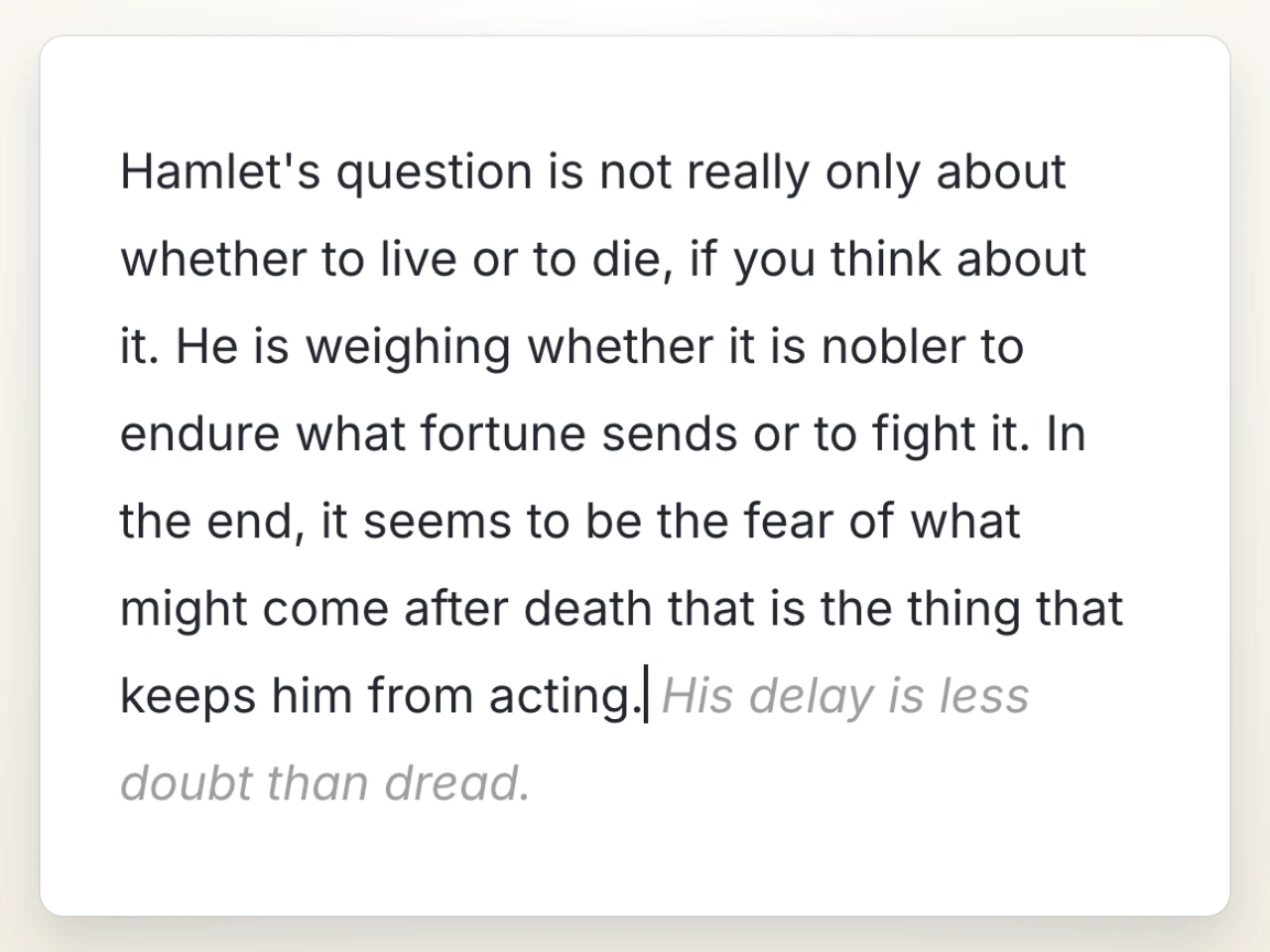
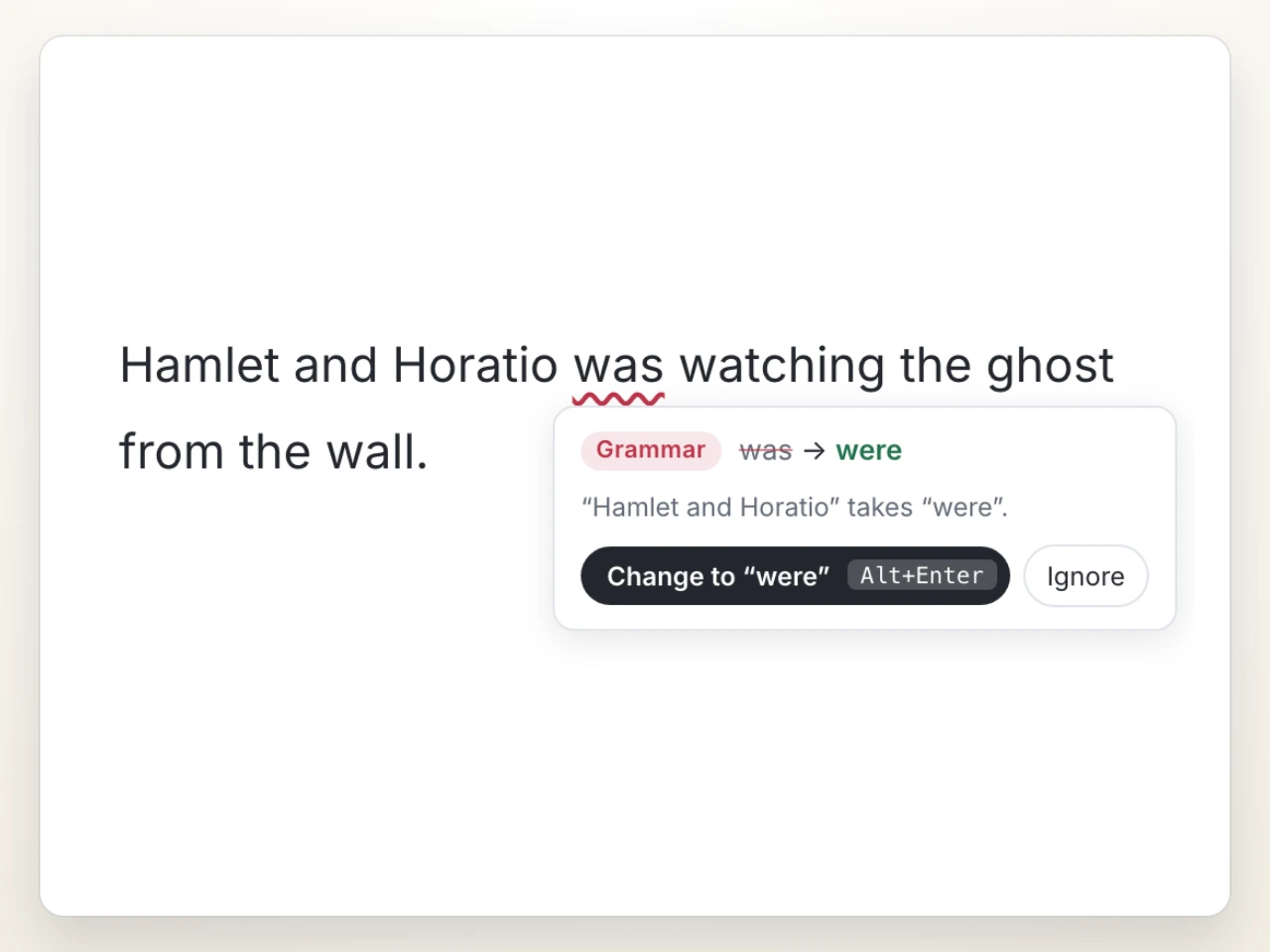
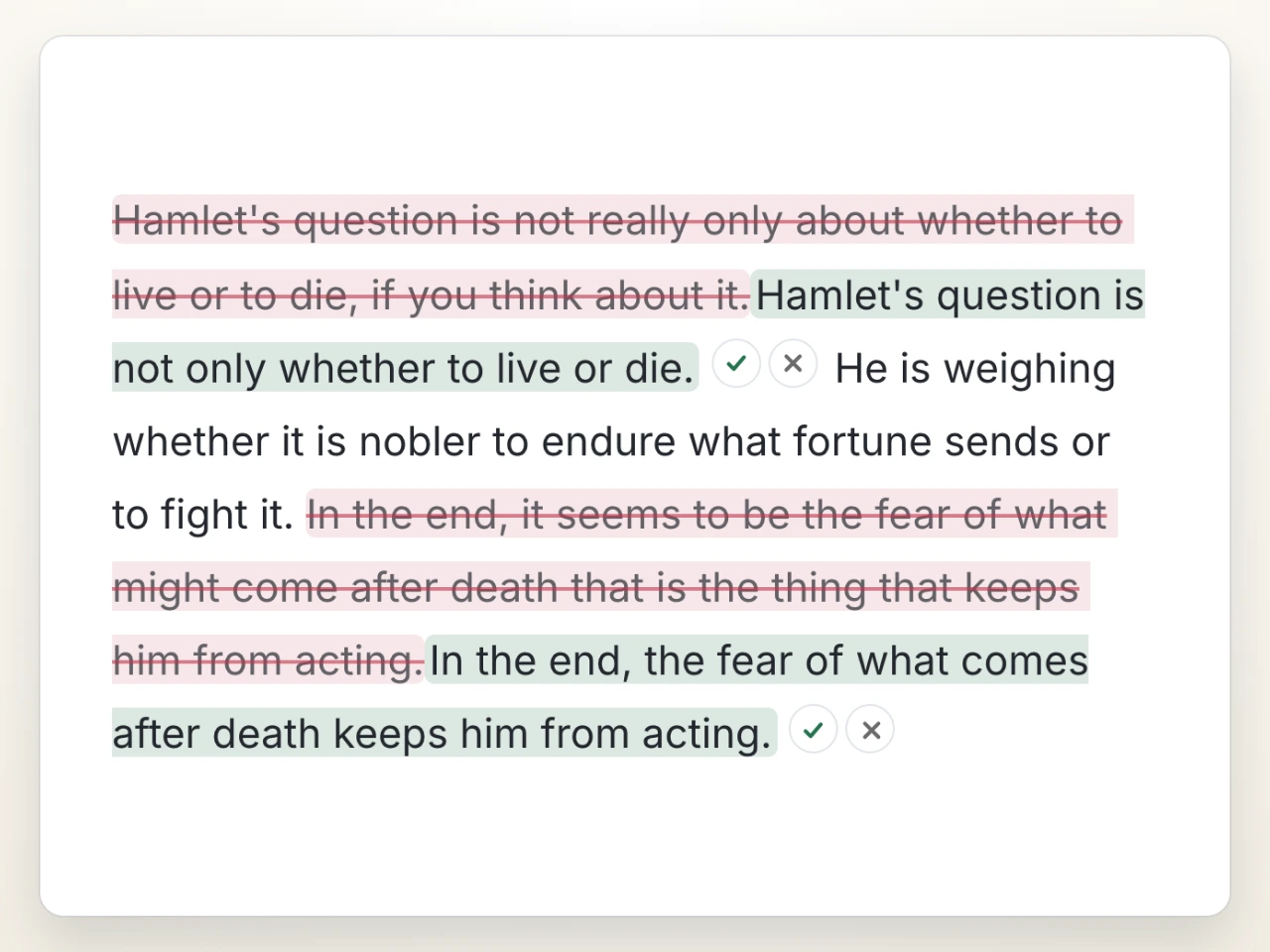
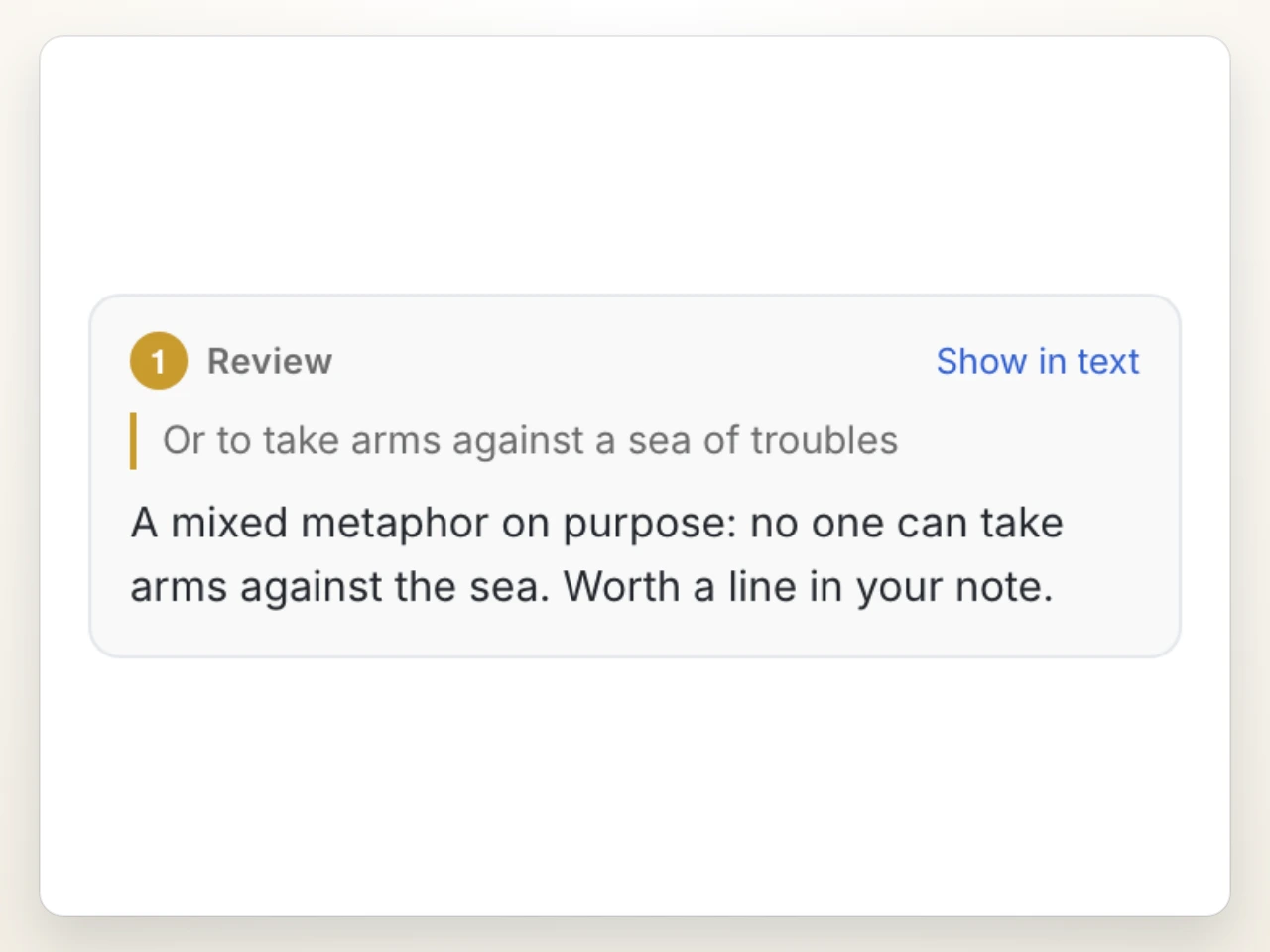
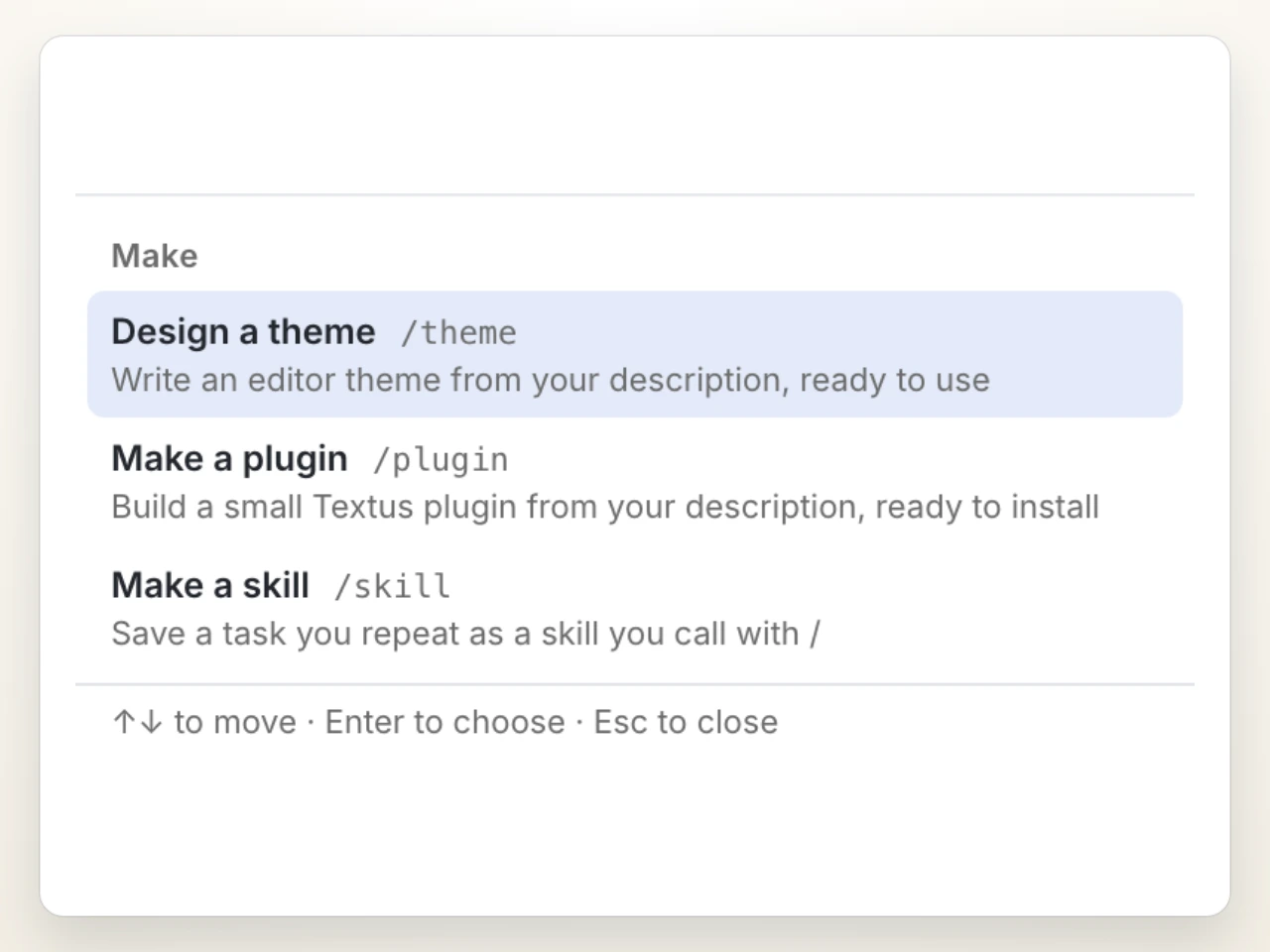
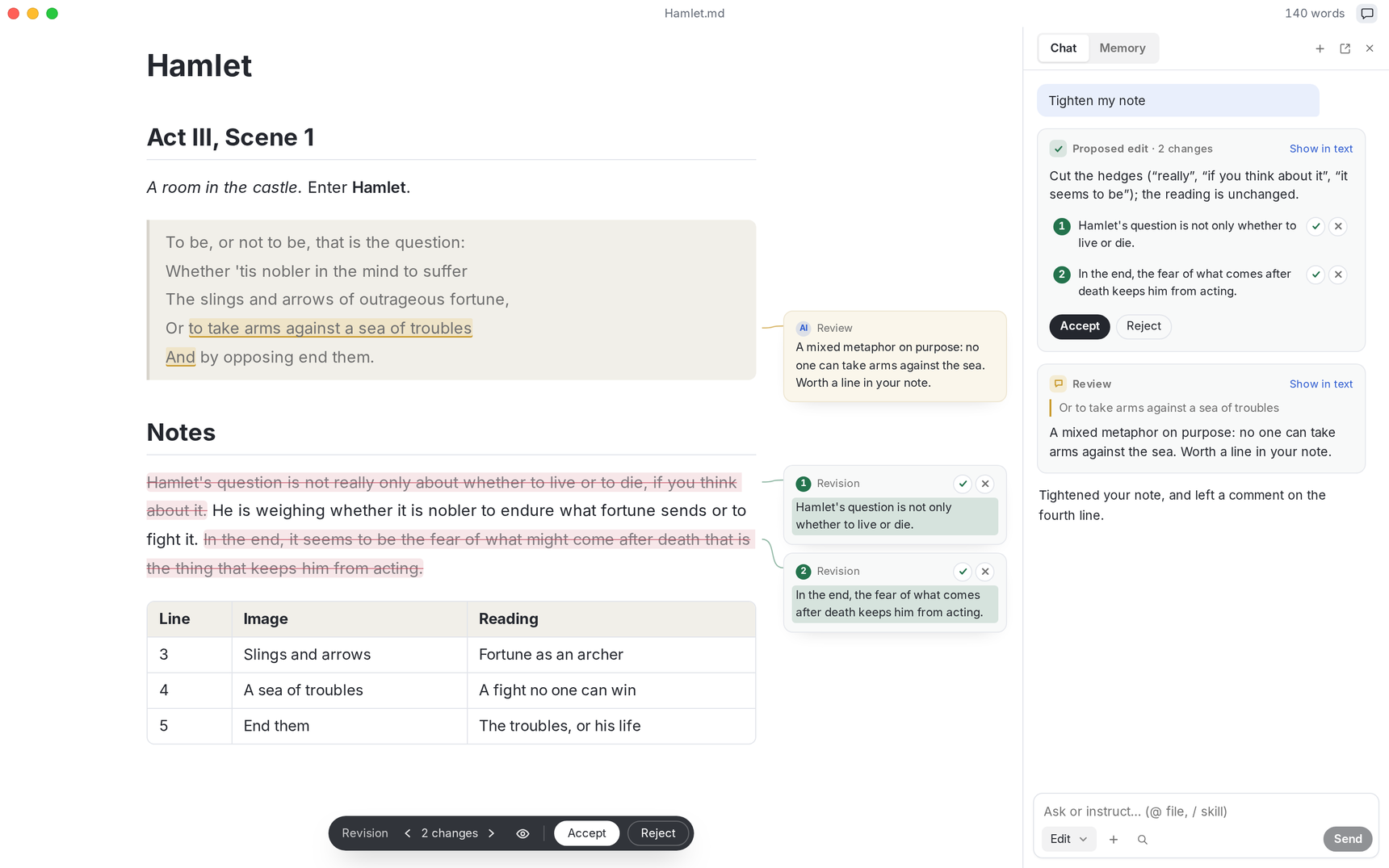
- Textus AI offers continuation, typo and grammar correction, proposed edits, review comments and slash skills, and works with any model.
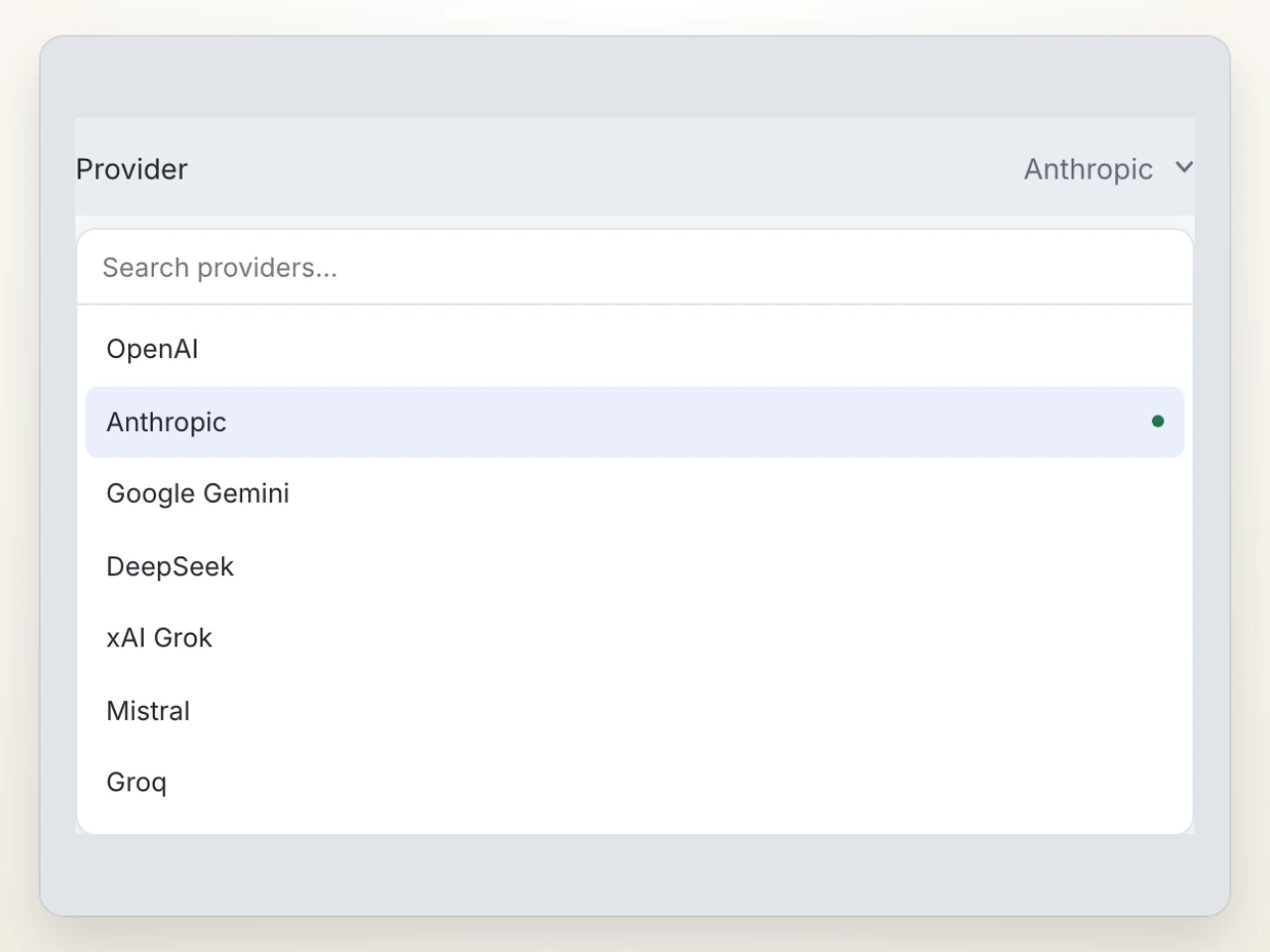
- Model connections include signing in with ChatGPT or Claude, supplying an API key, or running a local model with Ollama.
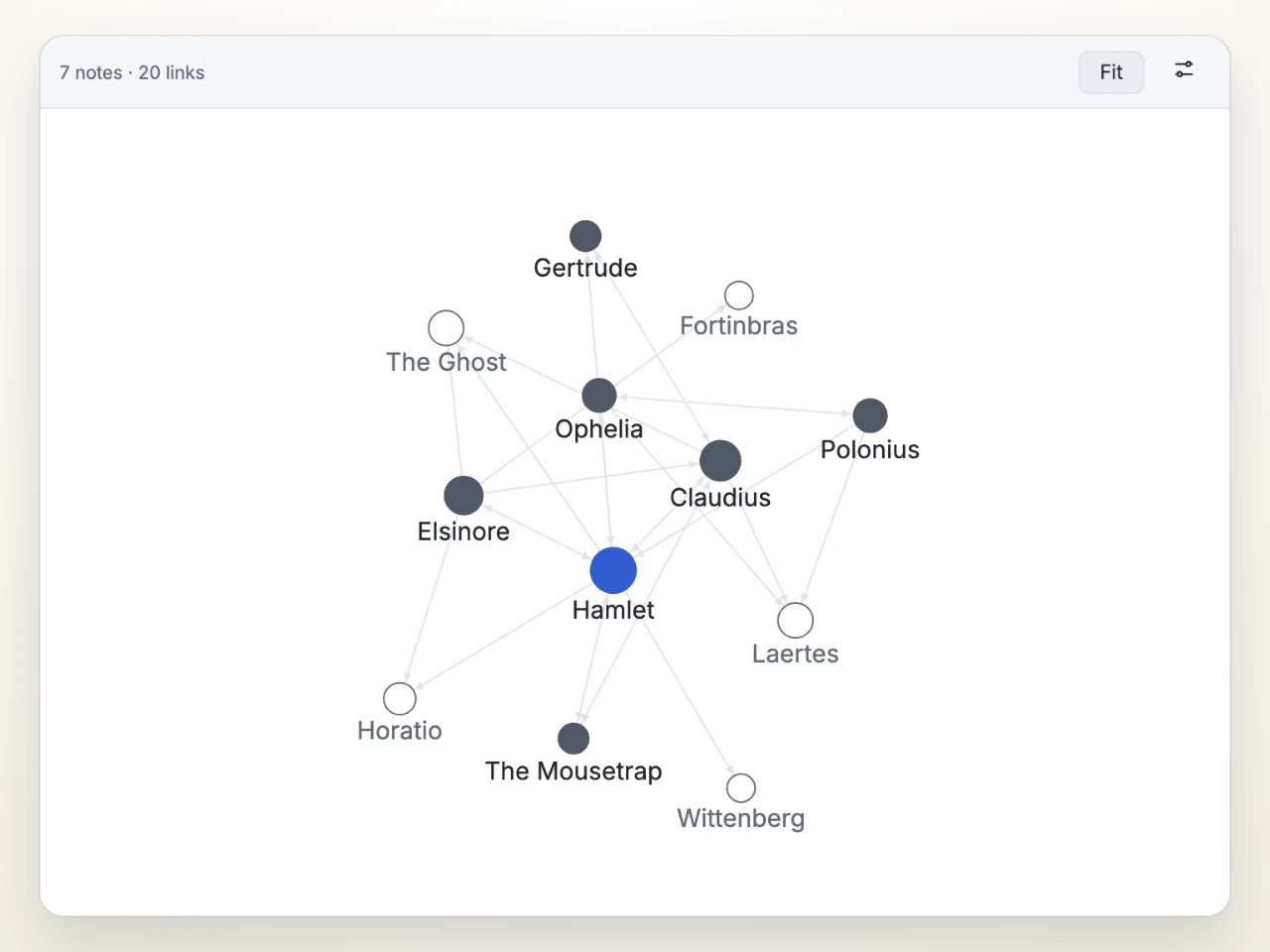
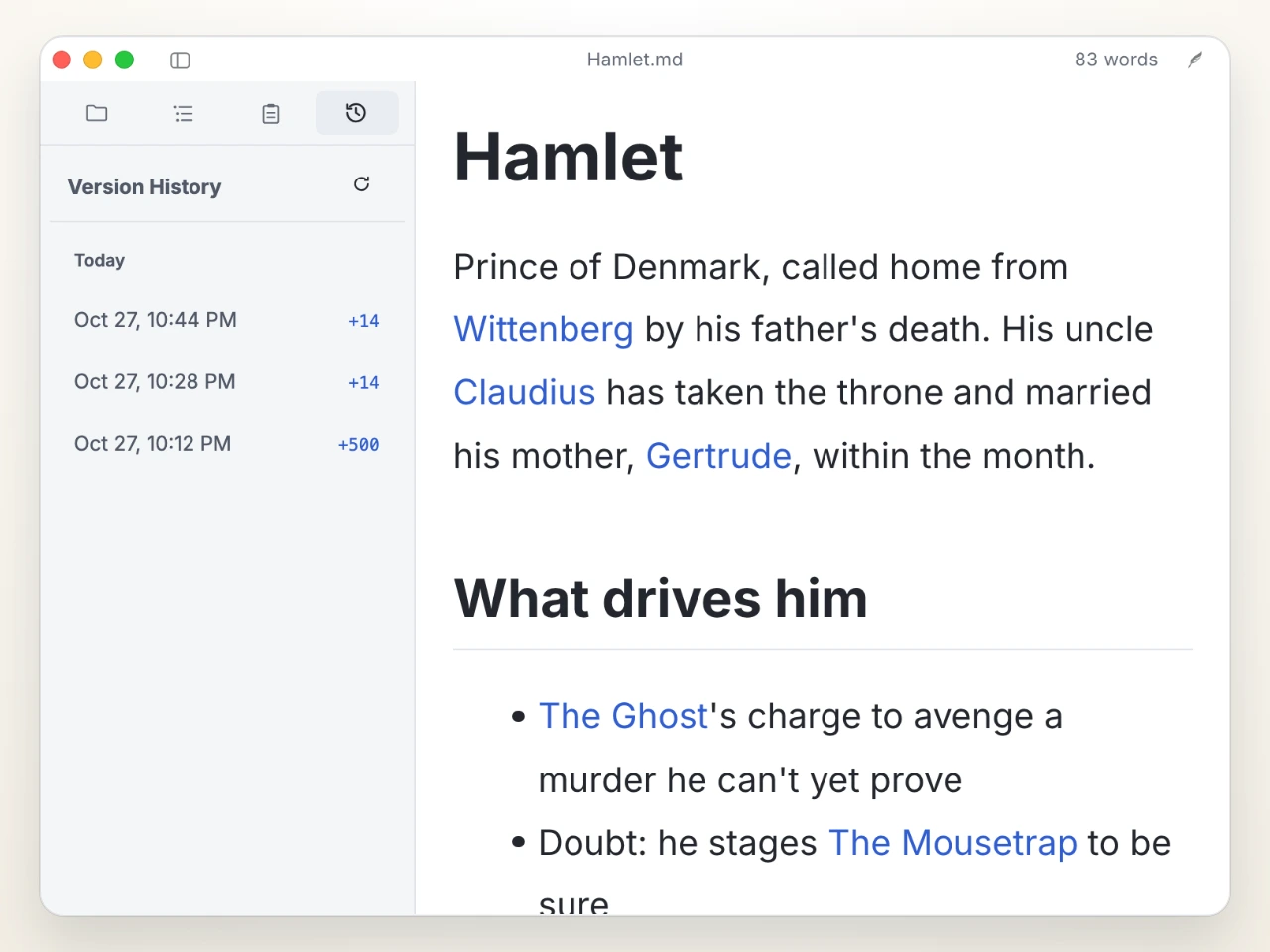
- A plugin system, in testing in the 1.3 beta, ships Graph View, Vim mode, Quick Preview and Version History; further extensions such as Kanban boards, PDF and Word in a tab, Zotero citations and charts are found under Settings › Extensions › Get more.
- Documents remain plain
.md files with tables, task lists, footnotes, math and Mermaid, so they stay portable.
- Memory use is measured every release at roughly 110 MB for a window and about 55 MB for each further window, with plugins loaded only when used.
Who uses it and how
- Individual writers on macOS who install the
.dmg directly or through the Homebrew cask brew install --cask textus.
- Linux users on x64 who prefer a
.AppImage, .deb or .rpm, or who install from the [catvinci] repository on Arch Linux.
- Writers working offline or handling sensitive drafts, who use the editor without AI at all or point Textus AI at a local Ollama model so no text leaves the machine.
- Multilingual teams and individuals: the README is published in ten languages, the Discord community runs in English, and Chinese-speaking users are directed to a QQ group and a WeChat group.
- Users running several documents at once, for whom the per-window memory behaviour and lazy plugin loading are an explicit design concern.
Getting started
Download the installer for your platform from the latest GitHub release — a .dmg for macOS, an .exe for Windows x64, or an .AppImage, .deb or .rpm for Linux x64 — or install on macOS with brew install --cask textus. iOS and iPadOS versions are described as coming soon, with a beta channel selectable under Settings › General › About Textus.
How it compares
The facts provided for this page do not list any paid products that Textus replaces, and they do not name comparable editors either, so it stands alone in this registry rather than being positioned against a named alternative. Its distinguishing arrangement, as described, is an MIT-licensed editor with no account and no subscription, where the cost of AI assistance is whatever the user's own provider charges or nothing at all with a local model.
When to use it — and when not
Textus is a desktop application with no server component, so there is no database, object store or mail server to operate, and the editor works completely offline; the only external dependency is the AI provider, and that too disappears when a local model is used. It is not the right choice for anyone who needs an iPad or iPhone editor today, since those platforms are listed as coming soon, or for a team that requires plugins as a settled foundation, because the plugin system is still in testing in the 1.3 beta. Anyone expecting AI help without configuring a provider or running a model locally will find that part of the product unavailable to them.
project readme (upstream, from github) — read inline

Textus
The next-generation Markdown editor.
You hold the pen. AI keeps your ink flowing.
Website ·
Download
English ·
简体中文 ·
繁體中文 ·
日本語 ·
한국어 ·
Español ·
Français ·
Deutsch ·
Русский ·
Português



https://github.com/user-attachments/assets/f366f282-e3f9-43d9-9a29-edb6d1ace3f5
Watch on YouTube ·
Bilibili
Hamlet, William Shakespeare
Get Textus
Free and open source, under the MIT license.
iOS and iPadOS are coming soon.
Beta: in Settings › General › About Textus, set Update channel to Beta.
Writing
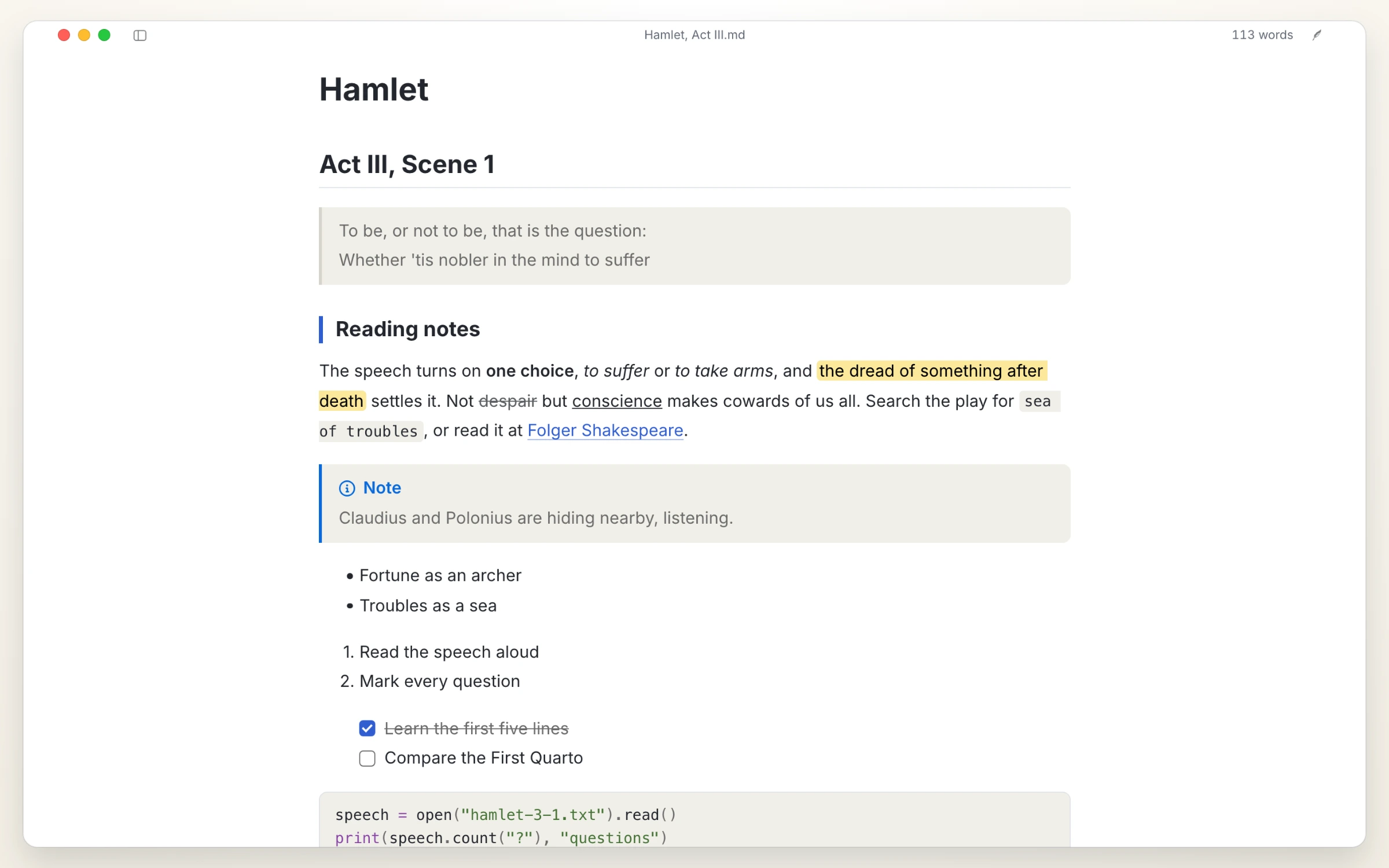
What you see is what you get, laid out with Markdown as you type. Export to PDF, Word, HTML and more.
Textus AI
Works with online and local LLMs alike - AI that speeds your writing along.
Plugins (in testing, 1.3 beta)
Not just writing: plugins add whatever else you need.
Kanban boards, PDF and Word in a tab, Zotero citations, charts of every kind and more are in Settings › Extensions › Get more.
Questions
Is Textus free?
Yes. It is free and open source under the MIT license, with no account and no subscription. If you use Textus AI, your provider bills you directly, or not at all with a local model.
Which platforms does it run on?
macOS (Apple Silicon and Intel), Windows and Linux. iOS and iPadOS are coming soon.
How much memory does it use?
We care a great deal about memory and measure it in every release. A window takes about 110 MB, and each further window about 55 MB more. Plugins load only when they are used, and a web page left in the background is let go and loads again when you come back to it.
Do I need an AI account?
No. The editor works fully without AI. For Textus AI, connect a provider of your own: sign in with ChatGPT or Claude, add an API key, or run a local model with Ollama.
Does it work offline?
The editor does, completely. Textus AI needs your provider, unless you run a local model.
Is it plain Markdown? What can I export?
Yes: plain .md files, with tables, task lists, footnotes, math and Mermaid. You can export to PDF, Word, HTML and more.
Community
Bug reports and feature requests are welcome in GitHub Issues.
Roadmap and contributing
ROADMAP.md shows where Textus is heading. To build Textus, run the checks or open a pull request, start with CONTRIBUTING.md; AI coding assistants follow AGENTS.md. Discussions are welcome in English or Chinese.
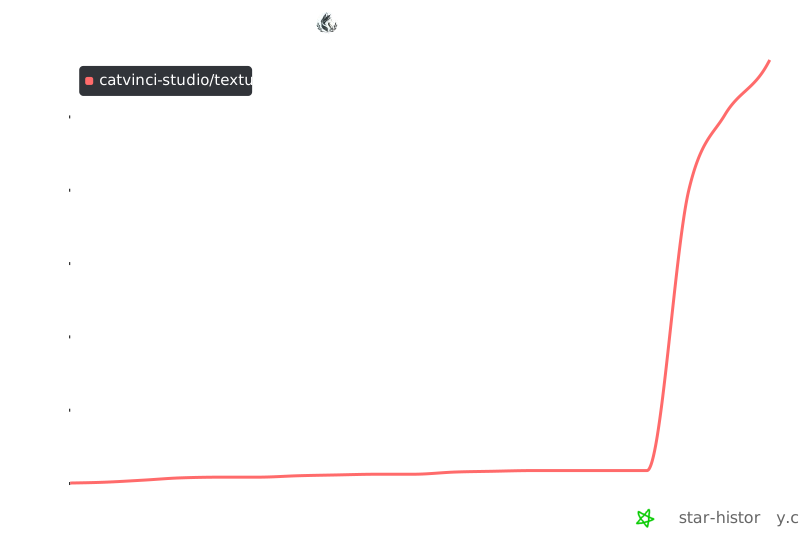
Star history
License
MIT © CatVinci Studio