Palmr is a free, open source file management & sync project written in TypeScript and released under Apache-2.0. It has 2,396 GitHub stars, 107 forks and 1 open issues, and was last pushed 2 days ago. On this registry it ranks #32 of 45 tracked projects in File Management & Sync, with 5 head-to-head comparisons available.

What is Palmr?

Palmr is an open-source, self-hostable file-sharing platform built in TypeScript under the Apache-2.0 licence, aimed at people and teams who want to upload, manage, and share files with password protection, custom links, and access control on infrastructure they control.

What it is

Palmr is a file transfer and file management application in the self-hosted open-source ecosystem. It is built with Fastify (Node.js) for the backend API, NextJS 15 with TypeScript and Shadcn/ui for the web interface, SQLite for metadata and transactional data, and filesystem storage for the files themselves, with optional S3-compatible object storage for larger deployments. The stated design goals are performance, scalability, and security, with no third-party dependencies and no user tracking.

The concrete problem it solves is the hosted transfer link. Instead of sending files through a third-party service, an operator runs Palmr on their own server or VPS and shares files subject to their own limits rather than a vendor's. The project describes itself as a flexible alternative to WeTransfer, SendGB, Send Anywhere, and Files.fm β€” services that cap transfer size, expire links on their own schedule, and sit between sender and recipient. Palmr replaces that with self-hosted links and, in the reverse-share flow, a WeTransfer-style page for receiving files.

Key capabilities

  • Password protection, custom links, and access control on shared files.
  • Folder organisation, so files can be grouped and shared as folders rather than individually.
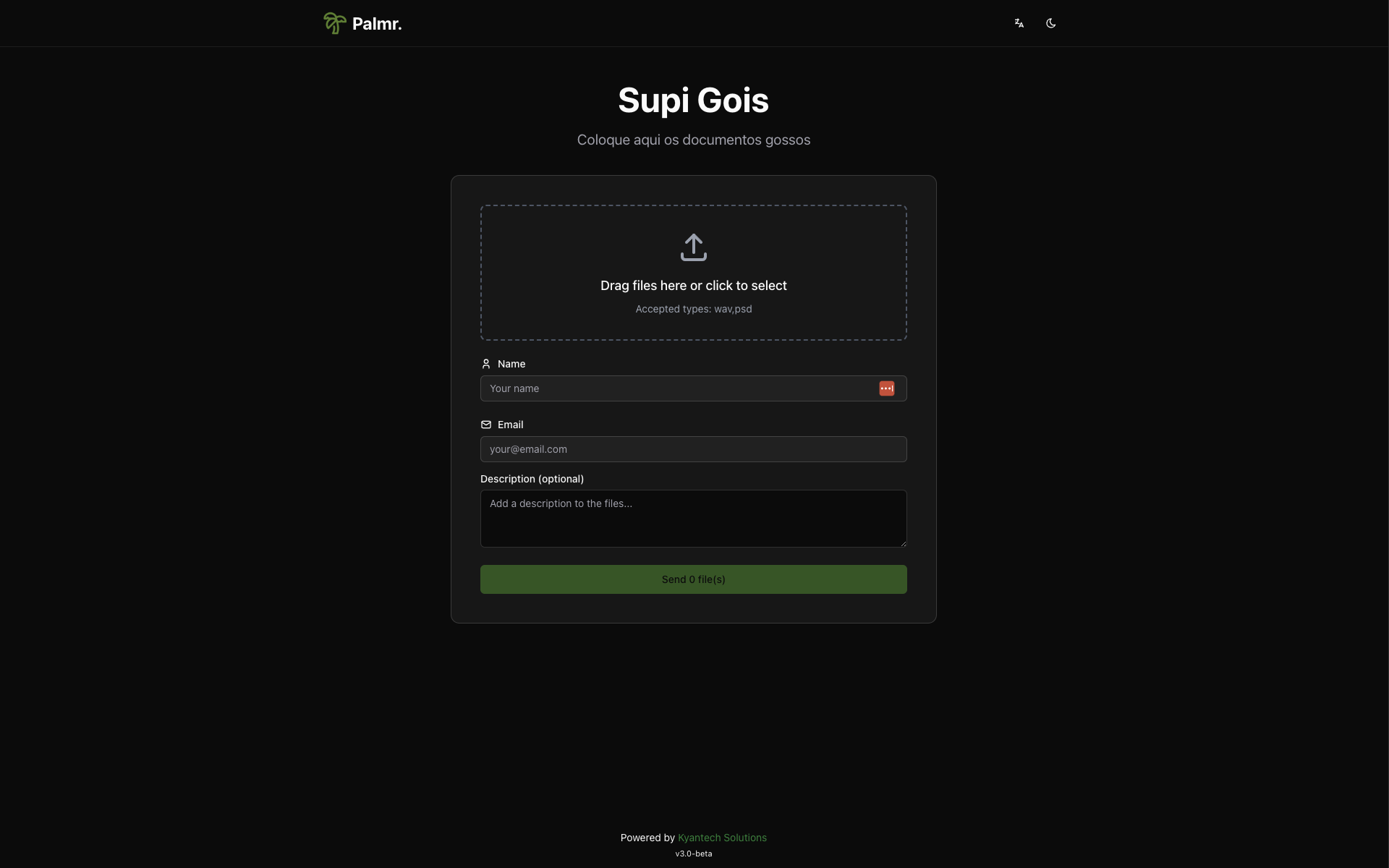
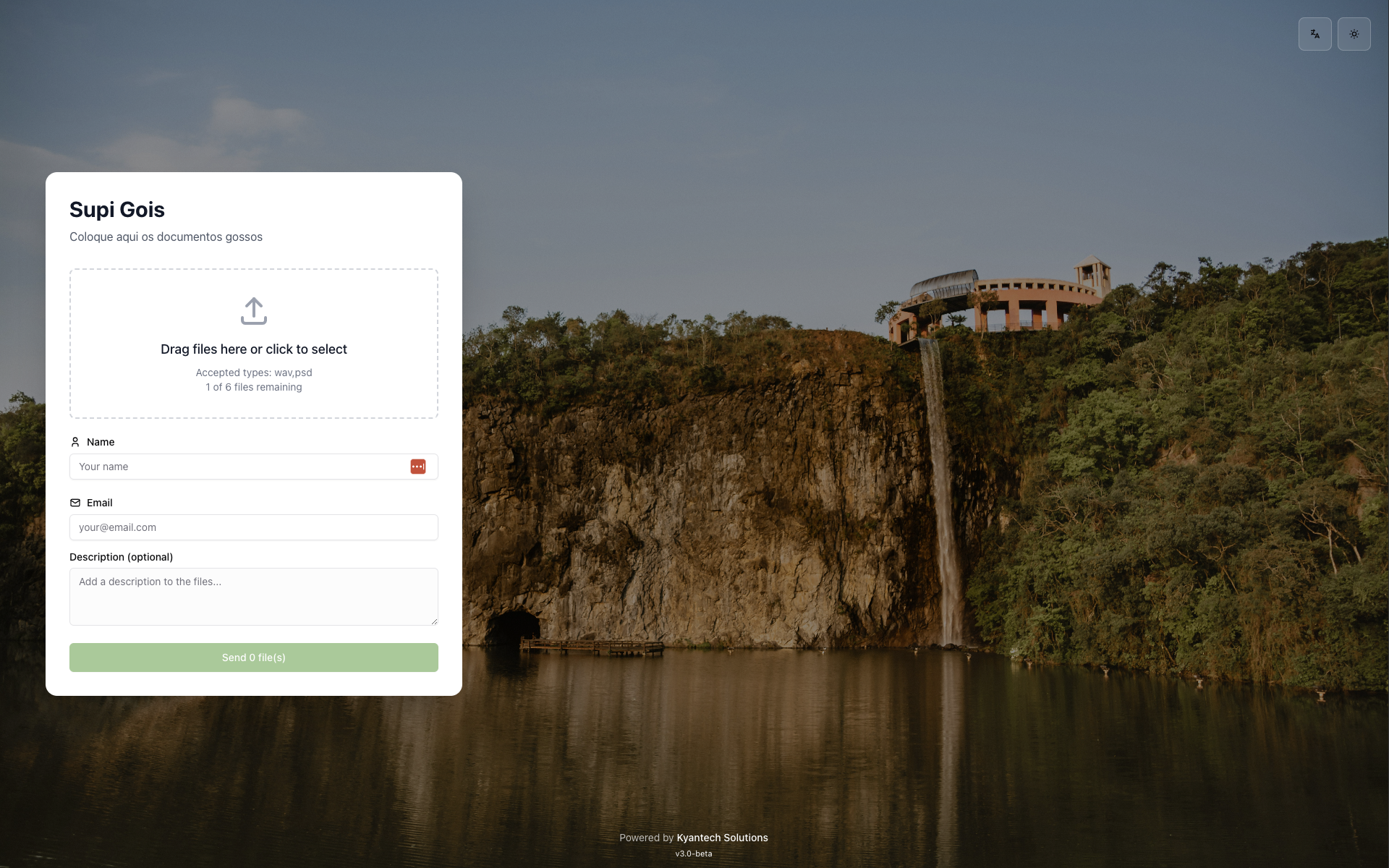
  • Reverse share β€” a WeTransfer-style page that lets other people send files in without an account.
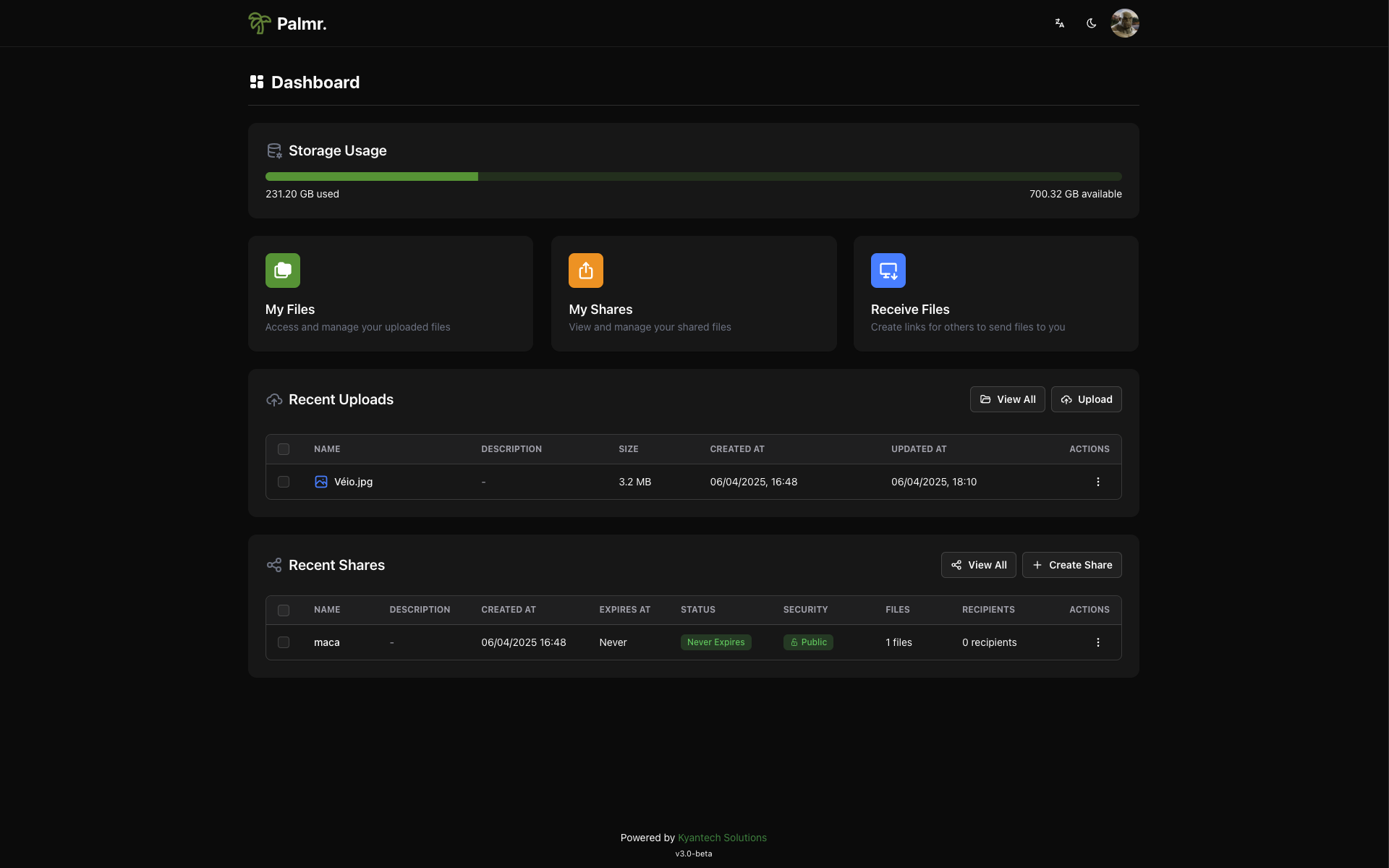
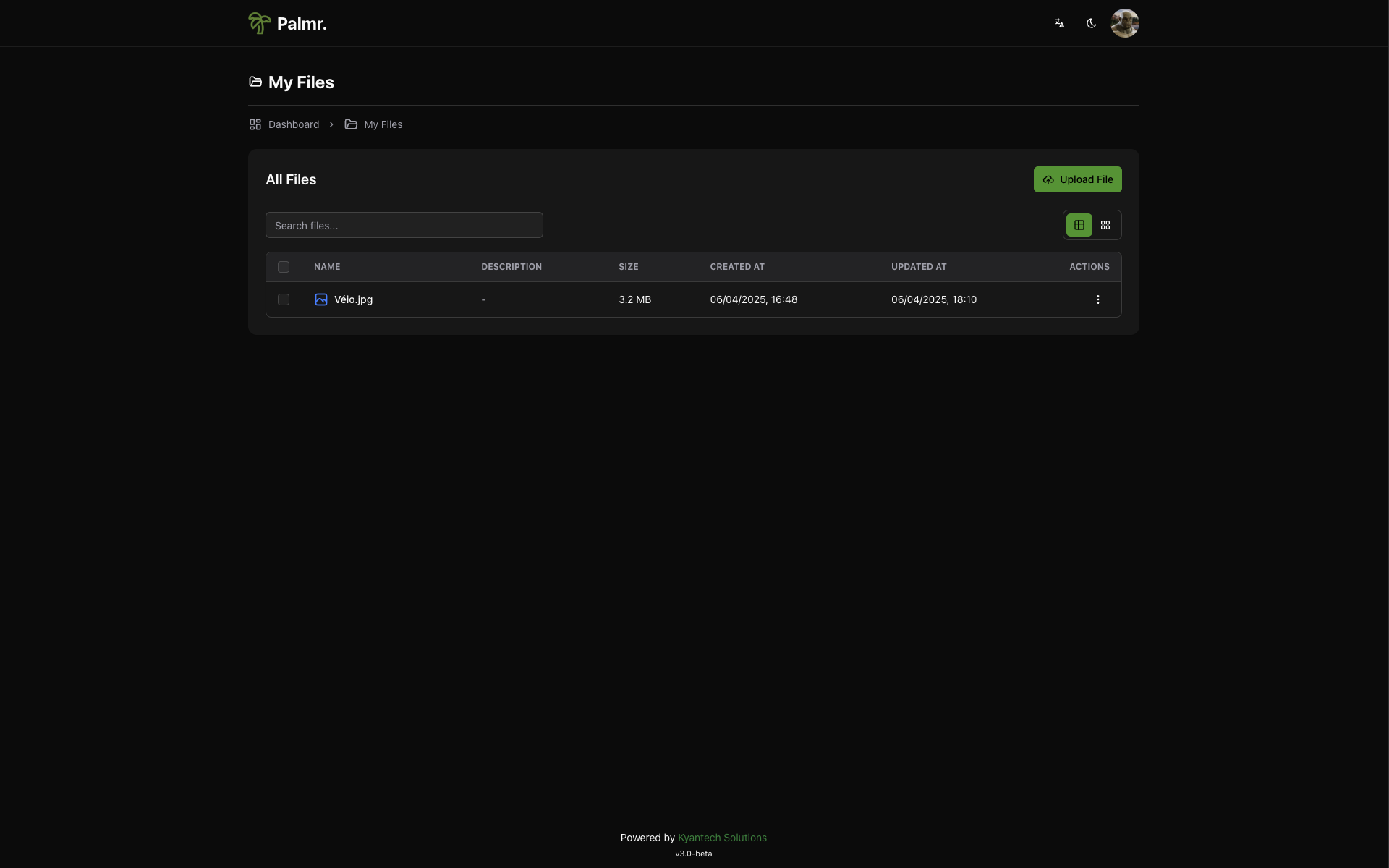
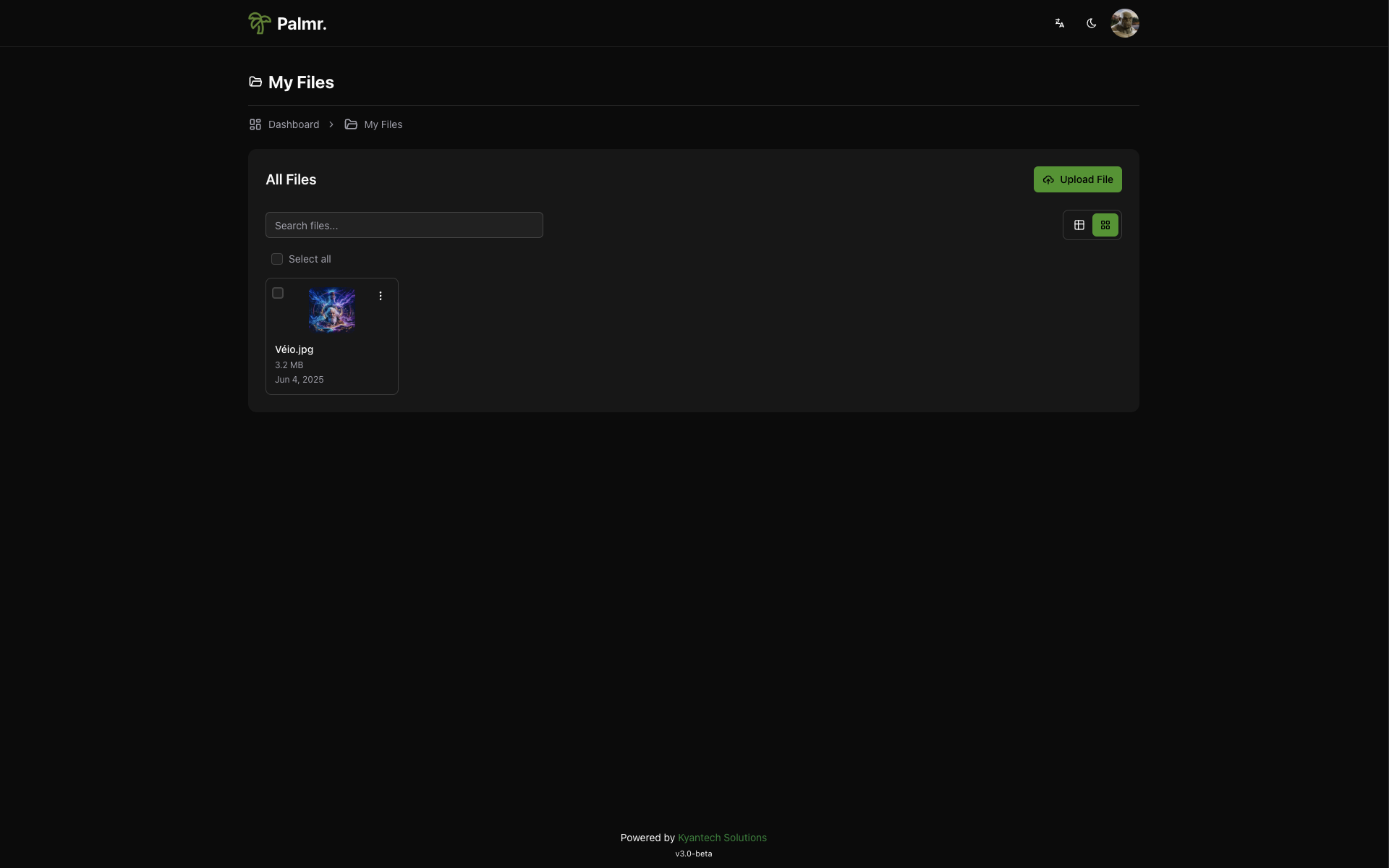
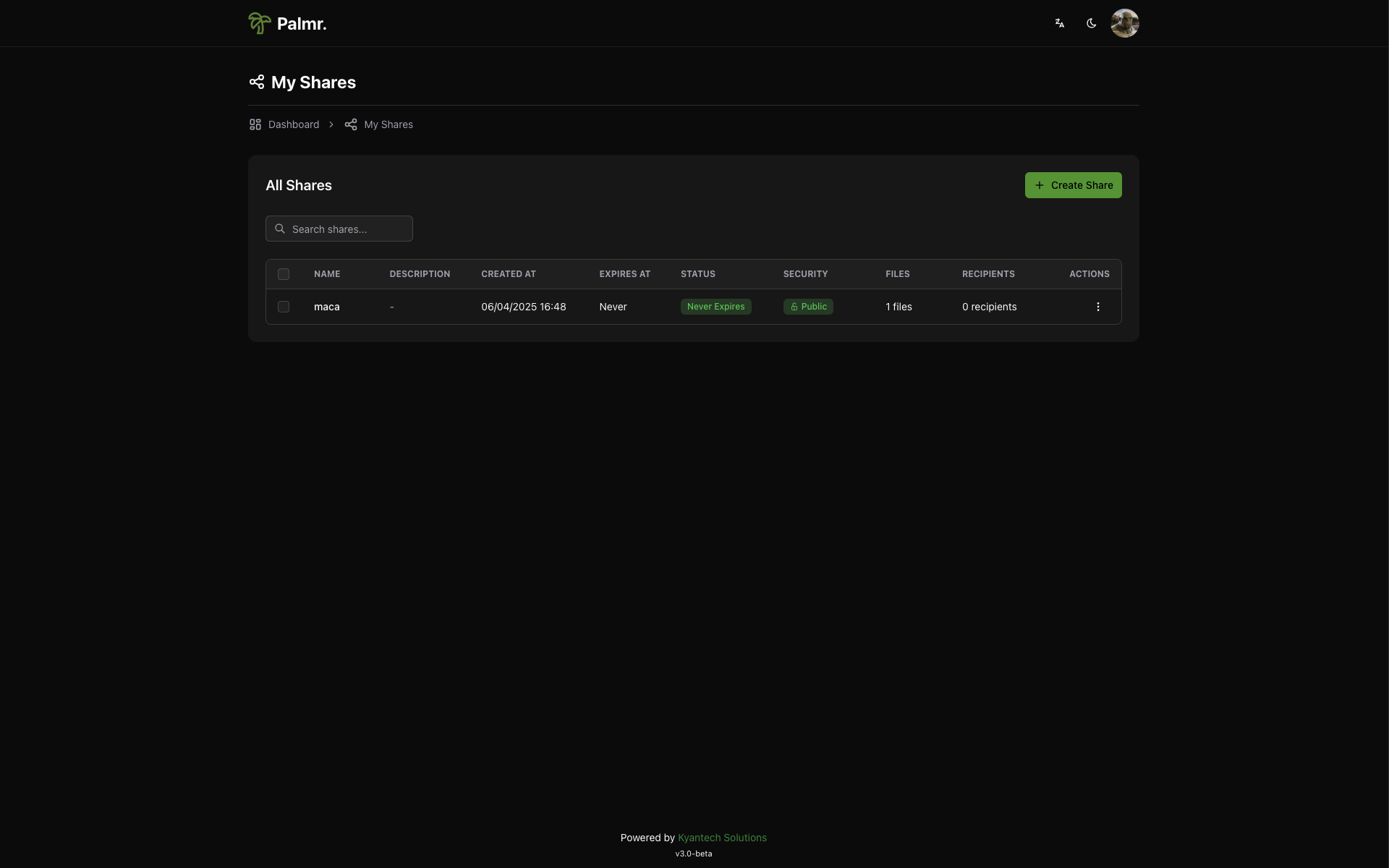
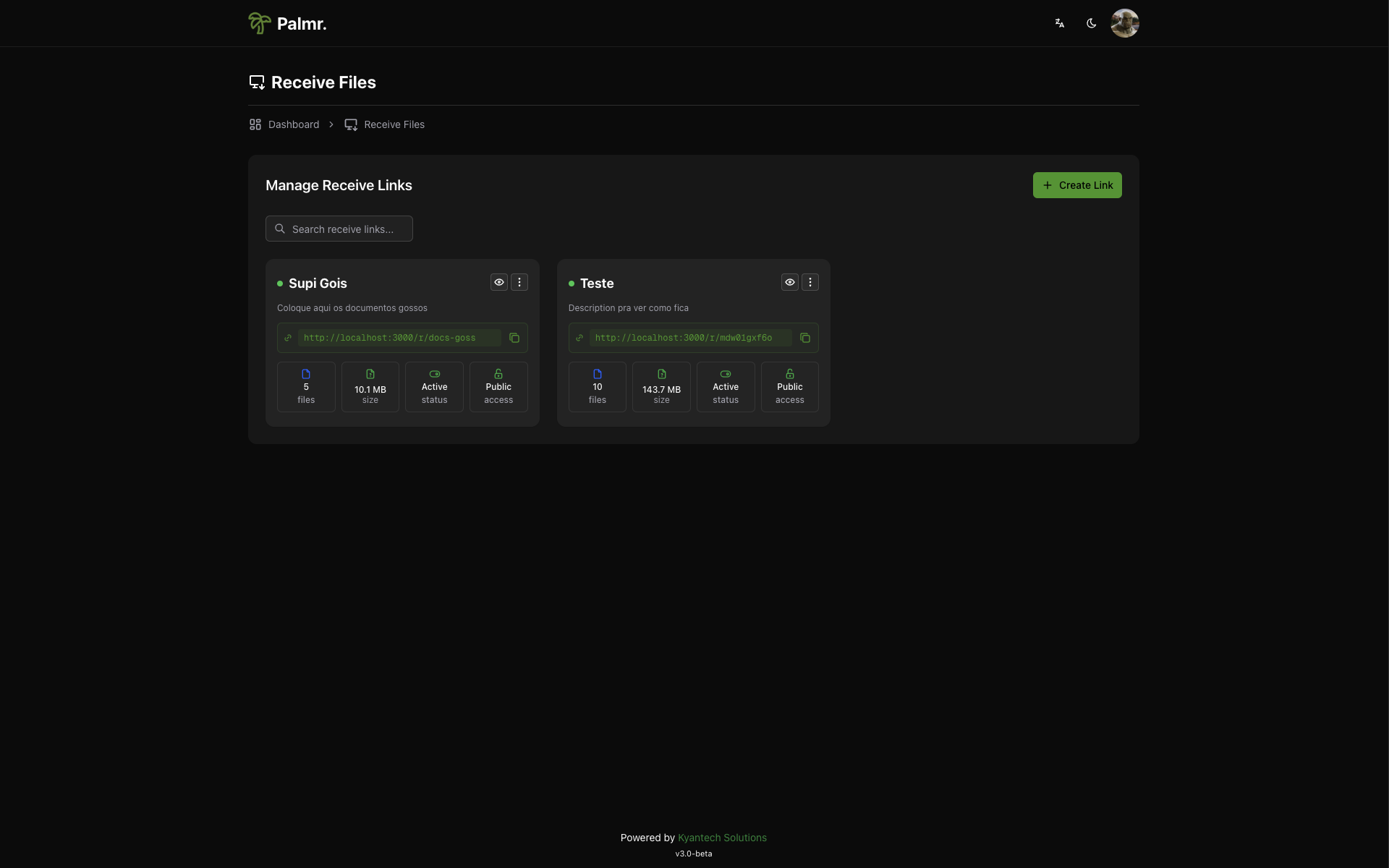
  • Shares management and a receive-files view, alongside list and card views of stored files.
  • SQLite database and filesystem storage by default, keeping setup to a server and a disk.
  • Optional S3-compatible object storage for deployments that outgrow local disks.
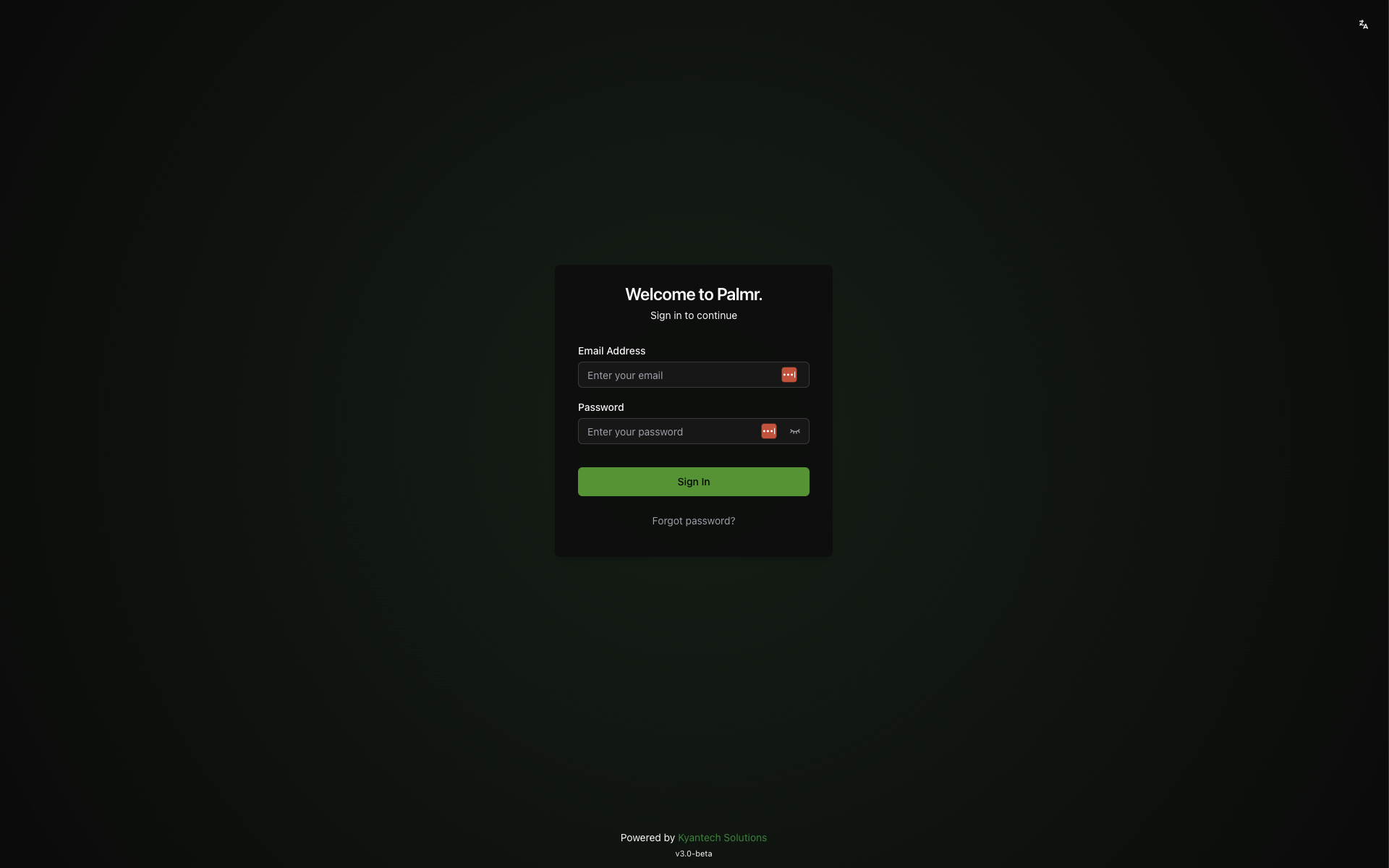
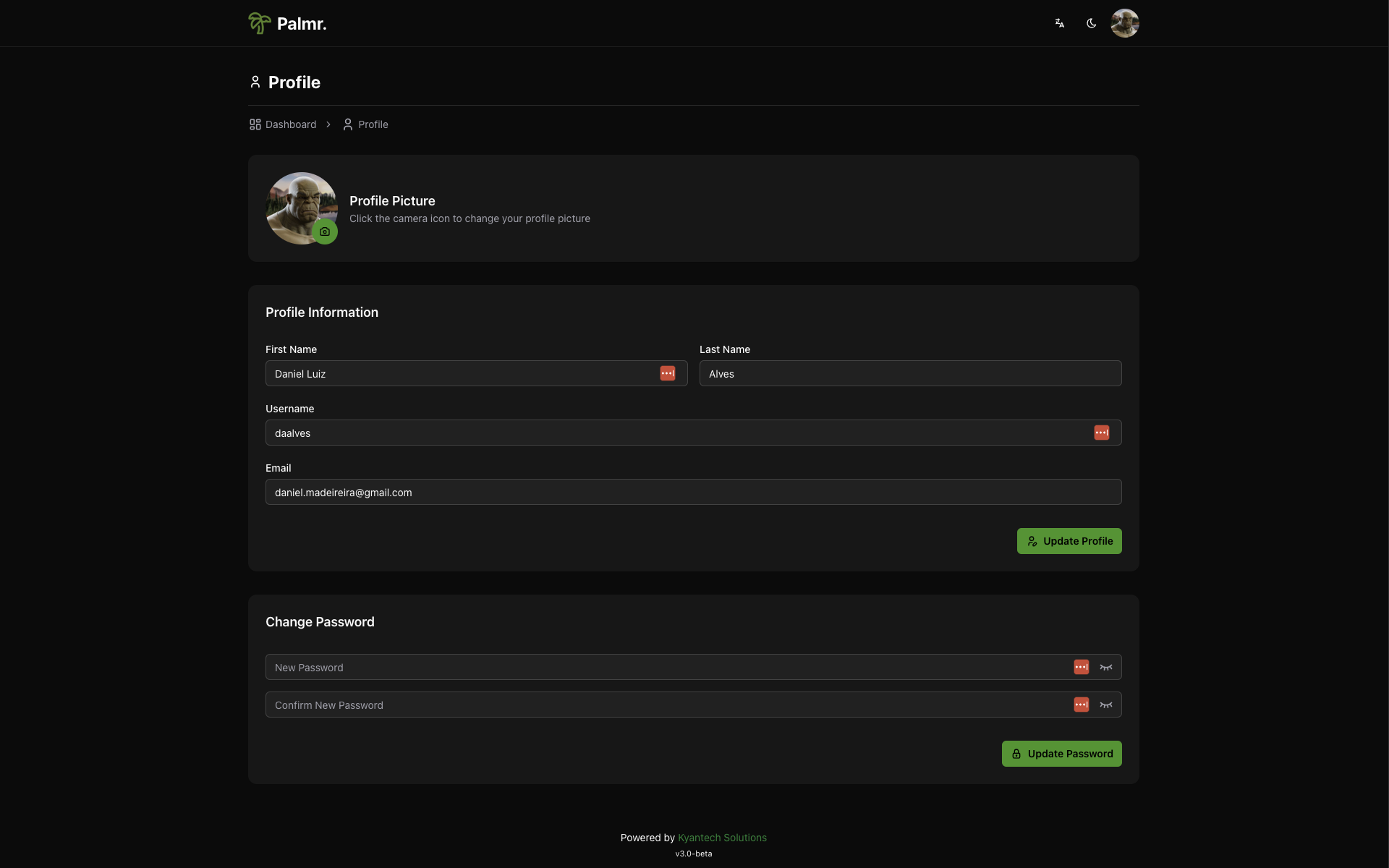
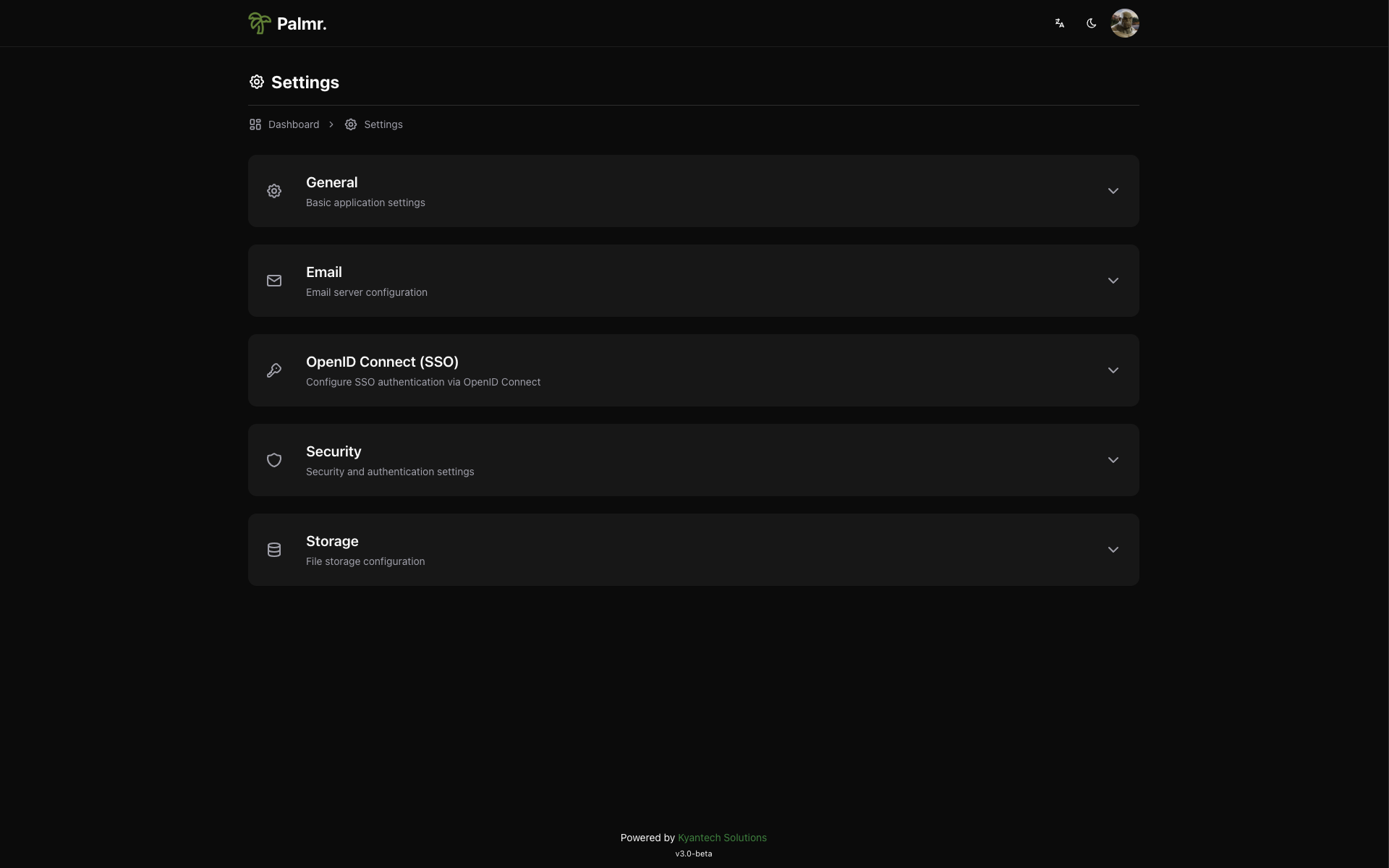
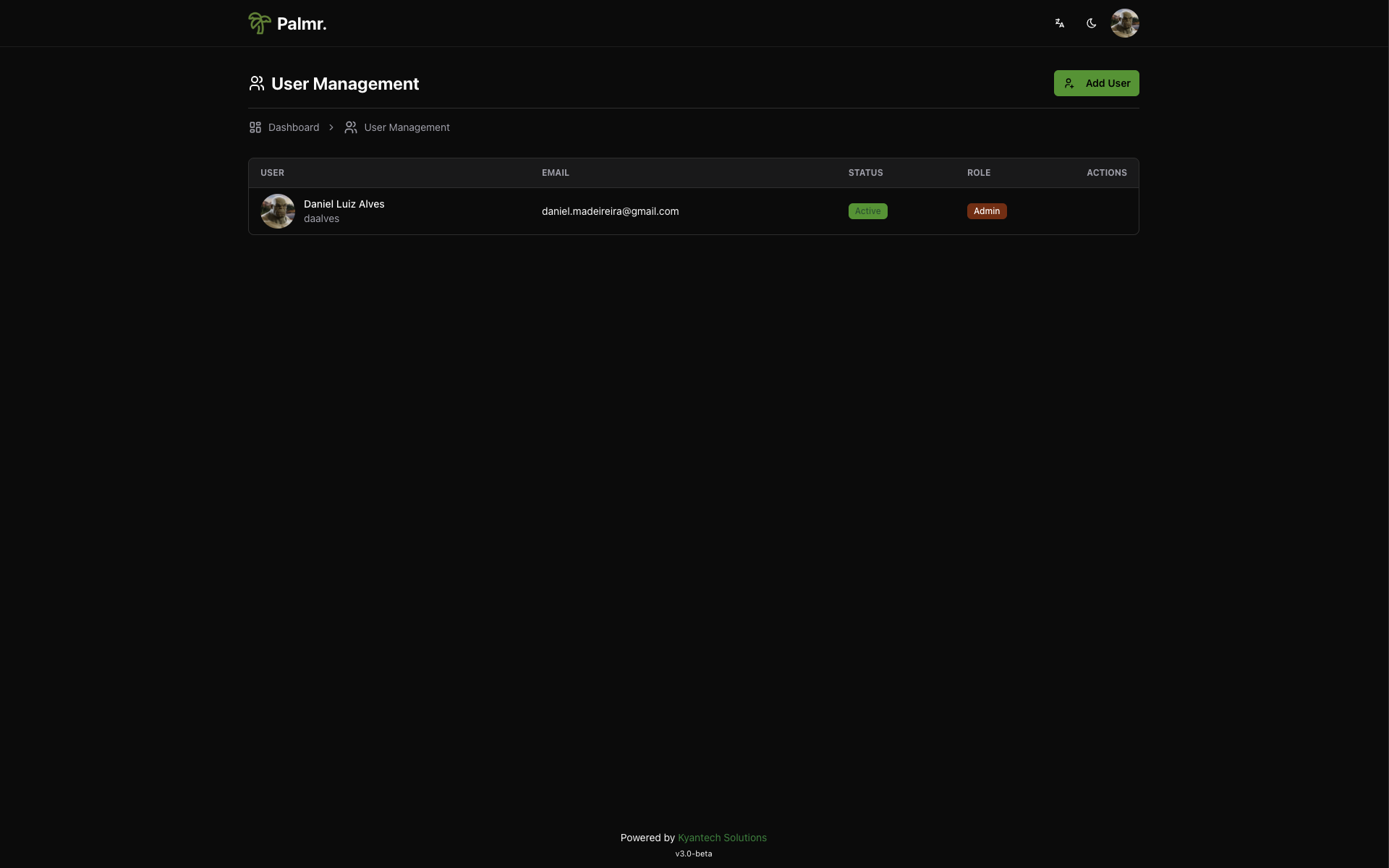
  • User management, a profile page, a settings panel, and a forgot-password flow for accounts.

Who uses it and how

  • Individual self-hosters running it on a personal server or VPS to replace a paid transfer service for large or recurring sends.
  • Small teams needing multiple user accounts, per-share access control, and a shared file list rather than one person's inbox.
  • Organisations handling sensitive files, where keeping data on their own hardware with no third-party dependency is the deciding factor.
  • Operators whose storage grows past a local disk, who start on SQLite and filesystem storage and later add S3-compatible object storage.
  • Recipients and external collaborators, who send and receive files through share links and the reverse-share page without hosting anything.

Getting started

The README points to the project's documentation at palmr.kyantech.com.br for setup details, and describes deployment on your own server or VPS with a SQLite database and filesystem storage. No Docker image, compose file, or hosted tier is named in the README, so the documentation site is the authoritative starting point.

How it compares

WeTransfer, SendGB, Send Anywhere, and Files.fm are hosted services: the vendor runs the infrastructure, sets the transfer limits and link lifetimes, and holds the files in transit. Palmr is Apache-2.0 licensed and self-hosted, so the operator owns the storage, metadata, and access rules, and pays for a server rather than per-transfer or subscription fees β€” which is what the project means by "no artificial limits". The trade is that the operator, not the vendor, carries the work of running and maintaining the service.

When to use it β€” and when not to

Palmr is archived: the sole maintainer stopped active development, citing insufficient sponsorship to maintain multiple projects, and invites forks to continue the work; it is also labelled beta and explicitly not recommended for production environments. A self-hoster must therefore run and maintain the stack themselves β€” the Fastify API, the NextJS frontend, SQLite, and file storage on disk or S3-compatible object storage β€” and should prefer a maintained fork or another project where ongoing security fixes matter.

project readme (upstream, from github) β€” read inline

⚠️ Project Archived

After deep reflection, I have decided to focus my limited time and energy on my other projects. As a solo developer, I have struggled to actively maintain multiple projects with the care and attention they deserve. Without enough sponsors, it became unfeasible to maintain Palmr. If you are interested in continuing this work through a fork, I will be happy to add a link to it here in the README. We thank all the contributors and users who have supported Palmr over time!

🌴 Palmr. - Open-Source File Transfer

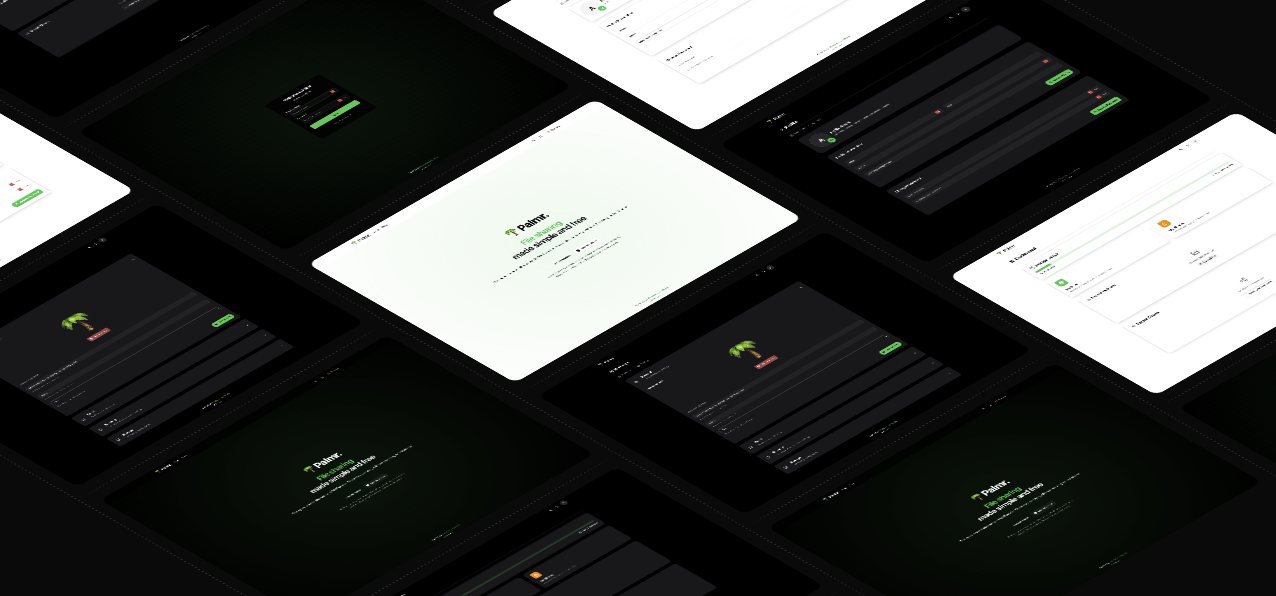
Palmr Banner

Palmr. is a flexible and open-source alternative to file transfer services like WeTransfer, SendGB, Send Anywhere, and Files.fm.

⚠️ BETA VERSION

This project is currently in beta phase.
Not recommended for production environments.

πŸ”— For detailed documentation visit: Palmr. - Documentation

πŸ“Œ Why Choose Palmr.?

  • Self-hosted – Deploy on your own server or VPS.
  • Full control – No third-party dependencies, ensuring privacy and security.
  • No artificial limits – Share files without hidden restrictions or fees.
  • Folder organization – Create folders to organize and share files.
  • Simple deployment – SQLite database and filesystem storage for easy setup.
  • Scalable storage – Optional S3-compatible object storage for enterprise needs.

πŸš€ Technologies Used

Palmr. is built with a focus on performance, scalability, and security.
Backend & API

  • Fastify (Node.js) – High-performance API framework with built-in schema validation.
  • SQLite – Lightweight, reliable database with zero-configuration setup.
  • Filesystem Storage – Direct file storage with optional S3-compatible object storage.

Frontend

  • NextJS 15 + TypeScript + Shadcn/ui – Modern and fast web interface.

πŸ› οΈ How It Works

  1. Web Interface β†’ Built with Next, React and TypeScript for a seamless user experience.
  2. Backend API β†’ Fastify handles requests and manages file operations.
  3. Database β†’ SQLite stores metadata and transactional data with zero configuration.
  4. Storage β†’ Filesystem storage ensures reliable file storage with optional S3-compatible object storage for scalability.

πŸ“Έ Screenshots

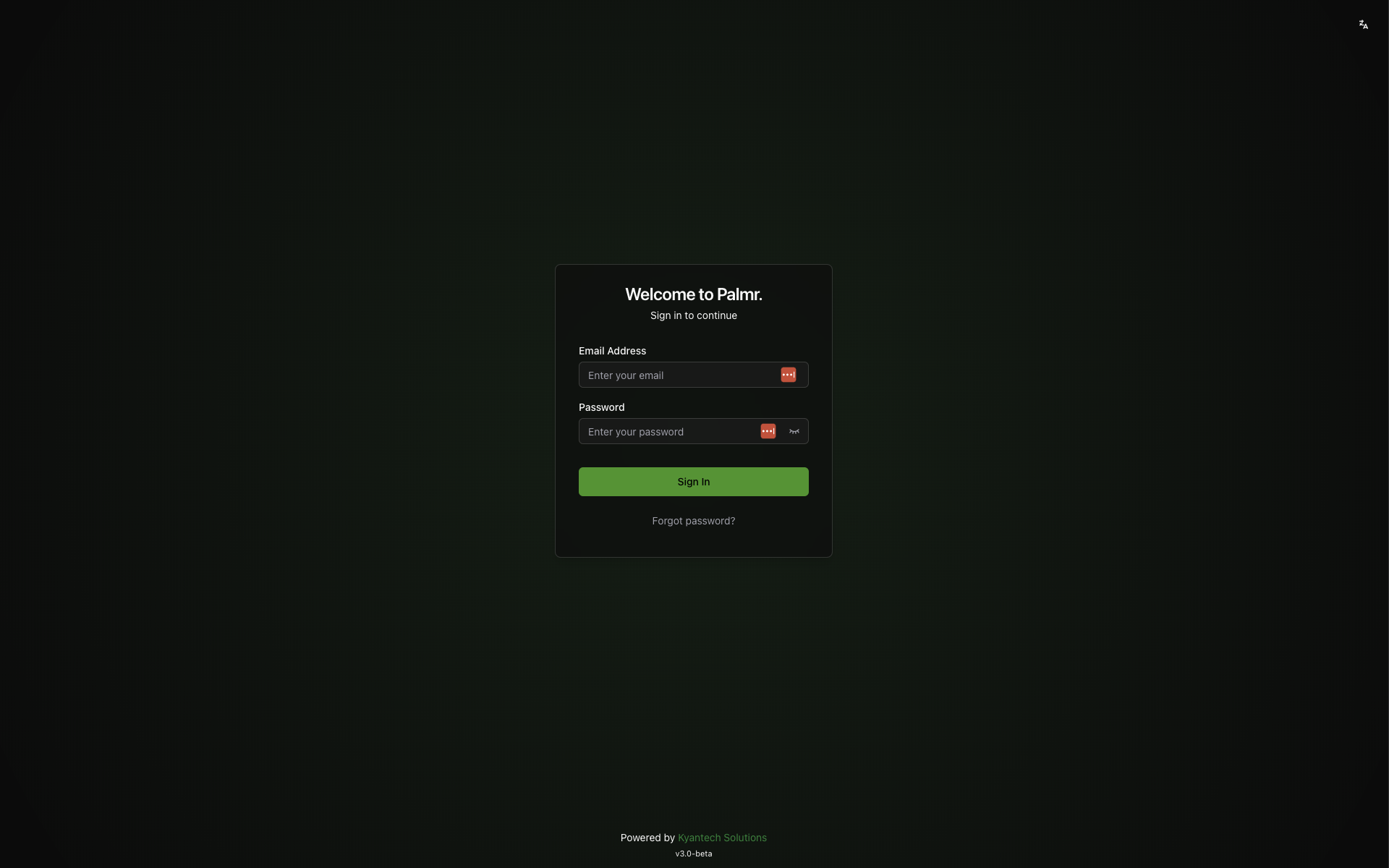
Login Page
Login Page
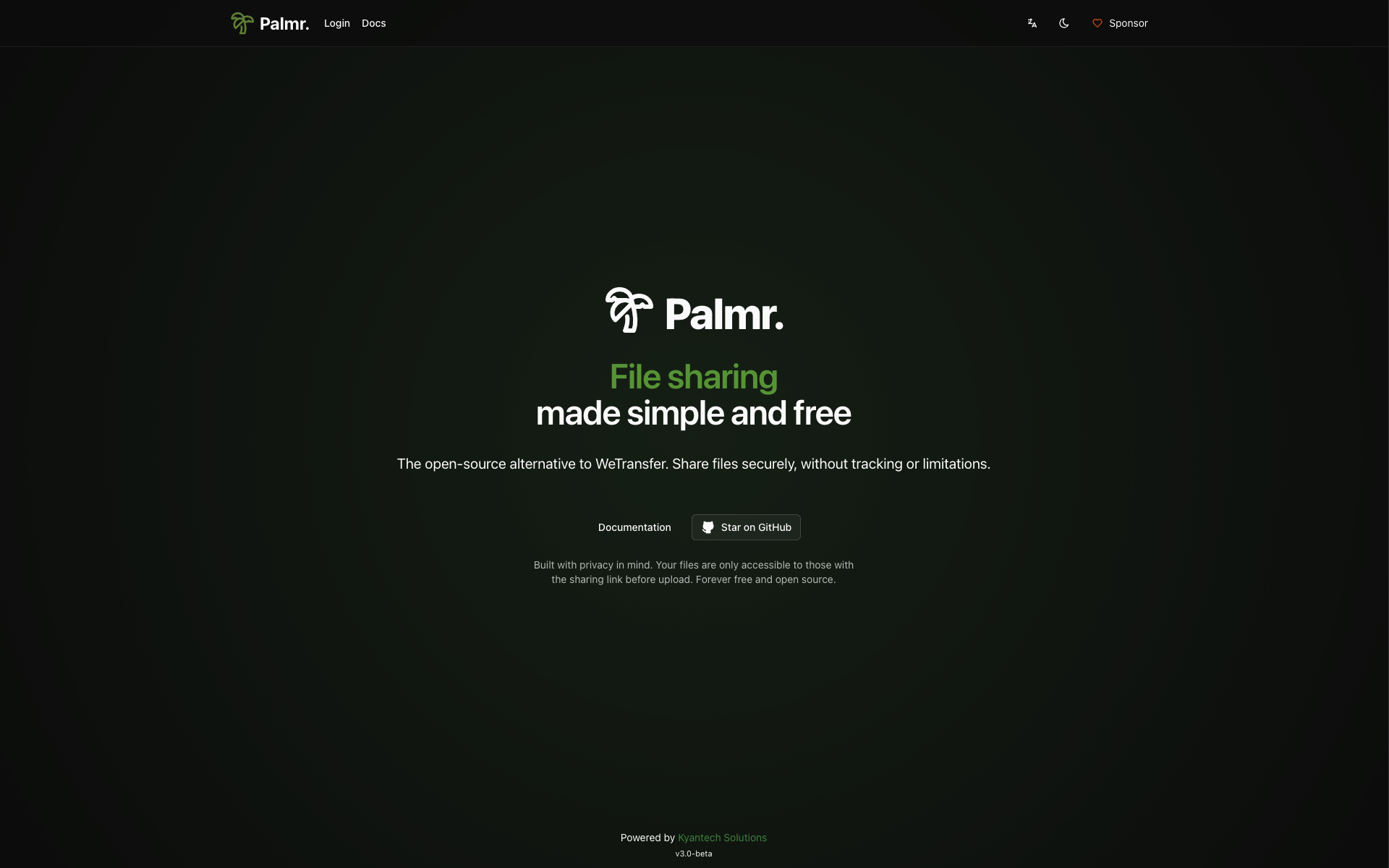
Home Page
Home Page
Dashboard
Dashboard
Profile Page
Profile Page
Files List View
Files List View
Files Card View
Files Card View
Shares Management
Shares Management
Receive Files
Receive Files
Reverse Share
Reverse Share
Settings Panel
Settings Panel
User Management
User Management
Forgot Password
Forgot Password
Forgot Password
Reverse Share (WeTransfer Style)

πŸ‘¨β€πŸ’» Core Maintainers


🀝 Supporters

Daniel Luiz Alves

⭐ Star History

Star History Chart

πŸ› οΈ Contributing

For contribution guidelines, please refer to the CONTRIBUTING.md file.

Frequently asked questions

Is Palmr free to use?

Palmr is open source under the Apache-2.0 licence. There is no licence fee and no seat count β€” you can self-host it or, where the project offers one, pay a vendor for a managed version instead.

What does Palmr do?

🌴 Palmr. is an open-source file-sharing platform focused on privacy and security. It enables users to upload, manage, and share files with features like passwo

What is Palmr written in?

Palmr is primarily written in TypeScript. Its source is publicly available at https://github.com/kyantech/Palmr, and it has 2,396 GitHub stars.