OSS-DocumentScanner is a free, open source photo & video editors project written in C++ and released under MIT. It has 2,529 GitHub stars, 132 forks and 84 open issues, and was last pushed 13 hours ago. On this registry it ranks #44 of 66 tracked projects in Photo & Video Editors, with 5 head-to-head comparisons available.

What is OSS-DocumentScanner?

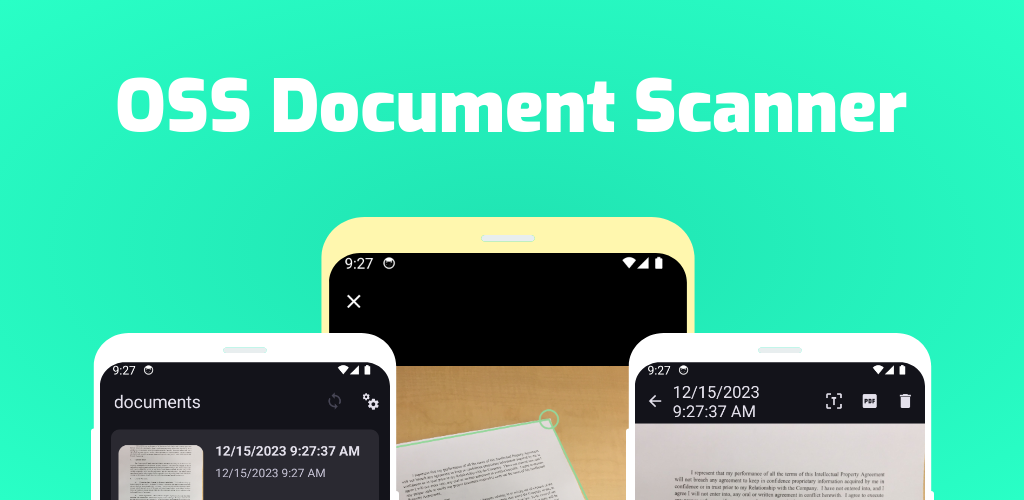
OSS Document Scanner is an open-source Android application, written in C++ and released under the MIT licence, that turns photographed pages into searchable text and PDF documents for users who want a scanner app they can inspect and rebuild themselves.

What it is

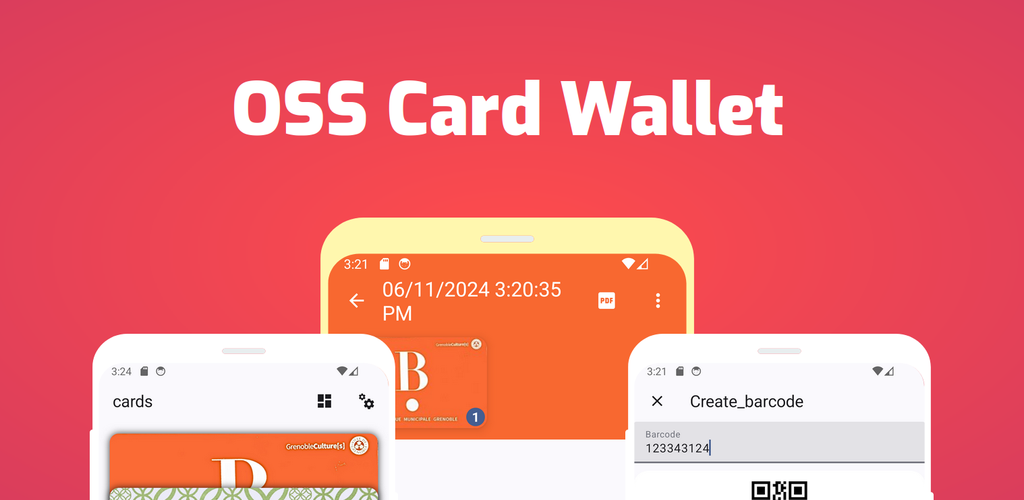
OSS Document Scanner is a document-scanning application for Android built with C++ and leaning on the image-processing and optical character recognition libraries named in the project's own topic list: OpenCV and Tesseract. The repository it lives in now serves as the home of two applications, OSS Document Scanner and Oss CardWallet, distinguished on the releases page by separate scanner and wallet release filters. The project is maintained publicly on GitHub under a Contributor Covenant v2.0 code of conduct, with translations coordinated through the Weblate project at hosted.weblate.org.

The concrete problem it addresses is the everyday need to capture a physical document — a page, a receipt, a card — and convert it into something usable as data: text you can search and edit, or a PDF you can file and send. Its topic list states this pipeline directly, from document-scan through document-scan-to-text, with image-processing, pdf and scanner alongside it. The app lives in the Android ecosystem, where the equivalent functionality is otherwise found in vendor-bundled or commercial scanner apps; this project provides the same capture-and-convert workflow as a freely licensed, rebuildable codebase.

Key capabilities

  • Capturing physical documents with a document-scanning workflow designed for Android devices.
  • Converting scanned pages into editable text through OCR powered by Tesseract, described in the topics as document-scan-to-text.
  • Producing PDF output from scanned pages, so captures can be filed and shared as documents.
  • Applying image-processing steps to captures using OpenCV for document detection and cleanup.
  • Shipping as two distinct applications from a single repository: OSS Document Scanner and Oss CardWallet, each with its own release stream.
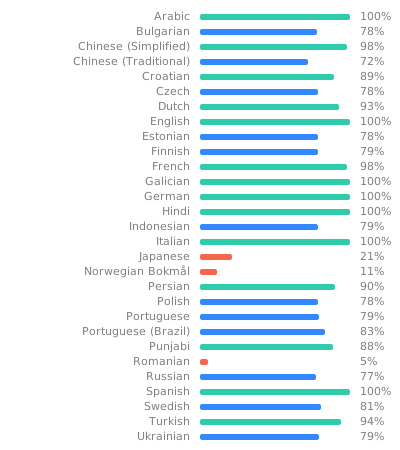
  • Receiving community translations managed through Weblate at the oss-document-scanner translation project.
  • Following the Contributor Covenant v2.0, documented in COC.md, for community contributions.

Who uses it and how

  • Android users who want to photograph paper documents and walk away with text or a PDF rather than a plain photo file.
  • Users keeping cards and similar items organised through the companion Oss CardWallet app, installed from the same project's releases.
  • Contributors who download prebuilt binaries from the GitHub Releases page, which tracks cumulative download counts across all published versions.
  • Translators working through the hosted Weblate interface to localise the app into further languages.
  • Open-source developers and reviewers examining a C++ codebase built on OpenCV and Tesseract, currently carrying 84 open issues for ongoing work.

Getting started

The README opens with an ## Installation section, and the project publishes builds through its GitHub Releases page with separate release filters for the scanner and the wallet app; the project homepage at https://ossdocumentscanner.akylas.fr/ carries further setup information.

How it compares

The project's own facts name no comparable tools for it to be measured against, so it stands alone in this registry as the entry covering document scanning on Android.

When to use it — and when not to

There is no server to run: because the app is an Android client rather than a hosted service, a self-hoster takes on no database, storage or SMTP infrastructure, only the usual responsibility of installing and updating an APK from the project's releases. It should not be chosen by anyone needing a desktop or server-side scanning tool, and prospective users should weigh that the repository description is a single line and that 84 issues remain open, both of which suggest documentation and polish may lag behind the feature set.

project readme (upstream, from github) — read inline

This repository is now the home of 2 apps
Contributor Covenant GitHub repo stars GitHub License GitHub All Releases GitHub release GitHub release

Small translation badge

Installation

OSS Document Scanner Oss CardWallet
Get it on IzzyOnDroid Get it on IzzyOnDroid
Get it on PlayStore Get it on PlayStore
Download on the App Store Download on the App Store
Get it on Obtainium Get it on Obtainium
AppVerifier hashes

OSS Document Scanner:

com.akylas.documentscanner
0D:10:AA:10:E0:3A:7E:76:97:22:BE:43:88:BE:63:BD:15:7A:7B:7B:F1:96:FB:3C:EB:AB:87:37:F9:6C:A8:71

OSS CardWallet:

com.akylas.cardwallet
0D:10:AA:10:E0:3A:7E:76:97:22:BE:43:88:BE:63:BD:15:7A:7B:7B:F1:96:FB:3C:EB:AB:87:37:F9:6C:A8:71

Enjoying OSS Document Scanner or OSS Card Wallet?

Please consider making a small donation to help fund the project. Developing an application, especially one that is open source and completely free, takes a lot of time and effort.

:heart: Sponsor


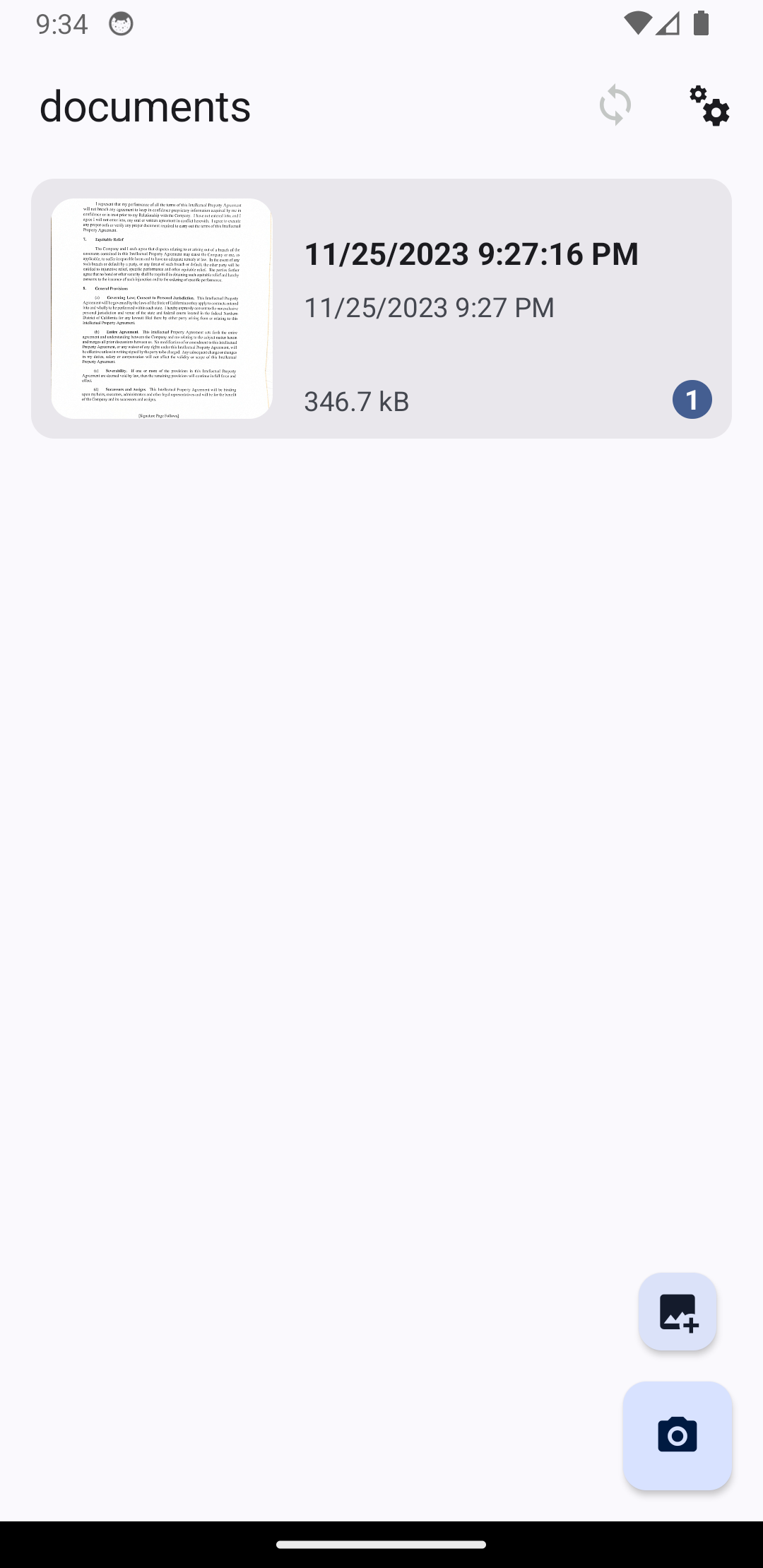
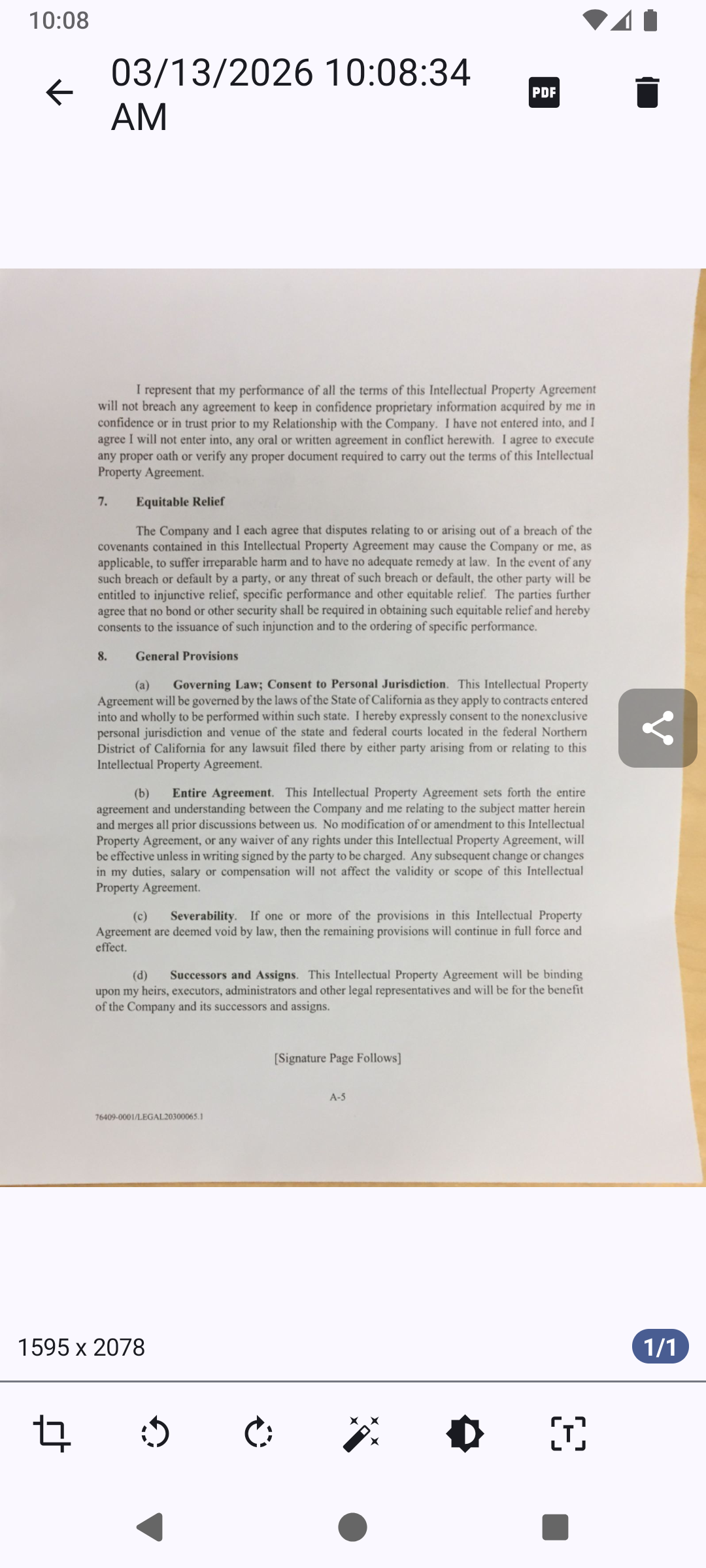
Open Source app to scan your documents.

Screenshots

| | | |
| | | |
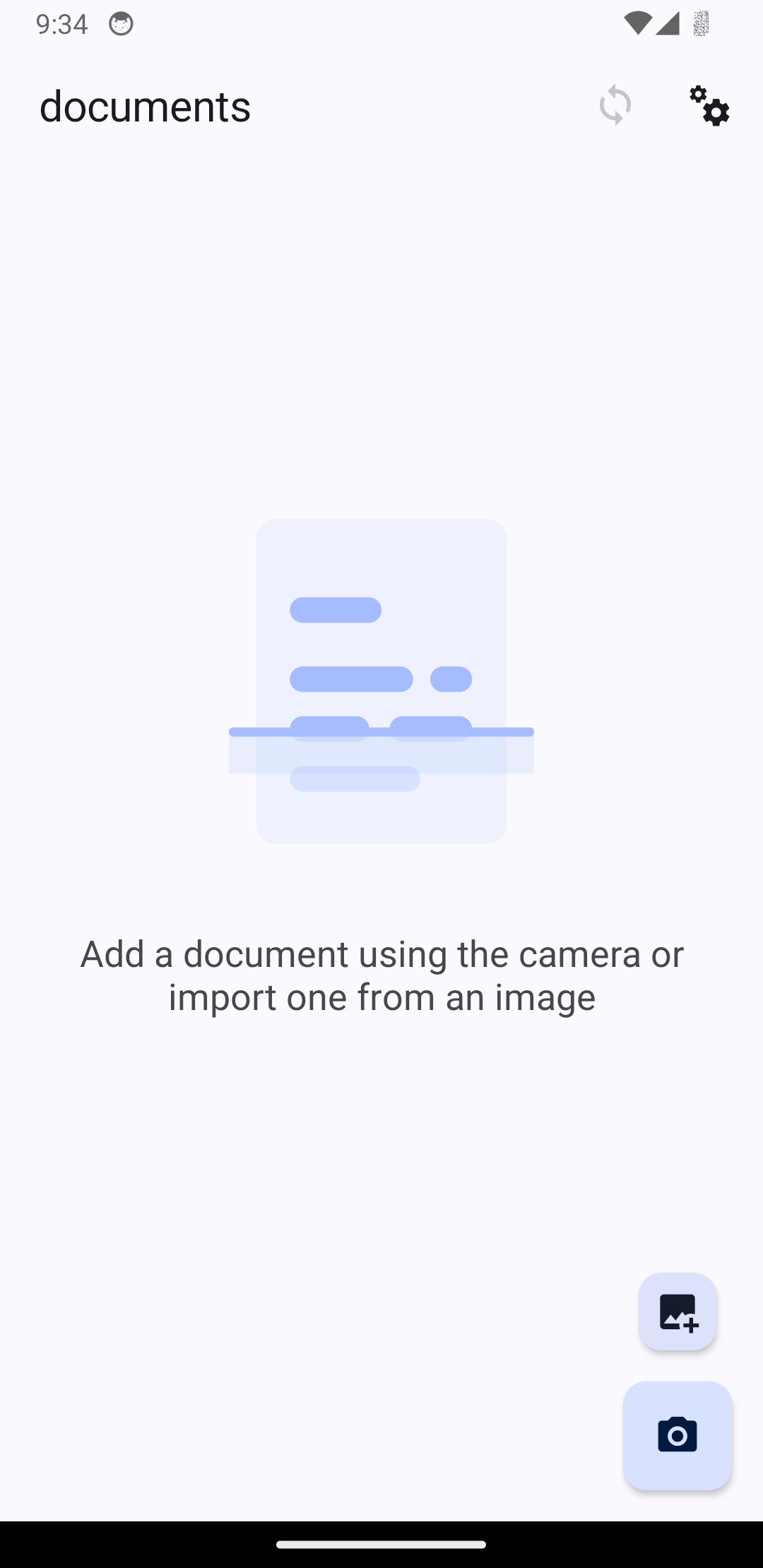
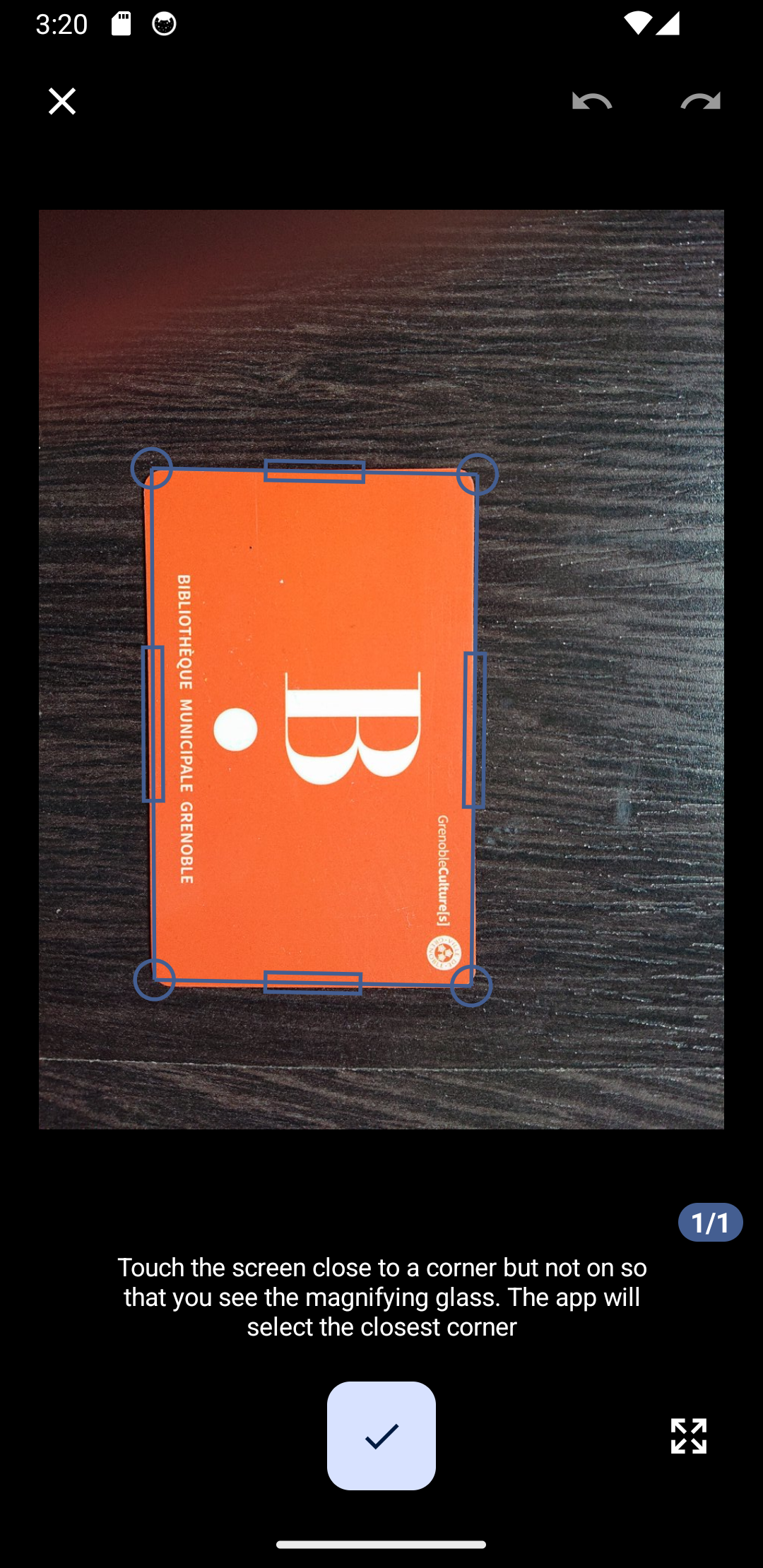
Having issues, suggestions and feedback?

You can,

Languages: Übersetzungsstatus

Übersetzungsstatus

The Translations are hosted by Weblate.org.
Feature Graphic generated with hotpot.ai

Building Setup

This repo can be used to build 2 different apps: OSS DocumentScanner and OSS CardWallet

Those apps are using Nativescript which is a cross platform framework to build apps for iOS/Android

Setup / Environment

This project uses a few environment variables. While most are for publishing and thus not necessary for most, some are used to decide which app to build:

  • APP_ID: com.akylas.documentscanner or com.akylas.cardwallet
  • APP_BUILD_PATH: build/documentscanner or build/cardwallet
  • APP_RESOURCES: App_Resources/documentscanner or App_Resources/cardwallet

You can either define them yourself. If you are using vscode the vscode/settings.json of this repo defines different custom shells which will try to source .env.documentscanner and .env.cardwallet. To do this it use the plugin dotenv from omzsh here If those variables are not define the project will default to variables for OSS DocumentScanner

Nativescript

First setup Nativescript

This project is optimized to be built with Akylas Fork. Though it would work with main it is best to use this fork. The package.json defines a resolution to ../NativeScript/dist/packages/core so clone the fork and build it using npm run setup:yarn && npm run ui-mobile-base:build && npm run core:build

Another change is that this project uses new features of the Nativescript cli which were not released yet. So for now you need to clone it, build with npm run setup then use it with PATH_TO_CLI_FOLDER/bin/ns

dotenv

The app uses .env file to set up needed environment variables. .env is not commited as it contains sensitive data Simply create a .env file with:

source .env.ci

Then "source" the file in the terminal so that variable are exported and available to nativescript cli. I use dotenv plugin for zsh which automatically loads the .env file

3rd parties

This app also uses opencv and tesseract. I did not include the libraries in git because there are huge and would make the github repo too big. There are 2 ways to install them:

  • download from here and uncompress them at the root
  • build them yourself:
OpenCV
  • Android: You can download Opencv 4.12.0 for android here. Then place the necessary libs/includes in the opencv/android at the root of this repo like shown here: opencv directory structure
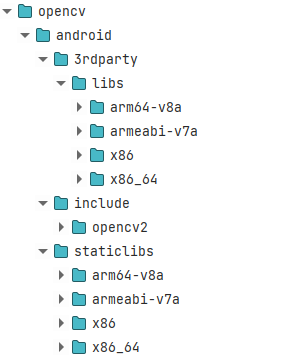
  • iOS : You can download Opencv 4.12.0 for iOS here. Then place the opencv2.xcframework in the opencv/ios at the root of this repo

This should be enough. Android and iOS build will use it using symlinks

Tesseract

It is a bit trickier for Tesseract as we need to compile it

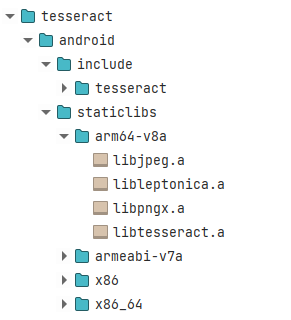
  • Android: - clone https://github.com/Akylas/Tesseract4Android - build with ./gradlew assembleRelease - search for the built static libs (search for libtesseract.a) in tesseract4android/build/intermediates/cxx/*/obj - copy the static libs and the includes(in tesseract4android/src/main/cpp/tesseract/src/include) in the tesseract/android at the root of this repo like shown here: opencv directory structure
  • iOS:

Yarn

You need to use yarn with this project as it uses the portal: protocol for some dependencies. Note that the project has some yarn link for easy local dev for me. The best is for you to remove the resolutions part of the package.json

Building

Now that all is setup and that you prepared the 3rd party libraries you can actually build and run the app:

  • yarn
  • ns run android --no-hmr --env.devlog (replace by ios for iOS...)

This should run the app on the first discovered device or emulator.

Frequently asked questions

Is OSS-DocumentScanner free to use?

OSS-DocumentScanner is open source under the MIT licence. There is no licence fee and no seat count — you can self-host it or, where the project offers one, pay a vendor for a managed version instead.

What does OSS-DocumentScanner do?

Document scanning app

What is OSS-DocumentScanner written in?

OSS-DocumentScanner is primarily written in C++. Its source is publicly available at https://github.com/ossappscollective/OSS-DocumentScanner, and it has 2,529 GitHub stars.