Oqtane Framework

Oqtane is an open source Content Management System (CMS) and Application Framework that provides advanced functionality for developing web, mobile, and desktop applications on modern .NET.
Oqtane allows you to "Build Applications, Not Infrastructure" which means that you can focus your efforts on solving your unique business challenges rather than wasting time and effort on building general infrastructure.
Oqtane is "Rocket Fuel for Blazor" as it provides powerful capabilities to accelerate your Blazor development experience, providing scalable services and a composable UI which can be hosted on Static Blazor, Blazor Server, Blazor WebAssembly, or Blazor Hybrid (via .NET MAUI).
Oqtane is being developed based on some fundamental principles which are outlined in the Oqtane Philosophy. This project is an official member of the .NET Foundation and is governed by the .NET Foundation Contributor Covenant Code of Conduct
Latest Release
10.2.6 was released on September 14, 2026.
Try It Now!
Microsoft's Public Cloud (requires an Azure account)
A free ASP.NET hosting account. No hidden fees. No credit card required.
Getting Started (Version 10.0.0+)
Installing using the Oqtane Application Template:
If you have an older version of the Oqtane Application Template installed and want to use the latest, use the following .NET CLI command to uninstall the old version:
dotnet new uninstall Oqtane.Application.Template
To install the Oqtane Application Template and create a new project, use the following .NET CLI commands (note that "MyCompany.MyProject" can be replaced with your own unique company and project name):
dotnet new install Oqtane.Application.Template
dotnet new oqtane-app -o MyCompany.MyProject
cd MyCompany.MyProject
dotnet build
cd Server
dotnet run
- Browse to the Url specified to run the application (an Installation Wizard screen will be displayed the first time you run the application)
- To develop/debug the application in an IDE, open the *.slnx file in the root folder and hit F5
Installing using source code from the Dev/Master branch:
Install Latest .NET 10.0 SDK.
Install the latest edition of Visual Studio 2026 with the ASP.NET and web development workload enabled. Oqtane works with ALL editions of Visual Studio from Community to Enterprise. If you wish to use LocalDB for development ( not a requirement as Oqtane supports SQLite, mySQL, and PostgreSQL ) you must also install the Data storage and processing.
Clone (or download) the Oqtane source code to your local system:
- Dev Branch: git clone https://github.com/oqtane/oqtane.framework
- Master Branch: git clone --single-branch --branch master https://github.com/oqtane/oqtane.framework
Open the Oqtane.slnx solution file (make sure you specify Oqtane.Server as the Startup Project)
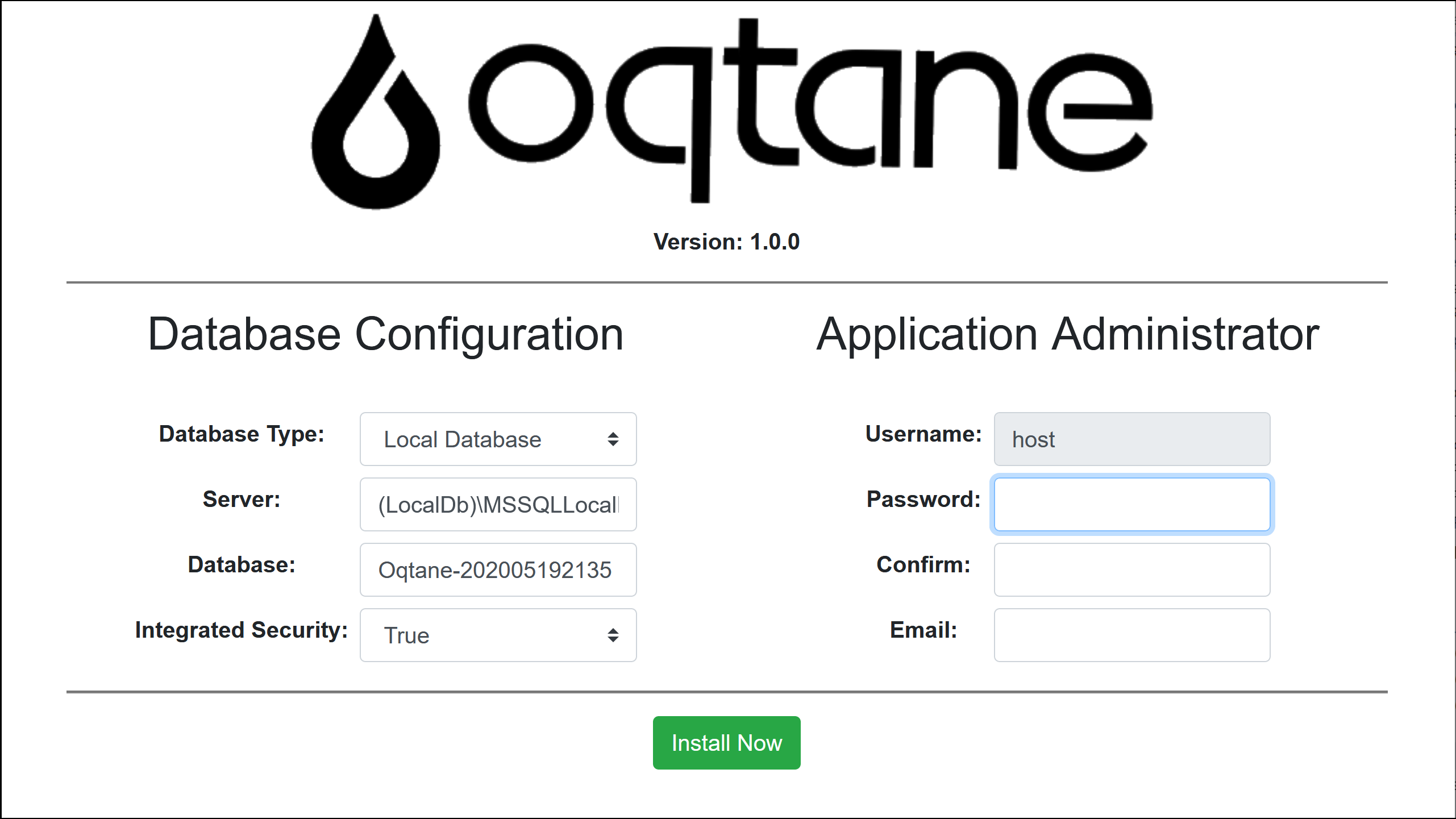
Run the application... an Installation Wizard screen will be displayed which will allow you to configure your preferred database and create a host user account.
Developing a custom module:
follow the instructions for installing using source code outlined above
login as the host user
navigate to Control Panel (gear icon at top-right of page), Admin Dashboard, Module Management
select Create Module
enter information corresponding to the module you wish to create and then select the Create button
make note of the Location where the code was generated and open the solution file in Visual Studio
Build / Rebuild Solution, ensure the Oqtane.Server is set as the Startup Project, and hit F5 to run the solution
Installing an official release:
all official releases of Oqtane are distributed on GitHub. Releases include an Install.zip package for new installations and an Upgrade.zip for existing installations.
A detailed set of instructions for installing Oqtane on Azure is located here: Installing Oqtane on Azure
A detailed set of instructions for installing Oqtane on IIS is located here: Installing Oqtane on IIS
Instructions for upgrading Oqtane are located here: Upgrading Oqtane
Additional Instructions
If you have already installed a previous version of Oqtane and you wish to do a clean database install, simply reset the DefaultConnection value in the Oqtane.Server\appsettings.json file to "". This will trigger a re-install when you run the application which will execute the database installation.
If you want to submit pull requests it is recommended you ignore any local changes you have made to the appsettings.json file before you submit a pull request. To automate this activity, open a command prompt and navigate to the /Oqtane.Server/ folder and enter the command "git update-index --skip-worktree appsettings.json"
Video Series
- If you are getting started with Oqtane, a series of videos are available which explain how to install the product, interact with the user interface, and develop custom modules.
Oqtane Marketplace
Explore and enhance your Oqtane experience by visiting the Oqtane Marketplace. Discover a variety of modules, themes, and extensions contributed by the community. Visit Oqtane Marketplace
Documentation
There is a separate Documentation repository which contains a variety of types of documentation for Oqtane, including API documentation that is auto generated using Docfx. The contents of the repository is published to Githib Pages and is available at https://docs.oqtane.org
Join the Community
Connect with other developers, get support, and share ideas by joining the Oqtane community on Discord!

Roadmap
This project is open source, and therefore is a work in progress...
Backlog
- Folder Providers
- Native MCP Server
10.2.6 (Sep 14, 2026)
- Stabilization improvements
10.2.5 (Sep 10, 2026)
- Stabilization improvements
10.2.4 (Aug 17, 2026)
- Stabilization improvements
10.2.3 (Jul 26, 2026)
- Stabilization improvements
10.2.2 (Jul 24, 2026)
- Marketplace integration
- Stabilization improvements
10.2.1 (Jun 19, 2026)
- Stabilization improvements
10.2.0 (May 29, 2026)
- Distributed Caching
- Scale-out Support
- Docker Support
10.1.2 (Mar 26, 2026)
- Stabilization improvements
10.1.1 (Mar 6, 2026)
- Stabilization improvements
10.1.0 (Feb 25, 2026)
- Site Groups, Content Synchronization, Content Localization
- Global Replace
- Copy Page
- Site Tasks
10.0.4 (Jan 20, 2026)
- Stabilization improvements
10.0.3 (Dec 24, 2025)
- Stabilization improvements
10.0.2 (Dec 23, 2025)
- Stabilization improvements
10.0.1 (Dec 15, 2025)
- Stabilization improvements
10.0.0 (Nov 14, 2025)
- Migration to .NET 10
- Passkey Authentication
6.2.1 (Sep 29, 2025)
- Stabilization improvements
6.2.0 (Sep 9, 2025)
- Oqtane Application Template
- Radzen Text Editor
- Setting Management
6.1.5 (Aug 17, 2025)
- Stabilization improvements
- Database provider improvements
6.1.4 (Jul 30, 2025)
- Stabilization improvements
- SMTP OAuth2 Support
6.1.3 (May 29, 2025)
- Stabilization improvements
- Time zone support
- Module header/footer content
- Module import/export from files
6.1.2 (Apr 10, 2025)
- Stabilization improvements
6.1.1 (Mar 12, 2025)
- Stabilization improvements
- Cookie Consent Banner & Privacy/Terms
6.1.0 (Feb 11, 2025)
- Static Asset / Folder Asset Caching
- JavaScript improvements in Blazor Static Server Rendering (SSR)
- User Impersonation
6.0.1 (Dec 20, 2024)
- Stabilization improvements
6.0.0 (Nov 14, 2024)
- Migration to .NET 9
5.2.4 (Oct 17, 2024)
- Stabilization improvements
5.2.3 (Sep 23, 2024)
- Stabilization improvements
5.2.2 (Sep 23, 2024)
- Stabilization improvements
- Support for Security Stamp to faciliate Logout Everywhere
- Role synchronization from External Login identity providers
5.2.1 (Aug 22, 2024)
- Stabilization improvements
- Unzip support in File Management
5.2.0 (Jul 25, 2024)
- Site Content Search
- RichTextEditor extensibility
- Scalability and performance improvements
5.1.2 (May 28, 2024)
- Stabilization improvements
5.1.1 (Apr 16, 2024)
- Stabilization improvements
5.1.0 (Mar 27, 2024)
- Migration to the new unified Blazor approach in .NET 8 (ie. blazor.web.js)
- Static Server Rendering (SSR) support
5.0.2 (Jan 25, 2024)
- Stabilization improvements
5.0.1 (Dec 21, 2023)
- Stabilization improvements
5.0.0 (Nov 16, 2023)
- Migration to .NET 8
➡️ Full list and older versions can be found in the docs roadmap
Background
Oqtane was created by Shaun Walker and was inspired by his earlier efforts creating the DotNetNuke web application framework for the .NET Framework. Oqtane is a native Blazor application written from the ground up using modern .NET Core technology and a Single Page Application (SPA) architecture. It is a modular application framework offering a fully dynamic page compositing model, multi-site support, designer friendly themes, and extensibility via third party modules.
Reference Implementations
Built On Blazor! - a showcase of sites built on Blazor
.NET Foundation Project Trends - tracks the most active .NET Foundation open source projects based on GitHub activity
Architecture
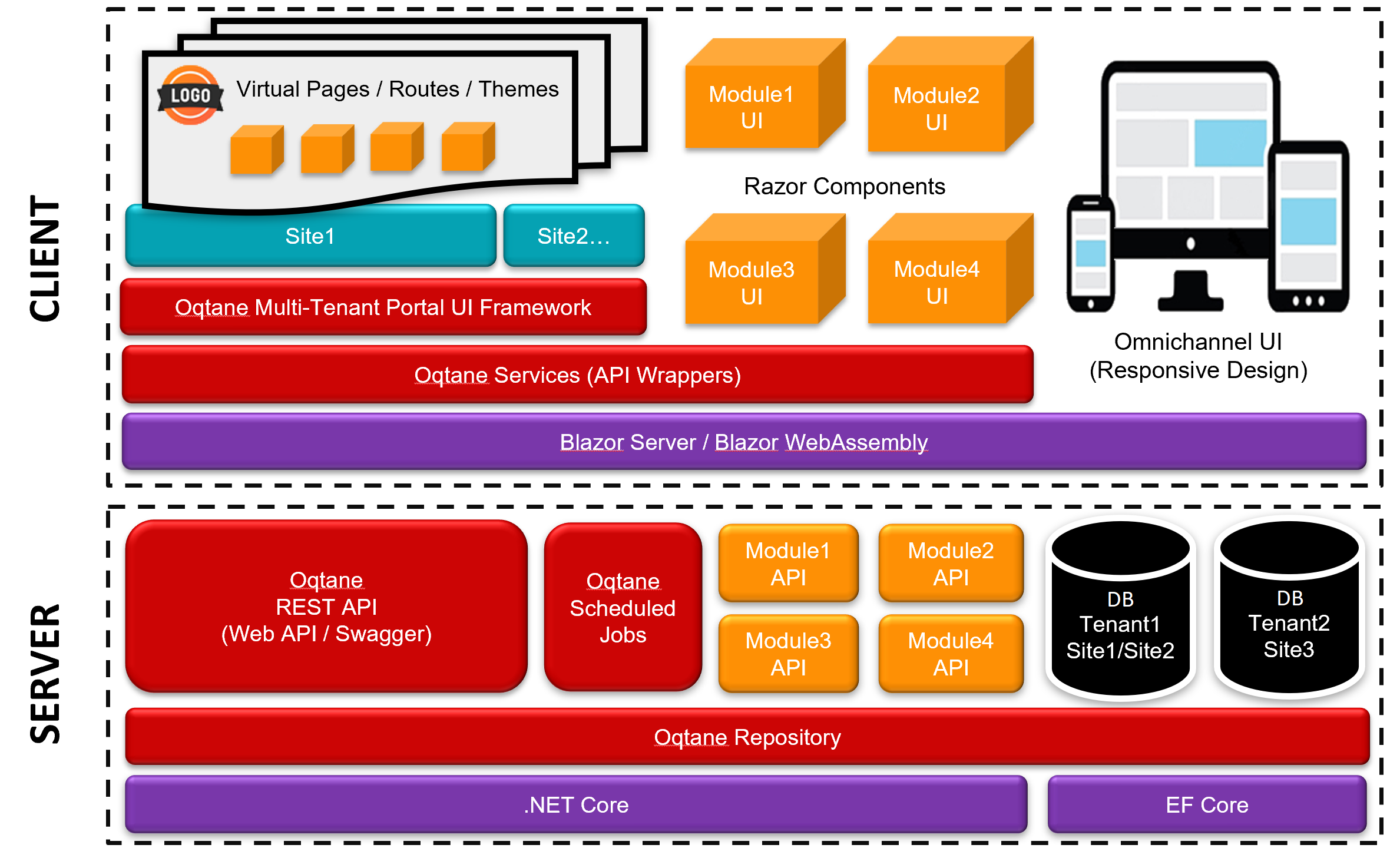
The following diagram visualizes the client and server components in the Oqtane architecture.
Databases
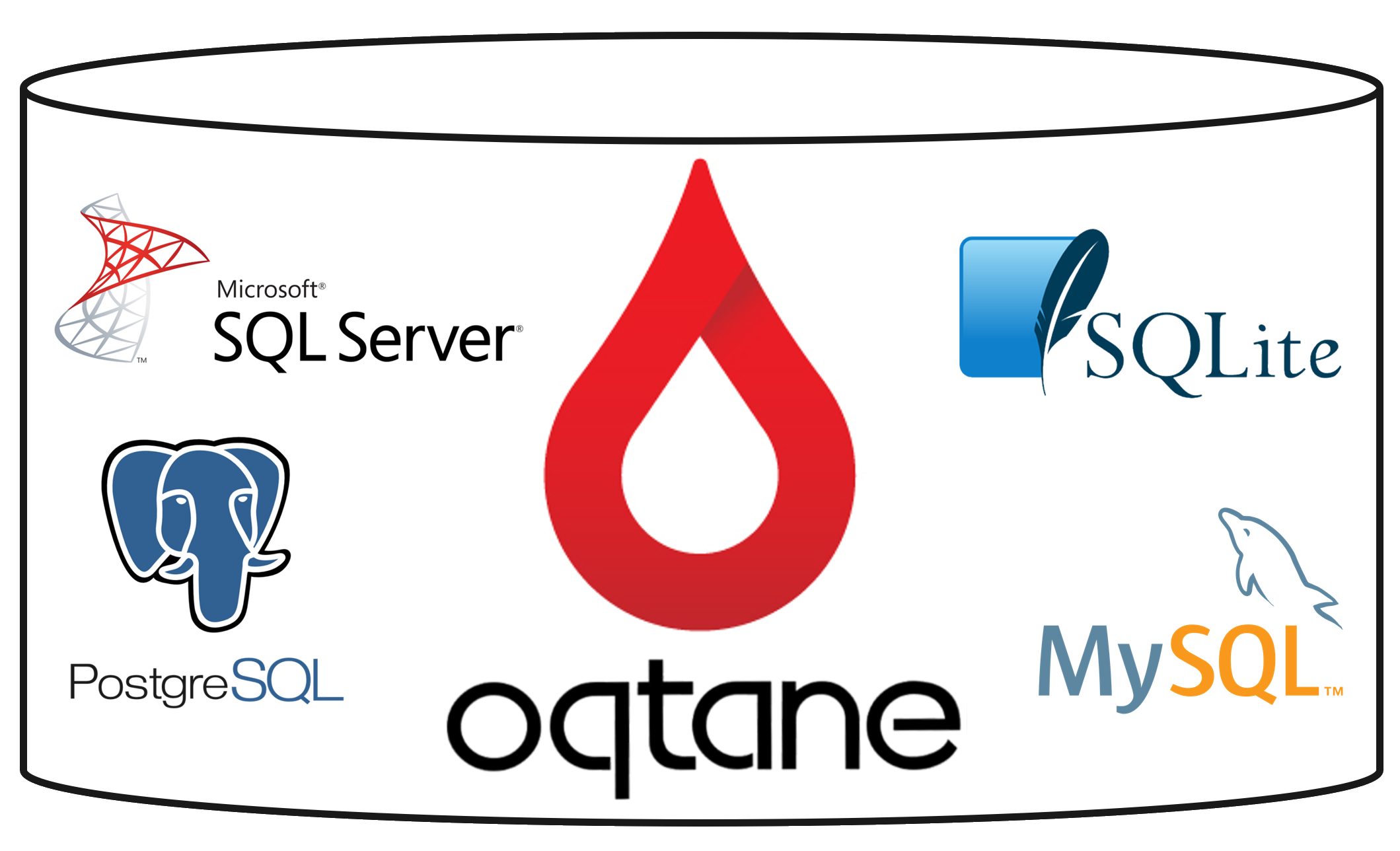
Oqtane supports multiple relational database providers - SQL Server, SQLite, MySQL, PostgreSQL
Example Screenshots
Install Wizard:
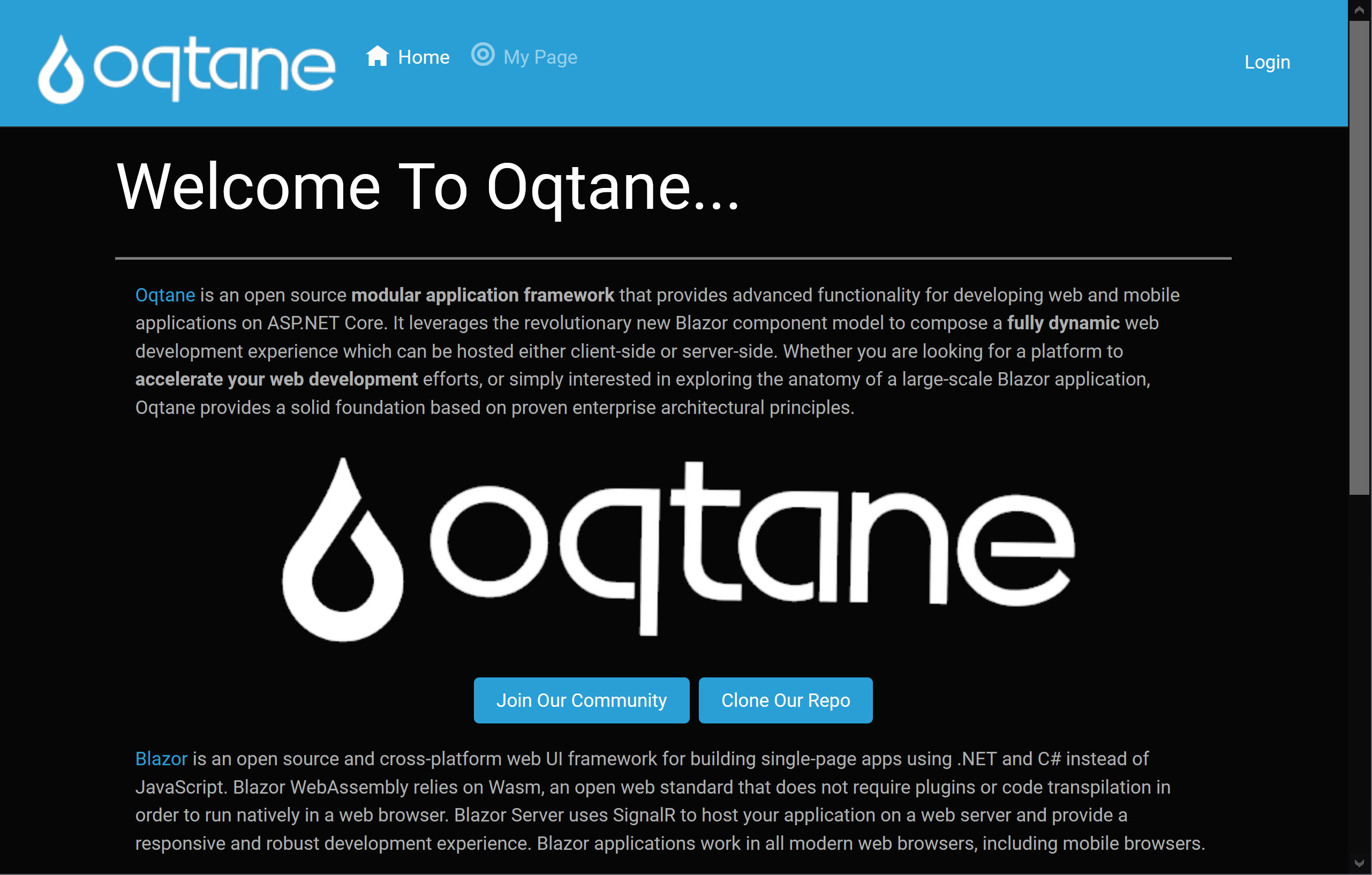
Default view after installation:
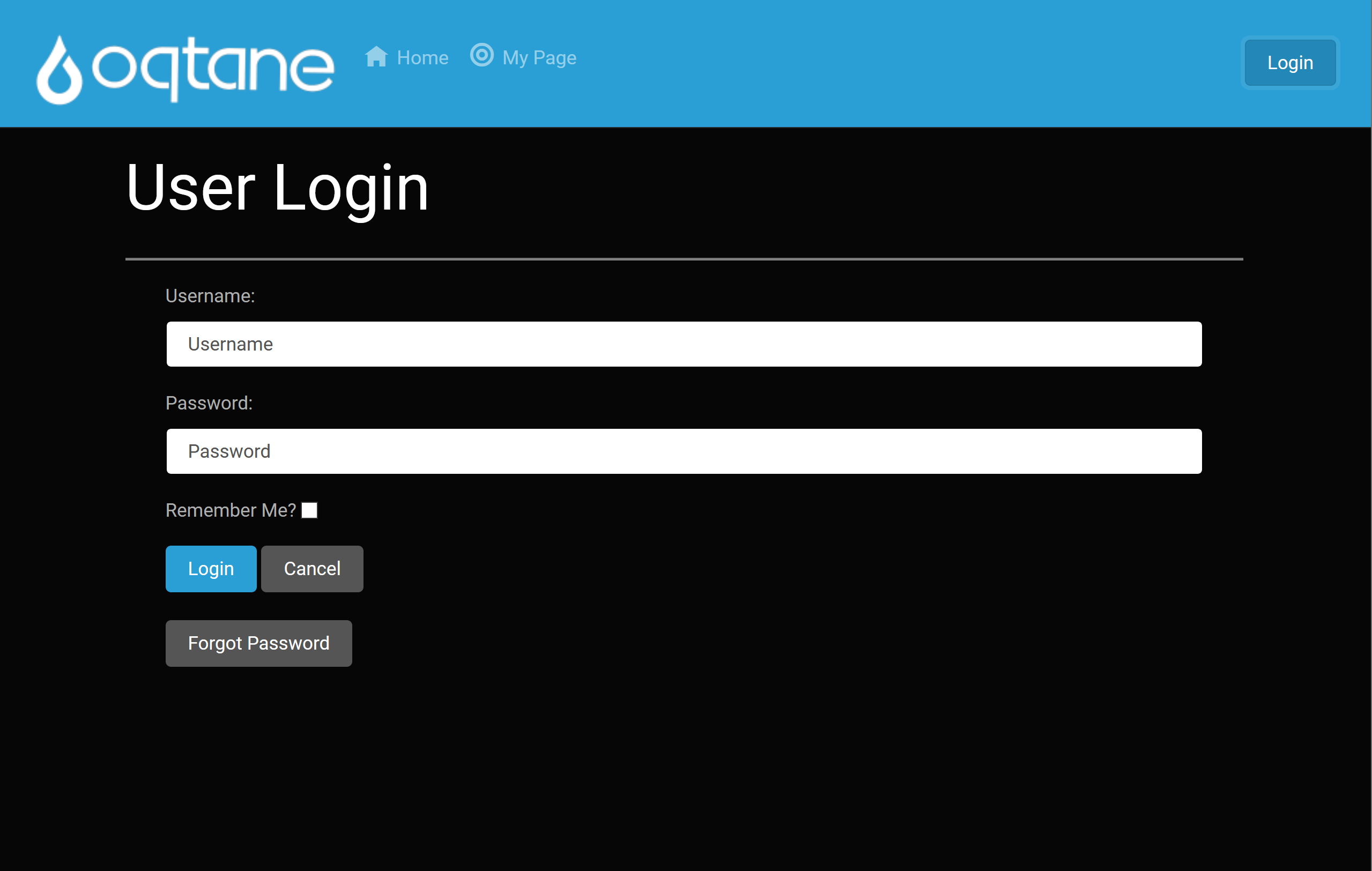
A seamless login flow utilizing .NET Core Identity services:
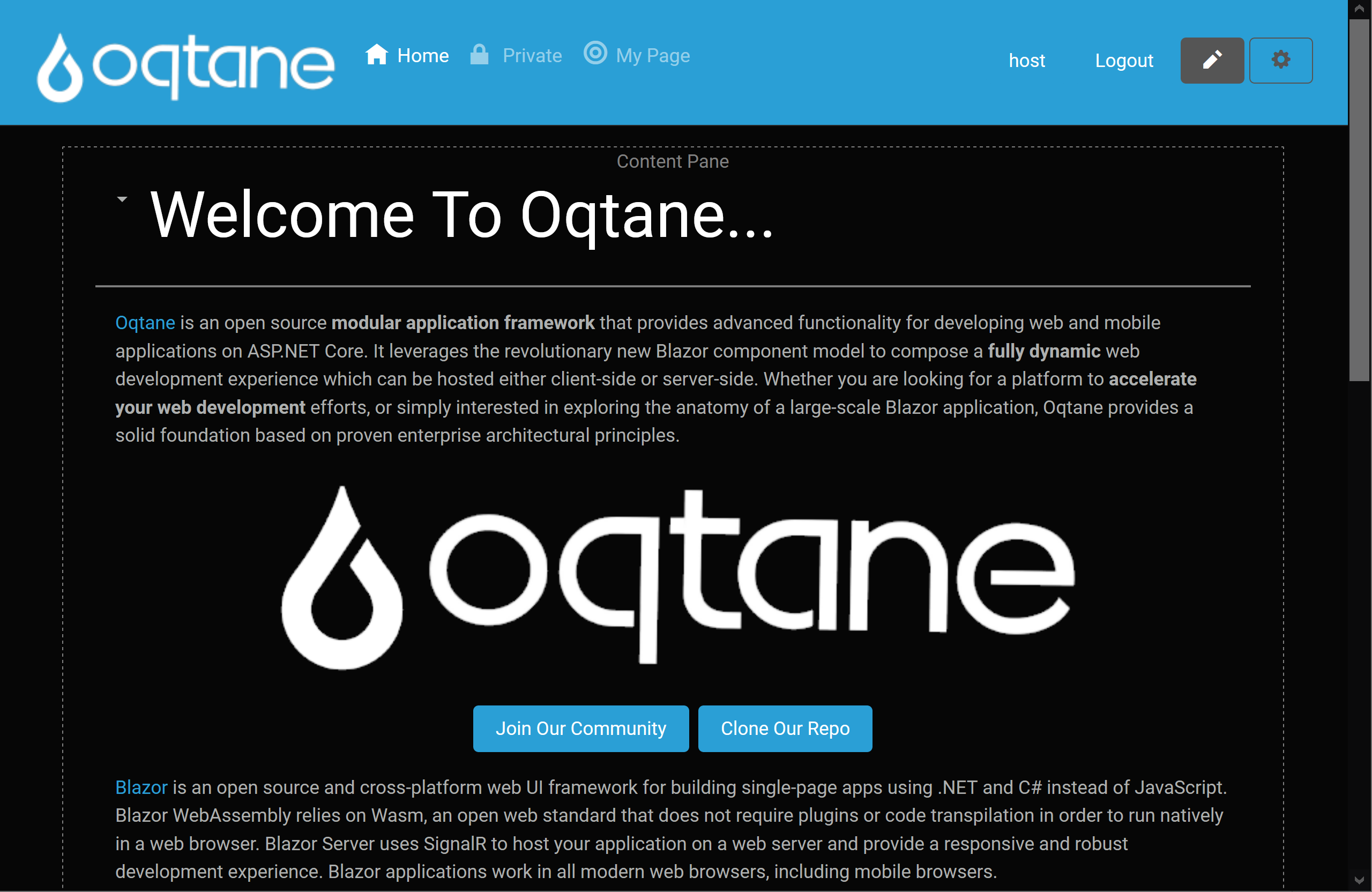
Main view for authorized users, allowing full management of modules and content:
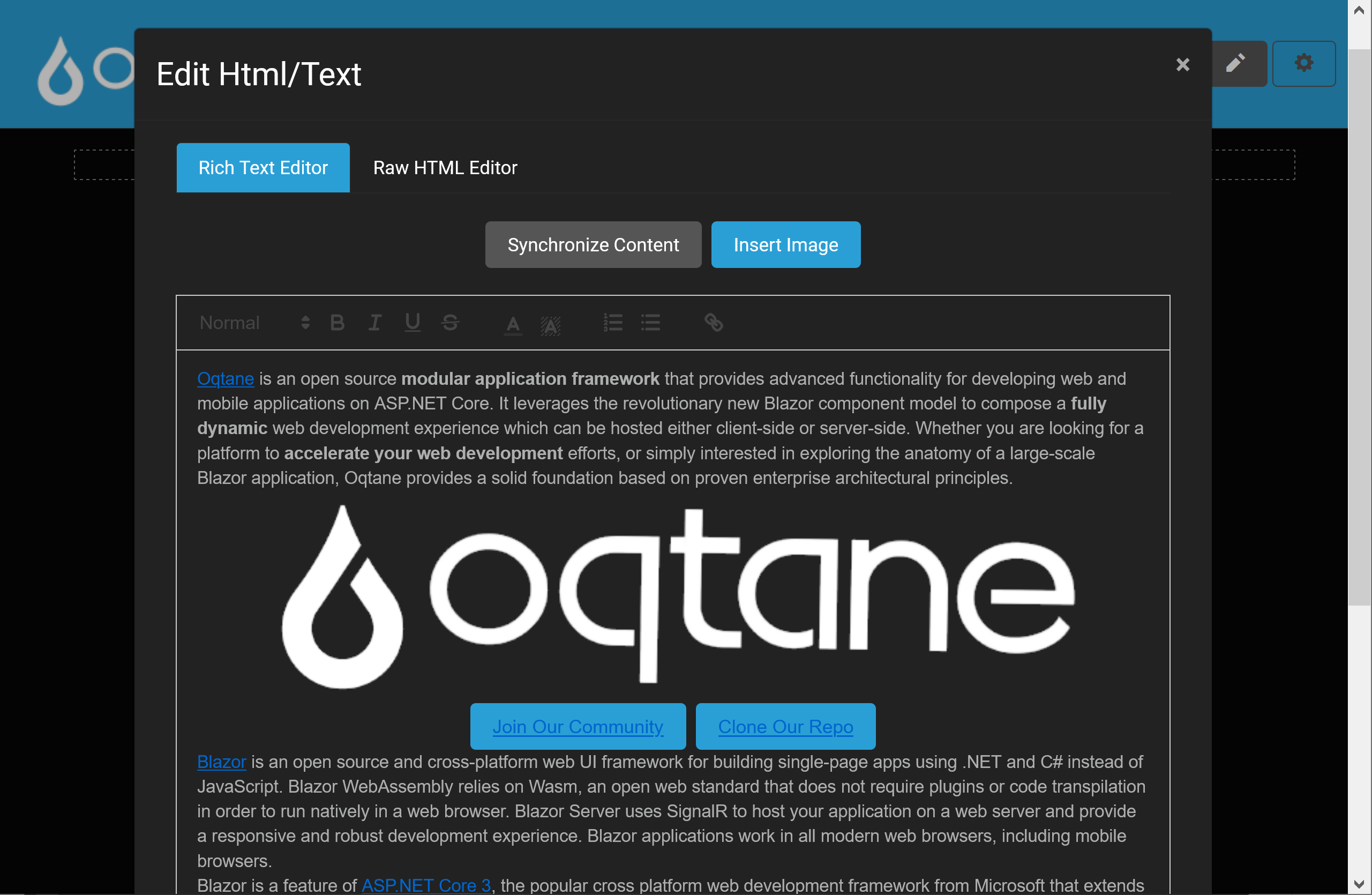
Content editing user experience using modal dialog:
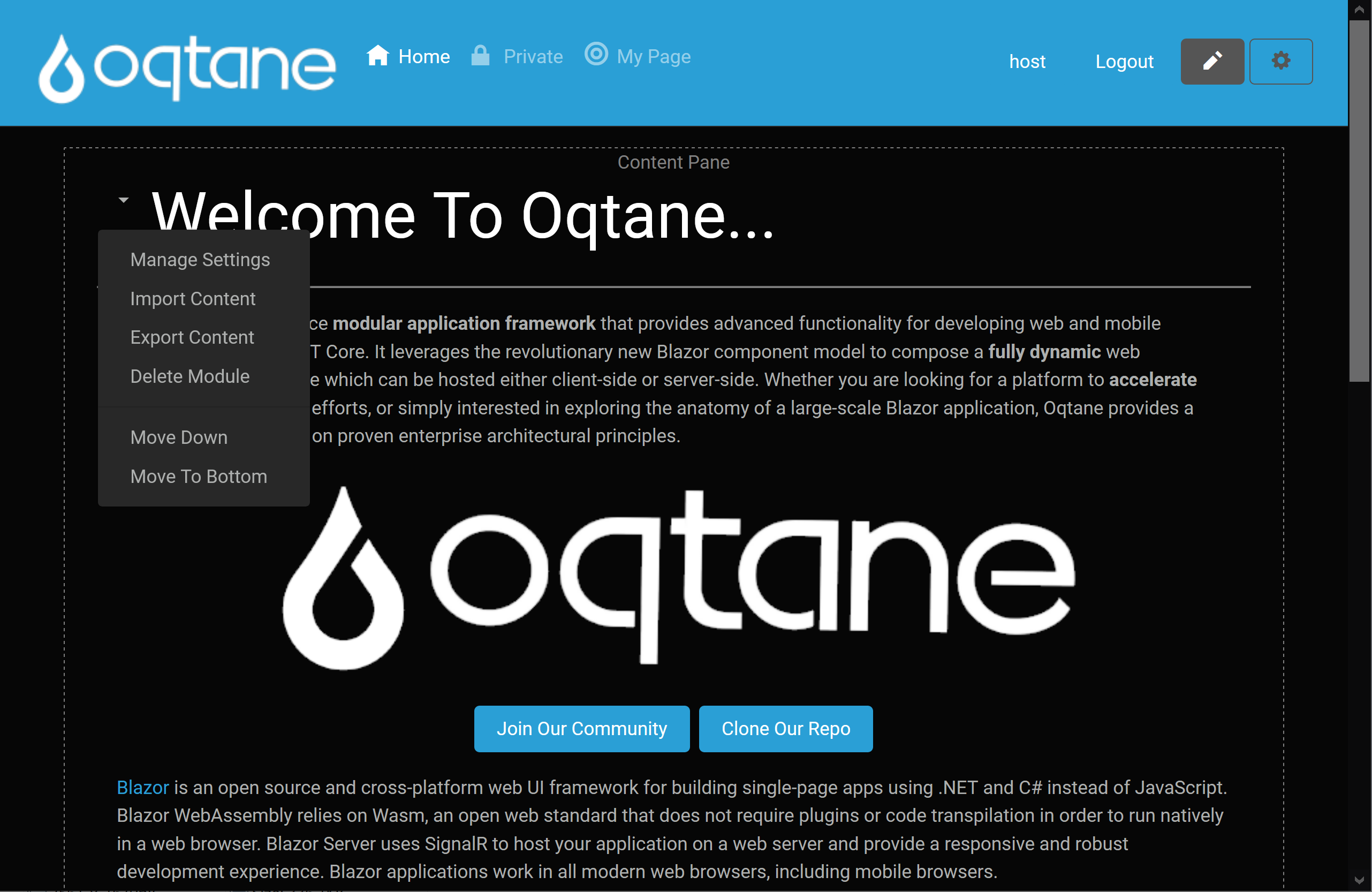
Context menu for managing specific module on page:
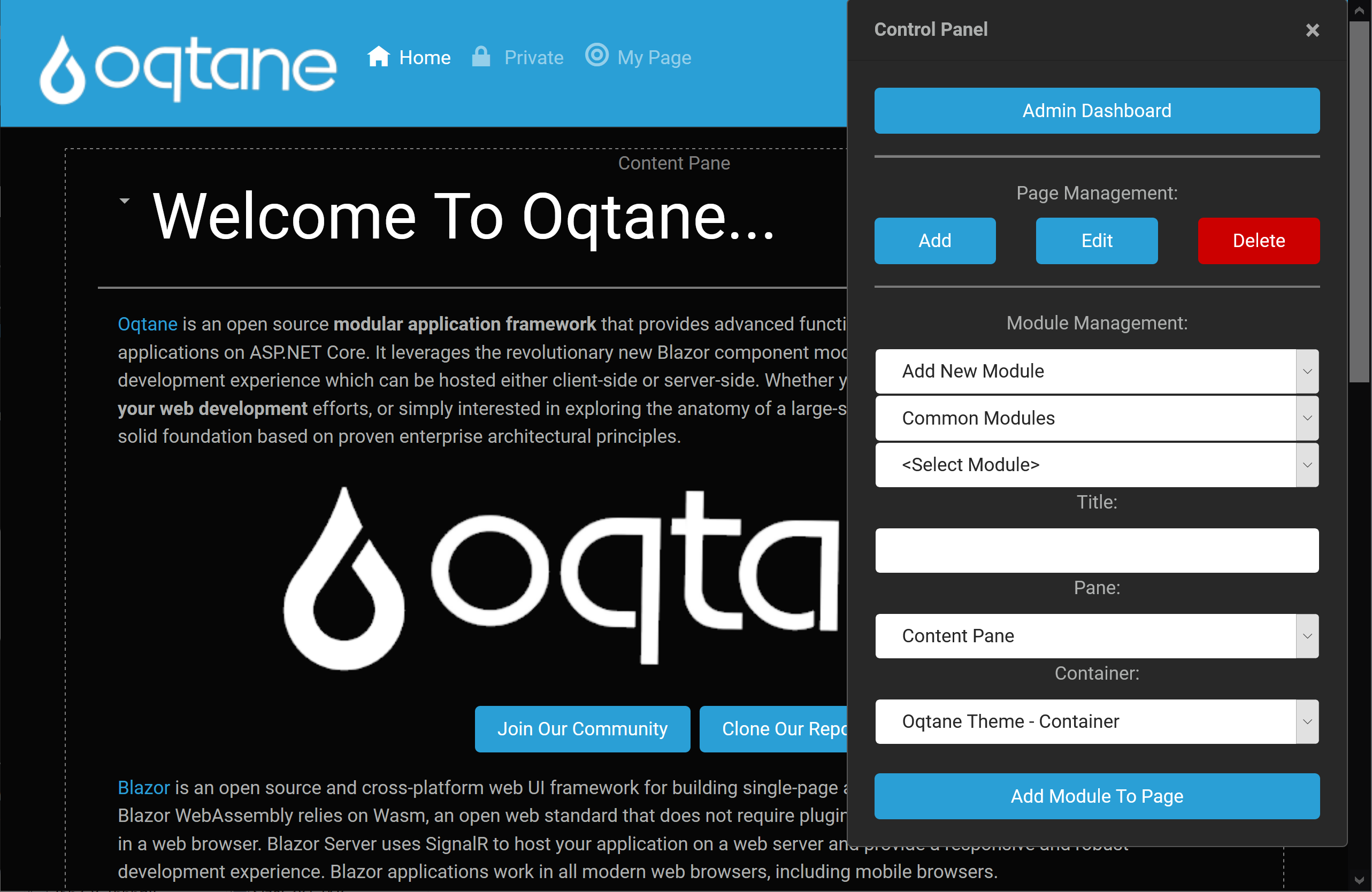
Control panel for adding, editing, and deleting pages as well as adding new modules to a page:
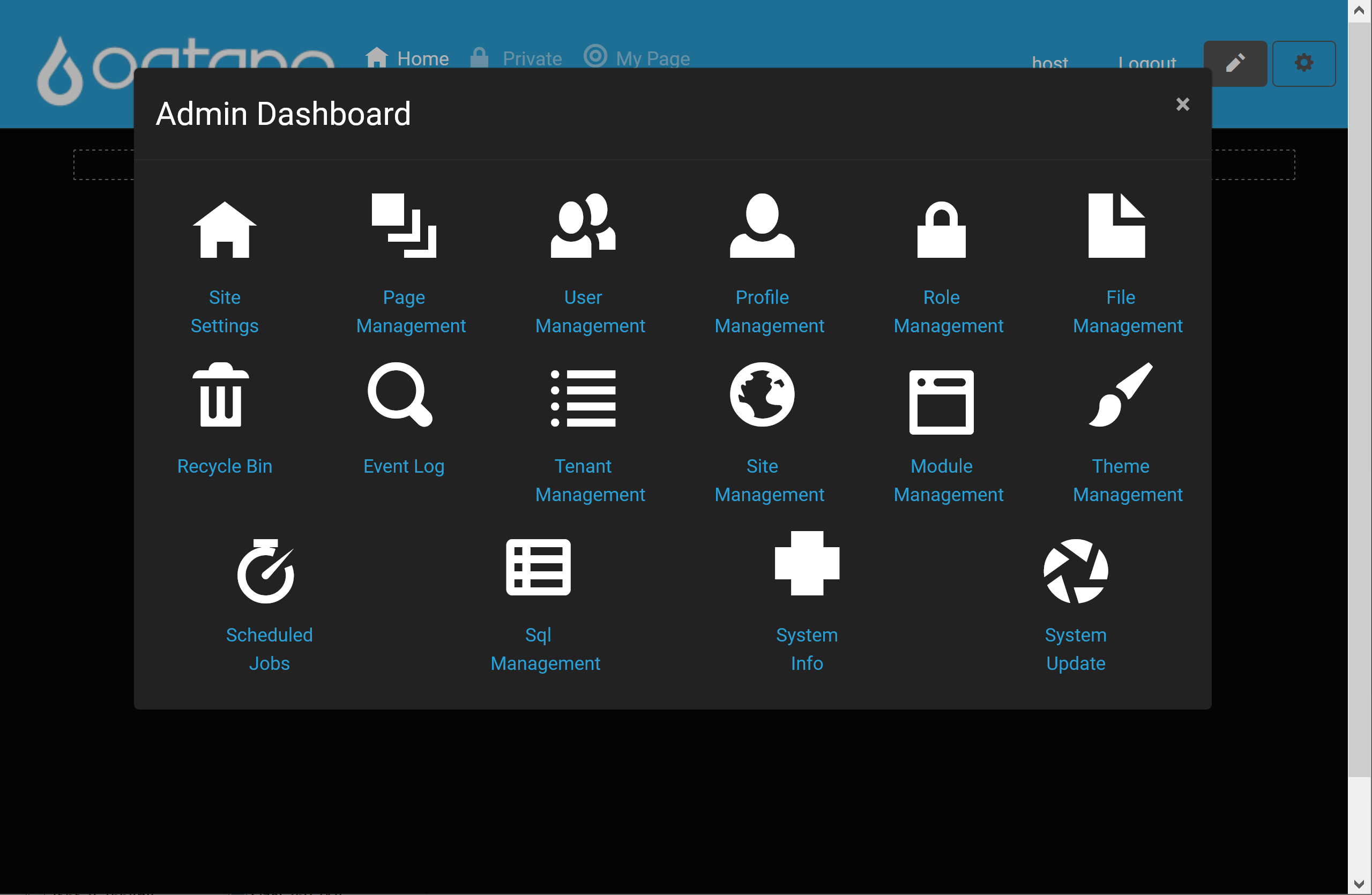
Admin dashboard for accessing the various administrative features of the framework:
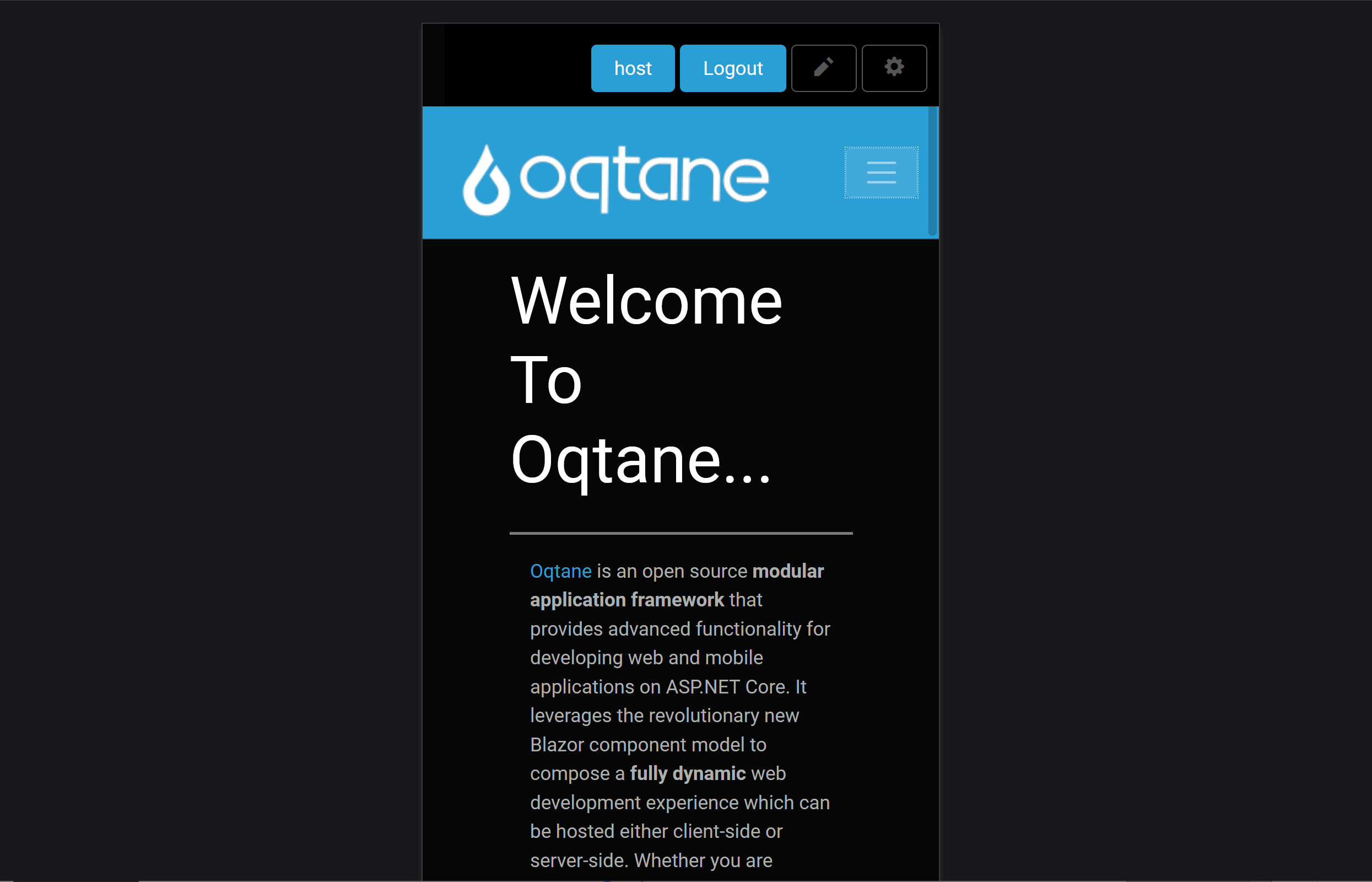
Responsive design mobile view: