 |
 |
nomacs - Image Lounge 🍸
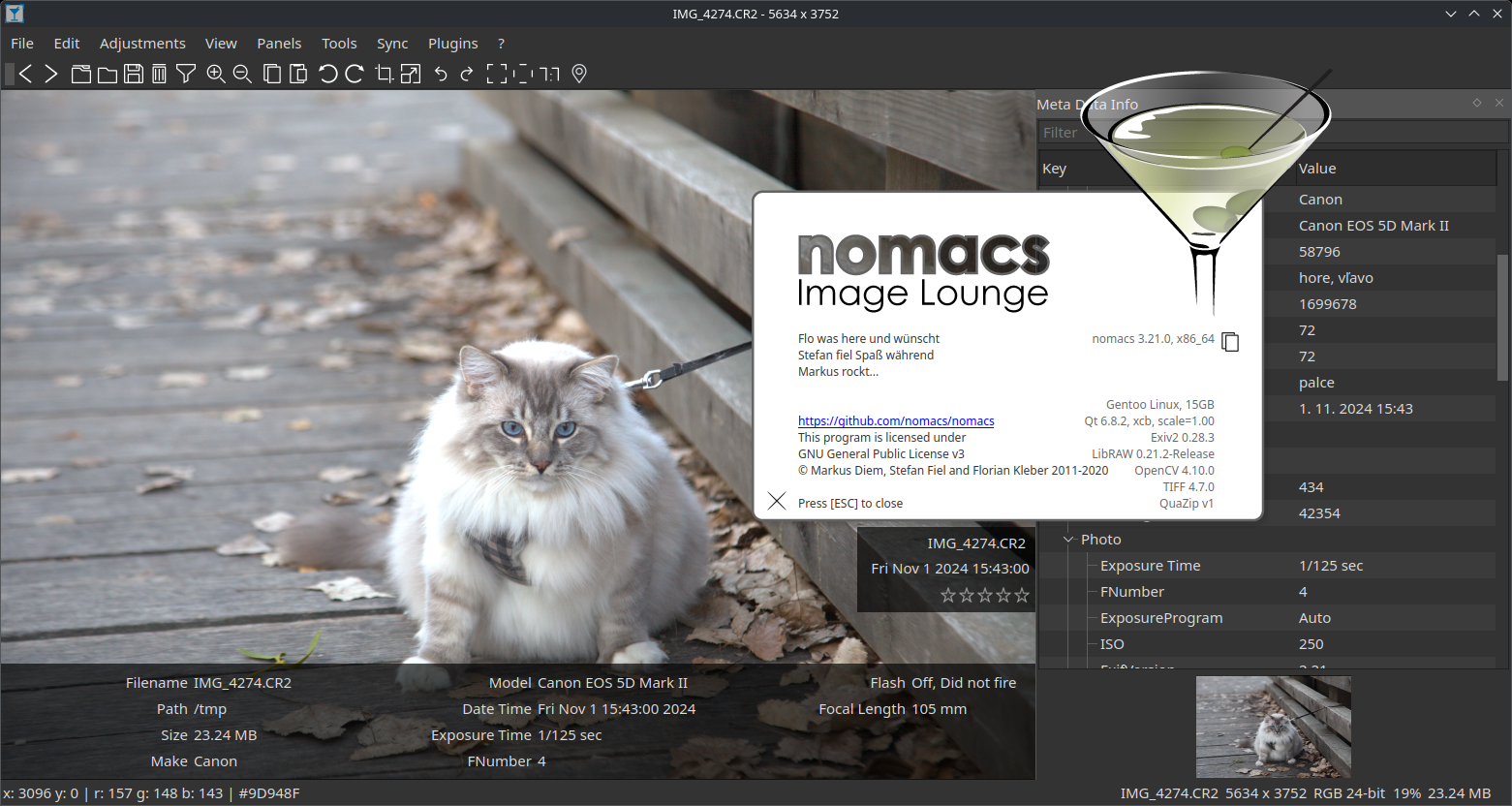
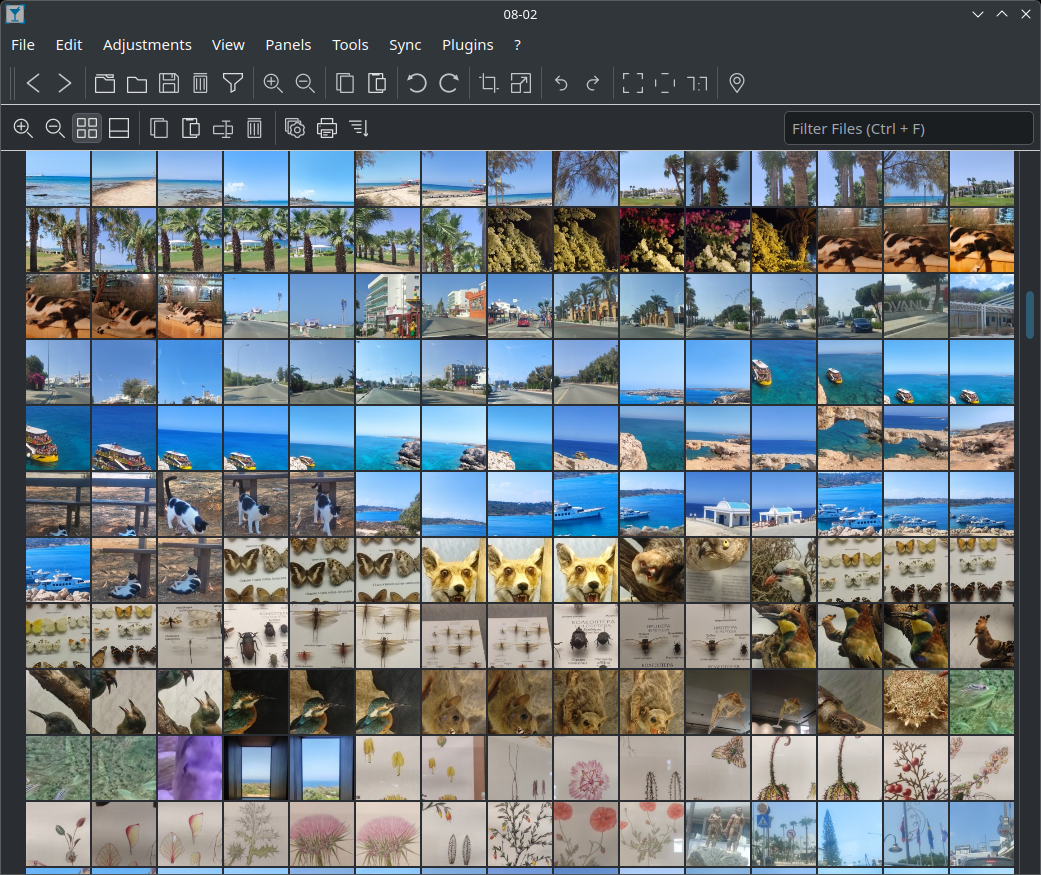
nomacs is a free, open source image viewer, which supports multiple platforms. You can use it for viewing all common image formats including RAW and psd images. nomacs is licensed under the GNU General Public License v3 and available for Windows, Linux, FreeBSD, Mac, Haiku, and OS/2.


Downloads
- Latest stable release
- Latest beta release
- Continuous builds (Windows)
- Continuous builds (Linux,macOS)
Get the Source
git clone https://github.com/nomacs/nomacs.git
cd nomacs

# nomacs uses submodules for third party libraries
git submodule init
git submodule update
Build nomacs (Windows)
We assume you have an IDE (i.e. Visual Studio), python, git, and Qt installed.
Get all dependencies:
git submodule init
git submodule update
Project folders in 3rd-party will not be empty anymore. Now call:
python scripts/make.py "qtpath/bin"
This will build nomacs into build/nomacs. If you are using Visual Studio, you can then double-click build/nomacs/nomacs.sln. Right-click the nomacs project and choose Set as StartUp Project.
Build individual projects using:
python scripts/make.py "qt/bin" --project quazip,libraw --force
Developer Build
I like having a separate developer build (without submodules) that uses 3rd party libs already compiled. To do so you need to:
git submodule update --init --remote scripts

# python scripts/make.py "C:\Qt\Qt-5.14.1-installer\5.14.2\msvc2017_64\bin" --lib-path C:\coding\nomacs\nomacs\3rd-party\build
python scripts/make.py "qt/bin" --lib-path "nomacs/3rd-party/build"
If anything did not work
- check if you have setup opencv (otherwise uncheck ENABLE_OPENCV)
- check if your Qt is set correctly (otherwise set the path to
qt_install_dir/qtbase/bin/qmake.exe) - check if your builds proceeded correctly
Build nomacs (Linux/Unix)
Before you build nomacs, please note the following:
- Nomacs requires using Qt6.
- kimageformats-plugins is an optional dependency that provides additional formats such as AVIF, HEIC/HEIF, and JPEG XL/JXL. The Qt version of the plugins should match the Qt version when compiling nomacs.
- Zip file support requires Quazip, which has varied support in distributions. If the system package is missing or does not work, you can set
USE_SYSTEM_QUAZIP=NOto use the version in nomacs/3rdparty. However, you may also need to remove the any system quazip development package temporarily. (such asllibquazip*-devfor Ubuntu)
Get the required packages
The package lists and cmake configuration listed below enable all features in nomacs, which we recommend. However, if you do not want a particular feature you can omit certain packages.
Build options and their dependencies
This is the list of configurable packages and what they provide in nomacs. To ensure a feature is included/excluded set the cmake option for that feature. By default, all features are enabled if the dependencies are found when running cmake**.
The following Qt components are necessary: Core, Concurrent, Network, PrintSupport, SVG, Widgets, Core5Compat.
There are other optional features that can be enabled during build:
| Option | Depends on | Requires | Description |
|---|---|---|---|
ENABLE_RAW |
LibRAW | ENABLE_OPENCV |
Enables reading RAW images |
ENABLE_TIFF |
LibTiff | ENABLE_OPENCV |
Enable reading multi-page TIFF |
ENABLE_QUAZIP |
Quazip** | Enable reading from zip files | |
ENABLE_OPENCV |
OpenCV | RAW, TIFF, Adjustments, High-quality thumbnails, DRIF files, histogram, mosaic | |
ENABLE_PLUGINS |
nomacs/plugins | ENABLE_OPENCV |
Paint on image, Composite, Affine Transform, Fake Miniatures, Page Extraction |
ENABLE_TESTING |
GoogleTest | Enables targets for unit and integration testing |
(**) Quazip is not enabled by default as of nomacs 3.19.1
Runtime dependencies
Additional packages will be used by nomacs if they are available at runtime, and they use the same Qt version as nomacs (5 or 6).
- QImageFormats: Enables reading ICNS, MNG, TGA, TIFF, WBMP, WEBP
- KImageFormats: Enables reading AVIF, HEIF/HEIC, JXL, EXR, EPS and more
Ubuntu 24.04
sudo apt install qt6-base-dev qt6-tools-dev qt6-svg-dev qt6-image-formats-plugins libexiv2-dev libraw-dev libopencv-dev libtiff-dev libtiff-dev libquazip1-qt6-dev build-essential git cmake lcov libgtest-dev
Ubuntu 22.04
sudo apt install qt6-base-dev qt6-tools-dev qt6-tools-dev-tools libqt6svg6-dev libqt6core5compat6-dev qt6-l10n-tools qt6-image-formats-plugins libexiv2-dev libraw-dev libopencv-dev libtiff-dev libtiff-dev build-essential git cmake lcov libgtest-dev libgl-dev
Arch
# qt6
sudo pacman -S qt6-base qt6-imageformats qt6-svg qt6-tools quazip-qt6 exiv2 libraw libtiff opencv kimageformats git cmake gtest base-devel
Redhat/Fedora/CentOS (tested on Rocky 9.5)
sudo dnf install qt6-qtbase-devel qt6-qtimageformats qt6-qtsvg-devel qt6-qttools-devel qt6-qt5compat-devel LibRaw-devel opencv-devel exiv2-devel libtiff-devel git cmake lcov gtest-devel gcc-c++
FreeBSD (14.2 release)
sudo pkg install qt6-base qt6-imageformats qt6-svg qt6-5compat qt6-tools quazip-qt6 tiff exiv2 kf6-kimageformats libraw opencv git cmake googletest gcc
Haiku (r1 beta 5)
# qt6
pkgman install qt6_base_devel qt6_tools_devel qt6_svg_devel qt6_5compat_devel quazip1_qt6_devel tiff_devel libraw_devel opencv_devel gtest_devel exiv2_devel kimageformats6 qt6_imageformats cake git gcc make pkgconfig lcms_devel
Configure nomacs
Nomacs is configured with cmake. These cmake options are often needed:
- ENABLE_QUAZIP=[ON|OFF] - Default OFF
- USE_SYSTEM_QUAZIP=[ON|OFF] - Default ON
- CMAKE_BUILD_TYPE=[Debug|Release|RelWithDebInfo] - For normal usage, choose
RelWithDebInfo. For development,Debugbuilds have more logging as well as debug symbols.
cd nomacs
mkdir build
cd build
cmake ../ImageLounge
Compile nomacs
make [-j 8]
You will now have a binary (~/nomacs/build/nomacs), which you can use directly, however you may need to set LD_LIBRARY_PATH for this to work. You can check the log output to see that nomacs is loading configuration files from the expected locations.
# running nomacs from ~/nomacs/build/
LD_LIBRARY_PATH=.:$LD_LIBRARY_PATH ./nomacs
Build and run tests
Nomacs uses GoogleTest, which is included in the package lists above. A check target will be created if GoogleTest is present. To build and run tests:
make check
Unit and integration tests can also be built and run separately:
make check-unit
make check-integration

# Alternatively, invoke with ctest
ctest -L unit
ctest -L integration
Install nomacs
By default nomacs is installed to /usr/local/ unless you set CMAKE_INSTALL_PREFIX
sudo make install
# ldconfig is required on most linux distros
# Some systems you also require changes to
# `/etc/ld.so.conf` to add `/usr/local/lib`
sudo ldconfig
For Package Maintainers
- Highly recommended optional dependency: nomacs officially supported plugins, provide core features like paint-on-image. Enabled by default if
nomacs/ImageLounge/pluginssubmodule is present. - Recommended optional dependency: qt-imageformats-plugins provides WEBP and many more formats
- Recommended optional dependency: quazip provides support for reading images from zip files (with
ENABLE_QUAZIP=ON). In the unlikely case there is a conflict with the quazip package, you may use 3rdparty/quazip withUSE_SYSTEM_QUAZIP=OFF. - Recommended optional dependency: kimageformats provides AVIF, HEIF/HEIC, JXL and many more formats.
- Recommended build dependency: gtest so you may run
make checkto validate the build - Ensure
ENABLE_TRANSLATIONSisON(default:ON) - Nomacs only requires the opencv-core and opencv-imgproc components at runtime, not the full opencv suite. This will save substantial space when installing nomacs.
Build nomacs (MacOS)
Install Homebrew for easier installation of dependencies. Install required dependencies:
brew install qt6 exiv2 opencv libraw quazip cmake pkg-config
Go to the nomacs directory and run the correct cmake for your hardware and Qt version. We recommend Qt6.
cd nomacs; mkdir build; cd build

# Qt6 / Intel
CMAKE_PREFIX_PATH=/usr/local/opt/qt6/lib/cmake cmake -D ENABLE_QUAZIP=ON ../ImageLounge

# Qt6 / Apple Silicon
CMAKE_PREFIX_PATH=/opt/homebrew/opt/qt6/lib/cmake cmake -D ENABLE_QUAZIP=ON ../ImageLounge
Run make:
make
You will now have a binary (nomacs.app), which you can test (or use directly):
# simulate opening from Finder
open nomacs.app

# to see logging
./nomacs.app/Contents/MacOS/nomacs
Homebrew seems to be missing kimageformats so we haves this option until that happens:
make kimageformats
Nomacs registers supported file types via the Info.plist file in the app bundle. This is essential for open-with, drag-and-drop, etc features of the Finder. Supported types vary depending on what options to cmake, Qt and OS version, homebrew configuration, and even nomacs user-specified custom file types (via Tools/Add Image Format).
Note that nomacs does not automatically make itself the default application for any supported types at this time, you will need to you use the open-with function in "Get Info" etc.
To ensure it is correct for the current build, run
make filetypes
make
When you are satisfied and want to install it to /Applications, use:
sudo make install
If you want a self-contained bundle (nomacs.app) and dmg file (nomacs.dmg) that can't be broken by homebrew updates, use:
make bundle
If macdeployqt complains about ERROR: Cannot resolve rpath "@rpath/QtGui.framework/Versions/A/QtGui" here is the solution:
cd /usr/local/lib/QtGui.framework/Versions/A
install_name_tool -id '@rpath/QtGui.framework/Versions/A/QtGui' QtGui
otool -L QtGui | head -2
QtGui:
        @rpath/QtGui.framework/Versions/A/QtGui (compatibility version 6.0.0, current version 6.7.0)
Build nomacs (Windows Cross-Compile)
Compiles nomacs for Windows using M Cross Environment (MXE) from a Linux/Unix host.
MXE environment is usually compiled from source, however you may be able to skip this if MXE has packages for your platform:
git clone <mxe url>
cd mxe

# qt6 (quazip-qt6 is unavailable)
make MXE_TARGETS='x86_64-w64-mingw32.shared' qt6-qtbase qt6-qtimageformats qt6-qttools qt6-qt5compat opencv tiff exiv2 libraw
Setup build environment:
export MXE_DIR=~/mxe
export MXE_TARGET=x86_64-w64-mingw32.shared
export PATH="${MXE_DIR}/usr/bin:$PATH"

alias pkg-config=${MXE_TARGET}-pkg-config
alias qmake=${MXE_TARGET}-qmake
alias cmake=${MXE_TARGET}-cmake
Run cmake out-of-tree:
mkdir build-nomacs
cd build-nomacs

cmake -D ENABLE_TRANSLATIONS=ON -D ENABLE_HEIF=ON -D ENABLE_AVIF=ON  \
-DENABLE_JXL=ON -D USE_SYSTEM_QUAZIP=OFF <nomacs-path>/ImageLounge
Compile nomacs:
make -j8
make collect
Run on WINE:
wine nomacs-mingw/nomacs.exe
Run on Windows:
cd C:\
xcopy /DEY <shared-folder>\build-nomacs\nomacs-mingw nomacs
cd nomacs
nomacs.exe
Build nomacs (Windows with MSYS2)
export target=mingw-w64-x86_64

pacman -S $target-qt6-base $target-qt6-svg $target-qt6-tools \
          $target-libraw $target-libtiff $target-exiv2 $target-opencv $target-cmake $target-gcc

export PATH=/ming64:$PATH

cd <build-dir>

cmake -D ENABLE_TRANSLATIONS=ON -D USE_SYSTEM_QUAZIP=ON <nomacs-dir>/ImageLounge

cmake --build . --parallel 8
Enable Debug output
To enable Qt debug messages set
cmake -D CMAKE_BUILD_TYPE=Debug ...
at the Makefiles generation phase.
Links
