nginx-http-flv-module

A media streaming server based on nginx-rtmp-module.
中文说明.
Donate if you like this module. Many thanks to you!

Credits
Igor Sysoev, the creator of NGINX.
Roman Arutyunyan, who created nginx-rtmp-module.
Contributors, refer to AUTHORS for details.
Features
All features nginx-rtmp-module provides.
Other features provided by nginx-http-flv-module vs nginx-rtmp-module:
| Features | nginx-http-flv-module | nginx-rtmp-module | Remarks |
|---|---|---|---|
| HTTP-FLV (HTTP/1.x for play) | √ | x | HTTPS-FLV and chunked response supported |
| GOP cache | √ | x | |
| Virtual Host | √ | x | |
Omit listen directive |
√ | See remarks | There MUST be at least one listen directive |
| Audio-only support for RTMP/HTTP-FLV | √ | See remarks | Won't work if wait_video or wait_key is on |
| Single-track support for HLS | √ | x | |
reuseport support |
√ | x | |
| Timer for access log | √ | x | |
| JSON style statistics | √ | x | |
| Statistics for recordings | √ | x | |
| Independent of endianness | √ | See remarks | Partially supported in branch big-endian |
Compatibility
The NGINX version SHOULD be equal to or greater than 1.2.6, the compatibility with other versions is unknown.
Systems supported
- Linux (recommended) / FreeBSD / MacOS / Windows (limited).
Players supported
Note
Flash player will be no longer supported officially by Adobe after December 31, 2020, refer to Adobe Flash Player EOL General Information Page for details. Plugins that use flash player won't work after the major browsers subsequently remove flash player.
flv.js can only run with browsers that support Media Source Extensions.
Prerequisites
GNU make for activating compiler on Unix-like systems to compile software.
GCC for compilation on Unix-like systems or MSVC for compilation on Windows.
GDB for debug on Unix-like systems.
VLC (recommended) or flv.js (recommended) for playing media streams.
PCRE for NGINX if regular expressions needed.
OpenSSL for NGINX if encrypted access needed.
zlib for NGINX if compression needed.
Build
Note
nginx-http-flv-module has all features that nginx-rtmp-module provides, so DON'T compile nginx-http-flv-module along with nginx-rtmp-module.
On Windows
For details about build steps, please refer to Building nginx on the Win32 platform with Visual C, and don't forget to add --add-module=/path/to/nginx-http-flv-module in Run configure script step.
Note
If some compilers which do not support x64 perfectly, VS2010 for example, are used to compile the module, please make sure that the default settings are used (target machine type x86).
On Unix-like systems
Download NGINX and nginx-http-flv-module.
Uncompress them.
cd to NGINX source directory & run this:
Compile the module into NGINX
./configure --add-module=/path/to/nginx-http-flv-module
make
make install
or
Compile the module as a dynamic module
./configure --add-dynamic-module=/path/to/nginx-http-flv-module
make
make install
Note
If the module is compiled as a dynamic module, the NGINX version MUST be equal to or greater than 1.9.11.
Usage
For details of usages of nginx-rtmp-module, please refer to README.md.
Publish
For simplicity, transcoding is not used (so -c copy is used):
ffmpeg -re -i MEDIA_FILE_NAME -c copy -f flv rtmp://example.com[:port]/appname/streamname
Note
Some legacy versions of FFmpeg don't support the option -c copy, the options -vcodec copy -acodec copy can be used instead.
The appname is used to match an application block in rtmp block (see below for details).
The streamname can be specified at will but can NOT be omitted.
The default port for RTMP is 1935, if some other ports were used, :port must be specified.
Play
via HTTP-FLV
http://example.com[:port]/dir?[port=xxx&]app=appname&stream=streamname
Note
If ffplay is used in command line to play the stream, the url above MUST be enclosed by quotation marks, or arguments in url will be discarded (some shells not so smart will interpret "&" as "run in background").
If flv.js is used to play the stream, make sure that the published stream is encoded properly, for flv.js supports ONLY H.264 encoded video and AAC/MP3 encoded audio.
The dir is used to match location blocks in http block (see below for details).
The default port for HTTP is 80, if some other ports were used, :port must be specified.
The default port for RTMP is 1935, if some other ports were used, port=xxx must be specified.
The value of app (appname) is used to match an application block, but if the requested app appears in several server blocks and those blocks have the same address and port configuration, host name matches server_name directive will be additionally used to identify the requested application block, otherwise the first one is matched.
The value of stream (streamname) is used to match the name of published stream.
Example
Assume that listen directive specified in http block is:
http {
    ...
    server {
        listen 8080; #not default port 80
        ...

        location /live {
            flv_live on;
        }
    }
}
And listen directive specified in rtmp block is:
rtmp {
    ...
    server {
        listen 1985; #not default port 1935
        ...

        application myapp {
            live on;
        }
    }
}
And the name of published stream is mystream, then the url of playback based on HTTP is:
http://example.com:8080/live?port=1985&app=myapp&stream=mystream
Note
Since some players don't support HTTP chunked transmission, it's better to specify chunked_transfer_encoding off; in location where flv_live on; is specified in this case, or play will fail.
via RTMP
rtmp://example.com[:port]/appname/streamname
via HLS
http://example.com[:port]/dir/streamname.m3u8
via DASH
http://example.com[:port]/dir/streamname.mpd
Sample Pictures
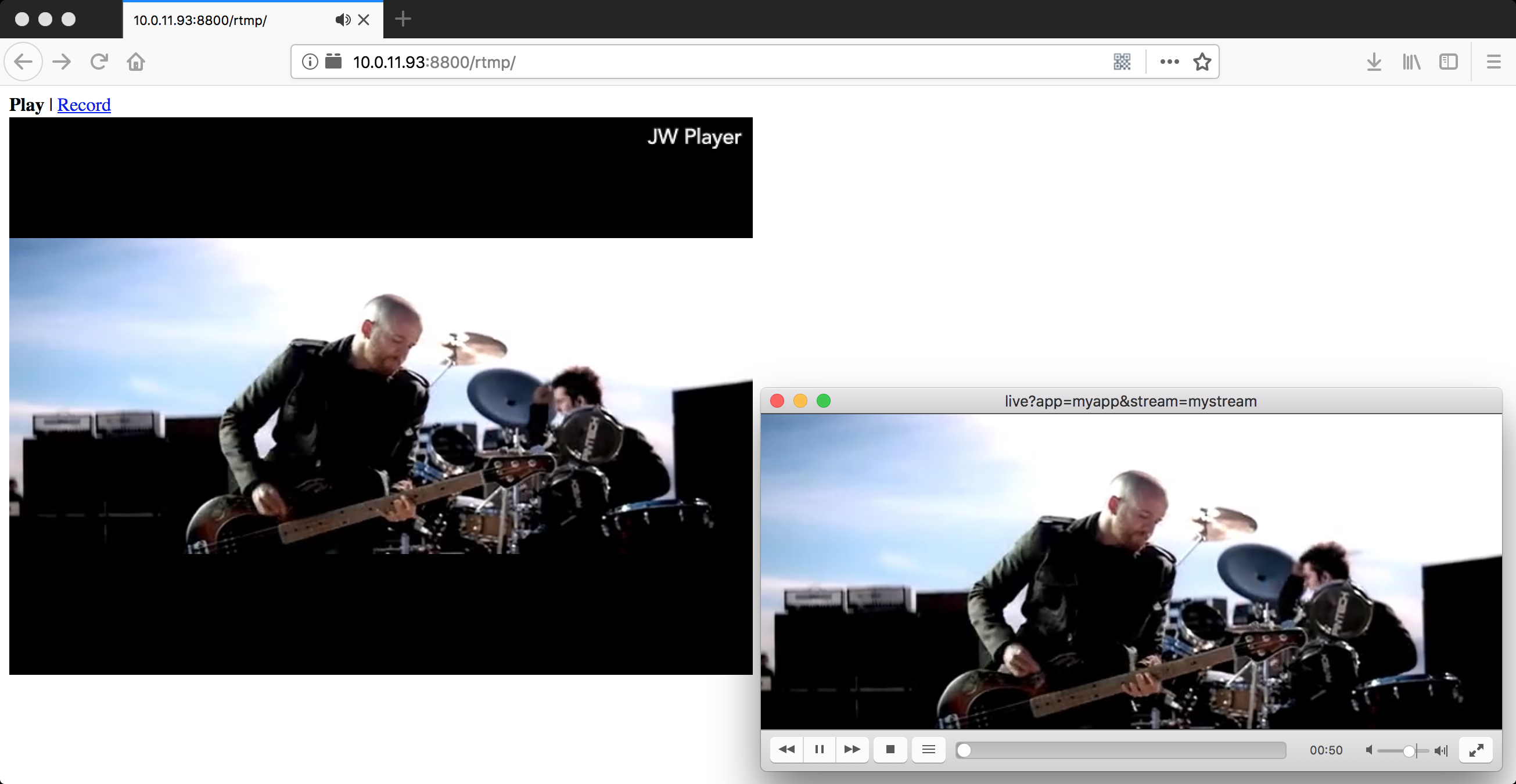
RTMP (JW Player) & HTTP-FLV (VLC)
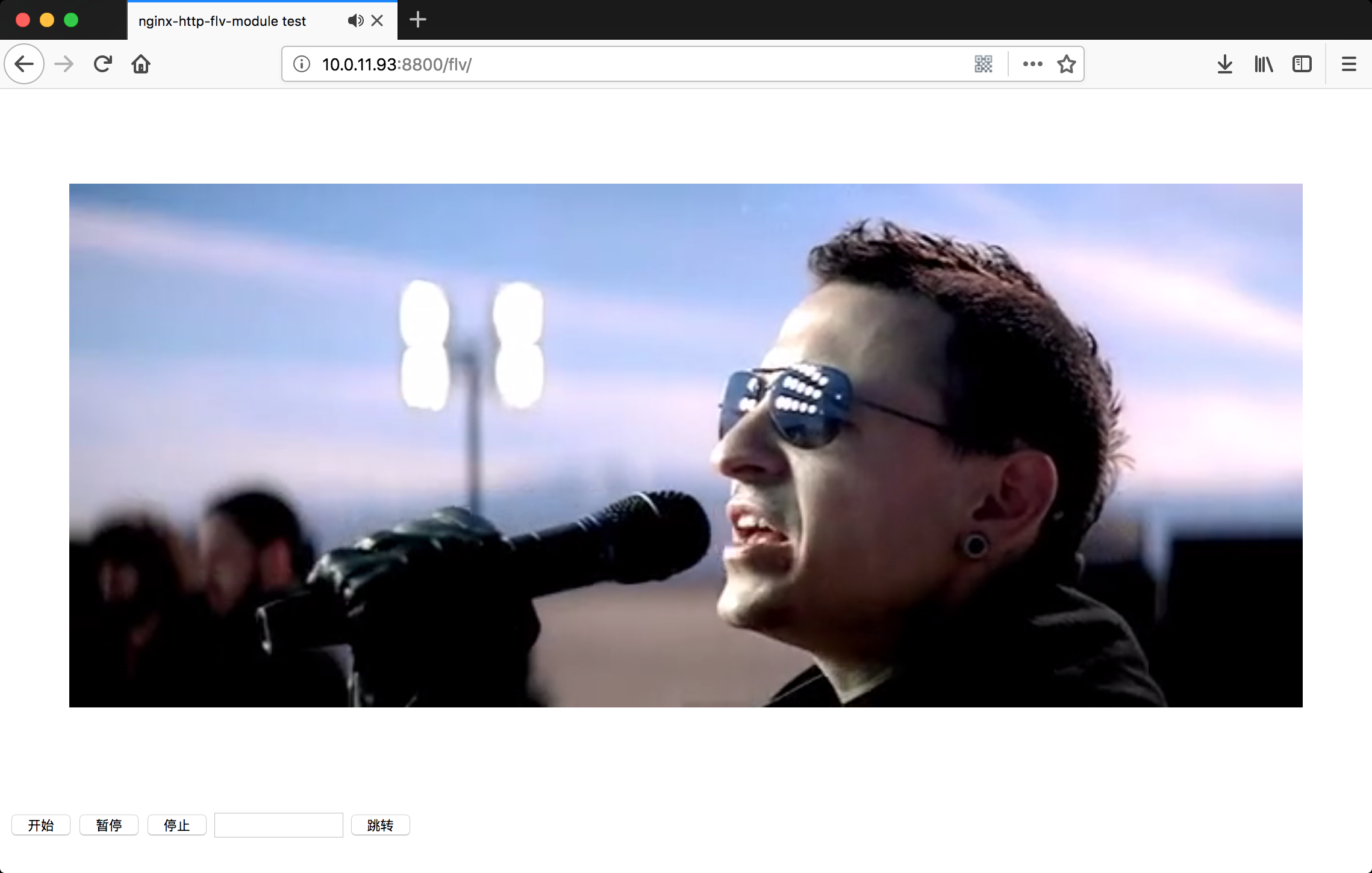
HTTP-FLV (flv.js)
Example nginx.conf
Note
The directives rtmp_auto_push, rtmp_auto_push_reconnect and rtmp_socket_dir will not function on Windows except on Windows 10 17063 and later versions, because relay in multiple processes mode needs help of Unix domain socket, please refer to Unix domain socket on Windows 10 for details.
It's better to specify the directive worker_processes as 1, because ngx_rtmp_stat_module may not get statistics from a specified worker process in multi-processes mode, for HTTP requests are randomly distributed to worker processes. ngx_rtmp_control_module has the same problem. The problem can be optimized by this patch per-worker-listener.
In addtion, vhost feature is OK in single process mode but not perfect in multi-processes mode yet, waiting to be fixed. For example, the following configuration is OK in multi-processes mode:
rtmp {
    ...
    server {
        listen 1935;
        server_name domain_name;

        application myapp {
            ...
        }
    }
}
While the following configuration doesn't work properly for play requests distinated to the second server (whether port is 1935 or not) of non-publisher worker processes:
rtmp {
    ...
    server {
        listen 1935;
        server_name 1st_domain_name;

        application myapp {
            ...
        }
    }

    server {
        listen 1945;
        server_name 2nd_domain_name;

        application myapp {
            ...
        }
    }
}
If NGINX is running in muti-processes mode and socket option SO_REUSEPORT is supported by platform, adding option reuseport for the directive listen will resolve the thundering herd problem.
rtmp {
    ...

    server {
        listen 1935 reuseport;
        ...
    }
}
Example configuration
worker_processes  1; #should be 1 for Windows, for it doesn't support Unix domain socket
#worker_processes  auto; #from versions 1.3.8 and 1.2.5

#worker_cpu_affinity  0001 0010 0100 1000; #only available on FreeBSD and Linux
#worker_cpu_affinity  auto; #from version 1.9.10

error_log logs/error.log error;

#if the module is compiled as a dynamic module and features relevant
#to RTMP are needed, the command below MUST be specified and MUST be
#located before events directive, otherwise the module won't be loaded
#or will be loaded unsuccessfully when NGINX is started

#load_module modules/ngx_http_flv_live_module.so;

events {
    worker_connections  4096;
}

http {
    include       mime.types;
    default_type  application/octet-stream;

    keepalive_timeout  65;

    server {
        listen       80;

        location / {
            root   /var/www;
            index  index.html index.htm;
        }

        error_page   500 502 503 504  /50x.html;
        location = /50x.html {
            root   html;
        }

        location /live {
            flv_live on; #open flv live streaming (subscribe)
            chunked_transfer_encoding  on; #open 'Transfer-Encoding: chunked' response

            add_header 'Access-Control-Allow-Origin' '*'; #add additional HTTP header
            add_header 'Access-Control-Allow-Credentials' 'true'; #add additional HTTP header
        }

        location /hls {
            types {
                application/vnd.apple.mpegurl m3u8;
                video/mp2t ts;
            }

            root /tmp;
            add_header 'Cache-Control' 'no-cache';
        }

        location /dash {
            root /tmp;
            add_header 'Cache-Control' 'no-cache';
        }

        location /stat {
            #configuration of streaming & recording statistics

            rtmp_stat all;
            rtmp_stat_stylesheet stat.xsl;
        }

        location /stat.xsl {
            root /var/www/rtmp; #specify in where stat.xsl located
        }

        #if JSON style stat needed, no need to specify
        #stat.xsl but a new directive rtmp_stat_format

        #location /stat {
        #    rtmp_stat all;
        #    rtmp_stat_format json;
        #}

        location /control {
            rtmp_control all; #configuration of control module of rtmp
        }
    }
}

rtmp_auto_push on;
rtmp_auto_push_reconnect 1s;
rtmp_socket_dir /tmp;

rtmp {
    out_queue           4096;
    out_cork            8;
    max_streams         128;
    timeout             15s;
    drop_idle_publisher 15s;

    log_interval 5s; #interval used by log module to log in access.log, it is very useful for debug
    log_size     1m; #buffer size used by log module to log in access.log

    server {
        listen 1935;
        server_name www.test.*; #for suffix wildcard matching of virtual host name

        application myapp {
            live on;
            gop_cache on; #open GOP cache for reducing the wating time for the first picture of video
        }

        application hls {
            live on;
            hls on;
            hls_path /tmp/hls;
        }

        application dash {
            live on;
            dash on;
            dash_path /tmp/dash;
        }
    }

    server {
        listen 1935;
        server_name *.test.com; #for prefix wildcard matching of virtual host name

        application myapp {
            live on;
            gop_cache on; #open GOP cache for reducing the wating time for the first picture of video
        }
    }

    server {
        listen 1935;
        server_name www.test.com; #for completely matching of virtual host name

        application myapp {
            live on;
            gop_cache on; #open GOP cache for reducing the wating time for the first picture of video
        }
    }
}