
MiroTalk SFU - Open Source Self-Hosted WebRTC Video Conferencing Platform
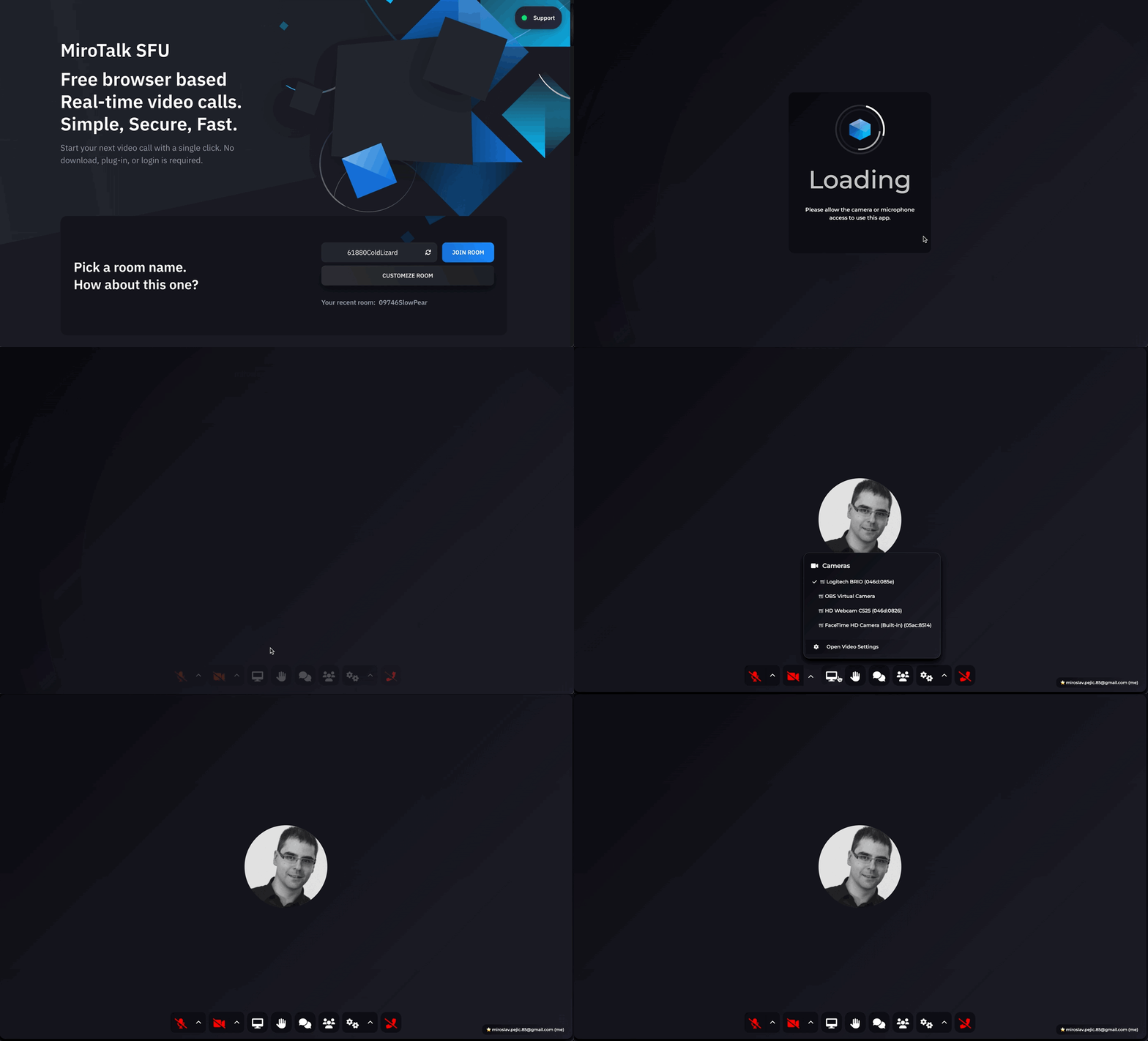
Self-hosted, open-source WebRTC video conferencing platform for real-time communication and collaboration.
A modern alternative to Zoom, Google Meet, Jitsi Meet, and Microsoft Teams, powered by scalable SFU architecture with Mediasoup.







MiroTalk SFU is a self-hosted, open-source video conferencing platform built on mediasoup SFU architecture for scalable real-time communication. A powerful alternative to Zoom, Google Meet, and Microsoft Teams for video conferencing, collaboration, and streaming. Deploy it on your own server and keep full control over your data, privacy, and infrastructure — with no vendor lock-in and no limits.
Try Live Demo · Privacy · Documentation · Discord · Sponsor
Proudly sponsored by
Recall.ai - API for meeting recording
An API for recording Zoom, Google Meet, Microsoft Teams, and in-person meetings.
✨ Why MiroTalk SFU?
| MiroTalk SFU | Zoom / Meet / Teams | |
|---|---|---|
| 💰 Cost | Free & Open Source (AGPLv3). One-time fee licenses available | Paid plans |
| 🏠 Self-hosted | ✅ Full control over your data | ❌ Cloud only |
| 🔒 Privacy | Your server, your rules | Third-party data processing |
| ⏱️ Time limits | Unlimited | 40-60 min on free tiers |
| 🏢 Rooms | Unlimited concurrent rooms | Limited |
| 🎥 Resolution | Up to 8K @ 60fps | Up to 1080p |
| 🌍 Languages | 133 languages | ~30-80 |
| 🔌 API | Full REST API included | Paid add-on |
| 📡 RTMP/OBS | Built-in RTMP streaming | Third-party needed |
| 🤖 AI Features | ChatGPT, DeepSeek + VideoAI integration | Paid AI add-ons |
| 🧩 Rebrand | Full source code, white-label ready | Limited branding options |
| 📦 Deploy | Docker, Node.js, one-click install | N/A (SaaS only) |
🚀 Features
- 🎥 Video up to 8K @ 60fps · Screen sharing · Recording · Picture-in-Picture
- 💬 Chat with Markdown & emoji · Collaborative whiteboard and Rich text editor · File sharing
- 🤖 ChatGPT (OpenAI) & DeepSeek integration · VideoAI avatars · Speech recognition
- 🔒 OIDC auth · Host protection · JWT credentials · Room passwords · Lobby & spam mitigation
- 🔌 REST API · Slack, Discord & Mattermost · Embeddable iframe & widget · 133 languages
⚡ Quick Start
Start in 6 commands:
git clone https://github.com/miroslavpejic85/mirotalksfu.git
cd mirotalksfu
cp app/src/config.template.js app/src/config.js
cp .env.template .env
npm install
npm start
Open https://localhost:3010 - done!
📋 Full Setup Guide (Requirements & Details)
Before running MiroTalk SFU, ensure you have Node.js and all requirements installed. This project has been tested with Node version 22.X.
Requirements install example for Ubuntu 24.04 LTS:
apt-get update
apt-get install -y build-essential
DEBIAN_FRONTEND=noninteractive apt-get install -y tzdata
apt install -y software-properties-common
add-apt-repository -y ppa:deadsnakes/ppa
apt update
apt install -y python3.8 python3-pip
apt install -y ffmpeg

Install NodeJS 22.X and npm using Node Version Manager
Start the server:
git clone https://github.com/miroslavpejic85/mirotalksfu.git
cd mirotalksfu
cp app/src/config.template.js app/src/config.js
cp .env.template .env
npm install
npm start                          # or: SERVER_LISTEN_PORT=3011 npm start
Open https://localhost:3010 - done!
[!NOTE]
To run
MiroTalk SFUon aWindows operating system, you can follow the instructions provided in this documentation.
🐳 Docker

Prerequisites: Install Docker Engine and Docker Compose - Image available on Docker Hub
git clone https://github.com/miroslavpejic85/mirotalksfu.git
cd mirotalksfu
cp app/src/config.template.js app/src/config.js
cp .env.template .env
cp docker-compose.template.yml docker-compose.yml
docker-compose pull    # optional: pull official image
docker-compose up      # add -d to run in background
Open https://localhost:3010 - done!
Note: Edit
app/src/config.js,.env, anddocker-compose.ymlto customize your setup.
☁️ Recommended Hosting Providers
| Provider | Description | Link |
|---|---|---|
 |
One-click install from the Cloudron App Store. Automates deployment, updates, backups, and user management. | Get Started |
 |
High-performance cloud servers and dedicated root servers with top-tier reliability. Powers our live demo. | Get €20 Free Credits |
 |
Enterprise-grade performance at unbeatable prices. Scalable and reliable. | Explore Netcup |
 |
Fast, reliable hosting with 24/7 support and great performance. | Check out Hostinger |
 |
Top-tier German hosting, dedicated servers, VPS, and web hosting at unbeatable prices. | Explore Contabo |
To set up your own instance of MiroTalk SFU on a dedicated cloud server, please refer to our comprehensive self-hosting documentation.
🙏 Credits
- Davide Pacilio (html template)
- Dirk Vanbeveren (sfu logic)
- Mediasoup (sfu server)
- DiceBear (random avatars)
- Image by ddraw on Freepik (avatar illustrations)
🤝 Contributing
Contributions are welcome and greatly appreciated! Whether it's bug fixes, features, or documentation - every contribution helps.
- Fork the repository
- Create your feature branch
- Run
npm run lintbefore committing - Submit a pull request
Have questions? Join our Discord community!
📄 License

MiroTalk SFU is free and open-source under the terms of AGPLv3 (GNU Affero General Public License v3.0). Please respect the license conditions, In particular modifications need to be free as well and made available to the public. Get a quick overview of the license at Choose an open source license.
To obtain a MiroTalk SFU license with terms different from the AGPLv3, you can conveniently make your purchase on CodeCanyon. This allows you to tailor the licensing conditions to better suit your specific requirements.
❤️ Support the project
Do you find MiroTalk SFU indispensable for your needs? Join us in supporting this transformative project by becoming a backer or sponsor. By doing so, not only will your logo prominently feature here, but you'll also drive the growth and sustainability of MiroTalk SFU. Your support is vital in ensuring that this valuable platform continues to thrive and remain accessible for all. Make an impact - back MiroTalk SFU today and be part of this exciting journey!
 |
 |
 |
 |
 |
 |
 |
|
 |
 |
🙏 Past Sponsors
We are grateful to our past sponsors for their support!
 |
 |
 |
 |
📢 Advertisers
 |
 |
 |
✨ EffectsSDK
Enhance your video conferencing experience with advanced virtual backgrounds and noise suppression. EffectsSDK offers powerful SDKs and plugins for fast integration.
Explore:
- 🎥 AI Video Effects Extension: Add virtual backgrounds and effects to your webcam.
- 🔊 Noise Cancelling Extension: Reduce background noise for clearer audio.
- 🛠️ Integrate EffectsSDK: Access SDKs and plugins for custom solutions.
This project is tested with BrowserStack.
🌐 Explore the full MiroTalk suite (SFU, P2P, BRO, C2C, WEB, CME, ADM) → MiroTalk Overview
Built with ❤️ by Miroslav and the open-source community
Contributors
Thanks to all the amazing people who have contributed to MiroTalk SFU 💙