MediaCMS



MediaCMS is a modern, fully featured open source video and media CMS. It is developed to meet the needs of modern web platforms for viewing and sharing media. It can be used to build a small to medium video and media portal within minutes.
It is built mostly using the modern stack Django + React and includes a REST API.
A demo is available at https://demo.mediacms.io
Screenshots
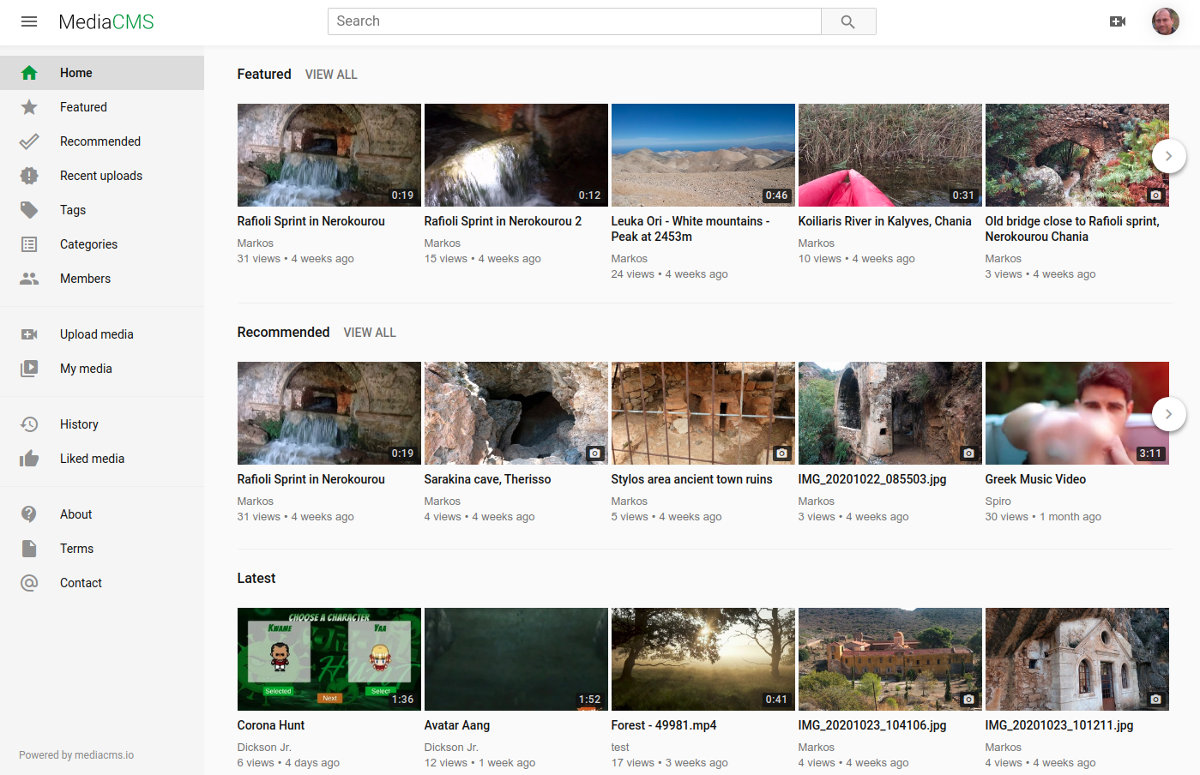
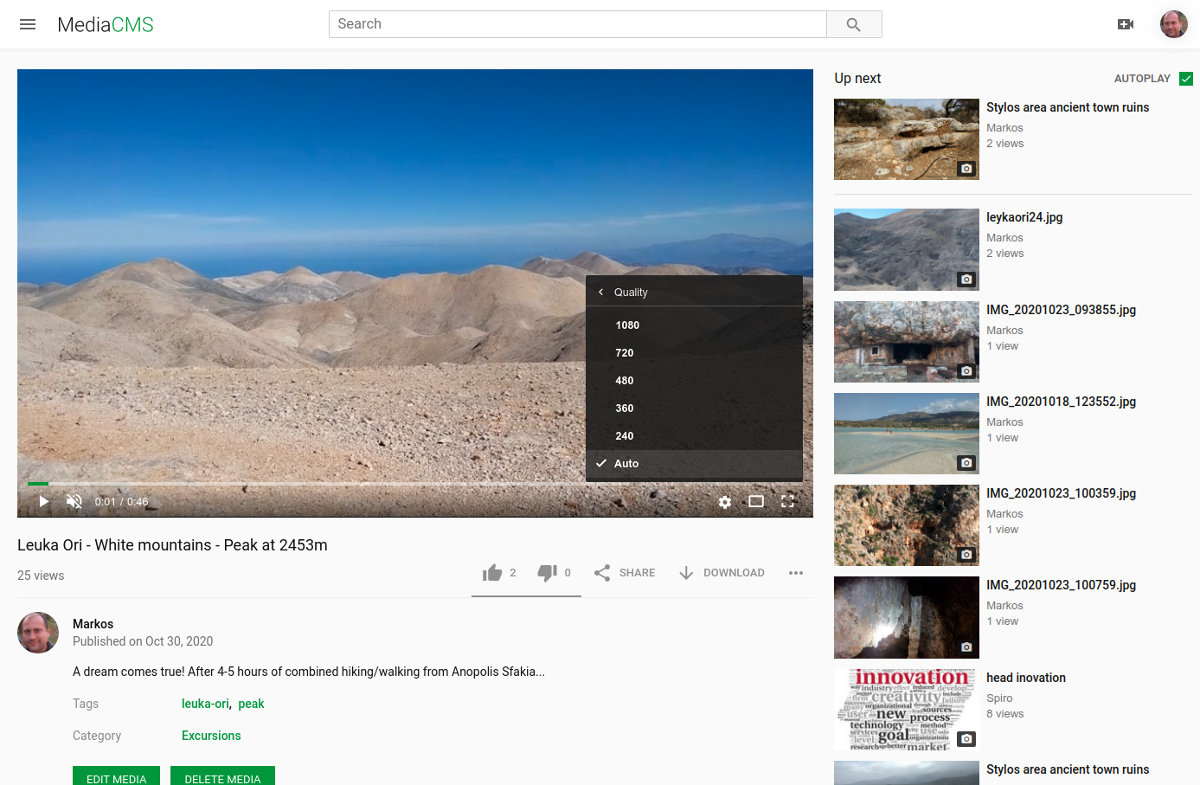
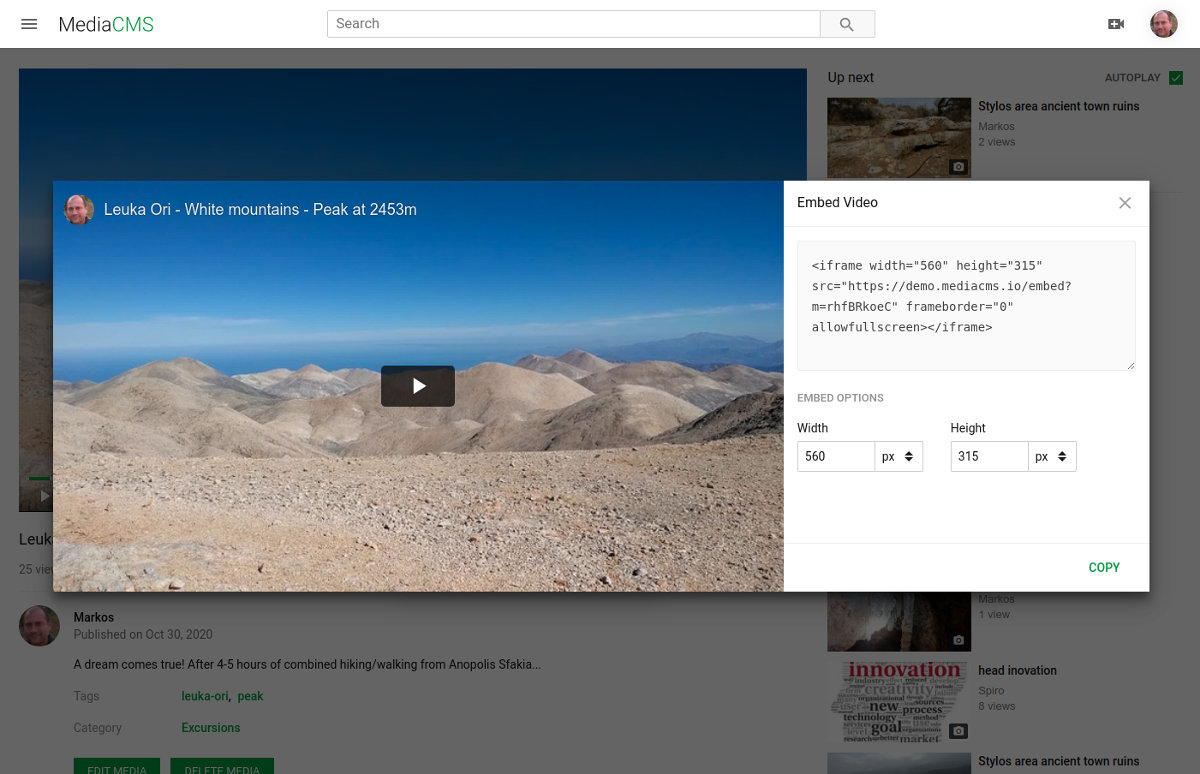
Features
- Complete control over your data: host it yourself!
- Modern technologies: Django/Python/Celery, React.
- Support for multiple publishing workflows: public, private, unlisted and custom
- Role-Based Access Control (RBAC): create RBAC categories and connect users to groups with view/edit access on their media
- Automatic transcription: through integration with Whisper running locally
- Multiple media types support: video, audio, image, pdf
- Multiple media classification options: categories, tags and custom
- Multiple media sharing options: social media share, videos embed code generation
- Use in LMS: LTI 1.3 support plus a Moodle plugin for embeding media in LMS
- Video Trimmer: trim video, replace, save as new or create segments
- SAML support: with ability to add mappings to system roles and groups
- Easy media searching: enriched with live search functionality
- Playlists for audio and video content: create playlists, add and reorder content
- Responsive design: including light and dark themes
- Advanced users management: allow self registration, invite only, closed.
- Configurable actions: allow download, add comments, add likes, dislikes, report media
- Configuration options: change logos, fonts, styling, add more pages
- Enhanced video player: customized video.js player with multiple resolution and playback speed options
- Multiple transcoding profiles: sane defaults for multiple dimensions (144p, 240p, 360p, 480p, 720p, 1080p) and multiple profiles (h264, h265, vp9)
- Adaptive video streaming: possible through HLS protocol
- Subtitles/CC: support for multilingual subtitle files
- Scalable transcoding: transcoding through priorities.
- Chunked file uploads: for pausable/resumable upload of content
- REST API: Documented through Swagger
- Translation: Most of the CMS is translated to a number of languages
Example cases
- Universities, schools, education. Administrators and editors keep what content will be published, students are not distracted with advertisements and irrelevant content, plus they have the ability to select either to stream or download content.
- Organization sensitive content. In cases where content is sensitive and cannot be uploaded to external sites.
- Build a great community. MediaCMS can be customized (URLs, logos, fonts, aesthetics) so that you create a highly customized video portal for your community!
- Personal portal. Organize, categorize and host your content the way you prefer.
Philosophy
We believe there's a need for quality open source web applications that can be used to build community portals and support collaboration. We have three goals for MediaCMS: a) deliver all functionality one would expect from a modern system, b) allow for easy installation and maintenance, c) allow easy customization and addition of features.
License
MediaCMS is released under GNU Affero General Public License v3.0 license. Copyright Markos Gogoulos.
Support and paid services
We provide custom installations, development of extra functionality, migration from existing systems, integrations with legacy systems, training and support. Checkout our services page for more information.
Commercial Hostings
Elestio
You can deploy MediaCMS on Elestio using one-click deployment. Elestio supports MediaCMS by providing revenue share so go ahead and click below to deploy and use MediaCMS.

Hardware considerations
For a small to medium installation, with a few hours of video uploaded daily, and a few hundreds of active daily users viewing content, 4GB Ram / 2-4 CPUs as minimum is ok. For a larger installation with many hours of video uploaded daily, consider adding more CPUs and more Ram.
In terms of disk space, think of what the needs will be. A general rule is to multiply by three the size of the expected uploaded videos (since the system keeps original versions, encoded versions plus HLS), so if you receive 1G of videos daily and maintain all of them, you should consider a 1T disk across a year (1G * 3 * 365).
In order to support automatic transcriptions through Whisper, consider more CPUs.
Installation / Maintanance
There are two ways to run MediaCMS, through Docker Compose and through installing it on a server via an automation script that installs and configures all needed services. Find the related pages:
Docker Compose page
A complete guide can be found on the blog post How to self-host and share your videos in 2021.
Documentation
- Users documentation page
- Administrators documentation page
- Developers documentation page
- Configuration page
- Transcoding page
- Developer Experience page
- Media Permissions page
- Moodle Plugin page
Technology
This software uses the following list of awesome technologies: Python, Django, Django Rest Framework, Celery, PostgreSQL, Redis, Nginx, Gunicorn, React, Fine Uploader, video.js, FFMPEG, Bento4
Who is using it
- Multiple Universities for hosting educational videos
- Cinemata non-profit media, technology and culture organization - https://cinemata.org
- Critical Commons public media archive and fair use advocacy network - https://criticalcommons.org
- American Association of Gynecologic Laparoscopists - https://surgeryu.org/
How to contribute
If you like the project, here's a few things you can do
- Hire us, for custom installations, training, support, maintenance work
- Suggest us to others that are interested to hire us
- Write a blog post/article about MediaCMS
- Share on social media about the project
- Open issues, participate on discussions, report bugs, suggest ideas
- Show and tell how you are using the project
- Star the project
- Add functionality, work on a PR, fix an issue!