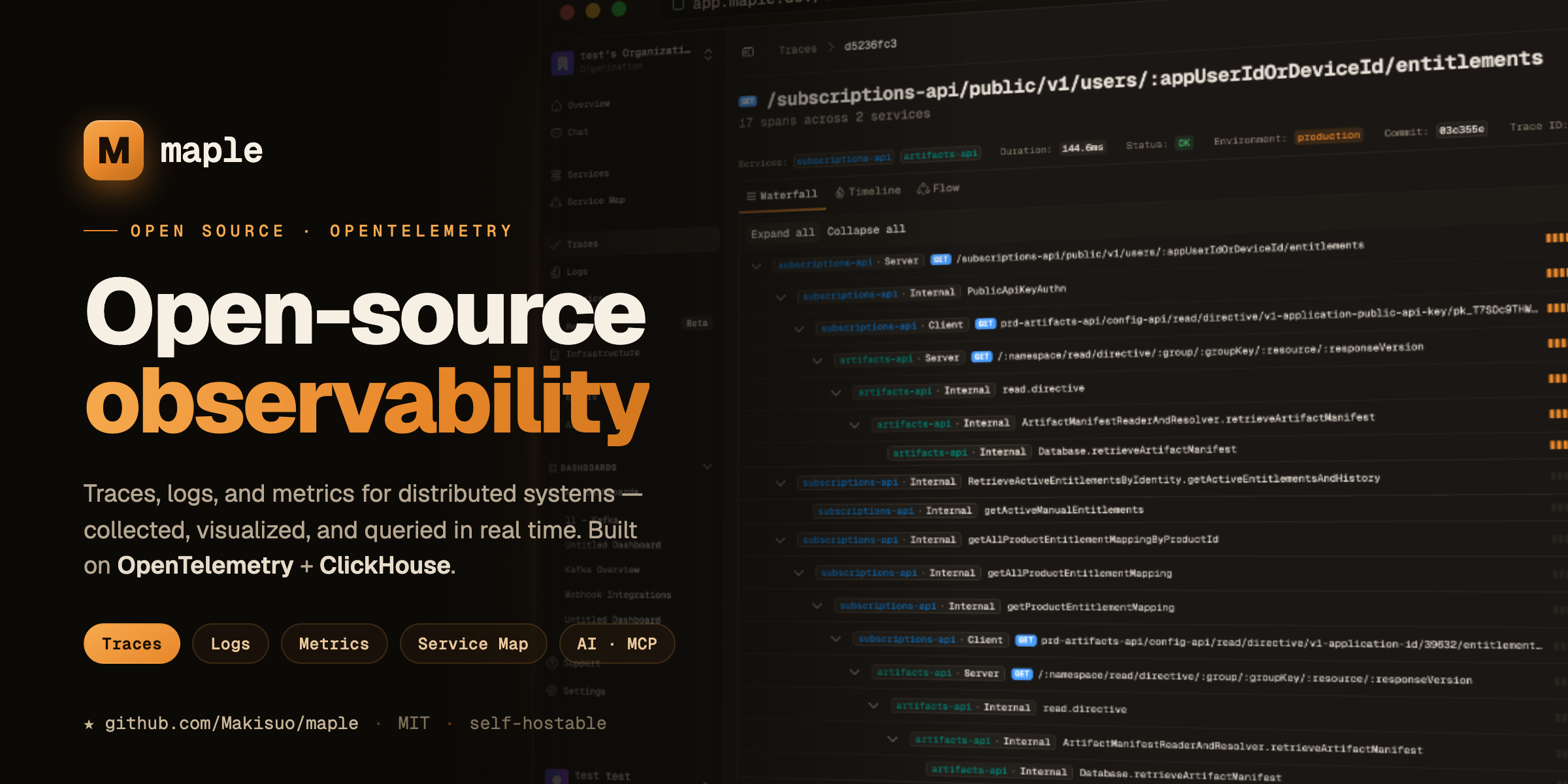
Open-source observability for traces, logs & metrics — built on OpenTelemetry + ClickHouse.
Maple Monorepo
Maple is now organized as a monorepo with a SPA frontend and an Effect-based backend API.
Workspace Layout
apps/web: TanStack Router SPA (Vite)apps/api: Effect HTTP API (Tinybird proxy + MCP server code + AI chat/triage on@opencode-ai/ai)apps/ingest: OTLP ingest gateway (key auth + org enrichment + collector forwarding)apps/landing: Astro landing siteapps/alerting: Alert evaluation workerapps/cli: CLI utilitiesapps/ios: Native SwiftUI app (Clerk + v2 API)packages/domain: Shared Effect HTTP contracts and domain typespackages/query-engine: Shared query and observability logicpackages/ui: Shared UI primitives and components
Prerequisites
- Bun
>=1.3
Install
bun install
Try Maple Locally
Run Maple as a single local binary with OTLP ingest, embedded ClickHouse, and the dashboard:
brew install Makisuo/tap/maple
maple start
See docs/local-mode.md for Homebrew, manual installer, update, and uninstall details.
Develop
Run the whole stack — the Cloudflare Workers under alchemy's local runtime,
the rest as child processes of the same alchemy dev — behind
https://.localhost:
bun dev
Or just some of it (api, alerting, electric-sync, web, landing,
ingest, local-ui, scraper):
bun dev api web
A single non-Worker app can also run on its raw port, outside the stack:
bun --filter=@maple/web dev
Validate
bun run typecheck
bun run build
bun run test
Docker (Local)
Run the local multi-service stack (API + web + ingest + otel collector):
docker compose -f docker-compose.yml up --build
Services:
- API:
http://localhost:3472 - Web:
http://localhost:3471 - Ingest:
http://localhost:3474 - OTEL collector:
4317(gRPC),4318(HTTP),13133(health/extensions)
Cloudflare Deploy (Alchemy)
Deployments run on Alchemy v2 (Effect-based): the root alchemy.run.ts exports a
single Alchemy.Stack("maple", …) whose program yields one module per app:
apps/api/src/worker.ts— the api Worker: Hyperdrive (PlanetScale Postgres)MAPLE_DB, KV, queues, the two Workflows and theChatSessionDurable Object, all yielded from its initapps/alerting/src/worker.ts— cron-driven alerting Worker (cross-script workflow ref)apps/electric-sync/src/worker.ts— ElectricSQL shape-proxy Workerapps/web/src/worker.ts/apps/landing/src/worker.ts/apps/local-ui/src/worker.ts— static builds viaCommand.Build+ asset-serving Workers
Stage grammar is prd / stg / pr- / dev names, resolved via
@maple/infra/cloudflare (parseMapleStage, resolveMapleDomains, resolveWorkerName,
resolveHyperdriveRefId, resolveDatabaseMode). stg/prd bind the
dashboard-managed Hyperdrive by config ID (resolveHyperdriveRefId) — origin credentials
never touch a deploy. MAPLE_PG_URL is only needed for dev stages, whose Hyperdrive alchemy
manages itself. PR previews bind no database at all (resolveDatabaseMode → "none"):
DB-backed routes 500, everything else in the preview works.
Run locally:
bun run alchemy:deploy:stg
PR_NUMBER=123 bun run alchemy:deploy:pr
The first v2 deploy against a stage with live v1-created resources needs --adopt
(the pr script passes it already); v1 state is incompatible and simply abandoned —
never run a v1 alchemy destroy against a live stage.
Tear down:
bun run alchemy:destroy:stg
PR_NUMBER=123 bun run alchemy:destroy:pr
CI workflows:
- STG (default on push to
main):.github/workflows/deploy-stg.yml - PRD (manual only via
workflow_dispatch):.github/workflows/deploy-prd.yml - PR preview lifecycle:
.github/workflows/deploy-pr-preview.yml(pull_requestopened/synchronize/reopened/closed)
Secrets source model (CI):
- Secrets are fetched from Infisical via
Infisical/secrets-actionusing OIDC (credential-less — GitHub's OIDC token authenticates a machine identity, no long-lived token stored). CI needs:- GitHub repo variable
INFISICAL_PROJECT_SLUG(the project slug — a variable, not a secret: GitHub masks secret values everywhere, and a slug likemaplewould then blank out the PR-preview deployment URLapp-pr-.maple.dev) - GitHub repo secret
INFISICAL_MACHINE_IDENTITY_ID(the machine identity ID)
- GitHub repo variable
- Infisical environments (
prod,staging,dev— mapped from the old Dopplerprd/stg/prconfigs) must define:CLOUDFLARE_API_TOKENCLOUDFLARE_DEFAULT_ACCOUNT_ID(bridged to alchemy v2'sCLOUDFLARE_ACCOUNT_IDin the rootalchemy.run.ts;ALCHEMY_PASSWORD/ALCHEMY_STATE_TOKENwere v1-only and are no longer read)TINYBIRD_HOSTTINYBIRD_TOKENEMAIL_FROM(sender address on an onboarded Cloudflare Email Service domain; delivery uses theEMAILworker binding, no API key)MAPLE_INGEST_KEY_ENCRYPTION_KEYMAPLE_INGEST_KEY_LOOKUP_HMAC_KEYMAPLE_AUTH_MODEMAPLE_ROOT_PASSWORD(required inself_hostedmode)CLERK_SECRET_KEYCLERK_PUBLISHABLE_KEYCLERK_JWT_KEY
Setup note: the machine identity must have a GitHub OIDC auth method configured in Infisical (scoped to this repo, ideally to the production/staging/pr-preview GitHub environments) and read access to the project. The workflows select secrets via project-slug (INFISICAL_PROJECT_SLUG) and per-stage env-slug (prod/staging/dev).
Runtime API URL behavior:
- Deploy-time web builds resolve
VITE_API_BASE_URLfrom the Cloudflare api worker domain (api.maple.devinprd,api-staging.maple.devinstg, worker.dev URL forpr-*). - Local
bun --filter=@maple/web devcan still use root.envVITE_API_BASE_URLfor local API routing.
Environment
- Canonical env example:
.env.example - API-only env example:
apps/api/.env.example - Real
.envvalues are local-only and should stay untracked.
The web app expects VITE_API_BASE_URL to point to the API (defaults to http://localhost:3472).
For ingest + key auth, set these at minimum in your root .env when running the ingest gateway:
MAPLE_INGEST_KEY_LOOKUP_HMAC_KEYMAPLE_INGEST_KEY_ENCRYPTION_KEY(required when ingest reads encrypted credentials from Postgres)INGEST_PORTINGEST_FORWARD_OTLP_ENDPOINTMAPLE_INTERNAL_ORG_ID(the org the gateway's own telemetry is filed under; no default)INGEST_FORWARD_TIMEOUT_MSINGEST_MAX_REQUEST_BODY_BYTESINGEST_REQUIRE_TLSINGEST_REPLAY_MAX_SESSION_BYTES(optional; ceiling on the decompressed rrweb payload one replay session may record, default 1 GiB,0disables)
Persistence (PostgreSQL / PGlite)
Maple persists application state in PostgreSQL:
- Production and staging use PlanetScale Postgres through Cloudflare Hyperdrive.
- Wrangler development uses the Docker Postgres started by
bun db:up. - Non-Worker local entrypoints use embedded PGlite under
apps/api/.data/pglite; setMAPLE_DB_URL=memory://for an ephemeral database.
Migration commands:
bun db:up
bun db:migrate:local
bun run --cwd packages/db db:generate
bun run --cwd packages/db db:studio
CI migrates deployed PlanetScale branches over their direct port before Alchemy deploys the
Workers. See docs/persistence.md for the full workflow.
Ingest Keys
- Maple now manages per-org ingest keys in the database (
public+private). - Keys are available in Settings and can be rerolled independently.
- Reroll revokes the previous key immediately.
- Private ingest keys are encrypted at rest with
MAPLE_INGEST_KEY_ENCRYPTION_KEY(base64-encoded 32-byte key). - Ingest key lookup/auth uses non-reversible HMAC hashes via
MAPLE_INGEST_KEY_LOOKUP_HMAC_KEY.
Auth Modes
Maple supports exactly two auth modes via MAPLE_AUTH_MODE:
clerk- Create a Clerk application with Organizations enabled.
- Set
MAPLE_AUTH_MODE=clerk - Set
CLERK_SECRET_KEY - Optionally set
CLERK_JWT_KEYfor networkless verification - Set
CLERK_PUBLISHABLE_KEYfor the web app - Optionally override
VITE_CLERK_SIGN_IN_URLandVITE_CLERK_SIGN_UP_URL
self_hosted- Set
MAPLE_AUTH_MODE=self_hosted - Set
MAPLE_ROOT_PASSWORD(required) - Set
MAPLE_DEFAULT_ORG_ID(defaults todefault) - Users must sign in at
/sign-inwith the root password before accessing the dashboard/API. - Session tokens are valid for 12 hours and renew silently against
POST /api/auth/session/refresh, up to an absolute cap of 7 days from sign-in. Past the cap the root password is required again. RotatingMAPLE_ROOT_PASSWORDstill invalidates every token immediately — it is the HMAC key, and the only way to revoke a session early.
- Set
Start apps:
bun --filter=@maple/api dev
bun --filter=@maple/web dev
Validate behavior:
- Clerk mode:
- Signed-out users are redirected to
/sign-in - Signed-in users without an active org are redirected to
/org-required - Signed-in users with an active org can query the API with bearer auth
- Signed-out users are redirected to
- Self-hosted mode:
- Signed-out users are redirected to
/sign-in MAPLE_ROOT_PASSWORDlogin issues a bearer session token with a bounded lifetime- Protected API routes reject requests without a valid bearer session token
- Expired tokens are rejected; a still-valid one can be traded for a fresh one at
POST /api/auth/session/refreshuntil the session's absolute deadline
- Signed-out users are redirected to
Breaking change:
- Self-hosted multi-tenant JWT/API-key auth paths were removed.
MAPLE_ROOT_PASSWORDis now required whenMAPLE_AUTH_MODE=self_hosted.