LÖVR is an MIT-licensed framework, written in C11 and scripted with Lua and LuaJIT, for rapidly building 3D games and virtual reality experiences, aimed at beginners and small teams who want a few lines of Lua to put content into a headset.
What it is
LÖVR is a self-contained runtime that executes Lua scripts and hands them a graphics, audio, physics and input stack. The whole framework is a couple of megabytes, modules can be disabled or removed individually, and it runs on Windows, macOS, Linux and Android. Rendering is built for stereo VR from the start, using optimized single-pass stereo rendering, and headset support goes through OpenXR.
The concrete problem it solves is the setup cost between an idea and a running VR scene. Rather than standing up a large engine project, a developer writes a main.lua file and drags it onto the LÖVR executable; a drawable scene can be a handful of lines. LÖVR lives in the Lua ecosystem and is heavily inspired by LÖVE, the 2D game framework, effectively carrying that lightweight, script-first model into 3D and VR. It also removes the hardware barrier at the start of a project: alongside OpenXR headsets it ships a keyboard and mouse VR simulator, so scenes can be developed and iterated on without a device attached.
Key capabilities
- Cross-platform execution on Windows, macOS, Linux and Android from a single Lua codebase.
- Headset support for any device that works with OpenXR, plus a keyboard and mouse VR simulator for development without hardware.
- A C11 core scripted with LuaJIT, with optimized single-pass stereo rendering and powerful GPU APIs covering compute shaders, ray tracing, indirect rendering and atomics.
- Asset import for glTF models, skeletal animation, compressed textures, cubemaps and fonts, loaded through calls such as
lovr.graphics.newModel and drawn with pass:draw.
- 3D rigid body physics through the bundled JoltPhysics, with seven collider shapes and six types of joints.
- Spatialized audio built on SteamAudio, including HRTFs, audio meshes and reverb.
- A built-in vector library covering 3D vectors, quaternions and matrices, used directly in script code.
- A conventional script entry point:
main.lua with lovr.load and lovr.draw(pass) callbacks, where text, cubes, spheres, hands and models are drawn through the pass object.
Who uses it and how
- Prototyping and small-scope projects, where a single
main.lua dragged onto the executable is the entire project setup.
- VR development against the OpenXR ecosystem, including Oculus and Oculus Quest headsets and OpenVR, all named among the project's topics.
- Development and testing on machines with no headset attached, using the keyboard and mouse VR simulator.
- Size-constrained targets, where the couple-of-megabyte footprint and the ability to disable or remove modules matter.
- Contributors and testers, who run the suite in
test/lovr either in full with ./build/bin/lovr test or per module by passing the module name, for example ./build/bin/lovr test data.
Getting started
Download the executable from the project's homepage, write a main.lua script, and drag the script onto the executable. Alternatively, build from source with CMake using mkdir build, cd build, cmake .. and cmake --build ., with nightly Windows builds published separately.
How it compares
The facts name one comparable tool: LÖVE, the 2D game framework that LÖVR is heavily inspired by. LÖVR carries the same lightweight, Lua-scripted approach into 3D and virtual reality, where LÖVE stays in two dimensions, and it stands alone in this registry as an MIT-licensed VR framework rather than a general-purpose engine.
When to use it — and when not to
LÖVR is code-first: the documented workflow is writing Lua and running it, with no graphical editor or asset pipeline described, so teams that expect to build scenes visually or work in another language should look elsewhere. There is no server component to operate and nothing to host, but building it yourself requires a C toolchain and CMake, and the published nightly builds cover Windows only. It suits small, self-contained 3D and VR projects far better than large productions that need tooling the project does not describe.
project readme (upstream, from github) — read inline
 LÖVR
LÖVR
A simple Lua framework for rapidly building 3D games and VR experiences.




Homepage | Documentation | FAQ
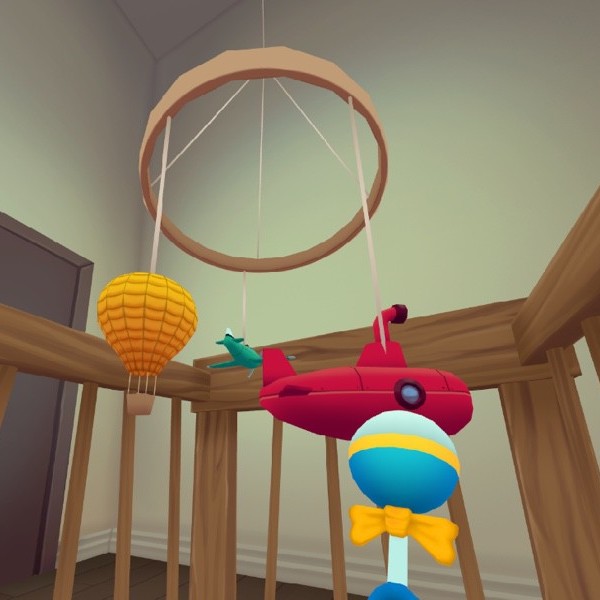
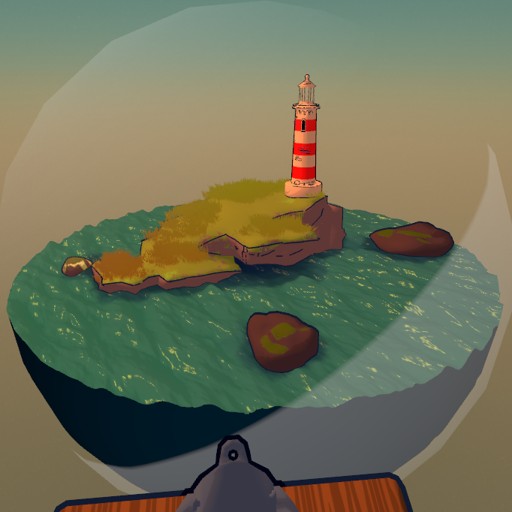
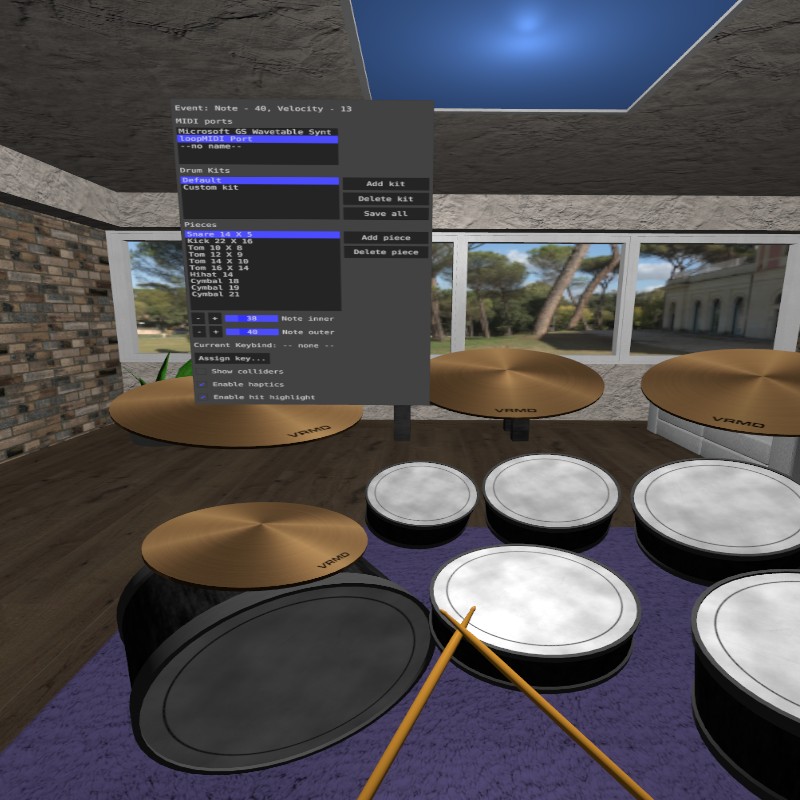
Features
- Cross-Platform - Runs on Windows, macOS, Linux, and Android.
- Cross-Device - Supports any headset that works with OpenXR, and has a keyboard/mouse VR simulator.
- Beginner-friendly - Simple scenes can be created in just a few lines of Lua.
- Fast - Written in C11 and scripted with LuaJIT, includes optimized single-pass stereo rendering.
- Tiny - The whole framework is just a couple of megabytes, and it's easy to disable/remove modules.
- Powerful GPU APIs - Compute shaders, ray tracing, indirect rendering, atomics, and more.
- Asset Import - Supports glTF models, skeletal animation, compressed textures, cubemaps, fonts, etc.
- 3D Rigid Body Physics - Includes JoltPhysics, with 7 collider shapes and 6 types of joints.
- Spatialized Audio - Uses SteamAudio for audio spatialization, with HRTFs, audio meshes, and reverb.
- Vector Library - Built-in 3D vectors, quaternions, and matrices.
Getting Started
It's really easy to get started making things with LÖVR. Grab a copy of the executable from ,
then write a main.lua script and drag it onto the executable. Here are some example projects to try:
Hello World
function lovr.draw(pass)
  pass:text('Hello World!', 0, 1.7, -3, .5)
end
Spinning Cube
function lovr.draw(pass)
  pass:cube(0, 1.7, -1, .5, lovr.timer.getTime())
end
Hand Tracking
function lovr.draw(pass)
  for _, hand in ipairs(lovr.headset.getHands()) do
    pass:sphere(vec3(lovr.headset.getPosition(hand)), .1)
  end
end
3D Models
function lovr.load()
  model = lovr.graphics.newModel('model.gltf')
end

function lovr.draw(pass)
  pass:draw(model, x, y, z)
end
More examples are on the docs page.
Building
You can build LÖVR from source using CMake. Here are the steps using the command line:
mkdir build
cd build
cmake ..
cmake --build .
See the Compiling Guide for more info.
Testing
Tests can be found in the test/lovr directory.
You can run all of LÖVR tests from the command line with the following:
./build/bin/lovr test
To run tests for a single module, pass the name of the module as an argument
(e.g. this runs the tests for the data module):
./build/bin/lovr test data
Resources
- Documentation: Guides, tutorials, examples, and API documentation.
- FAQ: Frequently Asked Questions.
- Matrix: The LÖVR community for discussion and support.
- Nightly Builds: Nightly builds for Windows.
- Compiling Guide: Information on compiling LÖVR from source.
- Contributing: Guide for helping out with development 💜
- LÖVE: LÖVR is heavily inspired by LÖVE, a 2D game framework.
License
MIT, see LICENSE for details.