lottie-ios is a free, open source design & prototyping project written in Swift and released under Apache-2.0. It has 26,881 GitHub stars, 3,840 forks and 44 open issues, and was last pushed 12 hours ago. On this registry it ranks #10 of 33 tracked projects in Design & Prototyping, with 5 head-to-head comparisons available.

What is lottie-ios?

Lottie for iOS is an Apache-2.0 Swift library that natively renders After Effects and bodymovin JSON vector animations in realtime on iOS, macOS, tvOS, and visionOS, and it is aimed at Apple-platform developers who want to ship designer-authored motion without rebuilding it by hand in code.

What it is

Lottie for iOS is the Apple-platform member of the Lottie family of renderers, a cross-platform set of libraries spanning iOS, macOS, tvOS, visionOS, Android, and Web. It lives in the Swift and iOS ecosystem, is written in Swift, and is distributed under the Apache-2.0 licence. The library loads and renders animations and vector art that have been exported in the bodymovin JSON format. That JSON can be produced from After Effects with the bodymovin plugin, from Sketch with Lottie Sketch Export, or from Haiku. Because the animation is backed by JSON rather than by baked-in frames, the files are extremely small in size while still being able to carry large complexity.

The concrete problem it solves is the handoff between design and engineering. Traditionally, an animation designed in After Effects had to be painstakingly recreated by an engineer before it could ship, and Lottie removes that step: a designer creates and ships the animation as a JSON file, and the library renders it natively at runtime with minimal code. The same exported file can be played, resized, looped, sped up, slowed down, reversed, and even interactively scrubbed, so behaviour is controlled at runtime rather than frozen at export time.

Key capabilities

  • Renders bodymovin JSON exported from After Effects with bodymovin, from Sketch with Lottie Sketch Export, and from Haiku.
  • Playback control covers play, resize, loop, speed up, slow down, reverse, and interactive scrubbing.
  • Partial playback of an animation, including looping just a portion of it.
  • Runtime mutation of animations: colour, position, and any other keyframable value can be changed while the animation is running.
  • Native support across iOS, macOS, tvOS, and visionOS.
  • Installable through Swift Package Manager, CocoaPods, and Carthage, with both dynamic and static builds supported.
  • Can be vendored directly by including Lottie.xcodeproj in a project, or consumed as the precompiled XCFramework shipped in lottie-ios releases.

Who uses it and how

  • Apple-platform application teams that need designer-authored vector animation in iOS, macOS, tvOS, or visionOS apps; the project's 26,881 stars and 3,840 forks reflect wide adoption.
  • Swift Package Manager users, who are advised to depend on the smaller lottie-spm repository rather than on the main lottie-ios repository.
  • CocoaPods users, who add the lottie-ios pod, and Carthage users, who consume dynamic or static frameworks.
  • Teams building custom transitions and transition animations, as reflected in the custom-transitions, ios-transition, and transition-animation topics.
  • Teams that want interactive motion, since animations can be scrubbed and altered at runtime rather than played back as fixed clips.

Getting started

Install through Swift Package Manager using the lottie-spm repository and the dependency .package(url: "https://github.com/airbnb/lottie-spm.git", from: "4.6.1"), or through CocoaPods and Carthage. The main lottie-ios repository can also be pulled and Lottie.xcodeproj included to build a dynamic or static library.

How it compares

No list of paid products is given for this project, so the useful comparison is with its siblings. Lottie for iOS is one of three renderers that share the same bodymovin JSON format, alongside lottie-android and lottie-web, which means a single exported animation can be reused across Apple, Android, and Web targets. It is the Apple-platform member of that family rather than a replacement for it.

When to use it — and when not to

This is a rendering library rather than a service, so there is no database, object storage, or SMTP server to operate, and the burden is limited to build integration. Teams targeting only Android or Web should use lottie-android or lottie-web instead, and teams that need to author animation will still need After Effects, Sketch, or Haiku, because Lottie renders exports rather than creating them. One practical caveat is repository size: the main lottie-ios repository exceeds 300 MB, which is why Swift Package Manager users are steered to the lottie-spm repository that points at a precompiled XCFramework of roughly 8 MB.

project readme (upstream, from github) — read inline

Lottie for iOS

Version Carthage Compatible SwiftPM License Platform Swift Versions

View documentation, FAQ, help, examples, and more at airbnb.io/lottie

Lottie is a cross-platform library for iOS, macOS, tvOS, visionOS, Android, and Web that natively renders vector-based animations and art in realtime with minimal code.

Lottie loads and renders animations and vectors exported in the bodymovin JSON format. Bodymovin JSON can be created and exported from After Effects with bodymovin, Sketch with Lottie Sketch Export, and from Haiku.

Designers can create and ship beautiful animations without an engineer painstakingly recreating them by hand. Since the animations are backed by JSON, they are extremely small in size but can be large in complexity! Animations can be played, resized, looped, sped up, slowed down, reversed, and even interactively scrubbed. Lottie can play or loop just a portion of the animation as well, the possibilities are endless! Animations can even be changed at runtime in various ways! Change the color, position, or any keyframable value!

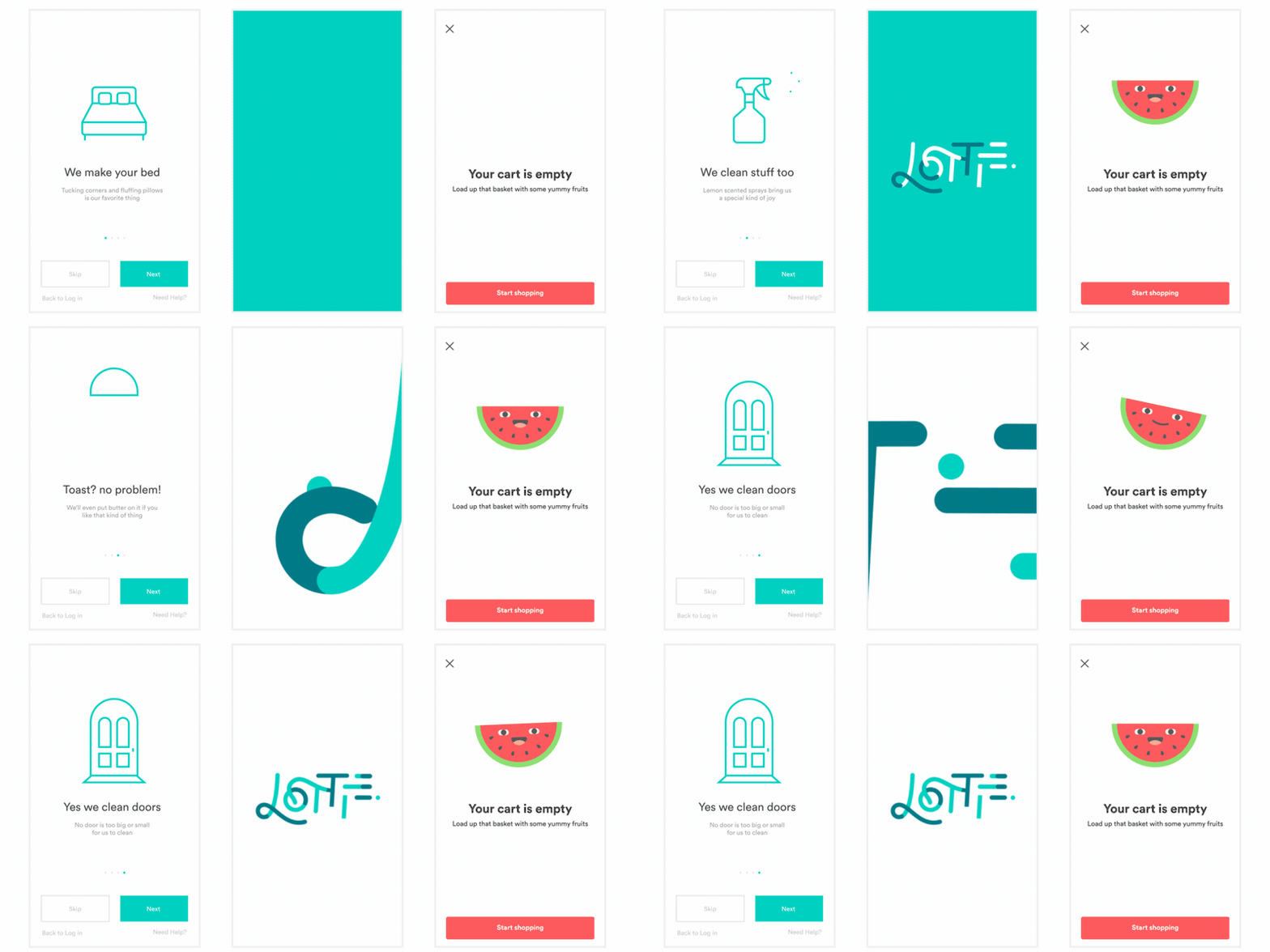
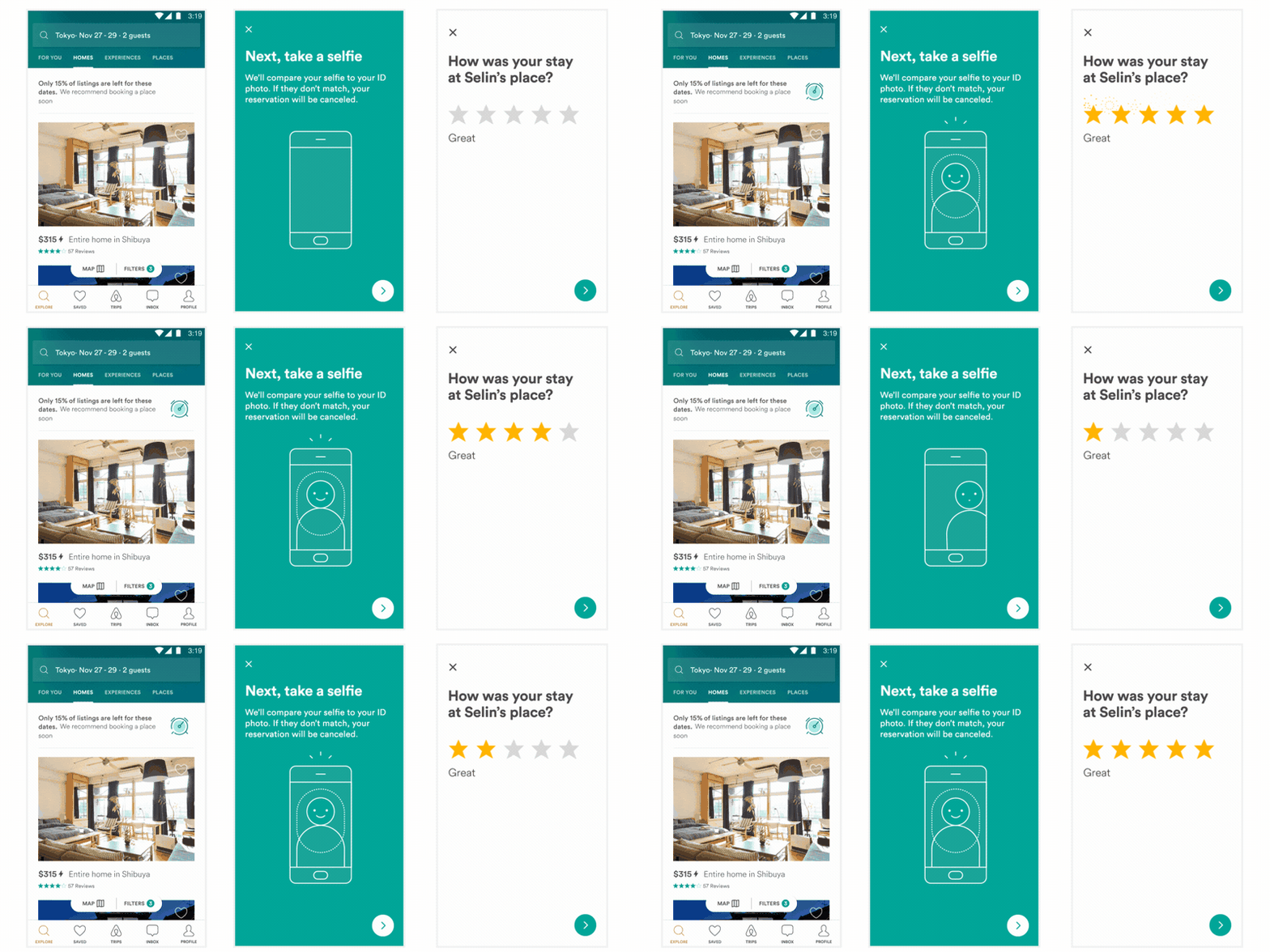
Here is just a small sampling of the power of Lottie

Example1 Example2

Example3

Abcs

Installing Lottie

Lottie supports Swift Package Manager, CocoaPods, and Carthage (Both dynamic and static).

Github Repo

You can pull the Lottie Github Repo and include the Lottie.xcodeproj to build a dynamic or static library.

Swift Package Manager

To install Lottie using Swift Package Manager you can follow the tutorial published by Apple using the URL for the Lottie repo with the current version:

  1. In Xcode, select “File” → “Add Packages...”
  2. Enter https://github.com/airbnb/lottie-spm.git

or you can add the following dependency to your Package.swift:

.package(url: "https://github.com/airbnb/lottie-spm.git", from: "4.6.1")

When using Swift Package Manager we recommend using the lottie-spm repo instead of the main lottie-ios repo. The main git repository for lottie-ios is somewhat large (300+ MB), and Swift Package Manager always downloads the full repository with all git history. The lottie-spm repo is much smaller (less than 500kb), so can be downloaded much more quickly.

Instead of downloading the full git history of Lottie and building it from source, the lottie-spm repo just contains a pointer to the precompiled XCFramework included in the latest lottie-ios release (typically ~8MB). If you prefer to include Lottie source directly your project, you can directly depend on the main lottie-ios repo by referencing https://github.com/airbnb/lottie-ios.git instead.

CocoaPods

Add the pod to your Podfile:

pod 'lottie-ios'

And then run:

pod install

After installing the cocoapod into your project import Lottie with

import Lottie

Carthage

Add Lottie to your Cartfile:

github "airbnb/lottie-ios" "master"

And then run:

carthage update

In your application targets “General” tab under the “Linked Frameworks and Libraries” section, drag and drop lottie-ios.framework from the Carthage/Build/iOS directory that carthage update produced.

Swift Version Support

Lottie supports Swift / Xcode versions back to the minimum version that is permitted by Apple for submissions to the App Store. You can see the most up-to-date information for which Swift versions Lottie supports on Swift Package Index:

Swift Versions

Privacy

Lottie does not collect any data. We provide this notice to help you fill out App Privacy Details. We additionally provide a privacy manifest which can be included in your app.

Security

We distribute XCFramework bundles for each release on GitHub. In Lottie 4.4.0 and later, these XCFramework bundles include a code signature. These bundles are self-signed under the name "Lottie iOS" and have the following fingerprint:

89 2F 1B 43 04 7B 50 53 8F 2F 46 EA D9 29 00 DD 3D 48 11 F358 21 78 C0 61 A5 FB 20 F1 11 CB 26

In Xcode you can verify this by selecting Lottie.xcframework and confirming that it shows the following information:
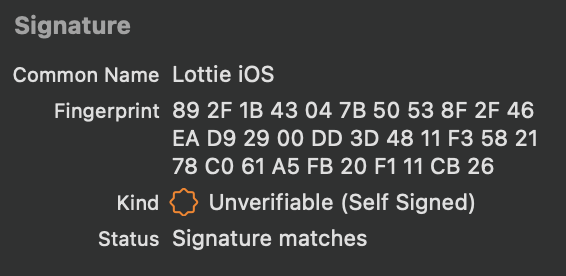
Code Signature in Xcode

Contributing

We always appreciate contributions from the community. To make changes to the project, you can clone the repo and open Lottie.xcworkspace. This workspace includes:

  • the Lottie framework (for iOS, macOS, and tvOS)
  • unit tests and snapshot tests (for iOS, must be run on an iPhone 8 simulator)
  • an Example iOS app that lets you browse and test over 100 sample animations included in the repo

All pull requests with new features or bug fixes that affect how animations render should include snapshot test cases that validate the included changes.

  • To add a new sample animation to the snapshot testing suite, you can add the .json file to Tests/Samples. Re-run the snapshot tests to generate the new snapshot image files.
  • To update existing snapshots after making changes, you can set isRecording = true in SnapshotTests.swift setUp() method and then re-run the snapshot tests.

The project also includes several helpful commands defined in our Rakefile. To use these, you need to install Bundler:

$ sudo gem install bundle
$ bundle install

For example, all Swift code should be formatted according to the Airbnb Swift Style Guide. After making changes, you can reformat the code automatically using SwiftFormat and SwiftLint by running bundle exec rake format:swift. Other helpful commands include:

$ bundle exec rake build:all # builds all targets for all platforms
$ bundle exec rake build:package:iOS # builds the Lottie package for iOS
$ bundle exec rake test:package # tests the Lottie package
$ bundle exec rake format:swift # reformat Swift code based on the Airbnb Swift Style Guide

Frequently asked questions

Is lottie-ios free to use?

lottie-ios is open source under the Apache-2.0 licence. There is no licence fee and no seat count — you can self-host it or, where the project offers one, pay a vendor for a managed version instead.

What does lottie-ios do?

An iOS library to natively render After Effects vector animations

What is lottie-ios written in?

lottie-ios is primarily written in Swift. Its source is publicly available at https://github.com/airbnb/lottie-ios, and it has 26,881 GitHub stars.