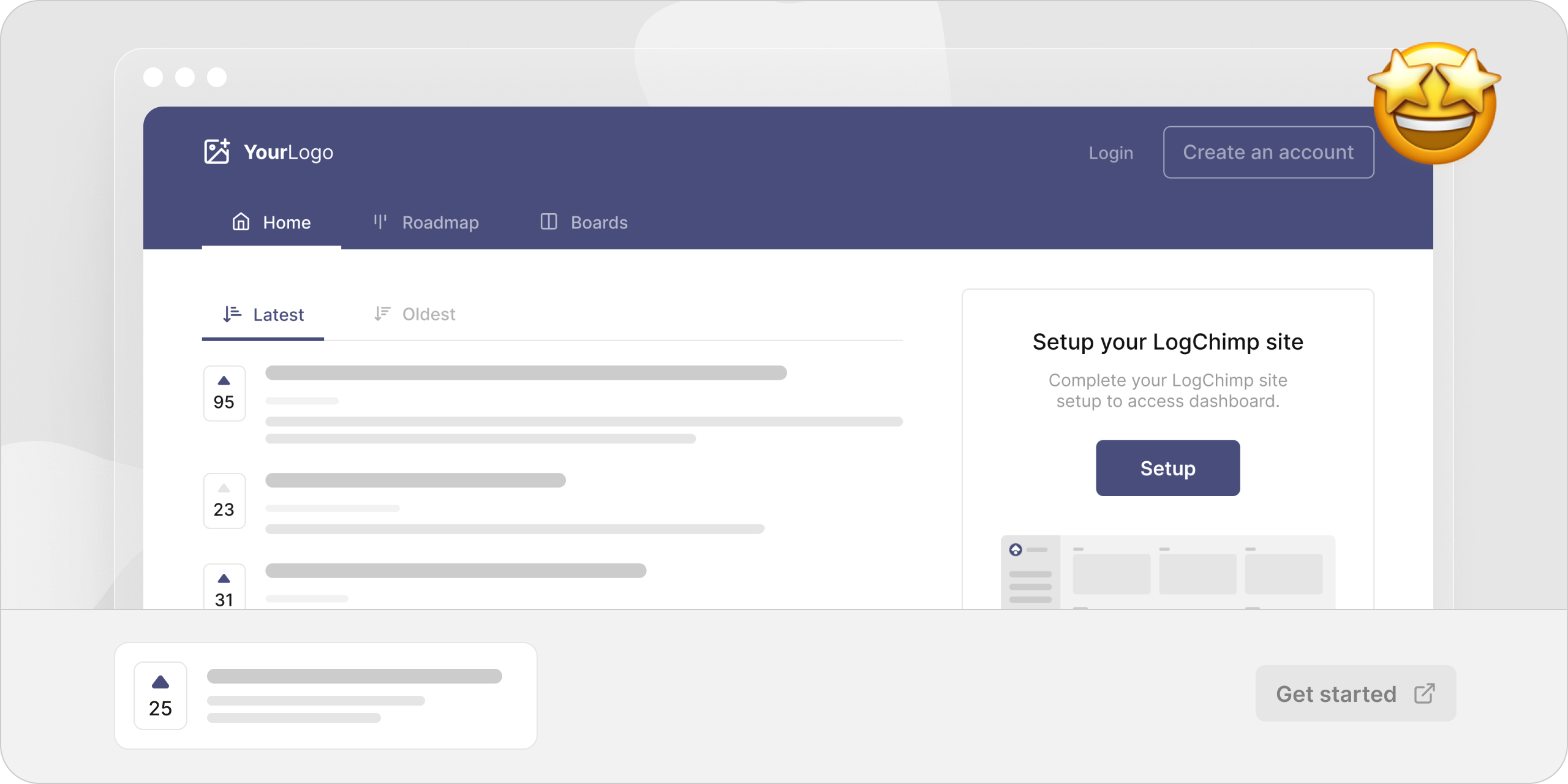
LogChimp is an open-source, self-hosted customer feedback and product roadmap tool in the Community & Social / Collaboration & Feedback category, aimed at product teams and maintainers who want to collect user feedback and organise it into boards and roadmaps on infrastructure they control.
What it is
LogChimp lives in the JavaScript and TypeScript ecosystem; its repository is written in TypeScript and it is distributed as a self-hosted application. The project describes itself as open-source feedback management for product teams, and its stated purpose is tracking customer feedback in order to build better products. The codebase, contributing guide and community channels are all public on GitHub, and the project carries the production-ready topic alongside customer-feedback, feedback, product-management, product-roadmap, roadmap and user-feedback.
The concrete thing it replaces is a hosted commercial feedback board. The repository description names Canny, ProductBoard and UserJot directly as the products LogChimp serves as an alternative to. Instead of sending customer feedback to a third-party service, a team runs LogChimp itself, creates posts from incoming feedback, and organises those posts into Boards and Roadmaps so that requests map onto a visible product plan. Brand customisation is a stated feature, so the board can be presented as the team's own rather than as a generic vendor surface.
Key capabilities
- Create posts to capture customer feedback as discrete, trackable items.
- Organise posts by Boards and Roadmaps, giving feedback a structure tied to product planning.
- Dashboard for managing posts and feedback from one place.
- Brand customizable presentation so the feedback board matches the product's own identity.
- Self-hosted deployment, keeping feedback data on infrastructure the team operates.
- Written in TypeScript, with a public repository carrying 1,128 stars and 211 forks.
- Public contributing process via
CONTRIBUTING.md, requiring contributors to discuss ideas in GitHub or Discord before starting development and to get approval from a core team member.
Who uses it and how
- Product teams that collect user feedback and want it mapped to a roadmap rather than scattered across tickets, email and chat.
- Teams that want to run the feedback board themselves rather than depend on a hosted vendor, using the self-hosting installation path documented for Ubuntu.
- Small teams without a dedicated operations function that prefer cloud hosting, which the project supports through a one-click deploy option.
- Open-source maintainers and contributors: the repository carries the
hacktoberfest topic, and the project asks that contributors raise ideas in public GitHub or Discord channels before writing code.
- Teams wanting community support: the project runs a Discord server and a Twitter account at
@logchimp, alongside an official website at logchimp.app.
Getting started
The README points to the deployment documentation at https://docs.logchimp.app/self-hosting/installation, which covers self-hosting on Ubuntu or cloud hosting through a one-click deploy option.
How it compares
The repository lists Canny, ProductBoard and UserJot as the commercial products LogChimp replaces. Against those, LogChimp's differentiators in the facts are licence and hosting model: it is open source and self-hosted, so feedback data stays on the team's own servers rather than on a vendor's, and the brand customisation is applied to the team's own deployment. The licence field resolves to NOASSERTION rather than a named licence, so anyone comparing it with those products on licence terms needs to clarify that on the repository before adopting it.
When to use it — and when not to
Pick LogChimp when the feedback workflow should stay on infrastructure the team controls and when Ubuntu self-hosting or the one-click cloud deploy path matches existing practice. Do not pick it if the team wants a fully managed service with no deployment to operate, or if a legally unambiguous licence is a hard procurement requirement, since the repository reports NOASSERTION. Weigh the 185 open issues as well: the backlog is substantial, and the README is short on operational specifics such as the storage and mail dependencies a self-hoster will need to supply.