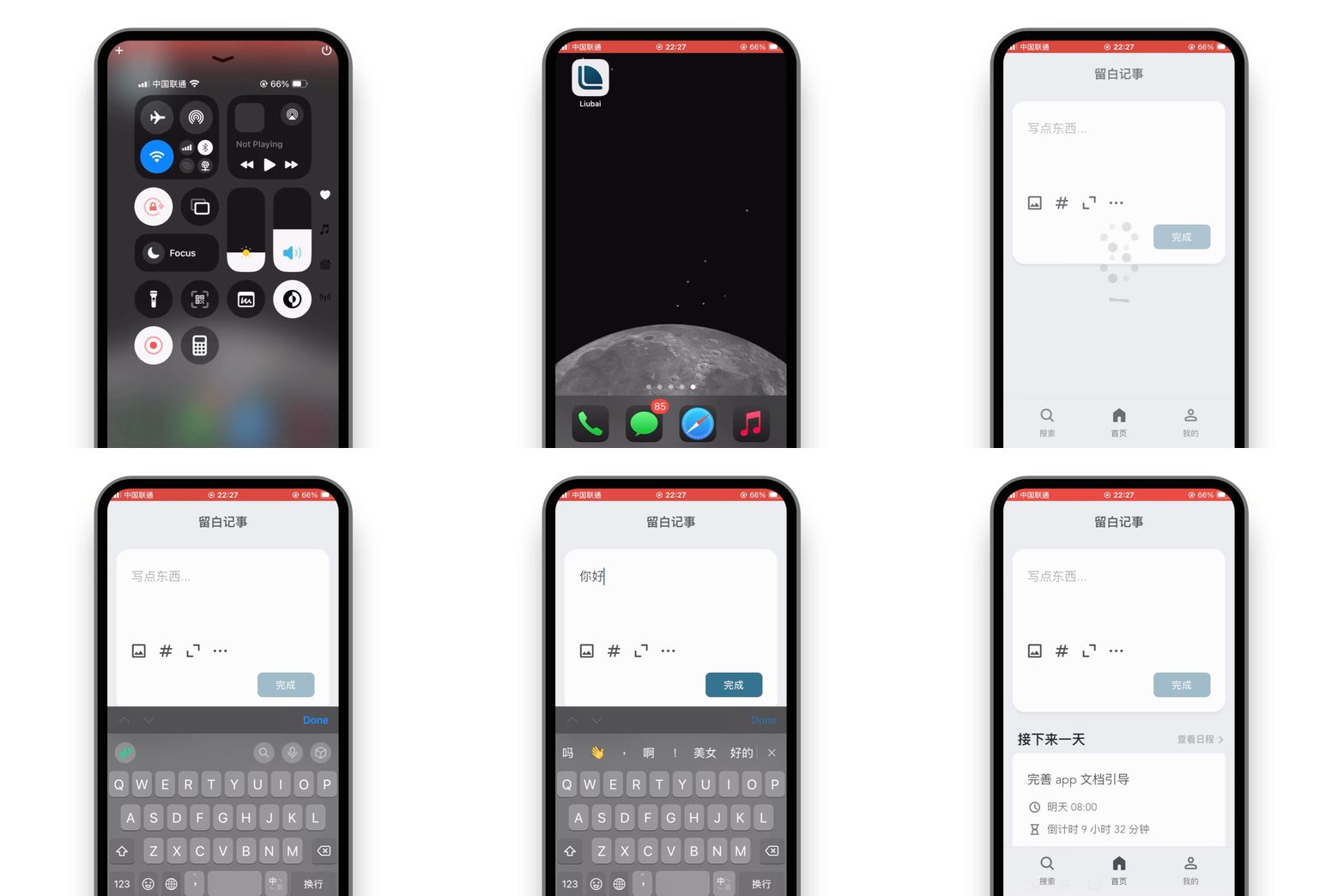
Liubai is an AGPL-3.0, local-first application for notes, schedules, to-do lists and tasks with built-in AI, written in TypeScript and aimed at individuals and small teams who want to plan their day and collaborate through WeChat without handing their data to a closed service.
What it is
Liubai, rendered in Chinese as 留白记事, combines four things the README lists explicitly: notes, schedules, to-do lists and tasks, with AI assistance layered on top. It is distributed as a monorepo with four parts. liubai-backends/liubai-laf holds the backend and is built on Laf, with project cloud functions under cloud-functions/. liubai-frontends/liubai-web is the web client, built with Vue 3.x, Vite, VueUse, TypeScript, Dexie.js and TipTap. liubai-weixin is a WeChat mini-program built on Skyline, TypeScript and the Chat Tool API. liubai-vscode-extension is a VS Code extension written in TypeScript, bundled with esbuild and published with vsce. Documentation lives separately under liubai-docs and is built with VitePress.
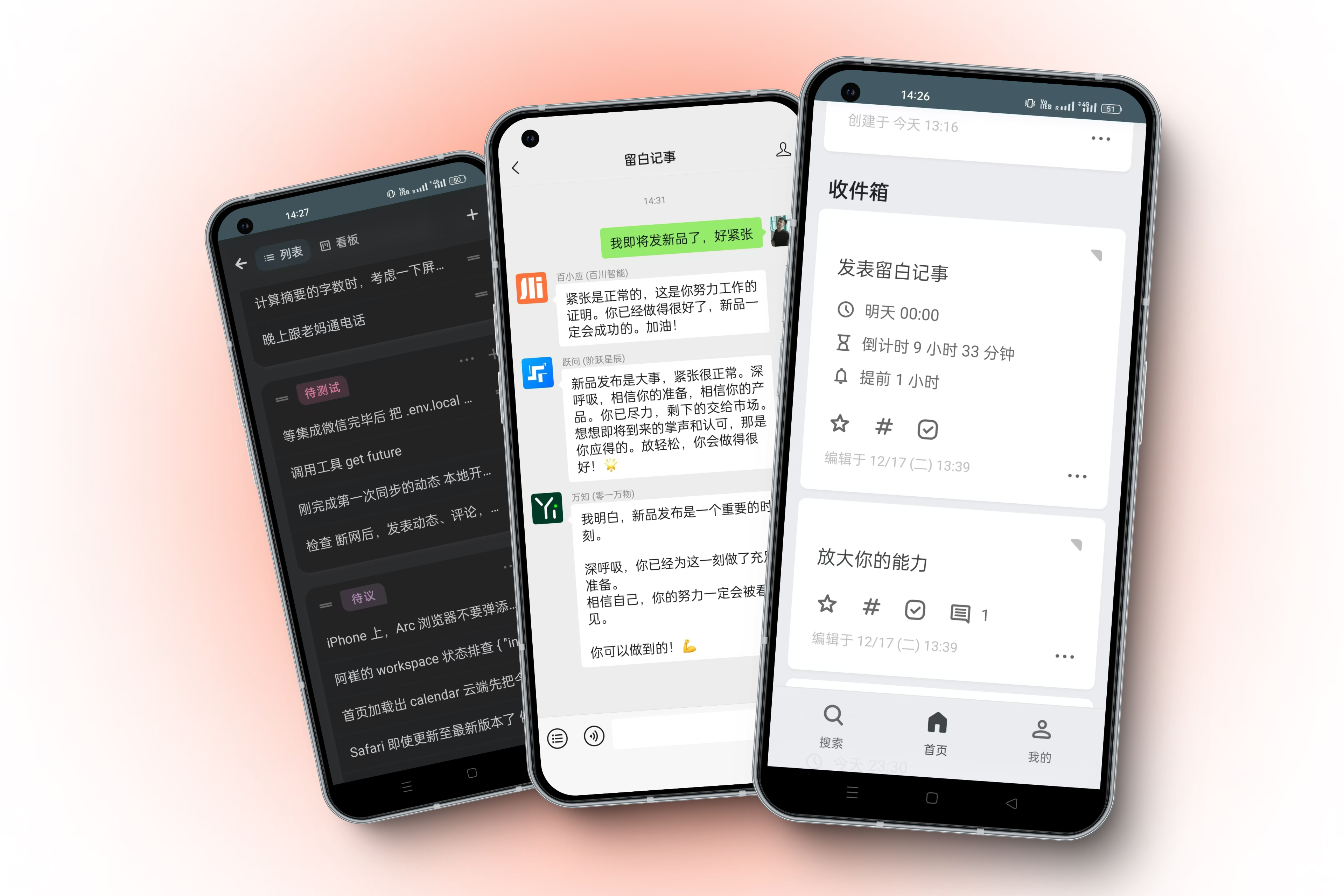
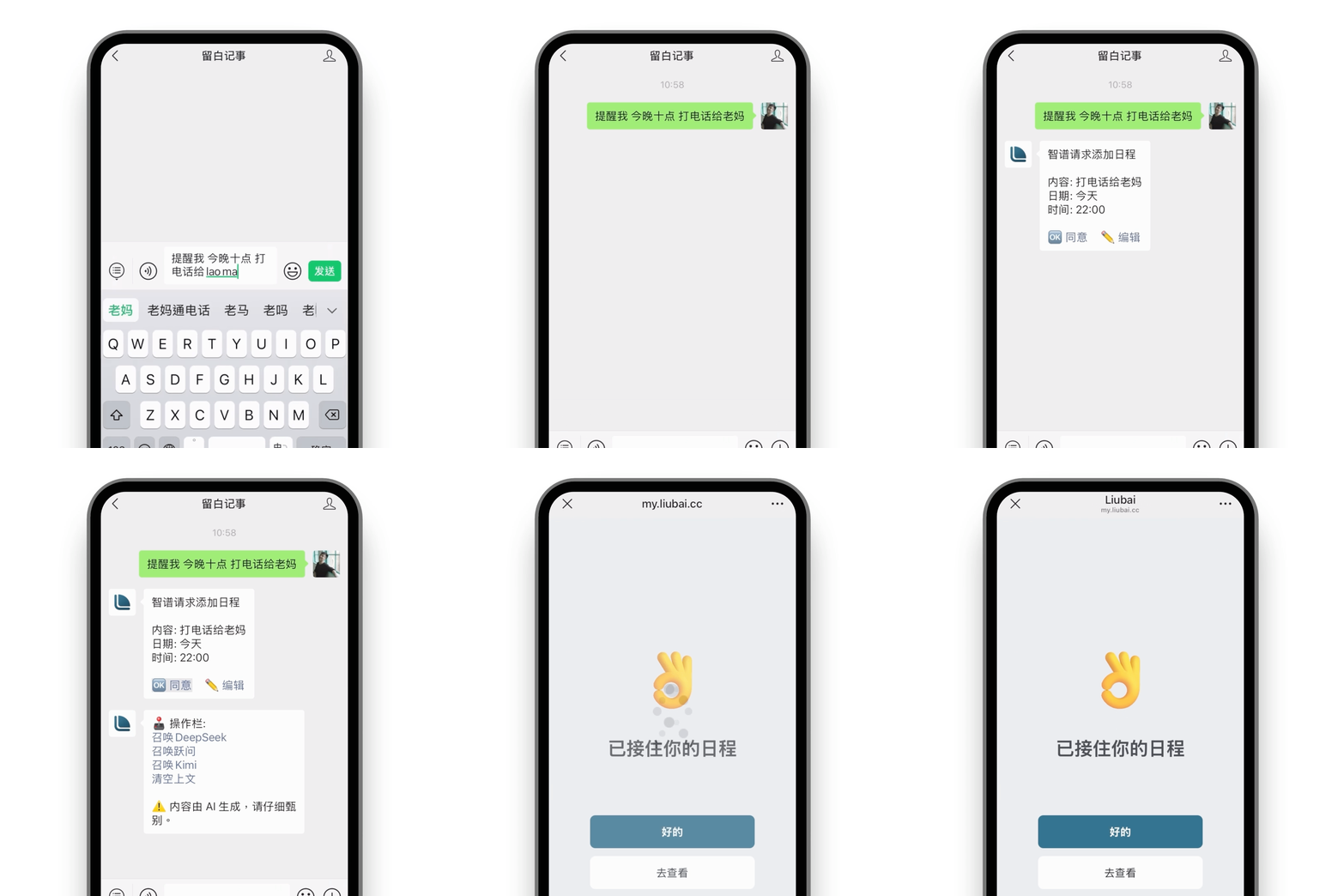
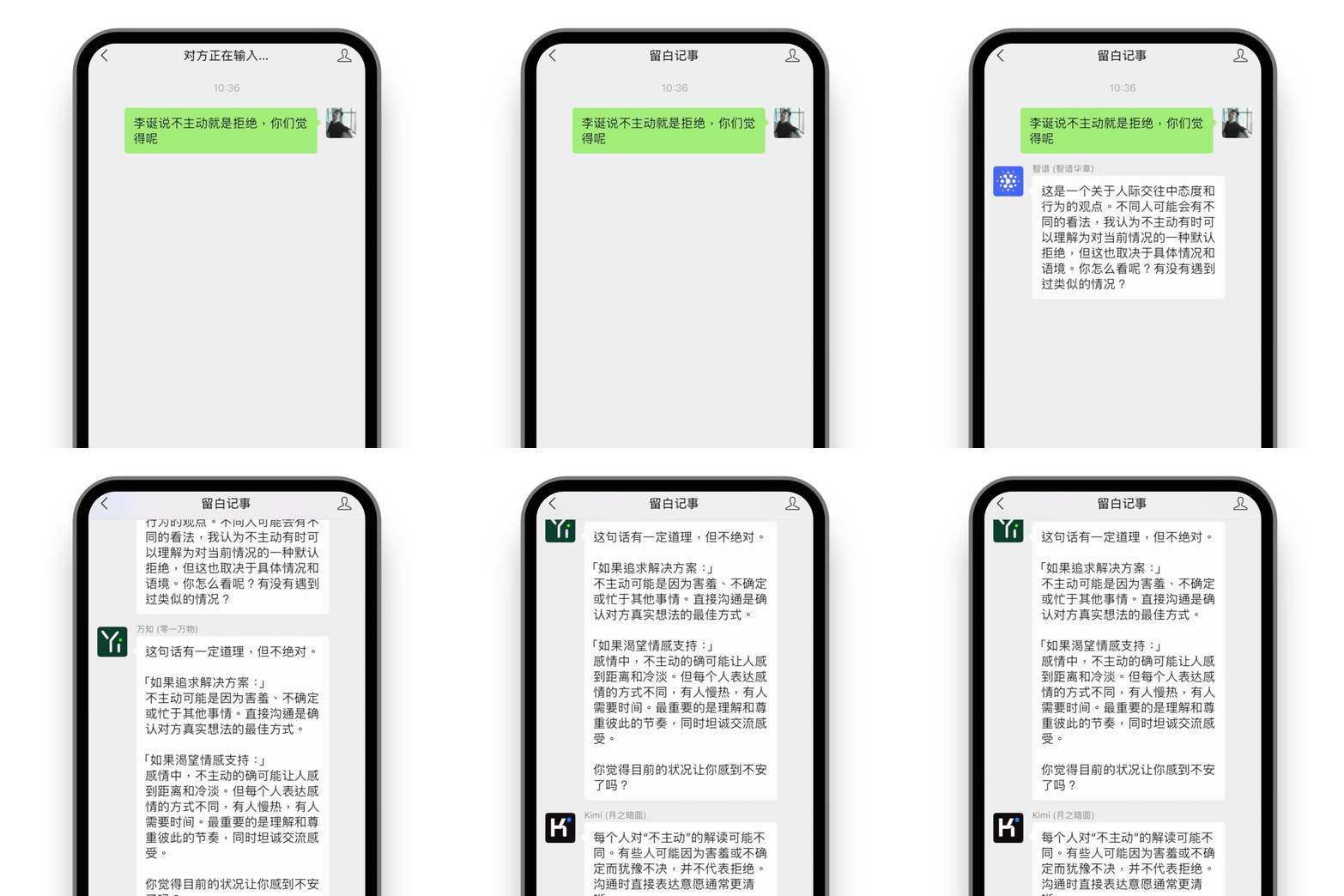
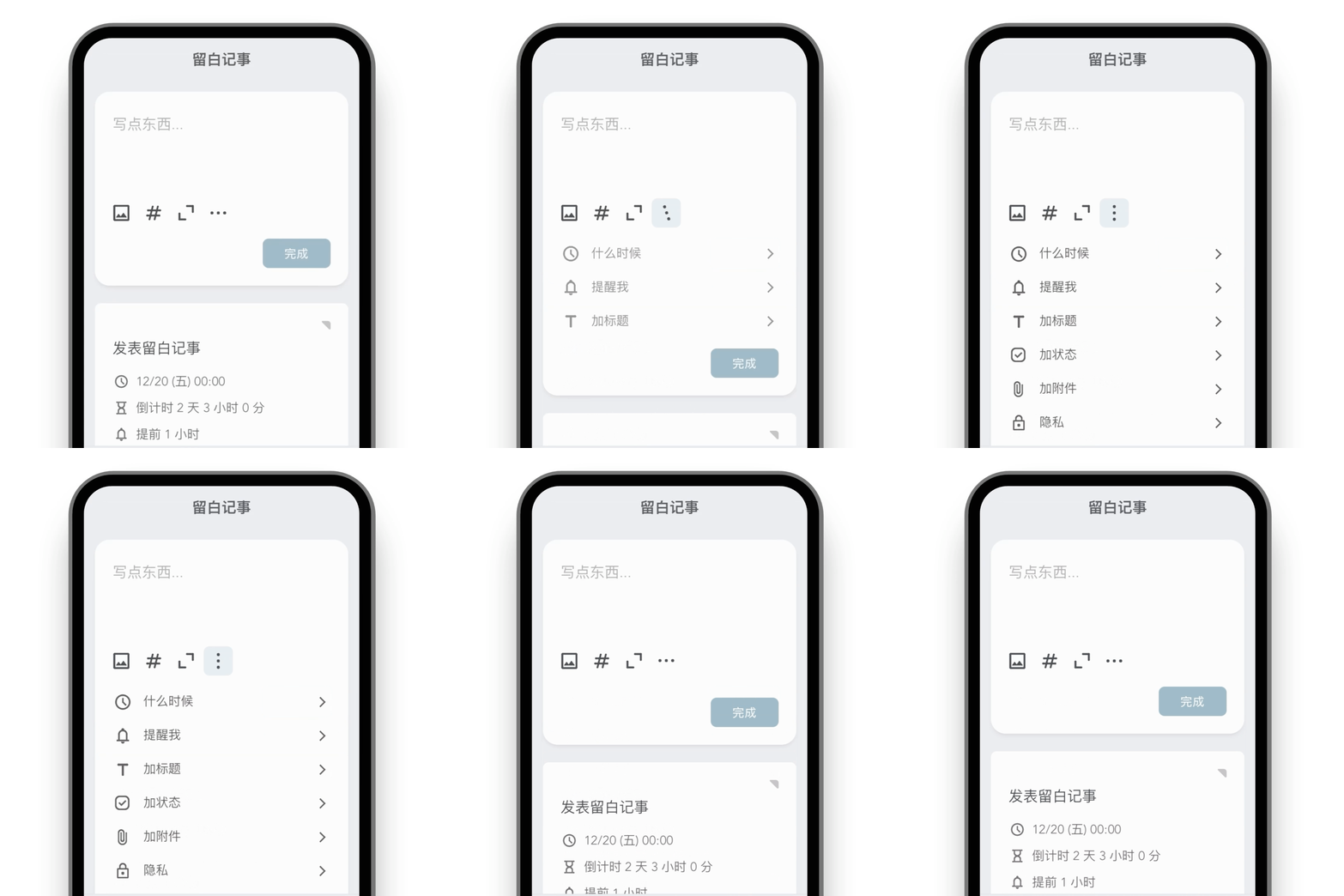
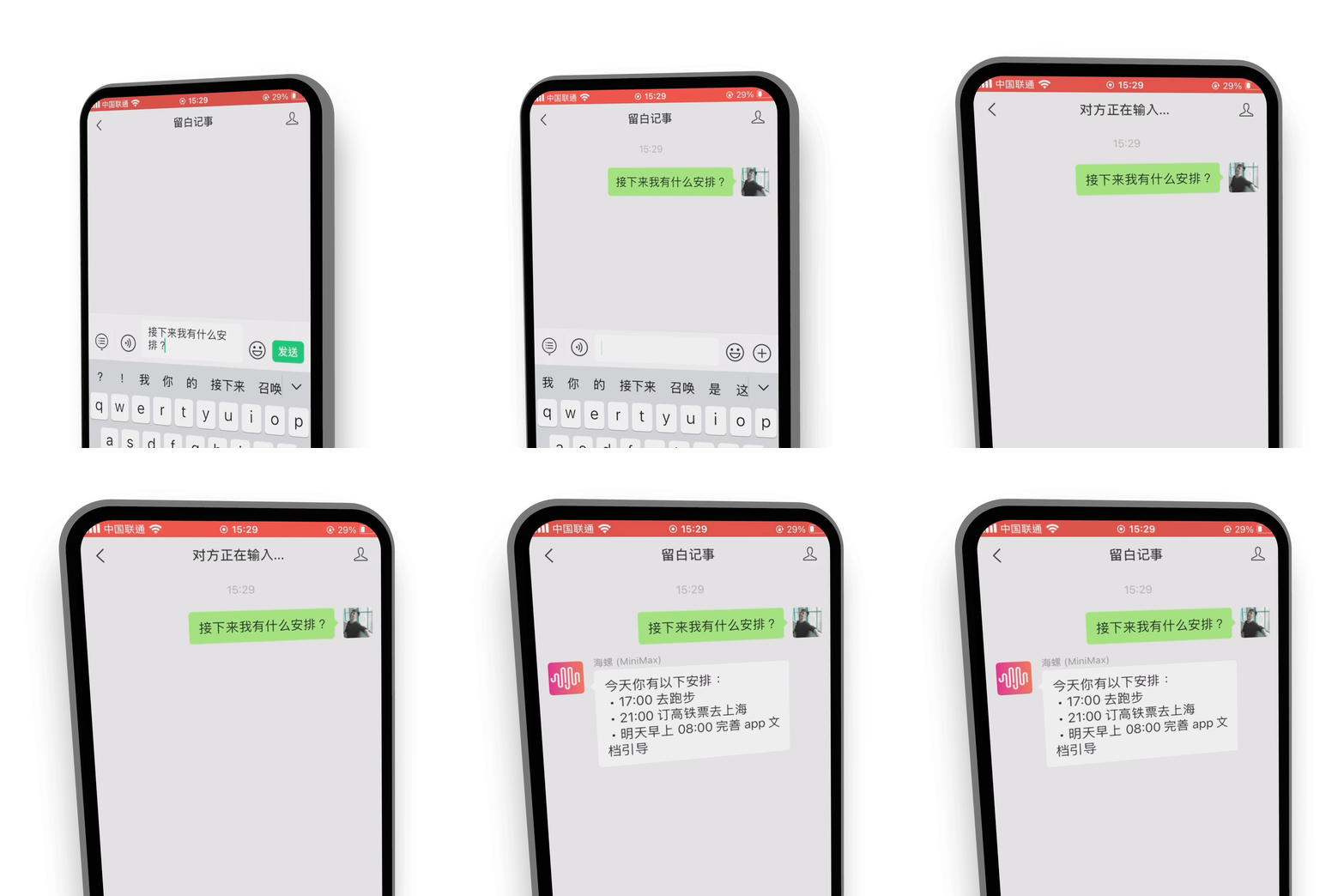
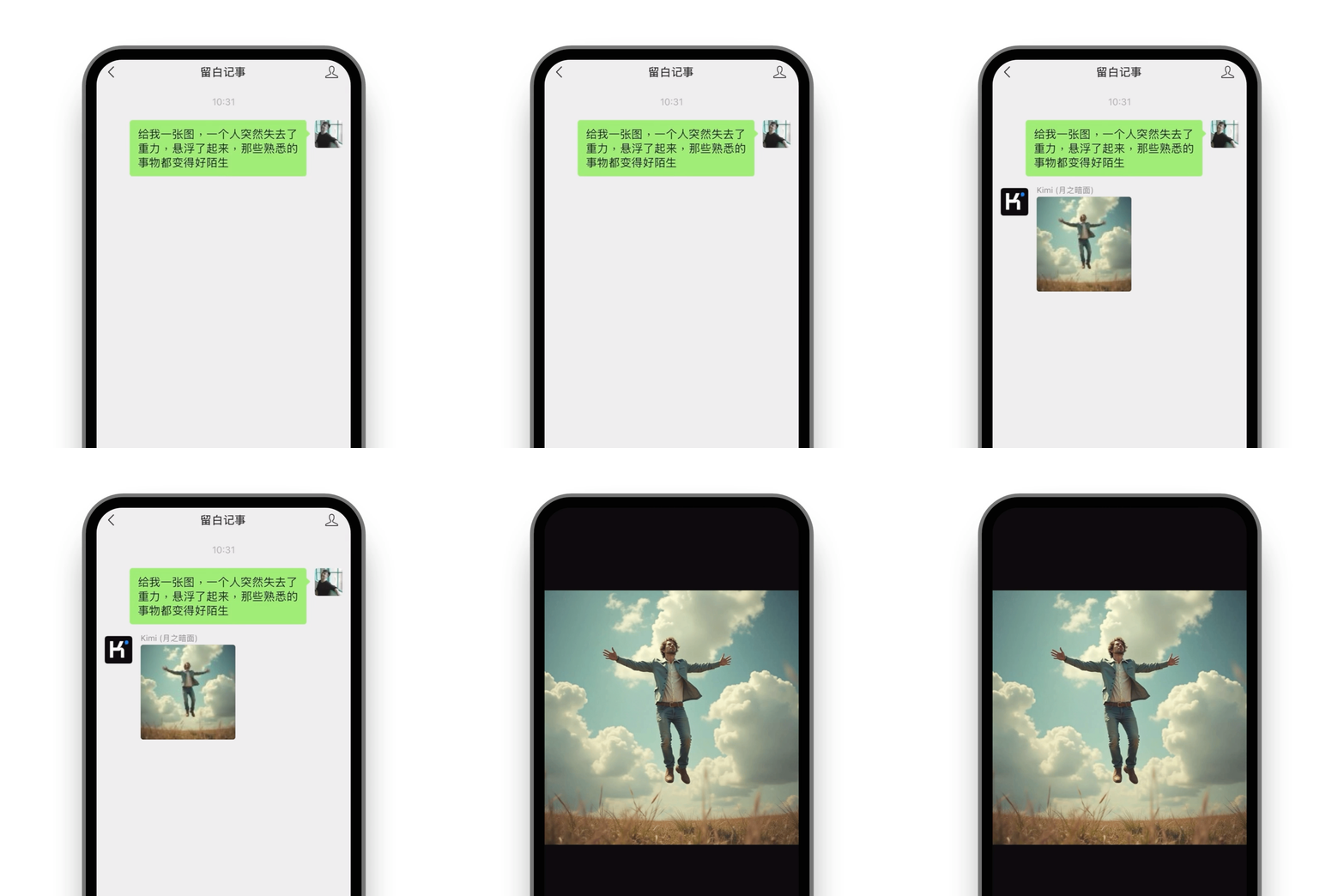
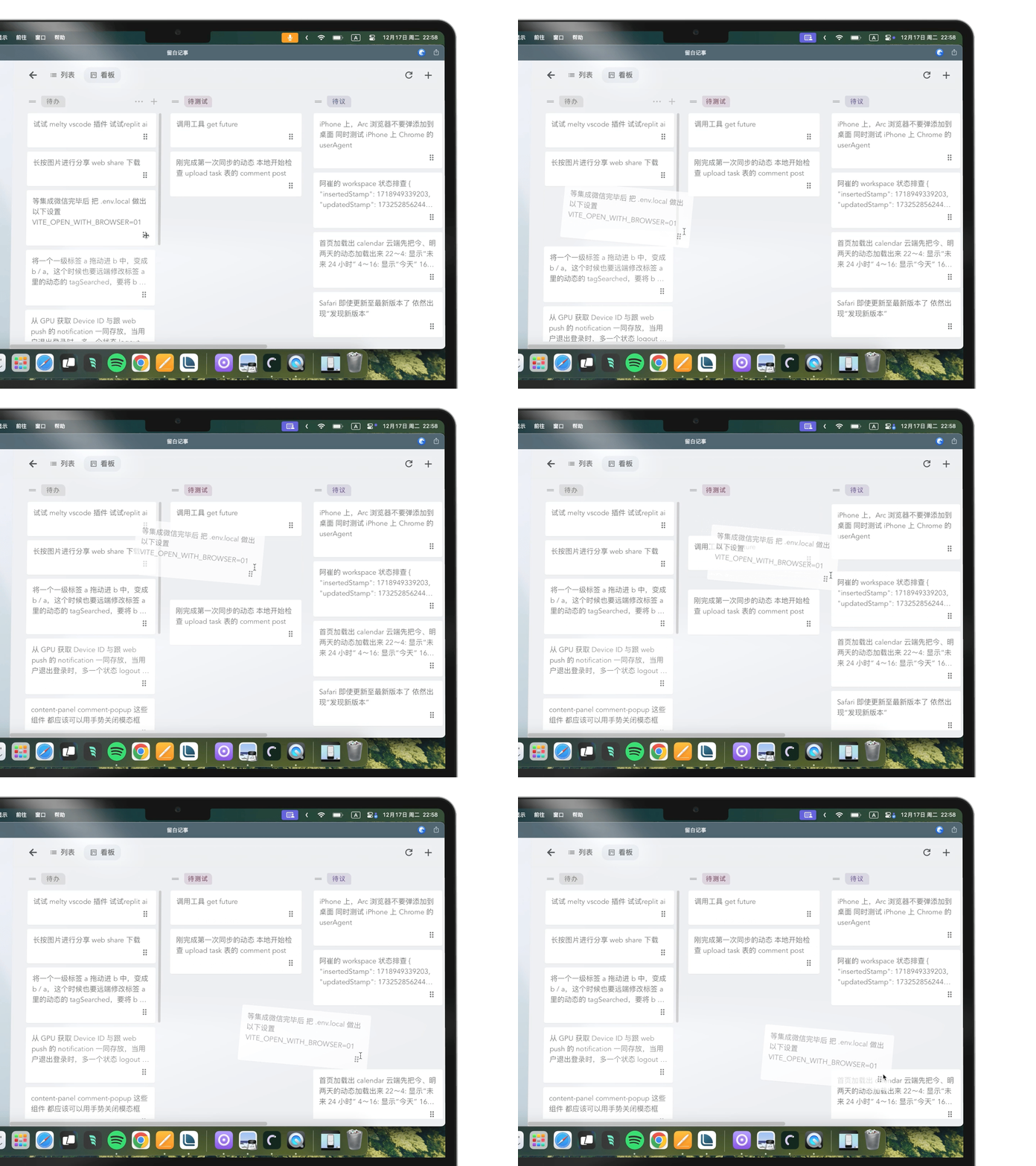
The problem it solves is fragmentation: rather than running one application for notes, another for a calendar, a third for tasks, and a chat client for an assistant, Liubai puts all four behind a single card-based model. Cards attach text, images, multi-level tags, status and files, and sync to the cloud. The same data stays available offline in the browser through a PWA service worker, with the mini-program as the one exception. Privacy is handled per card rather than per account, so an individual card can be marked as local-only or blocked from AI reads. In WeChat, the AI assistants are reached through the official customer service message API, which means the scheduling and task workflow happens in the messaging app the user already has open.
Key capabilities
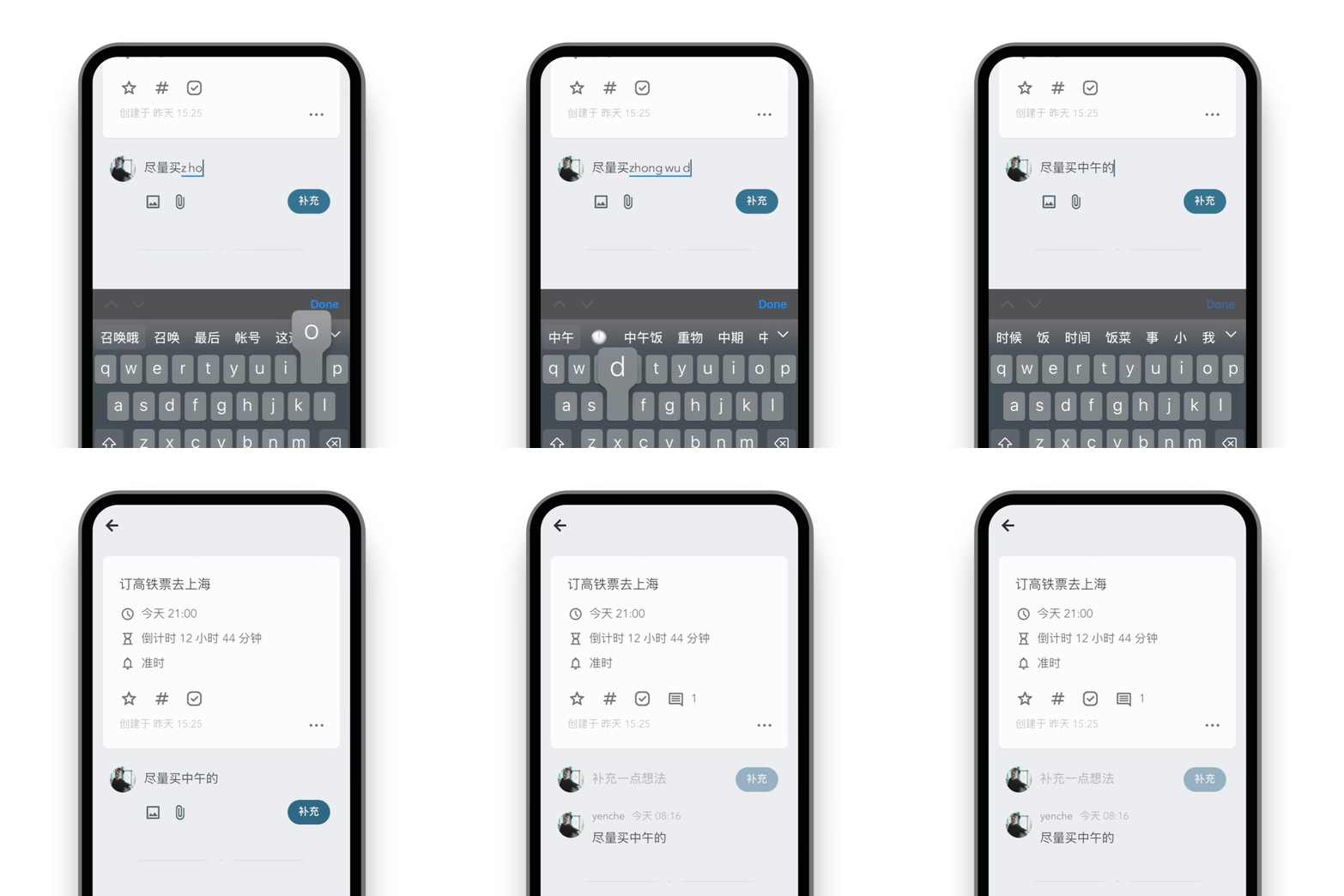
- Atomic card attachment for text, images, multi-level tags, status and files, each expandable only when needed.
- Local-first operation through the PWA service worker, so the web client works without a network connection; the mini-program does not.
- Per-card privacy controls that let a card be set to local storage only or refused to AI readers.
- AI assistance connected to DeepSeek, Kimi, MiniMax, Stepfun and Zhipu models, reached inside WeChat through the official customer service message API.
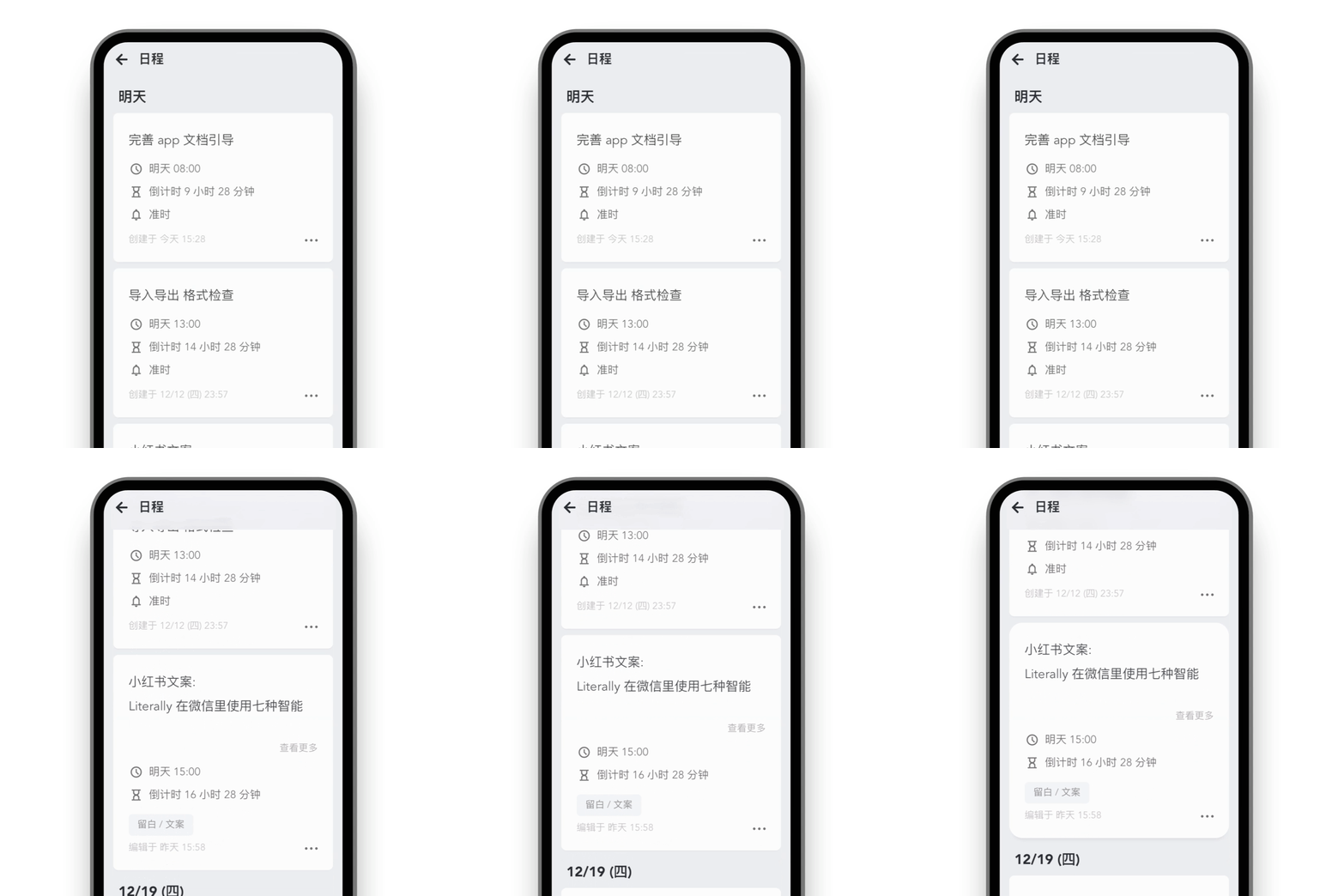
- WeChat integration for personal schedule reminders, plus collaborative tasks where WeChat contacts are selected directly as collaborators.
- A VS Code extension for quick note capture that runs both in common Node environments and in VS Code for web, covering github.dev, gitpod.io and codespaces.
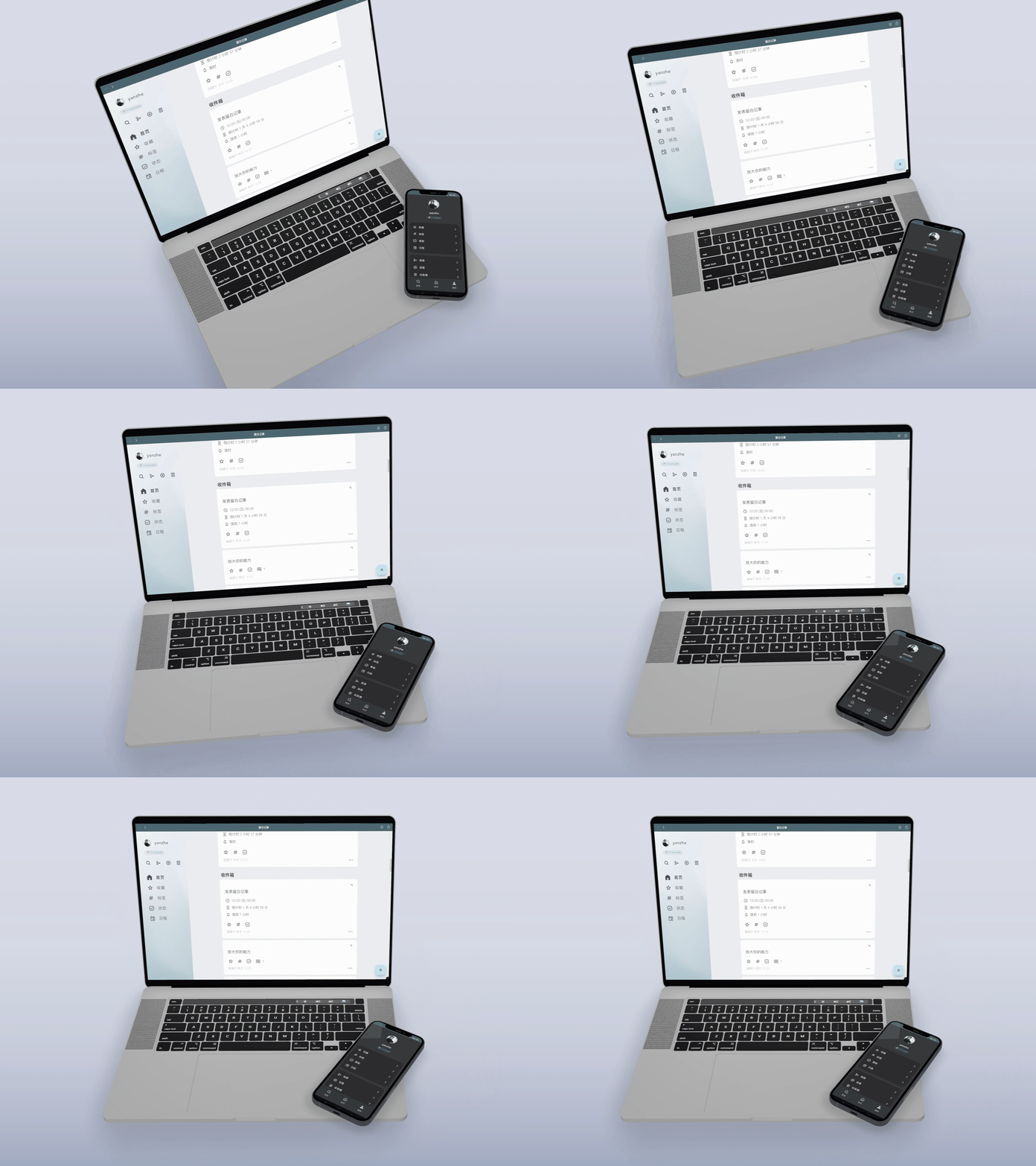
- Responsive layout from 300px to 1920px, light and dark modes, Chinese and English switching, and a rich text editor that accepts lightweight Markdown.
Who uses it and how
- Individuals capturing personal schedules and to-dos on the web client, then receiving the reminders through WeChat.
- Small teams running collaborative tasks by choosing WeChat contacts as participants, without onboarding them to a separate account.
- Developers working inside browser IDEs such as github.dev, gitpod.io or codespaces who want to capture a note from the editor through the VS Code extension.
- Privacy-minded users who keep sensitive cards marked local-only or denied to AI readers while still syncing everything else to the cloud.
- Self-hosters who deploy the Laf backend, its cloud functions and MongoDB themselves rather than relying on the hosted instance.
Getting started
Run bun install followed by bun run dev inside liubai-frontends/liubai-web to start the front end locally; install instructions for other platforms are published at the documentation site under guide/install, and a hosted personal instance is available at https://my.liubai.cc.
How it compares
No comparable products are named anywhere in the supplied facts, so Liubai stands alone in this registry rather than being contrasted against alternatives. The tools it depends on, such as Laf, VitePress, Vue 3, Dexie.js and TipTap, are components of its own stack, not substitutes for it.
When to use it — and when not to
A self-hoster takes on real operational weight: the Laf backend, its deployment of the cloud-functions/ directory, a MongoDB store, and WeChat Official Account credentials for the customer service message API that carries both the AI assistants and the notification flow. Anyone unwilling to depend on WeChat for reminders, collaboration and AI access should look elsewhere, and anyone who needs offline use on the mini-program side will not find it, since service-worker offline support is limited to the web client. The licence is unambiguous, AGPL-3.0, and the repository is active with 16 open issues, but the README and documentation are Chinese-first, which raises the bar for English-speaking teams evaluating it.