Linkwarden is a free, open source bookmark & content management project written in TypeScript and released under AGPL-3.0. It has 19,787 GitHub stars, 845 forks and 662 open issues, and was last pushed 7 days ago. On this registry it ranks #2 of 14 tracked projects in Bookmark & Content Management, with 5 head-to-head comparisons available. It gained 55 stars over the last 6 tracked days.

Linkwarden — Collaborative bookmark manager for teams and individuals

What is Linkwarden?

What it is

Linkwarden is an open-source, self-hosted collaborative bookmark manager written in TypeScript, with a Next.js web interface and React Native mobile applications. It lives in the self-hosted productivity and content-management ecosystem, where users need a durable place to collect webpages, articles, and links instead of leaving them scattered across browser bookmarks, notes, and feeds.

The concrete problem it solves is link rot and fragmented reading. Useful webpages can disappear or change, so Linkwarden saves each collected page as a screenshot, PDF, and single HTML file, while also allowing an optional Wayback Machine snapshot. It combines preservation with a read-it-later interface, so users can organize, highlight, annotate, search, and revisit content after the original page is gone.

Key capabilities

  • Linkwarden automatically captures a screenshot, PDF, and single HTML file for each saved webpage, preserving a readable copy if the live page changes or disappears.
  • It provides a reader view with highlighting and annotation, allowing users to mark passages and add notes to saved content.
  • It organizes links into collections, sub-collections, tags, names, and descriptions, with full-text search, filtering, sorting, and bulk actions.
  • It supports collaborative collections, customizable member permissions, public sharing, user administration, API keys, and SSO for Enterprise and self-hosted users.
  • It includes a browser extension, Floccus synchronization, SingleFile uploads, RSS subscription, image and PDF uploads, custom icons, dark and light mode, internationalization, and an iOS shortcut.
  • It offers native iOS and Android apps, and it can optionally use local AI tagging or send pages to the Wayback Machine.

Who uses it and how

  • Individuals use Linkwarden as a personal archive and reading queue, saving articles, tutorials, papers, and webpages, then reading and annotating them later.
  • Teams use it to gather links in shared collections, with permissions that control what each member can see, edit, or manage.
  • Researchers and curators use preservation, public sharing, browser extensions, Floccus synchronization, SingleFile uploads, and mobile apps to keep sources stable and accessible across workflows.

Getting started

The README describes two primary ways to begin: using the official Linkwarden Cloud hosted option, or self-hosting Linkwarden by following the installation documentation. After an account is created through either path, users can install the native iOS and Android apps, add the browser extension, and connect existing bookmarks through Floccus or SingleFile uploads.

When to use it — and when not to

Linkwarden is a strong fit when durable preservation, collaborative collections, self-hosting, and a read-it-later workflow matter more than a simple browser bookmark folder. The facts do not list paid products it replaces, so the trade-off is operational: self-hosting requires deploying and maintaining a Linkwarden instance on a server, and SSO is restricted to Enterprise and self-hosted users. Repository metadata shows 662 open issues and 0 contributors, which may indicate a large issue backlog, incomplete contributor data, or maintenance demands that need evaluation.

project readme (upstream, from github) — read inline

Linkwarden

Bookmarks, Evolved

linkwarden%2Flinkwarden | Trendshift

Discord Twitter

GitHub release Crowdin Open Collective

« LAUNCH DEMO »

Cloud · Website · Self-Host · Docs
Intro & motivation

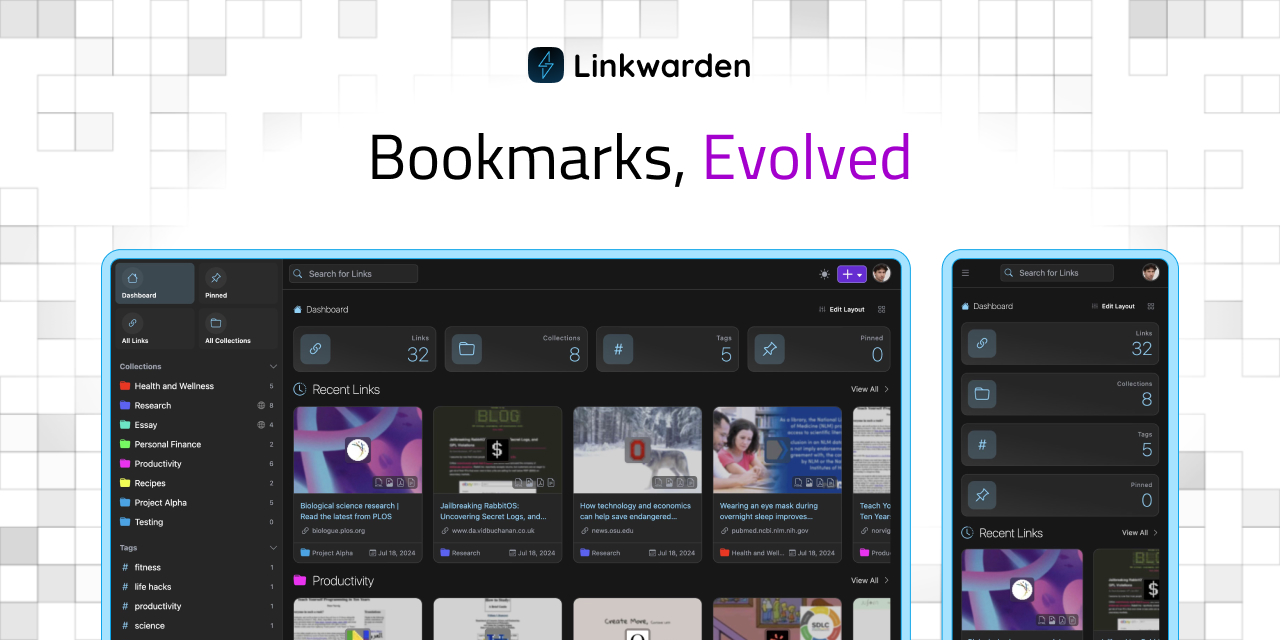
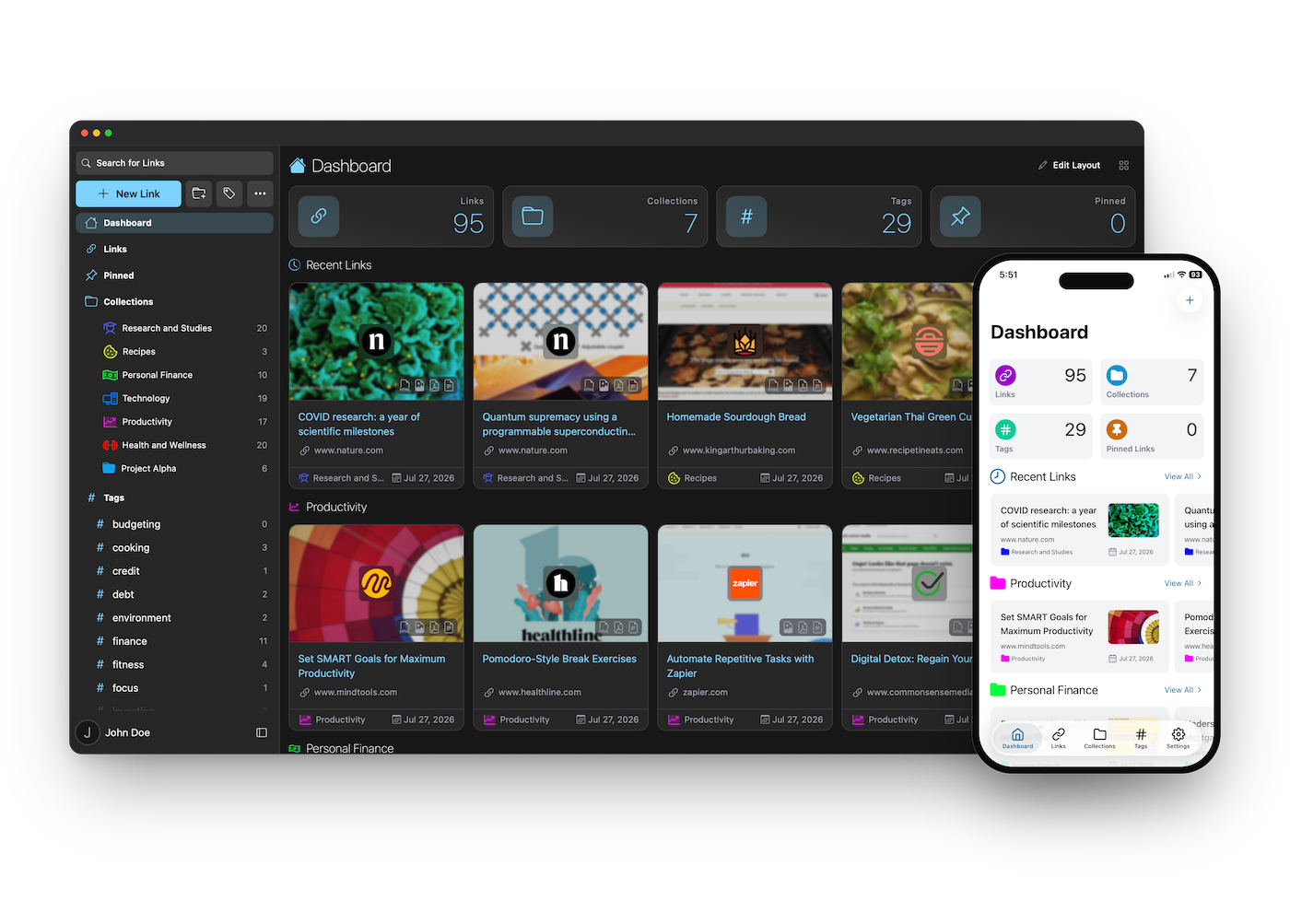
Linkwarden is a self-hosted, open-source collaborative bookmark manager to collect, read, annotate, and fully preserve what matters, all in one place.

The objective is to organize useful webpages and articles you find across the web in one place, and since useful webpages can go away (see the inevitability of Link Rot), Linkwarden also saves a copy of each webpage as a Screenshot and PDF, ensuring accessibility even if the original content is no longer available.

In addition to preservation, Linkwarden provides a user-friendly reading and annotation experience that blends the simplicity of a “read-it-later” tool with the reliability of a web archive. Whether you’re highlighting key ideas, jotting down thoughts, or revisiting content long after it’s disappeared from the web, Linkwarden keeps your knowledge accessible and organized.

Linkwarden is also designed with collaboration in mind, enabling you to share links with the public and/or collaborate seamlessly with multiple users.

[!TIP]
Our official Cloud offering provides the simplest way to begin using Linkwarden and it's the preferred choice for many due to its time-saving benefits.
Your subscription supports our hosting infrastructure and ongoing development.
Alternatively, if you prefer self-hosting Linkwarden, you can do so by following our Installation documentation.

Features

  • 📸 Auto capture a screenshot, PDF, and single html file of each webpage
  • 📖 Reader view of the webpage, with the ability to highlight and annotate text
  • 🏛️ Send your webpage to Wayback Machine (archive.org) for a snapshot (optional)
  • ✨ Local AI Tagging to automatically tag your links based on their content (optional)
  • 📂 Organize links by collection, sub-collection, name, description and multiple tags
  • 👥 Collaborate on gathering links in a collection
  • 🎛️ Customize the permissions of each member
  • 🌐 Share your collected links and preserved formats with the world
  • 📱 Native iOS and android mobile apps
  • 🔍 Full text search, filter and sort for easy retrieval
  • 🌓 Dark/Light mode support
  • 🧩 Browser extension (star it here!)
  • 🔄 Browser Synchronization (using Floccus!)
  • ⬆️ Upload from SingleFile (check out the guide)
  • 🔐 SSO integration (Enterprise and Self-hosted users only)
  • 🍎 iOS Shortcut to save links to Linkwarden
  • 🔑 API keys
  • ✅ Bulk actions
  • 👥 User administration
  • 🌐 Support for other languages (i18n)
  • 📁 Image and PDF uploads
  • 🎨 Custom icons for links and collections
  • 🔔 RSS feed subscription
  • ✨ And many more features (literally!)

Get Our Official Mobile App
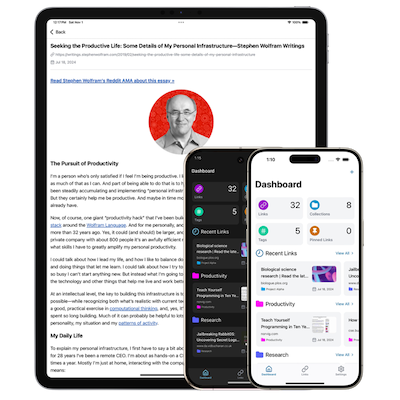
[!IMPORTANT] To use the app you’ll first need a Linkwarden account.

To create an account, you can choose between:

  • Linkwarden Cloud – instant setup, and your subscription directly supports ongoing development.
  • Self-hosted Linkwarden – free, but you’ll need to deploy and maintain a Linkwarden instance on a server.

After creating an account, download the app from your preferred store:

Download on the App Store Get it on Google Play

(To get the app as an APK outside Google Play, check out our builds repository.)

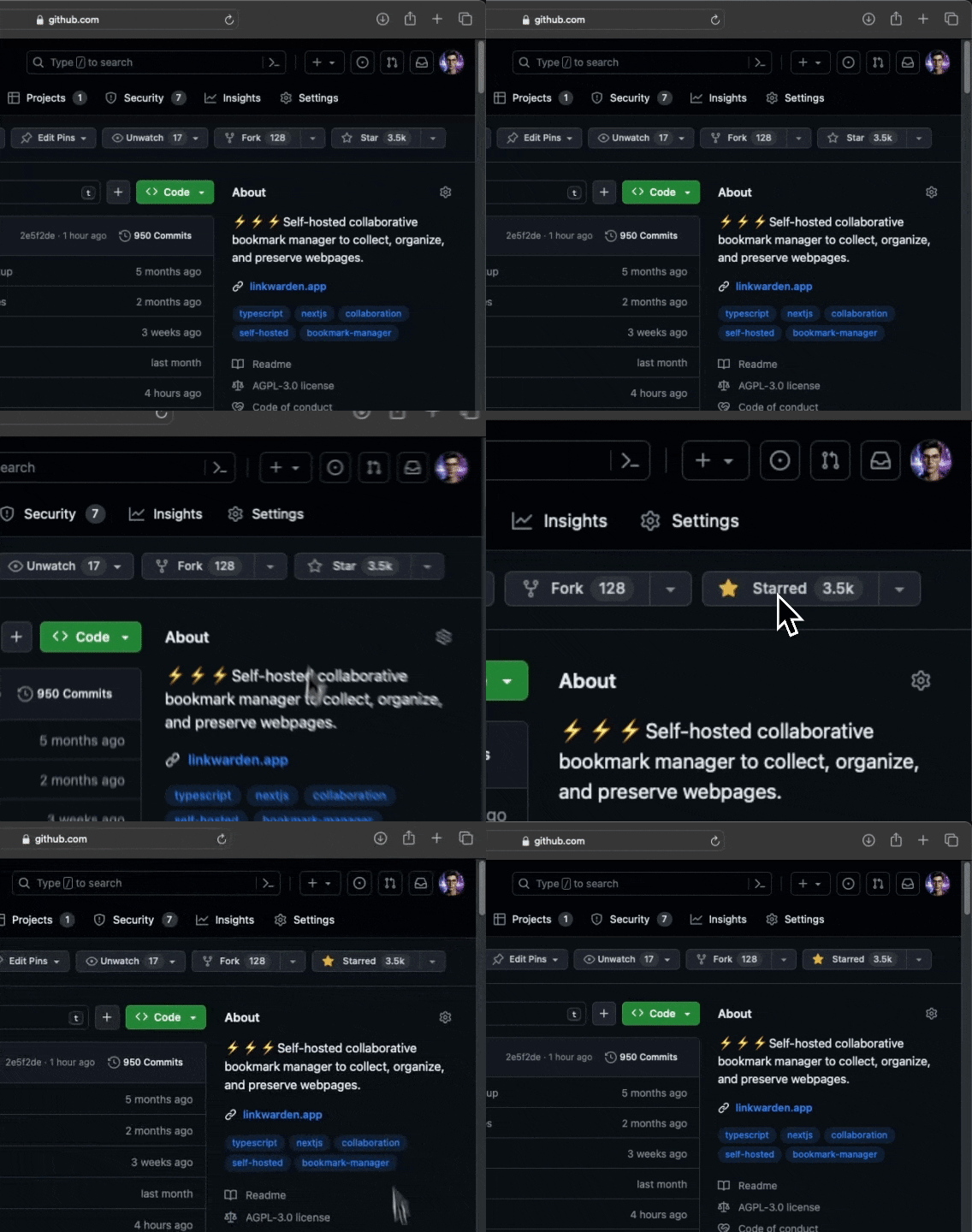
Like what we're doing? Give us a Star ⭐
Star Us

We're building our Community 🌐

Join and follow us in the following platforms to stay up to date about the most recent features and for support:

Discord

Twitter

Mastodon

Suggestions

We usually go after the popular suggestions. Feel free to open a new issue to suggest one - others might be interested too! :)

Roadmap

Make sure to check out our public roadmap.

Community Projects

Here are some awesome community-maintained projects that are built around Linkwarden, be sure to star all of them!

  • My Links - Native iOS and MacOS App, source code.
  • LinkDroid - Android App with share sheet integration, source code.
  • LinkGuardian - An Android client for Linkwarden. Built with Kotlin and Jetpack compose.
  • StarWarden - A browser extension to save your starred GitHub repositories to Linkwarden.
  • link-my-harmony - HarmonyOS Next client for Linkwarden (鸿笺 / Folio), built with ArkTS and ArkUI.

Development

If you want to contribute, Thanks! Start by choosing one of our popular suggestions, just please stay in touch with @daniel31x13 before starting.

Translations

If you want to help us translate Linkwarden to your language, please check out our Crowdin page and start translating. We would love to have your help!

To start translating a new language, please create an issue so we can set it up for you. New languages will be added once they reach at least 50% translation completion.

Crowdin

Security

If you found a security vulnerability, please do not create a public issue, instead send an email to [email protected] stating the vulnerability. Thanks!

Support <3

Other than using our official Cloud offering, any donations are highly appreciated as well!

Here are the other ways to support/cheer this project:

  • Starring this repository.
  • Joining us on Discord.
  • Referring Linkwarden to a friend.

If you did any of the above, Thanksss! Otherwise thanks.

Thanks to All the Contributors 💪

Huge thanks

readme truncated — read the full docs on github

Frequently asked questions

Is Linkwarden free to use?

Linkwarden is open source under the AGPL-3.0 licence. There is no licence fee and no seat count — you can self-host it or, where the project offers one, pay a vendor for a managed version instead.

What does Linkwarden do?

Collaborative bookmark manager for teams and individuals

What is Linkwarden written in?

Linkwarden is primarily written in TypeScript. Its source is publicly available at https://github.com/linkwarden/linkwarden, and it has 19,787 GitHub stars.