KeyPass is an MIT-licensed, fully offline Android password manager written in Kotlin that keeps credentials on the device rather than on a vendor's servers, and it is intended for Android users who want to store passwords, one-time codes and autofill data without granting an app network access.
What it is
KeyPass is a native Android application for storing and managing passwords, built with Kotlin and Jetpack Compose on Material Design 3. Its architecture is MVI, with Room Database for local persistence, Hilt for dependency injection, LiveData and MutableLiveData for state, and Jetpack Data Store Preference for settings. The project lives in the Android ecosystem, is distributed through F-Droid under the package name com.yogeshpaliyal.keypass, and is listed in Google's DevLibrary for Android. It carries the topics android, kotlin, mvi, material3, password-generator and hacktoberfest, and translations are managed on Hosted Weblate.
The concrete problem it solves is credential storage that does not depend on a remote service. The README states plainly that "the modern password manager does not store your credentials on servers so your passwords are in your hands," and the feature list backs this up with a single decisive line item: no internet permission has been added to the app. That removes the class of risk that comes with hosted vaults, breach notifications and subscription-gated access. It also replaces the export files and browser password stores that people otherwise migrate by hand, since KeyPass imports from Google Chrome CSV and KeePass CSV.
Key capabilities
- Complete offline operation: no internet permission is declared, so there is no network path for credential sync or telemetry.
- Encrypted backup and restore, implemented with Cipher for backup encryption and decryption.
- TOTP support for one-time codes alongside stored passwords.
- Authentication with device credentials, including PIN, pattern and biometrics.
- Autofill Service integration for entering credentials into other Android apps.
- Import from Google Chrome CSV and KeePass CSV; Bitwarden import is listed but not yet checked off.
- Screenshot blocking, dark mode support, auto backup and a Material Design 3 interface built with Jetpack Compose.
Who uses it and how
- Individual Android users who want their vault confined to a single handset and are willing to manage their own encrypted backup file.
- People leaving browser-based password storage, using the Google Chrome CSV import to move saved logins into the app.
- Existing KeePass users who want a mobile client and can bring their data across through KeePass CSV import.
- Privacy-focused Android users who install through F-Droid rather than a proprietary store, or build the sample app themselves.
- Contributors and translators: the repository is tagged hacktoberfest, has 786 stars, 111 forks and 31 open issues, and accepts localization work through the Weblate project. Development targets Android Studio Ladybug Feature Drop 2024.2.2 with Java 17.
Getting started
Install the app from F-Droid as com.yogeshpaliyal.keypass, or download the sample build app-free-debug.apk from the latest-master release; developers building from source need Android Studio Ladybug Feature Drop 2024.2.2 and Java 17.
How it compares
Among the tools named in the repository, Bitwarden appears only as a planned import source and is not yet implemented, while KeePass CSV import is supported, so KeyPass sits closest to the local-vault model that KeePass popularised but reimplements it as a native Android app. It has not followed Bitwarden's hosted-vault approach: there is no server component, no account and no sync service, so the comparison turns on where the data lives rather than on feature parity.
When to use it — and when not to
Because KeyPass runs entirely on the device, a self-hoster operates no server, database or SMTP service, but does carry full responsibility for the encrypted backup file, and the README warns users to take a backup before updating to a new app version. It is not a good fit for anyone who needs multi-device sync, a desktop or iOS client, or managed team sharing, and the export side is still incomplete, with Google Chrome, KeePass and Bitwarden exports all unchecked. Two further caveats are worth noting: the maintainer has opened a discussion thread inviting suggestions for a new name for the project, and the app is Android-only, so it stands alone in this registry rather than substituting for a broader cross-platform suite.
project readme (upstream, from github) — read inline
KeyPass







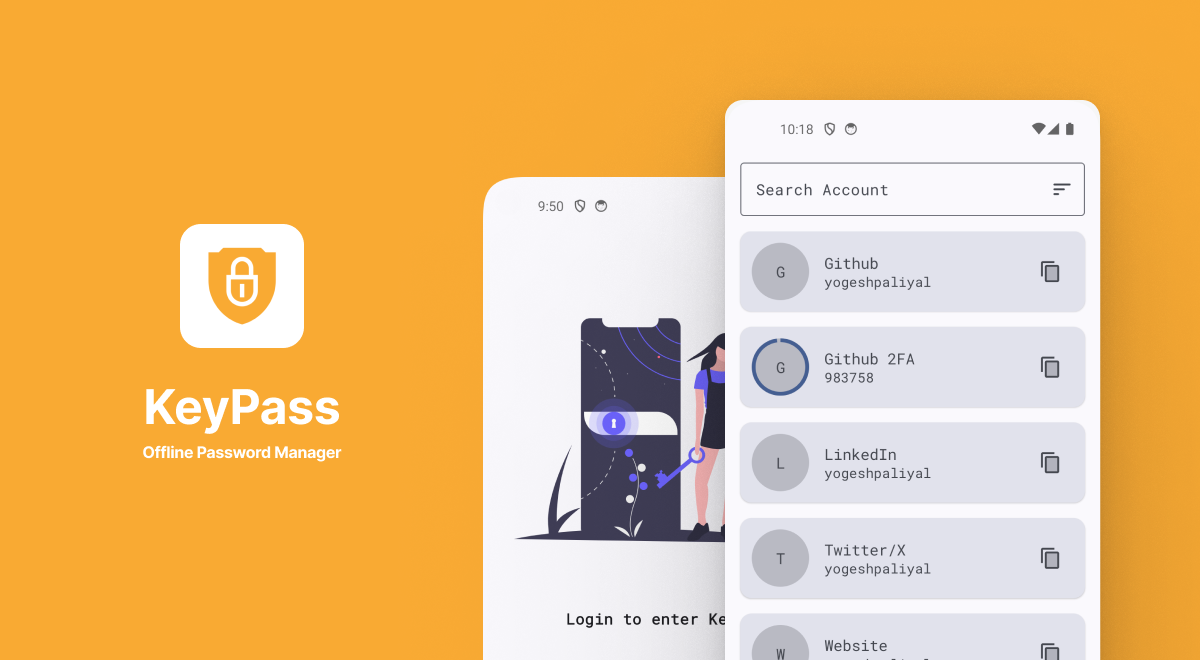
The modern password manager does not store your credentials on servers so your passwords are in your hands, no need to worry.
Disclaimer: Please take a backup before updating to the new app.
Japanese 👈
Suggest new name for KeyPass
Looking for new name for keypass, suggest your name or vote on discussion thread.
https://github.com/yogeshpaliyal/KeyPass/discussions/1085
🤩 Features
Import From
Export for
🛠️ Language, Tools & Frameworks Used
- Kotlin
- Cipher (For Backup encryption and decryption)
- Material Design 3
- MVI architecture
- LiveData & MutableLiveData
- Room Database
- Hilt (Dependency Injection)
- Jetpack Data Store Preference
🧰 Prerequisites
✍️ Author
👤 Yogesh Choudhary Paliyal
Feel free to ping me 😉
🤝 Contributing
Contributions are what make the open-source community such an amazing place to learn, inspire, and create. Any
contributions you make are greatly appreciated.
- Open an issue first to discuss what you would like to change.
- Fork the Project
- Create your feature branch (
git checkout -b feature/amazing-feature)
- Commit your changes (
git commit -m 'Add some amazing feature')
- Push to the branch (
git push origin feature/amazing-feature)
- Open a pull request
Please make sure to update tests as appropriate.
❤ Show your support
Give a ⭐️ if this project helped you!



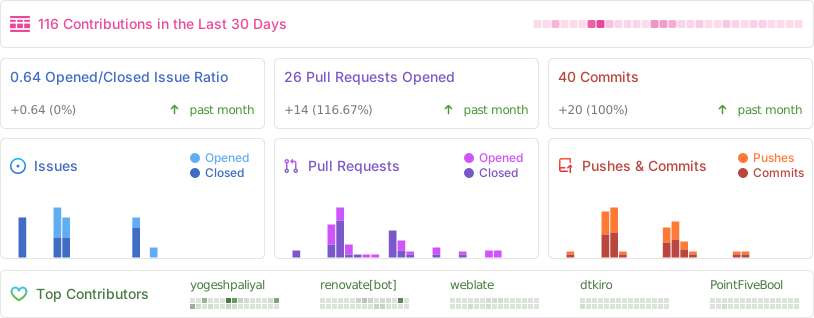
Repo Activity
Language
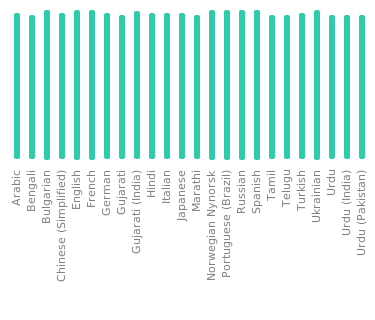
Want to contribute to translations? Contribute
Featured
KeyPass has been featured in various platforms like Youtube, Blogs, and Twitter threads. For more details, check out the featured.md file.
Download Links



📝 License
MIT License

Copyright (c) 2021 Yogesh Choudhary Paliyal

Permission is hereby granted, free of charge, to any person obtaining a copy
of this software and associated documentation files (the "Software"), to deal
in the Software without restriction, including without limitation the rights
to use, copy, modify, merge, publish, distribute, sublicense, and/or sell
copies of the Software, and to permit persons to whom the Software is
furnished to do so, subject to the following conditions:

The above copyright notice and this permission notice shall be included in all
copies or substantial portions of the Software.

THE SOFTWARE IS PROVIDED "AS IS", WITHOUT WARRANTY OF ANY KIND, EXPRESS OR
IMPLIED, INCLUDING BUT NOT LIMITED TO THE WARRANTIES OF MERCHANTABILITY,
FITNESS FOR A PARTICULAR PURPOSE AND NONINFRINGEMENT. IN NO EVENT SHALL THE
AUTHORS OR COPYRIGHT HOLDERS BE LIABLE FOR ANY CLAIM, DAMAGES OR OTHER
LIABILITY, WHETHER IN AN ACTION OF CONTRACT, TORT OR OTHERWISE, ARISING FROM,
OUT OF OR IN CONNECTION WITH THE SOFTWARE OR THE USE OR OTHER DEALINGS IN THE
SOFTWARE.
This README was generated by readgen ❤