Invidious is an open-source, AGPL-3.0 alternative front-end to YouTube, written in Crystal, aimed at people who want to watch videos without ads, tracking, or a Google account.
What it is
Invidious is a self-hostable web front-end that sits in front of YouTube and serves video pages, subscriptions, and playback through its own interface rather than through youtube.com. It lives in the media and streaming corner of the open-source ecosystem, is written in Crystal, and is licensed under AGPL-3.0. The project ships as a server application with an accompanying documentation repository, a public instance list, and a translator workflow managed on Weblate.
The concrete thing it replaces is the YouTube web client and its embedded player, along with the Google account that normally holds subscriptions and watch history. Invidious does not use the official YouTube APIs, requires no JavaScript for basic viewing, and keeps subscriptions independent from Google. It also provides an embedded video mode and a developer API, so other sites and applications can use it as a drop-in player and data source instead of YouTube's own embed.
Key capabilities
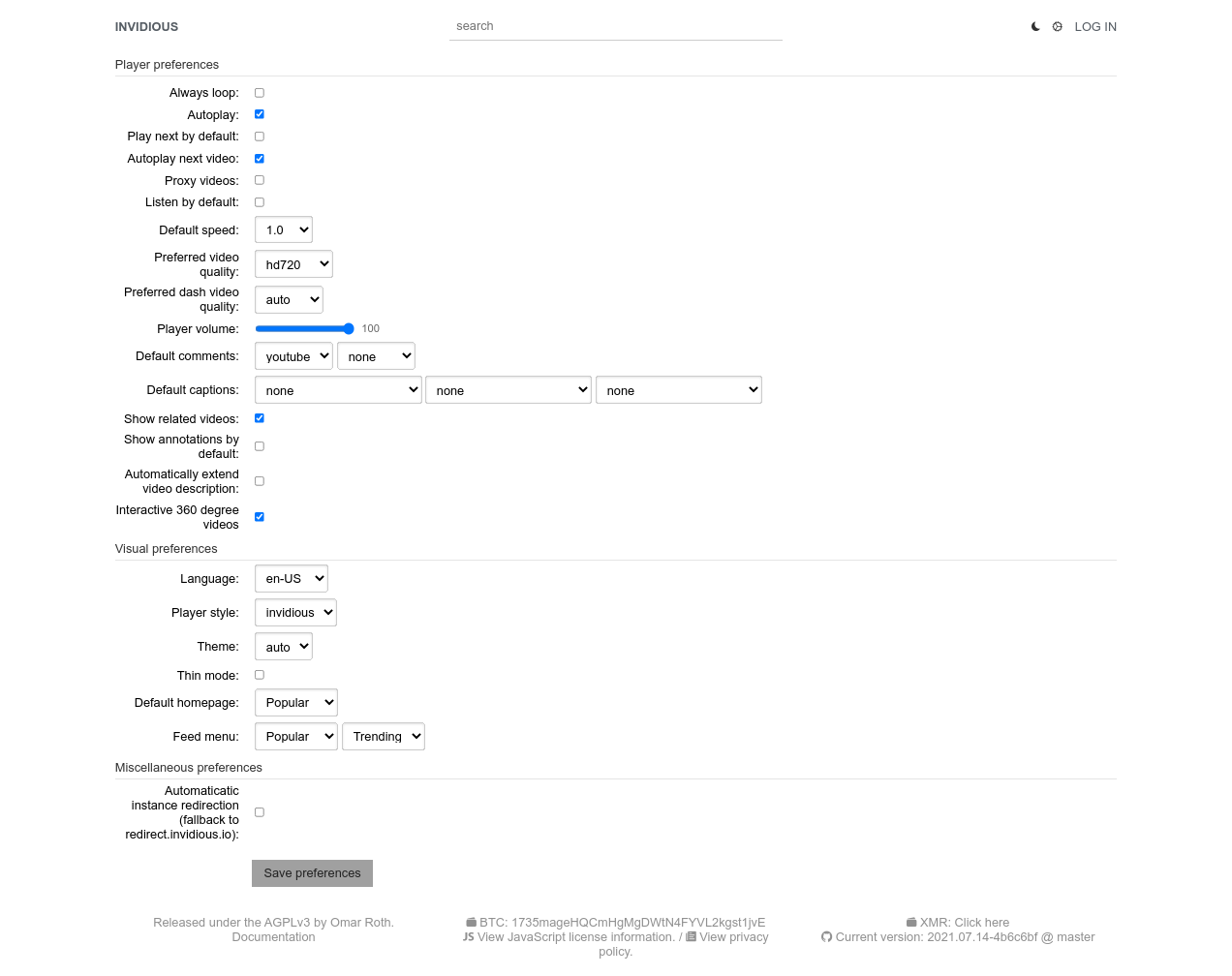
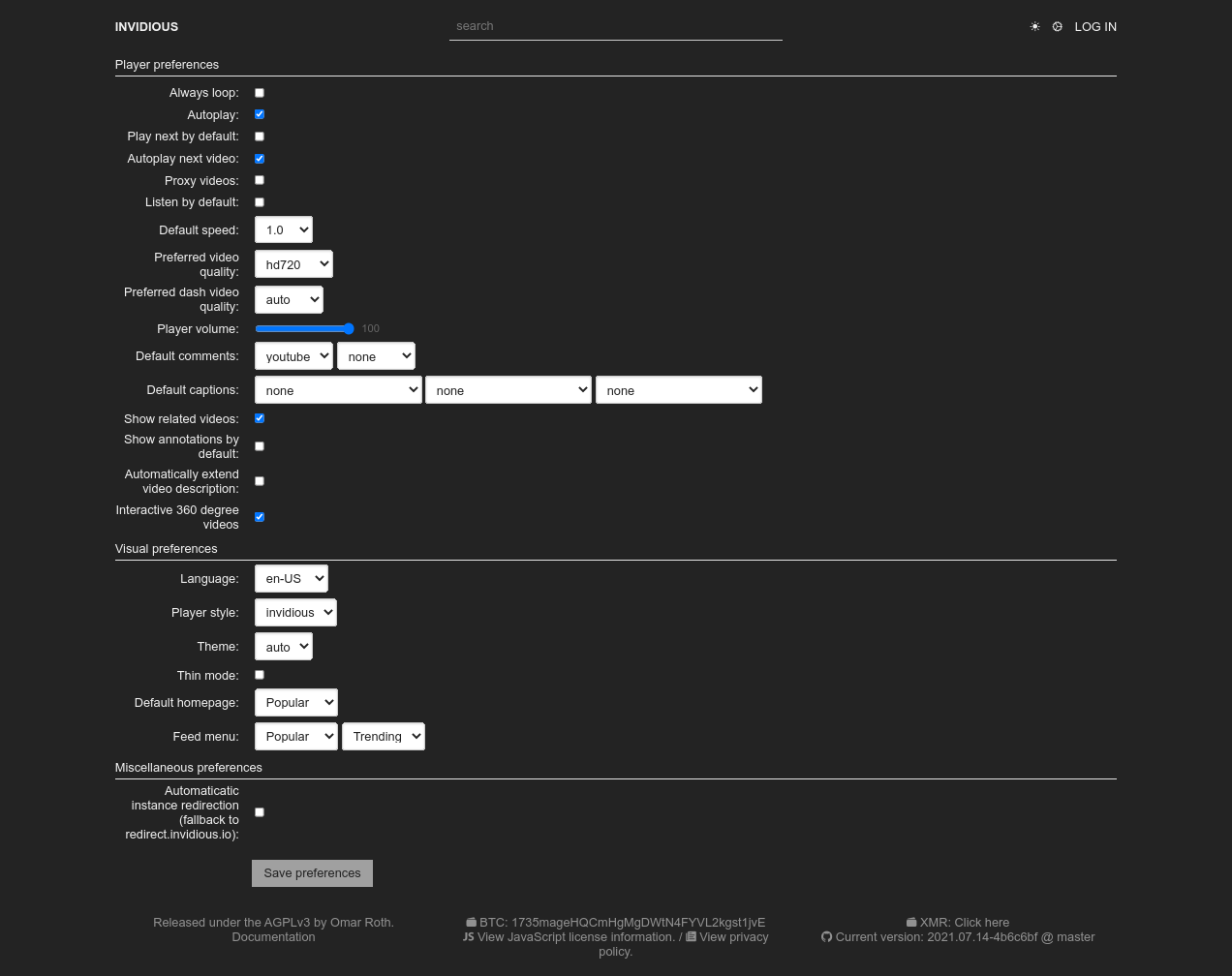
- Ad-free, tracking-free playback with no JavaScript required, plus light and dark themes and a customizable homepage.
- Audio-only mode that supports background play on mobile devices.
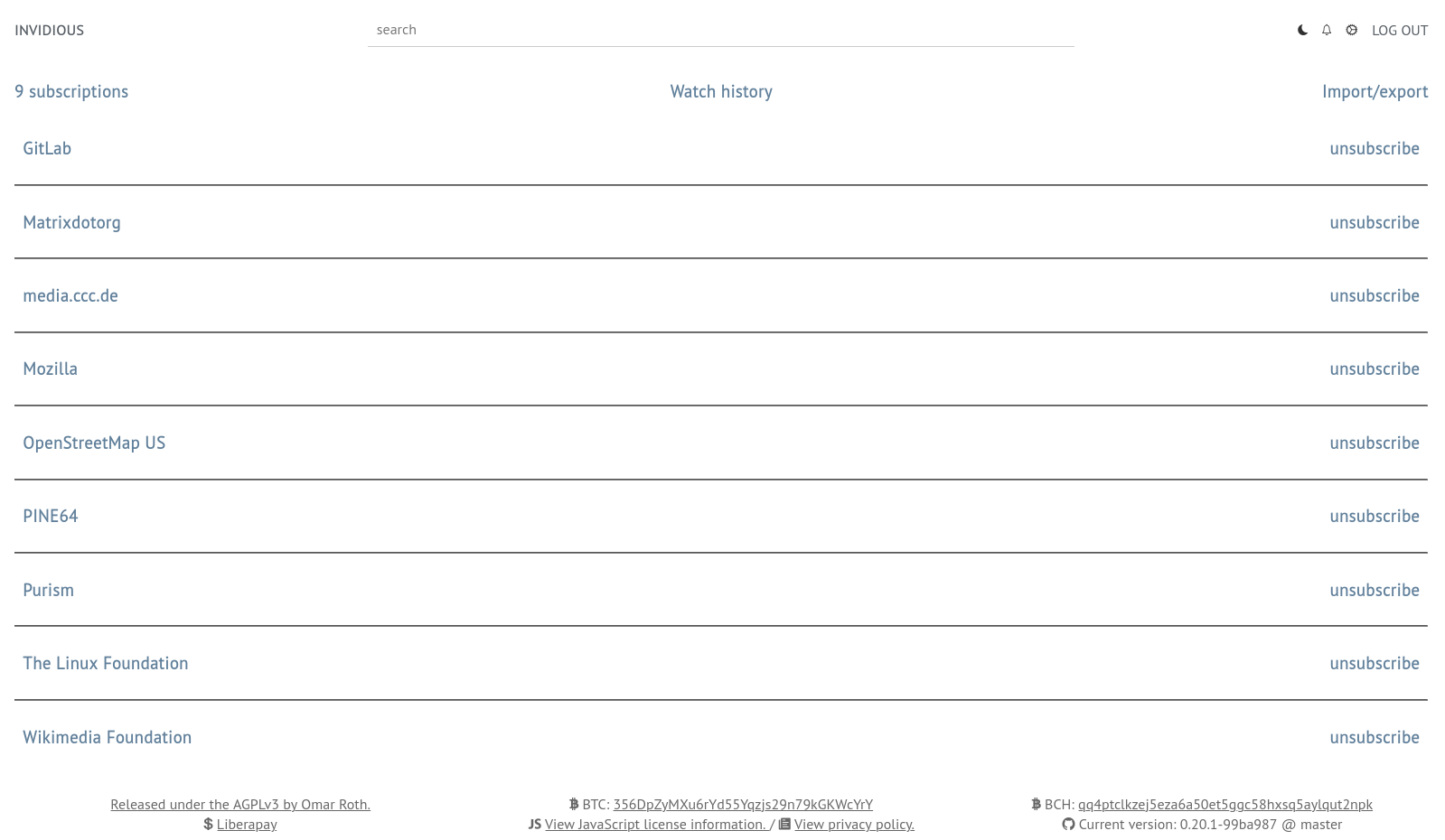
- Subscriptions held independently from Google, with notifications for all subscribed channels.
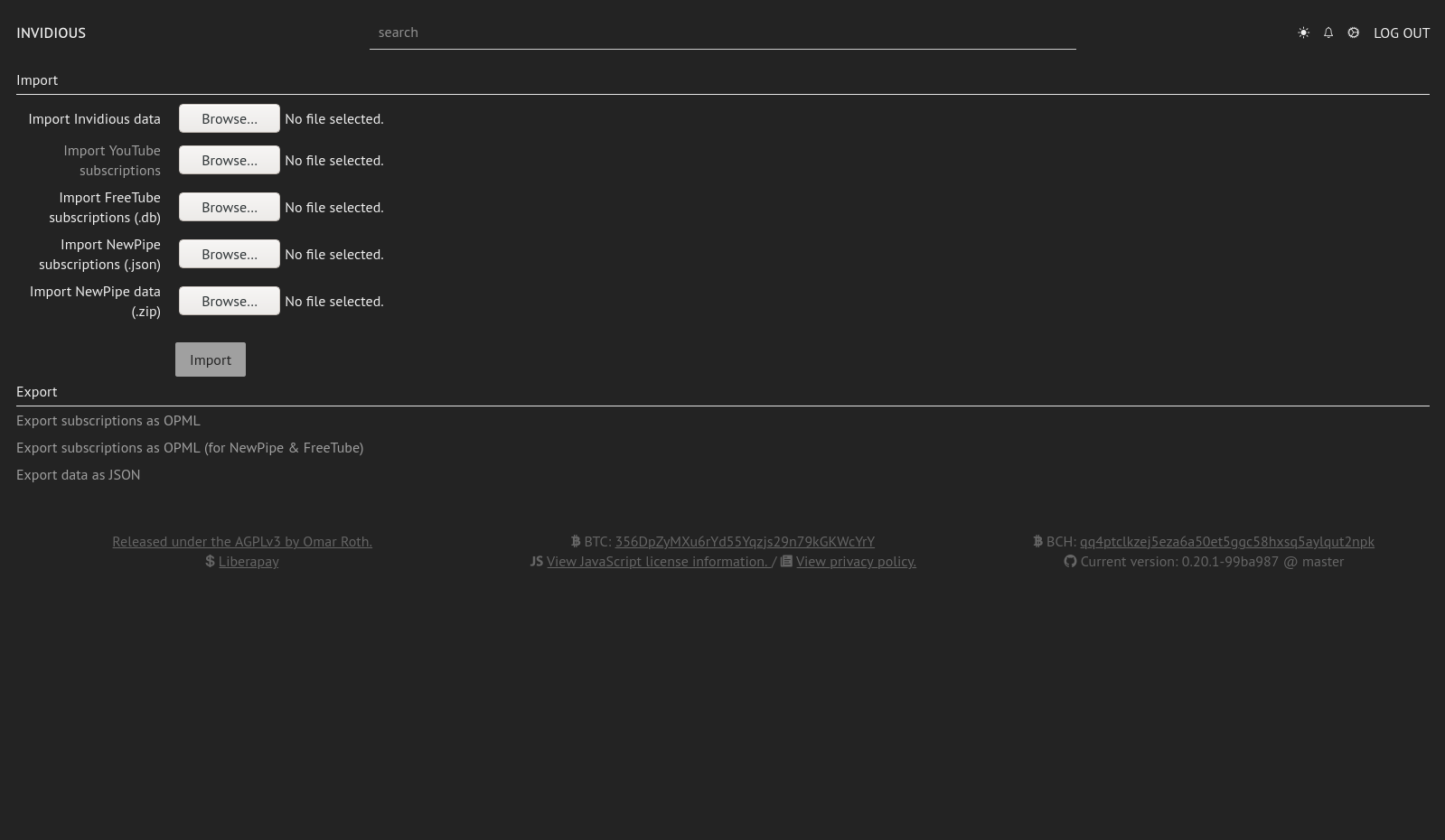
- Data import and export: import subscriptions from YouTube, NewPipe, and FreeTube, import watch history from YouTube and NewPipe, export subscriptions to NewPipe and FreeTube, and import or export Invidious user data.
- Embedded video support for use on third-party sites.
- Developer API documented at docs.invidious.io/api/, used by external projects and extensions.
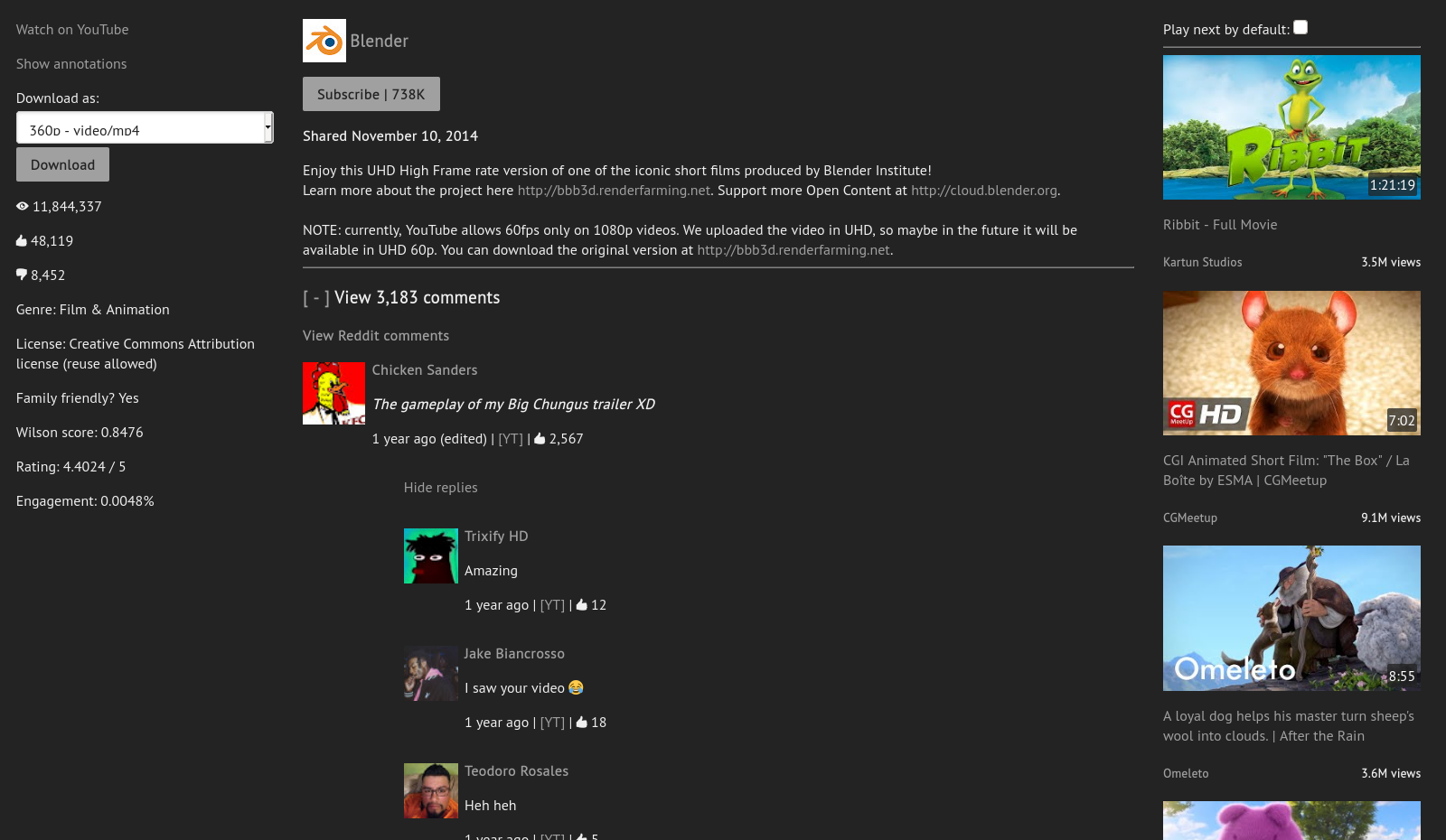
- Reddit comment support on video pages, and an interface localized into many languages through the project's Weblate translations.
Who uses it and how
- Viewers who pick a public instance from instances.invidious.io and start watching immediately, with no account and no Google login.
- Privacy-conscious users who pair Invidious with the Privacy Redirect browser extension, which rewrites YouTube URLs to an Invidious instance and replaces embedded YouTube players on other websites.
- Self-hosters who follow the installation documentation to run an instance for themselves or a community, since the software is deployable rather than hosted-only.
- Developers building clients, front-ends, and extensions on top of the developer API; the documentation keeps a list of projects built for or on Invidious.
- Translators and contributors working through hosted.weblate.org, where an account is optional and SSO providers such as GitHub, GitLab, and Bitbucket are accepted. The project has no Contributor License Agreement.
Getting started
The README offers two paths: select a public instance from the list at instances.invidious.io and begin watching, or host your own by following the installation instructions at docs.invidious.io/installation/. No Docker image or compose file is named in the README excerpt, so self-hosting starts from the documentation rather than a published container.
How it compares
No list of paid products this project replaces is provided, so the closest named comparison points are the tools Invidious exchanges data with: NewPipe and FreeTube, which are client applications, whereas Invidious is a server-rendered web front-end that also exposes a developer API those and other clients can consume. The Privacy Redirect extension is named as a recommended companion rather than a competitor, redirecting YouTube traffic into whatever Invidious instance the user chooses.
When to use it — and when not to
Choose Invidious when the goal is watching YouTube content through a browser interface that does not require JavaScript, does not serve ads, and does not tie subscriptions to a Google account, and when either using someone else's public instance or operating your own is acceptable. Operators take on the full burden of running the Crystal service and keeping it working, and the project explicitly refuses liability for use of the tool or of third-party instances, advising users to follow their own country's regulations. The repository carries roughly 480 open issues, and the README excerpt is thin on deployment specifics, so anyone needing a guaranteed-stable, fully supported deployment, or a product with a commercial support contract, should look elsewhere.
project readme (upstream, from github) — read inline

Invidious






An open source alternative front-end to YouTube
Website
•
Instances list
•
FAQ
•
Documentation
•
Contribute
•
Donate
Chat with us:




Screenshots
Features
User features
- Lightweight
- No ads
- No tracking
- No JavaScript required
- Light/Dark themes
- Customizable homepage
- Subscriptions independent from Google
- Notifications for all subscribed channels
- Audio-only mode (with background play on mobile)
- Support for Reddit comments
- Available in many languages, thanks to our translators
Data import/export
- Import subscriptions from YouTube, NewPipe and FreeTube
- Import watch history from YouTube and NewPipe
- Export subscriptions to NewPipe and FreeTube
- Import/Export Invidious user data
Technical features
- Embedded video support
- Developer API
- Does not use official YouTube APIs
- No Contributor License Agreement (CLA)
Quick start
Using Invidious:
Hosting Invidious:
Documentation
The full documentation can be accessed online at https://docs.invidious.io/
The documentation's source code is available in this repository:
https://github.com/iv-org/documentation
Extensions
We highly recommend the use of Privacy Redirect,
a browser extension that automatically redirects YouTube URLs to any Invidious instance and replaces
embedded YouTube videos on other websites with Invidious.
The documentation contains a list of browser extensions that we recommended to use along with Invidious.
You can read more here: https://docs.invidious.io/applications/
Contribute
Code
- Fork it ( https://github.com/iv-org/invidious/fork ).
- Create your feature branch (
git checkout -b my-new-feature).
- Stage your files (
git add .).
- Commit your changes (
git commit -m 'Add some feature').
- Push to the branch (
git push origin my-new-feature).
- Create a new pull request ( https://github.com/iv-org/invidious/compare ).
Translations
We use Weblate to manage Invidious translations.
You can suggest new translations and/or correction here: https://hosted.weblate.org/engage/invidious/.
Creating an account is not required, but recommended, especially if you want to contribute regularly.
Weblate also allows you to log-in with major SSO providers like GitHub, GitLab, BitBucket, Google, ...
Projects using Invidious
A list of projects and extensions for or utilizing Invidious can be found in the documentation: https://docs.invidious.io/applications/
Liability
We take no responsibility for the use of our tool, or external instances
provided by third parties. We strongly recommend you abide by the valid
official regulations in your country. Furthermore, we refuse liability
for any inappropriate use of Invidious, such as illegal downloading.
This tool is provided to you in the spirit of free, open software.
You may view the LICENSE in which this software is provided to you here.
- Limitation of Liability.
IN NO EVENT UNLESS REQUIRED BY APPLICABLE LAW OR AGREED TO IN WRITING
WILL ANY COPYRIGHT HOLDER, OR ANY OTHER PARTY WHO MODIFIES AND/OR CONVEYS
THE PROGRAM AS PERMITTED ABOVE, BE LIABLE TO YOU FOR DAMAGES, INCLUDING ANY
GENERAL, SPECIAL, INCIDENTAL OR CONSEQUENTIAL DAMAGES ARISING OUT OF THE
USE OR INABILITY TO USE THE PROGRAM (INCLUDING BUT NOT LIMITED TO LOSS OF
DATA OR DATA BEING RENDERED INACCURATE OR LOSSES SUSTAINED BY YOU OR THIRD
PARTIES OR A FAILURE OF THE PROGRAM TO OPERATE WITH ANY OTHER PROGRAMS),
EVEN IF SUCH HOLDER OR OTHER PARTY HAS BEEN ADVISED OF THE POSSIBILITY OF
SUCH DAMAGES.