Immich is a high performance self-hosted photo and video management solution — an AGPL-3.0 TypeScript project — for people and households who want their photo library on a server they own rather than in Google Photos.
What it is
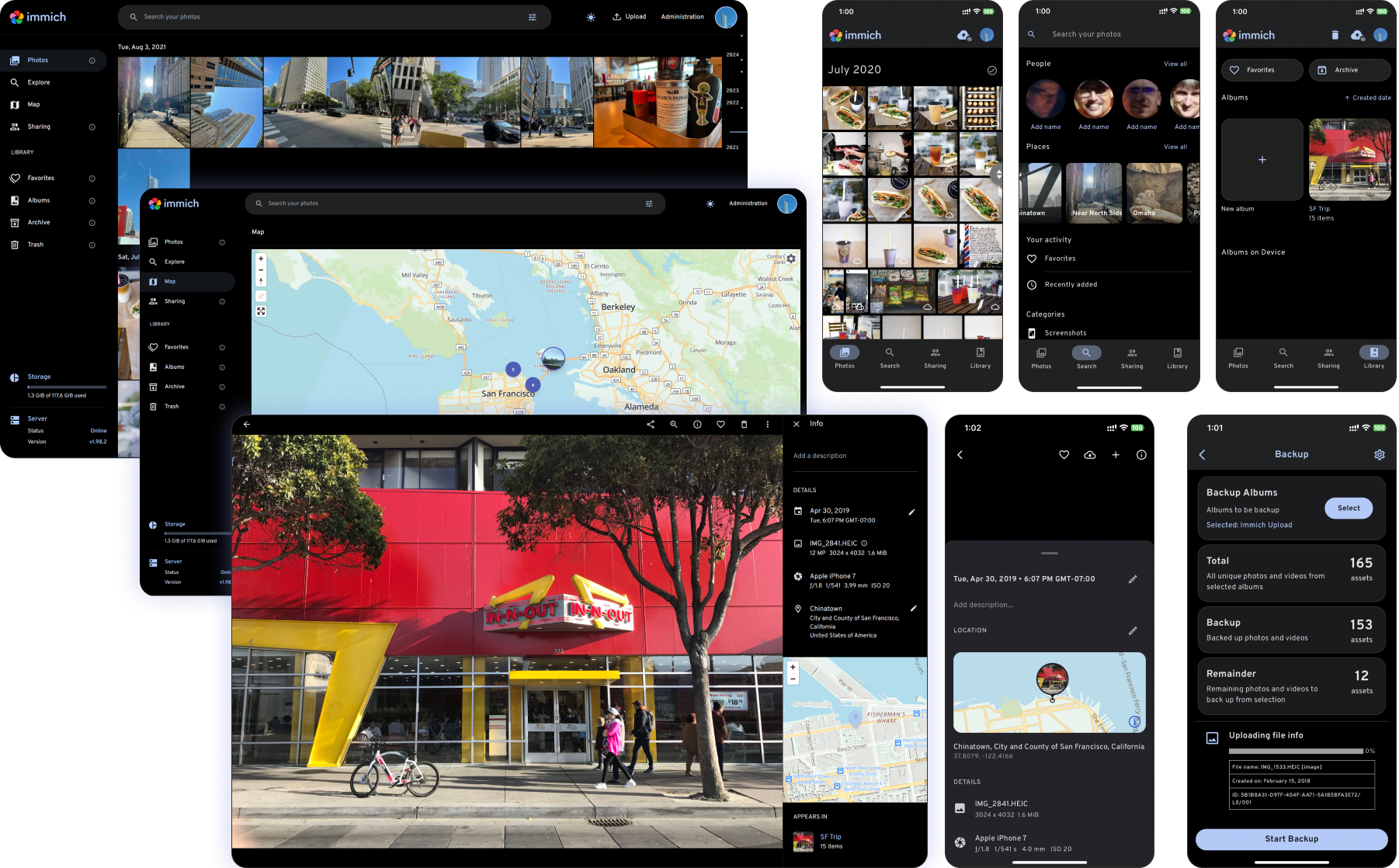
Immich is a photo and video management platform that runs on hardware the operator controls. It pairs a web application with a mobile app built in Flutter, backed by a NestJS and Node.js server written in TypeScript. Its topics — backup-tool, photo-gallery, photos-management, self-hosted, google-photos-alternative — describe the shape of the thing, and a live demo at https://demo.immich.app lets the interface be inspected before anything is deployed.
The concrete problem it solves is ownership of a media library. Google Photos-style services keep originals on someone else's infrastructure; Immich is the self-hosted alternative, ingesting photos and videos from a phone, preventing duplication, indexing metadata, and serving a searchable gallery. The README carries a warning that operators should always follow a 3-2-1 backup plan for their precious photos and videos — Immich is the working library, not the backup of last resort.
Key capabilities
- Mobile and web upload and viewing, with auto backup when the app is opened on mobile, background backup, offline support, and a read-only gallery mode.
- Prevention of duplicated assets and selective album-based backup from the mobile client.
- Search by metadata, objects, faces, and CLIP, plus metadata views covering EXIF and map placement.
- Facial recognition and clustering, Memories (x years ago), and a Global Map.
- Multi-user support, shared albums, Partner Sharing, public sharing, Archive and Favorites.
- User-defined storage structure, Folder View, Tags on web, stacked photos, raw format support, LivePhoto/MotionPhoto backup and playback, and 360 degree image display on web.
- OAuth support on both clients, API Keys on web, and administrative functions such as user management on the web interface only.
Who uses it and how
- Households and small groups: multi-user support lets several people back up to one server, with Partner Sharing for selected overlap.
- Privacy-focused self-hosters migrating off Google Photos, the migration path named by the google-photos-alternative topic.
- Phone-first users who do not want the whole camera roll uploaded: auto backup runs when the app is opened, with background backup and selective album backup.
- Operators and admins managing users through the web interface and reaching the server programmatically with API Keys.
- Evaluators testing the workflow on the hosted demo before committing hardware.
Getting started
Installation requirements and setup guides live in the official documentation at docs.immich.app, linked from the README. A hosted demo runs at https://demo.immich.app — use https://demo.immich.app as the Server Endpoint URL in the mobile app, with login demo@immich.app / demo.
How it compares
The facts name one comparable product: the topics include google-photos and google-photos-alternative, placing Immich as the self-hosted counterpart rather than a companion. The contrast the facts support is licence and host: Immich is AGPL-3.0 and runs on hardware the operator provides, so the library sits on that operator's disks and the cost model is that hardware and its upkeep, not a subscription tier.
When to use it — and when not to
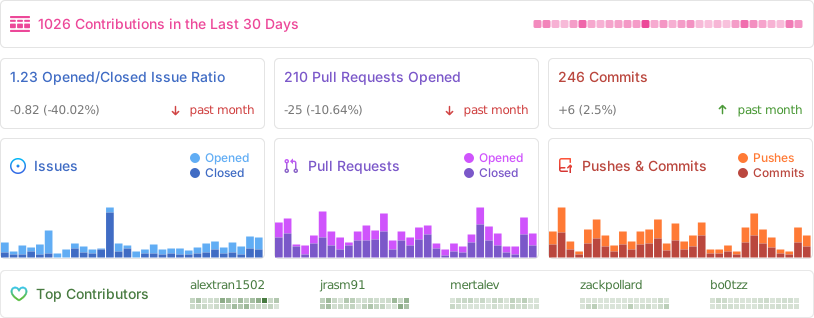
Choose Immich when the library must stay under the operator's control, several users share one server, and someone will run it and keep the 3-2-1 backup plan the README insists on. Do not choose it if a managed, vendor-hosted service is expected — none is offered here. The README points installation outward to docs.immich.app rather than spelling out deployment in the repository, and the project carries 740 open issues, so read the documentation and tracker before committing a production library.