GLOC, short for GitHub Lines of Code Counter, is a free GPL-2.0-licensed TypeScript browser extension for Chrome, Opera, Firefox, and Edge that overlays approximate lines-of-code totals onto GitHub pages, aimed at developers and teams who want a quick size signal for a repository without cloning it or running a local counter.
What it is
GLOC, short for "GitHub Lines of Code Counter," overlays approximate lines-of-code totals onto GitHub pages. It is published for Chrome, Opera, Firefox, and Edge, and its first public version, 2.0.1, dates to 12 February 2017. It sits in the Infrastructure & Operations / Monitoring & Observability category of this registry under the topics chrome, code-counter, counter, github-extension, gloc, metrics, and sloc.
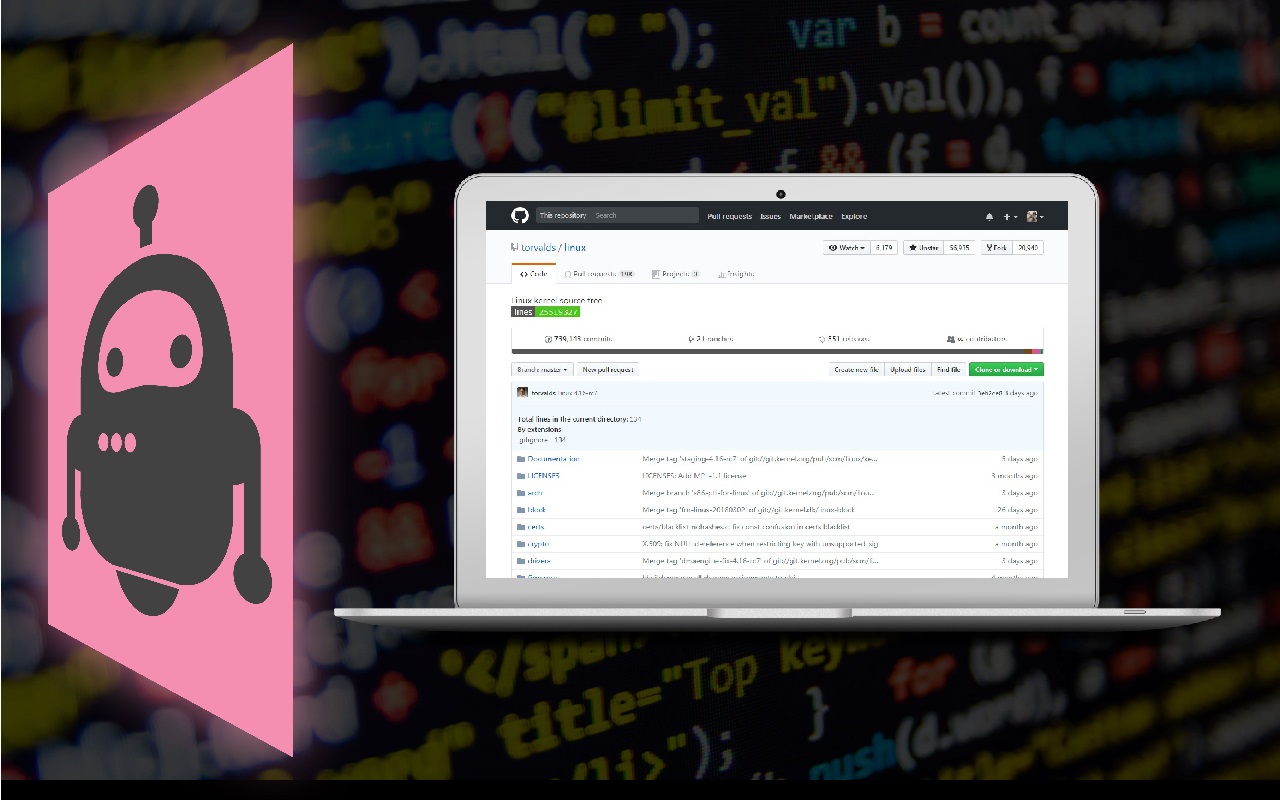
The concrete problem is that GitHub does not expose a total lines-of-code figure for a project. GLOC computes an approximation through the GitHub Statistics API and renders it directly in the interface, so no clone, no local counter, and no separate service are needed, and it works for both public and private repositories. Because the number is an approximation rather than a full scan, the README warns that glitches occur, including negative LOC values or unavailable data. Counting on the project detail page was deliberately switched off, on the stated grounds that it placed too much load on GitHub's services.
Key capabilities
- Renders approximate lines-of-code totals inline on GitHub using the GitHub Statistics API, not a local clone.
- Counts both public and private repositories.
- Displays counts on pinned repos, the repositories tab, starred repositories, organization pages, search results, the trending page, and the explore page.
- Omits the project detail page; that behaviour was disabled to limit load on GitHub.
- Ships as extensions for Chrome, Opera, Firefox, and Edge, written in TypeScript under GPL-2.0.
- Tracks issues at github.com/kas-elvirov/gloc and publishes a privacy policy at PRIVACY.md.
Who uses it and how
- Developers browsing GitHub who want a rough size signal before cloning or reading a repository.
- Engineers reviewing a profile, its pinned repos, repositories tab, or starred list to gauge a user's footprint.
- Teams scanning organization pages, search results, trending, or explore to compare projects at a glance.
- Users of private repositories, since counts are produced for private repos as well as public ones.
Getting started
Install from a browser add-on store: on Chrome, open More tools → Extensions, click Get more extensions, search for gloc, and click Add to Chrome. Equivalent listings exist for Opera, Firefox, and Edge.
How it compares
No comparable tool and no list of paid products is named in the facts supplied for this entry, so GLOC stands alone in this registry on those points.
When to use it — and when not to
There is nothing to operate: no database, storage, or SMTP service is involved, because the extension runs in the browser and reads GitHub's own statistics. Anyone who needs exact, reproducible line counts for billing, compliance, or build metrics should not rely on it, since the values are approximations from the GitHub Statistics API and the README documents glitches such as negative LOC or missing data. The README is also thin on building from source, and the project's last push was in November 2025 with 10 open issues.






 Credits