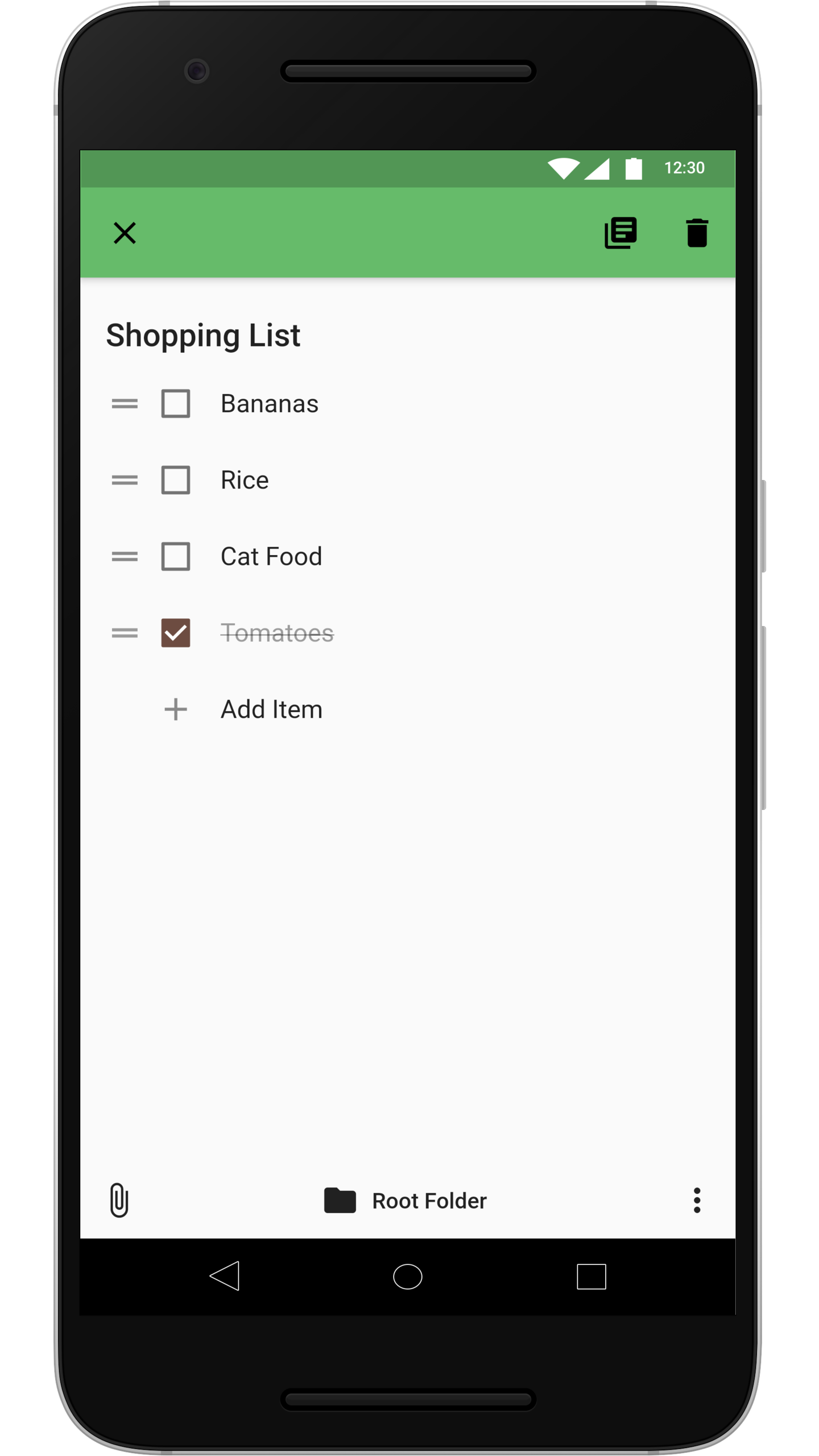
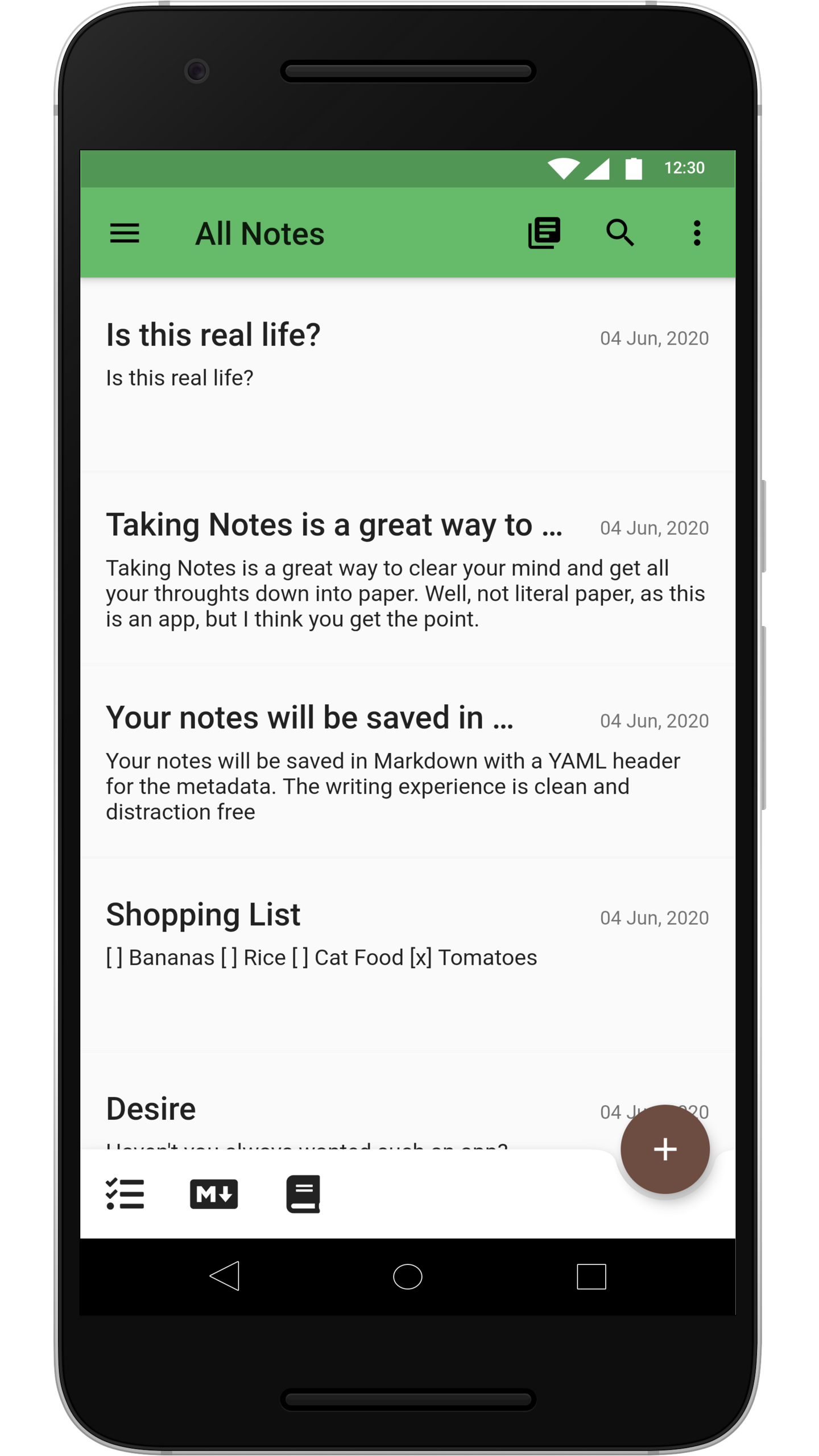
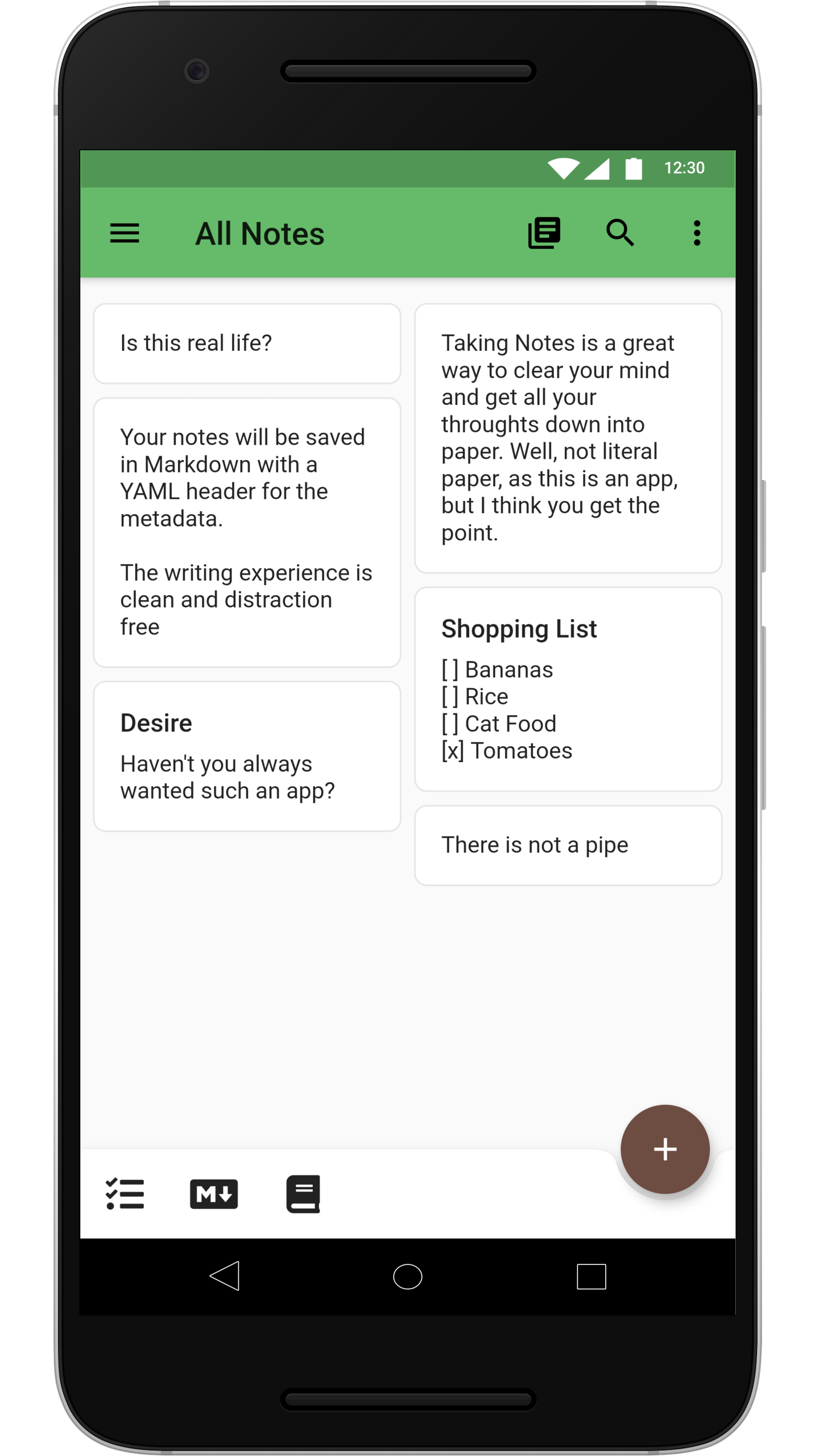
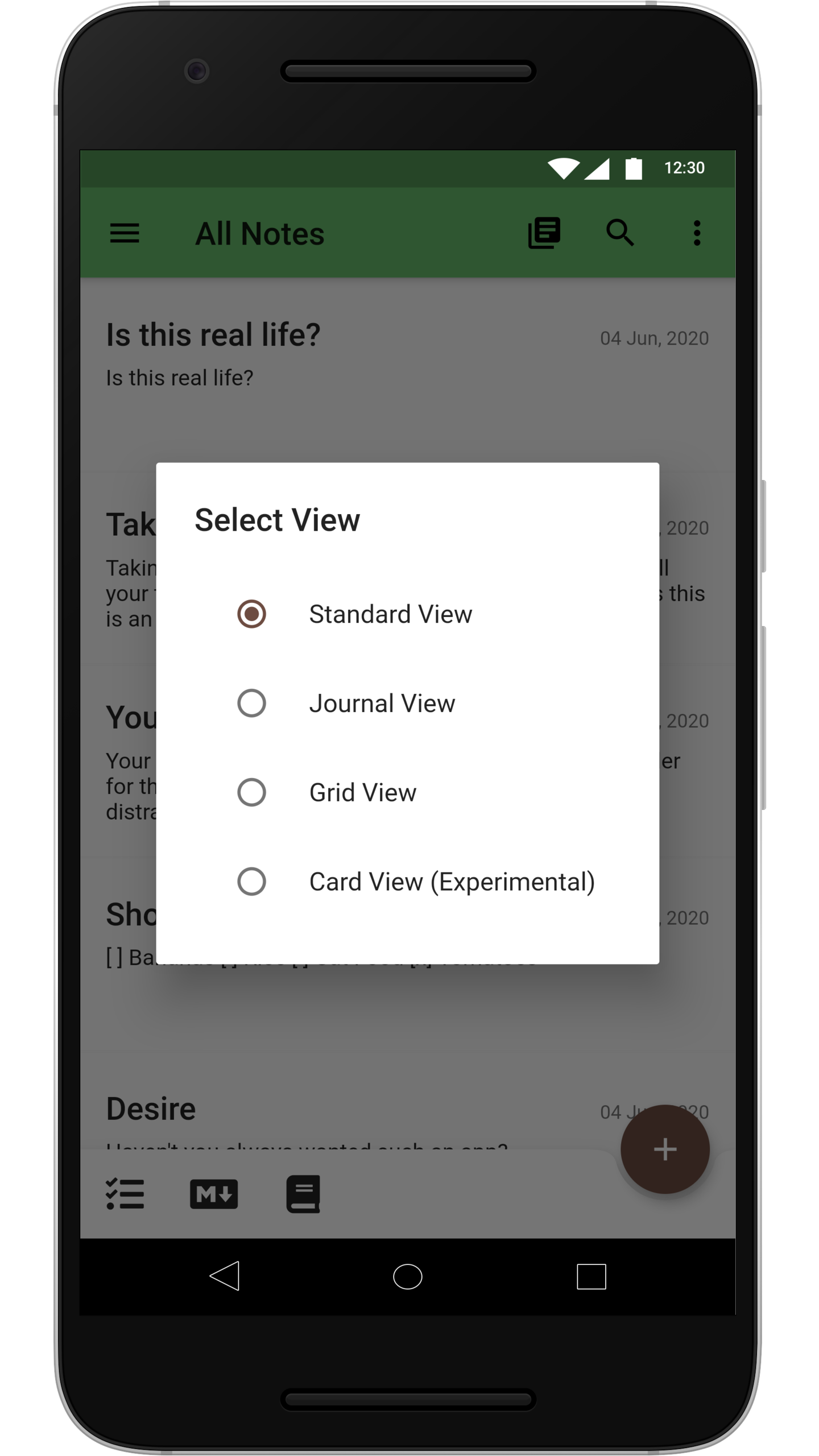
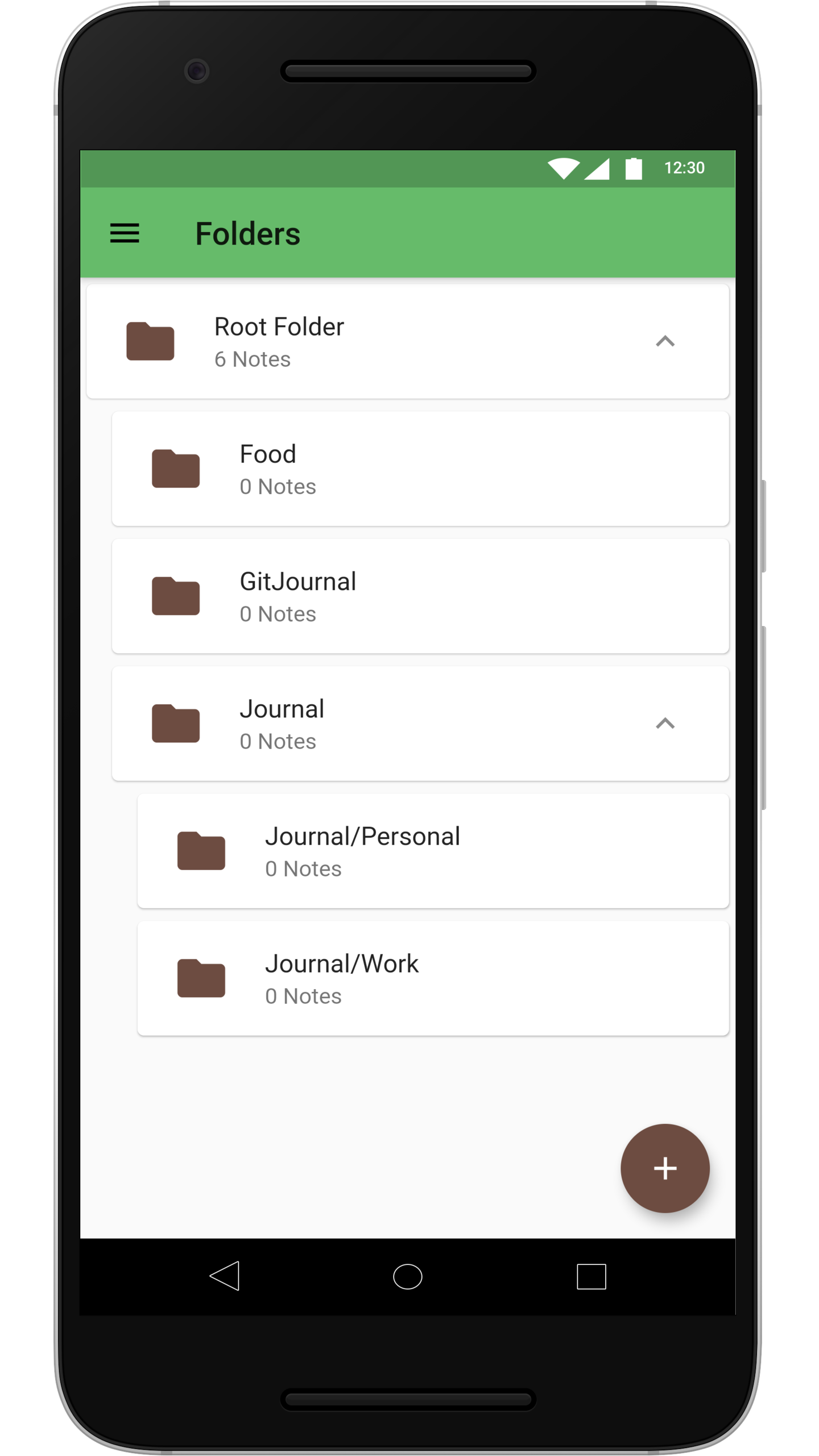
GitJournal is a mobile-first, privacy-focused Markdown note taking app that stores every note in a Git repository of the user's choosing, built for people who want their writing to stay portable and version-controlled instead of locked inside a proprietary sync service.
What it is
GitJournal is an open-source note taking application written in Dart and published under a split licence: code contributed by the original author, Vishesh Handa, falls under AGPL-3.0, code contributed by anyone else falls under the Apache License 2.0, and the documentation and translations fall under the Creative Commons Attribution 4.0 International License. The split exists so the project can avoid requiring a contributor licence agreement and can still be distributed on the Apple App Store, which does not permit AGPL software. The project lives on GitHub with 4,224 stars, 309 forks, and 132 open issues.
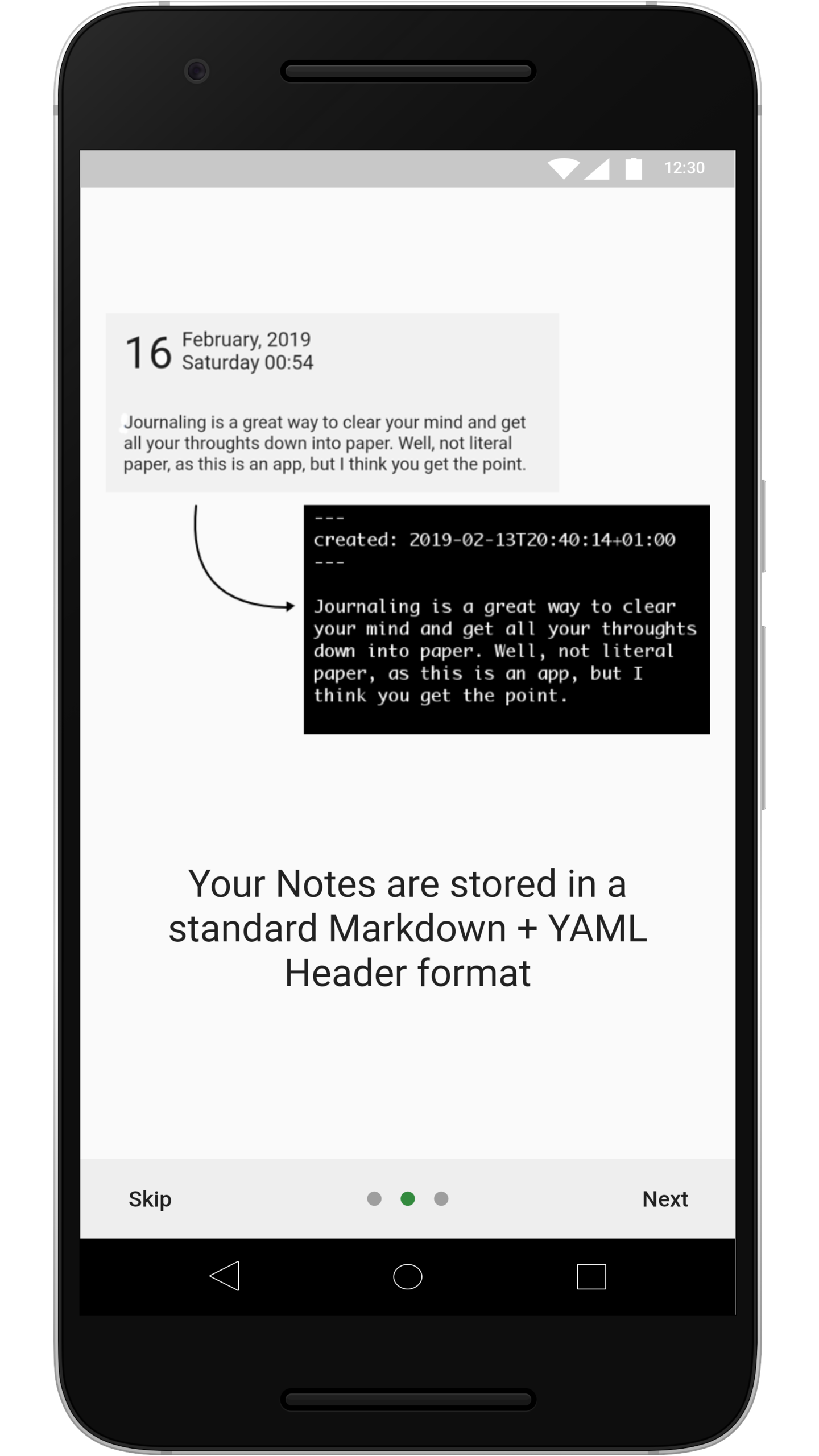
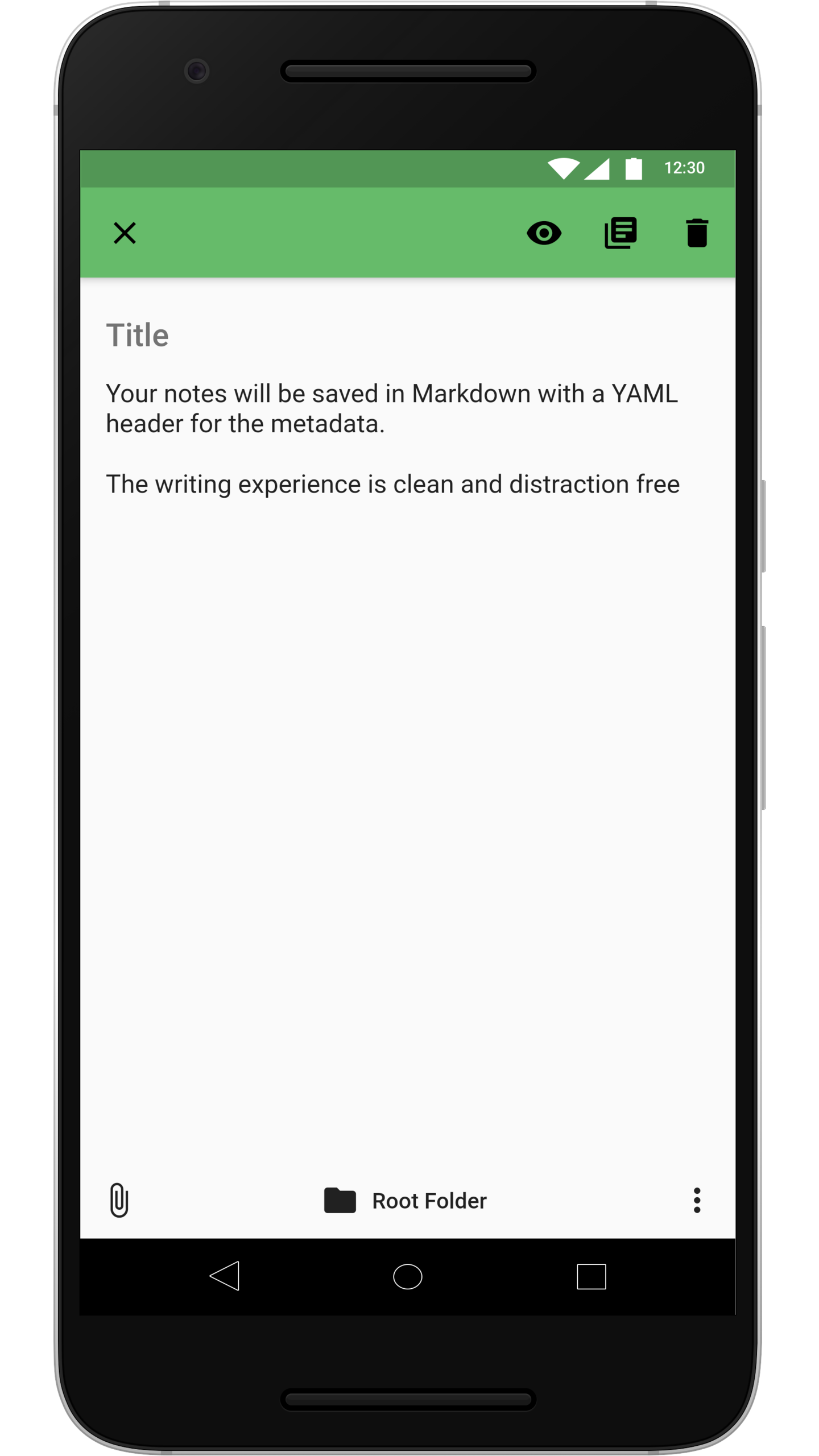
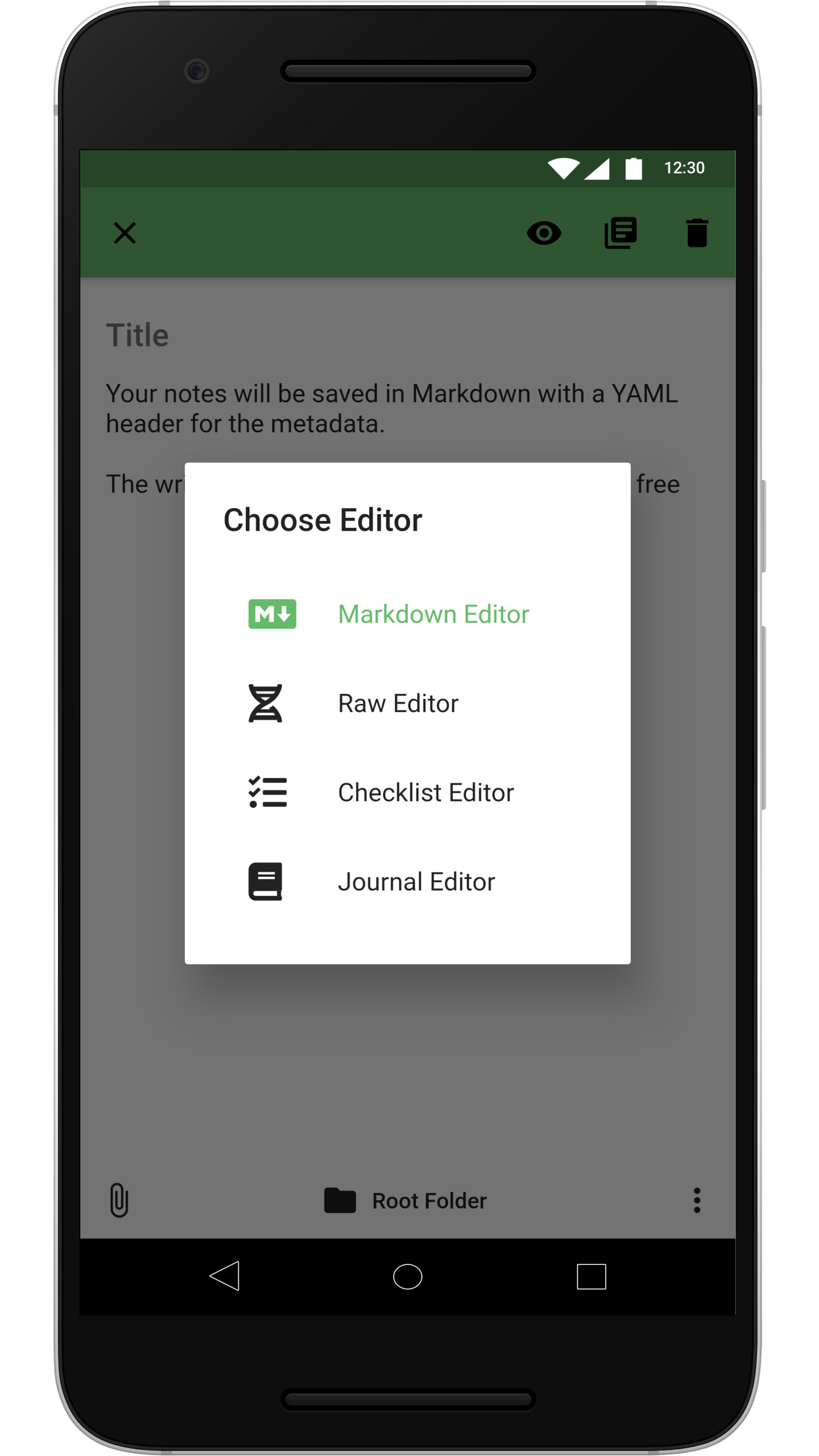
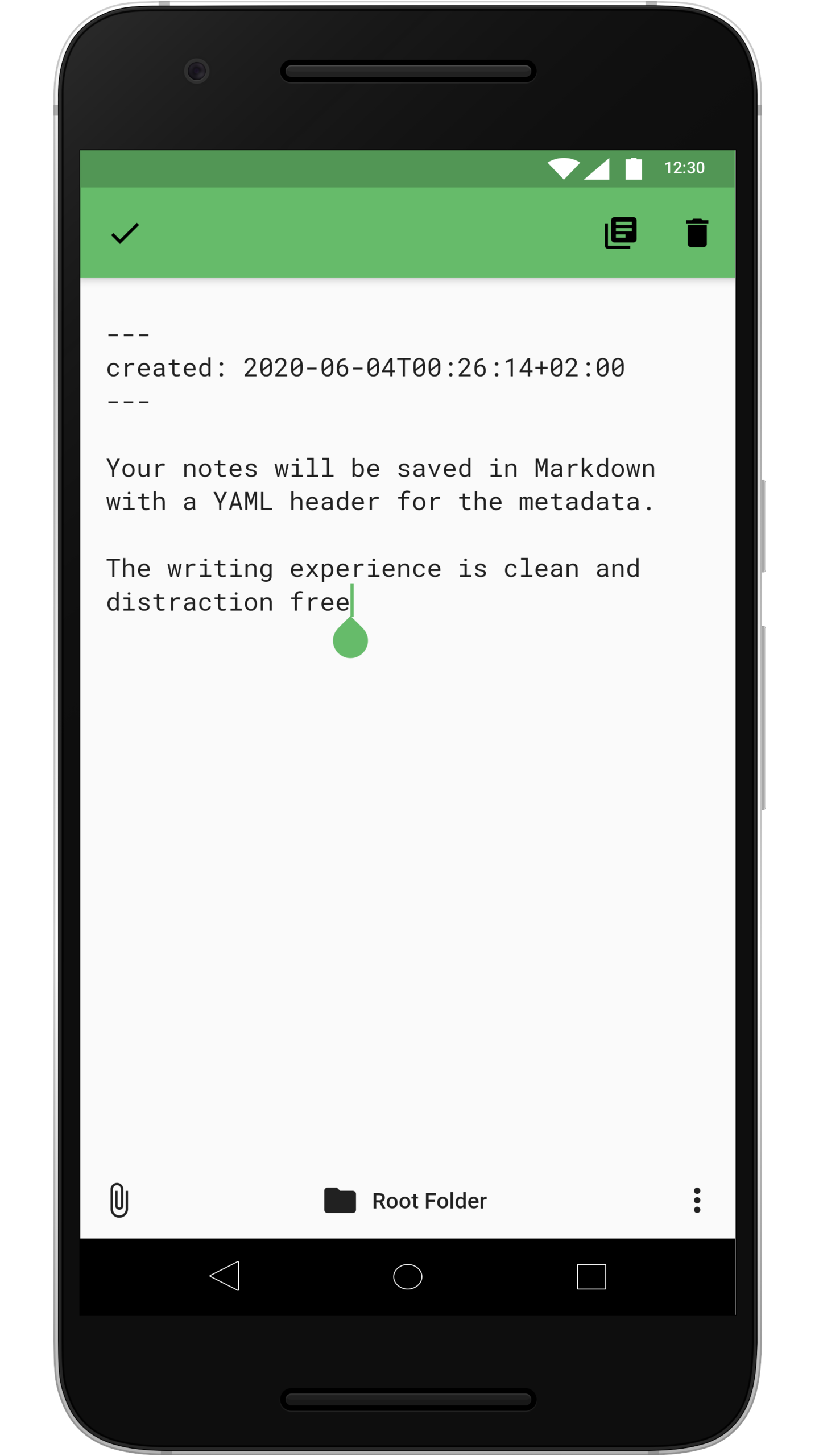
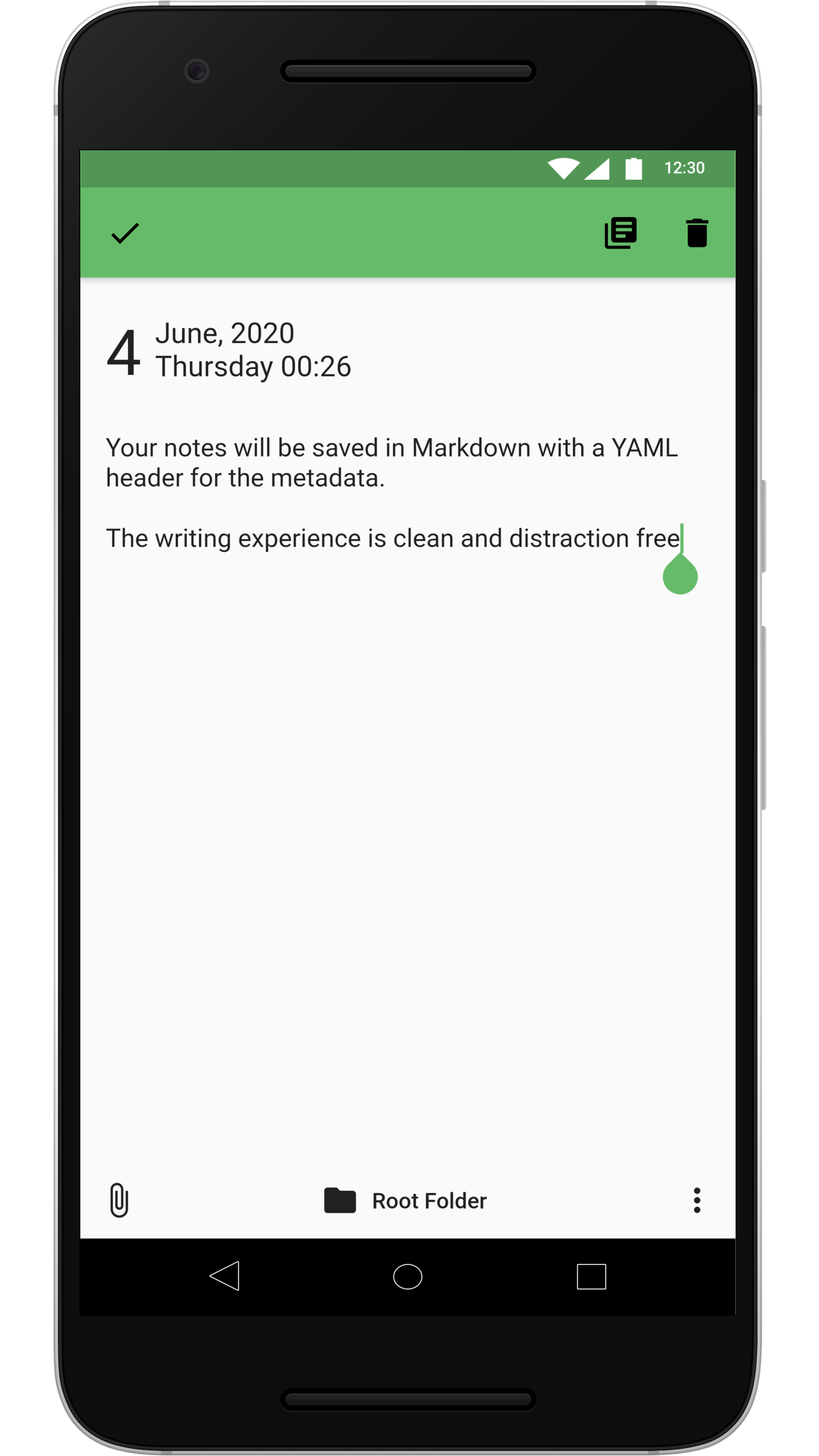
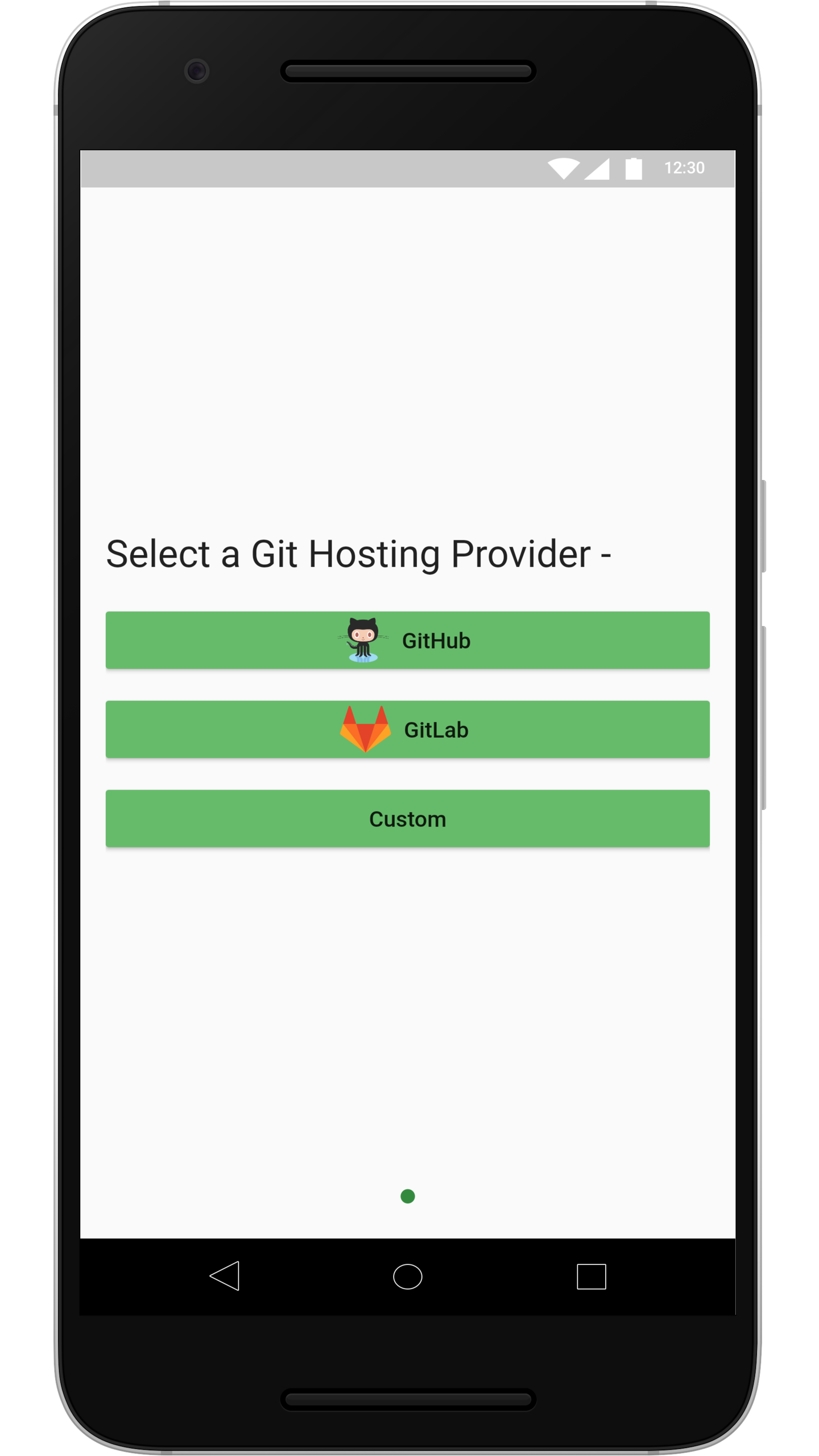
The concrete problem it solves is note ownership. Notes in mainstream note apps live in that vendor's storage, in that vendor's format, reachable only through that vendor's client. GitJournal instead stores all notes in a Git repository — GitHub, Gitlab, or a Custom-provider — so the notes are plain files that any Markdown editor, script, or static site generator can read. Notes are kept in a standardized Markdown plus YAML header format, and the YAML header is optional. Because the backend is a Git repository rather than a managed service, the user can self host the storage or place it with any of the Git providers listed in docs/git_hosts.md. The app therefore sits in the Git and Markdown ecosystem and replaces the closed storage layer of the app being migrated away from.
Key capabilities
- Stores notes as files in a Git repository, with GitHub, Gitlab, and a custom provider path available as hosts.
- Writes notes in a standardized Markdown plus YAML header format, with the header optional.
- Documents supported hosting arrangements in
docs/git_hosts.md, including self hosted options.
- Ships migration paths from other note apps:
google-keep-exporter for Google Keep, gitjournal-simplenote-exporter for Simplenote, and published gists for Day One Classic and Narrate.
- Targets mobile as the primary client, implemented in Dart and listed under Productivity & Utilities / Note Taking & Knowledge Management.
- Accepts bug and feature requests through GitHub issues, with prioritisation by adding a thumbs-up reaction to existing open issues.
- Publishes project information at https://gitjournal.io.
Who uses it and how
- Individuals who journal and want each entry to remain a readable Markdown file rather than a database row inside an app.
- Self hosters who already run a Git server and prefer to keep note history inside infrastructure they control.
- Users migrating off Google Keep, Simplenote, Day One Classic, or Narrate, who need an export and import path before switching.
- Writers maintaining a knowledge base or Memex-style linked collection, given the project's knowledge-management and knowledge-graph topic tags.
- Developers who want notes to sit beside code in the same version control workflows they already use.
Getting started
The README excerpt does not name an install command, package, or Docker image, so setup begins from the project homepage at https://gitjournal.io and from choosing a Git repository to hold the notes. Notes are written into that repository in Markdown with an optional YAML header, so no dedicated server component is described.
How it compares
The facts name no paid products that GitJournal replaces, so the comparison that can be made honestly is with the note apps it offers migration paths from: Google Keep, Day One Classic, Narrate, and Simplenote. Against those, GitJournal differs in where the data lives — a Git repository the user selects rather than vendor storage — and in file format, since the notes remain plain Markdown files that outlive any particular client.
When to use it — and when not to
A self-hoster must supply and operate a Git repository or provider account, and needs enough familiarity with Git to be comfortable when sync conflicts or history changes appear; the README excerpt gives no installation steps, so a prospective user must work from the homepage and repository documentation. The licence arrangement is genuinely split across AGPL-3.0, Apache License 2.0, and Creative Commons Attribution 4.0, which anyone redistributing or bundling the code must review carefully. Anyone wanting a zero-configuration app with no version control concepts, or a team needing shared real time editing, should look elsewhere.