

DesktopEditors is a free, open source collaboration & communication project written in several languages and released under AGPL-3.0. It has 5,401 GitHub stars, 541 forks and 465 open issues, and was last pushed 4 months ago. On this registry it ranks #19 of 41 tracked projects in Collaboration & Communication, with 5 head-to-head comparisons available. It gained 15 stars over the last 3 tracked days.

What is DesktopEditors?

ONLYOFFICE Desktop Editors is a free, open-source office suite that combines document, spreadsheet, presentation, PDF, and PDF form editors with a diagram viewer into one offline desktop application for Windows, Linux, and macOS, aimed at anyone who works with Office Open XML files and wants a local, no-internet alternative to a proprietary office suite.

What it is

ONLYOFFICE Desktop Editors is the desktop application of the ONLYOFFICE project, published under the AGPL-3.0 licence and hosted in the ONL YOFFICE/DesktopEditors repository. It bundles several editors in one program: ONLYOFFICE Document Editor, Spreadsheet Editor, Presentation Editor, Form Creator, PDF Editor, and Diagram Viewer. The suite is fully compatible with Office Open XML formats — .docx, .xlsx, and .pptx — and also handles conversion between DOC, DOCX, ODT, RTF, TXT, PDF, HTML, EPUB, XPS, DjVu, XLS, XLSX, ODS, CSV, PPT, PPTX, and ODP through its core components.

The concrete problem it solves is desktop document work that would otherwise require a proprietary office suite and, in many cases, a network. Documents can be created, viewed, and edited while stored on a local Windows, Linux, or macOS machine without an Internet connection, so the suite replaces the paid desktop office package for users whose workflows are built around OOXML files. It also covers PDF form filling and PDF editing, which are often separate paid applications in competing stacks.

Key capabilities

  • Six editors in one package: Document Editor, Spreadsheet Editor, Presentation Editor, Form Creator, PDF Editor, and Diagram Viewer.
  • Full compatibility with Office Open XML formats: .docx, .xlsx, and .pptx.
  • Offline creation, viewing, and editing of files stored on the local Windows, Linux, or macOS machine.
  • Cloud connection for real-time collaboration with ONLYOFFICE, Moodle, Box, Dropbox, ownCloud, Nextcloud, Seafile, Liferay, and kDrive.
  • AI-powered assistants and agents inside the editors.
  • Digital signatures and password protection for documents.
  • Localization into 46 interface languages, with RTL and hieroglyph support.
  • Plugin support through the plugin and macros API, with plugins available from a Marketplace.

Who uses it and how

  • Individual users who keep document sets on a local disk and need editing without an Internet connection.
  • Teams that connect the desktop clients to a cloud service such as Nextcloud, ownCloud, Seafile, or kDrive to get real-time collaboration on shared files.
  • Organizations running Moodle, Liferay, or Box that want desktop-side editing alongside their existing platform.
  • Users in multilingual or RTL environments, served by the 46 interface languages and hieroglyph support.
  • Developers who extend the editors with plugins written against the plugin and macros API and published to the Marketplace.

Getting started

The README points to the official desktop download page at https://www.onlyoffice.com/download-desktop#desktop for Windows, macOS, and Linux builds, with the project homepage at https://www.onlyoffice.com. The repository itself is the packaging of the application, split into the desktop-apps frontend, desktop-sdk, core, and sdkjs components, so building from source means assembling those components rather than running a single install command.

How it compares

The facts provide no list of paid products that this project replaces, and no directly comparable open-source office suite is named. Within this registry, therefore, ONLYOFFICE Desktop Editors stands alone as the entry for a multi-editor OOXML desktop suite.

When to use it — and when not to

Use it when desktop OOXML editing, PDF form filling, and optional cloud collaboration are the requirements, and when an AGPL-3.0 licence is acceptable for the intended distribution. Do not pick it if a prebuilt installer is not what is wanted, because the README is a product overview rather than a build guide: it documents the component repositories and the download page but gives no install, build, or packaging commands. Weigh the 465 open issues and the component-split build model before committing to compiling or repackaging it in-house.

project readme (upstream, from github) — read inline

License Platforms Windows | macOS | Linux Release

Welcome to the ONLYOFFICE Desktop Editors repo!

ONLYOFFICE Desktop Editors is a free office suite that combines text, spreadsheet, presentation, and PDF editors & Diagram Viewer. The application allows creating, viewing and editing documents stored on your Windows/Linux PC or Mac without an Internet connection. It is fully compatible with Office Open XML formats: .docx, .xlsx, .pptx.
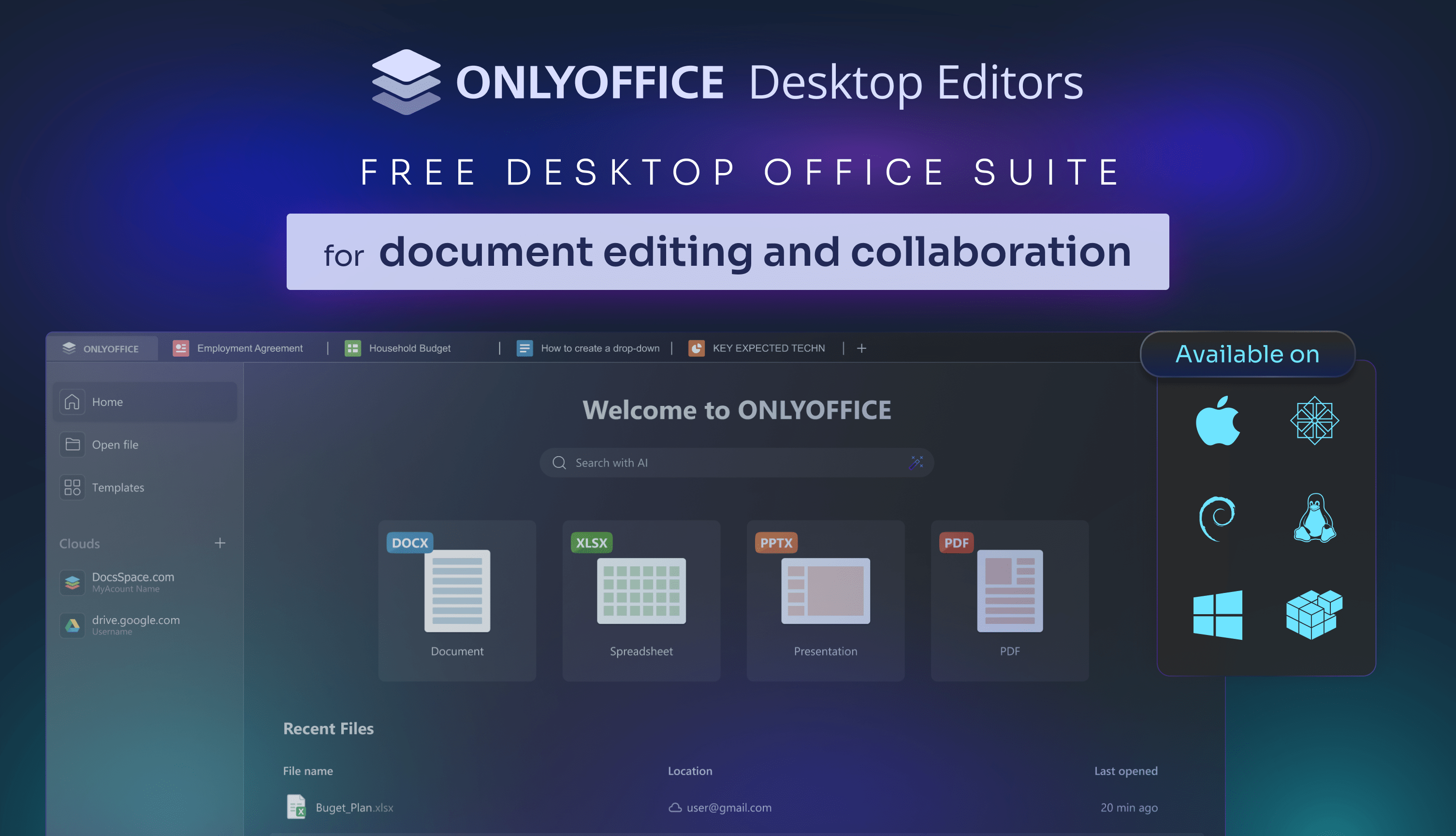
ONLYOFFICE Desktop Editors

Features you'll love ✨

Take advantage of the powerful editors included in ONLYOFFICE Desktop Editors:

The suite empowers you to create, edit, save, and export text documents, spreadsheets, presentations, PDFs, fill out PDF forms, open diagrams, all while offering additional advanced features such as:

  • Connection to the cloud (ONLYOFFICE, Moodle, Box, Dropbox, ownCloud, Nextcloud, Seafile, Liferay, kDrive) for real-time collaboration ☁️
  • AI-powered assistants & agents 🤖
  • Digital signatures ✍️🔏
  • Password protection 🔒🔑
  • Scalable UI options (including dark mode 🌓)

Localization 🌐

ONLYOFFICE is constantly improving localization of the editors to make the suite accessible to all users, all over the world.

  • Interface available in 46 languages
  • RTL support
  • Hieroglyph support 🈴

Plugins 🧩

ONLYOFFICE Desktop Editors offer support for plugins allowing developers to add specific features to the editors that are not directly related to the OOXML format. For more information, see our API or visit the GitHub plugins repo.

Would like to explore the existing plugins in details? You are welcome to visit our Marketplace.

Components 📦

ONLYOFFICE Desktop Editors contain the following components:

  • desktop-apps - the frontend for ONLYOFFICE Desktop Editors which is used to build the program interface for the operating system selected.
  • desktop-sdk - SDK which is a core part of ONLYOFFICE Desktop Editors.
  • core - server core components for ONLYOFFICE Document Server which is a part of ONLYOFFICE Desktop Editors and is used to enable the conversion between the most popular office document formats (DOC, DOCX, ODT, RTF, TXT, PDF, HTML, EPUB, XPS, DjVu, XLS, XLSX, ODS, CSV, PPT, PPTX, ODP).
  • sdkjs - JavaScript SDK for the ONLYOFFICE Document Server which is a part of ONLYOFFICE Desktop Editors and contains API for all the included components client-side interaction.
  • web-apps - the frontend for ONLYOFFICE Document Server which is a part of ONLYOFFICE Desktop Editors that allows the user to create, edit, save and export text, spreadsheet and presentation documents using the common interface of a document editor.
  • dictionaries - the dictionaries of various languages used for spellchecking in ONLYOFFICE Desktop Editors.

Easy installation options

Get set up quickly with deb, rpm, exe, or dmg packages from our official website️.

Prefer other methods? Snap, Flatpak, or AppImage are all available!

License 📄

ONLYOFFICE Desktop Editors is licensed under the GNU Affero Public License, version 3.0, ensuring its transparency and commitment to the open-source community.

See LICENSE for more information.

How to build 🛠

You can find the detailed instructions for building ONLYOFFICE Desktop Editors in build_tools.

💡 User feedback and support

If you face any issues or have questions about ONLYOFFICE Desktop Editors, please visit our official forum: community.onlyoffice.com.

Need help for developers? 👨‍💻 Check our API documentation. You are also welcome to ask and answer ONLYOFFICE development questions on Stack Overflow.

Join our Discord community for connecting with fellow developers.

Frequently asked questions

Is DesktopEditors free to use?

DesktopEditors is open source under the AGPL-3.0 licence. There is no licence fee and no seat count — you can self-host it or, where the project offers one, pay a vendor for a managed version instead.

What does DesktopEditors do?

Open-source office suite pack that comprises all the tools you need to work with documents, spreadsheets, presentations, PDFs, and PDF forms on Windows, Linux,

What is DesktopEditors written in?

DesktopEditors's source is publicly available at https://github.com/ONLYOFFICE/DesktopEditors, with 5,401 GitHub stars.