codex-keysmith is a local-first Python command-line tool that installs, previews, versions, and removes instruction files for Codex, built for developers who want their Codex sessions to follow a controlled, reversible prompt configuration.
What it is
codex-keysmith is one member of the Keysmith family of instruction installers. It targets Codex specifically, and it works by writing an instruction draft into the local Codex configuration directory rather than by modifying the Codex software itself. It does not read accounts or credentials, and by default it installs a single draft. The project presents versioned deployment, ownership manifests, hook isolation, scenario evaluation, and recovery as its core concerns, and it is published under the MIT licence as a Python project with documentation in Simplified Chinese and English.
The problem it solves is the manual, untracked editing of Codex instruction configuration. Changing how Codex behaves normally means hand-editing files under the Codex config directory such as ~/.codex, with no preview, no record of what was changed, and no clean way to undo it. codex-keysmith replaces that workflow inside the codex-cli ecosystem: it first shows a plan covering the target directory, the prompt source, and the intended writes, and it writes only after explicit confirmation. Because the change applies to newly opened conversations under that Codex configuration, deployment becomes deliberate and reversible.
Key capabilities
- Preview-first deployment:
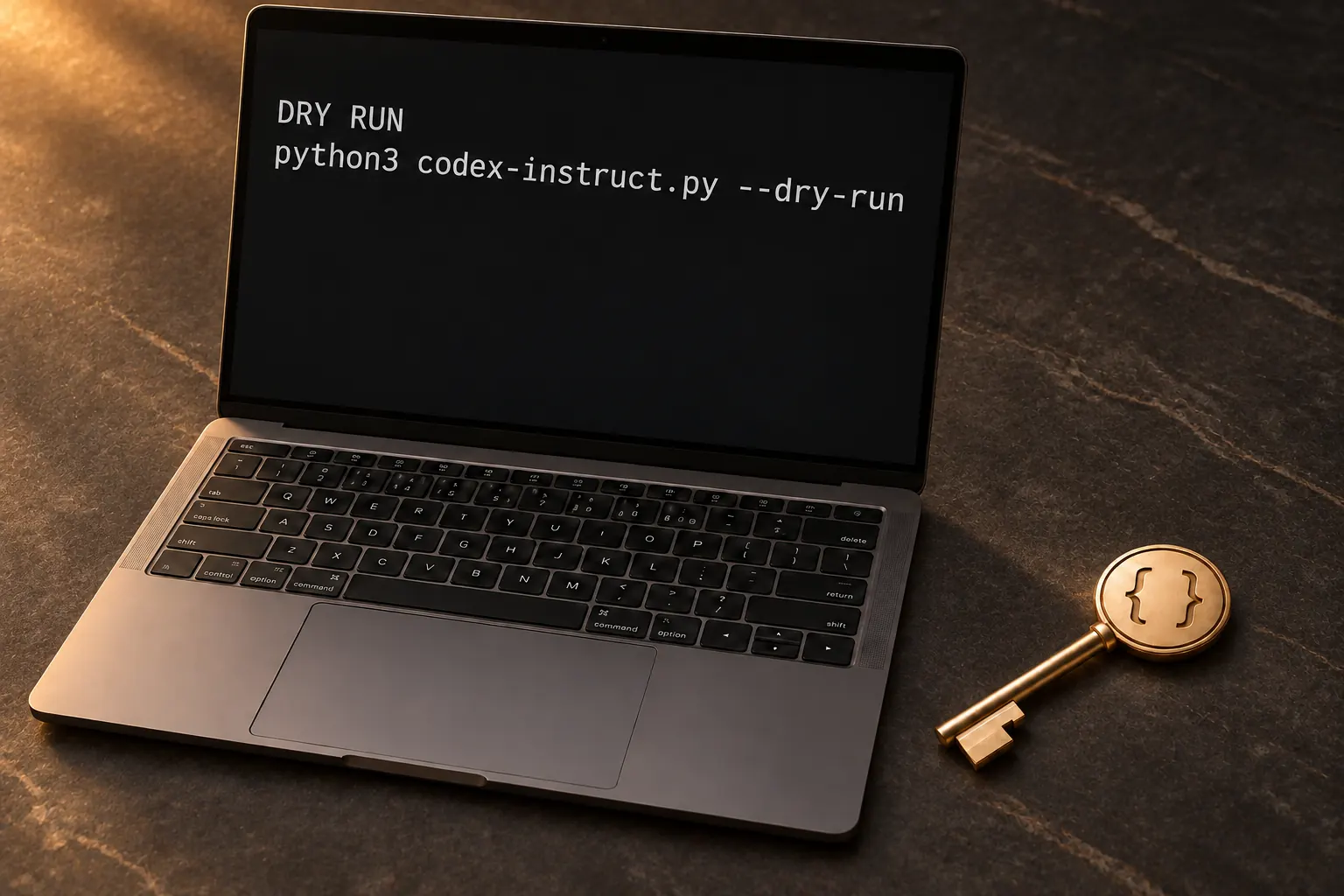
--dry-run prints the target directory, prompt source, and write plan, and nothing is written until the run is confirmed with --yes.
- Versioned single-file release installers named like
codex-instruct-vX.Y.Z.py, distributed from GitHub Releases with a matching SHA256SUMS file for checksum verification.
- Ownership manifests and hook isolation, so installed instructions and any hooks are tracked and kept separate.
- Scenario evaluation as part of the deployment flow.
- Recovery and removal commands:
--restore-hooks, --uninstall, and --uninstall --yes, with --reactivate available from v0.3.9.
- Status inspection through
--status, a selectable target directory through --codex-dir, and interface localisation through --lang zh-CN.
Who uses it and how
- Developers on macOS or Linux who run Codex locally and want reviewable instruction changes rather than ad-hoc edits.
- Users who delegate setup to an AI assistant by handing it
docs/agent-install.md.
- Practitioners who standardise instruction deployment across several tools, using codex-keysmith for Codex, claude-keysmith for Claude Code, grok-keysmith for Grok Build, and zcode-keysmith for ZCode.
- Users who prefer an unsigned desktop build, available for Apple Silicon and Windows x64, instead of running the script directly.
- Windows users evaluating fresh deployment, which remains a test channel.
Getting started
Download the current stable single-file script from the latest release, where the public stable script includes codex-instruct-v0.5.1.py, verify it against SHA256SUMS, and run python3 codex-instruct-vX.Y.Z.py --codex-dir ~/.codex --dry-run --lang zh-CN before adding --yes to install. Python 3.10 or newer and a local Codex installation are required, and a git clone of the repository with the script renamed to codex-instruct.py is the source-based alternative.
How it compares
No paid products are named as replacements in the facts provided. Within the facts, codex-keysmith sits alongside its sibling installers, claude-keysmith, grok-keysmith, and zcode-keysmith, each targeting a different AI coding tool with its own installer rather than one tool covering all of them. Distribution differs across the family: codex-keysmith and grok-keysmith ship as stable release installers, while claude-keysmith and zcode-keysmith are built from source.
When to use it — and when not to
A self-hoster must already have Codex installed locally and needs Python 3.10 or newer; there is no hosted option, and the workflow is flag-driven rather than graphical. Fresh deployment on Windows is still a test channel, and the unsigned desktop builds trigger Gatekeeper on macOS or SmartScreen on Windows because they are not signed through the SignPath Foundation. Anyone who needs signed desktop binaries, a graphical installer, or support for a tool other than Codex should look at the sibling projects instead.
project readme (upstream, from github) — read inline




简体中文 ·
English ·
使用说明 ·
License
codex-keysmith
给 Codex 装上一份可撤销的指令。先看计划,确认了再写入。
简体中文
Keysmith 给本机的 AI 编程工具装指令:先预览,再写入,能验证,能撤走。
codex-keysmith 面向 Codex。装上之后,新开的对话会按这份指令工作。不改 Codex 软件本身,也不读取账号和密钥。默认只装一份稿。
[!IMPORTANT]
这会改变该 Codex 配置下 之后新开的对话。默认只给你看计划,加上确认才会写入。装完后请开一个新任务。
使用方式

- 先看计划。 确认之前什么都不会写入。
- 确认后装上。 指令交给本机 Codex,软件保持原样。
- 新开一轮对话。 关掉旧任务,开一个新的。
- 随时撤走。 同样先看计划,确认后恢复成原来的样子。
选哪个 Keysmith
每个工具一份安装器。也有未签名桌面版(Apple Silicon / Windows x64)。
开始使用
本机需要已经装好 Codex。稳妥路径是 最新稳定 Release 的单文件脚本(当前公开稳定脚本包括 codex-instruct-v0.5.1.py)。也有未签名桌面版。
# 把 vX.Y.Z 换成 Releases 页的最新稳定 tag
base='https://github.com/Jia-Ethan/codex-keysmith/releases/download/vX.Y.Z'
curl --fail --location --remote-name "$base/codex-instruct-vX.Y.Z.py"
curl --fail --location --remote-name "$base/SHA256SUMS"
awk '$2 == "codex-instruct-vX.Y.Z.py"' SHA256SUMS | shasum -a 256 -c -

python3 codex-instruct-vX.Y.Z.py --version
python3 codex-instruct-vX.Y.Z.py --codex-dir ~/.codex --status --lang zh-CN
python3 codex-instruct-vX.Y.Z.py --codex-dir ~/.codex --dry-run --lang zh-CN
# 确认目标目录、提示词来源和写入计划后:
python3 codex-instruct-vX.Y.Z.py --codex-dir ~/.codex --yes --lang zh-CN
源码路径:git clone https://github.com/Jia-Ethan/codex-keysmith.git && cd codex-keysmith,再把上述脚本名换成 codex-instruct.py。装完后关掉旧任务,开一个新 Codex 会话。Windows 把 python3 换成 python。也可以把 代装说明 交给你正在用的 AI 助手。细节见 使用说明。
怎么撤走
以下以 Release 单文件为例;源码 checkout 请把文件名换成 codex-instruct.py。
python3 codex-instruct-vX.Y.Z.py --codex-dir ~/.codex --restore-hooks --lang zh-CN
python3 codex-instruct-vX.Y.Z.py --codex-dir ~/.codex --uninstall --lang zh-CN
python3 codex-instruct-vX.Y.Z.py --codex-dir ~/.codex --uninstall --yes --lang zh-CN
--reactivate 从 v0.3.9 开始提供:
python3 codex-instruct-vX.Y.Z.py --codex-dir ~/.codex --reactivate
python3 codex-instruct-vX.Y.Z.py --codex-dir ~/.codex --reactivate --yes --lang zh-CN
先看计划,确认后再恢复。
适用环境
macOS 与 Linux 为主要支持。Windows 新鲜部署仍是测试通道。需要 Python 3.10+。本安装器不主动收集或上传用户数据。未签名桌面版会碰到 Gatekeeper / SmartScreen,不是 SignPath Foundation 签名;实体机验收见发布说明(physical-device acceptance)。
文档
系列
官方反馈:GitHub Discussions · 社区:LINUX DO