cloudcmd is a free, open source file management & sync project written in JavaScript and released under MIT. It has 2,030 GitHub stars, 268 forks and 17 open issues, and was last pushed 4 days ago. On this registry it ranks #40 of 55 tracked projects in File Management & Sync, with 5 head-to-head comparisons available.

What is cloudcmd?

Cloud Commander is a browser-based file manager with an integrated terminal and text editor, built for developers and self-hosters who want to manage a machine's filesystem over the web.

What it is

Cloud Commander is a JavaScript file manager that runs in the browser, shipping together with a console and an editor so that browsing directories, running commands, and editing files all happen in one interface. It lives in the Node.js ecosystem and is distributed as an npm package, as a Docker image, and as a middleware module that plugs into Express applications. It reaches the filesystem through a local installation or through a mounted volume, which means a single instance can expose a host's directory tree to any browser pointed at it.

The concrete problem it solves is remote filesystem administration without a desktop client or an SSH session. Where a self-hoster would otherwise need a separate tool for file browsing, a terminal, and file editing, Cloud Commander replaces that combination with one web application served on port 8000. Used as middleware, it replaces the need to hand-roll file-handling endpoints in a Node.js application, since the cloudcmd export can be mounted on an Express route and wired to a socket.io server that powers its Console, Edit, and Config features.

Key capabilities

  • Runs as a standalone server started from the command line with cloudcmd, serving its interface at http://localhost:8000.
  • Mounts as middleware in a Node.js application via app.use(prefix, cloudcmd({ socket, config, modules, configManager })), alongside express and socket.io.
  • Exposes a console that requires a socket connection, plus optional Edit and Config features over the same socket.
  • Accepts configuration through createConfigManager({ configPath }) and module overrides such as modules.json, where a FilePicker key can be supplied through the filePicker data option.
  • Publishes Docker images for amd64 and arm64 (arm/v8) in both linux and linux-alpine variants under the coderaiser/cloudcmd image name.
  • Ships an example docker-compose.yml that maps host home and root filesystems into the container at ~:/root and /:/mnt/fs while publishing port 8000.
  • Installs globally from npm as the cloudcmd package, currently at version 19.21.1.

Who uses it and how

  • Developers who want a quick web view onto a machine's files by running cloudcmd locally and opening the browser, as the README's install-and-start path describes.
  • Self-hosters who run the coderaiser/cloudcmd container with the host home directory mounted at /root and the host root filesystem available at /mnt/fs.
  • Teams standardising deployment through Docker Compose, using the provided docker-compose.yml to start the web service on port 8000.
  • Application developers embedding Cloud Commander inside an existing Express and socket.io project, passing a config object and optional module overrides into the middleware.
  • Operators deploying across mixed hardware, given the published amd64 and arm64 image builds.

Getting started

Install it globally with npm i cloudcmd -g and start it with cloudcmd, or run docker run -it --rm -v ~:/root -v /:/mnt/fs -w=/root -p 8000:8000 coderaiser/cloudcmd to launch it as a container.

How it compares

This registry lists no comparable file-manager projects among the provided facts, so Cloud Commander stands alone here; the technologies named in its README — express and socket.io — are integration points it builds on rather than alternatives to it.

When to use it — and when not

A self-hoster should be aware that exposing port 8000 and mounting the host root filesystem at /mnt/fs places file access and a working console in reach of anyone who can reach that port, so network exposure and mounts need to be chosen deliberately. It is a poor fit for users who need a desktop-native interface or who cannot operate a Node.js or Docker deployment, and the README itself defers most detail to https://cloudcmd.io/, with 17 open issues currently tracked on the repository.

project readme (upstream, from github) — read inline

Cloud Commander v19.21.1 Build Status Codacy Gitter Deploy on InstaPods

Main Blog Support Demo

Cloud Commander a file manager for the web with console and editor.

Cloud Commander

Install

npm i cloudcmd -g

Start

For starting just type in console:

cloudcmd

How to use?

Open url http://localhost:8000 in browser.

View

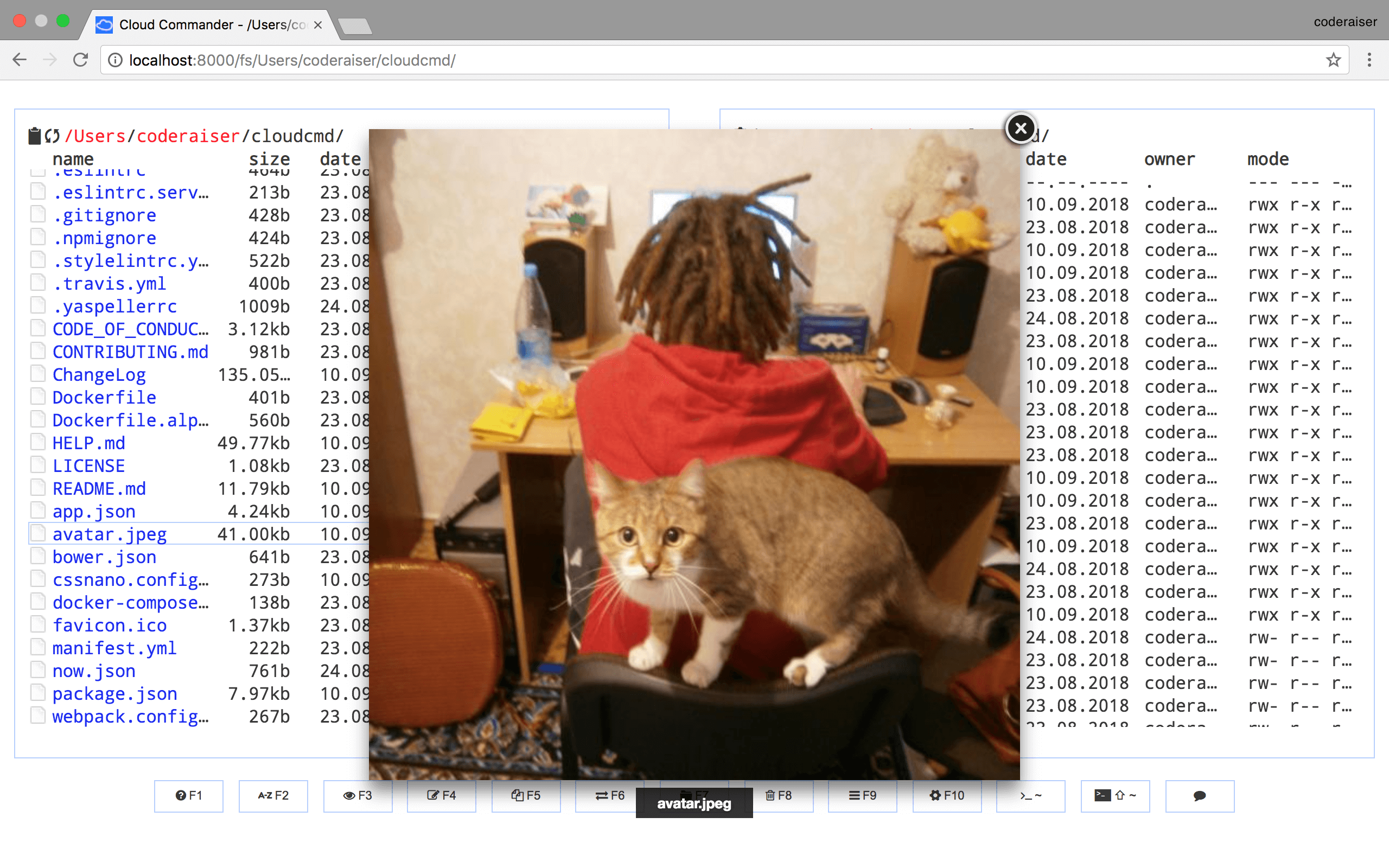
You will see something similar to this. View
Using as Middleware

Cloud Commander could be used as middleware for node.js applications based on socket.io and express:

Init package.json:

npm init -y

Install dependencies:

npm i cloudcmd express socket.io -S

And create index.js:

import http from 'node:http';
import {cloudcmd} from 'cloudcmd';
import {Server} from 'socket.io';
import express from 'express';

const app = express();

const port = 1337;
const prefix = '/';

const server = http.createServer(app);
const socket = new Server(server, {
    path: `${prefix}socket.io`,
});

const config = {
    name: 'cloudcmd :)',
};

const filePicker = {
    data: {
        FilePicker: {
            key: 'key',
        },
    },
};

// override option from json/modules.json
const modules = {
    filePicker,
};

const {
    createConfigManager,
    configPath,
} = cloudcmd;

const configManager = createConfigManager({
    configPath,
});

app.use(prefix, cloudcmd({
    socket, // used by Config, Edit (optional) and Console (required)
    config, // config data (optional)
    modules, // optional
    configManager, // optional
}));

server.listen(port);

Docker

The docker images are provided for multiple architectures and types. The following list shows all existing images:

Architecture Type
amd64 linux
arm64 (arm/v8) linux
amd64 linux-alpine
arm64 (arm/v8) linux-alpine

Cloud Commander could be used as a docker container this way:

docker run -it --rm -v ~:/root -v /:/mnt/fs -w=/root -p 8000:8000 coderaiser/cloudcmd

Config would be read from home directory, hosts root file system would be mount to /mnt/fs, 8000 port would be exposed to hosts port.

Also you could use docker compose with docker-compose.yml:

version: '2'
services:
  web:
    ports:
      - 8000:8000
    volumes:
      - ~:/root
      - /:/mnt/fs
    image: coderaiser/cloudcmd

When you create this file run:

docker-compose up

Documentation

More documentation you can find on https://cloudcmd.io/.

Get involved

There is a lot ways to be involved in Cloud Commander development:

License

MIT

Frequently asked questions

Is cloudcmd free to use?

cloudcmd is open source under the MIT licence. There is no licence fee and no seat count — you can self-host it or, where the project offers one, pay a vendor for a managed version instead.

What does cloudcmd do?

✨☁️📁✨ Cloud Commander file manager for the web with console and editor.

What is cloudcmd written in?

cloudcmd is primarily written in JavaScript. Its source is publicly available at https://github.com/coderaiser/cloudcmd, and it has 2,030 GitHub stars.
