chadtree is a free, open source file management & sync project written in Python and released under GPL-3.0. It has 1,688 GitHub stars, 62 forks and 93 open issues, and was last pushed 19 hours ago. On this registry it ranks #47 of 63 tracked projects in File Management & Sync, with 5 head-to-head comparisons available.

What is chadtree?

CHADTree is a file manager plugin for Neovim, written in Python, aimed at developers who want a fast, feature-rich tree explorer as an alternative to NERDTree.

What it is

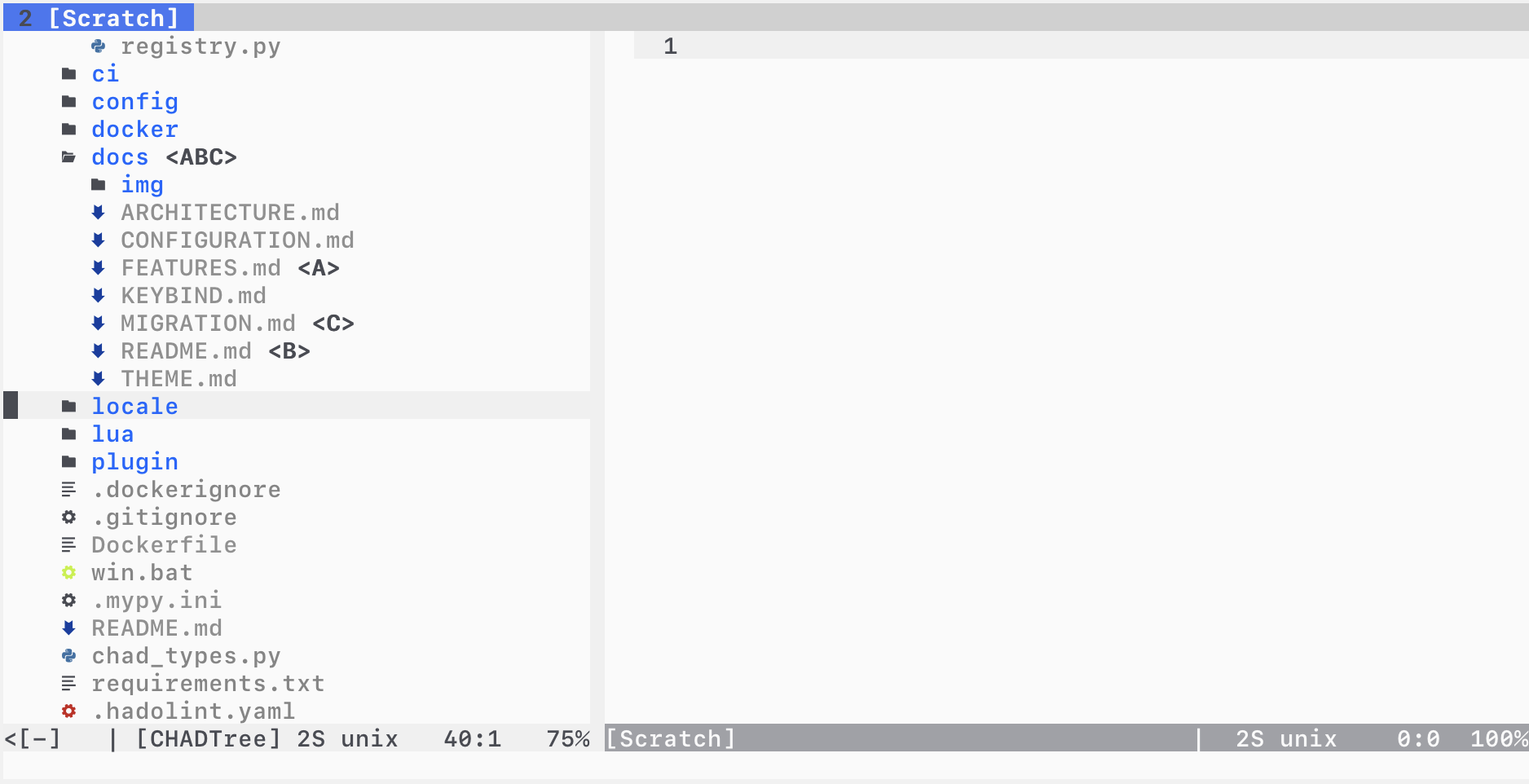
CHADTree is a file explorer that runs inside Neovim, written in Python and installed as a Neovim plugin on the chad branch. It replaces NERDTree as the sidebar tree you toggle with :CHADopen, and it lives in the Neovim plugin ecosystem, using a local Python runtime installed under chadtree/.vars/runtime for its dependencies.

The concrete problem it addresses is sluggish, blocking file trees: CHADTree performs a parallel filesystem scan and uses a React-like reconciling renderer that minimises the differences it redraws, so it never blocks the editor. Beyond navigation, it bundles the file operations people otherwise leave the tree for — create, copy, paste, delete and rename, along with visual mode selections and quickfix integration.

Key capabilities

  • Parallel filesystem scan with a reconciling render engine that minimises redraw work and never blocks.
  • Asynchronous git status parsing showing untracked, modified and staged files, with full support for git submodules.
  • Filtering by glob, follow mode, bookmarks, and session support that saves open folders to disk so you resume where you stopped.
  • Full $LS_COLOR support, GitHub-linguist-derived coloured icons covering over 600 colours, three built-in icon sets, and four built-in themes (nord, solarized, trapdoor, vim-syntax).
  • Trash support via the trash or trash-cli utilities, ls -l statistics, and correct handling of symlinks.
  • Mimetype warnings to stop you opening an image by accident, plus a validating config parser that reports schema errors.
  • Built-in documentation through :CHADhelp in a floating window, :CHADhelp keybind for hotkeys, and :CHADhelp --web to open the docs in a browser.

Who uses it and how

  • Developers running Neovim 0.4.3 or newer on Python 3.8.2 or newer who want a permanent file tree bound to a hotkey such as nnoremap v :CHADopen.
  • Users who keep large working trees and rely on glob filtering and follow mode to keep the pane relevant while navigating.
  • People working in git repositories who read status decorations directly in the tree, including repositories with submodules.
  • Users who move files frequently and want selections preserved across copy and move operations, with quickfix integration for bulk edits.
  • Anyone wanting an off-board escape hatch: :CHADrestore clears stuck decorations, and removing chadtree/ cleanly deletes everything the plugin put on disk.

Getting started

Install it with your plugin manager — for example Plug 'ms-jpq/chadtree', {'branch': 'chad', 'do': 'python3 -m chadtree deps'} — then run :CHADdeps when installing or updating to install dependencies inside chadtree/.vars/runtime, and open the tree with :CHADopen.

How it compares

CHADTree explicitly positions itself against NERDTree, the file explorer named throughout its own description, and its stated differentiators are speed — parallel scanning, a difference-minimising renderer, and no editor blocking — and breadth of built-in features such as git status, sessions and colour support. Among the tools named in its own material it stands as the faster, more fully featured tree, though the README names no other Neovim file managers to compare against directly.

When to use it — and when not

You are taking on a Python runtime inside Neovim: it needs virtualenv, Python 3.8.2 and Neovim 0.4.3 at minimum, and you must run :CHADdeps on every install or update; trash support additionally requires the external trash or trash-cli command. It is not a fit for users who want a dependency-free pure-Lua plugin, and the project carries 93 open issues alongside a documented Windows quirk where decorations stick until :CHADrestore is run.

project readme (upstream, from github) — read inline

CHADTree

File Manager for Neovim, Better than NERDTree.

Features Illustrated

See full list of screen captures here

I like speed

  • Parallel Filesystem Scan

  • React Like Reconciling Difference Minimizing Rendering engine

  • Never blocks

You can read more about my performance optimization here.

I like power

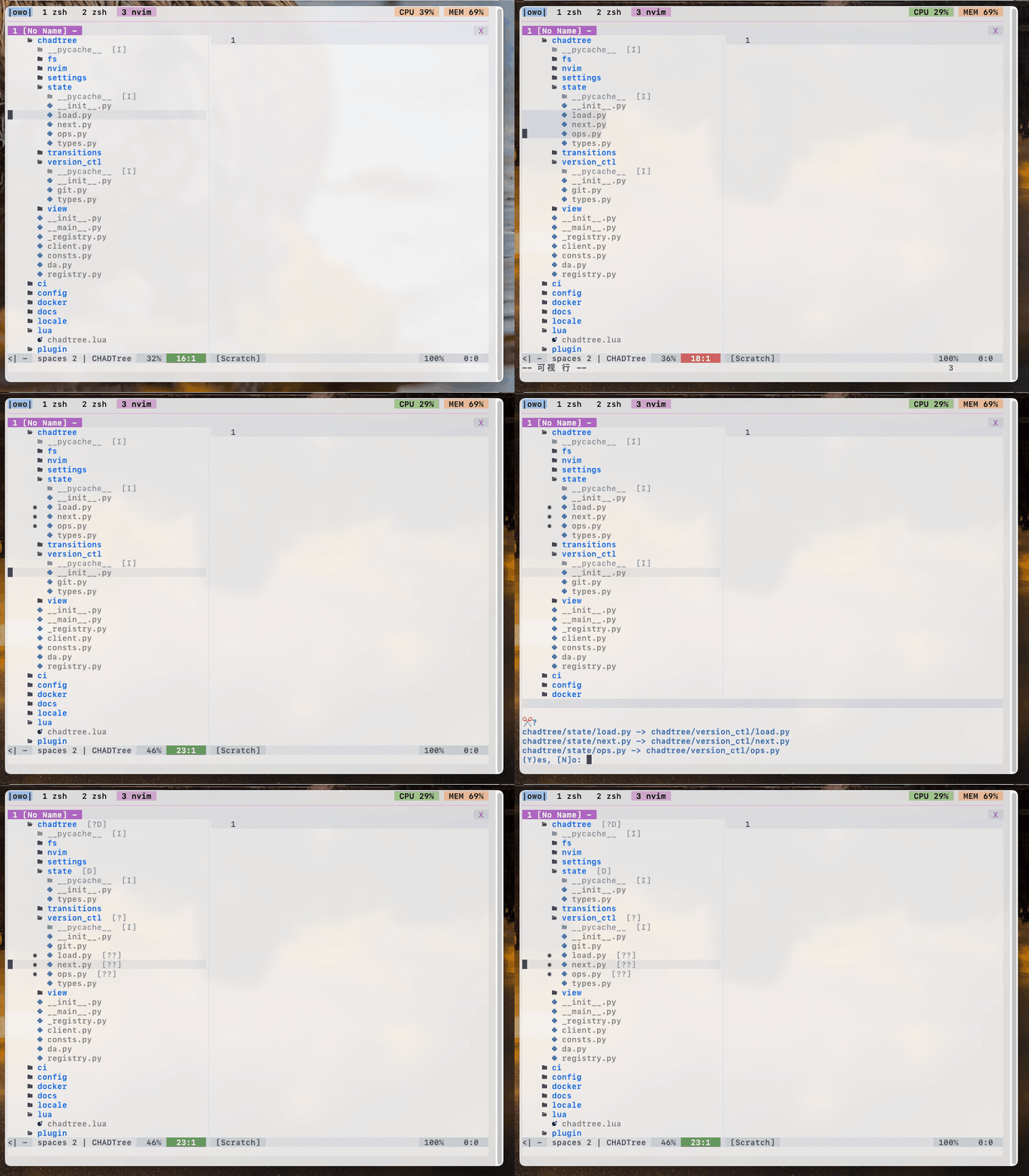
  • Visual mode selections

  • Create, Copy, Paste, Delete, Rename, gotta do them all

  • Quickfix integration

  • Bookmarks

visual_select.gif

I like 21st century

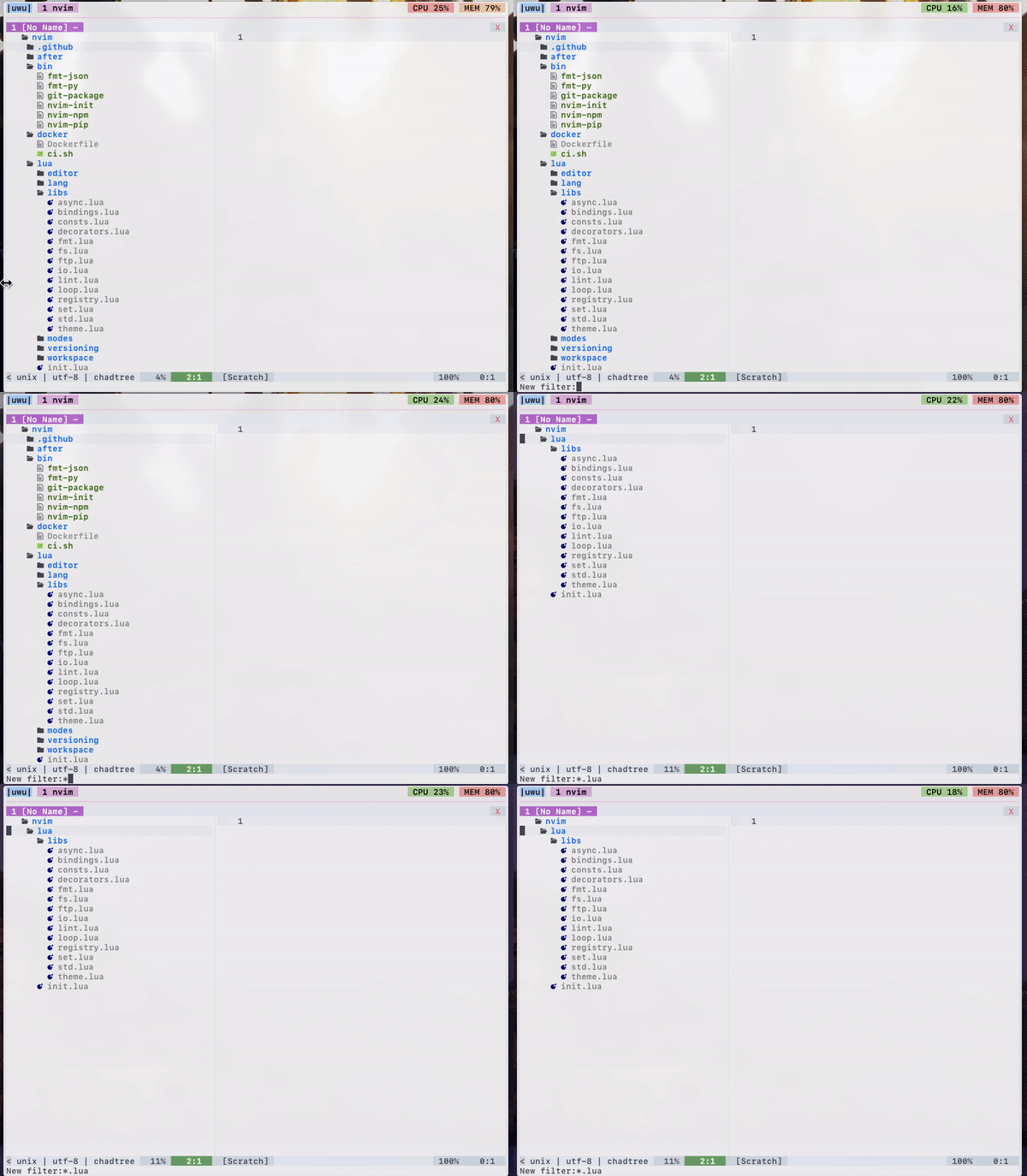
  • Filtering by glob

  • Follow mode

  • Session support (save open folders to disk, pick up where you left off)

  • Trash support (requires trash or trash-cli)

  • ls -l statistics

  • Correct! handling of symlinks

filtering.gif

I like version control

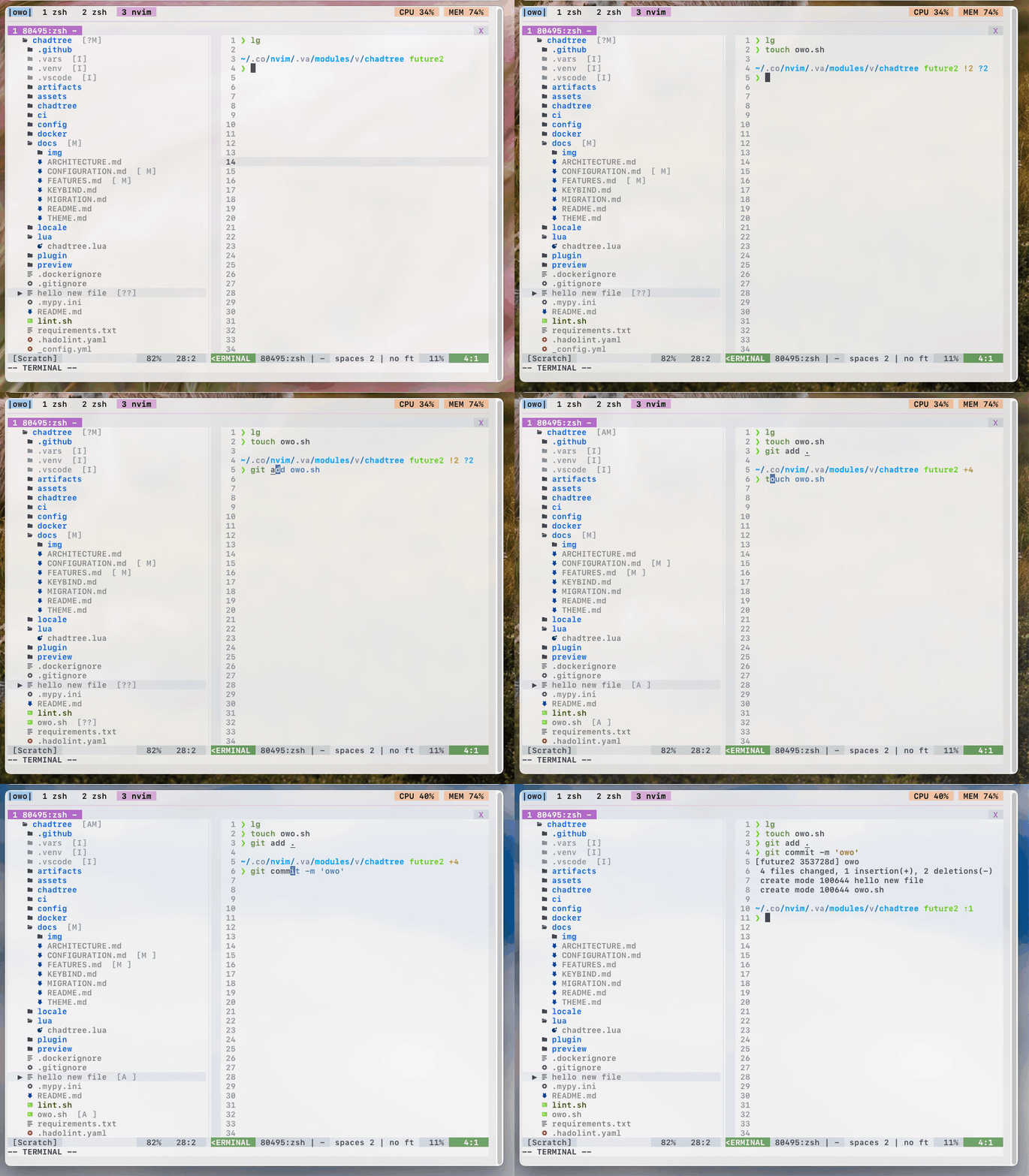
  • Asynchronous parse git status (untracked, modified, staged)

  • Full support for git submodules

git.gif

I like colours

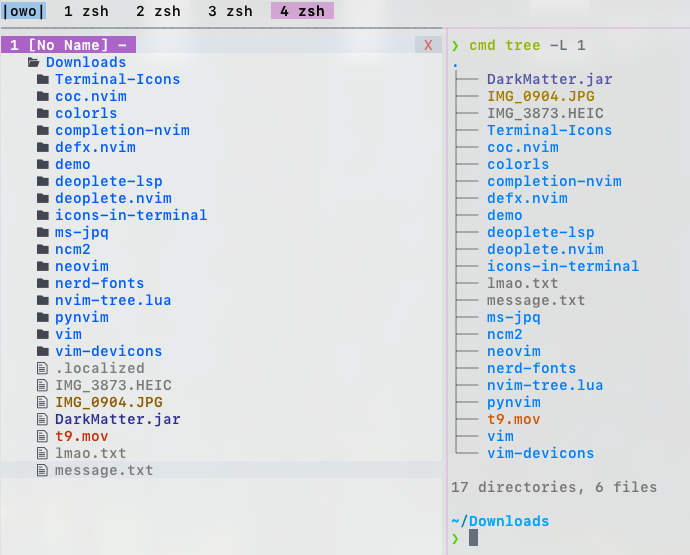
  • Full $LS_COLOR support! (shows same colours as unix ls & tree commands)

  • Github coloured icons (over 600 colours!)

  • Three different sets of icons out of the box

  • Four built-in themes - nord, solarized, trapdoor, vim-syntax
ls_colours.png

github_colours.png

I like refinement

  • Maintain cursor position on relevant files even when during movements.

  • Maintain selection when copying, moving files

  • Mimetype warning (so you don't accidentally open an image)

  • Validating config parser (notice, I added an extra "dog" param)

mime warn.png

schema error.png

I like documentation

  • Built-in help command in a floating window!

  • Over 1000 lines of meticulous docs covering every option / function!

Use :CHADhelp to view documentation

Use :CHADhelp --web to open documentation in your browser! (If you have one installed)

Install

Minimum version: python: 3.8.2, nvim: 0.4.3, make sure to have virtualenv installed (e.g.: sudo apt install --yes -- python3-venv)

Install the usual way, ie. VimPlug, Vundle, etc

Plug 'ms-jpq/chadtree', {'branch': 'chad', 'do': 'python3 -m chadtree deps'}

You will have to run :CHADdeps when installing / updating. This will install CHADTree's dependencies locally inside chadtree/.vars/runtime.

doing rm -rf chadtree/ will cleanly remove everything CHADTree uses on your computer.

Usage

To toggle CHADTree run command :CHADopen. Set it to a hotkey for convenience.

nnoremap <leader>v <cmd>CHADopen<cr>

To see a list of hot keys:

Either use :CHADhelp keybind or open in browser using :CHADhelp keybind --web

FAQ

Q: Sometimes Windows will get stuck with CHADTree decorations when I do not want them to be, how do I resolve this?

A: Run :CHADrestore

Recommendations

Add a hotkey to clear quickfix list:

nnoremap <leader>l <cmd>call setqflist([])<cr>

If you like this...

Also check out

  • sad, its a modern sed that does previews with syntax highlighting, and lets you pick and choose which chunks to edit.

  • coq.nvim, it's a FAST AS FUCK completion client with shit tons of features.

  • isomorphic-copy, it's a cross platform clipboard that is daemonless, and does not require third party support.

Special Thanks

CHADTree does not define it's own colours beyond some minimal defaults, all themes are imported from other open source projects.

The base icons are imported from the vim-devicon

All emoji icons are imported from the vim-emoji-icon-theme

Some themes are imported from dircolors-solarized

Some themes are imported from nord-dircolors

Some themes are imported from LS_COLORS

Some themes are imported from vim-nerdtree-syntax-highlight

Frequently asked questions

Is chadtree free to use?

chadtree is open source under the GPL-3.0 licence. There is no licence fee and no seat count — you can self-host it or, where the project offers one, pay a vendor for a managed version instead.

What does chadtree do?

File manager for Neovim. Better than NERDTree.

What is chadtree written in?

chadtree is primarily written in Python. Its source is publicly available at https://github.com/ms-jpq/chadtree, and it has 1,688 GitHub stars.