
BugPin is a free, open source monitoring & observability project written in TypeScript and released under AGPL-3.0. It has 38 GitHub stars, 11 forks and 7 open issues, and was last pushed 9 days ago. On this registry it ranks #95 of 97 tracked projects in Monitoring & Observability, with 5 head-to-head comparisons available. It gained 2 stars over the last 6 tracked days.

What is BugPin?

BugPin is a self-hosted, open-source visual bug reporting tool that lets teams capture annotated screenshots, collect diagnostic metadata, and triage bug reports from web applications running on their own servers.

What it is

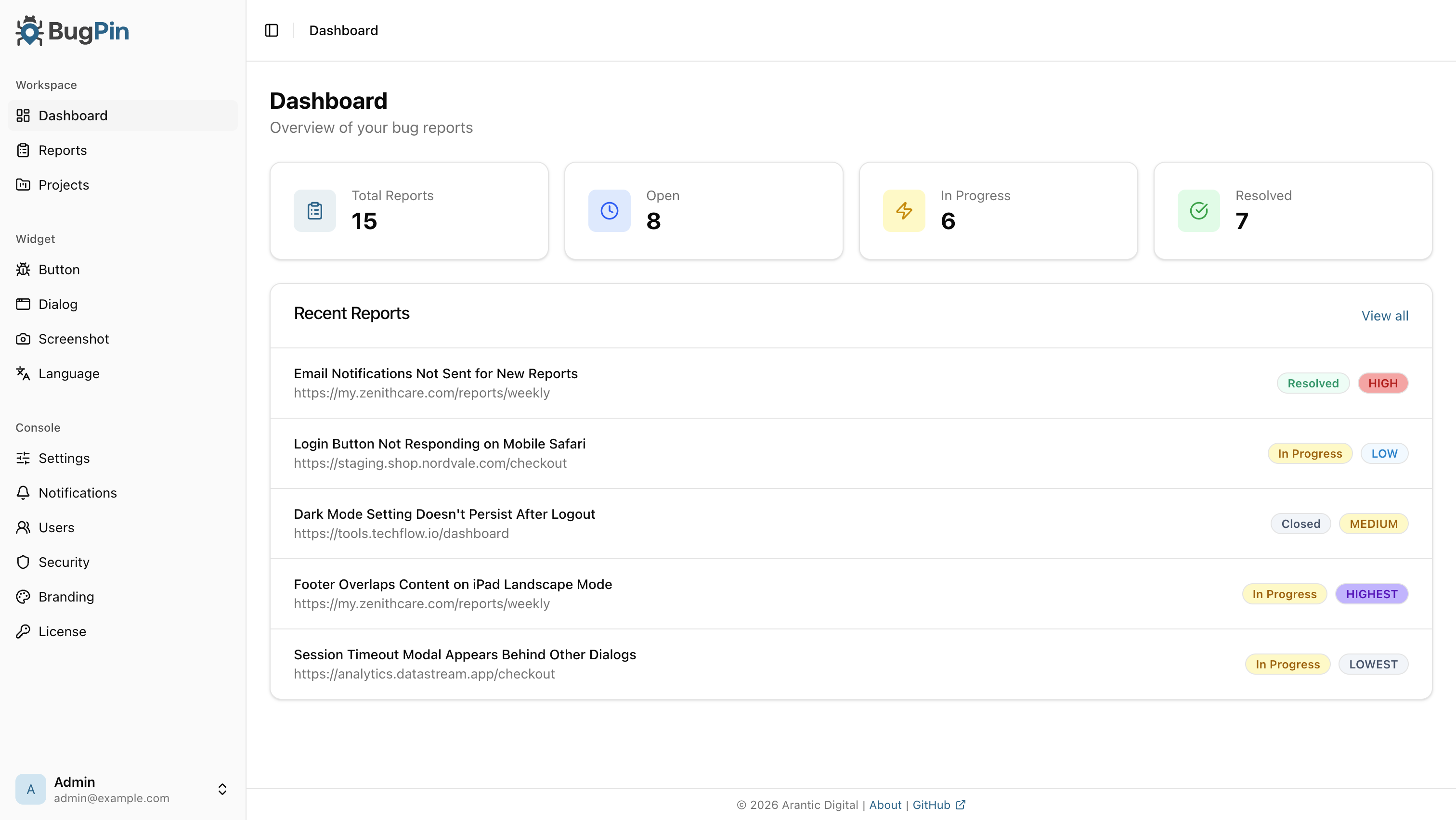
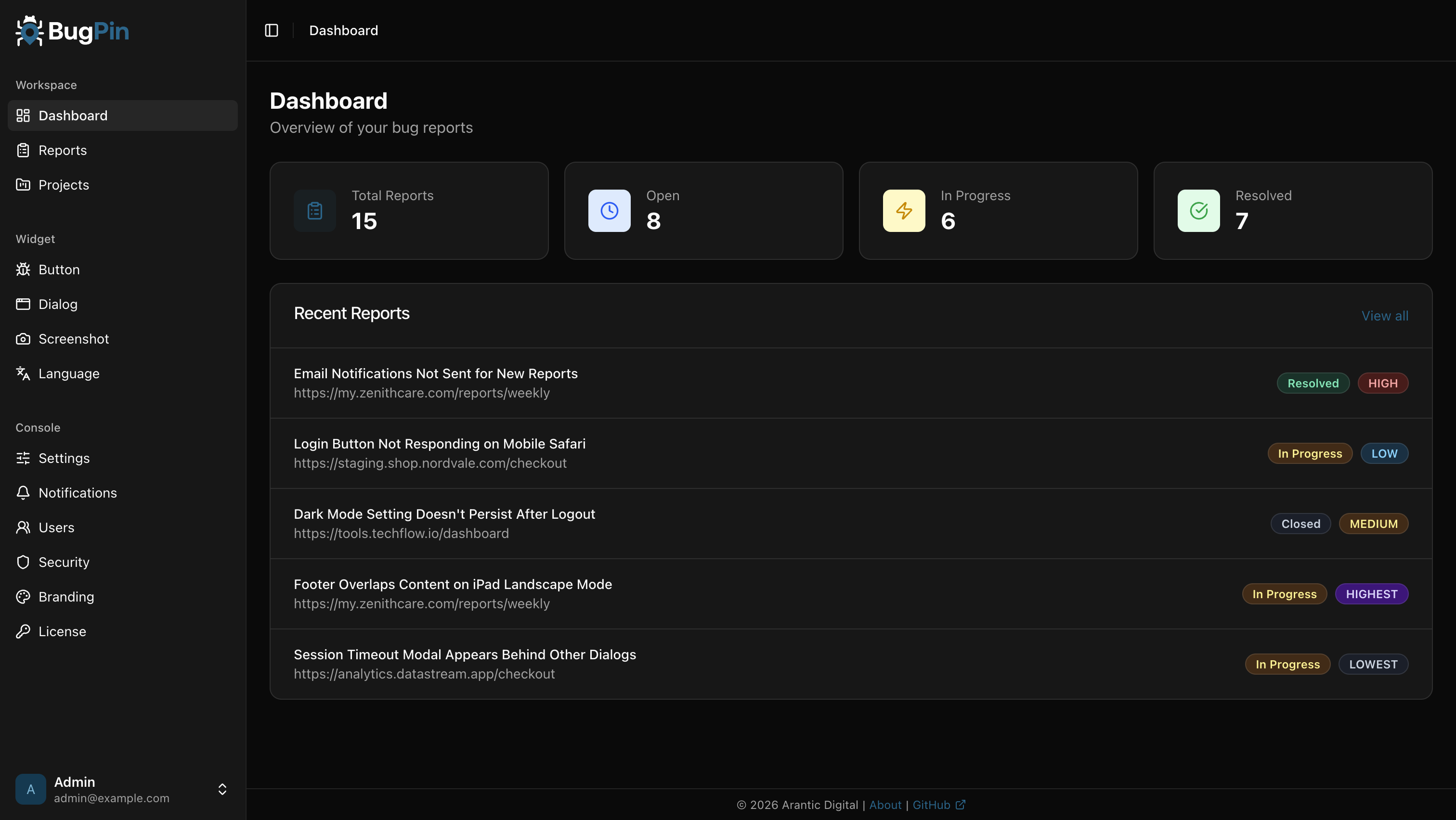
BugPin is a TypeScript application, licensed under AGPL-3.0, that provides two halves of a bug reporting workflow: an embeddable widget that runs inside a web application, and an Admin Console that receives, triages, and forwards what the widget captures. The widget works with React, Vue, Angular, Svelte, or vanilla JavaScript, and can be added either with a single script tag or through the @arantic/bugpin-widget npm package for bundlers such as Vite and webpack. Reports arrive in the Admin Console, which supports multiple projects, each with its own API key, and ships with light and dark themes.

The concrete problem it solves is the manual loop that normally surrounds a bug report: a user takes a screenshot, describes what happened, and pastes both into a tracker by hand, usually losing the network responses and console errors that explain the failure. BugPin replaces that with an in-page widget that captures the screenshot, lets the reporter annotate it with pen, shapes, arrows, text, or a privacy blur, and automatically attaches failed network requests, console errors, and OS, browser, and device information. The result is a single structured report rather than an incomplete pasted description.

Key capabilities

  • Widget embeds with a single script tag and works across React, Vue, Angular, Svelte, and vanilla JavaScript, or via the @arantic/bugpin-widget npm package.
  • Shadow DOM isolation keeps widget styles out of the host site and host CSS out of the widget.
  • Annotation tools include pen, shapes, arrows, text, and privacy blur.
  • Automated metadata collection captures failed network requests (4xx, 5xx), console errors, and OS, browser, and device information.
  • Offline support buffers reports locally and syncs them when the connection returns.
  • Export diagnostics as Markdown, plain text, an AI prompt, or JSON, with section toggles and redactions.
  • Multi-project management with separate API keys, GitHub Issues forwarding, and security options including domain whitelists, configurable rate limiting, HSTS, and secure headers.

Who uses it and how

  • Teams that must keep bug report data on their own servers deploy the single container and route the widget at their own host.
  • Organizations running several web applications use the multi-project model with a separate API key per project.
  • Teams already working in GitHub forward reports into GitHub Issues instead of maintaining a separate queue.
  • Products with users on unreliable connections rely on local buffering and later sync.
  • International products use the widget and reporter emails in eight languages (English, German, French, Dutch, Spanish, Italian, Japanese, Simplified Chinese) with automatic detection and per-project language settings.

Getting started

Run the published image registry.arantic.cloud/bugpin/bugpin:latest through a docker-compose.yml file or a plain docker run with port 7300 published and a volume mounted at /data, then sign in to the Admin Console and change the default password. Front-end integration is either a script tag before the closing body tag or npm install @arantic/bugpin-widget followed by BugPin.init with an API key and a serverUrl.

How it compares

No competing products are named in the facts for this entry, so BugPin stands alone in this registry as a self-hosted visual bug reporting tool. Its distinguishing trait within that space is that the capture widget, the storage, and the triage console are all part of one AGPL-3.0 self-hosted package rather than a client that reports to someone else's servers.

When to use it — and when not to

A self-hoster must operate the container and persist the /data volume, and the default [email protected] credentials must be changed immediately after the first login. Teams that want no infrastructure to run, or that cannot accept AGPL-3.0 copyleft terms, should look elsewhere before adopting it. The project is also young and small, with 38 stars, 11 forks, and 7 open issues, so anyone depending on it should judge the maintainer's release cadence for themselves.

project readme (upstream, from github) — read inline


The self-hosted, open-source visual bug reporting tool.
Capture screenshots, annotate issues, and track bugs from your web applications.


Admin Console license: AGPL-3.0 Widget license: MIT


Admin Console

Manage projects and triage reports. Light and dark mode out of the box.

Light Mode
Dark Mode
Widget

Capture screenshots and annotate issues from any page on your site.
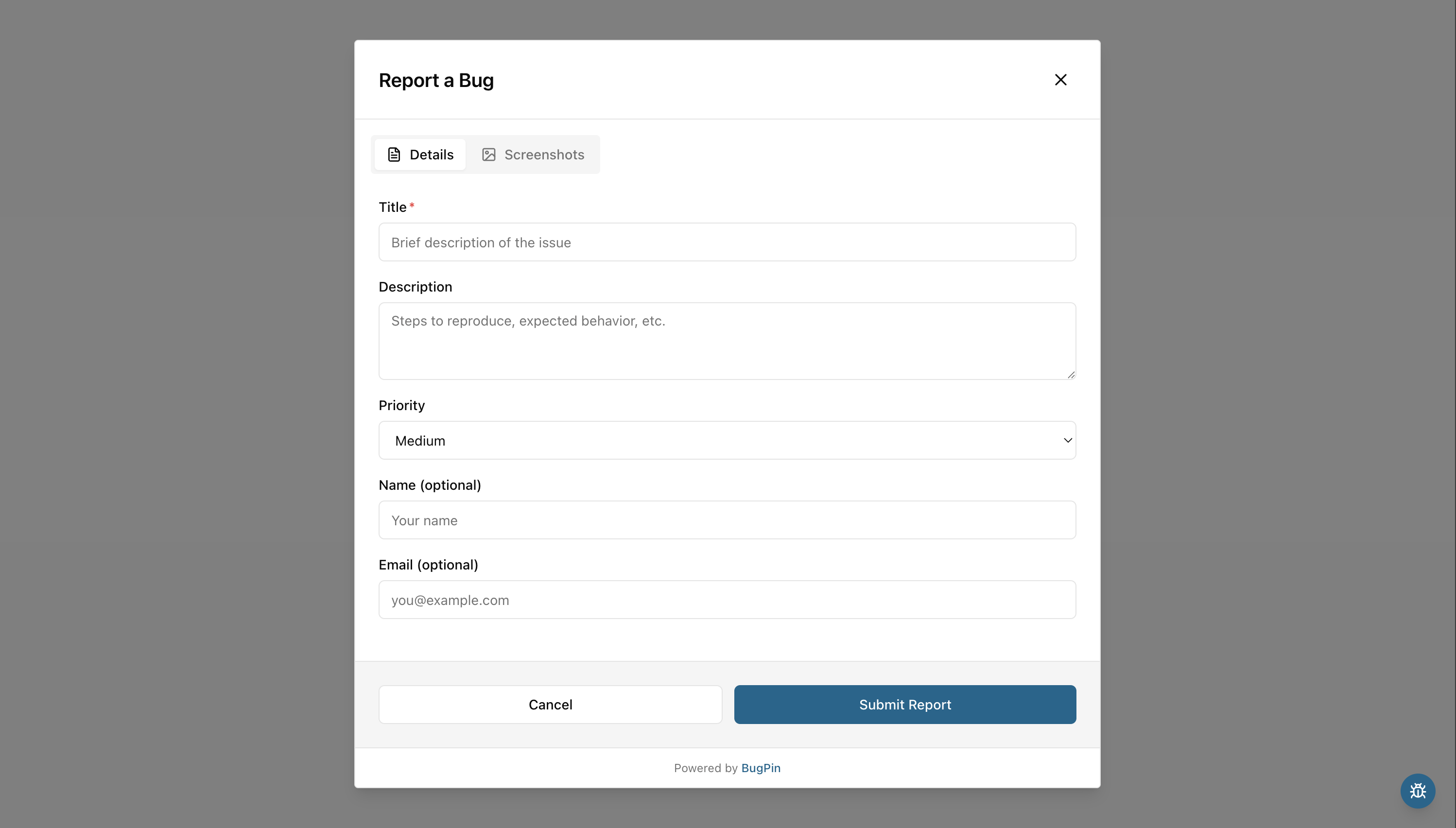
  • Embeds with a single script tag. Works with React, Vue, Angular, Svelte, or vanilla JS
  • Shadow DOM isolation: widget styles never leak into your site, and your CSS never bleeds into the widget
  • Offline-safe: reports are cached locally and synced when the connection returns
  • Annotation tools: pen, shapes, arrows, text, privacy blur
  • Translated into 8 languages (English, German, French, Dutch, Spanish, Italian, Japanese, Simplified Chinese) with automatic detection

Features

  • Visual Bug Reporting - Capture screenshots with one click
  • Annotation Tools - Draw, highlight, and annotate screenshots
  • Automated Metadata Collection - Failed network requests (4xx, 5xx), console errors, and OS/browser/device info captured automatically
  • Offline Support - Reports are buffered and sent when back online
  • Self-Hosted - Your data stays on your servers
  • Multi-Project - Manage multiple projects with separate API keys
  • Multilingual Widget - Widget and reporter emails translated into 8 languages, with per-project language settings
  • Export Diagnostics - Export a report's full context as Markdown, plain text, an AI prompt, or JSON, with section toggles and redactions
  • Enhanced Security Features - Domain whitelists, configurable rate limiting, HSTS, and secure headers
  • GitHub Integration - Forward reports to GitHub Issues
  • Dark Mode - Admin Console supports light and dark themes

Quick Start

Get BugPin up and running in under 5 minutes. This guide will walk you through the basic setup to start capturing and managing bug reports.

Install

Docker Compose

Create a docker-compose.yml file:

services:
  bugpin:
    image: registry.arantic.cloud/bugpin/bugpin:latest
    container_name: bugpin
    restart: unless-stopped
    ports:
      - '7300:7300'
    volumes:
      - ./data:/data

Then run:

# Start BugPin
docker compose up -d

Docker Run

# Run BugPin container
docker run -d \
  --name bugpin \
  --restart unless-stopped \
  -p 7300:7300 \
  -v bugpin-data:/data \
  registry.arantic.cloud/bugpin/bugpin:latest

BugPin will be available at http://localhost:7300

Login

Log in with the default credentials:

[!IMPORTANT] Change the default password immediately after first login:

  1. Click your profile icon
  2. Select "Profile"
  3. Update your password

Create a Project

Projects organize bug reports and provide the API key used by the widget.

  1. Open the Admin Console and go to Projects
  2. Click Create Project and enter a name
  3. Copy the API Key shown after creation. You'll need it in the next step.

Widget Integration

Pick whichever method fits your stack. Replace YOUR_API_KEY with the key from the previous step.

Option 1: Script Tag

Add this before the closing `` tag:

<!-- Start of BugPin Widget -->
<script src="http://localhost:7300/widget.js" data-api-key="YOUR_API_KEY"></script>
<!-- End of BugPin Widget -->

No serverUrl needed: the widget reads it from the script tag automatically.

Option 2: npm Package

Install via your bundler (Vite, webpack, etc.):

npm install @arantic/bugpin-widget

Then initialize in your app:

import BugPin from '@arantic/bugpin-widget';

await BugPin.init({
  apiKey: 'YOUR_API_KEY',
  serverUrl: 'http://localhost:7300',
});

When using the npm package, serverUrl is required since the widget no longer loads from a `` tag.

Full Documentation

Full documentation is available at docs.bugpin.io:

Tech Stack

  • Server: Bun, Hono, SQLite
  • Admin Console: React, TanStack Query, Tailwind CSS
  • Widget: Preact, Fabric.js, Shadow DOM

Support

Contributing

Contributions are welcome! Please read CONTRIBUTING.md before submitting pull requests.

License

BugPin uses a multi-license approach:

Enterprise Edition features are proprietary and not open-source software. They are covered by the BugPin Business License.

Frequently asked questions

Is BugPin free to use?

BugPin is open source under the AGPL-3.0 licence. There is no licence fee and no seat count — you can self-host it or, where the project offers one, pay a vendor for a managed version instead.

What does BugPin do?

Self-hosted visual bug reporting with screenshot annotation

What is BugPin written in?

BugPin is primarily written in TypeScript. Its source is publicly available at https://github.com/aranticlabs/bugpin, and it has 38 GitHub stars.
