Britecharts
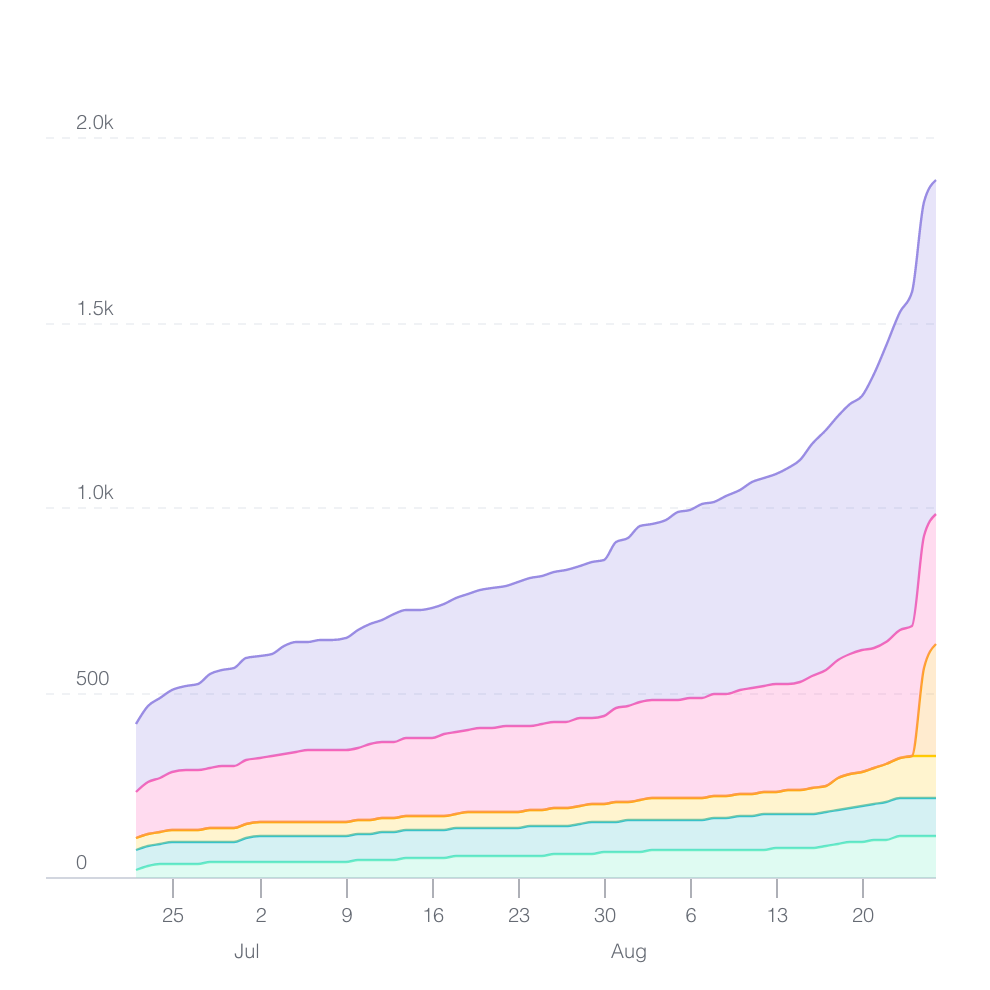
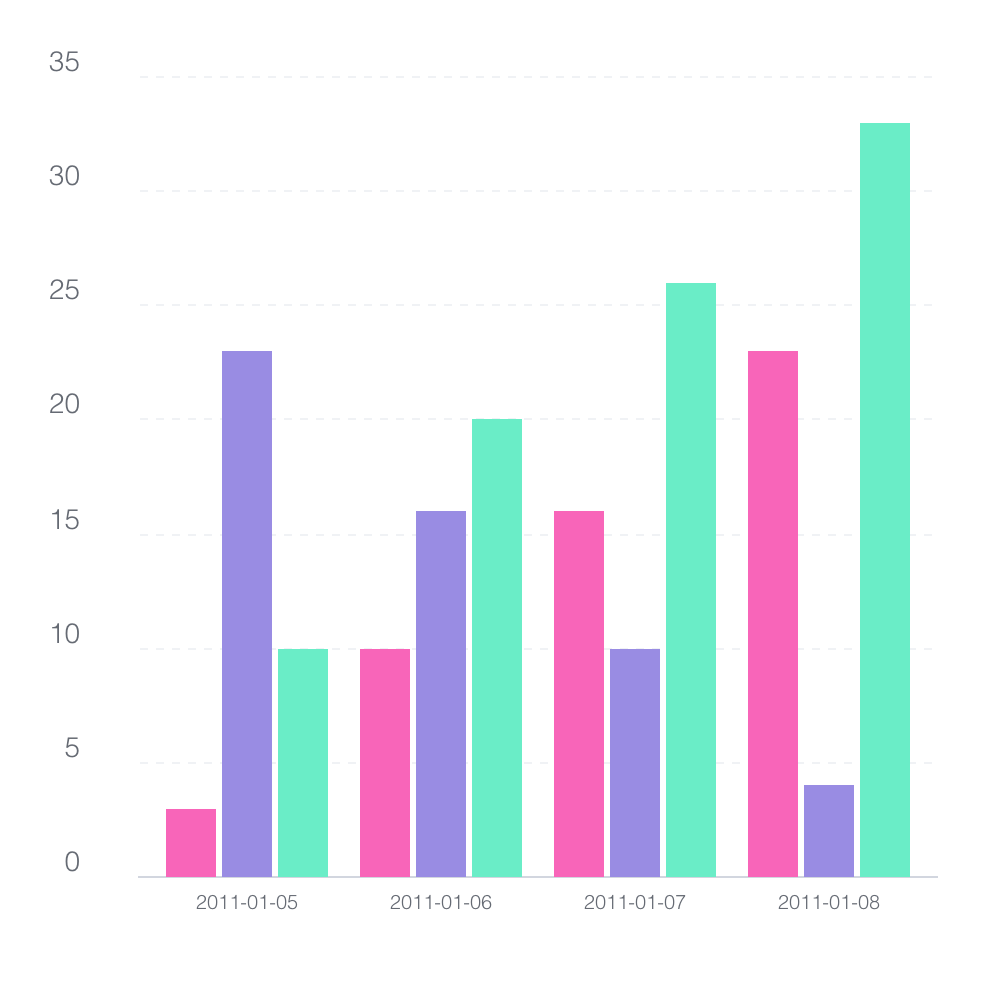
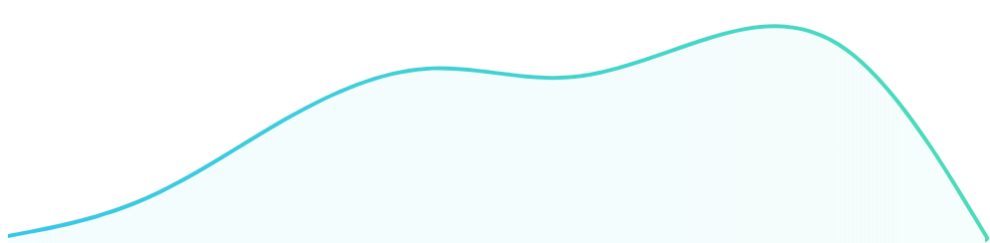
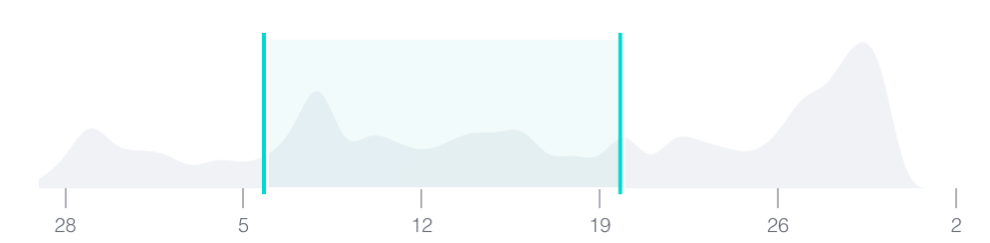
Britecharts is a client-side reusable Charting Library based on D3.js v5 that offers easy and intuitive use of charts and components that can be composed together to create amazing visualizations.





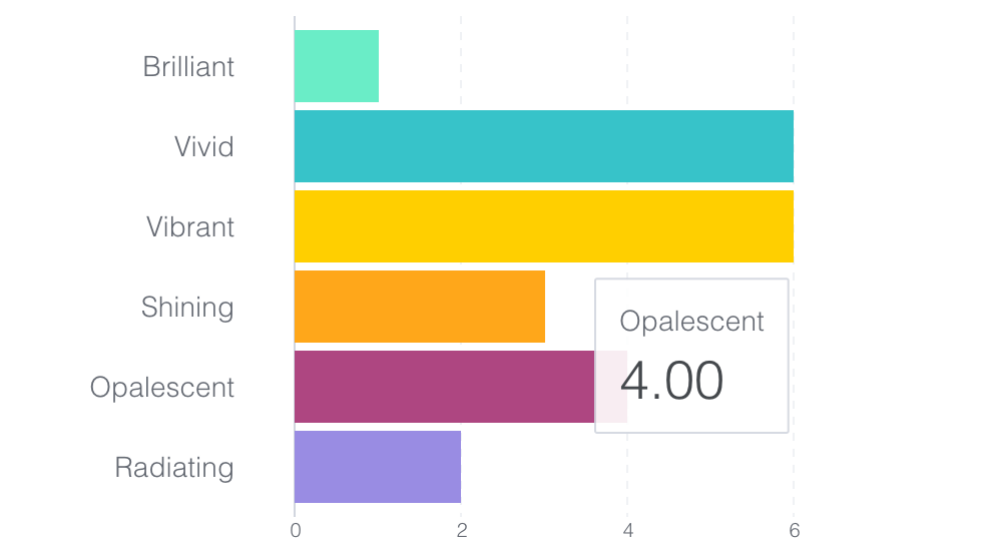 |
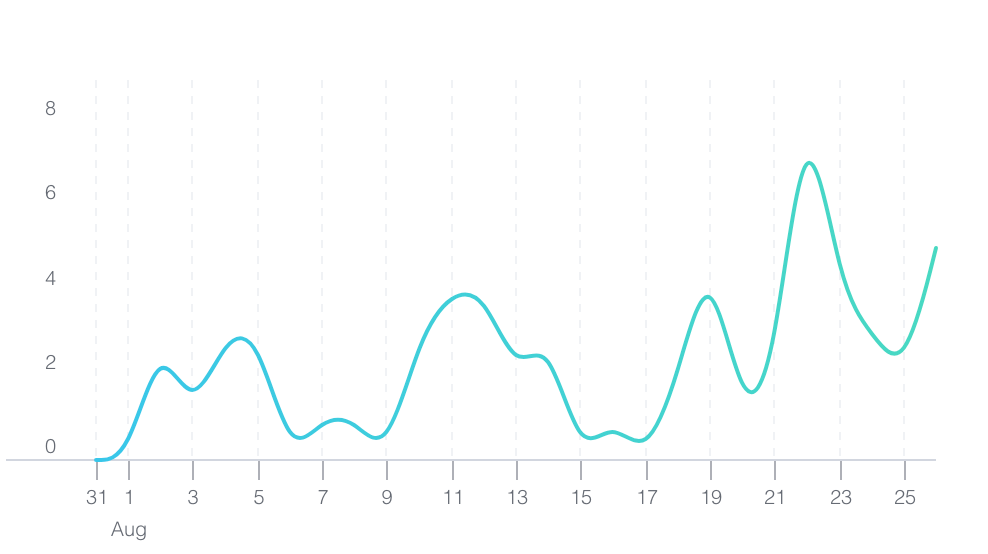 |
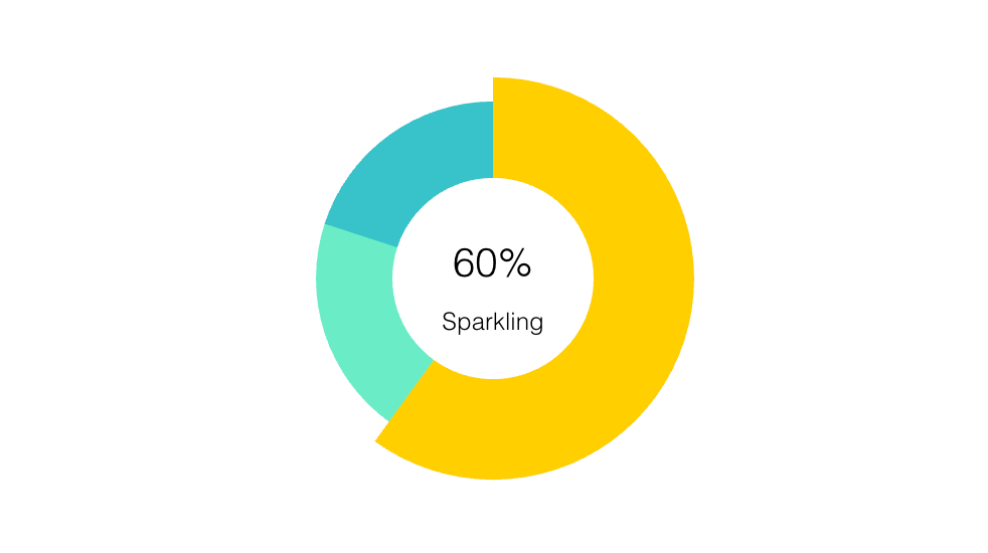 |
|---|---|---|
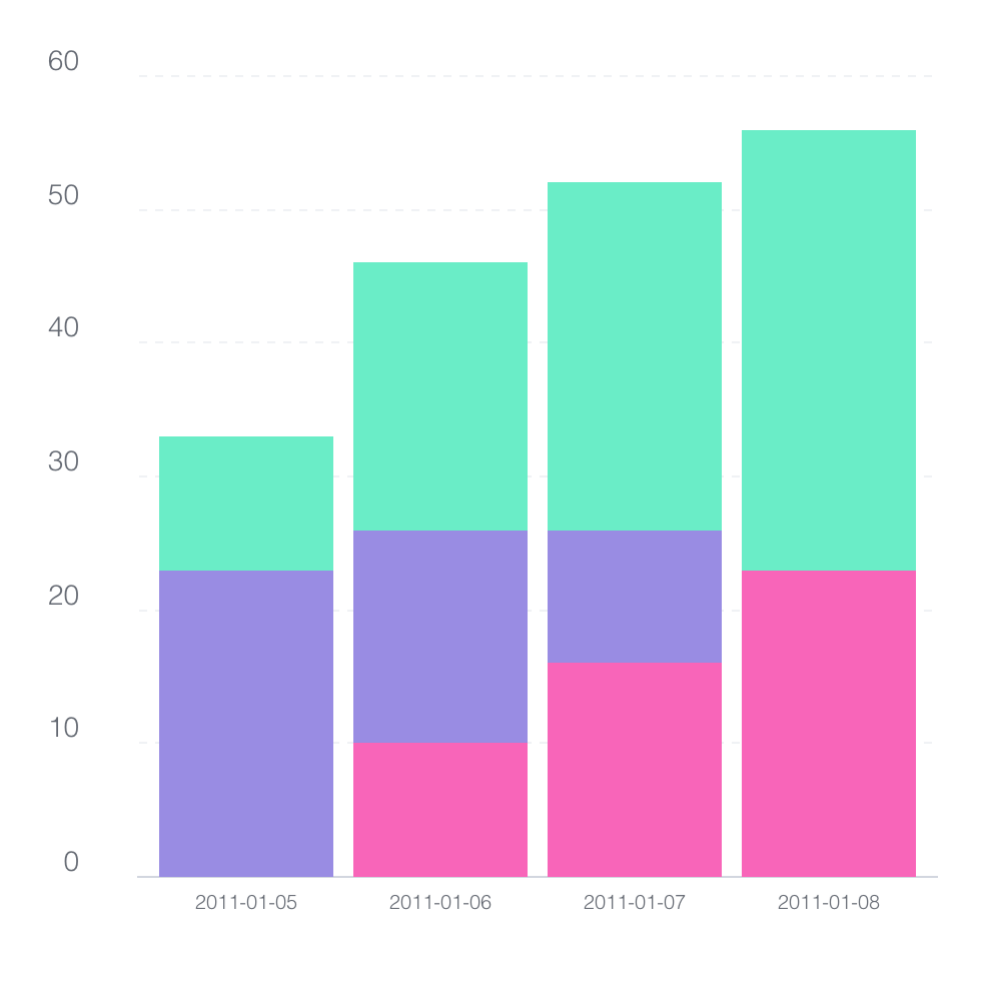 |
 |
 |
 |
 |
 |
Britecharts components have been written in ES2016 with a Test Driven methodology, so they are fully tested, and we are committed to keeping them that way.
Key Features
- Reusability
- Composability
- Great design
Usage
The typical use of Britecharts involves creating a chart using its simple API, then rendering it on a container which has previously had data applied to it. The code will look like this:
barChart
    .width(500)
    .height(300);

barContainer.datum(dataset).call(barChart);
API
All the components expose some common API methods like width, height, and margin. Additionally, each chart or component can expose specific methods you can find in the documentation:
- API, Demo Line Chart
- API, Demo Bar Chart
- API, Demo Donut Chart
- API, Demo Stacked Bar Chart
- API, Demo Grouped Bar Chart
- API, Demo Bullet Chart
- API, Demo Brush Chart
- API, Demo Scatter Plot
- API, Demo Sparkline Chart
- API, Demo Stacked Area Chart
- API, Demo Step Chart
- API, Demo Mini Tooltip
- API, Demo Tooltip
- API, Demo Legend
Installation
Britecharts components are distributed in UMD modules, each one exposing a D3.js component written with the Reusable API pattern. To use any of the Britecharts modules, you will need to require the chart in your JS file using AMD/CommonJS modules or adding a script tag with the src pointing to the file. You would also need to load the d3-selection submodule to select the chart container.
npm install britecharts d3-selection
You can also load Britecharts from our CDN as we do in this demo page or play around in our JSBin and CodePen demo projects.
They also provide some minimal CSS styling, that can be loaded independently or as a bundle. Check our Styling Britecharts tutorial to see more options.
See Also
- Documentation Homepage
- Getting Started Guide
- Tutorials
- How To Guides
- About Britecharts
- Contributing Guide
- Github Repo
- Bar Chart Tutorial[Video]
- Release Notes
Community Roadmap
This project is in active development. We want your input about what is important, for that, add your votes using the 👍 reaction:
To give your feedback, you can open a new issue. You can also find us in the D3.js slack group, in the #britecharts channel. If you want to help, you can check the contributing guide.
If you work with Angular, check out ngx-britecharts and their demos. We are also preparing a wrapper for React, and we will be talking about it on our twitter.
Acknowledgments
Sun Dai designs Britecharts, and two books inspired the code, Developing a D3.js Edge and Mastering D3.js. It also leveraged a significant number of examples and articles from the D3.js community overall.
Contributors ✨
Thanks goes to these wonderful people (emoji key):
 Daler Asrorov 💻 📖 🤔 🚧 👀 ⚠️ |
 Ryan Wholey 💻 📖 🤔 🚧 👀 ⚠️ |
 jchen85 💻 🤔 🚧 👀 ⚠️ |
 Marcos Gómez 💻 |
 ajdani 🐛 💻 🚧 |
 shayh 💻 |
 Jay Clark 💻 |
 Brendan Ratter 💻 🤔 |
 Rajesh 💻 |
 Alexis Crespo 💻 |
 Gago 💻 🖋 🤔 🚇 🚧 👀 🔧 ⚠️ |
This project follows the all-contributors specification. Contributions of any kind are welcome!
License
Copyright 2019 Eventbrite
Licensed under the Apache License, Version 2.0 (the "License"); you may not use this file except in compliance with the License. You may obtain a copy of the License at
https://www.apache.org/licenses/LICENSE-2.0
Unless required by applicable law or agreed to in writing, software distributed under the License is distributed on an "AS IS" BASIS, WITHOUT WARRANTIES OR CONDITIONS OF ANY KIND, either express or implied. See the License for the specific language governing permissions and limitations under the License.
Read more in the license document