

Website - Docs - Community - Bug reports
Table of Contents
⬇️ Download



Homebrew (macOS)
brew install --cask amical
🔮 Overview
Local-first AI Dictation app.
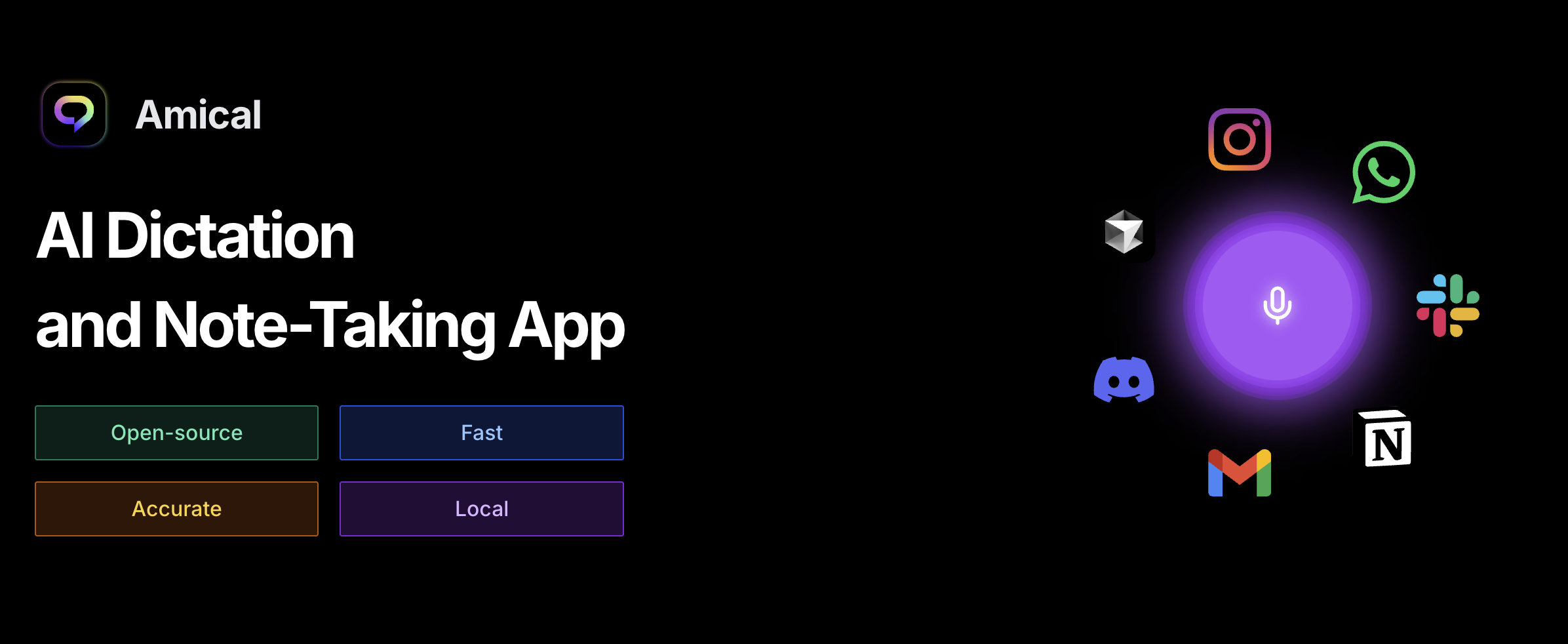
Amical is an open source AI-powered dictation and note-taking app that runs entirely on your machine. Powered by Whisper for speech-to-text and open source LLMs for intelligent processing, Amical gives you the power of AI dictation with complete privacy.
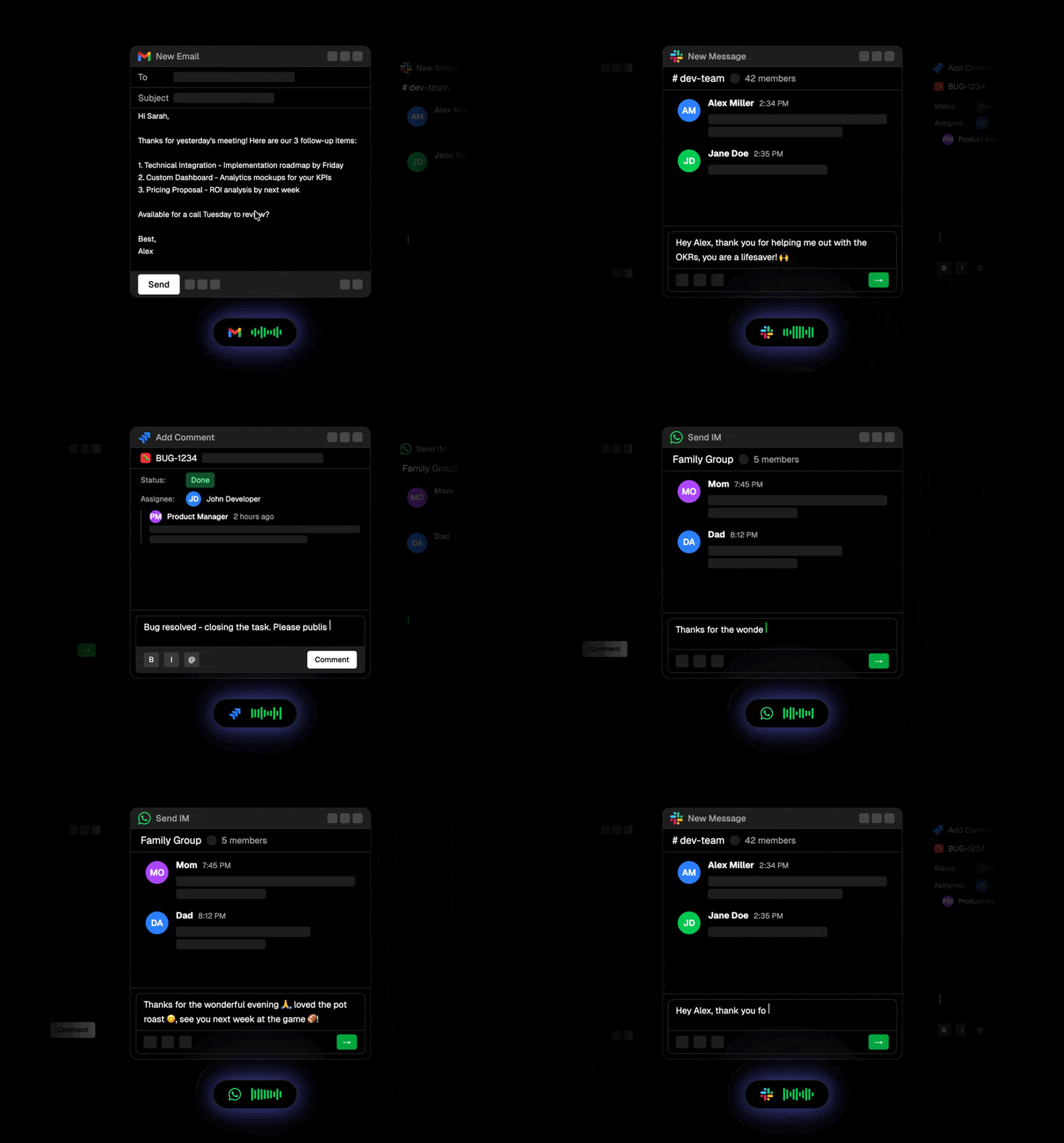
Context-aware dictation that adapts to what you're doing: drafting an email, chatting on Discord, writing prompts in your IDE, or messaging friends. Amical detects the active app and formats your speech accordingly.
✨ Features
✔︎ - Done, ◑ - In Progress, ◯ - Planned
🚀 Super-fast dictation with AI-enhanced accuracy ✔︎
🧠 Context-aware speech-to-text based on the active app ✔︎
📒 Smart voice notes → summaries, tasks, structured notes ◑
🔌 MCP integration → voice commands that control your apps ◯
🎙️ Real-time meeting transcription (mic + system audio) ◯
🔧 Extensible via hotkeys, voice macros, custom workflows ✔︎
🔐 Privacy-first: works offline, one click setup of local models in-app ✔︎
🪟 Floating widget for frictionless start/stop with custom hotkeys ✔︎
🔰 Tech Stack
- 🎤 Whisper
- 🦙 Ollama
- 🧑💻 Typescript
- 🖥️ Electron
- 🎨 TailwindCSS
- 🧑🏼🎨 Shadcn
- 🔒 Better-Auth
- 🧘♂️ Zod
- 🐞 Vitest
- 🌀 Turborepo
Local Development
These steps run the desktop app, which currently supports macOS and Windows. Linux is not supported because the app does not yet have a Linux native helper.
Prerequisites
- Node.js 24.x
- pnpm 10.15.0 (the version pinned in
package.json) - CMake 3.20 or later
- macOS: Xcode or the Xcode Command Line Tools with Swift 5.9 or later
(
xcode-select --install). Local Whisper transcription requires macOS 15 or later. - Windows: Visual Studio 2022 Build Tools with the Desktop development with C++ workload, plus the .NET 8 SDK. Git Bash is recommended because some development scripts use POSIX utilities.
Set up the repository
Clone with submodules so the Whisper sources are available:
git clone --recurse-submodules https://github.com/amicalhq/amical.git
cd amical
If you already cloned without --recurse-submodules, initialize them now:
git submodule update --init --recursive
Enable Corepack so it uses the pinned pnpm version, install dependencies, and download the Node.js binary used by the local Whisper worker:
corepack enable
pnpm install --frozen-lockfile
pnpm --filter @amical/desktop download-node
pnpm install compiles the native Whisper addon, so it can take a few minutes.
It also applies the repository's patches inside the whisper.cpp submodule.
Seeing that submodule marked as modified in git status afterward is expected.
Start the desktop app
Quit any installed copy of Amical first; Electron allows only one Amical instance at a time. Then run:
pnpm turbo run dev --filter=@amical/desktop
When finished, quit the development app from its tray menu and then press Ctrl+C. Stopping the terminal command alone may leave the Electron app running.
No .env file is required for local transcription. The first-run onboarding
downloads a local model and requests the required microphone and OS
permissions. Only configure apps/desktop/.env from
apps/desktop/.env.example when working on optional cloud, authentication, or
telemetry integrations, and replace its placeholder values before use.
Run checks
Before opening a pull request, run:
pnpm type:check
pnpm test
🤗 Contributing
Contributions are welcome! Reach out to the team in our Discord server to learn more.
- 🐛 Report an Issue: Found a bug? Let us know!
- 💬 Start a Discussion: Have ideas or suggestions? We'd love to hear from you.
🎗 License
Released under MIT.