What it is
Zola is an open-source TypeScript chat interface for multiple AI model providers. It lives in the AI interaction and interface ecosystem and gives users one chat surface for OpenAI, Mistral, Claude, Gemini, and local Ollama models. The project uses Apache-2.0 and is built with Next.js, prompt-kit, shadcn/ui, Tailwind CSS, Vercel AI SDK, and Supabase.
The problem it addresses is provider fragmentation. Users who need cloud and local models often switch between vendor websites, local clients, and API wrappers. Zola tries to reduce that friction with one responsive UI, prompt workflow, and deployment path. It also lists bring-your-own-key support through OpenRouter.
Key capabilities
- Multi-model support covers OpenAI, Mistral, Claude, Gemini, and Ollama, including remote APIs and local inference.
- Bring-your-own-key access through OpenRouter is listed as a supported way to connect model providers.
- File uploads are listed as a feature, while INSTALL.md covers unlocking auth and file uploads.
- The UI supports user system prompts, multiple layout options, responsive behavior, and light and dark themes.
- Ollama support includes automatic model detection, allowing Zola to find locally pulled models without manual listing.
- The stack uses prompt-kit, shadcn/ui, Tailwind CSS, Vercel AI SDK, and Supabase for components, styling, model integration, auth, and storage.
- Full MCP support is listed as work in progress, not as a finished feature.
Who uses it and how
- Users can clone the repository, run npm install, set an OpenAI key in .env.local, and start the development server.
- Users wanting local inference can install Ollama, pull a model such as llama3.2, and run Zola with npm, relying on automatic model detection.
- Self-hosters can use docker-compose.ollama.yml to bring up Zola with Ollama in one local workflow.
- Users can use the Vercel deployment button, while auth and file uploads require additional INSTALL.md configuration.
- Users can evaluate direct provider access, OpenRouter-based bring-your-own-key access, and local Ollama use from the same chat surface.
Getting started
Typical installation uses git clone, npm install, and npm run dev, with an OpenAI key in .env.local for cloud models. Docker is available through docker-compose -f docker-compose.ollama.yml up, and a hosted option uses the Vercel deployment button.
When to use it — and when not to
Zola fits users who want an open-source, self-hostable chat interface for several model providers and local Ollama models. It is less suitable for someone who wants a finished hosted product with no operational work, because the README describes a beta release with an evolving codebase and points to INSTALL.md for auth and file uploads. Self-hosters must manage provider keys or OpenRouter access, plus Supabase-based auth and storage setup where needed.
project readme (upstream, from github) — read inline
Zola
zola.chat
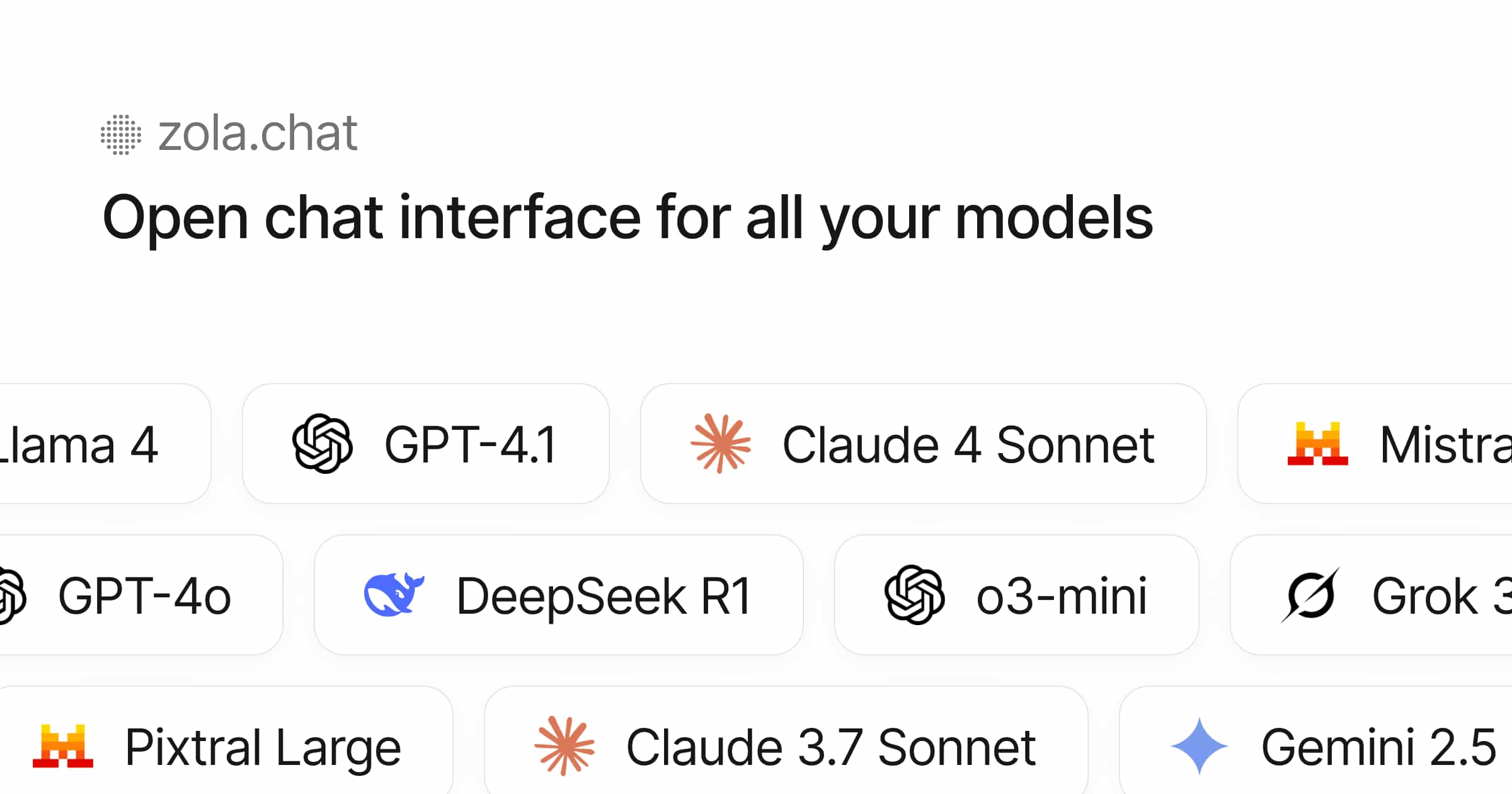
Zola is the open-source chat interface for all your models.
Features
- Multi-model support: OpenAI, Mistral, Claude, Gemini, Ollama (local models)
- Bring your own API key (BYOK) support via OpenRouter
- File uploads
- Clean, responsive UI with light/dark themes
- Built with Tailwind CSS, shadcn/ui, and prompt-kit
- Open-source and self-hostable
- Customizable: user system prompt, multiple layout options
- Local AI with Ollama: Run models locally with automatic model detection
- Full MCP support (wip)
Quick Start
Option 1: With OpenAI (Cloud)
git clone https://github.com/ibelick/zola.git
cd zola
npm install
echo "OPENAI_API_KEY=your-key" > .env.local
npm run dev
Option 2: With Ollama (Local)
# Install and start Ollama
curl -fsSL https://ollama.ai/install.sh | sh
ollama pull llama3.2  # or any model you prefer

# Clone and run Zola
git clone https://github.com/ibelick/zola.git
cd zola
npm install
npm run dev
Zola will automatically detect your local Ollama models!
Option 3: Docker with Ollama
git clone https://github.com/ibelick/zola.git
cd zola
docker-compose -f docker-compose.ollama.yml up

To unlock features like auth, file uploads, see INSTALL.md.
Built with
Sponsors

License
Apache License 2.0
Notes
This is a beta release. The codebase is evolving and may change.