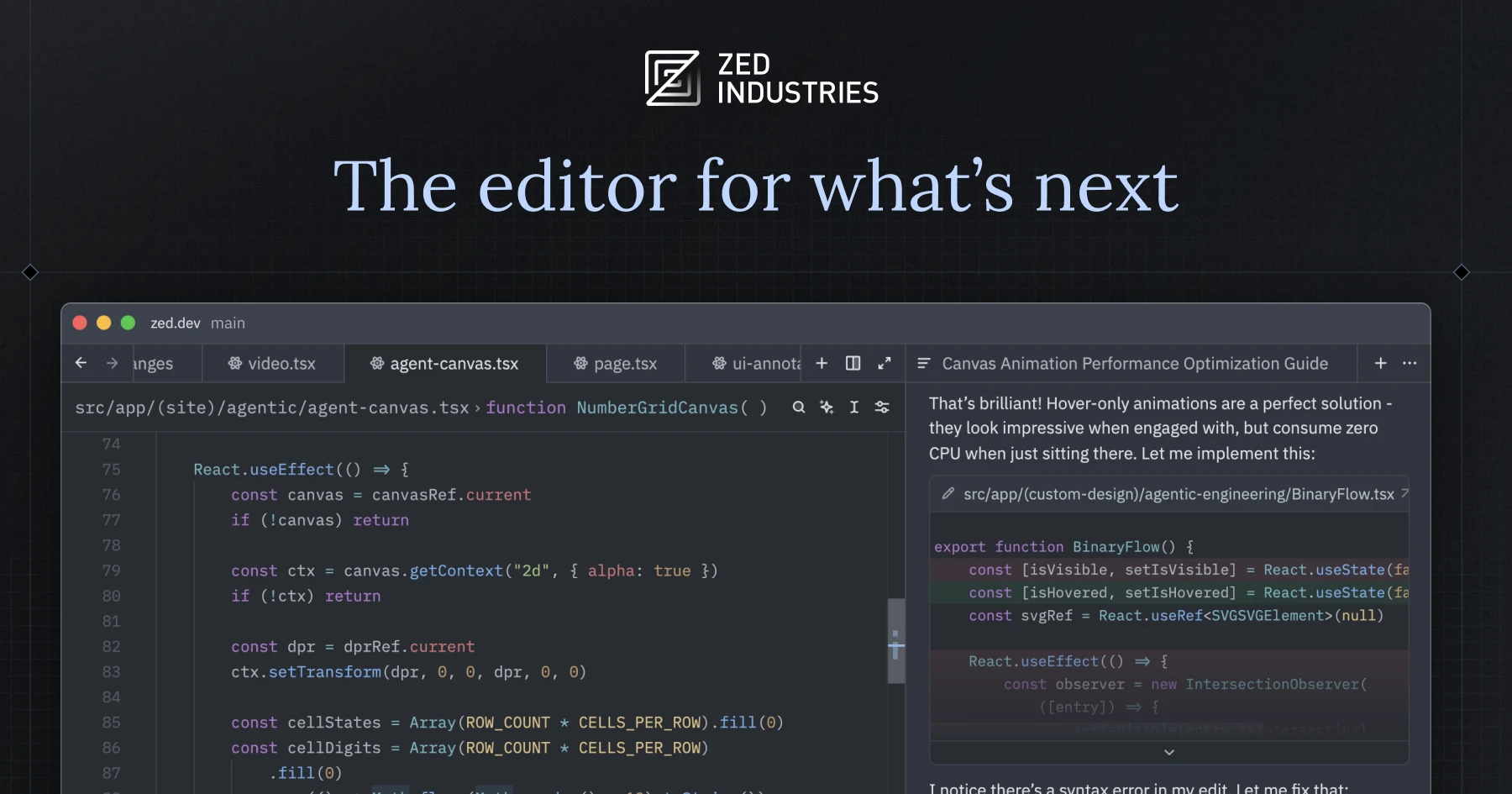
Zed is a high-performance, multiplayer code editor written in Rust, built by the creators of Atom and Tree-sitter and aimed at developers who want a native, fast editing surface with AI assistance built in.
What it is
Zed is a source code editor distributed as a native desktop application for macOS, Linux, and Windows. It comes from Zed Industries, Inc., the company founded by the people behind Atom and Tree-sitter, and the repository carries the language marker Rust alongside the topics gpui, rust-lang, text-editor, and zed. Its own tagline frames it as a high-performance editor built for speed and AI, and the GitHub description calls it a "high-performance, multiplayer code editor." The rendering layer is GPUI, the GPU-oriented UI framework that carries its own topic in the repository.
The concrete problem it addresses is the latency and resource cost of editing code inside heavyweight, historically Electron-based editors. Zed is a compiled Rust application rather than a bundled browser runtime, and it treats collaborative editing as a first-class capability rather than an add-on. In ecosystem terms, it lives at the intersection of the native editor tradition and the hosted collaboration tools that grew up around distributed teams. The thing it directly replaces is the lineage it descends from: Atom, the editor its own creators previously built, and by extension the whole generation of JavaScript-runtime editors that followed the same architectural path.
Key capabilities
- Native desktop builds for macOS, Linux, and Windows, available as a direct download from
https://zed.dev/download or through local package managers on each platform.
- The editor is written in Rust and renders through GPUI, the in-repository UI framework tracked under the
gpui topic.
- Multiplayer editing is a core advertised capability, reflected in the project's own description as a "multiplayer code editor."
- Syntax and language tooling inheritance from Tree-sitter, whose authors built Zed.
- Licensing is primarily GPL-3.0-or-later, with Apache-2.0 components where marked, and third-party dependency licences are machine-checked.
- License compliance runs in CI through
cargo-about, configured in script/licenses/zed-licenses.toml, with accepted SPDX identifiers listed in the accepted array.
- Per-platform build documentation ships in the repository at
docs/src/development/macos.md, docs/src/development/linux.md, and docs/src/development/windows.md.
Who uses it and how
- Individual developers on macOS, Linux, or Windows who install through
https://zed.dev/download or a platform package manager instead of building from source.
- Teams that want shared editing sessions inside the editor itself rather than through a separate hosted service.
- Contributors who build and test the editor locally using the platform-specific development guides under
docs/src/development/.
- Rust developers, for whom the
rust-lang topic and the Rust implementation make the codebase directly readable and extensible.
- Prospective contributors and hires pointed at
CONTRIBUTING.md and the https://zed.dev/jobs page for open roles at Zed Industries.
Getting started
Install the desktop application from https://zed.dev/download or via a package manager for macOS, Linux, or Windows. To build from source instead, follow the platform guide at docs/src/development/macos.md, docs/src/development/linux.md, or docs/src/development/windows.md.
How it compares
No list of paid products that Zed replaces is provided in the facts, and the record names no comparable editors, so on this registry Zed stands alone in its category. Its distinguishing lineage is that it is the successor effort of the team behind Atom and Tree-sitter, and it is delivered as a native Rust application with collaboration built into the editor rather than layered on top.
When to use it — and when not to
Choose Zed when a native, fast, collaborative editor on macOS, Linux, or Windows matters more than reach across every platform. Do not pick it if a browser-based editor is required: web is not yet available, and its absence is tracked in discussion #26195. Note the licence discrepancy: the registry metadata reports NOASSERTION, while the README states the source is licensed primarily under GPL-3.0-or-later with Apache-2.0 components where marked, so a commercial integrator should confirm terms before shipping. The project also carries 3,159 open issues and is developed by a for-profit company, Zed Industries, Inc., whose sponsorship revenue is general company income with no perks or entitlements attached.
project readme (upstream, from github) — read inline
Zed


Welcome to Zed, a high-performance, multiplayer code editor from the creators of Atom and Tree-sitter.
Installation
On macOS, Linux, and Windows you can download Zed directly or install Zed via your local package manager (macOS/Linux/Windows).
Other platforms are not yet available:
Developing Zed
Contributing
See CONTRIBUTING.md for ways you can contribute to Zed.
Also... we're hiring! Check out our jobs page for open roles.
Licensing
Zed source code is licensed primarily under GPL-3.0-or-later, with Apache-2.0 components where marked.
License information for third party dependencies must be correctly provided for CI to pass.
We use cargo-about to automatically comply with open source licenses. If CI is failing, check the following:
- Is it showing a
no license specified error for a crate you've created? If so, add publish = false under [package] in your crate's Cargo.toml.
- Is the error
failed to satisfy license requirements for a dependency? If so, first determine what license the project has and whether this system is sufficient to comply with this license's requirements. If you're unsure, ask a lawyer. Once you've verified that this system is acceptable add the license's SPDX identifier to the accepted array in script/licenses/zed-licenses.toml.
- Is
cargo-about unable to find the license for a dependency? If so, add a clarification field at the end of script/licenses/zed-licenses.toml, as specified in the cargo-about book.
Sponsorship
Zed is developed by Zed Industries, Inc., a for-profit company.
If you’d like to financially support the project, you can do so via GitHub Sponsors.
Sponsorships go directly to Zed Industries and are used as general company revenue.
There are no perks or entitlements associated with sponsorship.