What it is
WXT is a next-generation framework for developing web extensions, written in TypeScript and published under the MIT license. It lives in the JavaScript and TypeScript ecosystem, distributed through npm as the wxt package, and its own description frames it as "like Nuxt, but for Web Extensions" — that is, a batteries-included toolkit that turns extension development into a structured, conventional project layout rather than a pile of loose manifest files and hand-wired build scripts. The project has been in development for roughly three years, carries about 10,500 stars and 564 forks on GitHub, and is maintained by @aklinker1 together with a community of contributors. Documentation, configuration reference, and example projects live at wxt.dev.
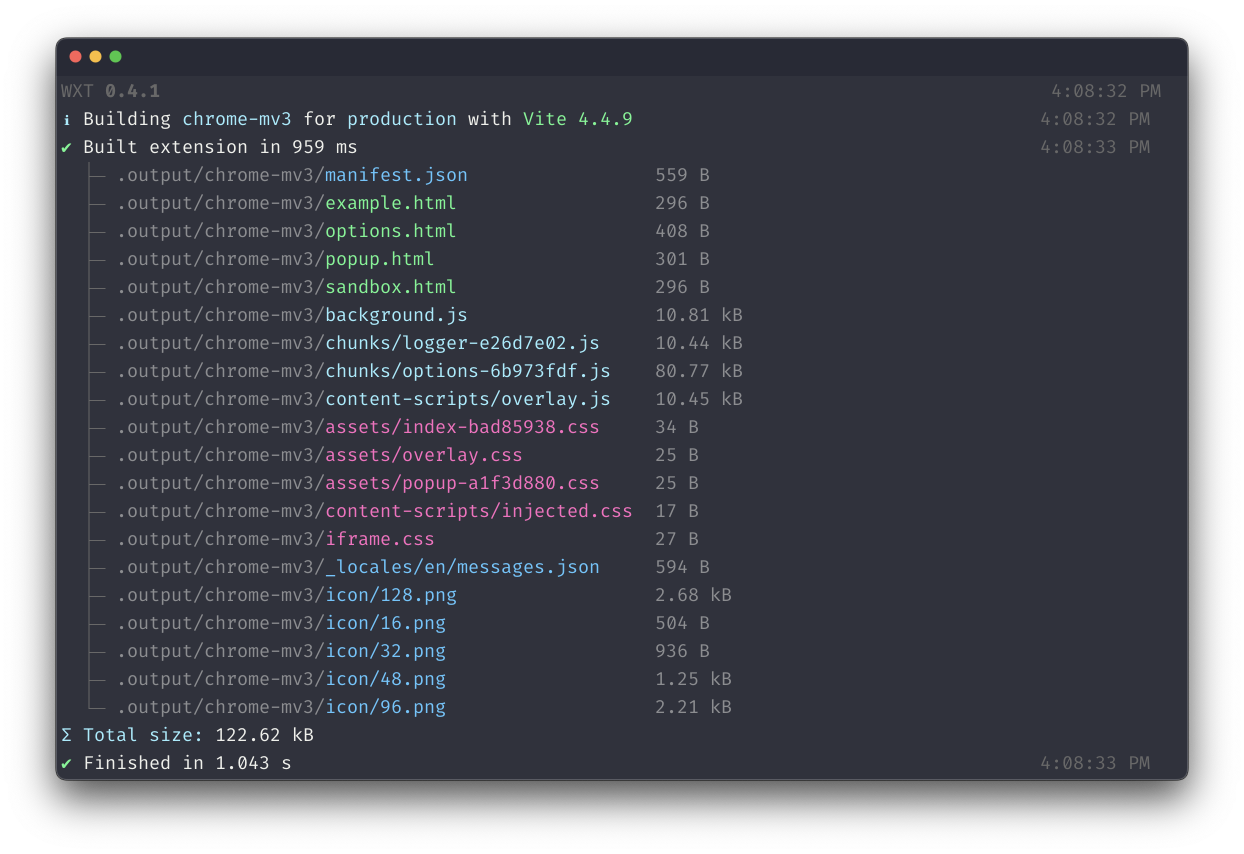
The concrete problem it solves is the friction of building, running, and shipping browser extensions. Extension authors normally juggle manifest versions, per-browser output, static asset copying, and a slow manual reload cycle. WXT replaces that with file-based entrypoints, a dev server delivering hot module replacement and fast reload, automatic TypeScript handling with auto-imports, and support for both Manifest V2 and Manifest V3 across all browsers. It also covers the release side with automated publishing, so the same project can target Chrome and other browsers without per-target rewrites of build configuration.
Key capabilities
- Supports all browsers, with both MV2 and MV3 manifests generated from one project.
- Dev mode with HMR and fast reload through a dedicated dev server.
- File-based entrypoints that derive extension entry points from the directory structure.
- TypeScript support with auto-imports for common APIs.
- Frontend framework agnostic: works with Vue, React, Svelte, and others.
- Module system for reusing code between extensions.
- Automated publishing, plus bundle analysis and quick project bootstrapping.
Who uses it and how
- Extension authors bootstrap a new project with the init command and develop against the WXT dev server.
- Teams building cross-browser extensions write once and emit MV2 or MV3 output per browser target.
- Developers already working with Vue, React, or Svelte keep their framework of choice and add extension plumbing through WXT.
- Maintainers of several related extensions share code between them through the module system.
- Projects in a release pipeline use automated publishing to ship builds to browser stores.
Getting started
Bootstrap a project with npx wxt@latest init, pnpm dlx wxt@latest init, or bunx wxt@latest init. The installation guide, configuration reference, and examples are on wxt.dev.
When to use it — and when not to
WXT is a build and development tool, so a self-hoster operates a Node toolchain and nothing more — no database, storage, or SMTP service is involved. It is a sensible choice when a project needs one codebase producing MV2 and MV3 builds across browsers and wants HMR during development. Note that no paid product comparison is documented, development is funded entirely by sponsors, and the repository carries around 214 open issues
 WXT
WXT