WezTerm is a GPU-accelerated, cross-platform terminal emulator and multiplexer written by @wez in Rust, intended for developers and terminal users who want one terminal configuration and one multiplexing model across every operating system they work on.
What it is
WezTerm is a terminal emulator, meaning it hosts shell sessions and renders terminal output, and it is also a multiplexer, meaning it manages multiple sessions, panes, and windows within the same program. It is written by @wez and implemented in Rust, and it renders through the GPU rather than relying solely on CPU-side drawing. It is cross-platform by design, and it is published as an open-source project on GitHub under the Developer Tools / Terminals category, with user-facing documentation and a guide hosted at https://wezterm.org/.
The concrete problem it solves is the split between a terminal emulator and a separate multiplexing layer. In the arrangement WezTerm replaces, a user runs one program to draw the terminal and another to persist sessions and split panes, which means two configuration formats, two sets of keybindings, and two things to install on each machine. WezTerm folds both roles into a single Rust binary, so multiplexing is a feature of the terminal itself. It lives in the Rust open-source developer tooling ecosystem, and its scope covers serial connections as well as ordinary shell sessions, as indicated by its serial and serial-port topics.
Key capabilities
- GPU-accelerated rendering for terminal output, as stated in the project description.
- Cross-platform operation across the operating systems the project supports.
- Built-in multiplexing, combining terminal emulator and multiplexer in one program rather than two.
- Implementation in Rust, the language listed for the repository.
- Serial and serial-port support, per the repository topics.
- User-facing documentation and guide published at https://wezterm.org/, with installation instructions at https://wezterm.org/installation.
- Support through the GitHub issue tracker, GitHub Discussions, and a Matrix room reachable via Element.io.
Who uses it and how
- Developers who work across more than one operating system and want the same terminal behaviour and configuration on each machine, which is the situation the cross-platform design targets.
- Users who want session and pane multiplexing without installing and configuring a second program alongside their terminal emulator.
- People connecting to serial devices, a use case the repository topics
serial and serial-port point to.
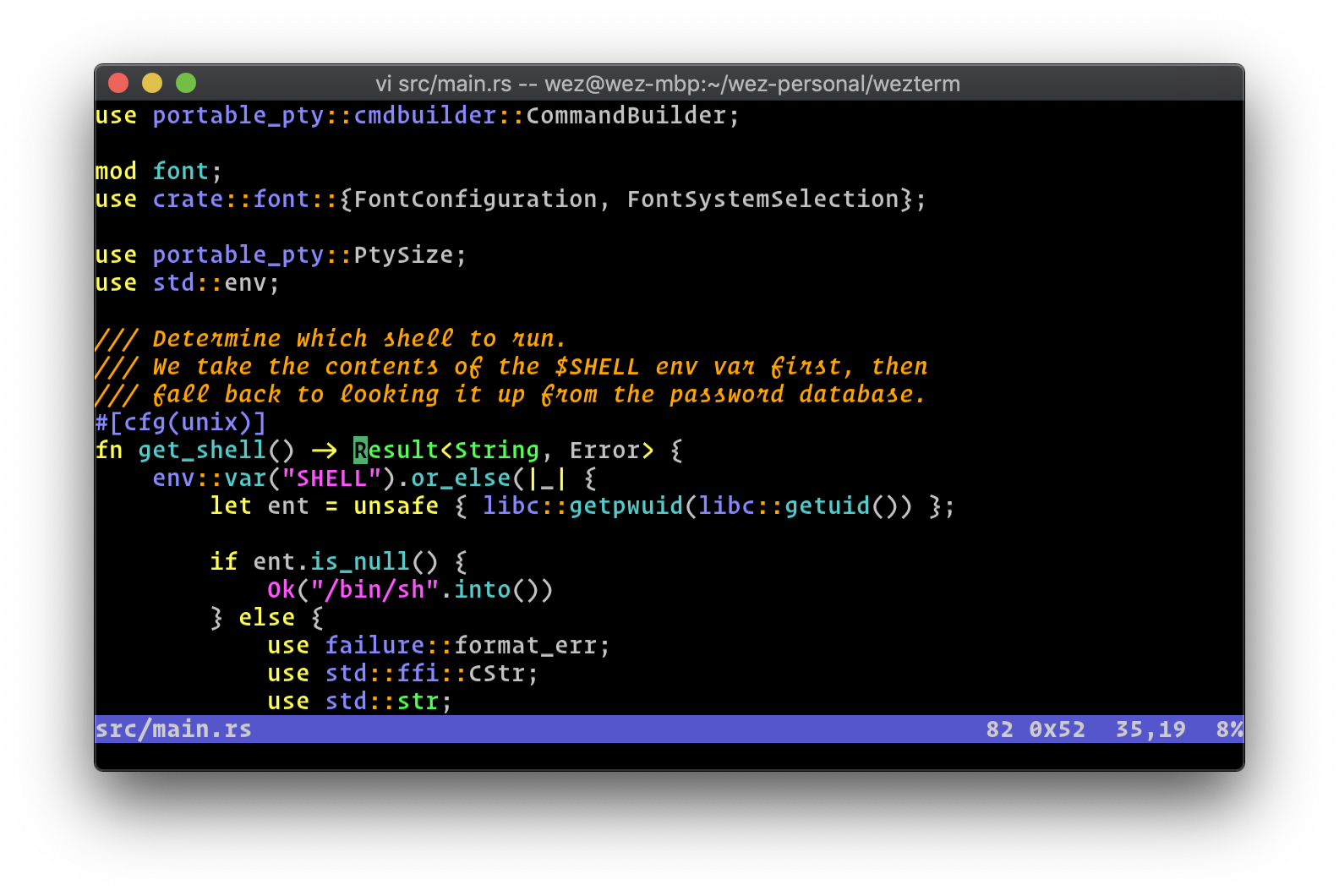
- macOS users running interactive terminal programs such as vim, the scenario shown in the project screenshot at
docs/screenshots/two.png.
- Users who file bugs and ask questions through the GitHub issue tracker, GitHub Discussions, or the Matrix room, which the README names as the support channels.
Getting started
Installation is documented at https://wezterm.org/installation, and the user-facing documentation and guide live at https://wezterm.org/. The facts provided do not name a package name, container image, compose file, or hosted option, so the linked installation page is the place to start.
How it compares
No list of paid products that this project replaces is provided in the facts, and no similar tools are named either. Within this registry entry it stands alone, with no comparable alternatives supplied for contrast.
When to use it — and when not to
A prospective user should note that GitHub reports the licence as NOASSERTION, so the registry metadata does not resolve the terms, and anyone intending to redistribute or embed the project should read the repository licence directly before doing so. The README describes WezTerm as a spare-time project and asks for patience, so support is best effort rather than contractual, and the repository carried 1,849 open issues at the time of the facts. The repository README is sparse and defers installation and usage detail to the external site at https://wezterm.org/, so anyone who needs a vendor-backed product with a service agreement, or who wants all documentation to live inside the repository, should look elsewhere.
 A GPU-accelerated cross-platform terminal emulator and multiplexer written by @wez and implemented in Rust