webterminal is a free, open source compliance & risk management project written in Python and released under LGPL-3.0. It has 1,715 GitHub stars, 560 forks and 8 open issues, and was last pushed 11 months ago. On this registry it ranks #36 of 45 tracked projects in Compliance & Risk Management, with 5 head-to-head comparisons available.

What is webterminal?

What it is

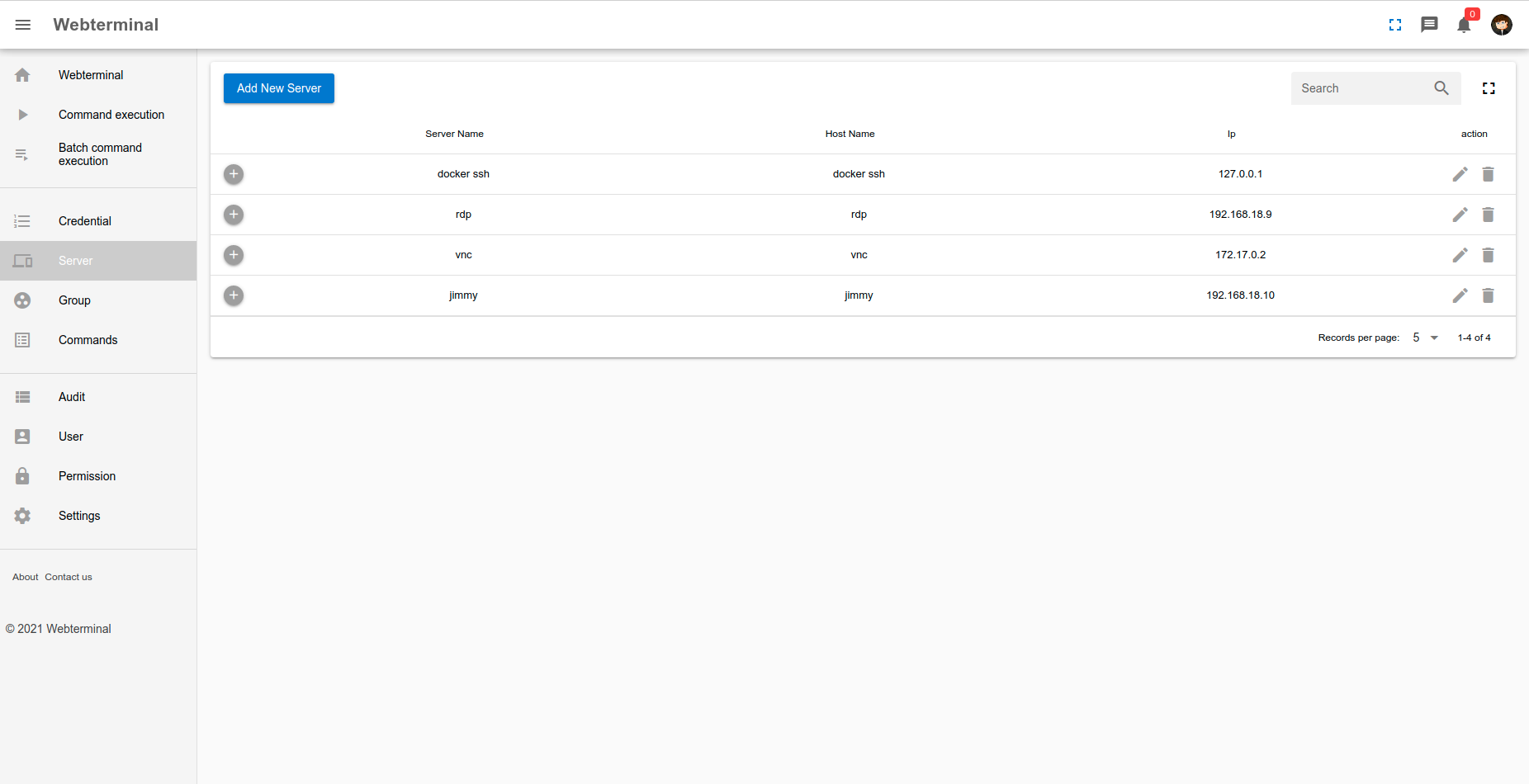
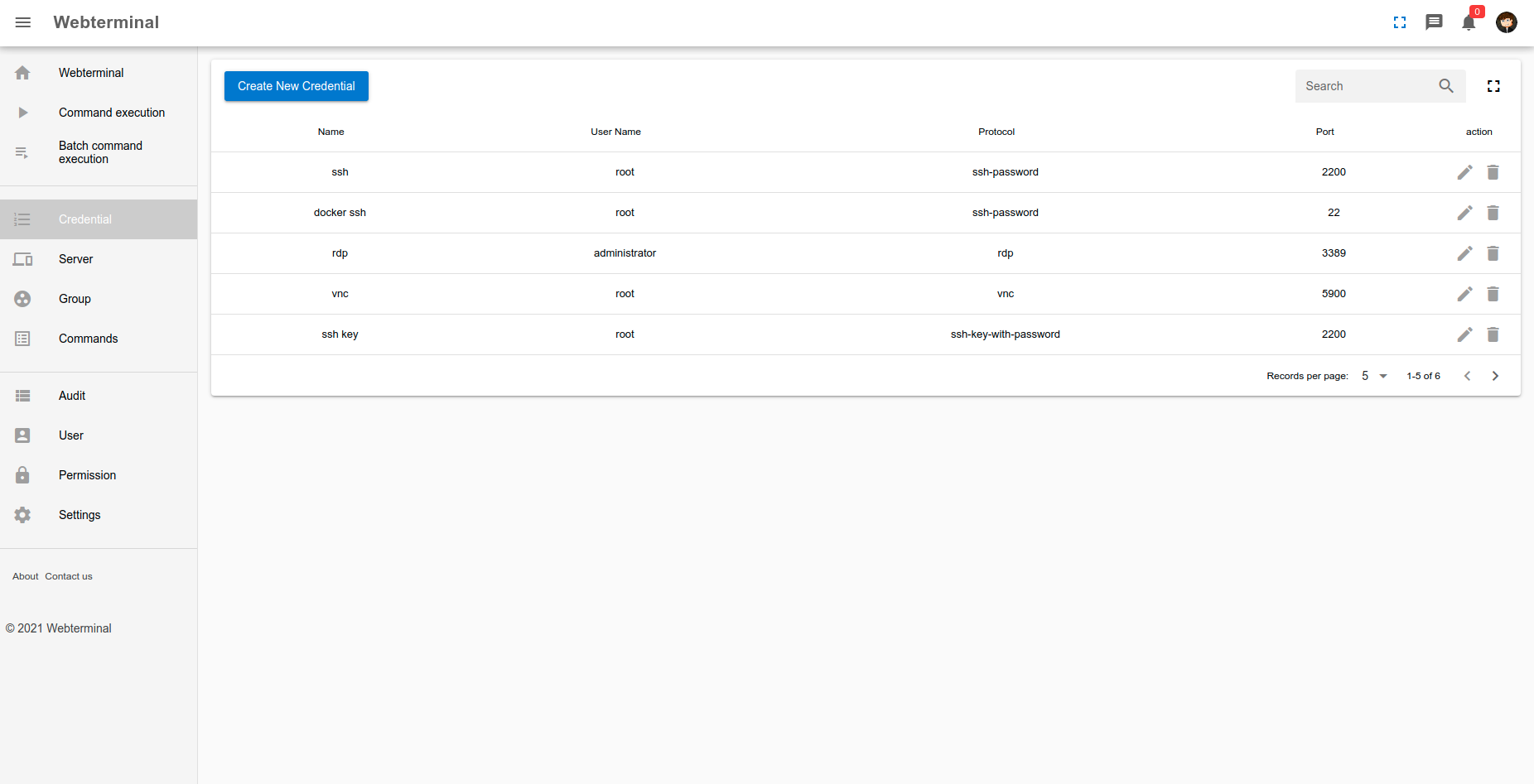
Webterminal is open-source bastion server. It uses Python and Django. It puts SSH, RDP, VNC, Telnet, and SFTP access into browser. It lives in Python/Django DevOps and compliance ecosystem. Project category is Business Software and Compliance Risk Management. GitHub description also mentions websocket, OTP dynamic password, cloud desktop, automation, and file management. Repository uses LGPL-3.0 license and has 1715 stars, 560 forks, eight open issues. Project supports English and Chinese documentation.

It solves scattered remote server administration. Teams often manage servers with separate clients, local PuTTY or Xshell sessions, and untracked credentials. Webterminal centralizes connection, permission control, file transfer, and session recording. It supports remote management protocols and captures user action for audit. It can replay recorded action like video.

Key capabilities

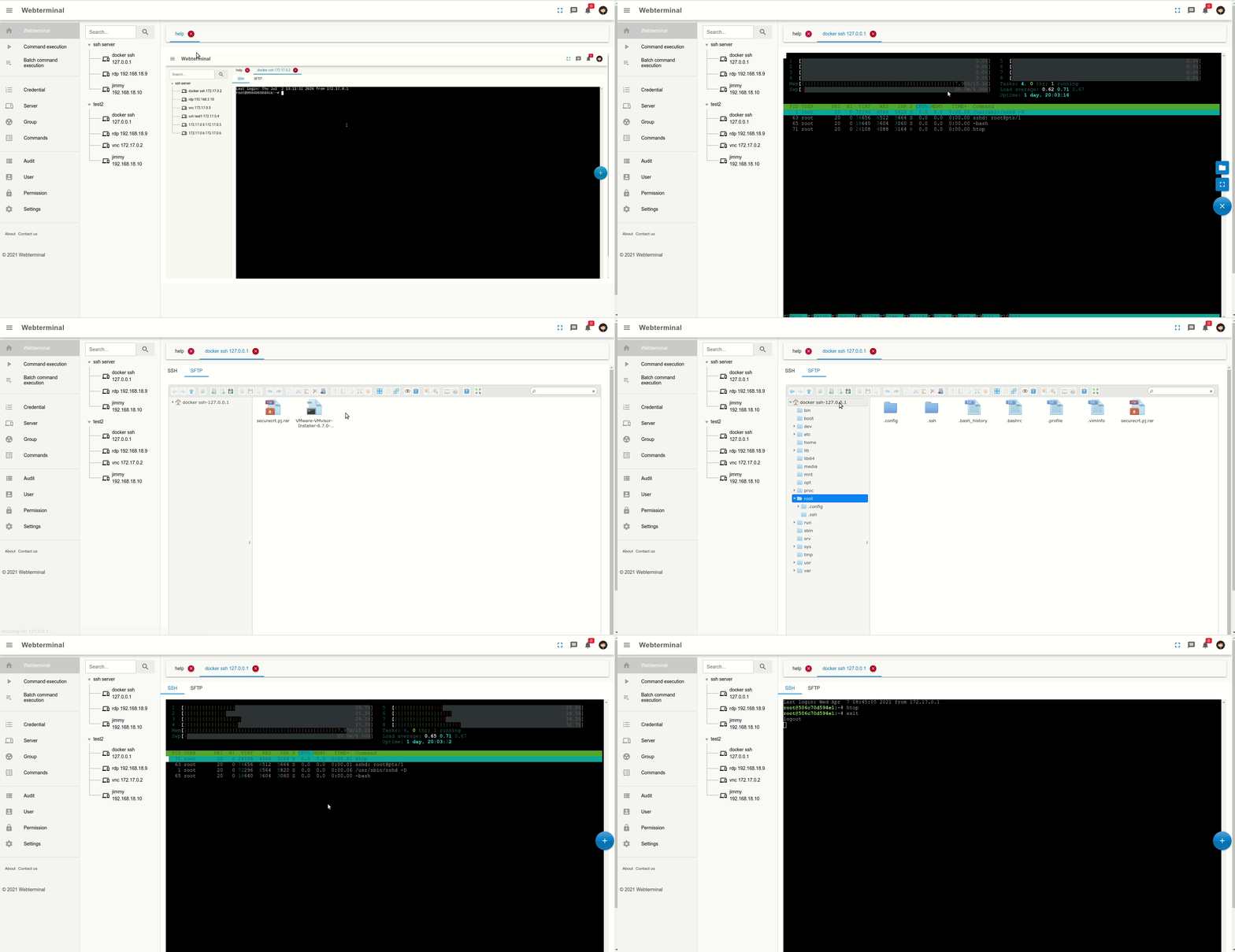
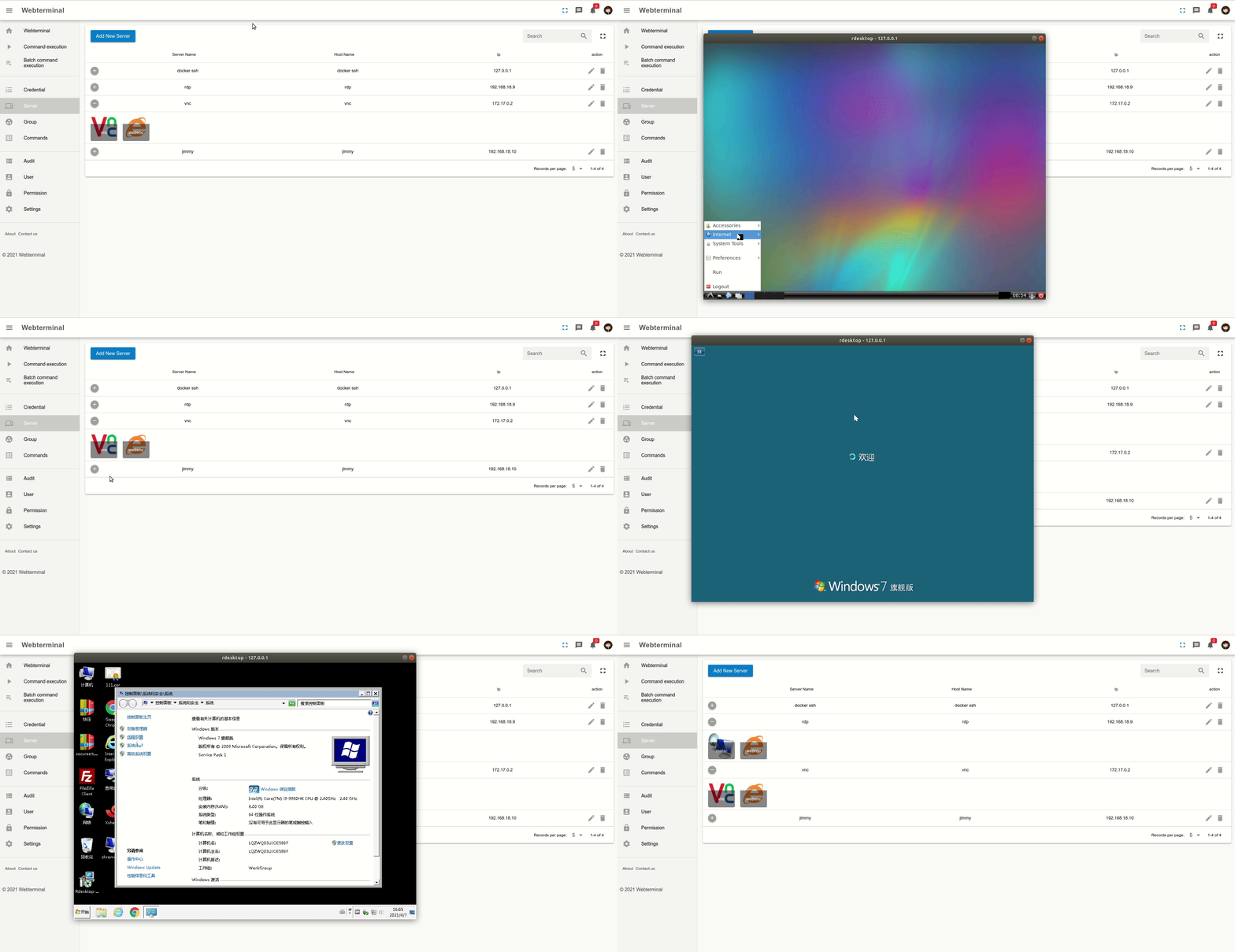
  • RDP and VNC remote desktop control runs in web interface.
  • SSH, SFTP, and Telnet protocol support connects servers through one bastion.
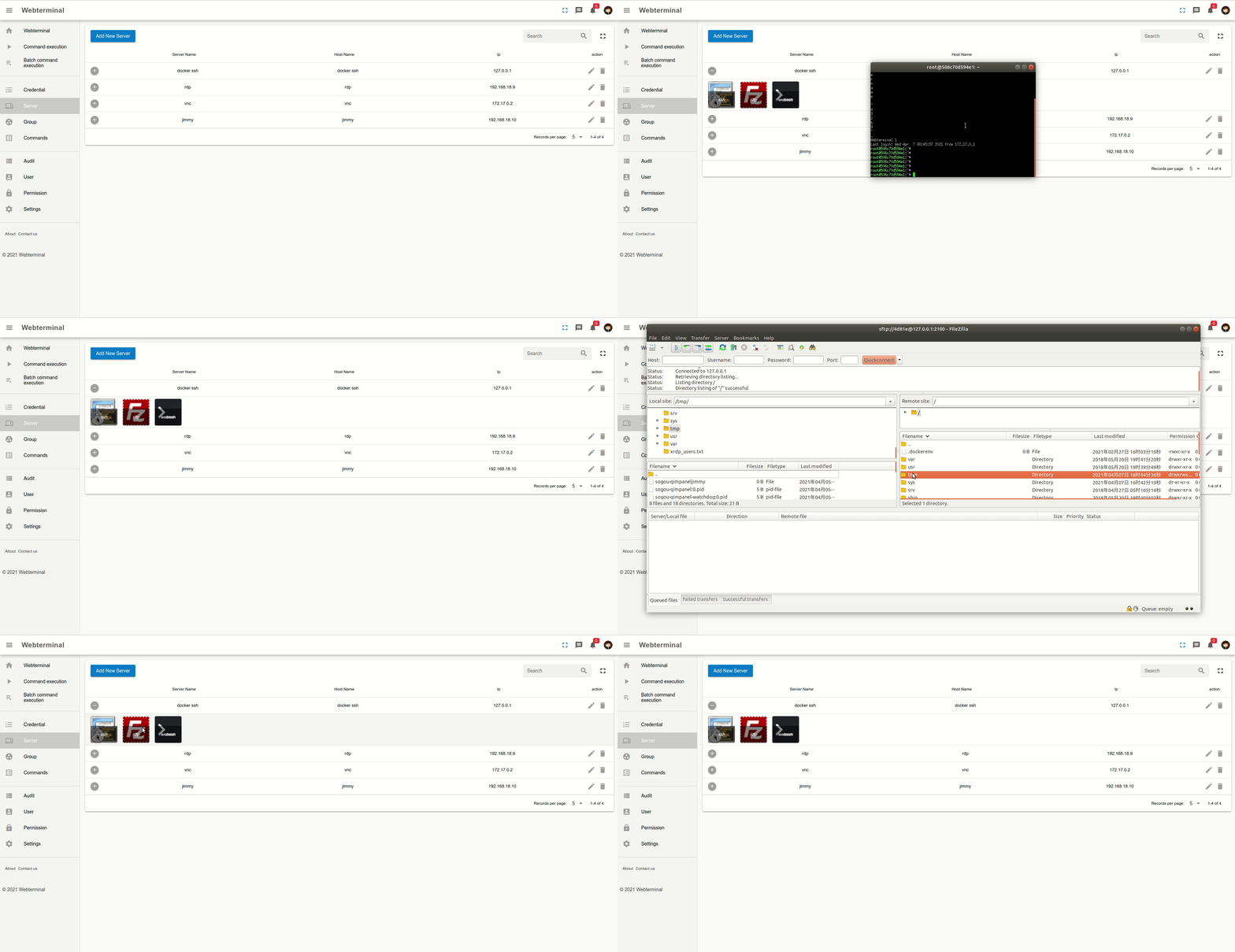
  • VNC, RDP, and SFTP remote file browser allows download, delete, update, and upload files.
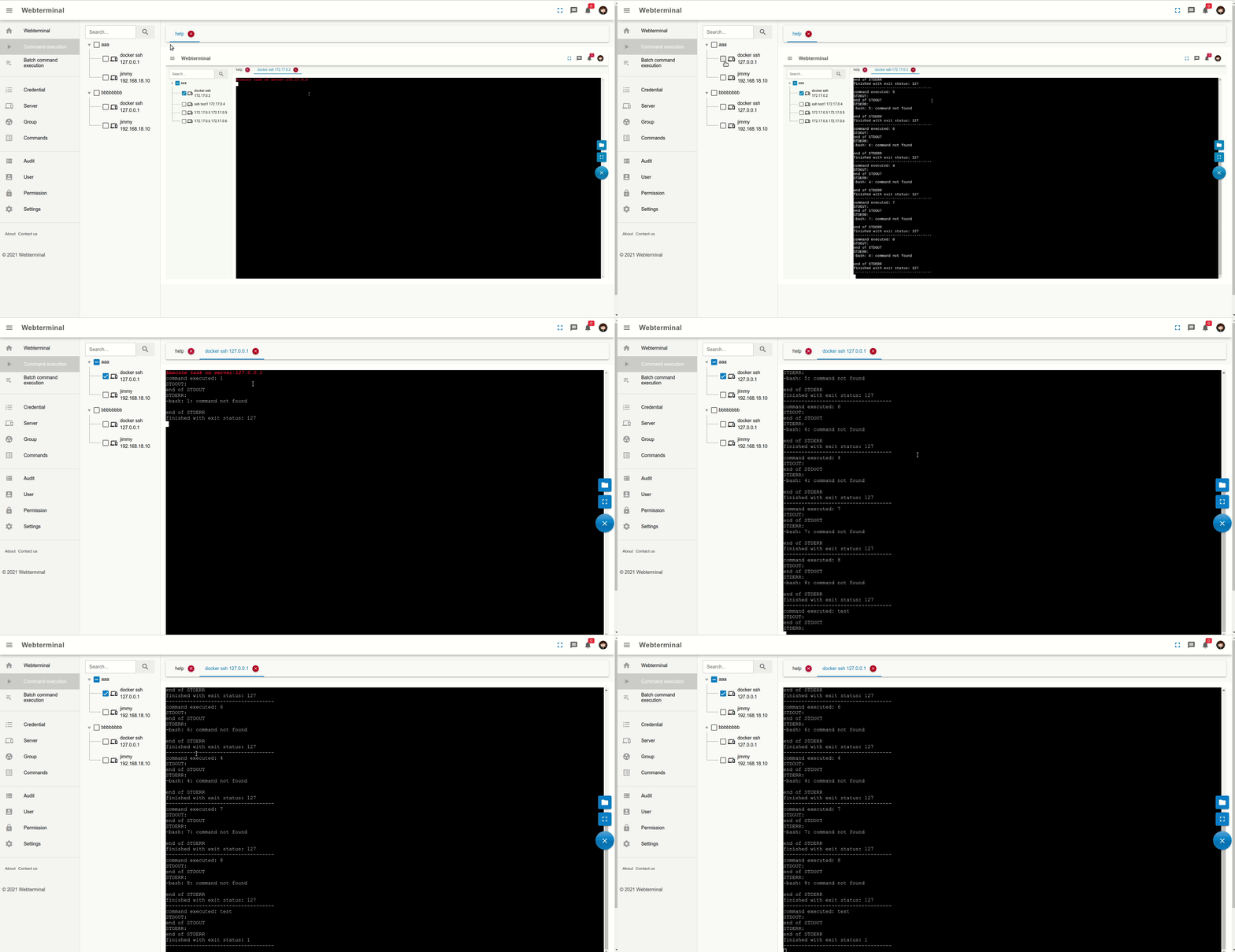
  • Remote command and script execution supports shell work without separate terminal client.
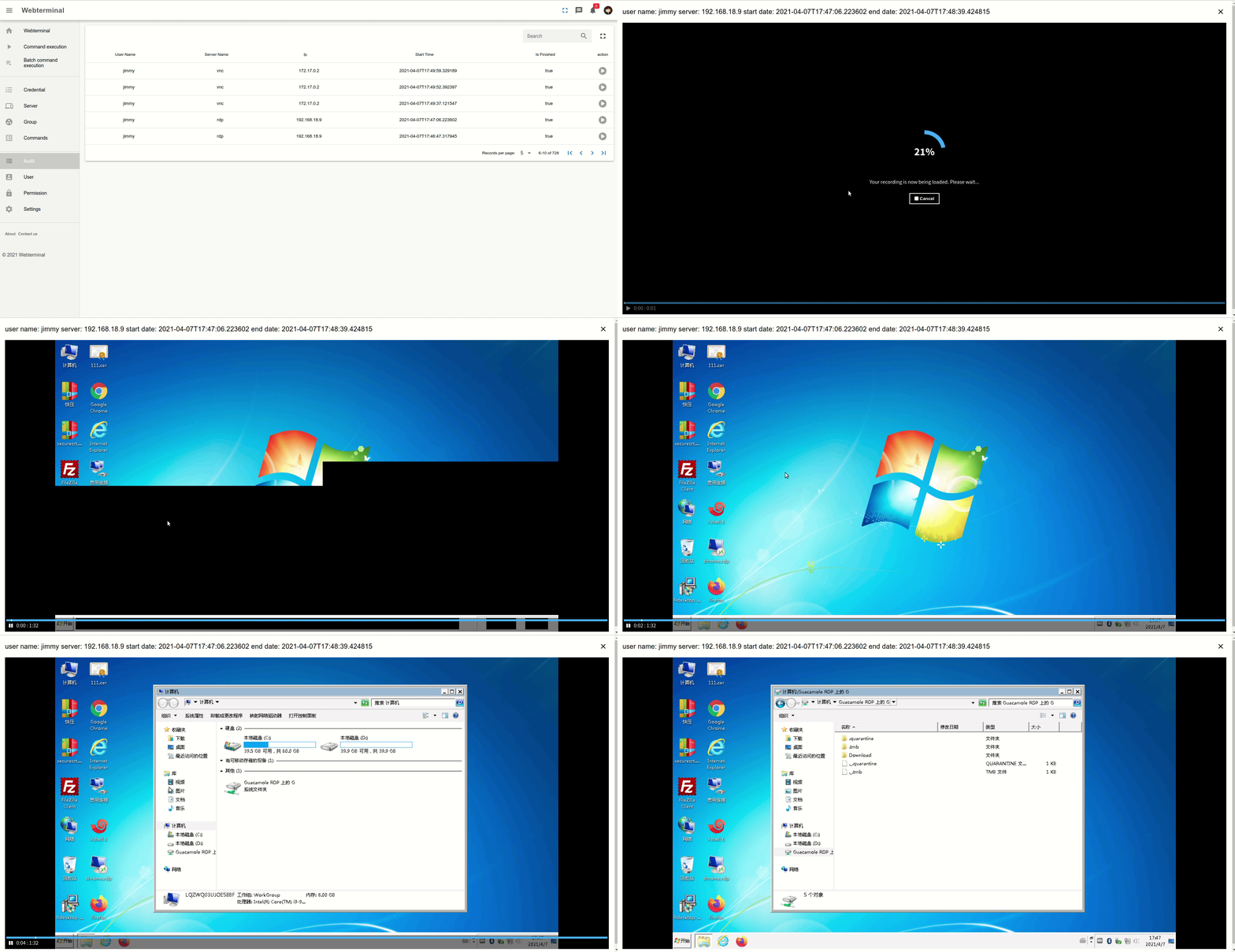
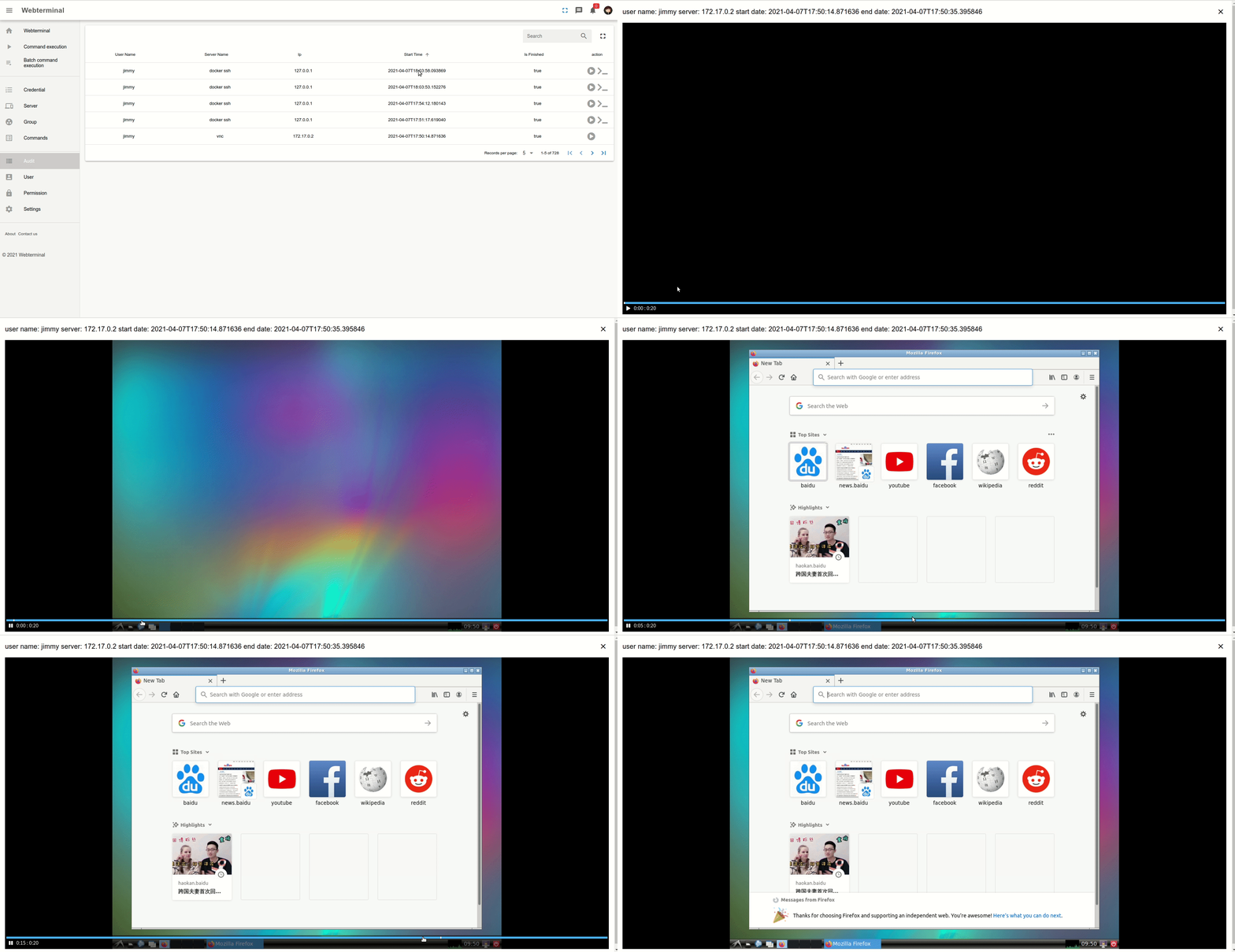
  • Realtime user action audit, user session audit, and SSH command audit record activity.
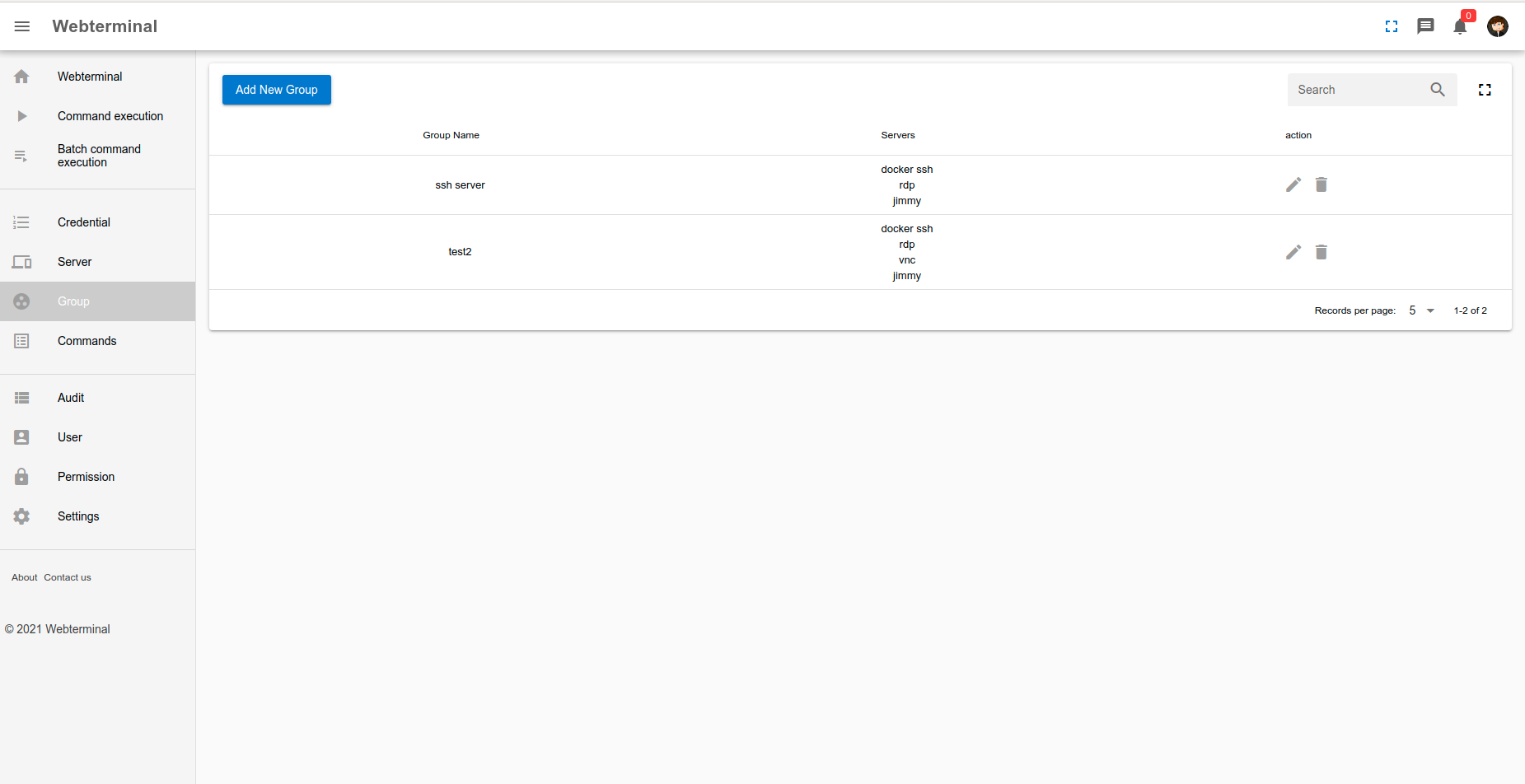
  • Permission control and kick user off project restrict sessions and access.
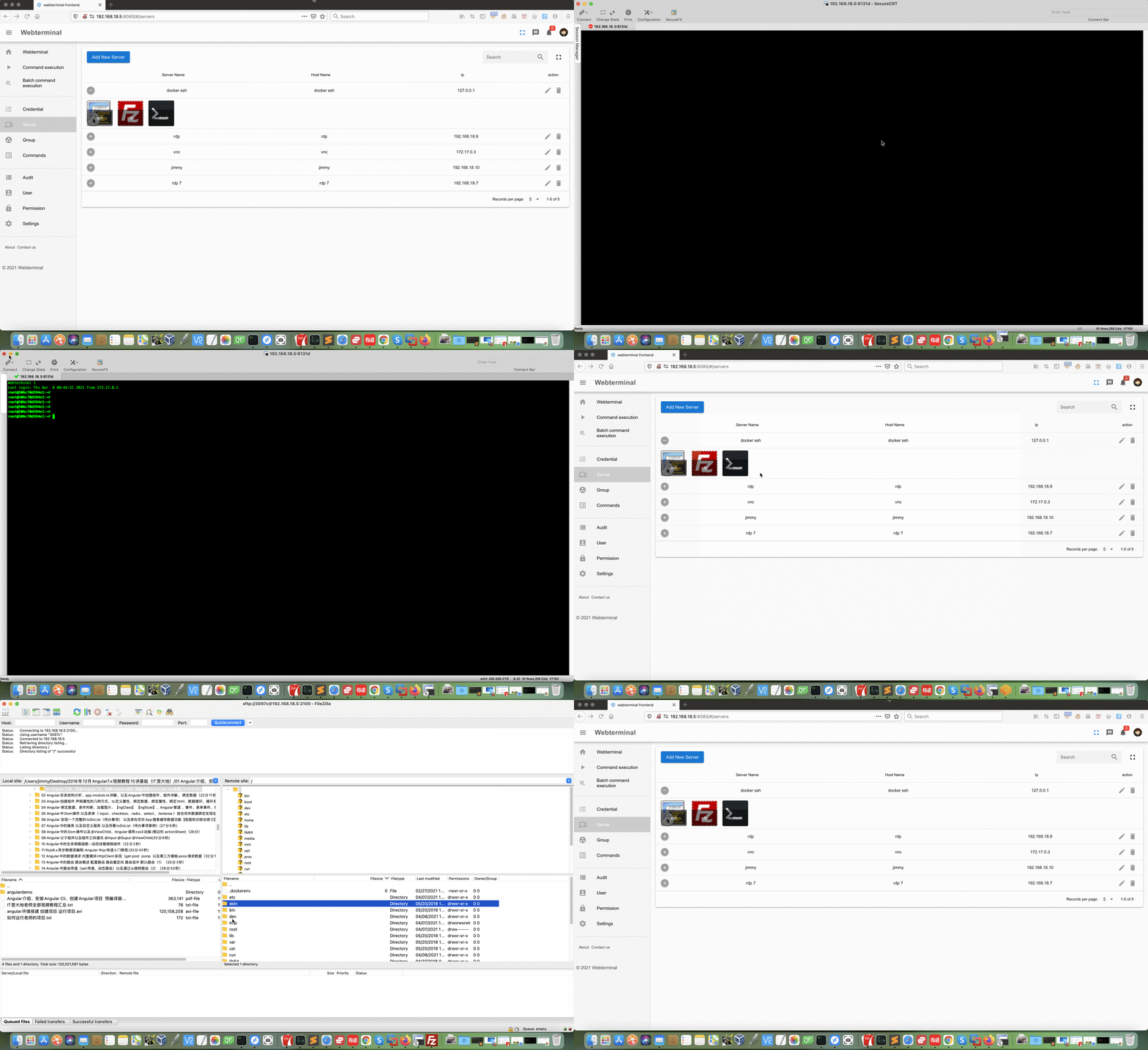
  • Webterminal helper support and rz/sz file transfer connect favorite tools or upload download files.

Who uses it and how

  • DevOps teams use it as web bastion for SSH, SFTP, RDP, VNC, and Telnet server access.
  • Security or compliance staff review realtime audit, session audit, SSH command audit, and replay recorded action.
  • Operations staff manage files through remote file browser instead of separate SFTP client.
  • Helpdesk or administrator runs remote command and script execution from web shell.
  • Jumpserver or bastion workflows use it for permission control, audit, and user session management.

Getting started

Run with Docker Compose using sudo docker-compose up -d. README lists default login admin and password password!23456.

When to use it — and when not to

Use it when open-source Django bastion, protocol coverage, audit, and file browser meet needs. Avoid it when OCR or commercial helper features are required; README says other functions are comparable to commercial software except OCR and commercial version provides mstsc helper with RDP clipboard support. Self-hoster must operate Docker Compose deployment and accept author warning that commercial use without authorization may create disputes.

project readme (upstream, from github) — read inline

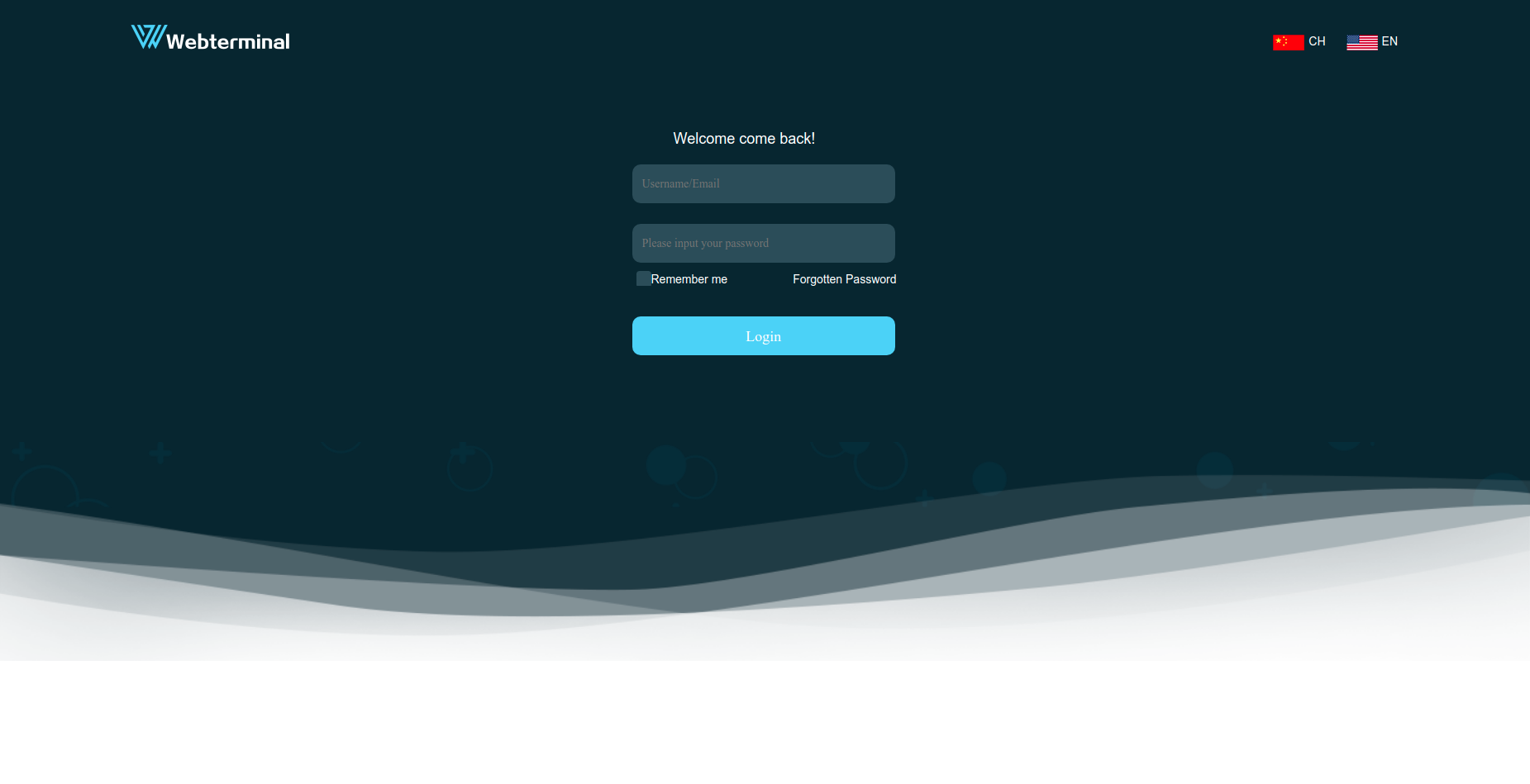
Webterminal bastion server (webterminal堡垒机)

EN doc CN doc

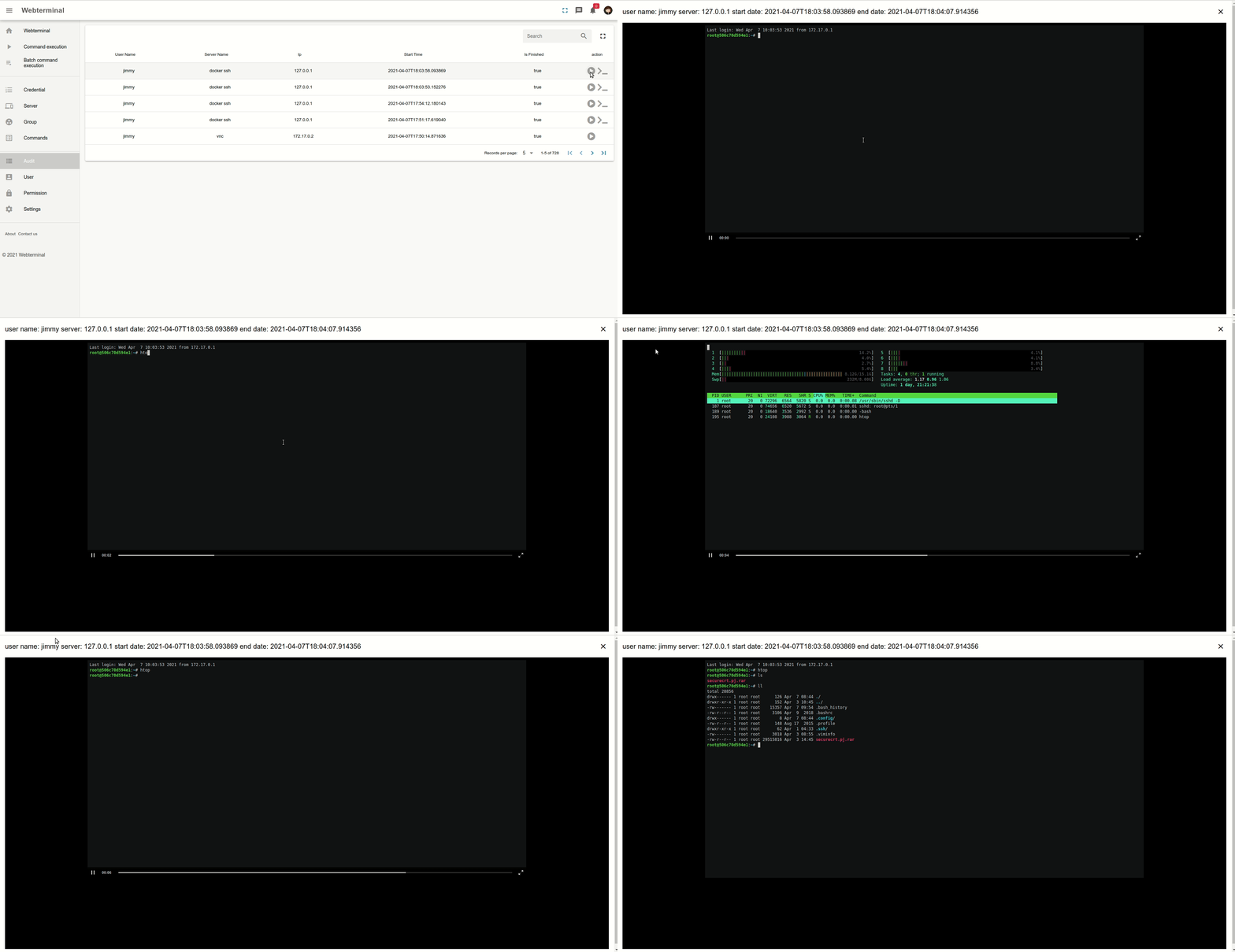
Webterminal implemented by django. This project focus on DevOps and Continuous Delivery. For now it support almost 90% remote management protocol such as vnc, ssh,rdp,telnet,sftp... It support a possiblity to monitor and recorded user action when user use this project to manage their server!You can also replay the user action such as like a video. Hope you enjoy it.

Features

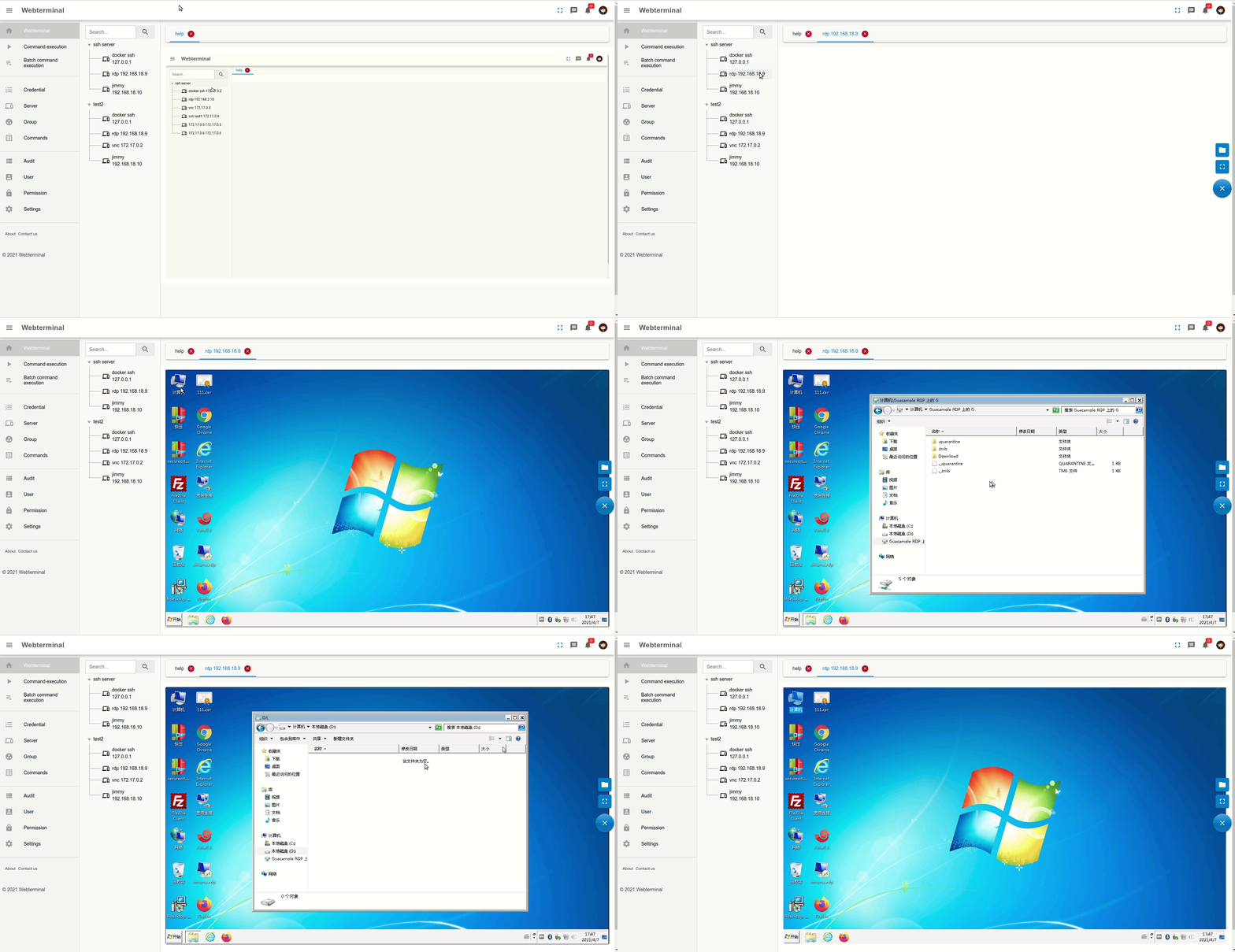
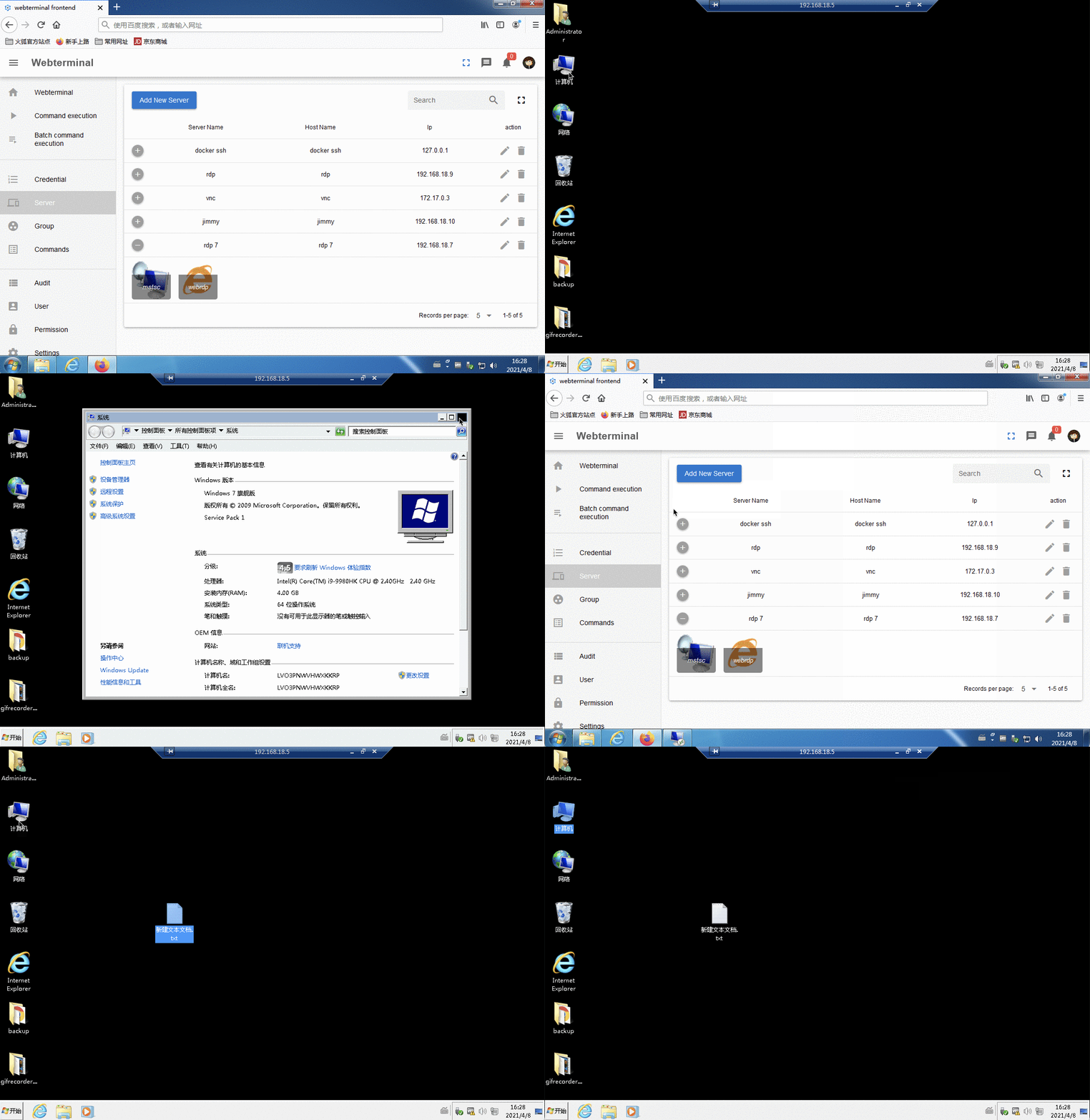
  • RDP remote desktop control
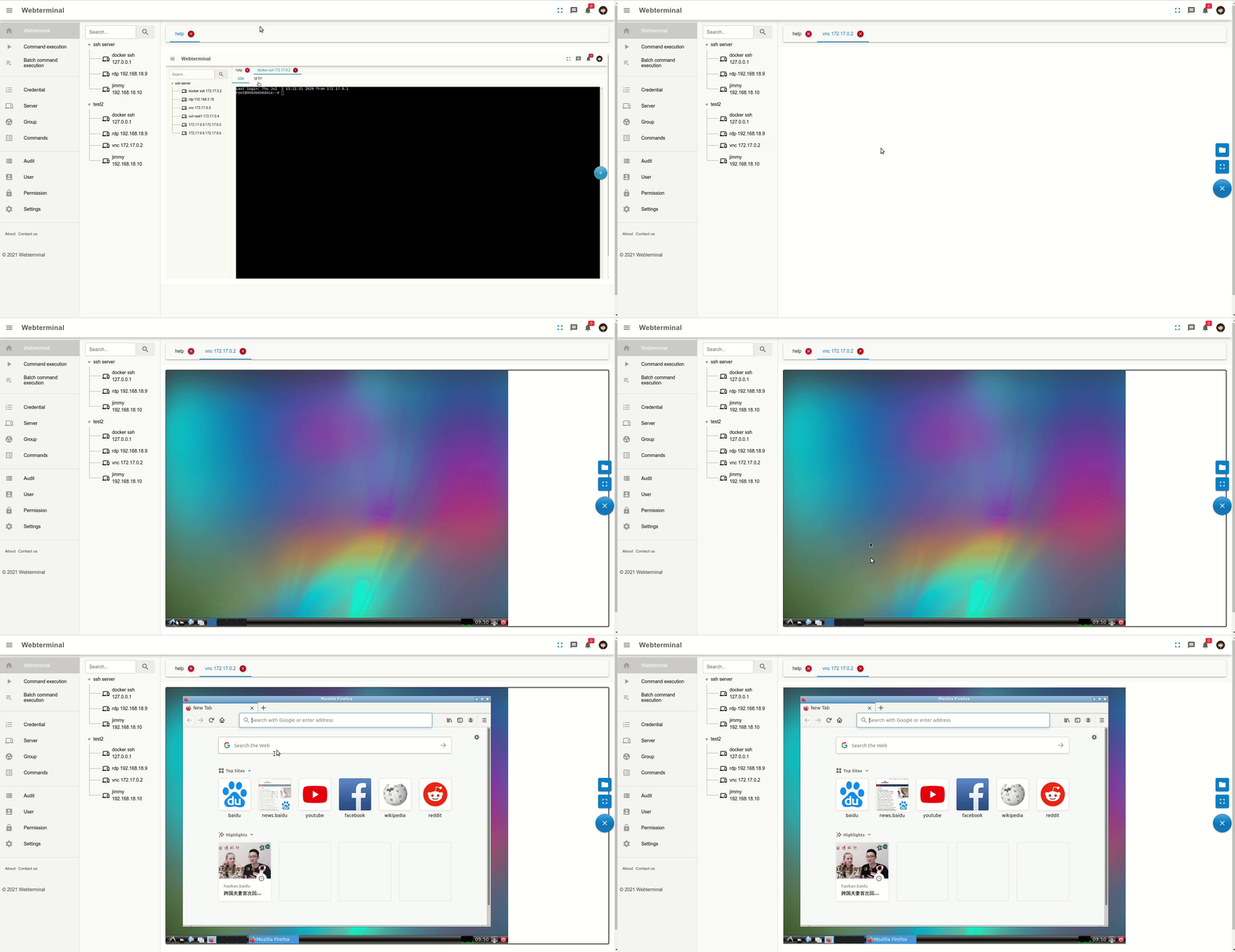
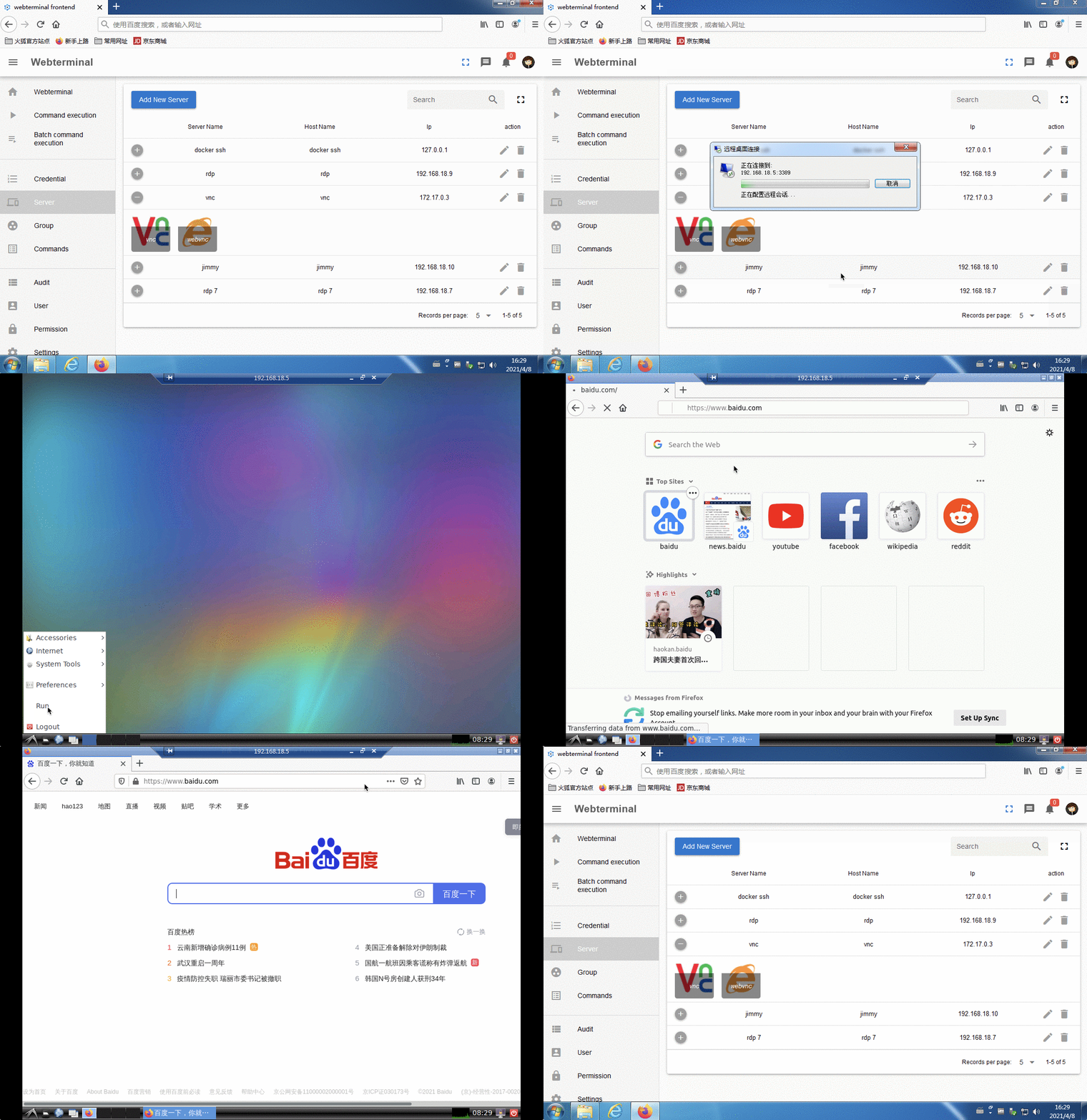
  • VNC remote desktop control
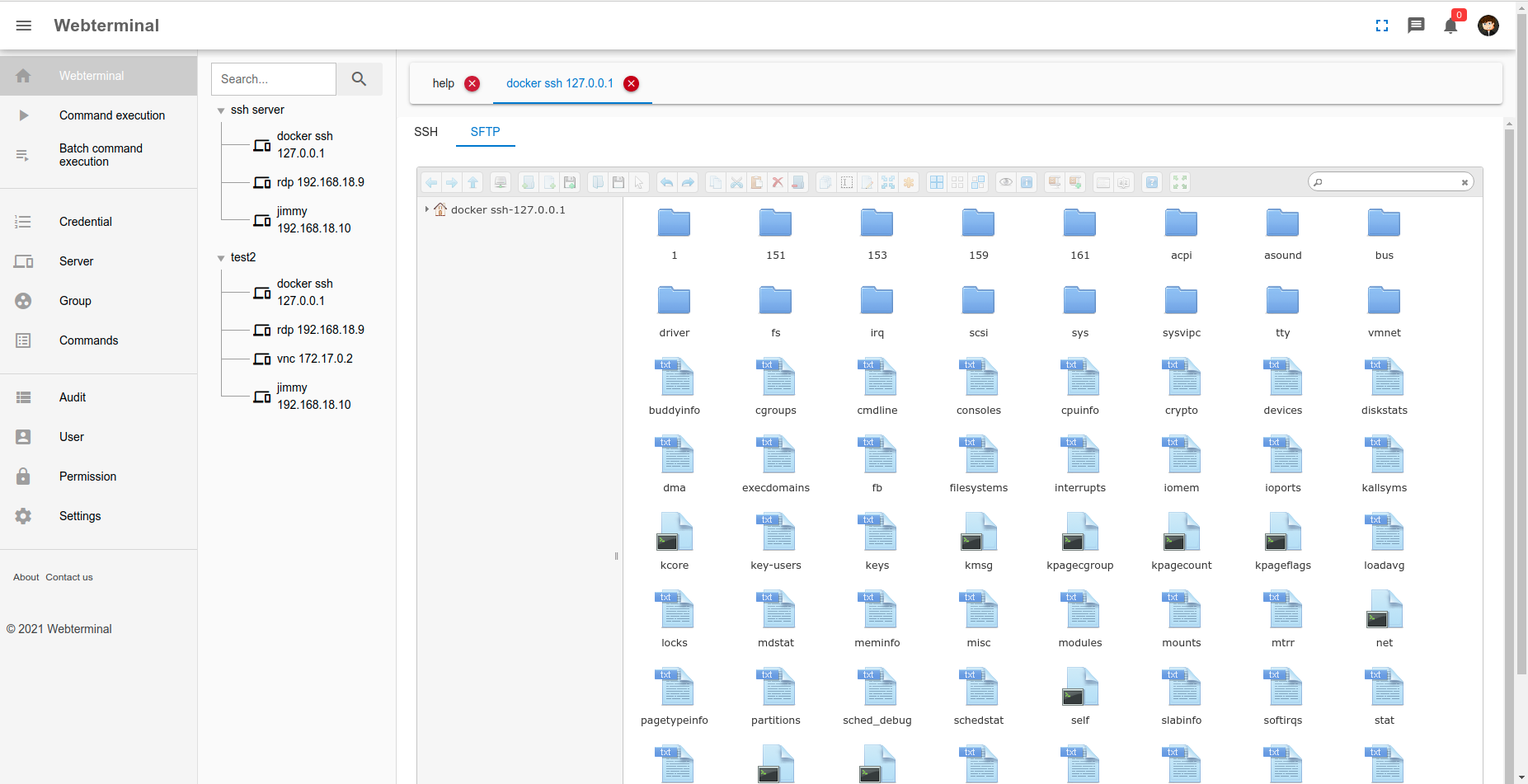
  • SSH SFTP protocol support
  • Telnet protocol support
  • VNC, RDP, SFTP Remote file browser (download, delete, update and upload files)
  • Remote command and script execution (shell)
  • Realtime user action audit
  • User session audit
  • Kick user off this project
  • SSH command audit
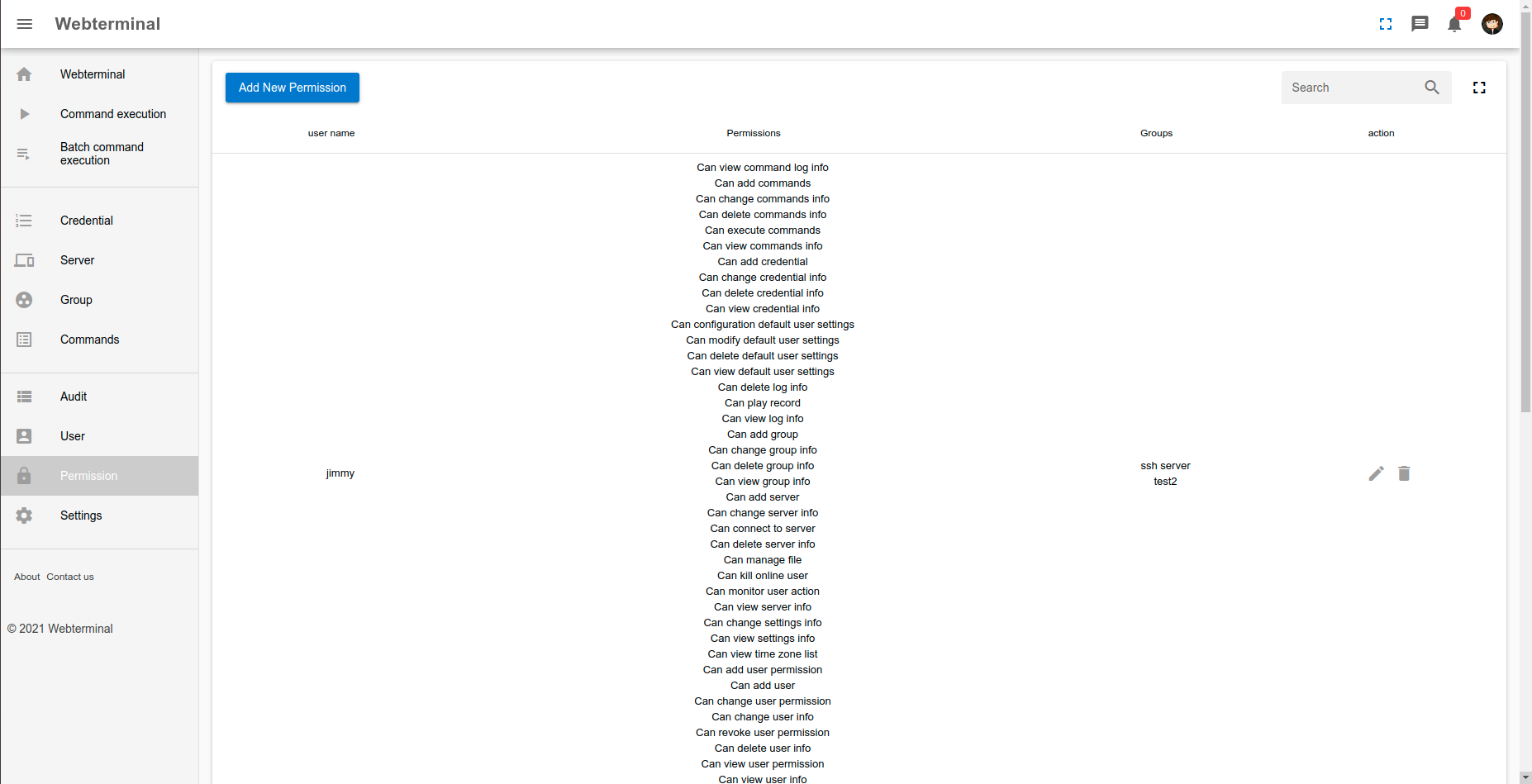
  • Permission control
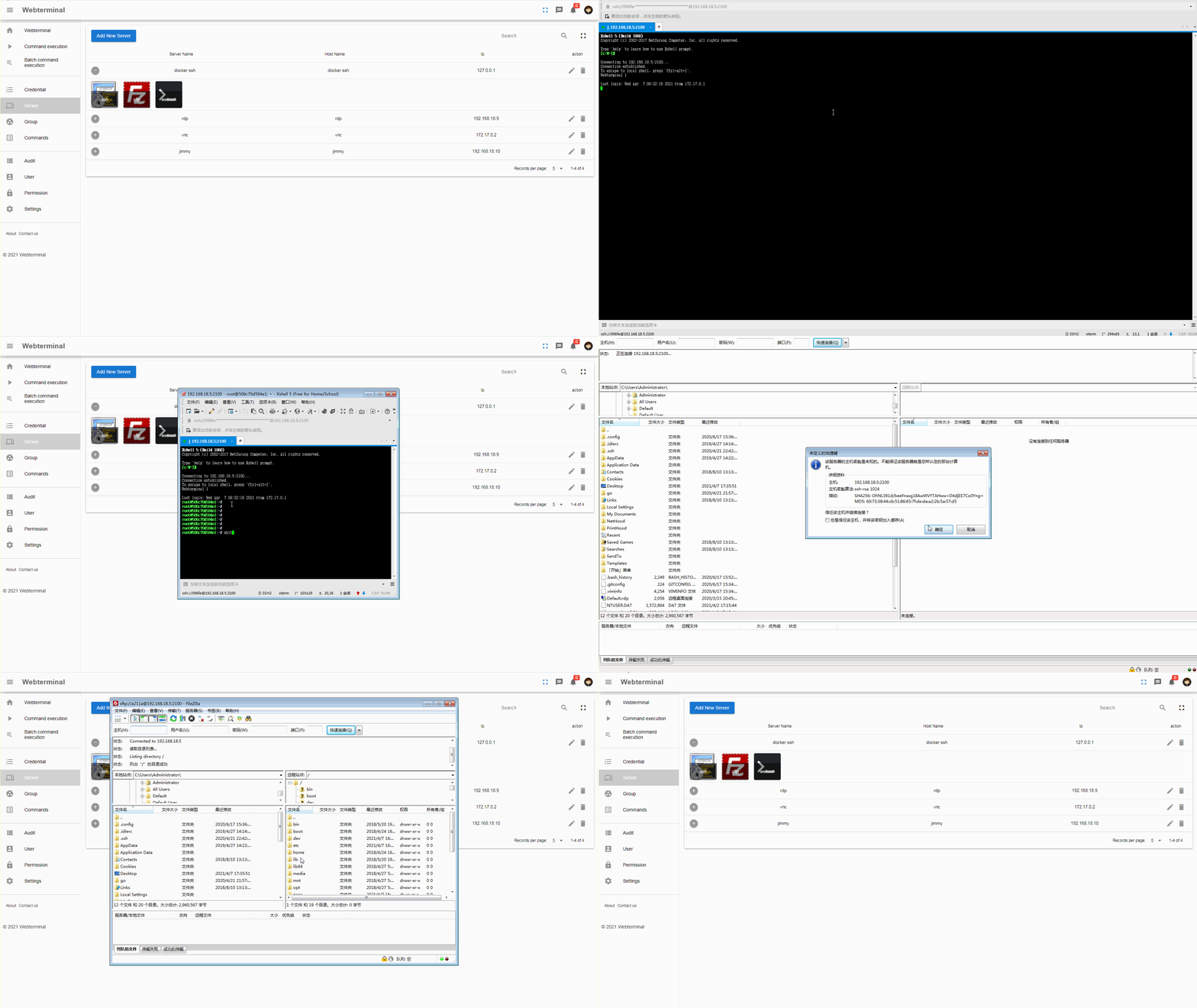
  • Webterminal helper support (use your favourite tools to manage and connect server)

useage manual

useage
Usage Video

Run with docker compose

sudo docker-compose up -d
Login user & password
username: admin
password: password!23456

Author Email

[email protected]

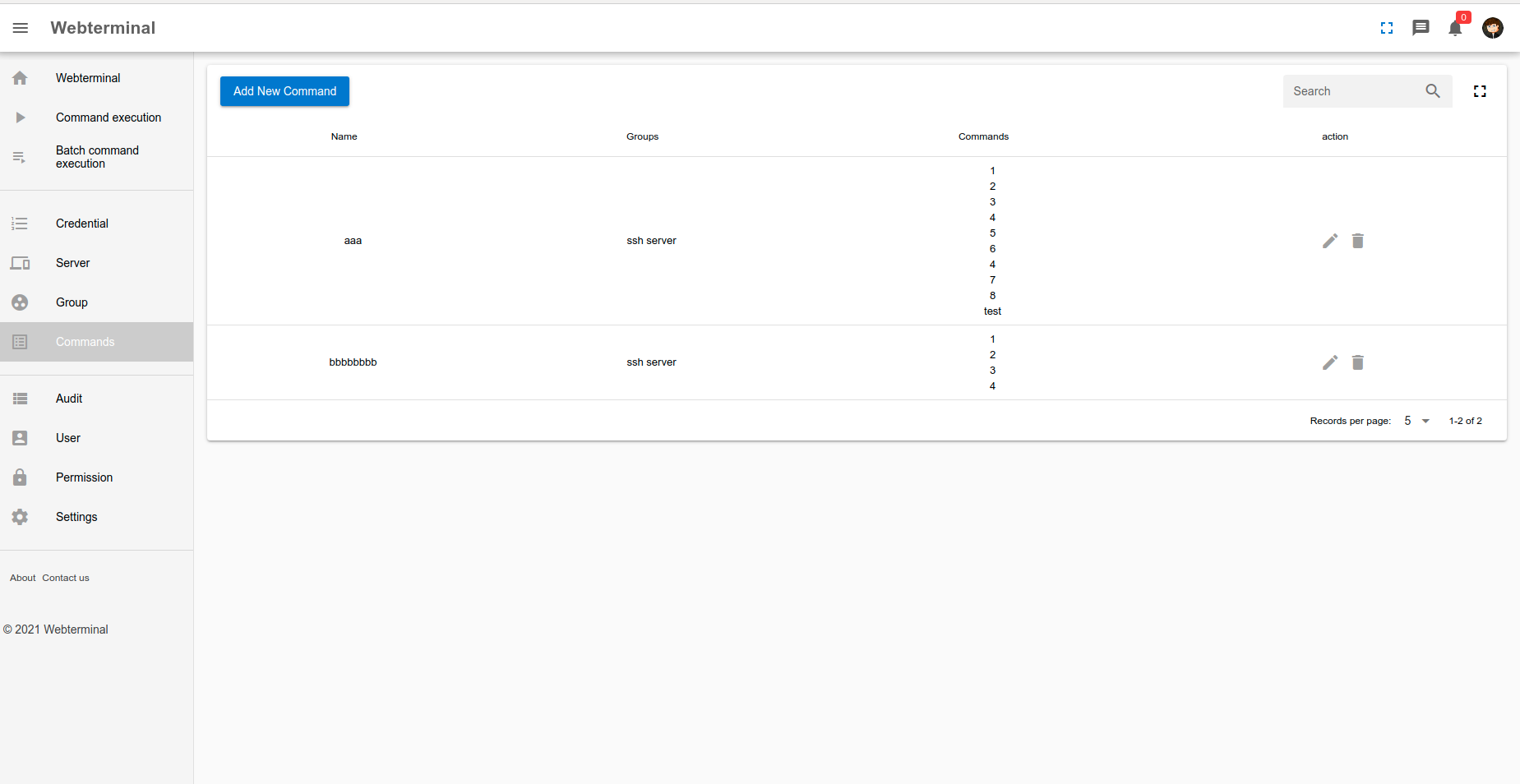
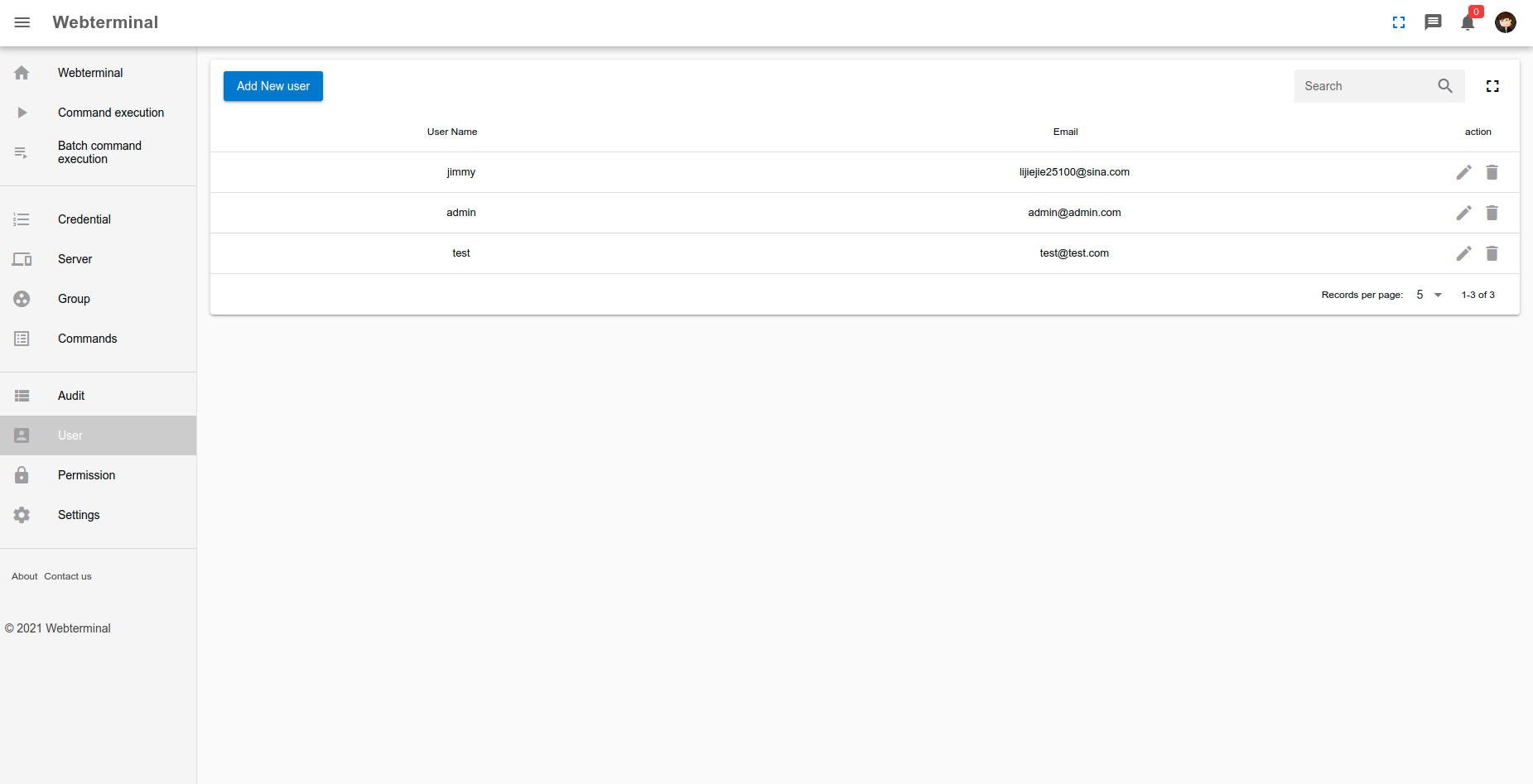
screenshots

screenshots screenshots

Ubuntu webterminal helper support
screenshots screenshots

Mac webterminal helper support

screenshots

Windows webterminal helper support

screenshots

commercial version provide mstsc helper(rdp clipboard support vs file upload download and vnc protocol connection support)
screenshots screenshots

screenshots screenshots screenshots screenshots screenshots screenshots screenshots screenshots screenshots screenshots screenshots screenshots screenshots

License

Open source is not a easy staff, please respect the author's contribution, thank you.

This system has been continuously updated for four years to reach the current project functions. For now, except for the OCR function, other functions have been comparable to the commercial software! At present, this project has not produced any profit. Based on the author's enthusiasm for power generation with love, it has been found that someone has changed this project for commercial use. I solemnly declare that all consequences arising from the commercialization of this project should be borne by yourself.

Therefore, to avoid disputes, it is not recommended to use commercial products. If you insist on using it, please contact the original author for authorization.

Once again, if you directly use this system in commercial products without contacting the author, this system will not bear any commercial disputes, thank you.

LGPL-3.0 License

Copyright (c) 2021 Jimmy

Reporting Issues

If you're experiencing a problem, we encourage you to open an issue, and share your feedback.

Frequently asked questions

Is webterminal free to use?

webterminal is open source under the LGPL-3.0 licence. There is no licence fee and no seat count — you can self-host it or, where the project offers one, pay a vendor for a managed version instead.

What does webterminal do?

ssh rdp vnc telnet sftp bastion/jump web putty xshell terminal jumpserver audit realtime monitor rz/sz 堡垒机 云桌面 linux devops sftp websocket file management rz/s

What is webterminal written in?

webterminal is primarily written in Python. Its source is publicly available at https://github.com/jimmy201602/webterminal, and it has 1,715 GitHub stars.