Vuestic UI is an open-source Vue 3 component library for developers who need an accessible, TypeScript-friendly UI kit they can scaffold into a Vite or Nuxt project on an MIT licence.
What it is
Vuestic UI is a component library for the Vue 3 and Vue.js ecosystem, developed and maintained by Epicmax (@epicmaxco) with design by Vasili Savitski. It ships as a UI kit covering the standard building blocks of web applications, with documentation, guides, examples and tutorials published at vuestic.dev and ui.vuestic.dev, and it is distributed as free and open software under the MIT licence.
The concrete problem it addresses is the cost of assembling an application interface from scratch: teams otherwise hand-build form controls, layout primitives and interactive widgets while separately chasing semantic markup and accessibility conformance. Vuestic UI replaces that ad-hoc collection of hand-written widgets with a maintained, typed component set whose accessibility and semantics are a stated design goal, so a project starts from tested components rather than from zero. The library also ships as Vuestic Admin, a real-world web application built on the components themselves, which serves as a working reference for how the pieces fit together.
Key capabilities
- Scaffolds a new project with a single command,
npm create vuestic@latest, targeting either a Vite or a Nuxt application with Vuestic or Vuestic Admin preconfigured.
- Provides a documented component set with guides, examples and tutorials hosted at ui.vuestic.dev and vuestic.dev.
- Ships with accessibility and semantic markup as explicit design goals, listed among the project's own topic tags alongside
accessibility and semantic.
- Is written in and published for TypeScript, listed among the project topics as
typescript alongside javascript.
- Uses cross-browser testing infrastructure from BrowserStack so the components can be exercised in all possible browsers.
- Uses Chromatic as its visual testing platform to review UI changes and prevent visual regressions between releases.
- Is distributed under the MIT licence, with the full text in
LICENSE.MD on the develop branch.
Who uses it and how
- Developers starting a greenfield Vue 3 application who want to bootstrap a configured Vite or Nuxt project rather than wire up a UI kit manually.
- Teams adopting the reference
Vuestic Admin dashboard as the starting point for a real-world web application built on Vuestic UI components.
- Contributors working in the open through the issue tracker, contribution guide and Discord community server, where questions and proposals are handled.
- Organisations that want a UI foundation they can evaluate in every browser, given the project's BrowserStack-backed cross-browser test coverage.
Getting started
Run npm create vuestic@latest to scaffold a new Vite or Nuxt project with Vuestic or Vuestic Admin, then consult the documentation, guides, examples and tutorials at ui.vuestic.dev.
How it compares
This registry entry lists no paid products that Vuestic UI replaces, and the facts name no other comparable component libraries, so Vuestic UI stands alone here as the Vue 3 option in this directory.
When to use it — and when not
Being a component library rather than a self-hosted service, it requires no database, storage or SMTP of its own; a team adopting it takes on the ordinary responsibility of installing, upgrading and integrating the package into its own Vue build. It should not be chosen by projects outside the Vue 3 ecosystem, and prospective adopters should account for 530 open issues when judging how quickly specific gaps or bugs will be closed.
project readme (upstream, from github) — read inline

Vue.js 3.0 UI Library
Developed by Epicmax. Designed by
Vasili Savitski.







Documentation
|
Discord
Vuestic UI is forever free and open to contributions. See our
issues,
contributing guide and join discussions on our
Discord to help us improve Vuestic UI experience.
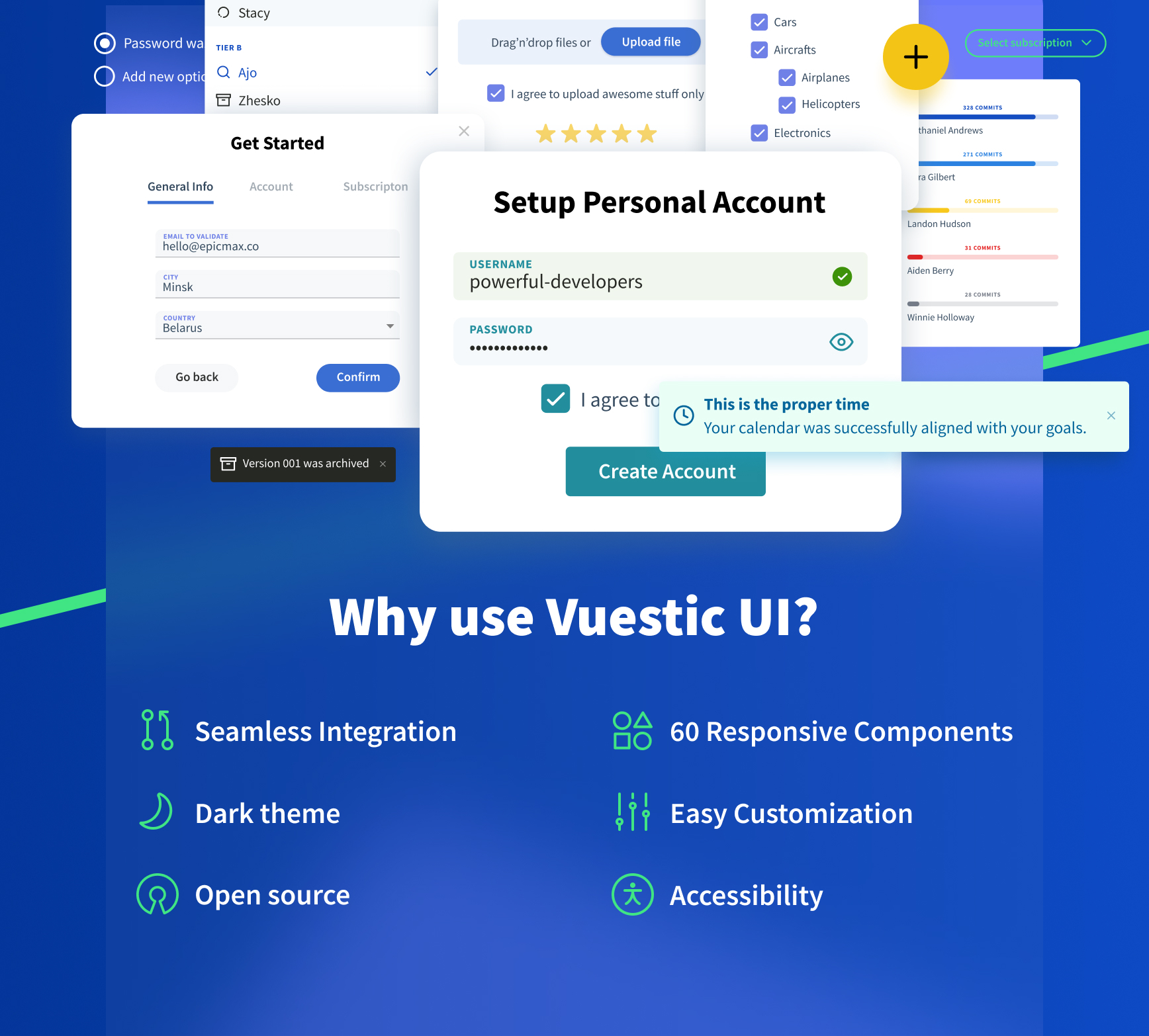
Quick start
Use following command to quickly scaffold new Vite or Nuxt project with Vuestic or Vuestic Admin
npm create vuestic@latest
Documentation
Documentation, guides, examples and tutorials are available on ui.vuestic.dev
Partners & Sponsors ❤️

Thanks to BrowserStack for providing the infrastructure that allows us to test using all possible browsers.
Thanks to Chromatic for providing the visual testing platform that helps us review UI changes and prevent visual regressions.
Become a partner: hello@epicmax.co
Community
Feel free to ask any questions or contact us at the official community Discord server
Vuestic Admin
See Vuestic UI library in
action. Vuestic Admin is a great
example of a real-world web application based on Vuestic UI.
Contributing
Thanks for all your wonderful PRs, issues and ideas.
You’re always welcome to join: check out
our
contribution guides
, open issues
and Discord server
Can I hire you guys?
Epicmax is committed to Open Source from its beginning.
Vuestic UI was created and backed by Epicmax, and is supported through all the years.
You can request a consultation or order web development services by Epicmax via this form 😎
Say hi: hello@epicmax.co. We will be happy to work with you!
Other work we’ve done 🤘
Meet the Team
Premium Support and Consulting
Get Premium Support & Consulting services through our official development partner, Epicmax. As the main contributor to Vuestic UI and Vuestic Admin, Epicmax brings a wealth of expertise and experience to help you achieve your project goals efficiently and effectively.
Get a quote
Follow us
Stay up to date with the latest Vuestic news! Follow us
on Twitter
or Linkedin
License
MIT license.