What it is
Vrite is an open-source collaborative developer content platform. It lives in the Productivity & Utilities / Note Taking & Knowledge Management category, and its topics place it in the JavaScript and TypeScript ecosystem for content management, documentation, blogging, and headless CMS work. The project presents itself as a space where technical teams can create, manage, and deploy product documentation, technical blogs, and knowledge bases.
The concrete problem it addresses is the gap between note-taking tools and developer documentation workflows. Technical content often needs Markdown, code editing, code formatting, real-time collaboration, editorial tracking, and delivery through an API. Vrite aims to provide an integrated user and developer experience for those tasks, while offering self-hosting and a hosted Vrite Cloud option.
Key capabilities
- It provides a built-in management dashboard for content production and delivery, using Kanban or List views.
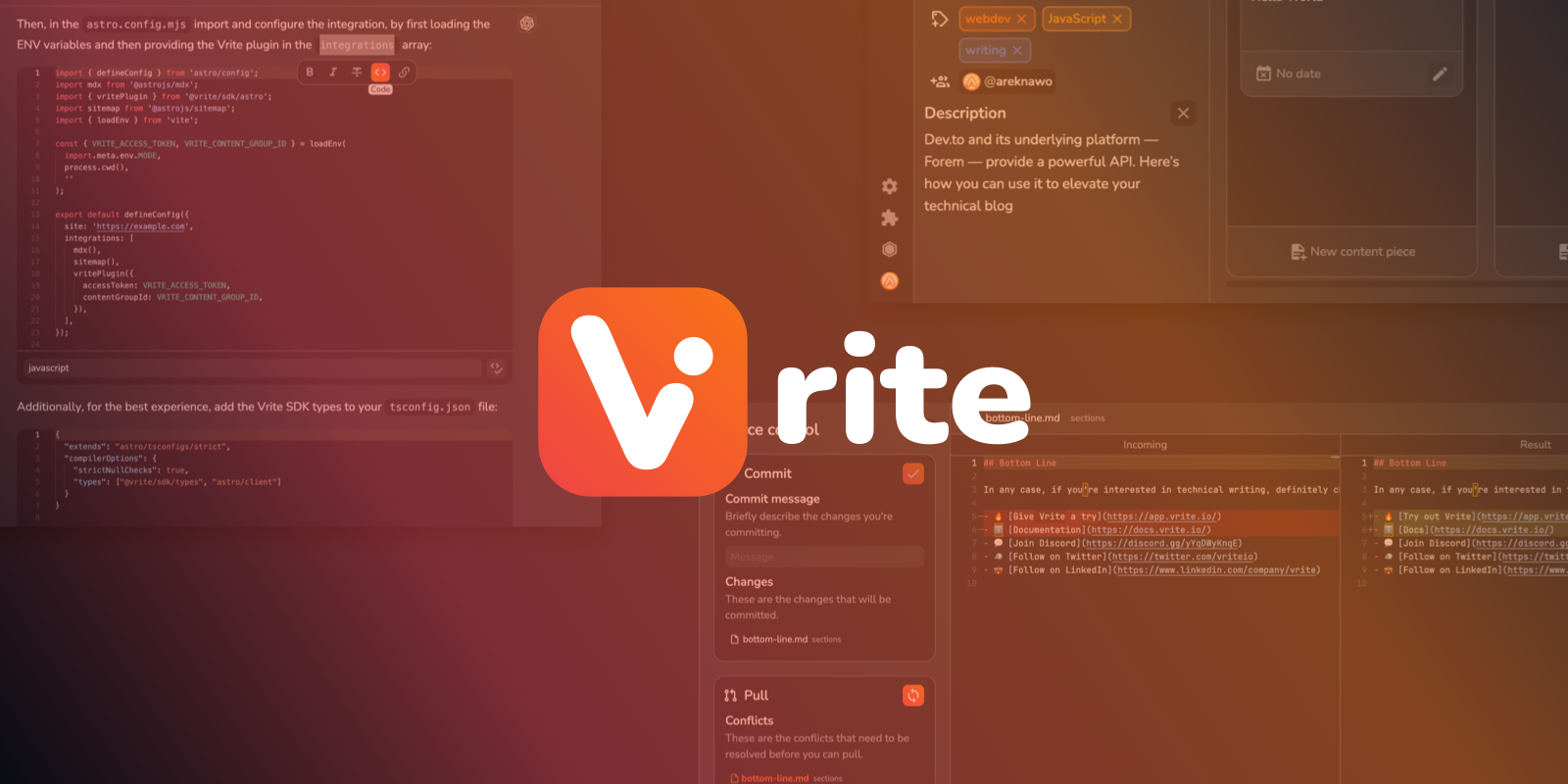
- It offers a modern WYSIWYG editing experience with Markdown, an integrated code editor, code formatting, and real-time collaboration.
- It includes AI-powered semantic search for organizing and searching through a content base.
- It exposes a versatile API and an Extension System for customizing the experience and delivering content to any frontend.
- It supports headless CMS workflows for documentation, technical content, and blogging.
- It is open-source software with options to self-host or use Vrite Cloud.
Who uses it and how
- Technical teams can use Vrite as a collaborative workspace for product documentation, technical blogs, and knowledge bases.
- Editors and developers can manage content production through Kanban or List views in the built-in dashboard.
- Teams can write with a WYSIWYG editor, Markdown, and an integrated code editor while collaborating in real time.
- Developers can use the API and Extension System to deliver content to frontends or extend the platform.
- Organizations can choose between self-hosting Vrite or using the hosted Vrite Cloud service.
Getting started
The README mentions self-hosting and Vrite Cloud as deployment options, and points users to the official Usage Guide and website for more information. It also notes that the excerpted branch is a work-in-progress branch for Andesine, the v2 rewrite, and directs readers to the main branch for the latest stable version of Vrite.
When to use it — and when not to
Use Vrite when a team wants an open-source, collaborative platform for technical documentation, blogs, knowledge bases, and headless content delivery. Avoid it if you need a stable v2 experience from the provided branch, because the README excerpt is a work-in-progress branch for Andesine and directs users to the main branch for the latest stable version. The provided metadata shows a license of NOASSERTION and zero recorded contributors, so teams should verify licensing and maintenance details before adopting it.