




Versatile Thermostat
This README file is available in
languages : English | Français | Deutsch | Čeština | Polski

Versatile Thermostat is a highly configurable virtual thermostat that transforms any heating equipment (radiators, air conditioners, heat pumps, etc.) into an intelligent and adaptive system. It allows you to consolidate and centrally control multiple different heating systems, while automatically optimizing your energy consumption. Thanks to its advanced algorithms (TPI, auto-TPI) and learning capabilities, the thermostat adapts to your home 🏠 and your habits, providing you with optimal comfort and significant reduction in your heating bills 💰. This thermostat integration aims to greatly simplify your heating management automations. Since all typical heating events (nobody home?, activity detected in a room?, window open?, power load shedding?) are natively managed by the thermostat, you don't need to deal with complicated scripts and automations to manage your thermostats. 😉
This custom component for Home Assistant is an upgrade and a complete rewrite of the "Awesome thermostat" component (see Github) with added features.
Screenshots
Versatile Thermostat UI Card (Available on Github) :


What's New?

Release 10.6.1
Since version 10.5.1, this release introduces the following features:
- Plugin inhibition: compatible plugins can temporarily withdraw a VTherm from control. Commands to underlying devices are suspended during this period; when control resumes, the thermostat reapplies its current state.
- Automatic return after a manual override: configure a duration to restore the preset that was active before a manual temperature change. If a timed preset was already running, it resumes until its scheduled end.
- Templates for central boiler commands: a command value can be calculated using a Home Assistant template, evaluated each time the boiler is activated, deactivated, or kept alive. Templates are validated during configuration.
Release 10.5.0
Heating failure detection can now be used as the external
vtherm_heating_failure_detection plugin. The plugin provides central settings
and per-VTherm overrides; its forms pre-fill the existing core settings to make
migration easier.
During the transition period, plugin settings take precedence, while values not defined by the plugin continue to use the legacy core configuration. Disable the legacy feature for a VTherm before enabling the plugin to avoid duplicate configuration.
The heating-failure binary sensor is now provided by the plugin. When this can
be done without a conflict, its existing entity_id is retained so dashboards
and automations keep working. Reload the plugin entry after disabling the legacy
sensor; if it remains active, Home Assistant may create a new entity_id that
must be used by existing consumers.
Release 10.4.0
VTherm can now expose current_humidity from an external humidity sensor for all thermostat types. The sensor can be selected in the Humidity menu or automatically detected on the room-temperature sensor device.
over_valve thermostats now have the same valve control parameters as over_climate thermostats with direct valve control regulation: opening_threshold_degree, min_opening_degrees, max_closing_degree, and max_opening_degrees. More information: valve control.
over_valve thermostats now also support Sleep mode. Sleep displays VTherm as off and sends a raw 100% opening request without requesting central boiler heating. Configured valve-control limits can cap the physical opening. More information: Sleep mode.
Release 10.3.0
Power units can now be configured. Configuration screens let you select a unit for power measurements (W by default). Calculated energy units match the configured power unit. Existing entries are migrated using the historical device power value: values above 100 are treated as W; other values as kW.
⚠️ Important change for statistics
You may see a repair notification such as: The unit of “Central configuration Total power active for boiler” (sensor.total_power_active_for_boiler) was changed to “kW”, or a similar log message. This is expected because the unit was previously not specified. Select the repair action Update the unit of long-term statistics to correct the statistics.
Release 10.2.0
The Auto Fan feature is now available as an external plugin (vtherm_auto_fan_extended). The original (legacy) auto-fan version is still available in VTherm, but it must be disabled in the thermostat configuration in order to use the plugin. The full documentation is available on the plugin's GitHub repository.
Release 10.1
Auto-start/stop stop mode selection. A new select entity lets you choose the mode applied when the auto-start/stop feature detects a stop condition: Off (default), Fan only or Dry. The Fan only and Dry modes are only proposed when the underlying appliance supports them. More information here.
Self-regulation is now disabled when an over_climate VTherm is not in Heat or Cool mode: the original (non-regulated) setpoint is sent to the underlying device. More information here.
Release 10.0
Introduction of the plugin mechanism. This allows the use of external integrations as plugins for VTherm. The list of available plugins is available on the Versatile Thermostat Web site.
🍻 Thanks for the beers 🍻

A big thank you to all my beer sponsors for their donations and encouragements. It means a lot to me and motivates me to keep going! If this integration has saved you money, buy me a beer in return; I would greatly appreciate it!
Glossary
VTherm: Versatile Thermostat as referred to in this document
TRV: Thermostatic Radiator Valve equipped with a valve. The valve opens or closes to allow hot water to pass.
AC: Air Conditioning. An AC device cools instead of heats. Temperatures are reversed: Eco is warmer than Comfort, which is warmer than Boost. The algorithms take this information into account.
EMA: Exponential Moving Average. Used to smooth sensor temperature measurements. It represents a moving average of the room's temperature and is used to calculate the slope of the temperature curve, which would be too unstable on the raw data.
slope: The slope of the temperature curve, measured in ° (C or K)/h. It is positive when the temperature increases and negative when it decreases. This slope is calculated based on the EMA.
PAC: Heat pump
HA: Home Assistant
underlying: the device controlled by VTherm
Documentation
The documentation is now divided into several pages for easier reading and searching:
- Introduction
- Installation
- Quick start
- Choosing a VTherm type
- Basic attributes
- Configuring a VTherm on a
switch - Configuring a VTherm on a
climate - Configuring a VTherm on a valve
- Presets
- Window management
- Presence management
- Motion management
- Power management
- Auto start and stop
- Centralized control of all VTherms
- Central heating control
- Advanced aspects, security mode
- Heating Failure Detection
- Self-regulation
- Auto TPI learning
- Algorithms
- Lock / Unlock
- Temperature synchronisation
- Timed preset
- Reference documentation
- Tuning examples
- Troubleshooting
- Release notes
Some results
Temperature stability around the target configured by preset:
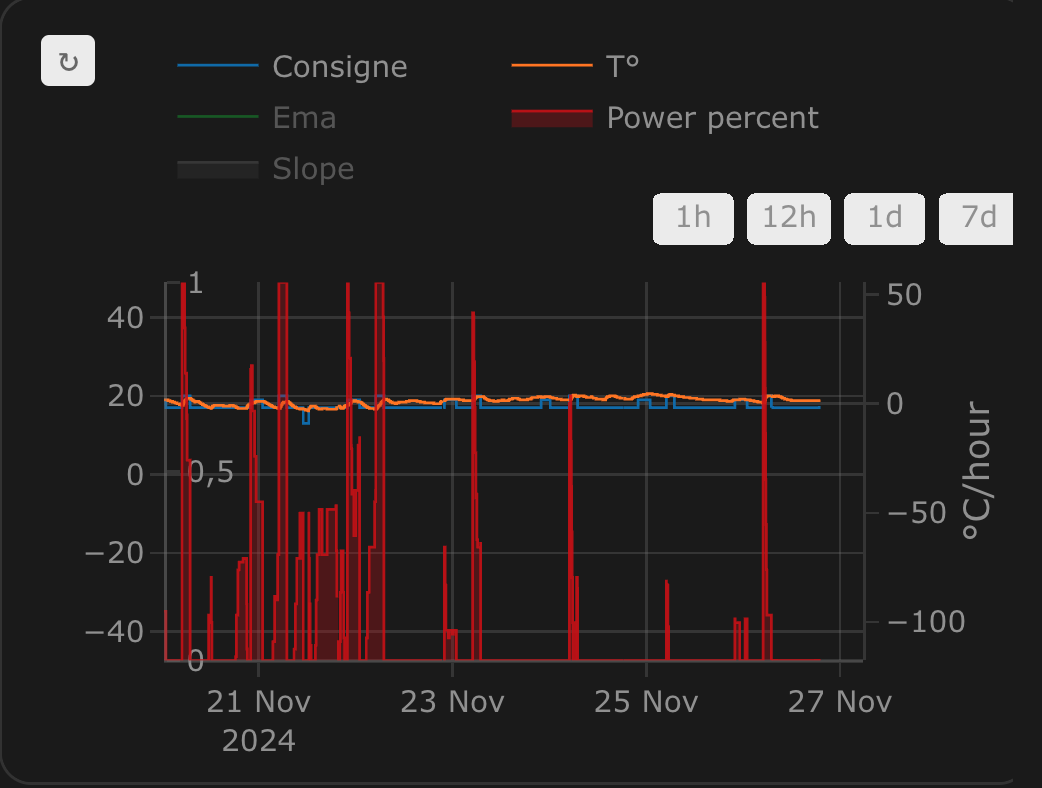
On/off cycles calculated by the integration over_climate:

Regulation with an over_switch:
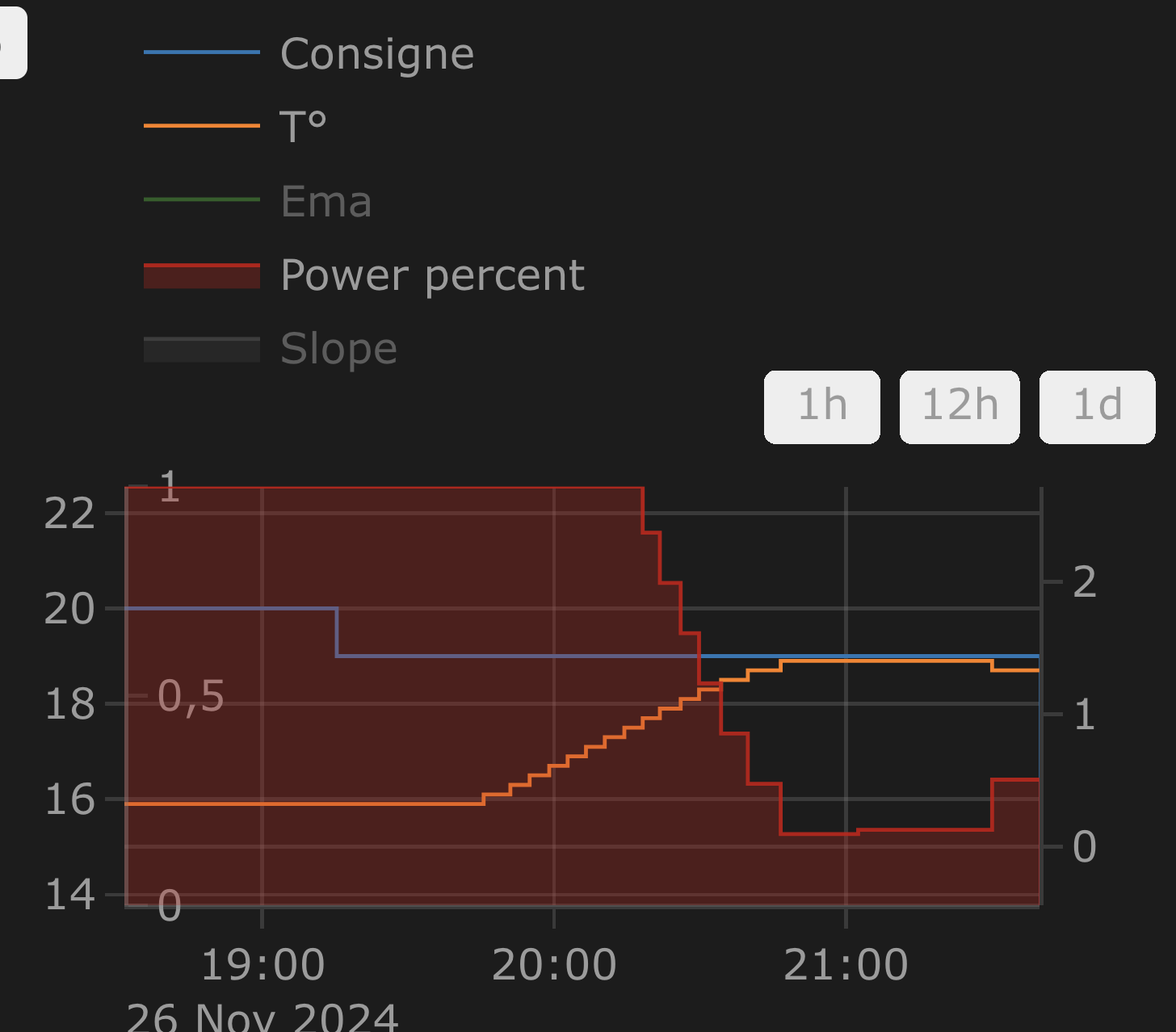
Strong regulation in over_climate:
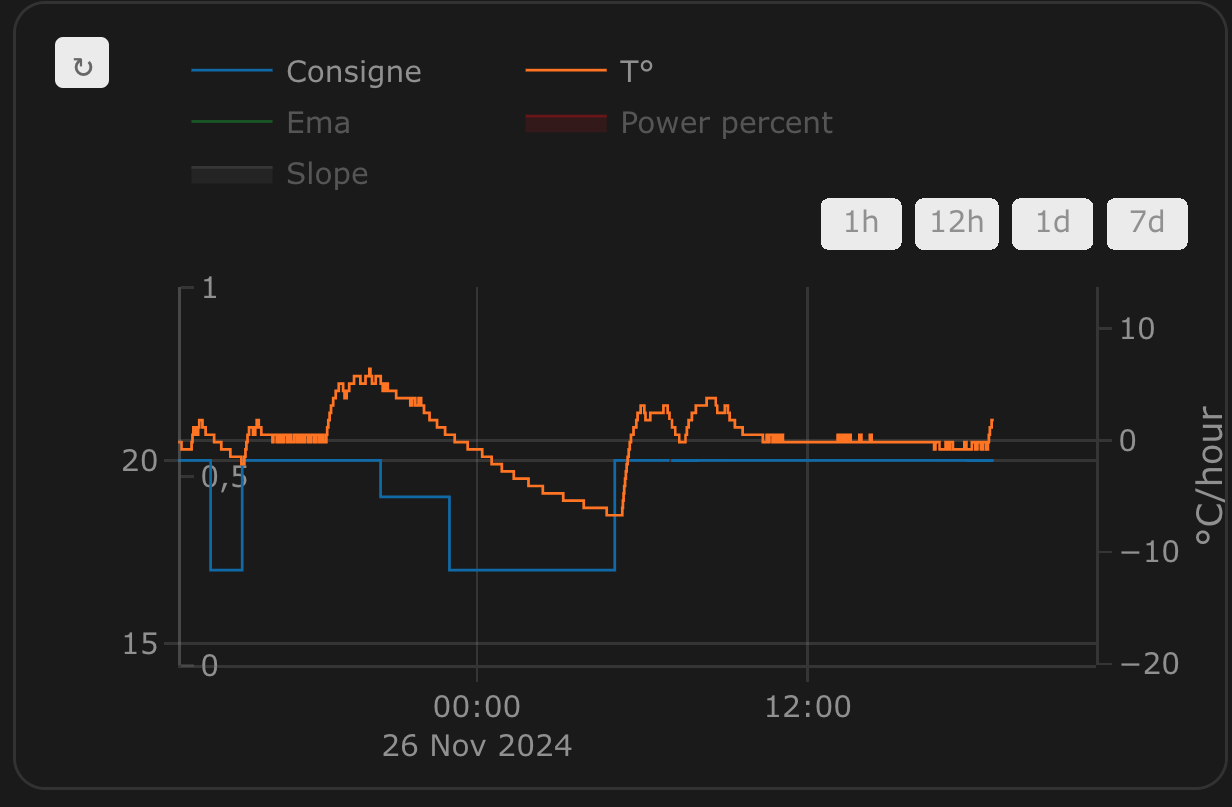
Regulation with direct valve control in over_climate:
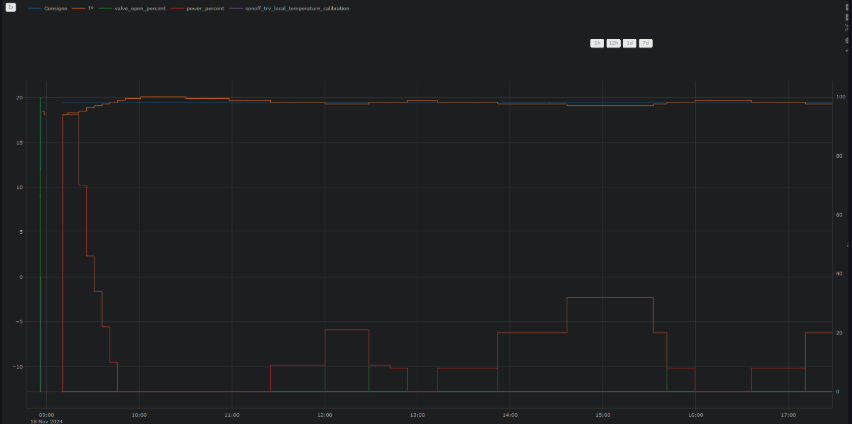
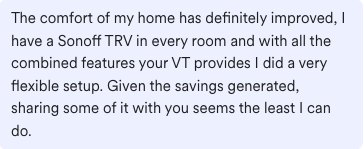
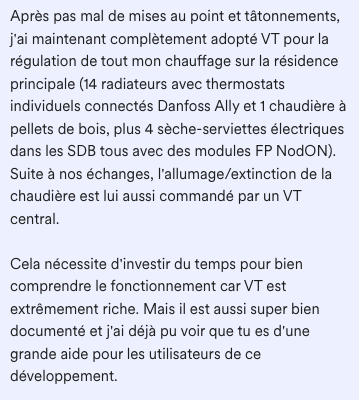
Some comments about the integration
 |
 |
 |
 |
 |
 |
⭐ Star history
Enjoy!
Contributions are welcome!
If you wish to contribute, please read the contribution guidelines.