U++





Introduction
U++ is a C++ cross-platform rapid application development framework focused on programmers productivity. It includes a set of libraries (GUI, SQL, Network, etc.), with an integrated development environment.
Rapid development is achieved by the smart and aggressive use of C++ rather than through fancy code generators. In this respect, U++ competes with popular scripting languages while preserving C/C++ runtime characteristics.
The U++ integrated development environment, TheIDE, introduces modular concepts to C++ programming. It features BLITZ-build technology to speedup C++ rebuilds by up to 4 times, Visual designers for U++ libraries, Topic++ for documenting code and creating rich text resources for the applications (code documentation and examples) and Assist++ - a powerful C++ code analyzer that provides features like code completion, abbreviation, navigation and conversion.
TheIDE can work with GCC, Clang, MinGW and Visual C++ while containing a fully featured debugger. It can also be used for developing non-U++ applications.
U++ supports following platforms on the production level: Windows, macOS, GNU/Linux & FreeBSD.
What you can get with U++?
- Out of the box C++ libraries for cross-platform GUI development
- Fully featured IDE designed to develop complex and high performance applications.
It can be used for any work of your needs.
License
U++ uses the BSD-2 Clause license. The license applies to all source code in this repository except for the situation when the directory contains the "Copying" file. In this case, the license contained in this file is valid for source codes within the directory in which it is present. Moreover, the new license stored in the "Copying" file applies to source files in child directories.
Download
Main downloads:
- Latest stable release - starts download with automatic platform detection
Stores download:
- Flathub - download latest stable U++ version from Flathub (Linux only)
Other downloads:
- Stable releases - all stable releases including historical ones
- Nightly build - latest unstable release of U++ (might be unstable)
U++ Resources
More information about the framework, can be found on the official site. Don't forget to check our rich documentation.
Examples
GUI
Below is the code of trivial GUI application that displays "Hello World" string inside window:
#include <CtrlLib/CtrlLib.h>

class MyApp: public Upp::TopWindow {
public:
    MyApp()
    {
        Title("My application").Zoomable().Sizeable().SetRect(0, 0, 320, 200);
    }

    void Paint(Upp::Draw& w) override
    {
        w.DrawRect(GetSize(), Upp::SWhite);
        w.DrawText(10, 10, "Hello, world!", Upp::Arial(50), Upp::Magenta);
    }
};

GUI_APP_MAIN
{
    MyApp().Run();
}
TheIDE
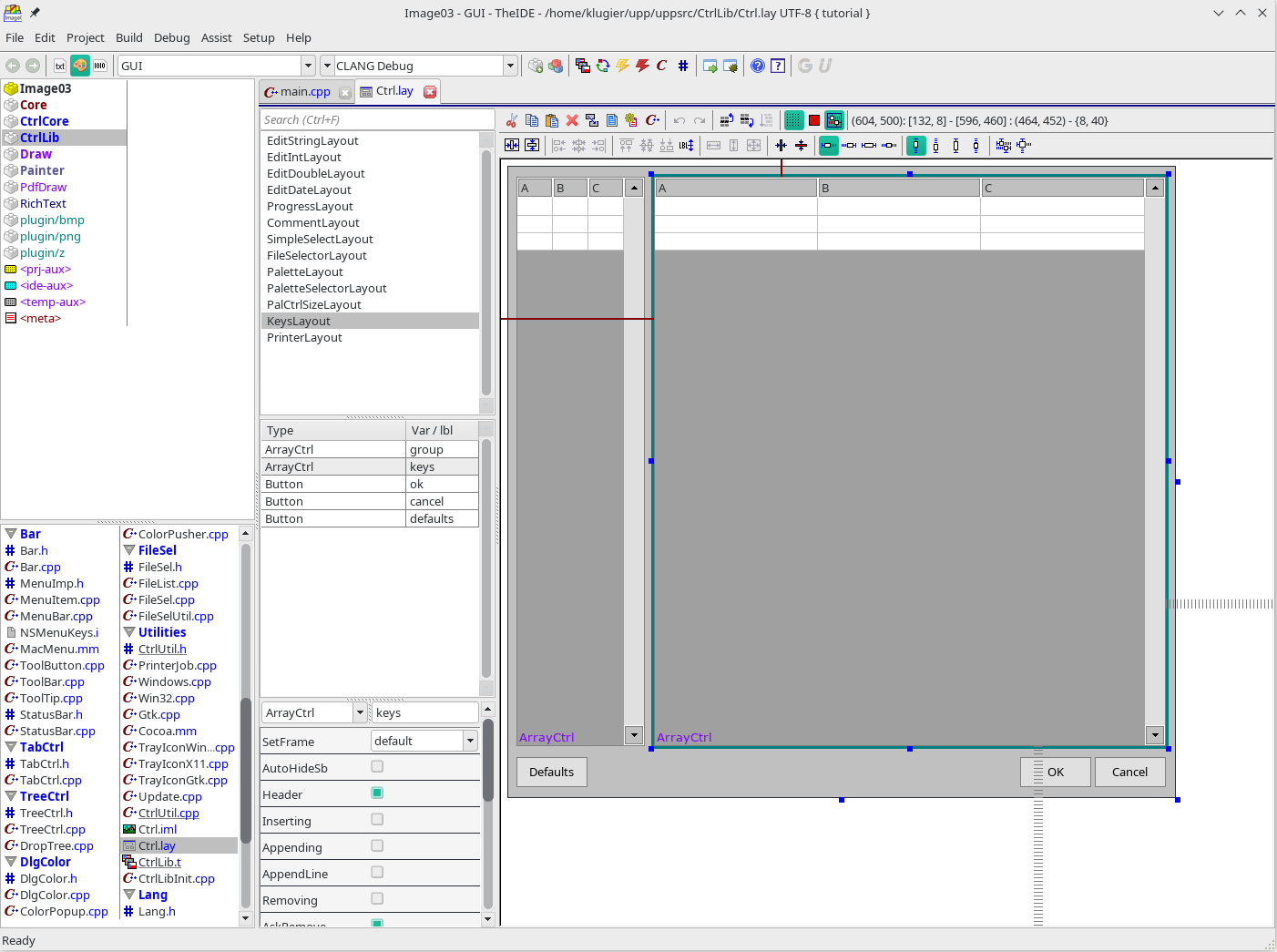
Standard part of U++ framework is integrated development environment, TheIDE.
Additional examples
See here: examples. Moreover, exactly the same examples can be found in the examples and references directories located in this repository.
If you would like to see more screenshots, click here.
Learning materials
Tutorials
We prepared several tutorials that will allow you to learn most of the aspects of our integrated development environment, TheIDE and the U++ framework.
TheIDE:
- Getting started with TheIDE - the introduction to the concepts of TheIDE.
- TheIDE beginner guide - continuation provides information how to solve common problems.
U++ framework:
- Core Tutorial - the introduction to the foundations behind the framework.
- GUI Tutorial - learn how to build graphical user interfaces with the U++.
- Draw Tutorial - get knowledge about drawing custom content inside window or control.
- Image Tutorial - check out the mechanism behind the image manipulation.
- Network Tutorial - learn how to use U++ core components for network application creation.
- Sql Tutorial - introduction to using databases within U++ framework
If the above list is not enough, please visit a dedicated website where we have collected links to most of the learning resources.
Books
If you are looking for books about the U++ framework, here is a list of books we recommend:
- Getting started with the U++ Framework - the book written by Frederik Dumarey and reviewed by the main authors of U++. It is an excellent starting point for anyone new to the framework. Also, if you are an experienced U++ developer, you will find much valuable content, including a deep dive into Skylark (web framework) and Turtle (HTML, JS client).
Extensibility
The functionality of the U++ framework can be easily extended by third-party packages. We introduced the concept of a global registry of repositories that can be downloaded and directly used in the project. To learn more about this technology, please visit UppHub repository.
UppHub conceptually is very similar to the package manager concept known from other technologies, and in big generalization, it can be called like that.
Repository
Repository layout
The U++ repository is divided into several directories. Some of them are:
- autotest - unit and integration tests for our framework
- examples - exemplary codes of complex applications
- references - reference examples demonstrating individual features of U++
- tutorial - exemplary code from our tutorials
- uppsrc - main sources of the framework
- benchmarks - code for benchmarking purposes
- rainbow - area for new GUI backends development
- upptst - manual testing code for the framework